

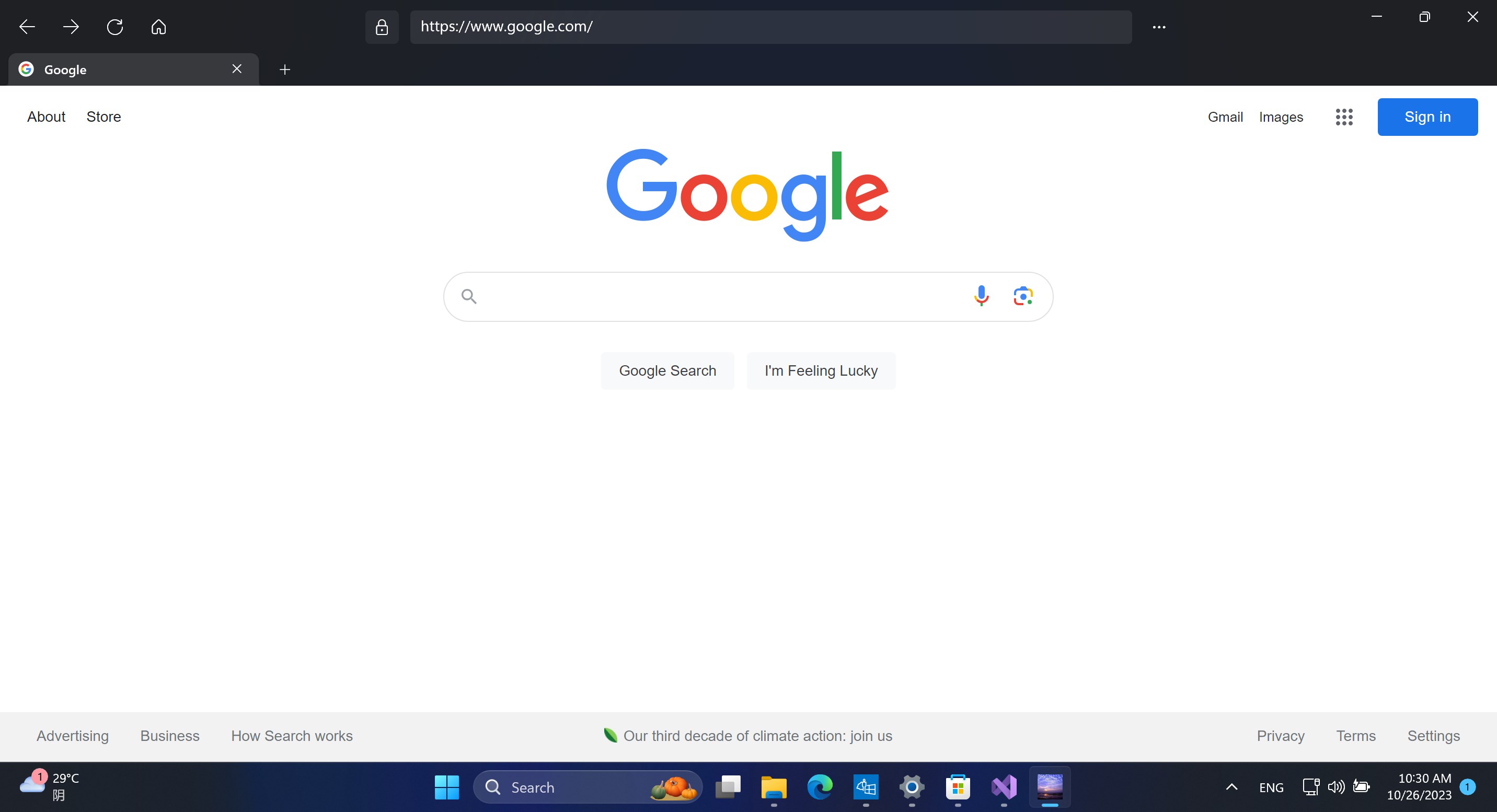
- Name ym browser
- Category Social
- Available on PC, Mobile, Surface Hub, HoloLens
- OS Windows 10 version 17763.0 or higher
- languages English (United States)
Introducing YM Browser for Windows: A Fresh Look at Privacy and Connection Management
YM Browser for Windows, developed by Guangzhou Siyun Animation Technology Co., Ltd., is a sleek and innovative web browser designed to enhance user privacy and facilitate social connectivity through advanced features. It aims to serve users who prioritize secure browsing experiences while maintaining meaningful online interactions in a clutter-free environment.
What Makes YM Browser Stand Out?
This browser doesn't just offer the typical browsing experience; instead, it emphasizes features like user profile customization, authenticity verification, and intelligent connection discovery. By integrating these functionalities, YM Browser aims to create a more personalized and trustworthy online space. Its focus on user privacy and seamless social connection sets it apart from mainstream browsers and social apps alike.
Intuitive and Engaging User Interface
Upon launching YM Browser, you're greeted with a visually appealing, clean interface that balances modern minimalism with vibrant accents. Navigation is intuitive—think of it as an elegantly organized digital workspace, where finding your favorite sites or managing social connections feels effortless. The interface adapts smoothly across different screen sizes, offering a fluid experience whether you're on a desktop or a large monitor.
Core Functionality 1: User Profile Customization & Authenticity Verification
One of YM Browser's most notable features is its emphasis on authentic user profile management. Unlike standard browsers, which treat user profiles as optional, YM Browser allows you to create detailed, customizable profiles that can incorporate verified credentials. This means you can confidently connect with others, knowing that their identities have been verified—adding a layer of trust and reducing the risk of misinformation or impersonation. Think of it as having a digital ID badge that's both customizable and validated, fostering genuine online interactions.
Core Functionality 2: Connection Discovery & Social Integration
YM Browser excels at helping users discover and connect with others through its intelligent connection discovery system. Imagine reducing the endless scent trail of social apps clutter—here, YM uses smart algorithms to suggest potential connections based on your interests, browsing behavior, or shared verified profiles. This makes expanding your social circle feel organic and relevant, similar to bumping into like-minded friends in a cozy digital café rather than fishing in a vast, noisy sea. It's especially useful for those looking to forge authentic, interest-based relationships without wading through irrelevant clutter.
Learning Curve and User Experience
The learning curve for YM Browser is gentle. The interface's clarity and the logical arrangement of features facilitate quick mastery. Users familiar with standard browsers will find navigating the profile and connection management features straightforward. The application runs with smooth fluidity—scrolling, opening multiple tabs, or switching between features feels seamless. Minor features like customization and verification are implemented in an unobtrusive manner, seamlessly integrated into everyday browsing without overwhelming new users.
How Does YM Browser Compare to Similar Social Platforms?
When stacked against social-focused applications like Facebook or LinkedIn, YM Browser's core advantage is its privacy-centric design combined with connection authenticity. While traditional social apps often rely on user-reported profiles and limited verification, YM Browser emphasizes verified identities, creating a safer environment for online interactions. Its targeted connection discovery tool further differentiates it—reducing unnecessary social noise and making genuine discovery easier. Compared to other browsers that focus solely on speed or customization, YM's social connection features provide an added value, transforming it into a hybrid experience that fosters trust and meaningful interactions.
Final Verdict: A Solid Choice for Privacy-Conscious Users and Social Seekers
Overall, YM Browser for Windows delivers a thoughtfully designed browsing experience tailored for users who care about authenticity and privacy. Its standout feature—verified profile management—coupled with smart connection discovery, makes it a compelling option for those looking to manage their online persona more securely and connect with purpose. While it may require a brief adaptation period for users unfamiliar with profile verification systems, the intuitive design ensures a manageable learning curve. I recommend this browser particularly for professionals, social connectors, or anyone eager to explore a more trustworthy way to browse and interact online. Give it a try, and enjoy a safer, more personalized web experience—your digital social life deserves it!
Pros
- Fast browsing speed
- User-friendly interface
- Built-in ad blocker
- Customizable themes
- Lightweight app
Cons
- Limited extension support
- Occasional stability issues
- Basic privacy features
- Limited translation capabilities
- No synchronization across devices











