

- Name WhatsApp Beta
- Category Social
- Available on PC
- OS Windows 10 version 19041.0 or higher
- languages Afrikaans, Albanian, Arabic, Azerbaijani, Bangla, Bulgarian, Catalan, Chinese (Simplified), Chinese (Traditional), Chinese (Traditional, Hong Kong SAR), Croatian, Czech, Danish, Dutch, English, Estonian, Filipino, Finnish, French, German, Greek, Gujarati, Hebrew, Hindi, Hungarian, Indonesian, Italian, Japanese, Kannada, Kazakh, Kiswahili, Korean, Latvian, Lithuanian, Macedonian, Malay, Malayalam, Marathi, Norwegian (Bokmål), Persian/Farsi, Polish, Portuguese (Brazil), Portuguese (Portugal), Punjabi, Romanian, Russian, Serbian (Latin) (Serbia and Montenegro (Former)), Slovak, Slovenian, Spanish, Swedish, Tamil, Telugu, Thai, Turkish, Ukrainian, Urdu, Uzbek, Vietnamese
WhatsApp Beta for Windows: Bridging Conversations Seamlessly
WhatsApp Beta for Windows offers users an enhanced desktop experience, enabling smoother, more integrated messaging that complements your everyday digital communication. Designed by WhatsApp Inc., this application aims to bring your favorite messaging platform directly to your Windows device with increased convenience and functionality.
A Closer Look at WhatsApp Beta for Windows
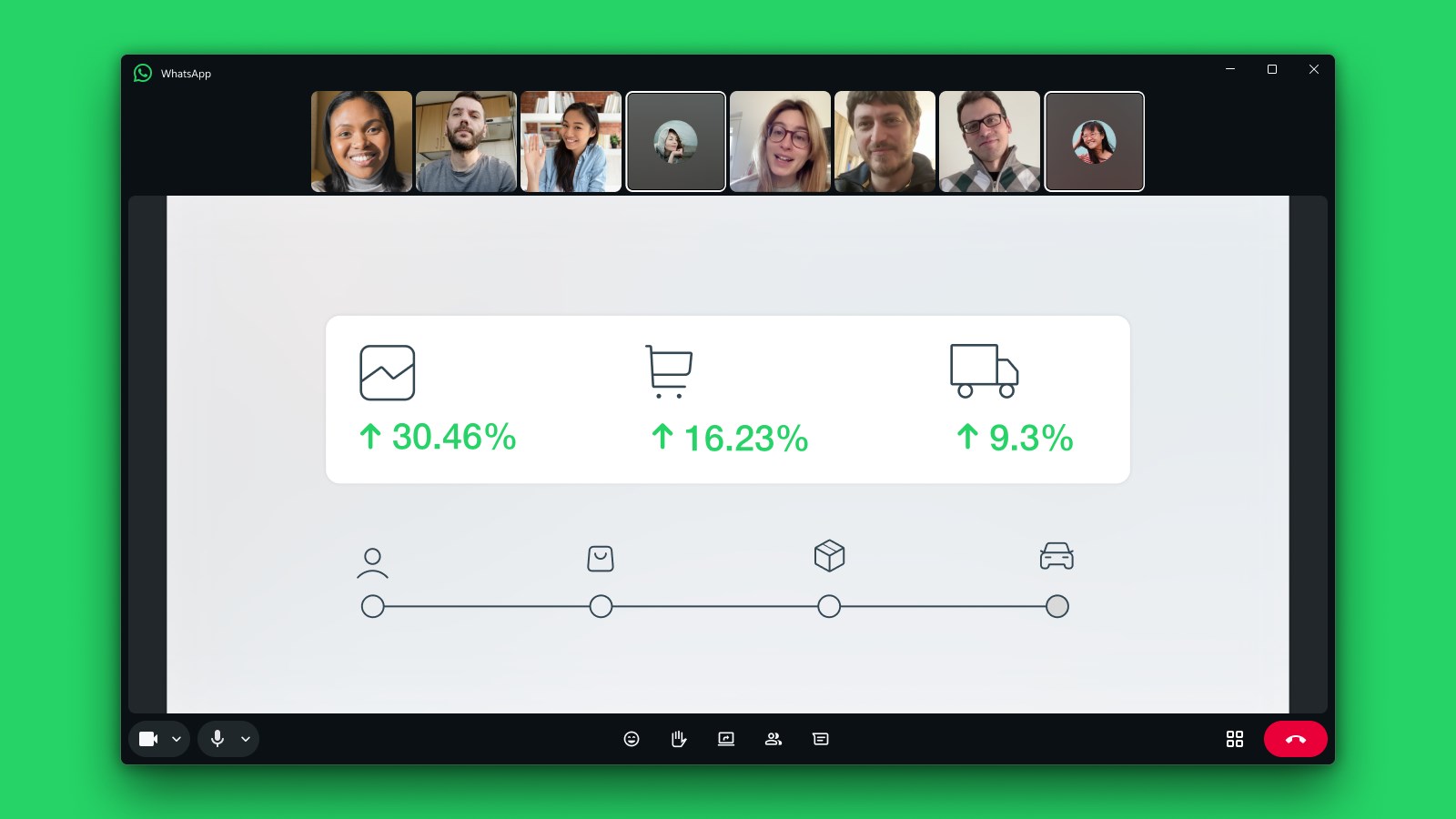
Developed by WhatsApp Inc., this beta version of the iconic messaging app for Windows is crafted to provide an optimized desktop interface that feels familiar yet more powerful. Its primary features include real-time message synchronization across devices, improved notification management, and a sleek, user-friendly interface that simplifies access to your chats. Geared toward frequent WhatsApp users, particularly those who rely heavily on their desktops for communication, this application aims to streamline your messaging workflow without missing a beat.
Engaging and Practical: Why Users Will Love It
Imagine sitting at your desk, coffee in hand, and effortlessly managing your messages without constantly reaching for your phone. WhatsApp Beta for Windows makes this scene a reality. Its design cleverly combines form and function, offering a desktop experience that feels both intuitive and efficient. The connection between your phone and PC is now more seamless than ever, making it feel like your WhatsApp conversations are just another window on your desktop—accessible, organized, and ready whenever you need them.
Enhanced User Interface and Experience
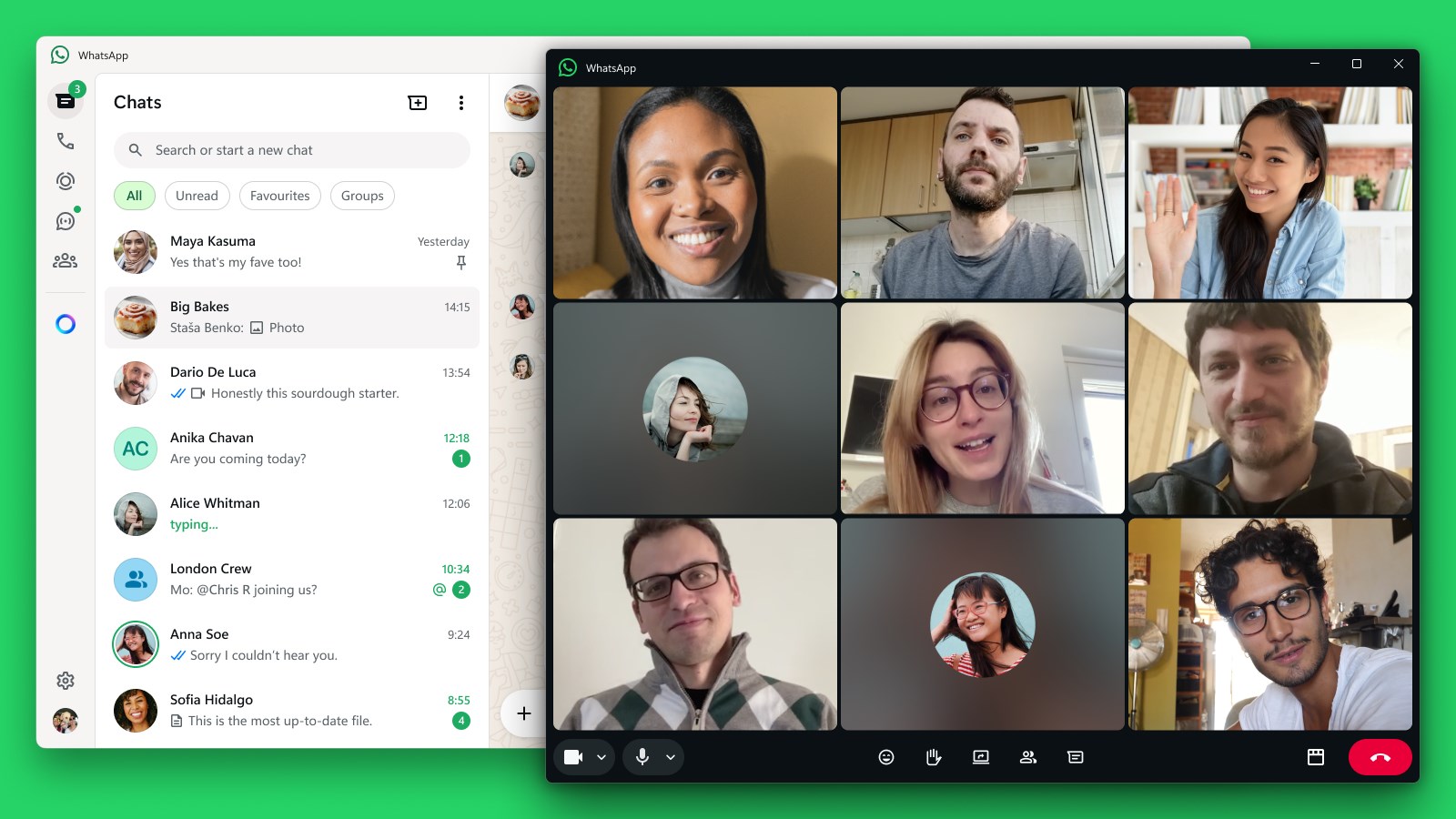
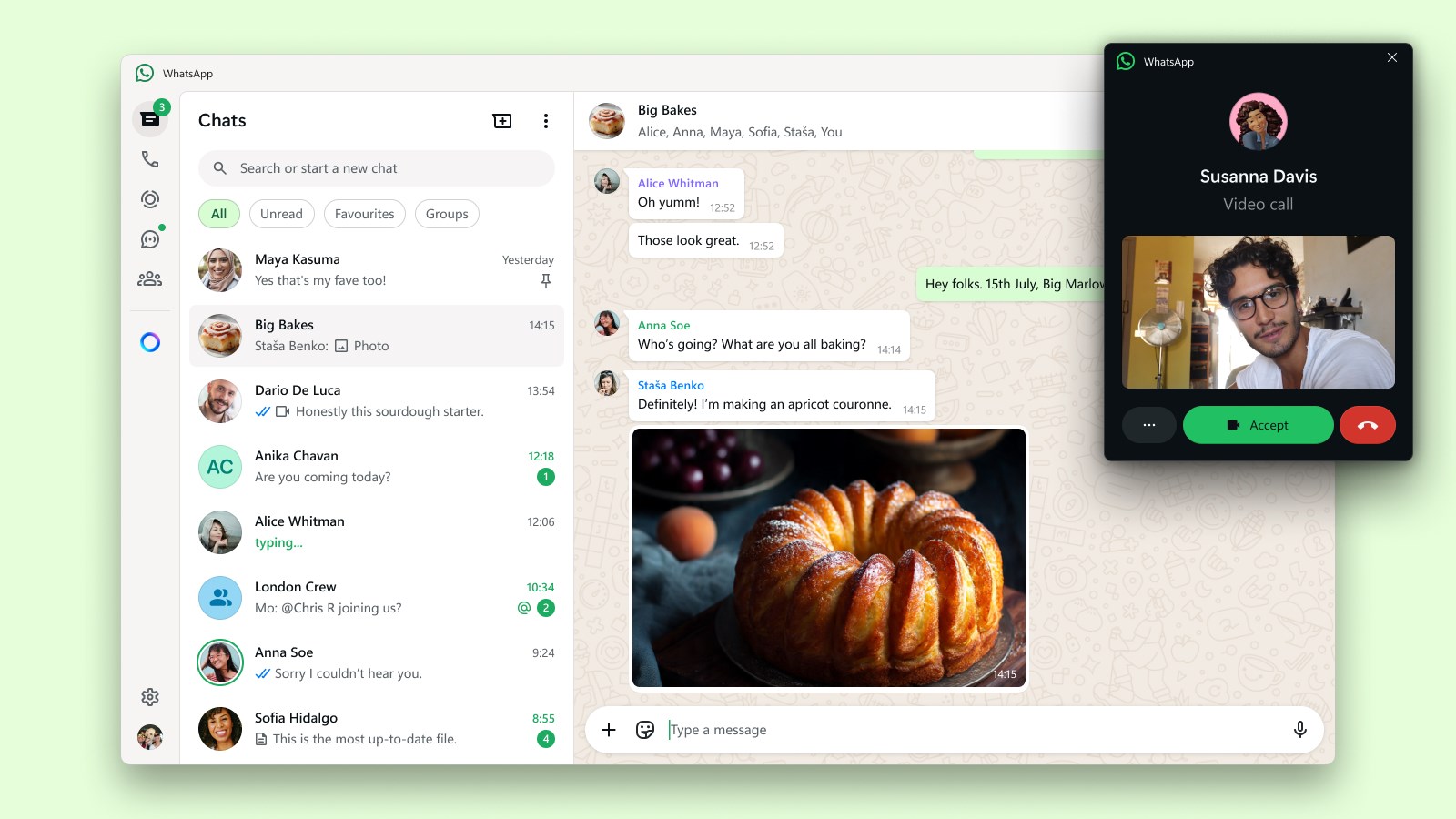
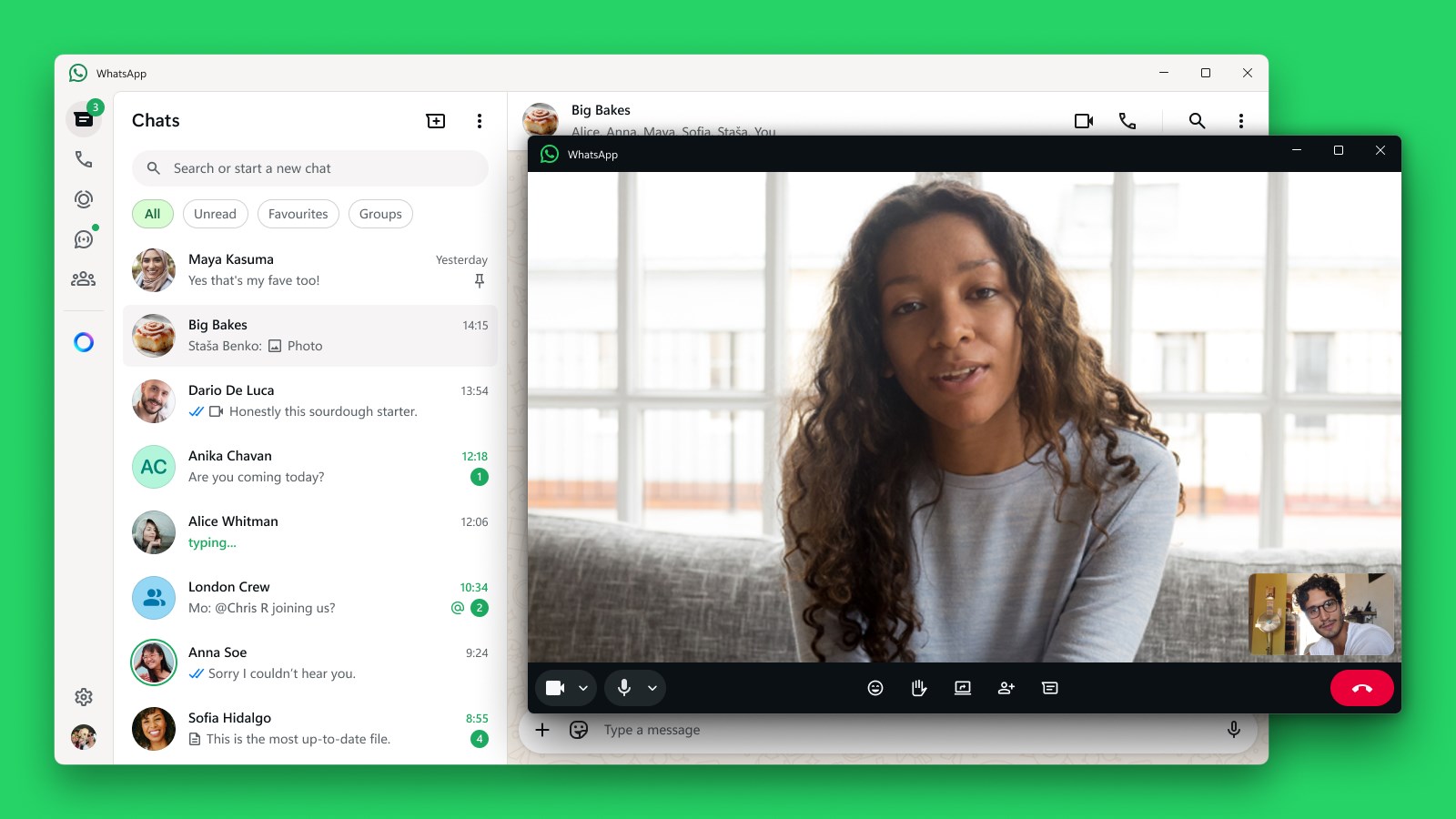
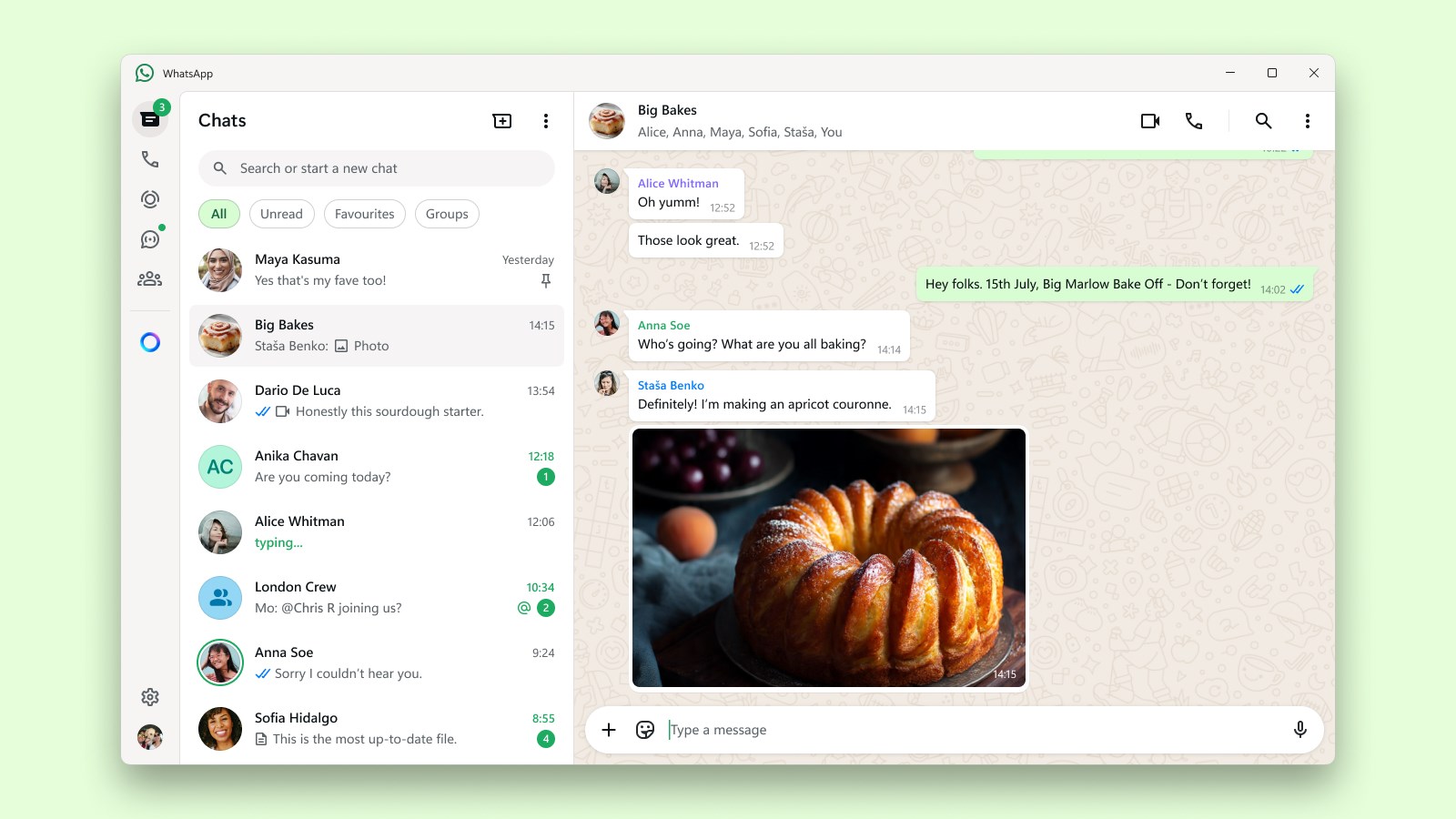
The app boasts a clean and familiar interface that mirrors the mobile version but with added desktop-oriented refinements. Navigating through chats, media, and settings feels snappy and responsive, thanks to optimized operation. The overall fluidity ensures that users won't experience lag or sluggishness, even when managing multiple conversations. The learning curve is gentle—most users will find themselves exploring additional features within minutes, making the transition smooth for both casual users and power users alike.
Key Features That Set It Apart
Two standout features truly elevate this app above its peers. First, connection discovery allows users to link multiple devices or reconnect swiftly after disconnection, ensuring constant access to their conversations—think of it as your digital bridge that keeps your chats alive across devices. Second, the app offers user profile customization and authenticity verification, allowing users to personalize their profiles while reassuring contacts of their identities—think of it as a digital ID badge that fosters trust in your conversations. These features not only improve usability but also add layers of security and personalization that many other social communication apps lack.
Final Thoughts: Is It Worth Your Time?
Overall, WhatsApp Beta for Windows stands out for its thoughtful design and commitment to enhancing user experience. It's a reliable, straightforward tool for those who rely on WhatsApp as a primary communication channel and want to keep it integrated into their desktop workflow. Although it remains in beta, its stability and feature set make it a compelling choice for dedicated WhatsApp users who seek a more interconnected messaging environment. I'd recommend giving it a try if you're looking for a smoother, more unified messaging experience—especially if you often juggle between your phone and desktop. Just remember, as a beta, it might still have minor bugs, so patience and feedback will help improve it further.
Pros
- User-Friendly Interface
- Beta Features Access
- Regular Updates
- Performance Improvements
- Cross-Platform Syncing
Cons
- Occasional Stability Issues
- Incomplete Feature Set
- Limited Support for Certain Devices
- Potential Privacy Risks
- Frequent Notifications










