

- Name Telegram for Windows (Unigram)
- Category Social
- Available on PC
- OS Windows 10 version 18362.0 or higher
- DirectX Version 9
- languages Arabic, Belarusian, Catalan, Chinese (Simplified), Chinese (Traditional Chinese), Croatian, Czech, Dutch, English, Finnish, French, German, Hebrew, Hungarian, Indonesian, Italian, Japanese, Korean, Malay, Norwegian (Bokmål), Persian/Farsi, Polish, Portuguese (Brazil), Russian, Serbian (Cyrillic), Slovak, Spanish, Swedish, Turkish, Ukrainian
A Sleek Gateway to the World of Telegram on Windows
Telegram for Windows (Unigram) offers a robust and user-friendly desktop experience that seamlessly bridges your messaging needs with a visually appealing interface. Developed by Unigram, Inc., this app aims to bring Telegram's powerful features right to your Windows PC, making communication faster and more efficient while maintaining the core simplicity users love.
Core Features That Stand Out
Enhanced User Profile Customization & Authenticity Verification
Unigram emphasizes a personalized user experience with advanced profile customization options, allowing users to add detailed bios, custom profile pictures, and status updates. Moreover, it incorporates integrity features to verify user authenticity, helping reduce impersonation and ensuring conversations stay genuine—a key asset in today's social landscape.
Streamlined Connection Discovery and Group Management
The app simplifies the process of discovering new contacts and joining groups through intuitive connection discovery tools. Whether you're browsing recommended channels or exploring niche communities, Unigram makes this process quick and effortless, fostering new connections without the usual hassle.
Design, Usability, and Performance
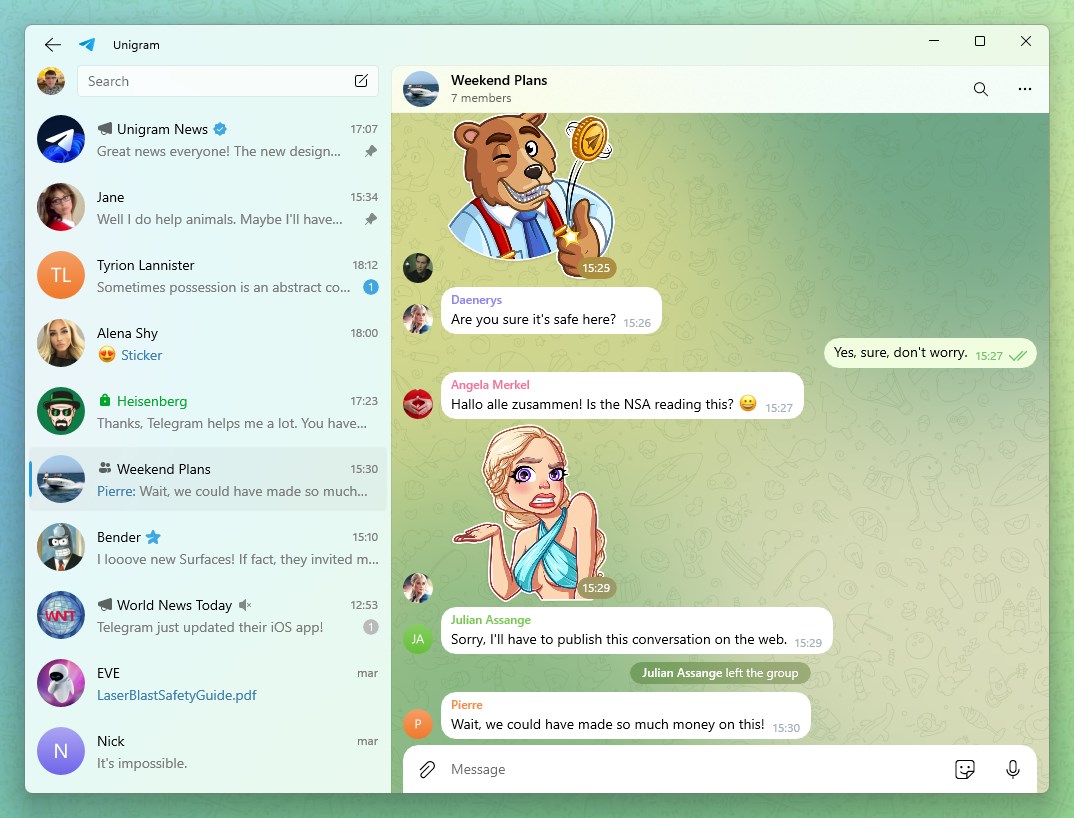
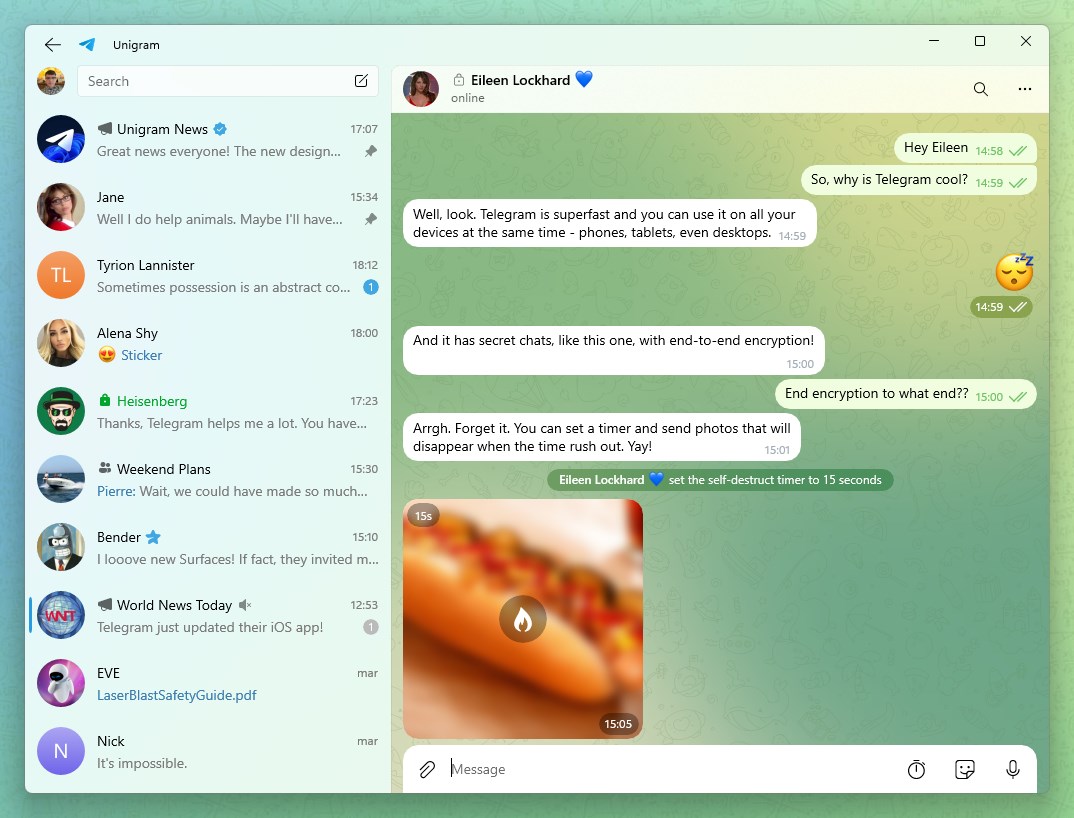
The interface of Unigram resembles the familiar Telegram aesthetic but is tailored for Windows, with a clean, modern layout that feels both professional and inviting. Navigation is smooth, with nearly instant response times, thanks to optimizations that support even large chats and media-rich interactions. The learning curve is gentle; users familiar with Telegram on other platforms will find the transition seamless, while newcomers will appreciate the straightforward design.
Differentiation from Other Social Apps
Unlike many social messaging apps that prioritize mass broadcasting or superficial interactions, Unigram focuses on authenticity and personalization. Its standout feature of user profile customization ensures every profile feels genuine and tailored, fostering an environment of trust. Additionally, its connection discovery tool is more refined than typical friend-finding features, helping users discover meaningful relationships through curated suggestions based on user preferences and activity patterns.
Final Thoughts and Recommendations
Overall, Telegram for Windows (Unigram) is a thoughtfully designed desktop client that balances elegance with functionality. Its emphasis on user verification and profile customization make it particularly appealing for users keen on maintaining authenticity and personalized digital identities. For those already familiar with Telegram or seeking a reliable, feature-rich messaging app on Windows, Unigram deserves a close look.
We recommend this app especially to power users, community managers, and anyone looking to elevate their messaging experience with enhanced profile control and authentic interactions. While it may suit casual users, its advanced features truly shine in professional or community-focused scenarios.
Pros
- User-friendly interface
- Fast messaging and notification delivery
- Supports multiple account management
- Seamless media sharing
- Regular updates and improvements
Cons
- Occasional Sync Issues
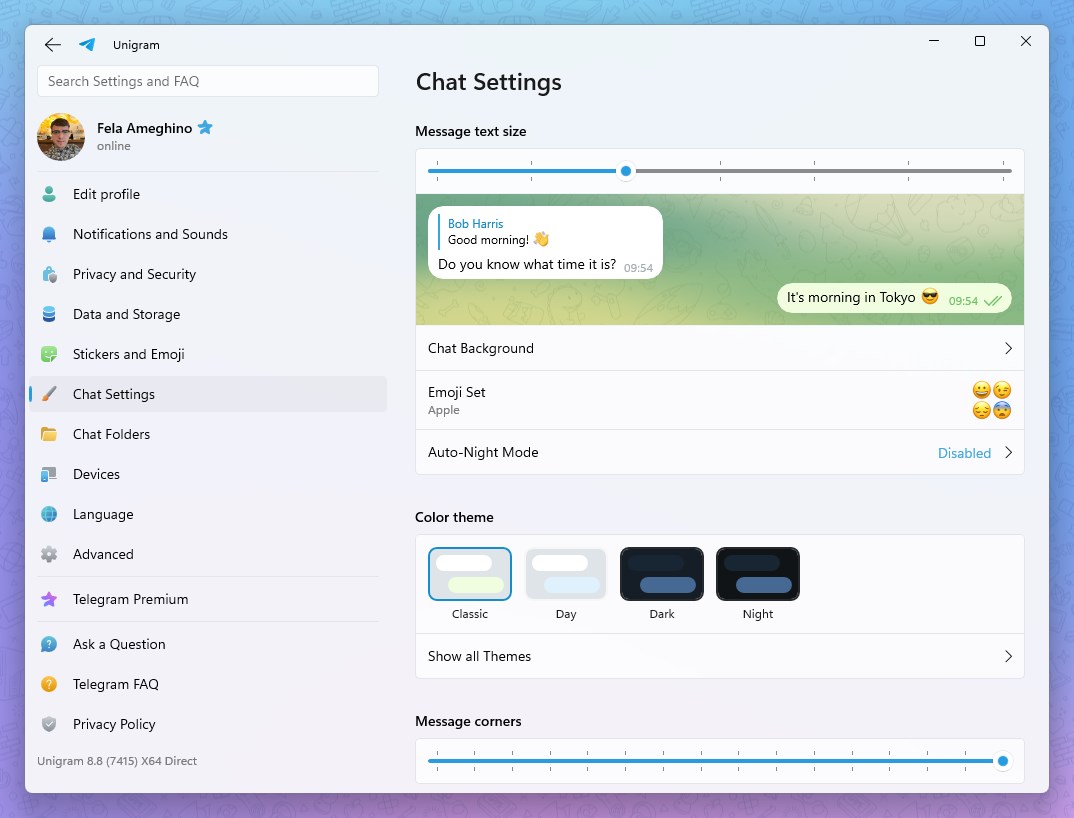
- Limited customization options
- Sparse offline mode support
- Occasional minor bugs
- Limited advanced security features










