

- Name Discord
- Category Social
- Available on PC
- OS Windows 10 version 0.0 or higher
- Keyboard Integrated Keyboard
- Mouse Integrated Mouse
- Memory 2 GB
- languages Bulgarian, Chinese (Simplified), Chinese (Traditional), Croatian, Czech, Danish, Dutch, English, English (United Kingdom), English (United States), Finnish, French, German, Greek, Hindi, Hungarian, Italian, Japanese, Korean, Lithuanian, Norwegian, Polish, Portuguese (Brazil), Romanian, Russian, Spanish, Swedish, Thai, Turkish, Ukrainian, Vietnamese
Discover the Power of Discord for Windows: Your Ultimate Communication Hub
Discord for Windows is a robust messaging application designed to bring communities and friends together with seamless voice, video, and text communication. Whether you're gaming, collaborating on projects, or just catching up, this app aims to make digital connections as natural as face-to-face chats.
Who's Behind the Curtain?
Developed by Discord, Inc., a company renowned for creating one of the most popular social platforms tailored for gamers and online communities, this app reflects their expertise in building engaging, user-friendly communication tools. Their focus is on creating a space where users can connect effortlessly across interests and backgrounds.
Key Features that Make Discord Stand Out
- Rich Voice and Video Communication: High-quality voice channels and seamless video calls facilitate real-time conversations, whether for gaming sessions, virtual meetups, or team meetings.
- Server Customization and Management: Users can create their own servers, customize channels, roles, and permissions, giving each community its unique identity and organized structure.
- Integration and Bots: The platform supports various integrations (Spotify, Twitch, etc.) and custom bots to automate tasks, enhance interactions, and add fun or functional features.
- Profiles and Authenticity: Users can personalize profiles and verify identities, fostering trustworthiness and identity authenticity within communities.
Immersive User Experience and Interface
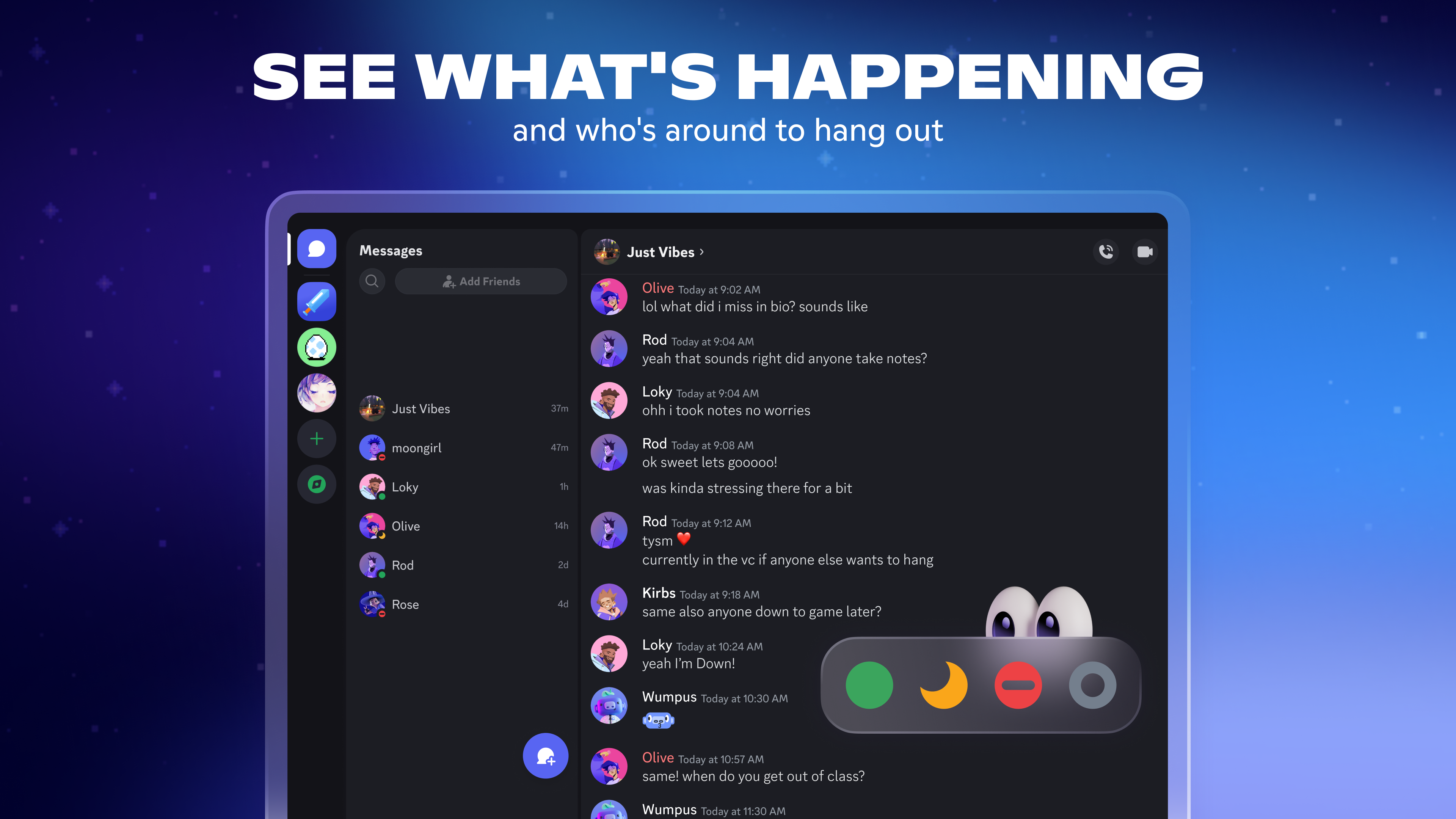
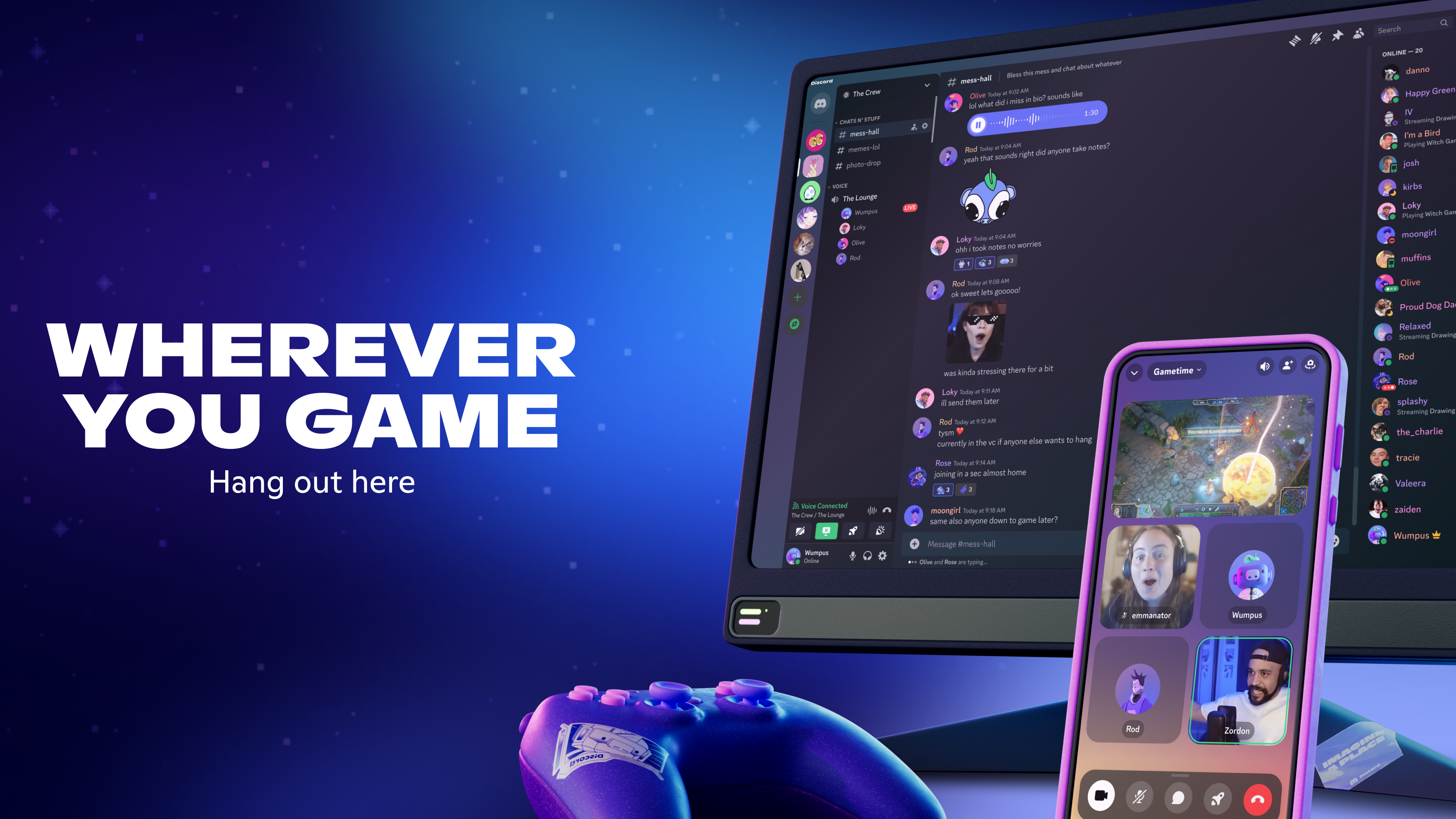
From the moment you launch Discord for Windows, its sleek yet intuitive interface welcomes you like a well-organized digital clubhouse. The design balances aesthetics with functionality, allowing both newcomers and seasoned users to navigate effortlessly. The application runs smoothly, with rapid response times during voice calls and quick loading of servers and channels, making communication feel instantaneous. The learning curve is gentle; creating a server or customizing your profile is straightforward, yet powerful enough for complex community management.
Core Functionalities Explained
Seamless Communication Channels
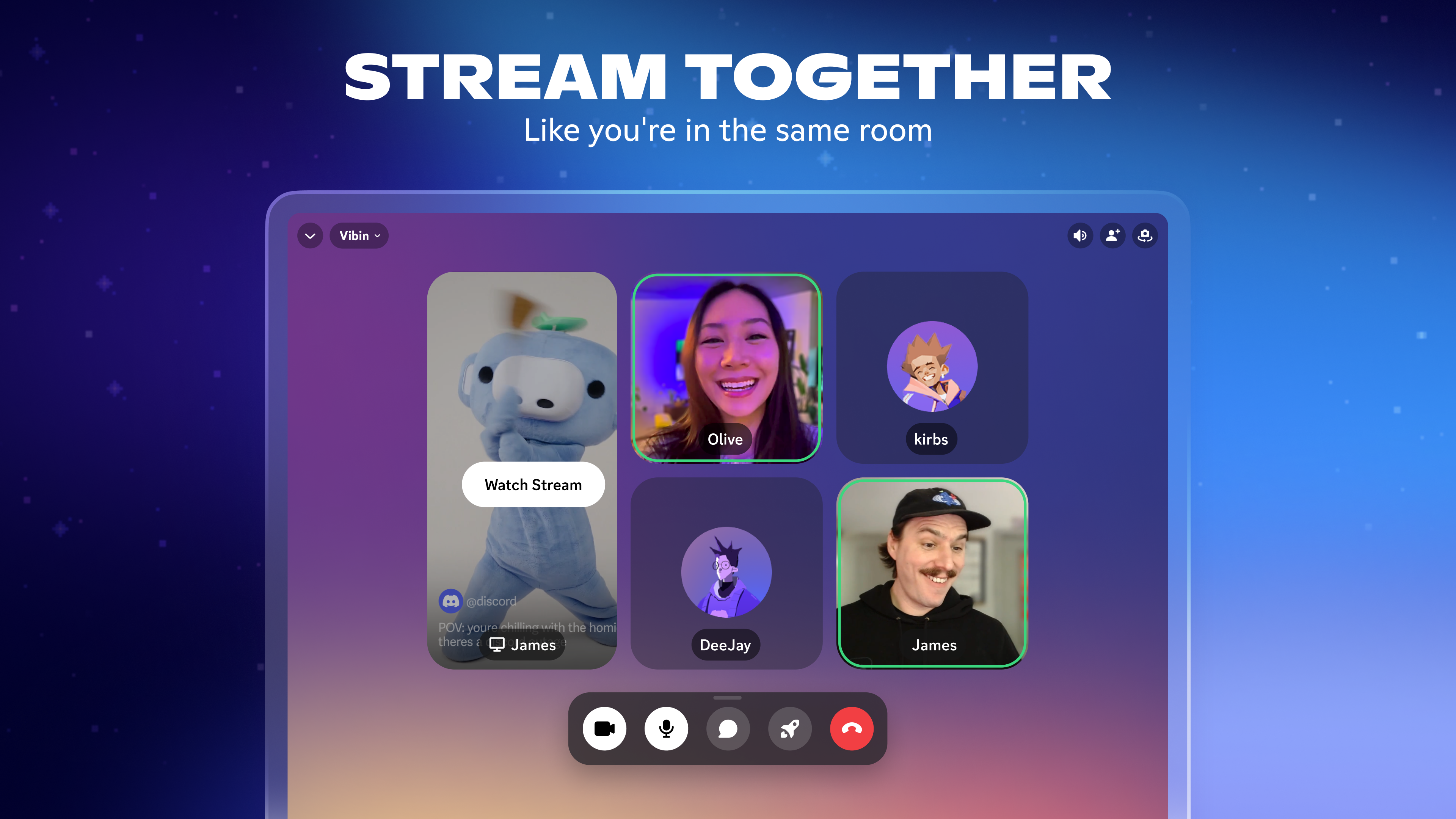
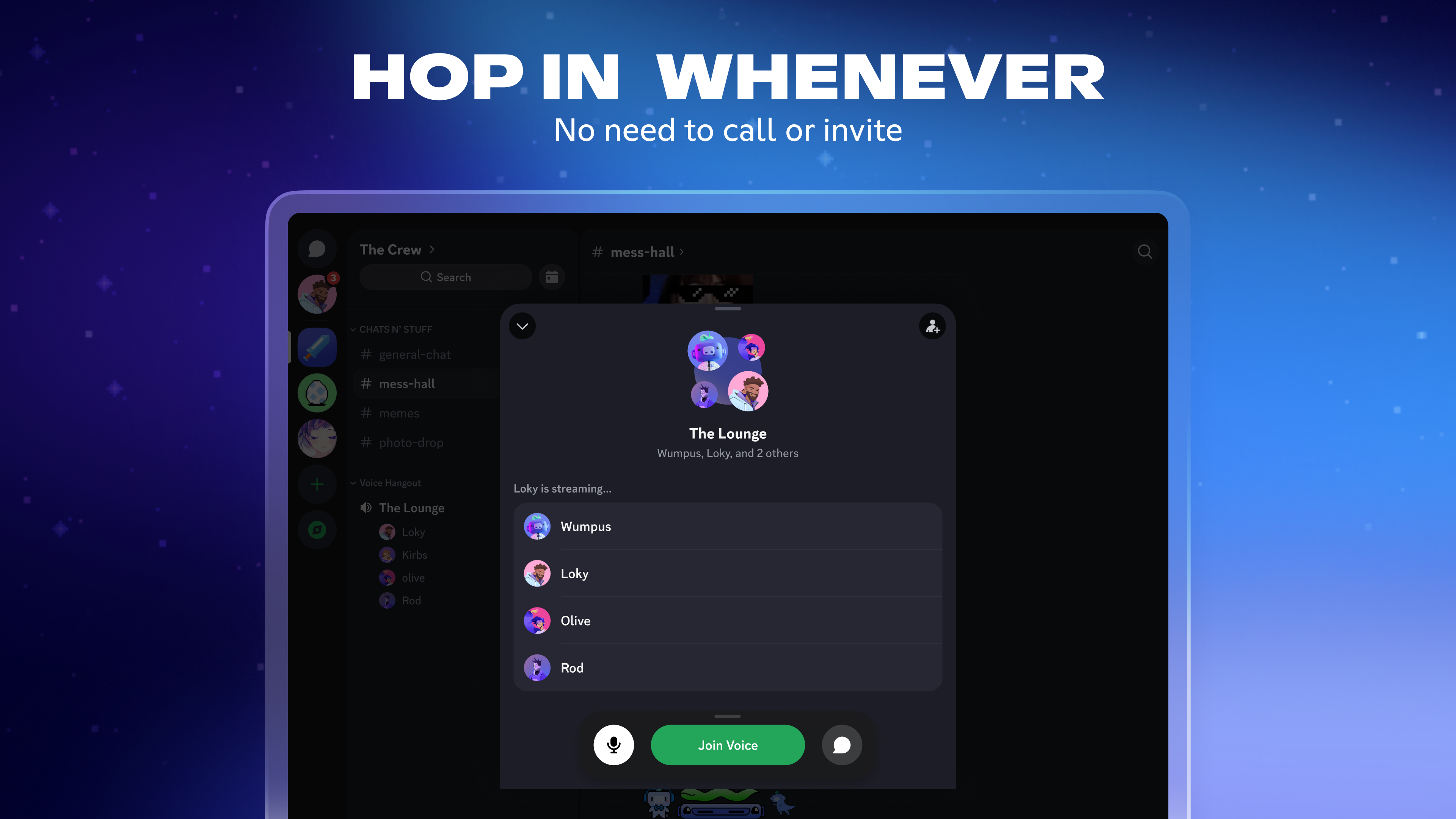
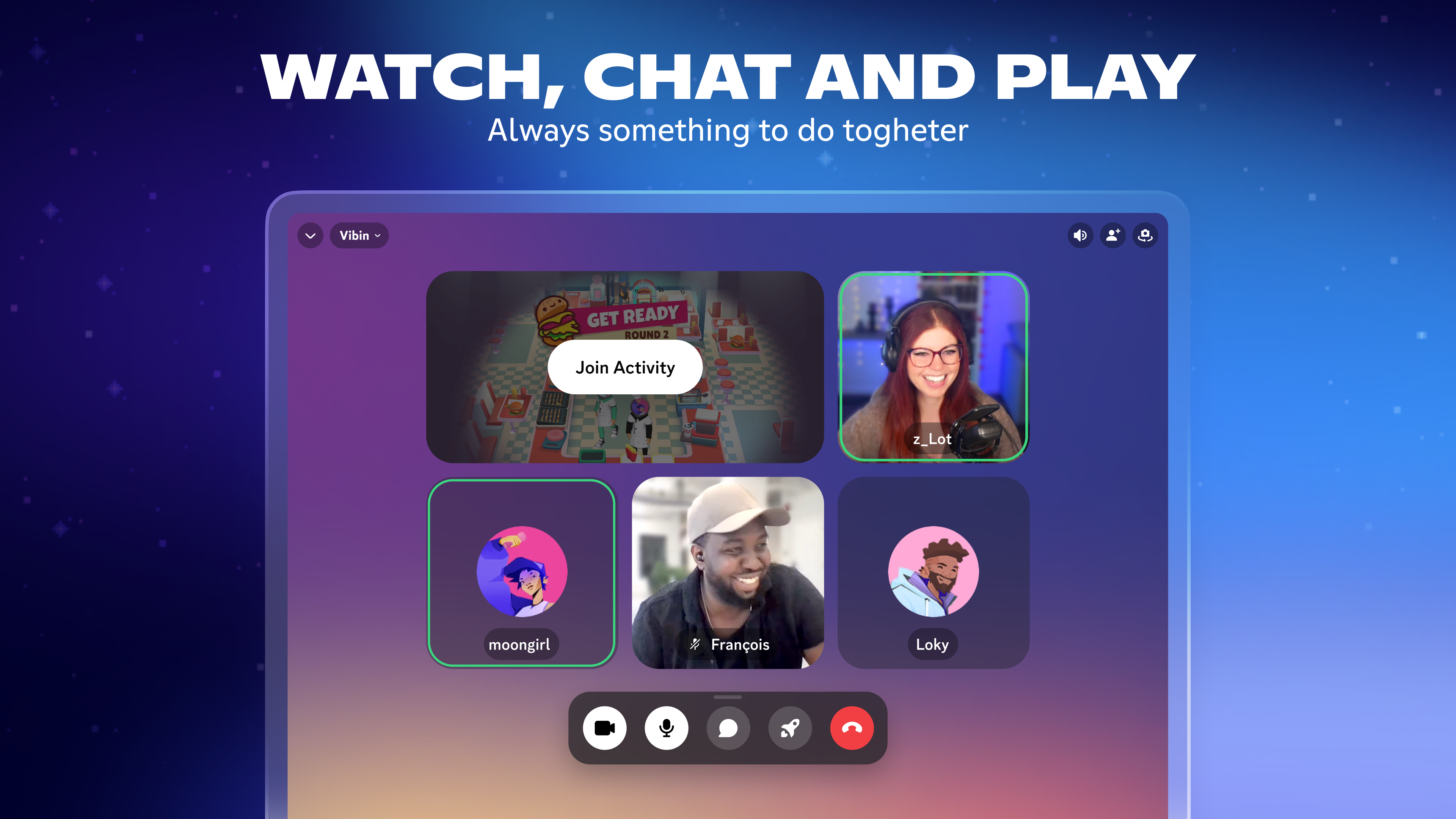
Discord's voice and video channels are the core of its charm. Imagine walking into a lively café where everyone can join a table or a quiet corner for a one-on-one chat. The app supports high-fidelity voice transmissions with noise suppression, echo cancellation, and optional video feeds, ensuring your conversations are clear and engaging. Switching between voice, video, and text modes is effortless, keeping you connected in the way that suits your activity best.
Customizable Community Spaces
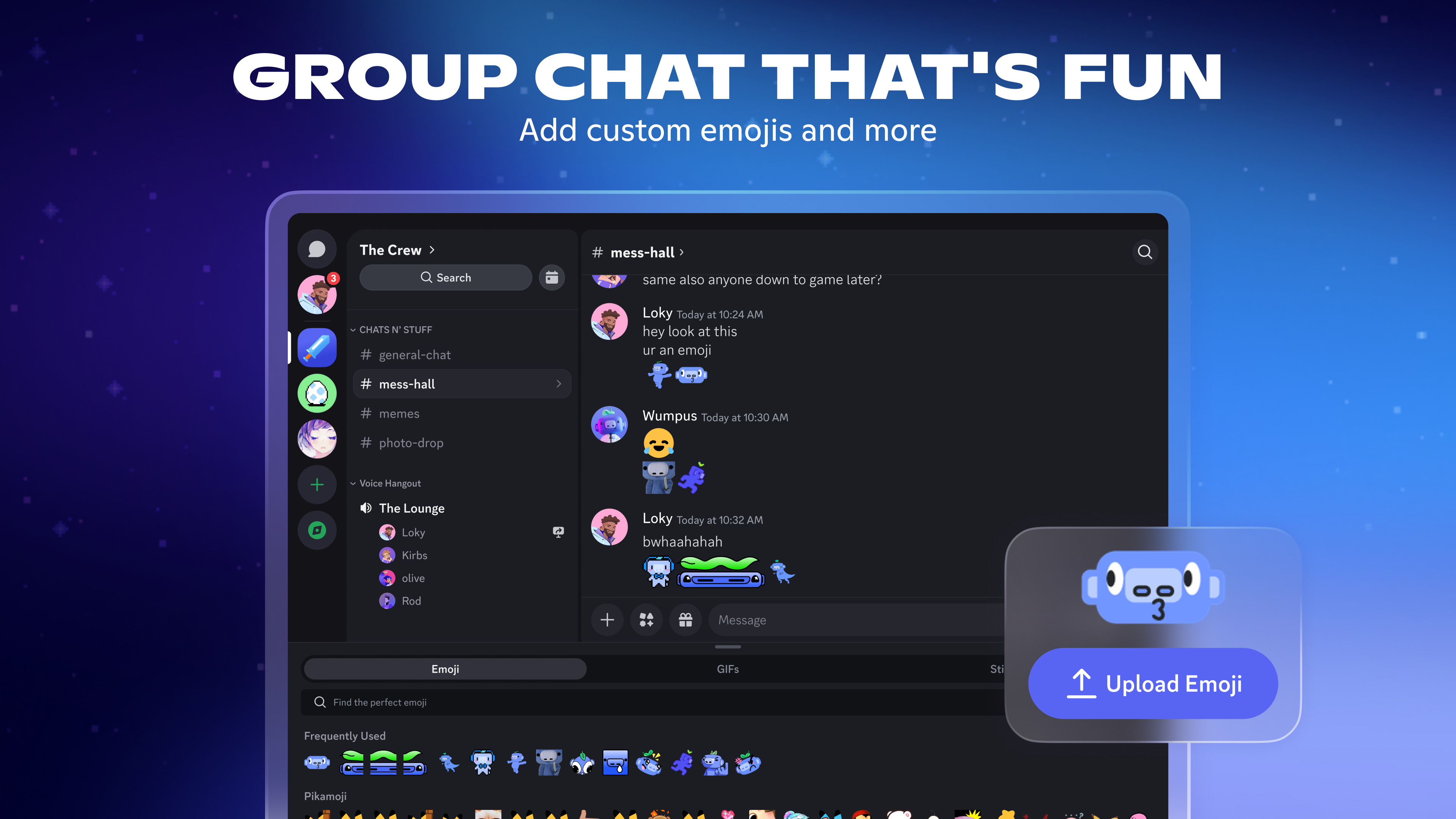
Creating a server is akin to setting up your own private club. You control who joins, what topics are discussed, and how discussions are organized. Users can assign roles, granting permissions for moderation, content sharing, or special privileges. This feature is particularly useful for gaming clans, hobby groups, or professional teams looking for a tailored communication environment. The ability to add custom emojis, integrate streaming services, and automate moderation makes each server uniquely equipped for its community's needs.
Profile Personalization & Verification
One of Discord's standout features is its emphasis on authenticity and user identity. Users can personalize profiles with avatars, descriptions, and badges. Additionally, verification processes help maintain genuine interactions—important in communities where trust is paramount. This level of profile customization and authenticity verification sets Discord apart from more anonymous chat apps, fostering a safer, more genuine environment.
Comparison and Final Recommendations
Compared to other social platforms like Slack or Teams, Discord offers a more versatile and community-oriented experience, owing largely to its focus on customization, open server structure, and rich multimedia support. Its approach to connecting users through discoverable communities and verified profiles helps it stand out in a crowded social app landscape.
For casual gamers, hobbyist groups, or small professional teams seeking a comprehensive yet approachable communication tool, Discord for Windows is highly recommended. Its blend of user-friendly design, robust features, and social customization makes it an excellent choice. However, those seeking strictly formal or corporate communication channels might find platforms like Slack more aligned with their needs.
In conclusion, Discord for Windows is not just another chatting app—it's a vibrant social sandbox where communities can flourish. Its most compelling advantages lie in its focus on authentic user profiles and flexible community management, making it a platform worth exploring for anyone eager to build or join active, genuine communities.
Pros
- Robust communication features
- User-friendly interface
- Extensive server customization
- Cross-platform compatibility
- Rich integrations and bots
Cons
- Occasional connectivity issues
- Limited free voice channel controls
- Notification overload for active servers
- Privacy concerns with data collection
- Customization limitations for free accounts










