

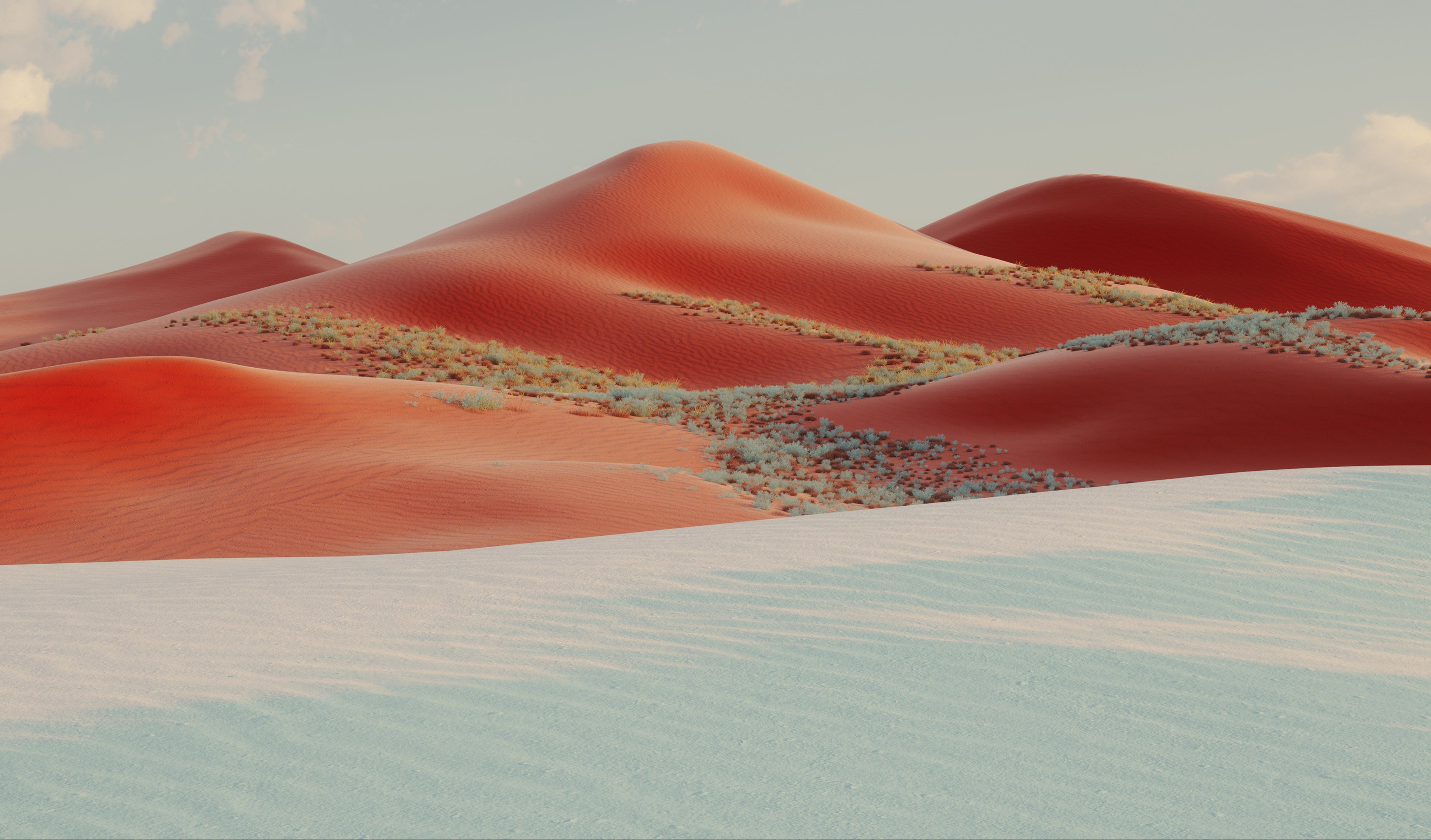
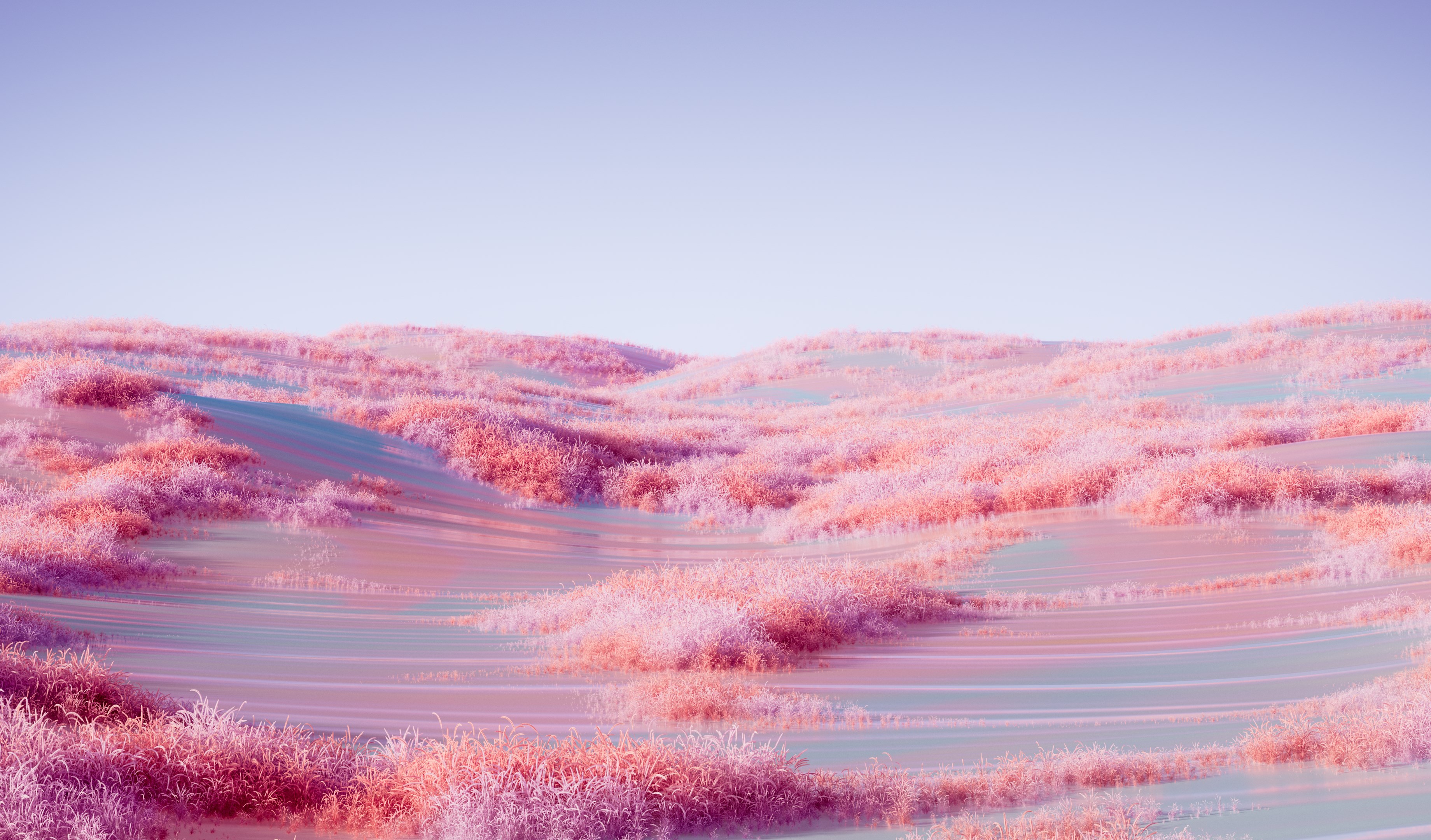
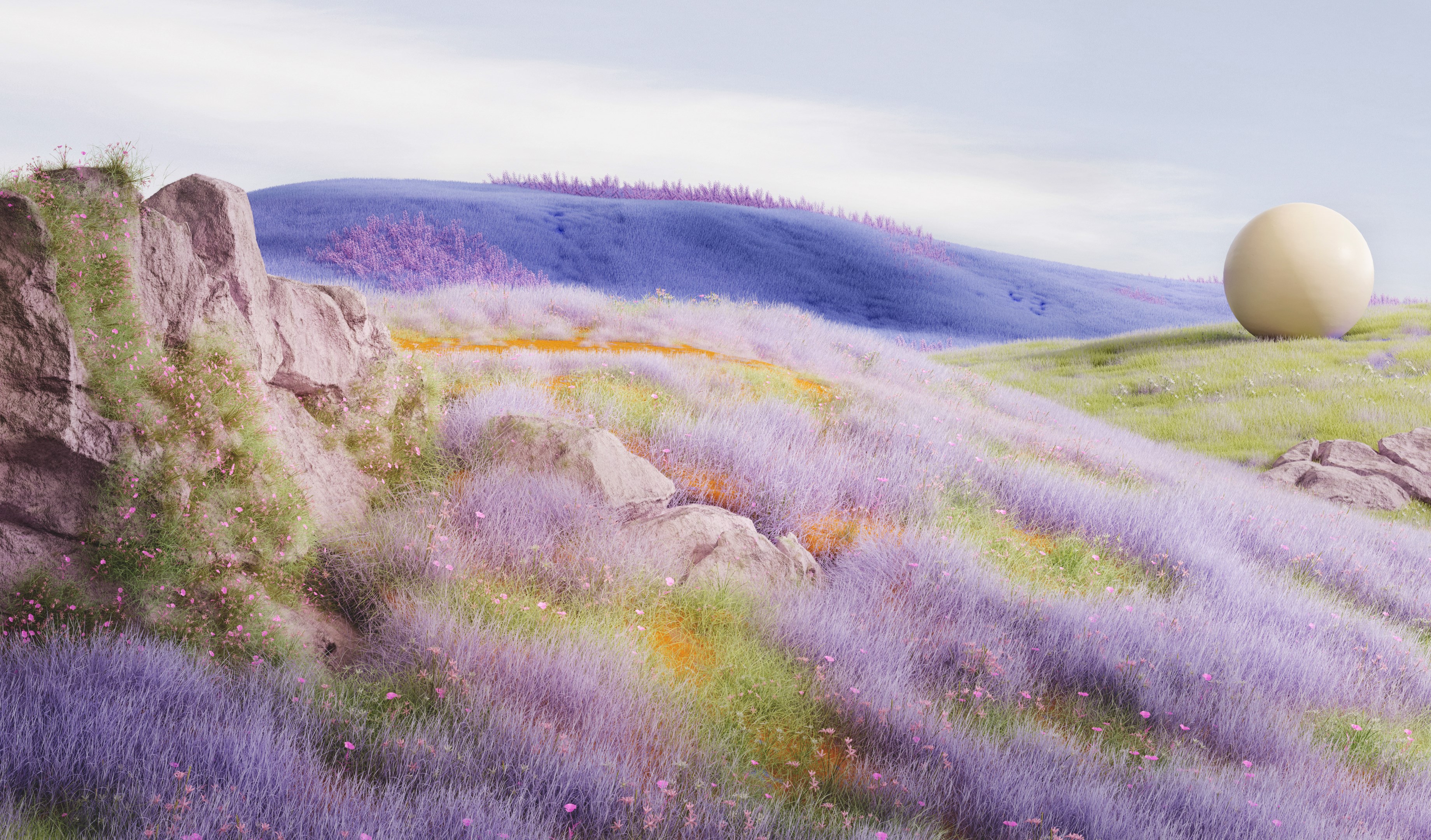
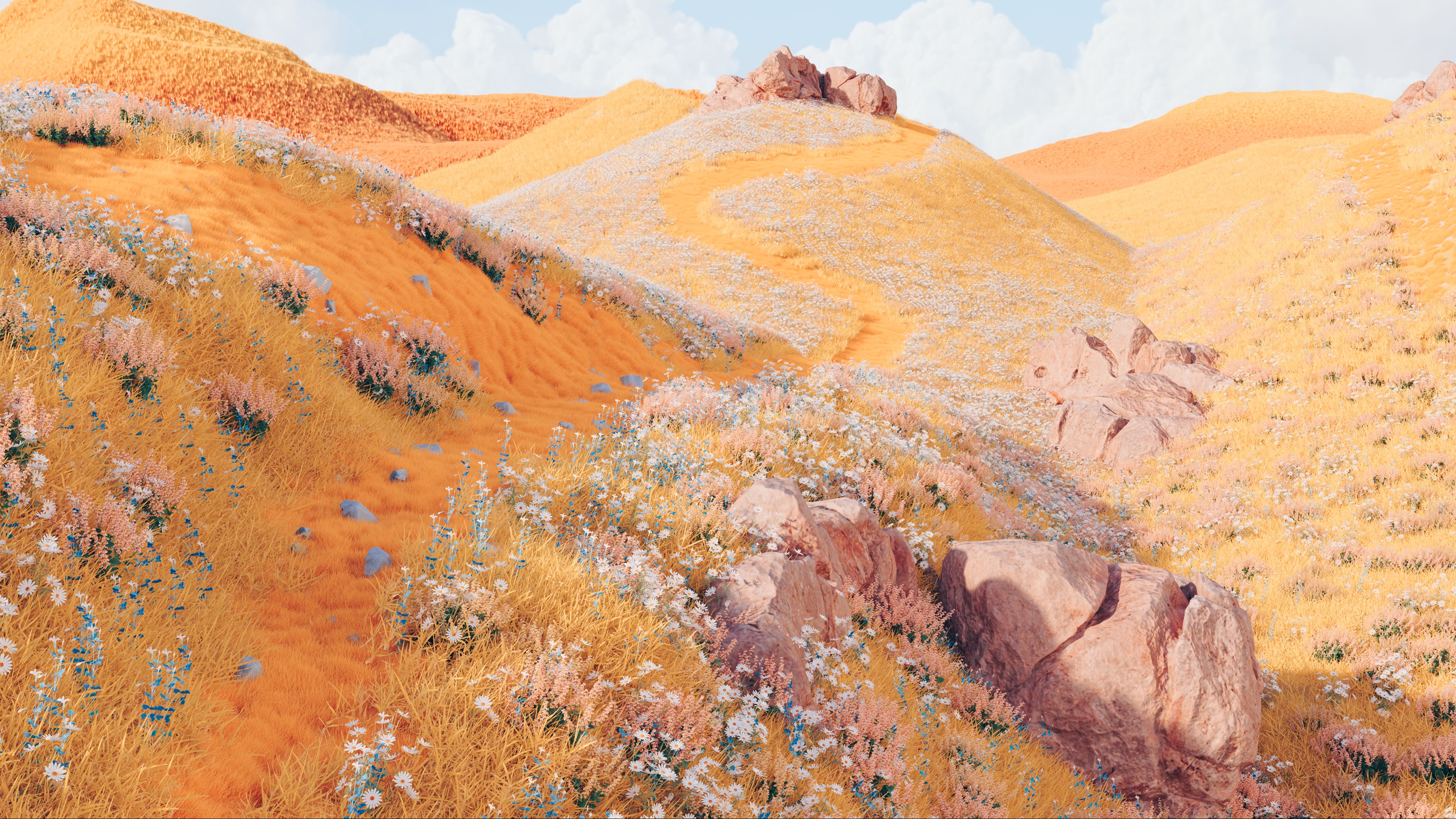
- Name Dreamscapes
- Category Personalization
- Developer Microsoft Corporation
- Available on PC
- OS Windows 10 version 18362.0 or higher
- languages English (United States)
Unlocking the Dream: A Deep Dive into Dreamscapes for Windows
If you've ever wanted your desktop to feel like stepping into a surreal, tranquil world every single day, Dreamscapes for Windows might just be the artistic escape you need. Imagine blending beautiful, immersive backgrounds with personalized touch, transforming your everyday workspace into a calming oasis. Developed by Microsoft Corporation, this app caters to users seeking a rich visual experience that elevates their digital environment beyond ordinary wallpapers.
What Makes Dreamscapes Stand Out?
Dreamscapes offers an elegant fusion of high-quality imagery and customization, allowing users to craft a personalized visual narrative on their desktops. Its main strengths include an extensive library of stunning, curated scenes, seamless integration with Windows' native features, and intuitive controls that make customization a breeze. Whether you're a creative professional, a student, or someone who simply loves beautiful visuals, Dreamscapes aims to enhance your digital experience effortlessly.
Aesthetic Design That Feels Like a Breath of Fresh Air
One of Dreamscapes' most striking features is its visual quality. The app provides an array of breathtaking scenes—ranging from serene landscapes to vibrant abstracts—that are rendered in crisp, high-definition detail. Think of it as loading a gallery of visual poetry directly onto your desktop. The interface itself is clean and user-friendly, guiding you effortlessly through scene selection and customization options without overwhelming complexity. Navigating through the app feels like strolling through a curated art exhibit—smooth, deliberate, and inviting.
Seamless Customization and Personal Touches
The heartbeat of Dreamscapes lies in its personalization capabilities. Users can tweak various elements—such as adjusting color tones, adding gentle animations, or layering subtle effects—to craft a scene that resonates personally. Unlike many wallpaper apps that offer a static, one-size-fits-all experience, Dreamscapes allows you to fine-tune visuals to match your mood or aesthetic. Imagine your desktop as a canvas—this app provides the palette and brushes. Its options for real-time adjustments make it feel like orchestrating your digital environment rather than merely selecting a background.
Harmonized with Windows: User Experience and Uniqueness
Dreamscapes integrates seamlessly with Windows, offering smooth transitions and minimal resource usage, which is crucial for maintaining overall system performance. The app's learning curve is gentle; even users with limited technical expertise can quickly learn how to select and personalize scenes. The interface is straightforward with intuitive controls—think of it as guiding a friend through a beautifully curated photo gallery. Its compatibility with Windows themes and other personalization apps sets it apart from simpler wallpaper changers, providing a layered, cohesive aesthetic experience.
Recommendation and Usage Tips
If you're someone who appreciates a blend of art and technology, Dreamscapes stands as a strong candidate for daily use. It's particularly suited for users who want more than a typical static wallpaper—those who desire an environment that can adapt, inspire, and relax. For optimal results, explore its customization options to craft scenes that match your daily routines or mood shifts. For instance, you could set a calming sunrise scene for the mornings and a vibrant, energetic landscape for work hours.
Overall, Dreamscapes is recommended for users seeking a richer visual experience with an emphasis on personalization. While it may not include highly advanced interactive features, its strength lies in delivering high-quality imagery and flexible customization in a user-friendly package. If your goal is to elevate your desktop into an artful, personalized retreat, this app is worth trying out.
Pros
- Immersive Visual Effects
- Variety of Scenarios
- User-Friendly Interface
- Relaxing Audio Design
- Regular Content Updates
Cons
- High Battery Consumption
- Performance on Older Devices
- Limited Customization Options
- In-App Purchases for Full Content
- Occasional Graphics Glitches










