

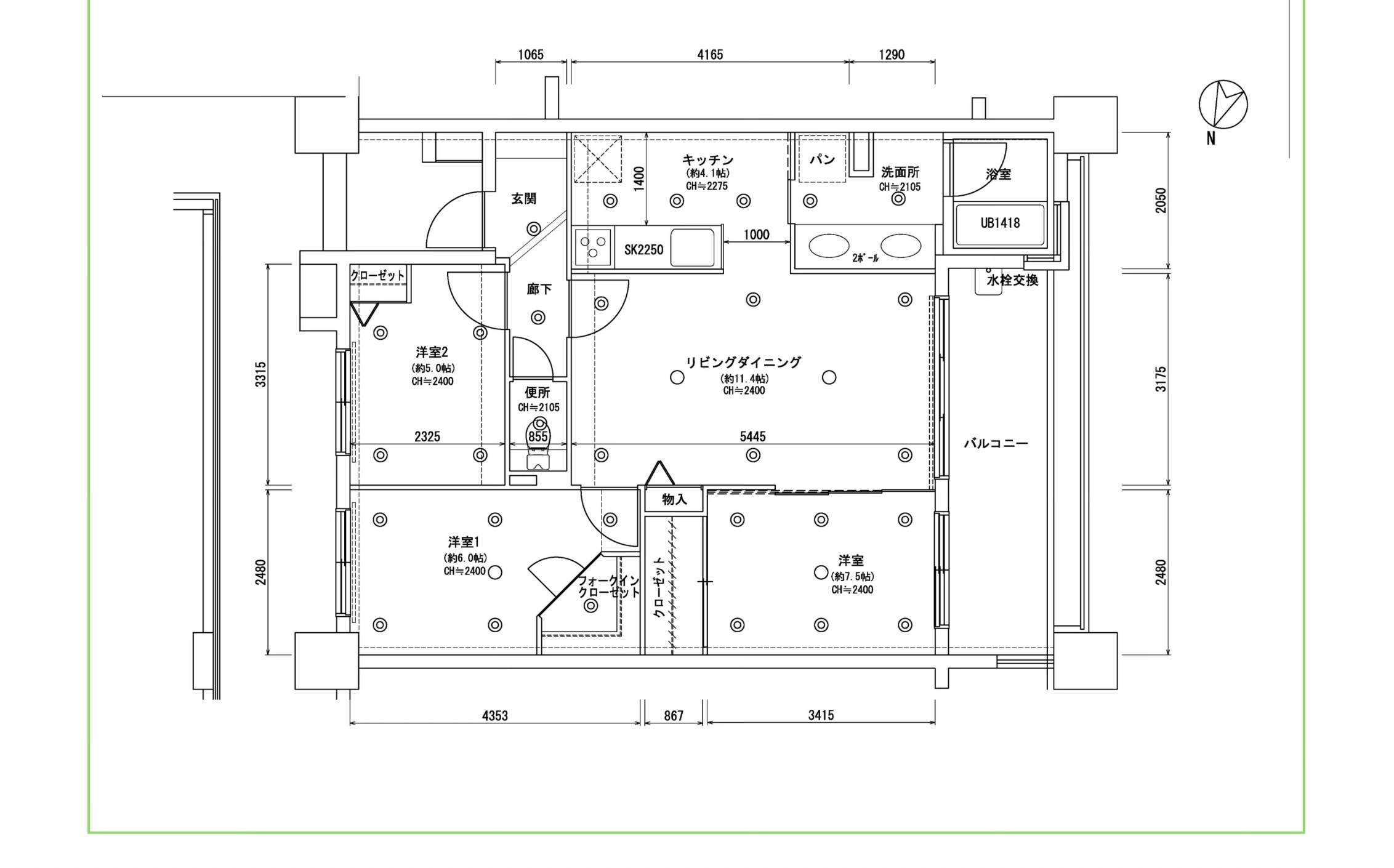
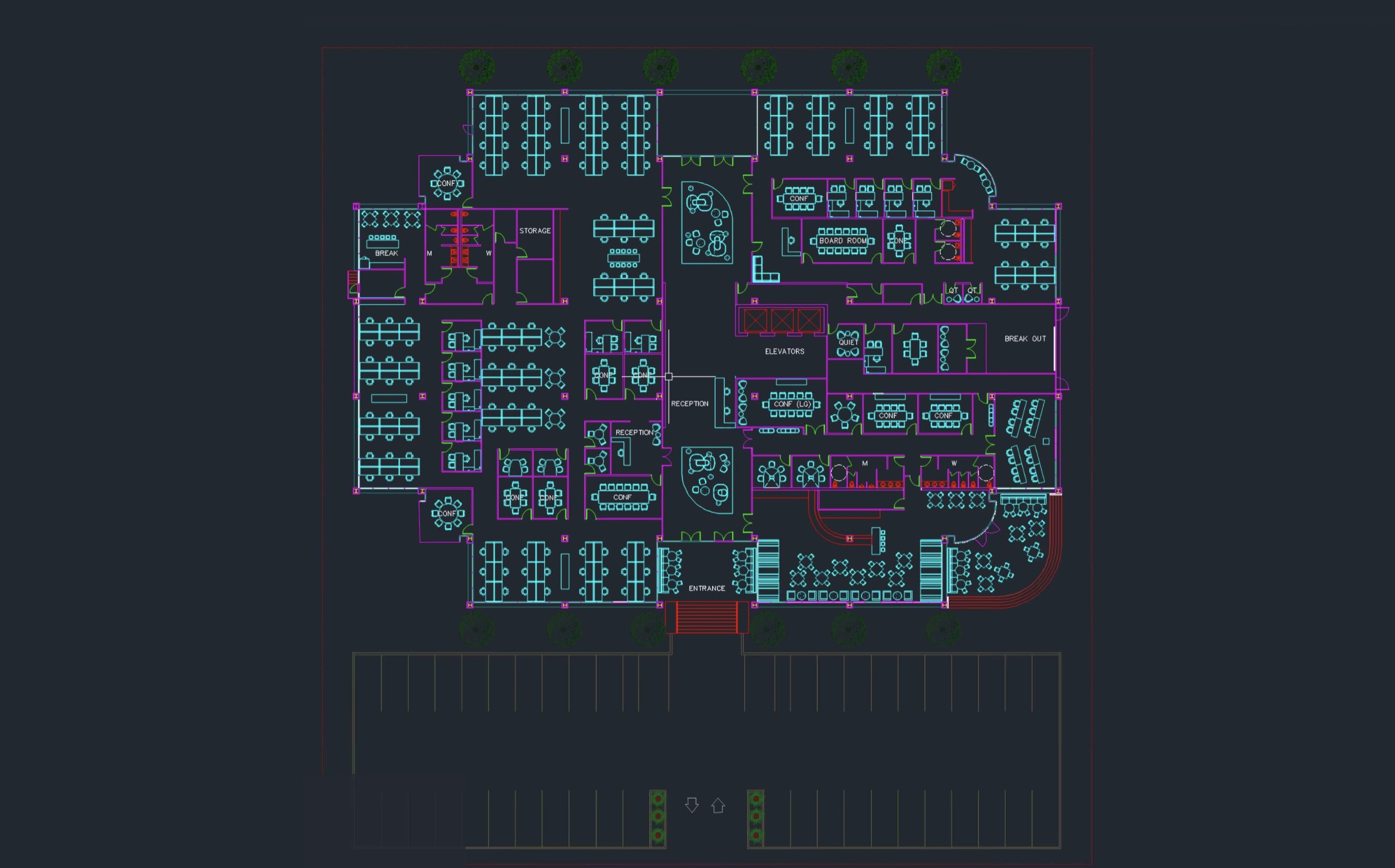
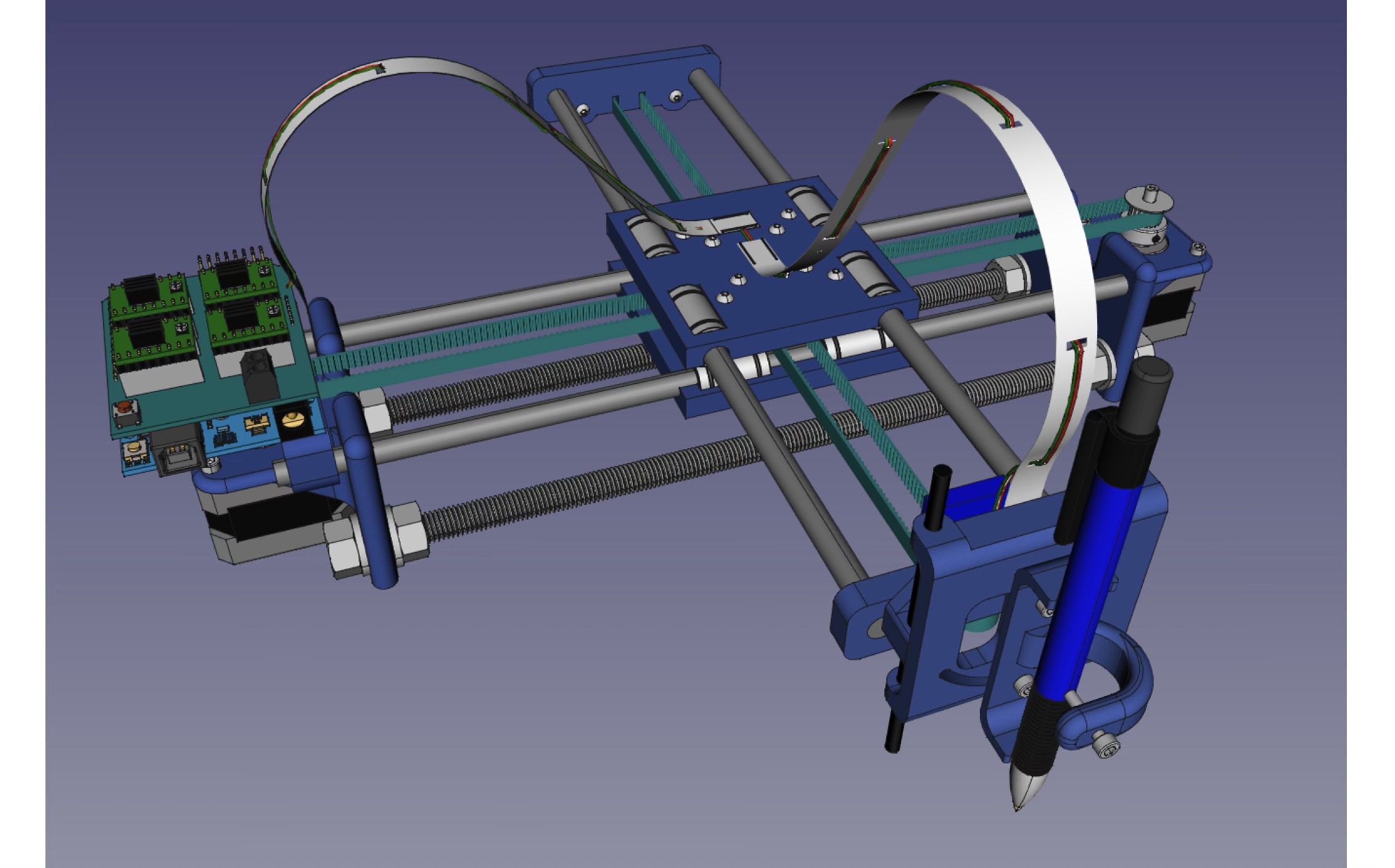
- Name CAD Design Software
- Category Utilities & tools
- Available on PC
- OS Windows 10 version 14316.0 or higher
- languages English (United States)
Introducing a New Contender in Windows CAD Design: iDreamMoon Studio's Software
If you're on the hunt for an accessible yet powerful CAD design tool tailored for Windows, iDreamMoon Studio's latest offering might just become your go-to companion. Combining essential design functionalities with a user-friendly interface, this application aims to bridge the gap between beginner enthusiasts and seasoned professionals. Let's explore what makes this software stand out in a crowded marketplace.
Basic Information and Core Highlights
Positioning in the Market
This CAD design software is crafted to provide a straightforward but versatile platform for creating precise technical drawings and 3D models on Windows PCs.
Developer/Team
Developed by iDreamMoon Studio, a team dedicated to crafting intuitive tools for creative digital design, with a focus on simplicity and functional excellence.
Key Features and Highlights
- Intuitive User Interface: Seamless navigation with an organized workspace reduces the learning curve for newcomers.
- Robust Drawing and Modeling Tools: A comprehensive set of tools for 2D sketches and 3D modeling, suitable for both hobbyists and professional use.
- Layer Management and Annotation: Efficiently handle complex projects with multi-layer support and easy-to-apply annotations.
- Compatibility and Export Options: Supports common file formats, enabling smooth integration with other CAD/CAM platforms.
Target Audience
This software is ideal for engineering students, DIY enthusiasts, architects, and small business designers looking for an affordable yet capable CAD solution on Windows.
Engaging the User: A Closer Look at the Software's Strengths
Imagine sitting at your desk, ready to bring your engineering ideas or creative sketches to life. This software welcomes you with a clean, well-organized interface—think of it as your digital drafting table, where everything you need is at your fingertips, yet never overwhelming. Let's delve into the core functionalities that make this CAD tool worth considering.
Streamlined Design and Modeling Tools
At the heart of this application lie its design and modeling features. The hybrid approach—combining 2D drawing capabilities with 3D modeling—acts like a Swiss Army knife for creators. Whether you're drafting precise technical diagrams or visualizing a prototype in three dimensions, the tools respond smoothly and accurately. The precision snapping, measurement aids, and easy-to-access component libraries significantly reduce the frustration often associated with complex CAD tasks. This helps users focus on their ideas rather than wrestling with the software.
User Experience and Interface Design
Navigation feels intuitive, like flipping through familiar paper sketches, thanks to a thoughtfully designed interface. Toolbars are customizable, enabling users to tailor their workspace for better efficiency. The learning curve, surprisingly gentle given the software's capabilities, makes it approachable for beginners. Transitioning from basic sketches to detailed models, users find themselves increasingly confident—the software seems to anticipate their needs rather than complicate them. The real-time rendering and fluid viewport interactions further elevate the experience, making your creative workflow seamless and gratifying.
Unique Selling Points and Differentiation
Compared to similar utilities, this application shines most with its layered annotation system and export flexibility. While many CAD tools provide basic annotations, iDreamMoon Studio's software offers more granular control, enabling detailed notes, labels, and callouts to be embedded directly into your designs. Additionally, its ability to easily export in multiple formats makes collaboration and further processing smooth—think of it as having a universal translator for your design files. These features reduce the need for additional third-party tools and streamline your entire project pipeline.
Final Verdict: Is It a Worthy Investment?
For those seeking an accessible yet capable CAD software for Windows, this iDreamMoon Studio app is a commendable choice. Its most impressive features—the intuitive interface paired with robust design tools—make it stand out among more complex, intimidating alternatives. While mastering advanced features may require some time, the smooth operation and supportive layout ensure users won't feel lost in the technical wilderness.
Given its balance of ease of use, functional versatility, and affordability, I recommend this software especially for newcomers to CAD or small-scale project creators. It's a reliable tool that won't overwhelm but still delivers solid professional-grade results. Perfect for bringing your ideas to life without the fuss—think of it as your friendly digital workshop on Windows.
Pros
- Intuitive User Interface
- Rich Set of CAD Tools
- Seamless Integration
- Cloud Compatibility
- Regular Updates
Cons
- High System Requirements
- Complex Features May Overwhelm Beginners
- Occasional Performance Lags
- Limited Offline Functionality
- Pricing Might Be Steep for Hobbyists










