



- Name GroupMe
- Category Social
- Developer Microsoft
- Available on PC, HoloLens
- OS Windows 10 version 19041.0 or higher
- languages English (United States)
Introducing GroupMe for Windows: A Seamless Way to Stay Connected
GroupMe for Windows, developed by Microsoft with publishing support from Skype, is a dedicated messaging app designed to keep groups connected easily and efficiently. Whether you're coordinating with friends, family, or colleagues, this app aims to streamline your chat experience within a familiar Windows environment.
Core Features That Stand Out
Multi-Platform Synchronization and Smooth Messaging
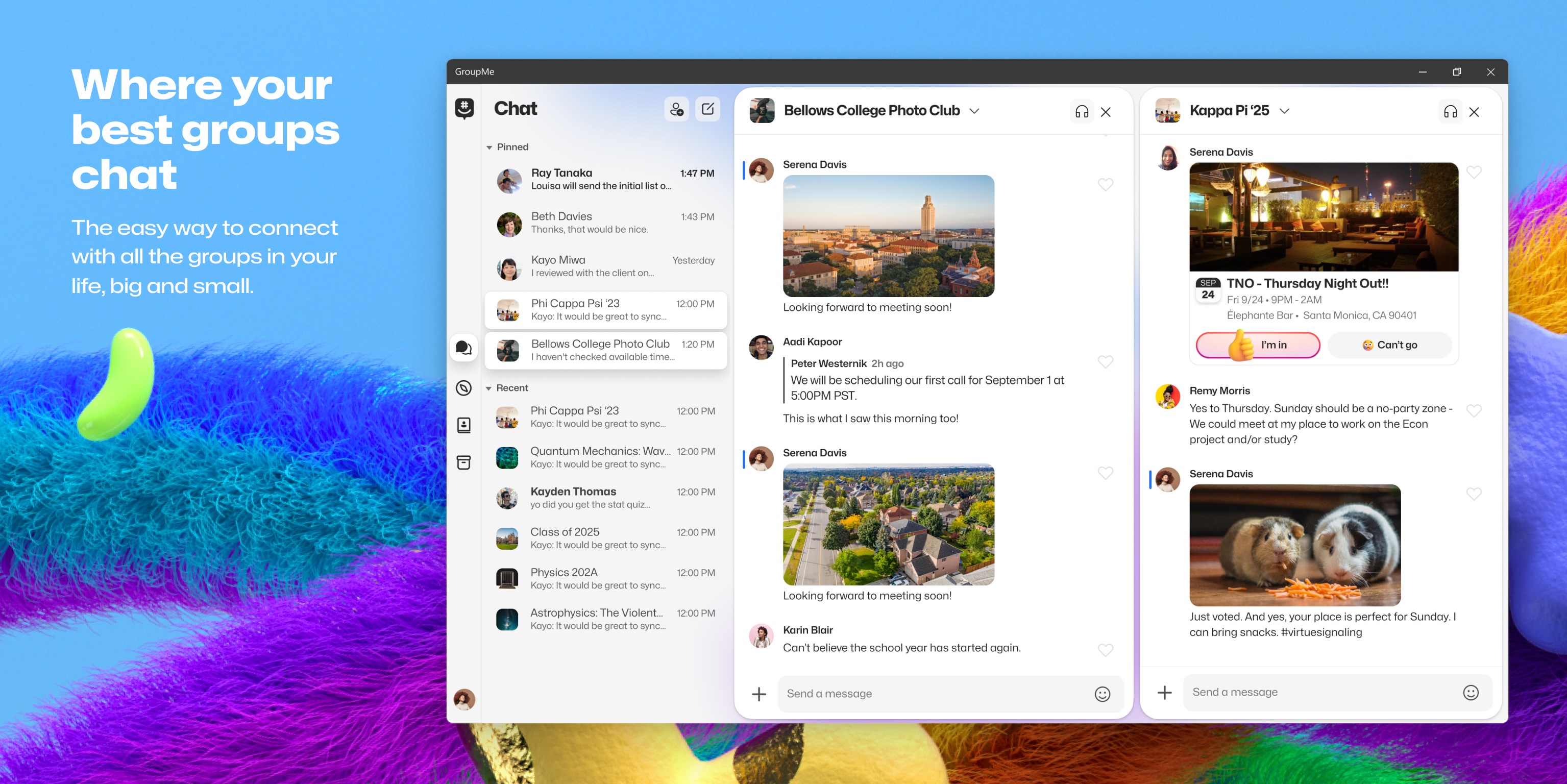
One of the app's key strengths lies in its ability to sync seamlessly across multiple devices. With real-time message delivery, users can switch from desktop to mobile without missing a beat. The interface feels snappy and responsive, ensuring conversations flow naturally—like a lively room filled with chatter.
Rich Media Sharing and Customization
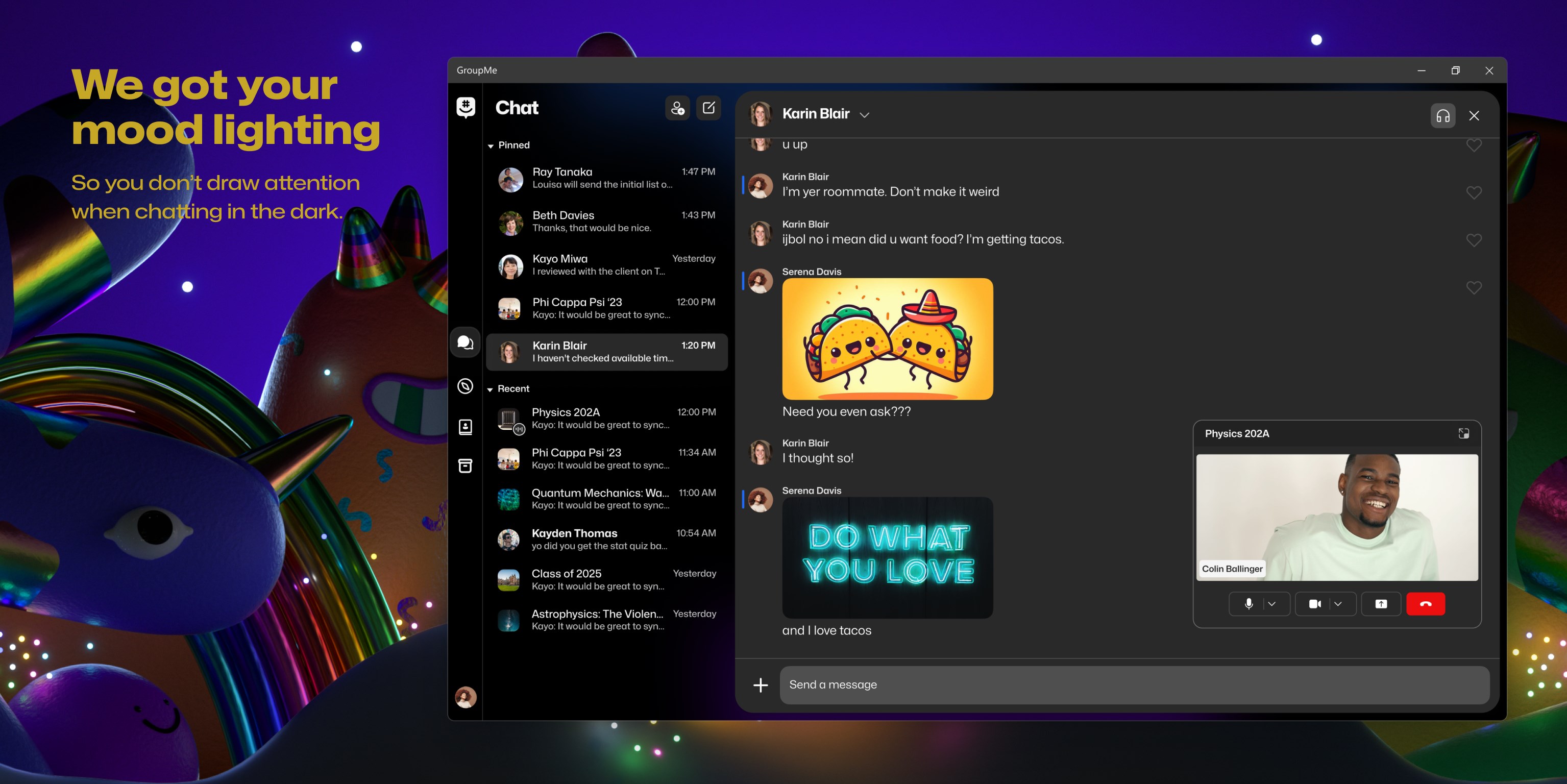
Beyond simple text, GroupMe for Windows excels at allowing users to share photos, videos, and GIFs effortlessly. Its built-in media preview provides instant visuals, enriching conversations. Plus, users can customize notifications and appearance settings, tailored to personal preferences, making the chat environment both functional and personalized.
Secure Group Management and Authentication
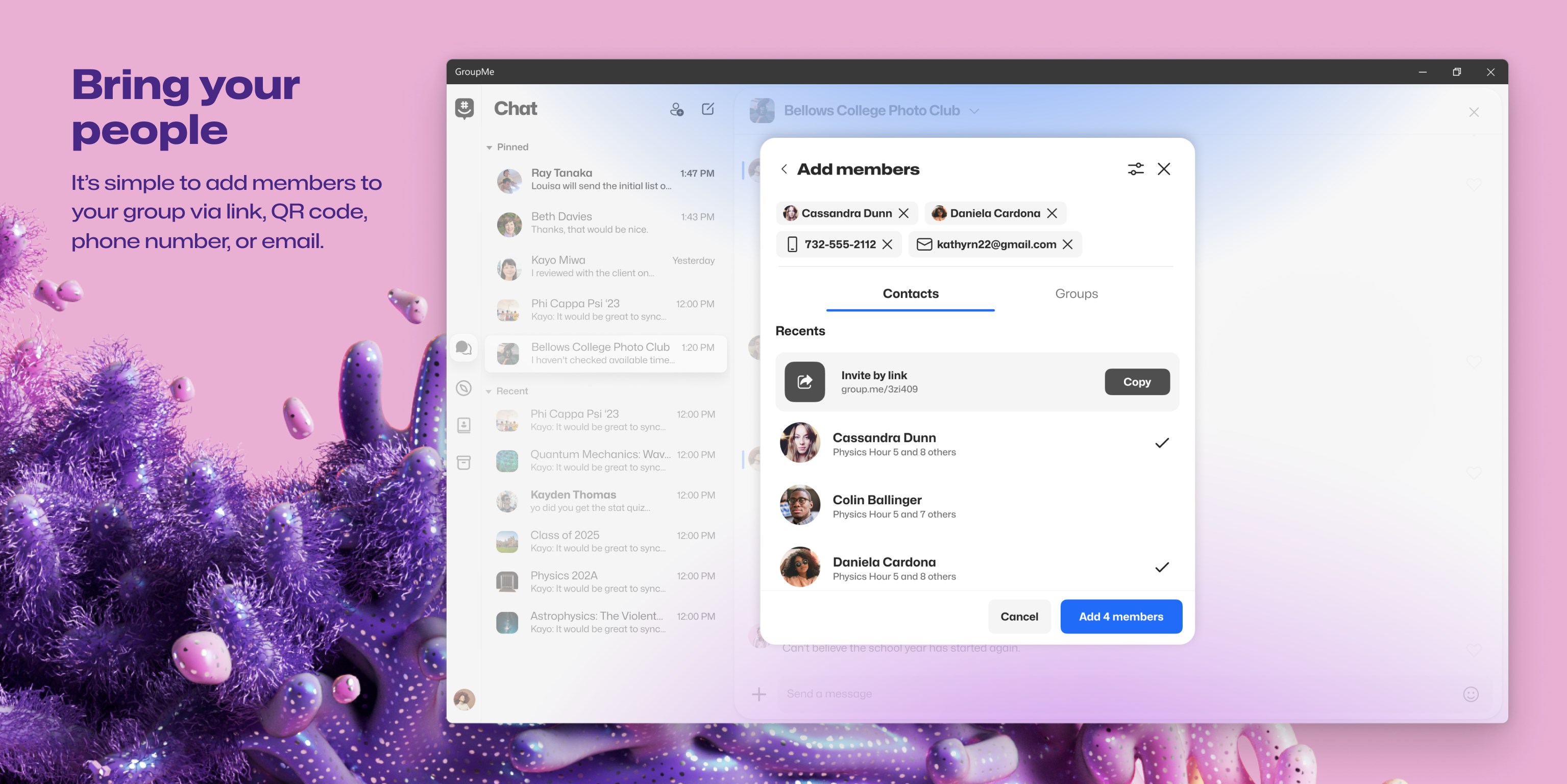
Security and authenticity are central to this app. Its verification features help ensure that group members are genuine, reducing spam and impersonation risks. The app also offers straightforward group management tools—adding or removing members, setting admin rights—ensuring control remains in your hands.
User Interface and Experience: Like a Well-Organized Desk
The interface design is clean and intuitive, resembling a well-organized workspace—easy to find your chat threads at a glance and navigate through features without confusion. Transitioning from one function to another feels fluid, thanks to the logically layered layout and minimalistic aesthetic. New users will find the learning curve gentle, akin to settling into a familiar favorite armchair, while veterans will appreciate the efficiency of the layout.
Differentiators: Standing Out in the Crowd
Compared to other social messaging apps, GroupMe for Windows emphasizes connection discovery and profile customization. Its approach to connection discovery allows users to find and join relevant groups via recommendations based on interests or contacts—like a friendly assistant helping you expand your social circle effortlessly. Moreover, its profile customization options enable users to craft authentic digital identities, fostering trust within group conversations—and that's a feature that puts it ahead of many generic chat apps.
Final Verdict and Usage Tips
Overall, GroupMe for Windows is a dependable, user-friendly messaging tool that caters well to group communication needs. It's especially suited for users who value security, ease of use, and a personalized touch in their messaging experience. I'd recommend it primarily for small to medium groups—family, friends, or project teams—who desire a straightforward yet secure chat environment. For those already embedded within the Microsoft or Skype ecosystem, integrating GroupMe into your daily routines becomes even more seamless.
Pros
- User-friendly interface
- Free messaging services
- Cross-platform availability
- Rich media sharing
- Group management features
Cons
- Limited customization options
- Persistent notification alerts
- Occasional message delay
- Limited file size for media sharing
- No end-to-end encryption










