

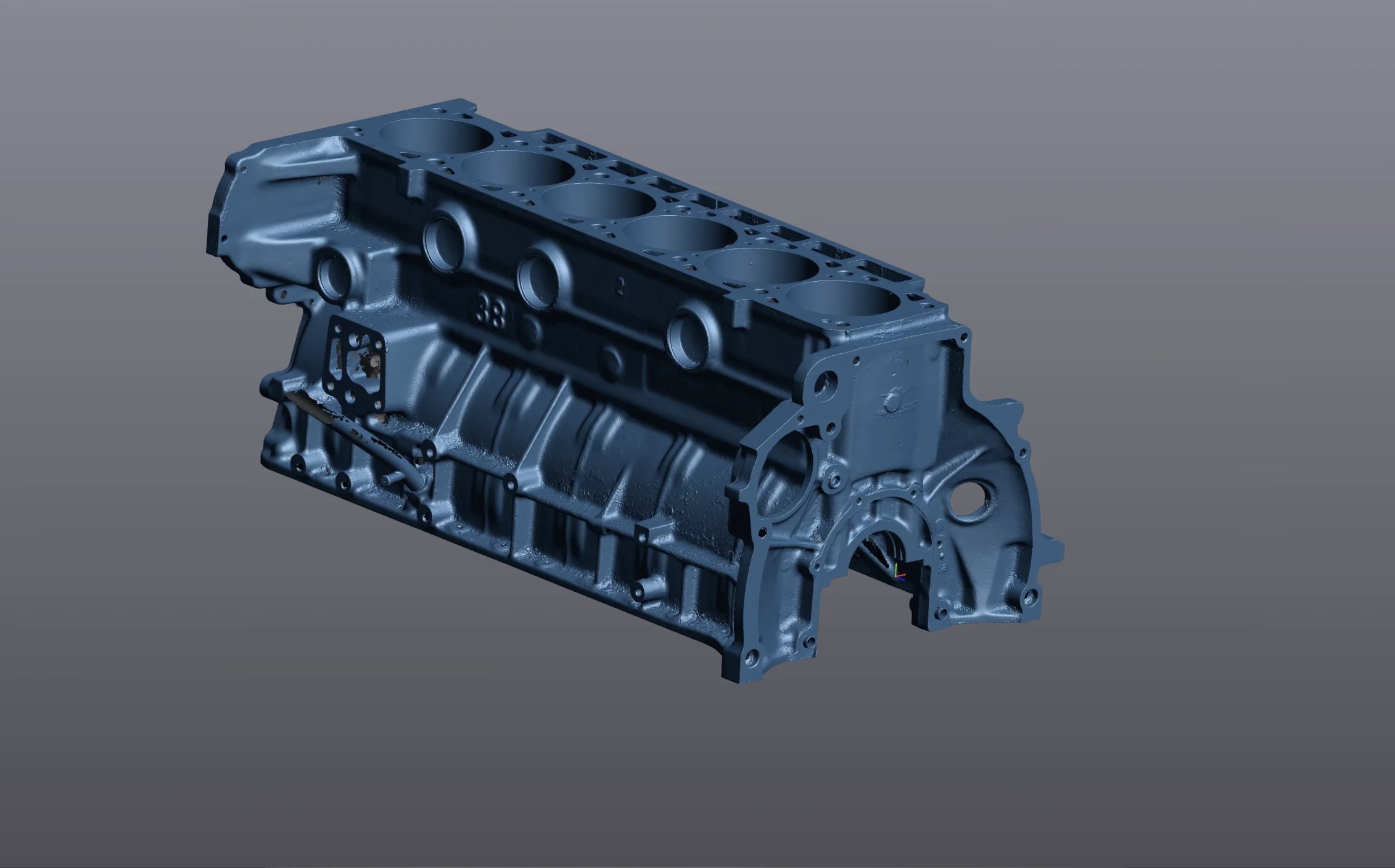
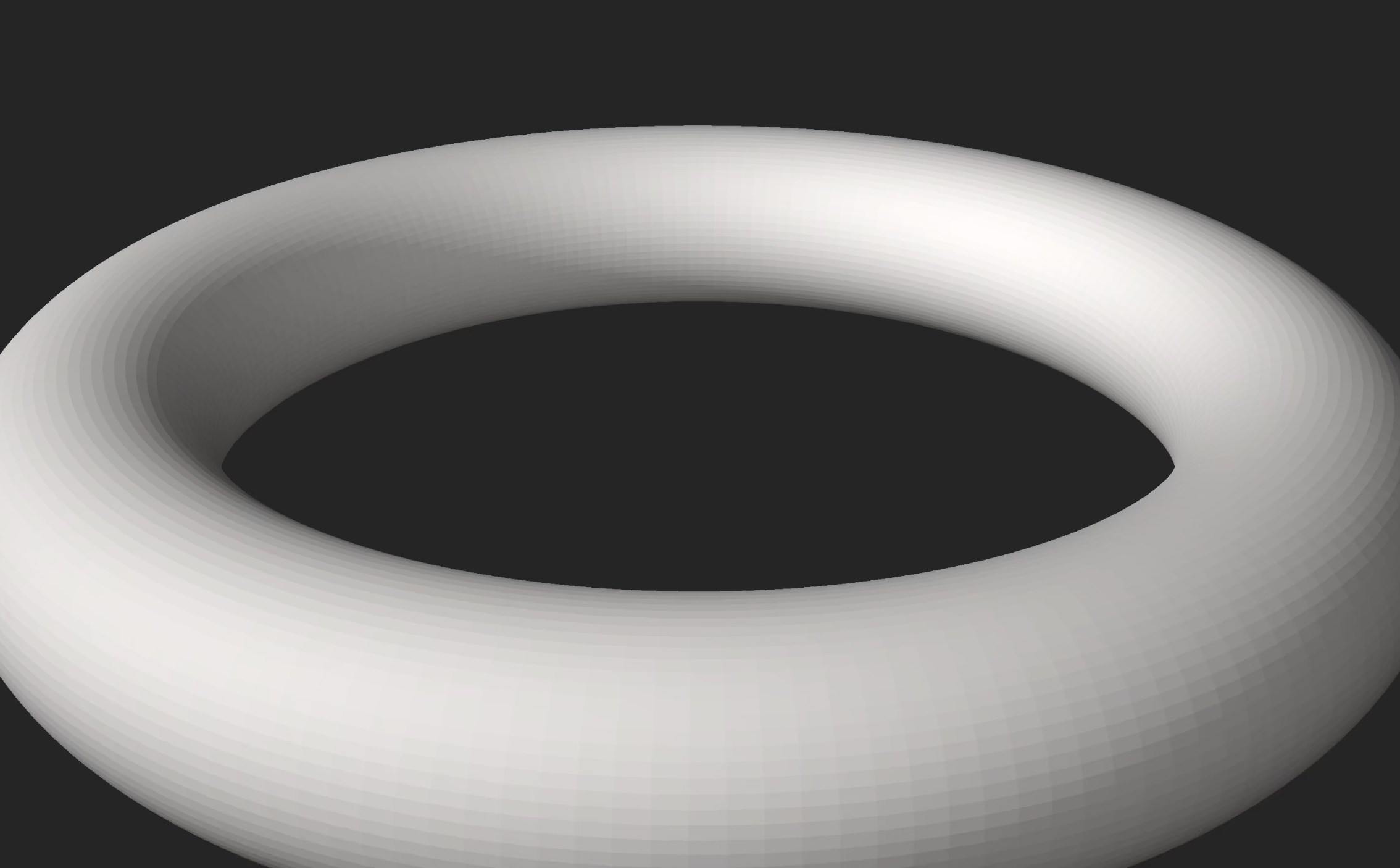
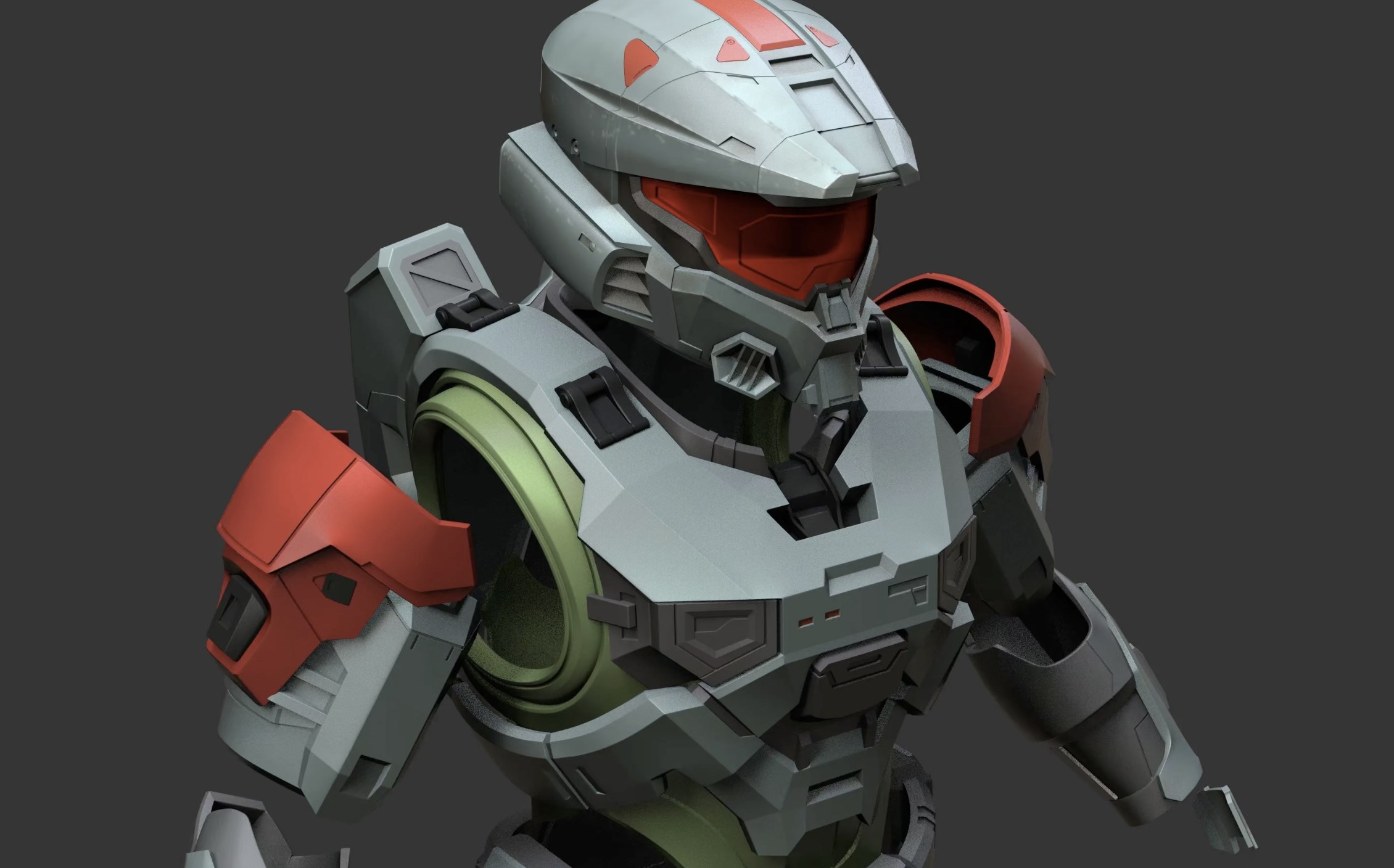
- Name STL 3D Viewer Pro
- Category Utilities & tools
- Developer iDreamMoon Studio
- Available on PC
- OS Windows 10 version 14316.0 or higher
- languages English (United States)
Introducing STL 3D Viewer Pro for Windows: Your Gateway to 3D model visualization
STL 3D Viewer Pro by iDreamMoon Studio is a dedicated tool designed to simplify the way enthusiasts and professionals view and manage their 3D models, specifically focusing on STL files. Whether you're a hobbyist, a student, or an engineer, this app aims to make 3D model visualization accessible and straightforward.
Built by a Passionate Developer: iDreamMoon Studio
Developed and published by iDreamMoon Studio, this application benefits from a team dedicated to creating user-friendly 3D visualization tools. Their emphasis is on delivering smooth performance combined with an intuitive interface tailored for Windows users.
Highlighting the Main Features
- Easy STL Loading and Navigation: Instantly open and view STL files with minimal fuss, supporting quick zoom, pan, and rotate functionalities.
- Real-time Model Manipulation: Adjust model orientation, scaling, and perspectives seamlessly, making inspecting complex models straightforward.
- Multiple Viewing Modes: Switch effortlessly between wireframe, solid, and shaded views to analyze different aspects of your 3D models.
- Performance Optimization: Optimized for smooth rendering even for high-polygon models, ensuring a lag-free experience.
First Impressions: Making 3D viewing feel like turning the pages of a detailed book
Imagine holding a miniature sculpture in your hand, inspecting every curve and angle—this is the experience STL 3D Viewer Pro tries to emulate but in your digital workspace. The moment you launch the app, a clean, clutter-free interface welcomes you, making it feel more like flipping open a high-quality publication than wrestling with complicated software. Its straightforward design respects your time, allowing you to focus on what's truly important: the models themselves.
Core Functionality 1: Seamless Model Loading and Manipulation
Loading STL files is as intuitive as opening a folder—drag and drop or select via a familiar file browser. Once loaded, the app provides a handful of tools for manipulating the model: rotate, zoom, and pan are all responsive and fluid, akin to turning a physical object in your hand. The real-time responsiveness ensures that exploring complex geometries or intricate details doesn't become a chore. Additionally, options for scaling and resetting views add versatility, making it easy for users to view models from all angles—even those stubborn overhanging features or tiny details.
Core Functionality 2: Viewing Modes and Model Analysis
What sets STL 3D Viewer Pro apart is its diverse viewing modes. Whether you prefer the stark clarity of a wireframe to see the skeleton of your design, or the solid shaded view to appreciate how your model will appear in the real world, this app delivers. Switching modes is as simple as clicking a button, and transitions are smooth, allowing for quick comparisons. This focus on multiple visualization options is especially valuable for engineers and designers who need to evaluate structural integrity or aesthetic qualities rapidly.
Exceptional User Experience and Unique Selling Points
The interface design is clean yet functional, with all controls logically placed for effortless navigation. The app's responsiveness ensures there's no lag between your commands and the visual updates—imagine turning a real model in your hands without any delay. Its learning curve is notably gentle, even for newcomers to 3D viewing software, thanks to contextual tooltips and straightforward menus.
Compared to other utilities & tools in its category, STL 3D Viewer Pro shines with its robust performance and focus on visualization quality rather than overly complex editing functionalities. Its ability to handle large, high-polygon models smoothly makes it stand out, especially for technical applications where detail fidelity is critical. Moreover, its lightweight nature ensures that it won't bog down your system, unlike some bulky CAD viewers.
Final Verdict: A Practical and Accessible 3D Viewing Companion
I would recommend STL 3D Viewer Pro to anyone needing a reliable, simple solution for viewing STL files. It's not cluttered with unnecessary features—just core functionalities executed well. Its unique strength lies in delivering smooth, high-quality visualization without a steep learning curve or system heaviness. Whether you're verifying your 3D print models or inspecting CAD prototypes, this app is a solid choice.
Pros
- Intuitive 3D model viewing
- Supports multiple file formats
- High rendering quality
- Built-in measurement tools
- Lightweight and quick load times
Cons
- Limited editing features
- Some file import errors
- No virtual reality support
- Basic annotation tools
- Occasional lag with detailed models










