

- Name Telegram Desktop
- Category Social
- Available on PC
- OS Windows 10 version 14316.0 or higher
- Keyboard Not specified
- Mouse Not specified
- languages English (United States)
Telegram Desktop for Windows: A Robust Messenger with Enhanced Features
Telegram Desktop for Windows is a versatile messaging application designed to provide seamless communication with a focus on security, customization, and connectivity, tailored for users who demand both efficiency and personalization in their digital interactions.
About the App
Developed by Telegram Messenger LLP, this desktop client aims to bring the core functionalities of Telegram directly to your Windows environment, enabling quick and reliable chat experiences without relying solely on mobile devices.
- Main Highlights:
- Secure, end-to-end encrypted messaging allowing confidential conversations.
- Advanced user profile customization, including custom usernames and profiles to reflect personal identity.
- Seamless connection discovery within your local network, making it easier for devices to synchronize and communicate efficiently.
- Rich media sharing and group chat capabilities enhanced for professional and social use.
- Target Audience: Tech-savvy individuals, professionals, and online communities seeking a secure and customizable communication platform on their Windows devices.
A Fresh Take on Desktop Messaging: An Inviting Introduction
Imagine sitting at your desk, all your favorite chats neatly consolidated in one elegant app, ready to keep you connected without missing a beat. Telegram Desktop for Windows is like having a secure digital clubhouse where your conversations are protected yet flexible enough to personalize and discover new ways to connect. It's the kind of app that feels both familiar and innovative—like upgrading your usual walkie-talkie to a high-tech command center.
Core Functionality: Powering Your Communications
Secure and Instant Messaging with a Personal Touch
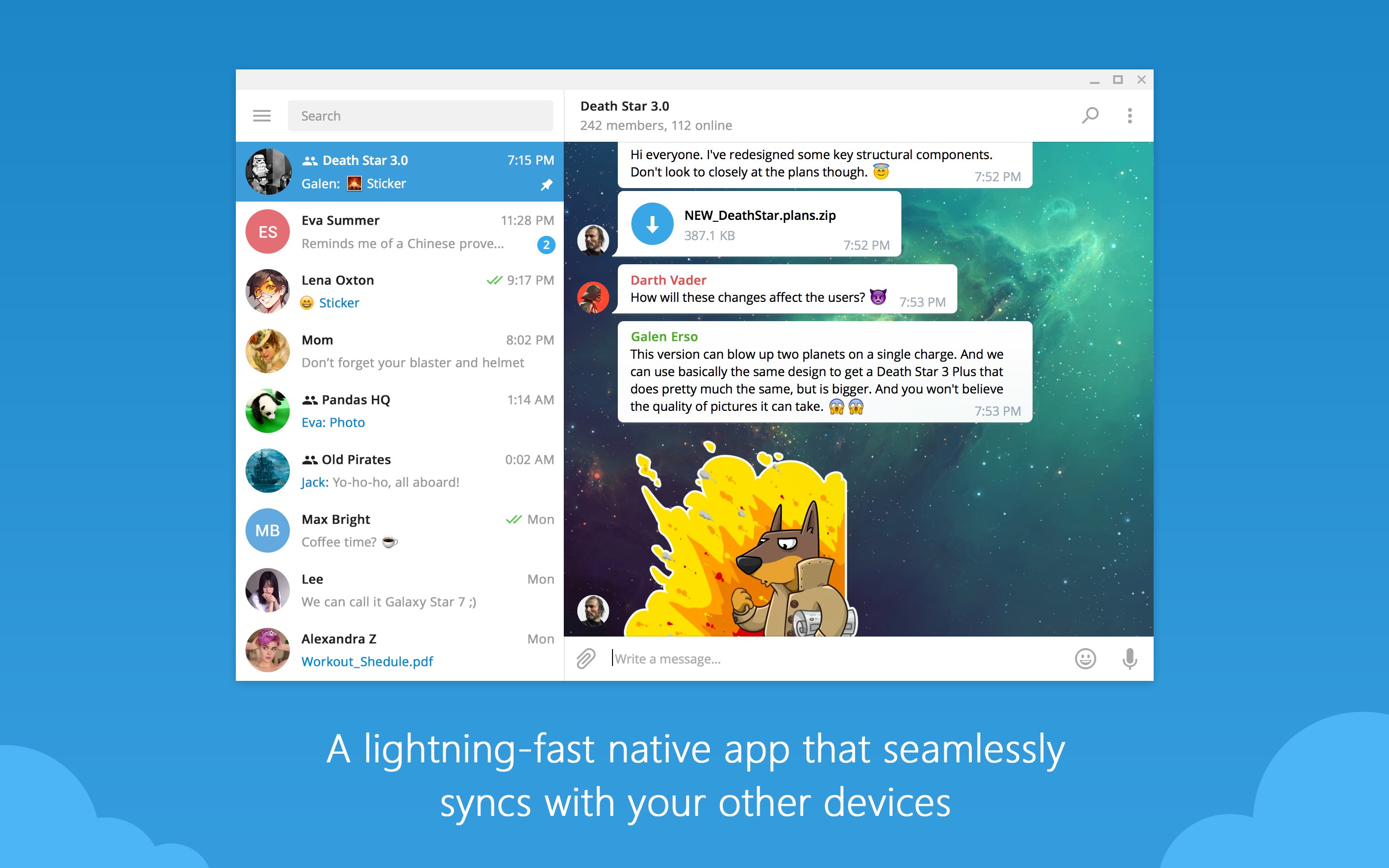
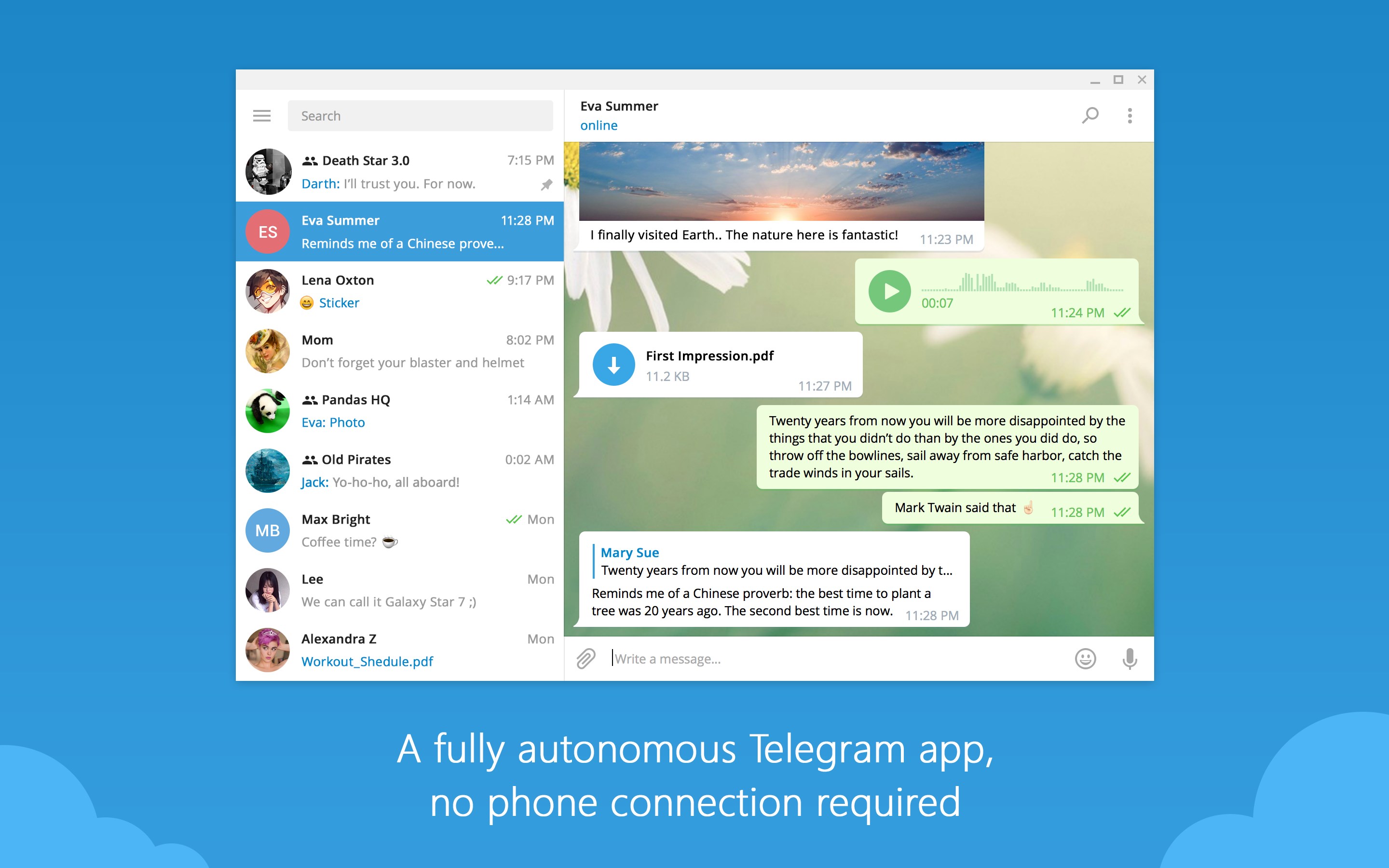
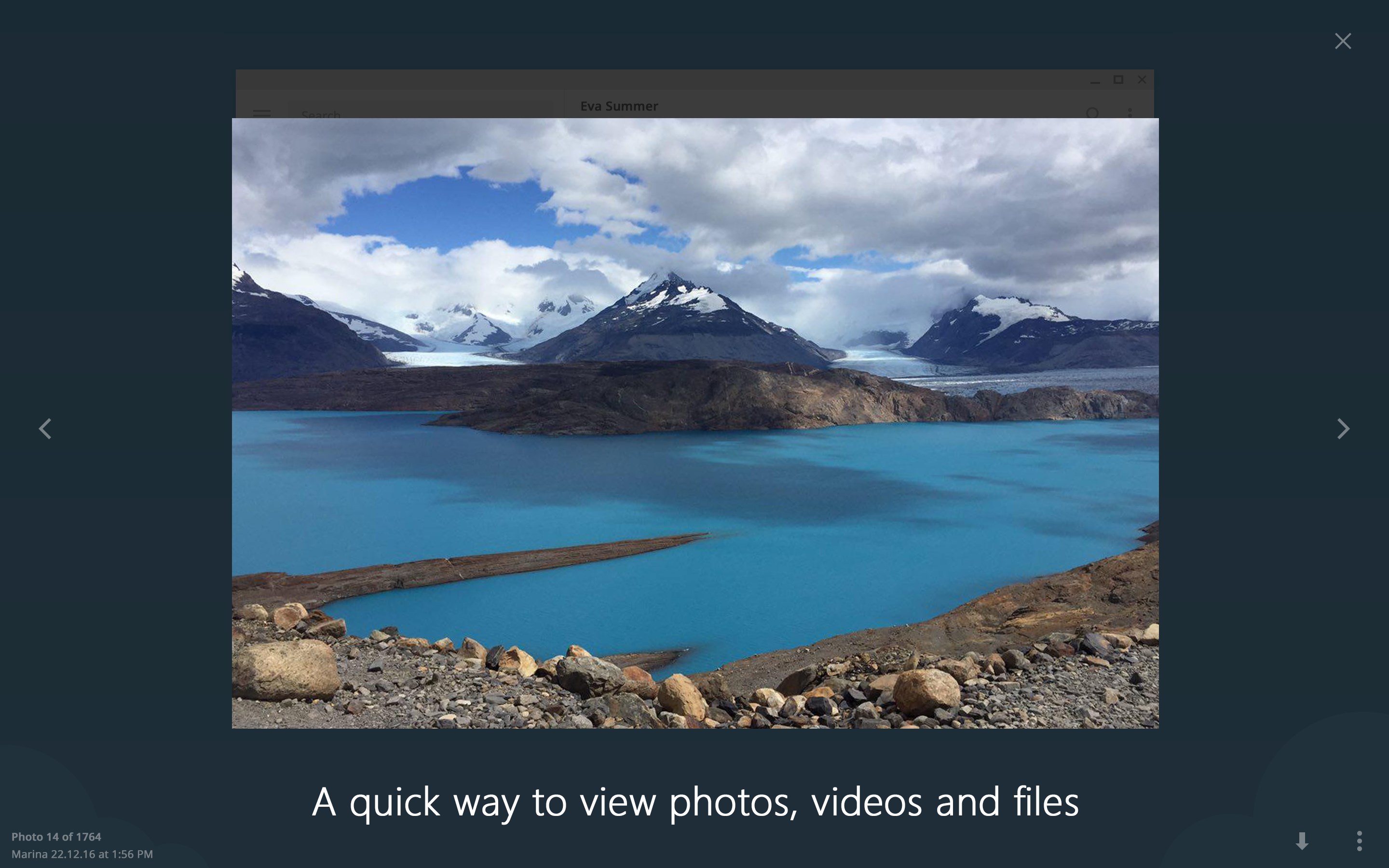
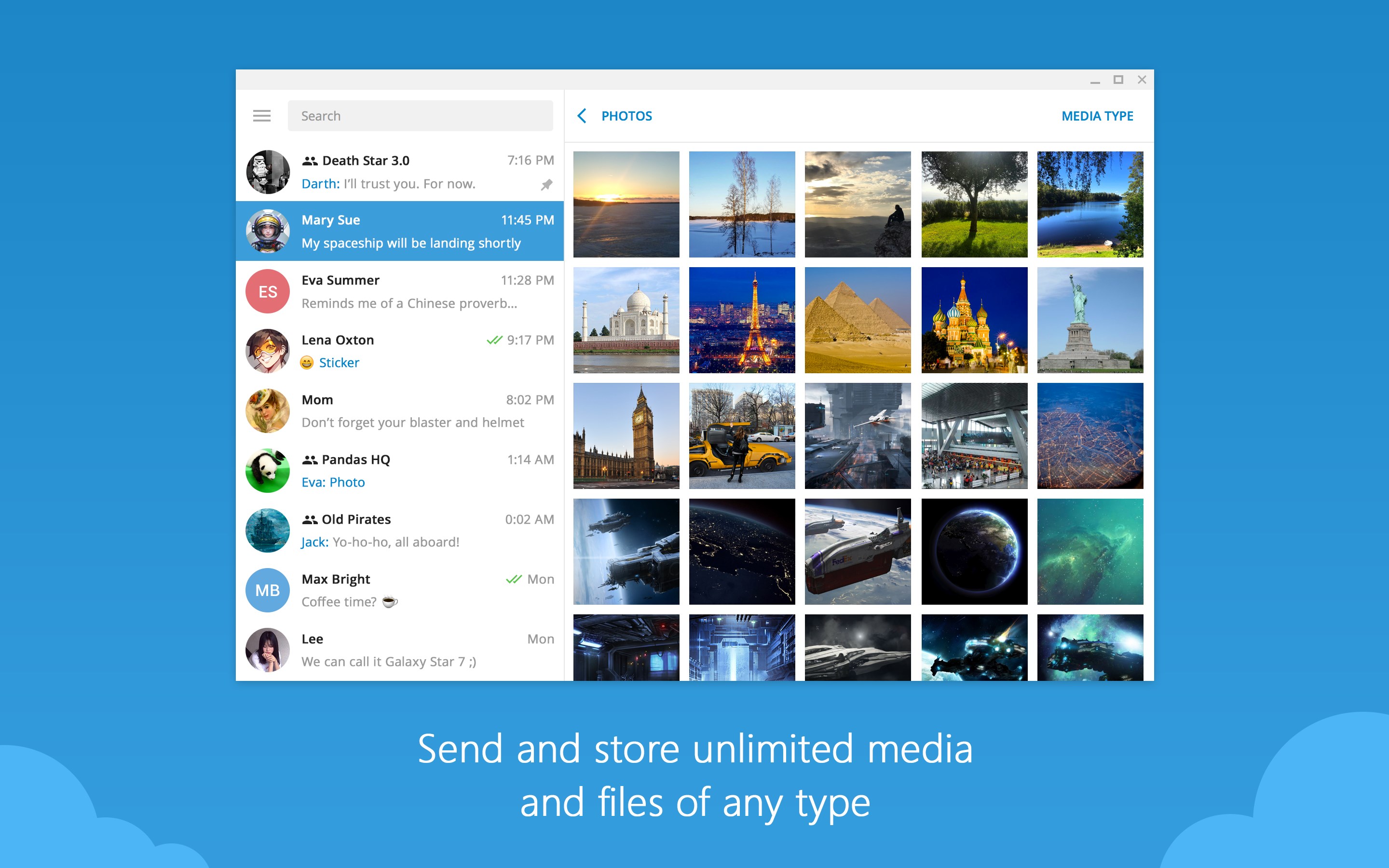
First and foremost, Telegram's reputation for privacy and security shines brightly in its desktop incarnation. End-to-end encrypted chats ensure your messages stay confidential, whether you're coordinating a project or catching up with friends. Beyond security, the application supports rich media sharing—images, videos, and files—making your conversations lively and versatile. The interface is akin to a well-organized digital scrapbook, clean and straightforward, allowing users to swiftly find and continue ongoing discussions without fuss.
Enhanced User Profile Customization
One of the app's standout features is its ability to let users craft unique profiles. Think of it as designing your personal digital avatar—adding custom usernames, profile photos, or even brief bios—that influence how others see you on the platform. This not only fosters authenticity but also adds a layer of personalization that transforms Telegram from a mere messaging app into a platform where your digital persona can truly shine. Unlike some competitors that restrict profile options, Telegram empowers users with creative and identity-enhancing choices.
Local Connection Discovery & Device Synchronicity
Another highlight worth mentioning is the app's ability to facilitate device connection discovery within your local network. This means your Windows desktop can automatically identify and sync with other Telegram-connected devices nearby—your phone, tablet, or even friends' devices—making handoffs and multi-device continuity smoother than ever. It's like having a digital handshake that instantly links all your gadgets, streamlining communication especially in shared environments like offices or homes.
User Experience: Friendly, Familiar, Yet Innovative
The user interface strikes a balance between minimalism and functionality—think of it as a well-organized workspace where everything is at arm's reach. Navigation is intuitive, with familiar chat layouts that reduce the learning curve, even for new users. Operation is fluid, with quick response times that keep conversations flowing naturally, much like chatting with a friend face-to-face. This straightforward approach caters especially to users who value efficiency but still crave a degree of personalization and control over their digital interactions.
Unique Differentiators: What Sets It Apart?
Compared to other social applications, Telegram excels in its emphasis on authenticity and connection discovery. Its sophisticated profile customization allows users to craft unique digital identities, making interactions more genuine and personalized. Meanwhile, the local network connection feature simplifies device discovery and synchronization, setting it apart from platforms that rely solely on internet-based connectivity. This dual-layer approach ensures a more versatile and resilient communication experience, especially in environments where internet stability varies or privacy is paramount.
Final Thoughts: Is It Worth a Try?
Considering its comprehensive feature set, emphasis on security, and user-centric design, Telegram Desktop for Windows deserves a solid recommendation for those seeking a dependable and customizable messaging tool. It's particularly well-suited for users who place a premium on privacy and personalized profiles, coupled with the convenience of multi-device synchronization. If you're looking for a desktop chat companion that combines reliability with innovative features like local connection discovery, this app is definitely worth exploring. Just remember, its strength lies in those tailored touches—so if personalized, secure, and connected communication aligns with your needs, Telegram Desktop could be your new favorite digital workspace.
Pros
- User-Friendly Interface
- Multi-Device Synchronization
- Rich Media Support
- Strong Privacy Features
- Customizable Notifications
Cons
- Occasional Lag
- Limited Advanced Features
- Resource Intensive
- Media Download Management
- Customization Options










