

- Name Human Typer
- Category Utilities & tools
- Developer Human Typer
- Available on PC
- OS Windows 10 version 17763.0 or higher
- languages English (United States)
Human Typer for Windows: A Smart Companion for Effortless Typing
Human Typer is a productivity utility designed to streamline repetitive typing tasks on Windows, making daily digital interaction more efficient and less tedious. Whether you're a student, professional, or just someone who frequently fills out forms, this app aims to be your reliable typing assistant.
About the Developer and Core Features
Who's Behind Human Typer?
Developed and published by Human Typer, a team dedicated to creating user-centric productivity tools that enhance digital workflows without sacrificing simplicity.
Top Features & Highlights
- Auto-typing Presets: Save time by creating custom snippets and have the app automatically type out entire blocks of text with a single click or shortcut.
- Hotkey Customization: Fully customizable keyboard shortcuts allow quick access to your frequently used texts, streamlining your workflow.
- Clipboard Management & Automation: Integrates seamlessly with clipboard history, enabling automatic pasting and reducing repetitive manual input.
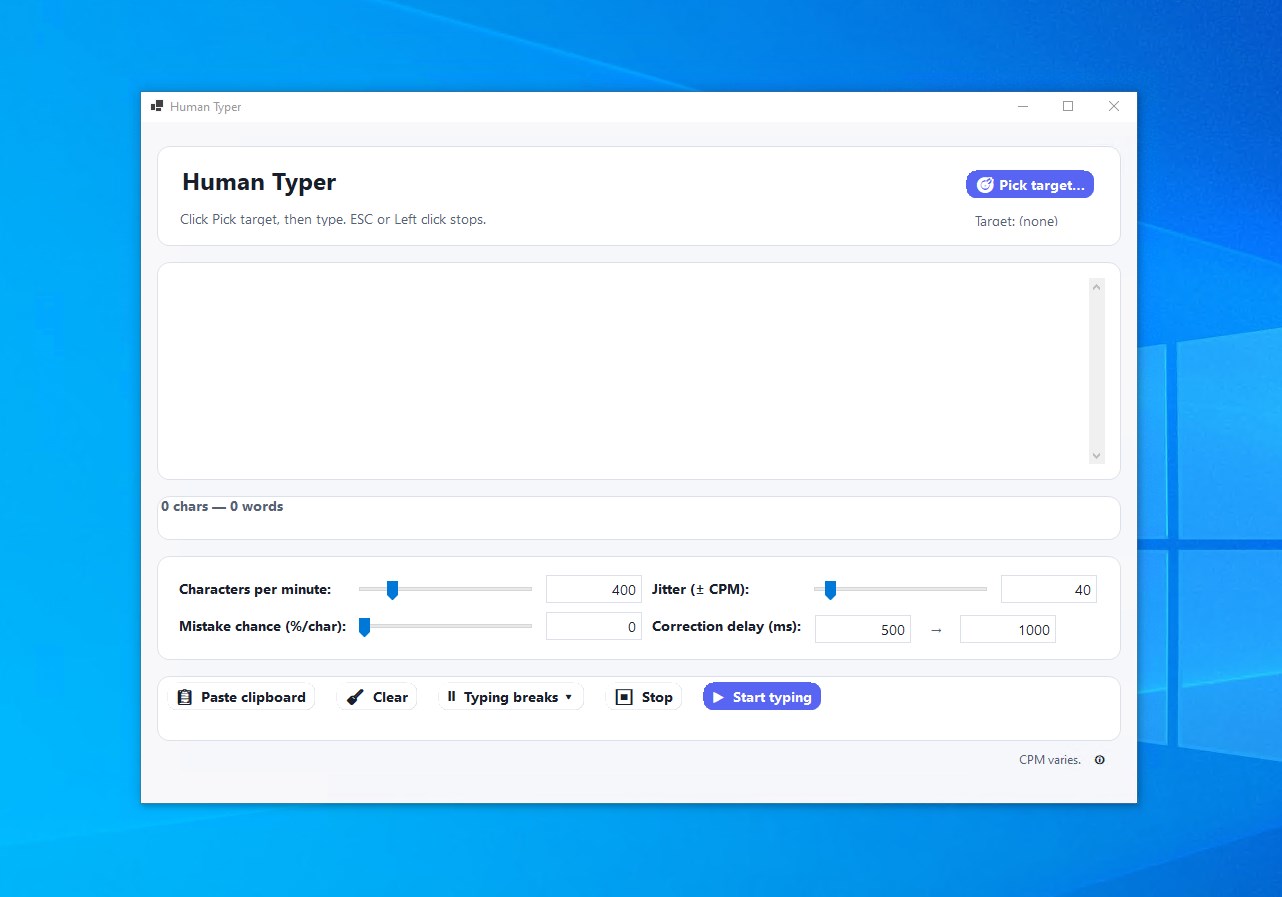
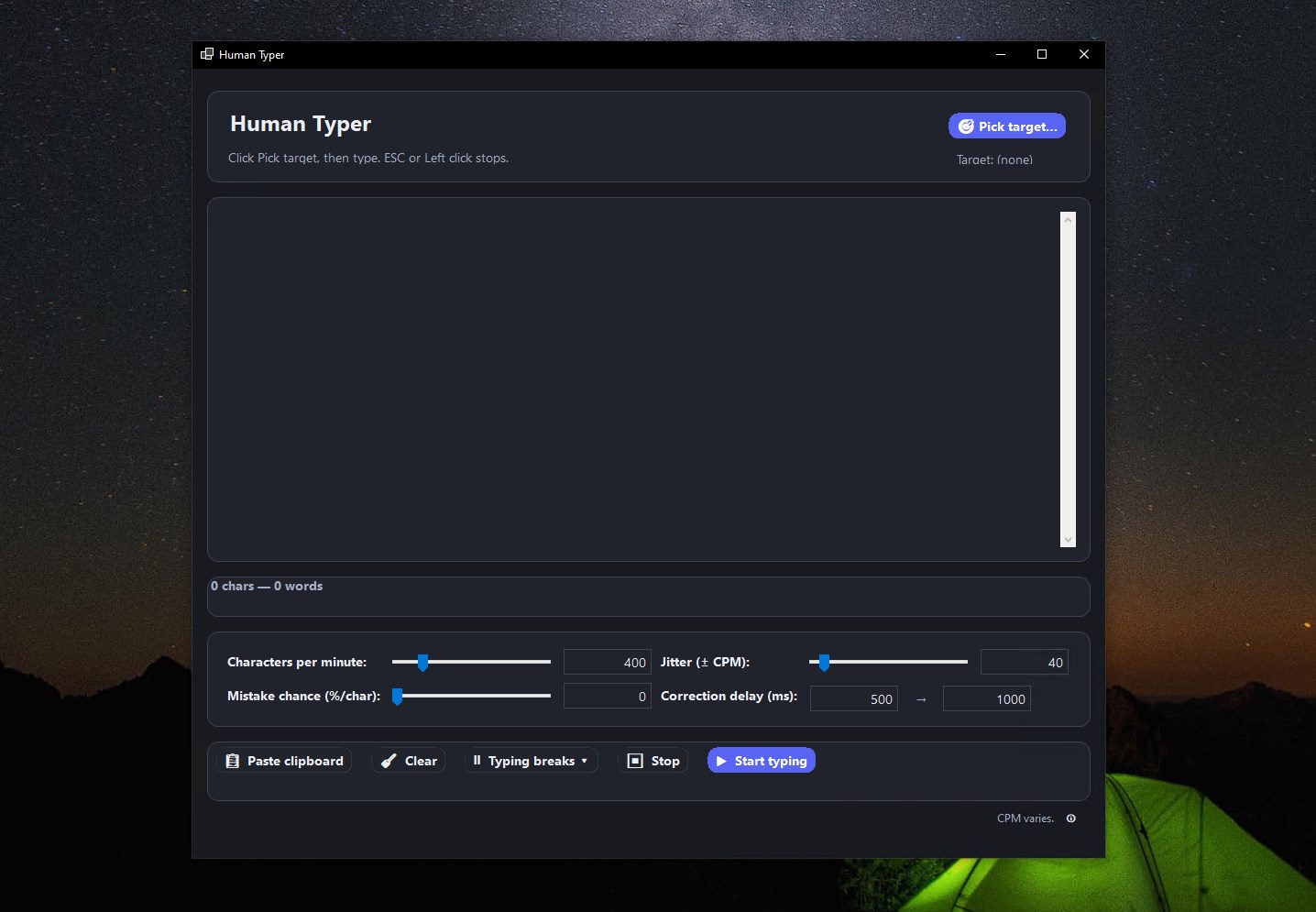
- Intuitive Interface: User-friendly layout designed for effortless setup and operation, even for less tech-savvy users.
Deep Dive into the Experience
Starting Your Journey: The Interface & Ease of Use
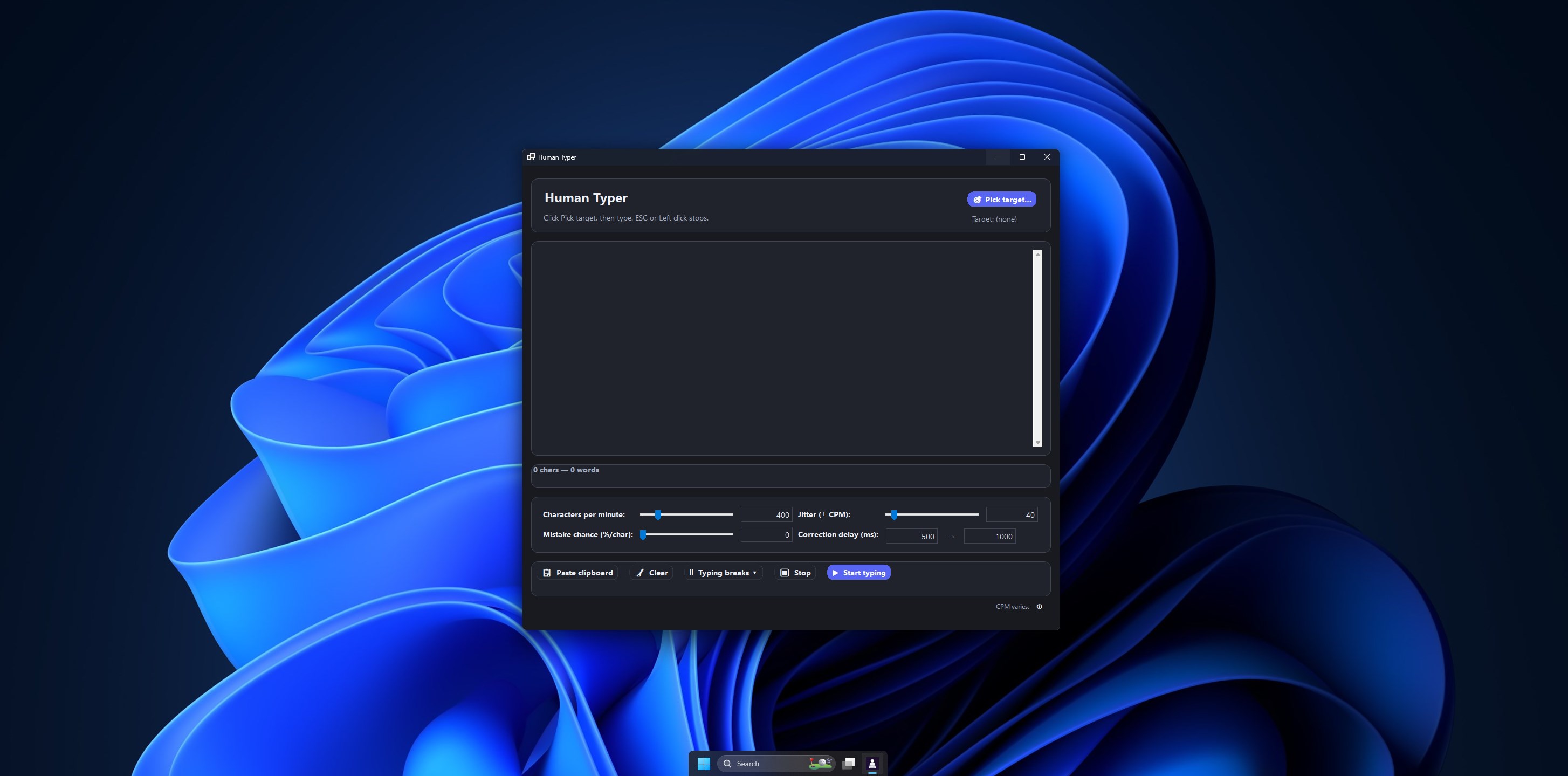
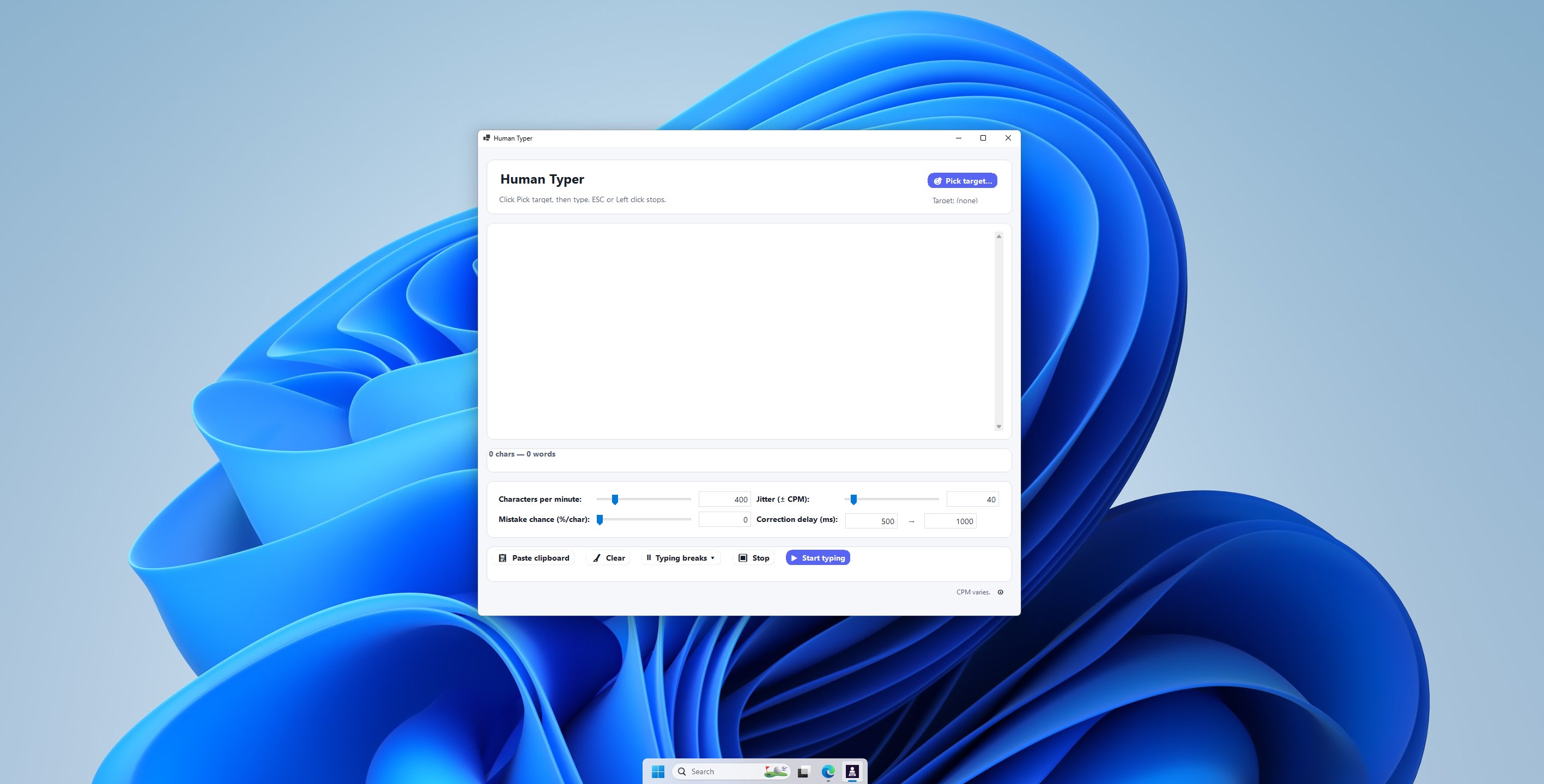
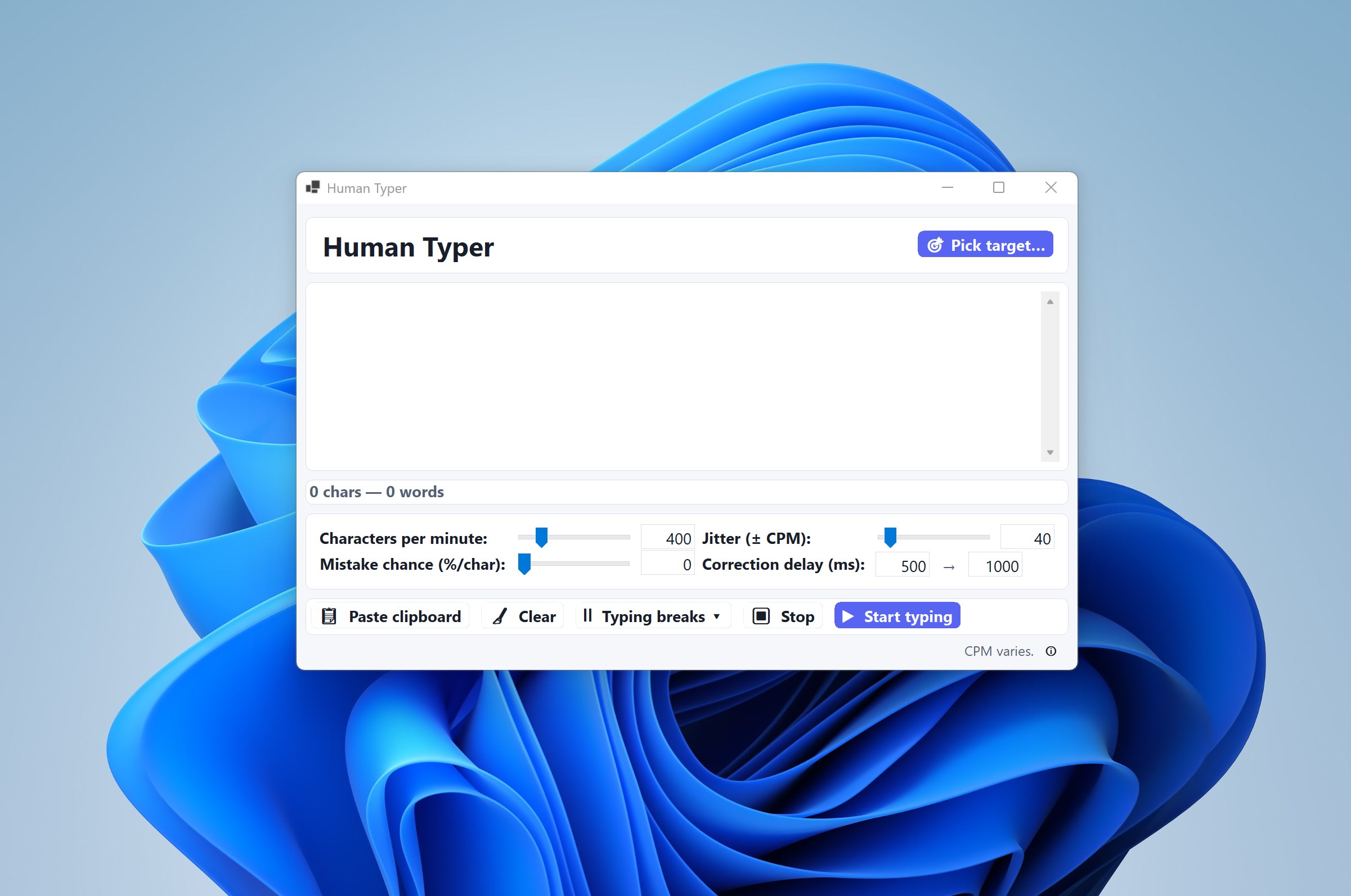
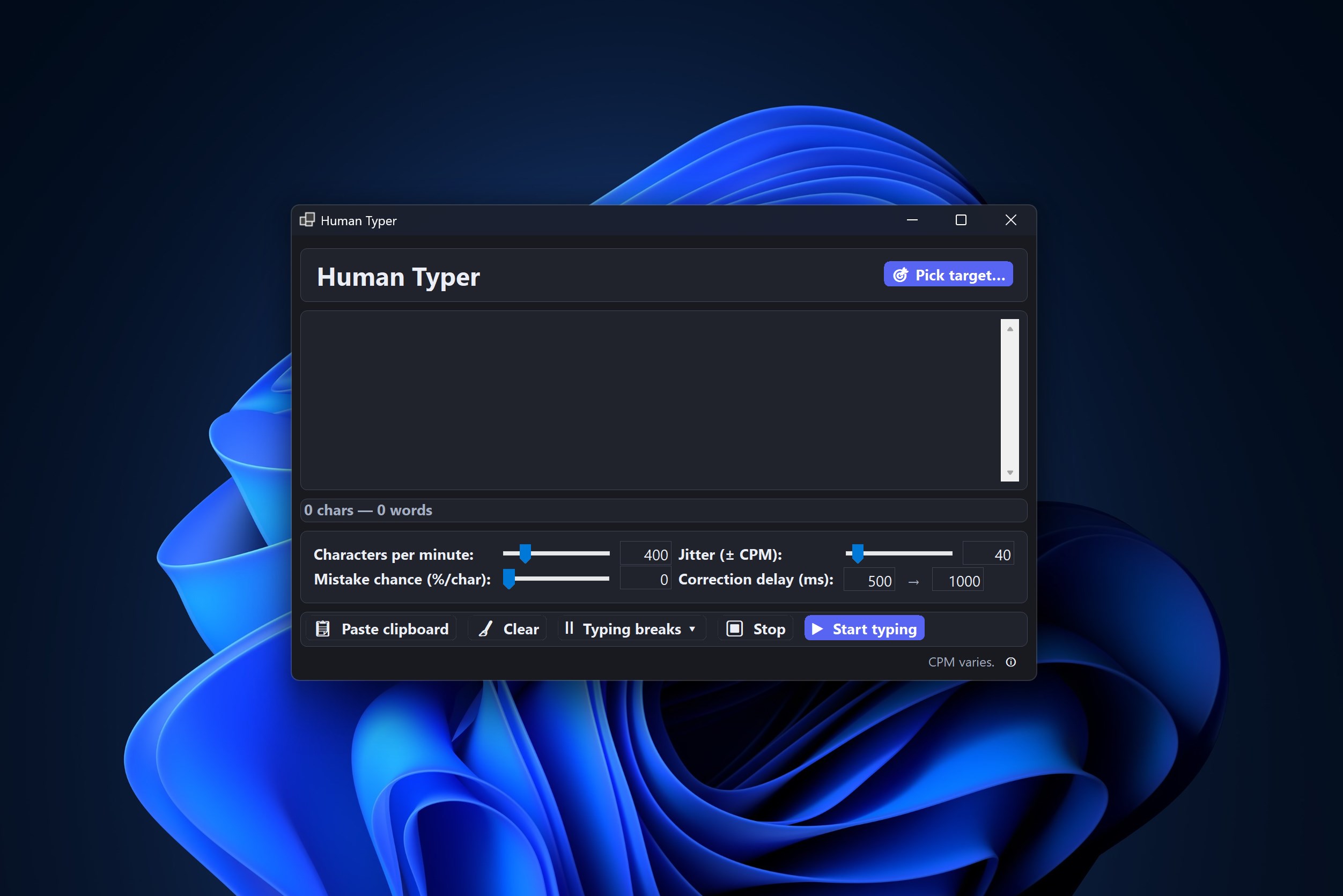
Human Typer boasts a clean, straightforward interface that feels like a well-organized workspace — no clutter, just essential controls at your fingertips. On launching, users are greeted with a minimalistic dashboard allowing quick access to create snippets and set hotkeys. The learning curve is gentle; even first-time users will find configuring their presets intuitive, akin to setting up shortcuts on a familiar device. The app runs silently in the background, ready to spring into action when needed, making your automation feel like a natural extension of your keyboard.
Core Functionalities: Making Repetition a Breeze
- Auto-typed Presets: Transform repetitive typing into a single click: Imagine you often write the same email greeting or product description. Instead of manually typing it every time, you can save it as a template and trigger it effortlessly. The process is simple: create a snippet, assign a shortcut, and watch the magic unfold. This feature is particularly powerful for customer support professionals, marketers, or anyone managing large volumes of uniform responses.
- Custom Hotkeys for Rapid Access: Human Typer allows users to assign personalized keyboard shortcuts to any snippet or function. This customization means less time spent hunting for templates—just press your hotkey combo, and the app types out your pre-defined text faster than you can say “done.” It feels akin to having a personal scribe at your fingertips, meticulously prepared for every occasion.
- Clipboard Integration & Automation: Smarter pasting: Beyond simple snippets, the app keeps track of your clipboard history, so if you copy multiple items, you can choose which to insert where. Moreover, automation rules let you set up sequences where certain clipboard contents are automatically pasted into specific applications or fields, significantly speeding up data entry tasks.
Comparing with Similar Tools: What Makes It Stand Out?
While several utilities offer text expansion and automation, Human Typer shines through its simplicity and flexibility. Unlike bulkier macro tools that may intimidate new users, this app feels approachable, focusing solely on core typing productivity. Its customizable hotkeys and seamless clipboard integration address everyday pain points more effectively than generic utilities. Additionally, its minimalistic design means it doesn't hog system resources or clutter your workspace, making it an ideal lightweight companion for daily tasks.
Final Verdict and Recommendations
Human Typer for Windows is a well-crafted tool that strikes a thoughtful balance between functionality and ease of use. Its standout features—particularly the shortcut-driven snippets and clipboard automation—make repetitive typing less of a chore and more of a streamlined process. I recommend it to anyone seeking a straightforward, reliable utility to boost their typing efficiency, from busy professionals to casual users looking to save time. While it might not replace more comprehensive macro suites for complex workflows, its targeted design ensures it excels at what it promises.
In conclusion, if you're tired of constantly re-typing the same information and want a low-threshold, effective solution, Human Typer is worth trying out. It's not just a tool—it's a digital assistant that quietly keeps your fingers moving while you focus on the essentials.
Pros
- Accurate Touch Typing Exercises
- Intuitive User Interface
- Progress Tracking Features
- Customizable Practice Lessons
- Offline Mode Support
Cons
- Limited Free Content
- Basic Visual Feedback
- No Voice Feedback Option
- Occasional Syncing Delays
- Limited Custom Keyboard Layout Options










