

- Name My-Technician
- Category Utilities & tools
- Available on PC
- OS Windows 10 version 17763.0 or higher
- Keyboard Integrated Keyboard
- Mouse Integrated Mouse
- Memory 2 GB
- languages English (United States)
My-Technician for Windows: Your All-in-One Troubleshooting Companion
If your Windows PC ever acts up or slows down, My-Technician for Windows is like having a friendly, tech-savvy neighbor by your side, ready to diagnose and fix common issues with just a few clicks. Designed to streamline the troubleshooting process, this app offers a practical solution for everyday computer maintenance without requiring advanced technical skills.
Basic Information: Setting the Stage
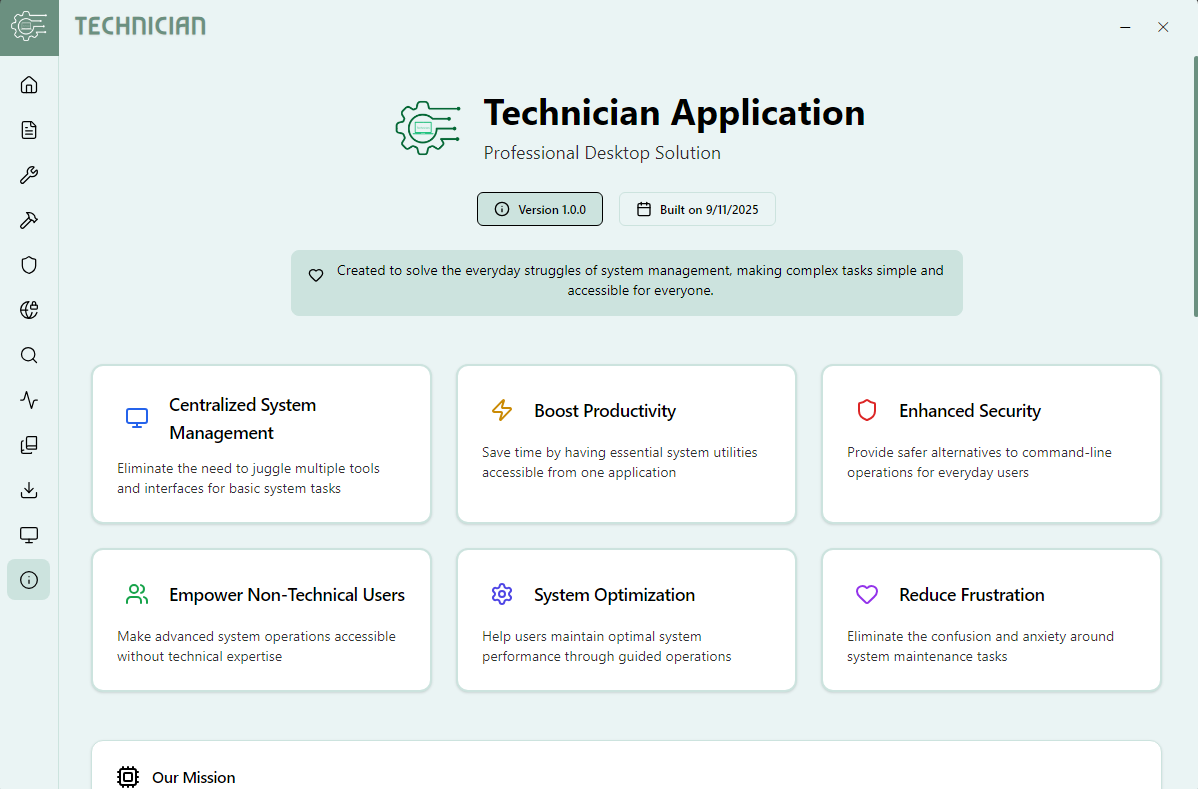
My-Technician for Windows is a comprehensive utility app developed by the team at MyTechnician, aimed at everyday users who want quick fixes and system insights. Its cornerstone features include intuitive diagnostics, system cleaning, and performance optimization. The app boasts a simple interface designed to make routine maintenance accessible to a broad audience, from students to busy professionals seeking to keep their machines running smoothly. The target demographic encompasses Windows users looking for a reliable, user-friendly tool to manage system health without deep technical knowledge.
Engaging and Practical: An Introductory Spark
Imagine your computer as a bustling city — over time, trash piles up in the streets, traffic gets congested, and systems slow down, making your daily digital journey cumbersome. My-Technician acts as a diligent city maintenance crew, swiftly clearing debris, fixing broken traffic lights, and restoring harmony. Its approachable design turns complex diagnostics into a friendly dialogue, helping users quickly identify issues and implement solutions. Whether you're a student who just wants homework done, or a professional trying to avoid tech frustrations, this app promises to be a helpful companion on your digital adventure.
Core Features: Deep Dive into the App's Heart
Smart System Diagnostics
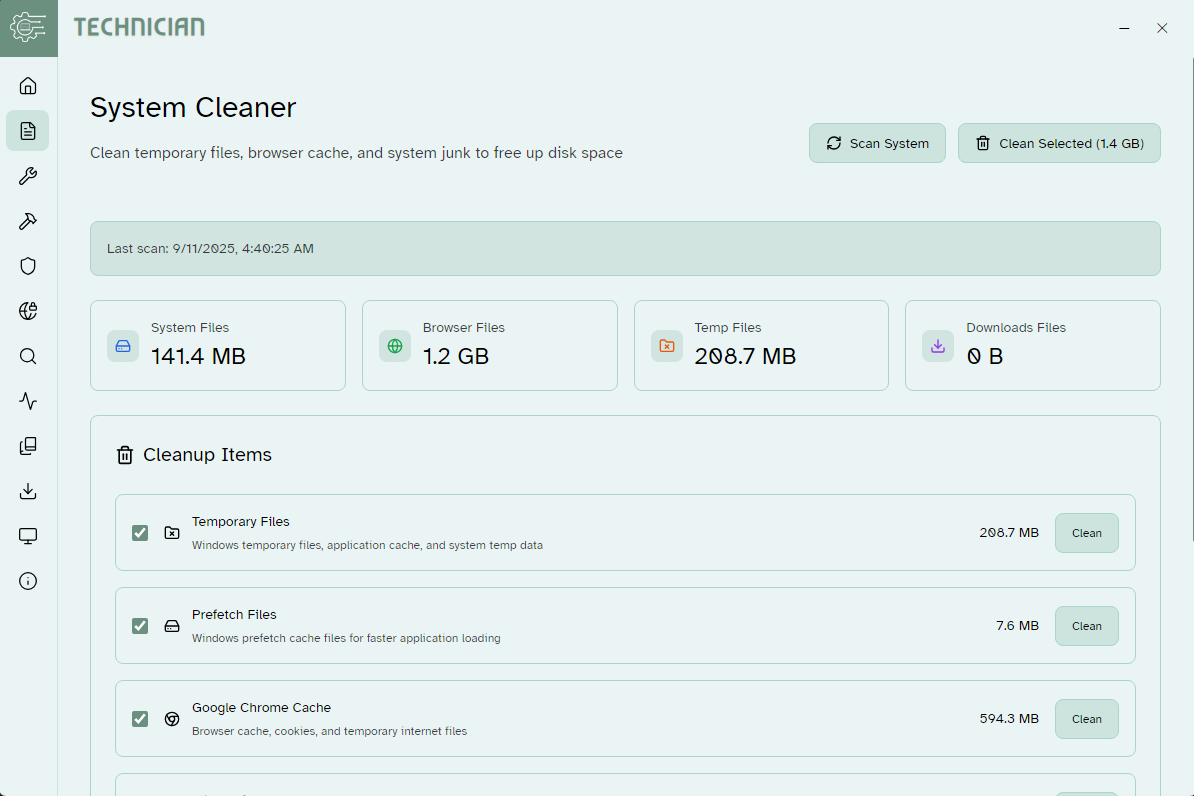
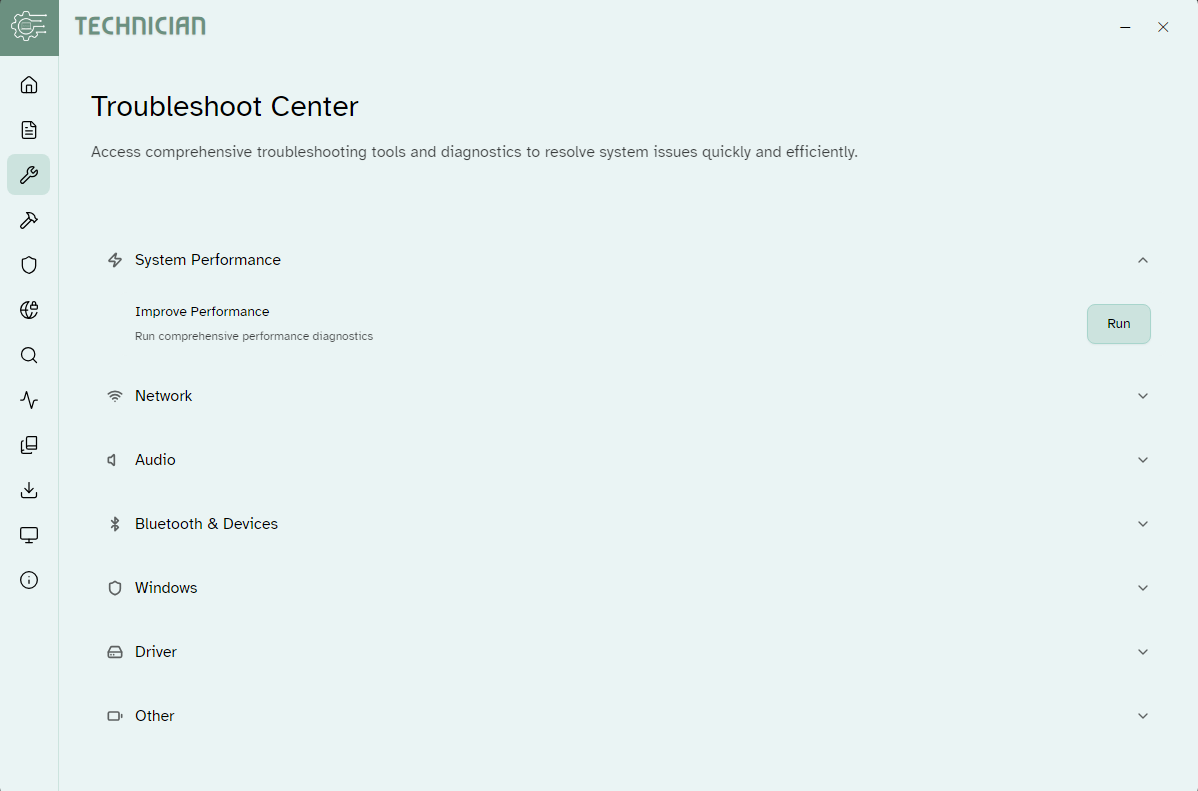
The standout feature of My-Technician is its intelligent diagnostic engine. Upon launching, it performs a quick scan of your system, pinpointing issues such as hidden malware, outdated drivers, or unnecessary startup programs. The process is seamless, presenting clear, non-technical explanations alongside actionable recommendations. This feature equips users with valuable insights, much like a trusted mechanic inspecting your car — you see what's wrong and learn what needs fixing, all without complicated jargon.
One-Click Cleanup and Optimization
Once problems are identified, the app offers an elegant one-click solution to clean junk files, free RAM, and optimize system processes. Think of it as a spa day for your computer — reviving sluggish performance with minimal effort. The cleaning process is designed to be quick and safe, ensuring user data remains protected. Its automation encourages regular maintenance, transforming what used to be a chore into a brief, satisfying ritual.
System Monitoring and Insights
Another compelling aspect is its real-time system monitoring. The app provides a dashboard that displays CPU usage, disk activity, and network traffic, akin to a health monitor for your PC. This continuous insight allows users to catch anomalies early, preventing potential issues before they escalate. Unlike many utilities that merely offer cleaning tools, My-Technician provides educational, easy-to-understand data, empowering users to learn more about their computers' health over time.
Heuristic Design & User Experience
The interface of My-Technician is clean, user-friendly, and clutter-free — reminiscent of a well-organized toolbox. Navigation is intuitive; even users unfamiliar with system diagnostics can operate it smoothly following the guided prompts. The app's responsiveness is commendable, with smooth transitions and quick scans, making the experience feel like chatting with a knowledgeable friend rather than wrestling with complex settings. The learning curve is gentle, suitable for beginners, yet the comprehensive insights keep more experienced users engaged and informed.
Unique Selling Points and Differentiation
What sets My-Technician apart from other utility tools is its emphasis on transparency and education. While many apps perform automated scans, few explain findings so clearly and offer tailored suggestions that users can act upon confidently. Its system monitoring feature resembles having a dashboard in a car, giving ongoing feedback rather than just reactive fixes. This combination of proactive health tracking combined with simple repair options makes it particularly appealing for users wanting to maintain their PC confidently without being overwhelmed by technical complexity.
Final Verdict: Worth a Try for Daily Maintenance
In conclusion, My-Technician for Windows is a trustworthy, accessible tool that effectively balances simplicity with powerful diagnostic and cleaning features. Its standout benefits — particularly the intelligent diagnostics and real-time system insights — make it an excellent choice for everyday users seeking to keep their PCs in optimal shape. I recommend it to anyone who feels uneasy about technical maintenance but wants a handy, reliable assistant to keep their Windows machine running smoothly. For those tired of hiring technicians for minor issues, this app acts as a friendly, competent neighbor—always ready to lend a helping hand.
Pros
- User-Friendly Interface
- Comprehensive Diagnostic Tools
- Fast Response Time
- Secure Data Handling
- Regular Updates
Cons
- Limited Availability in Some Regions
- Occasional Glitches During Scheduling
- Features Might Require Internet Connection
- Limited Support for Older Devices
- Potentially Longer Wait Times During Peak Hours










