

- Name FourClicks Media: Essential Photo Organizer, Converter & 4K Slideshow Creator
- Category Photo & video
- Developer FourClicks Manager
- Available on PC
- OS Windows 10 version 19041.0 or higher
- Keyboard Integrated Keyboard
- Mouse Integrated Mouse
- Memory 4 GB
- languages English (United States)
Introducing FourClicks Media: Your All-in-One Photo Organizer and Creative Toolbox
FourClicks Media offers a comprehensive Windows application designed to streamline photo management, conversion, and slideshow creation, making it an essential tool for both casual users and professional photographers alike.
Who's Behind the Curtain? The Developer and Core Features
Developed and published by FourClicks Manager, this app packs a punch with its intuitive interface and robust functionality. Its main highlights include an efficient photo organization system, versatile photo conversion capabilities, and the ability to craft stunning 4K slideshows—all within a single, user-friendly platform. It caters primarily to users who need quick, effective solutions for managing large photo libraries, including hobbyists, photographers, and small business owners looking to showcase images professionally.
A Bright Introduction: Why This App Stands Out
Imagine flipping through an old photo album—worn pages, scattered prints—now picture doing that digitally, but with the power to instantly locate, convert, and bring those memories to life with vivid slideshows. FourClicks Media feels like having a magic photo vault in your computer. Its well-structured workflow makes organizing your images feel like a breeze, and its creative slideshow maker transforms static collections into dynamic displays that captivate and inspire. Whether you're archiving family moments or preparing a professional portfolio, this app is like your trusty Swiss Army knife for photos.
Seamless Photo Management and Organization
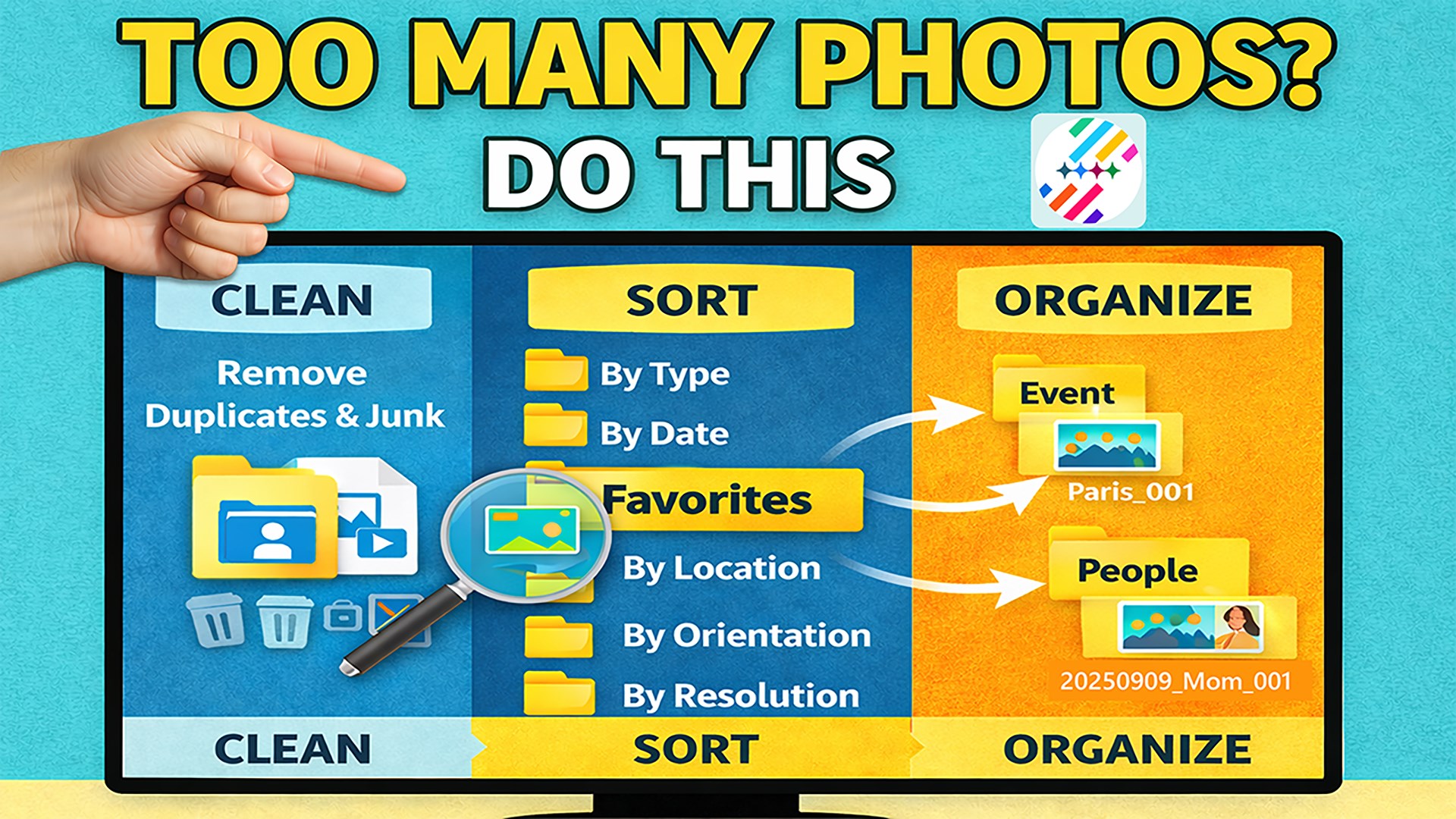
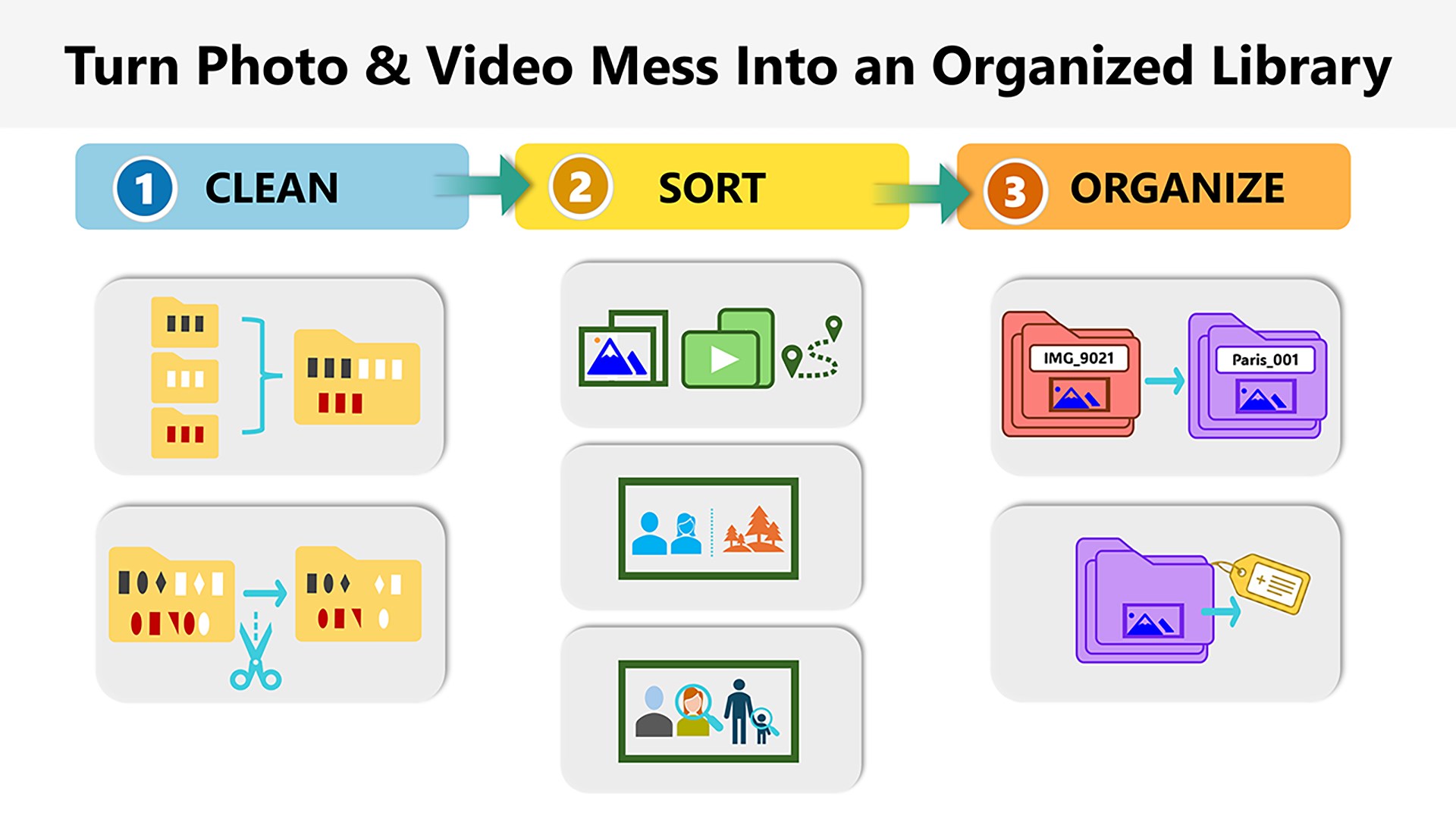
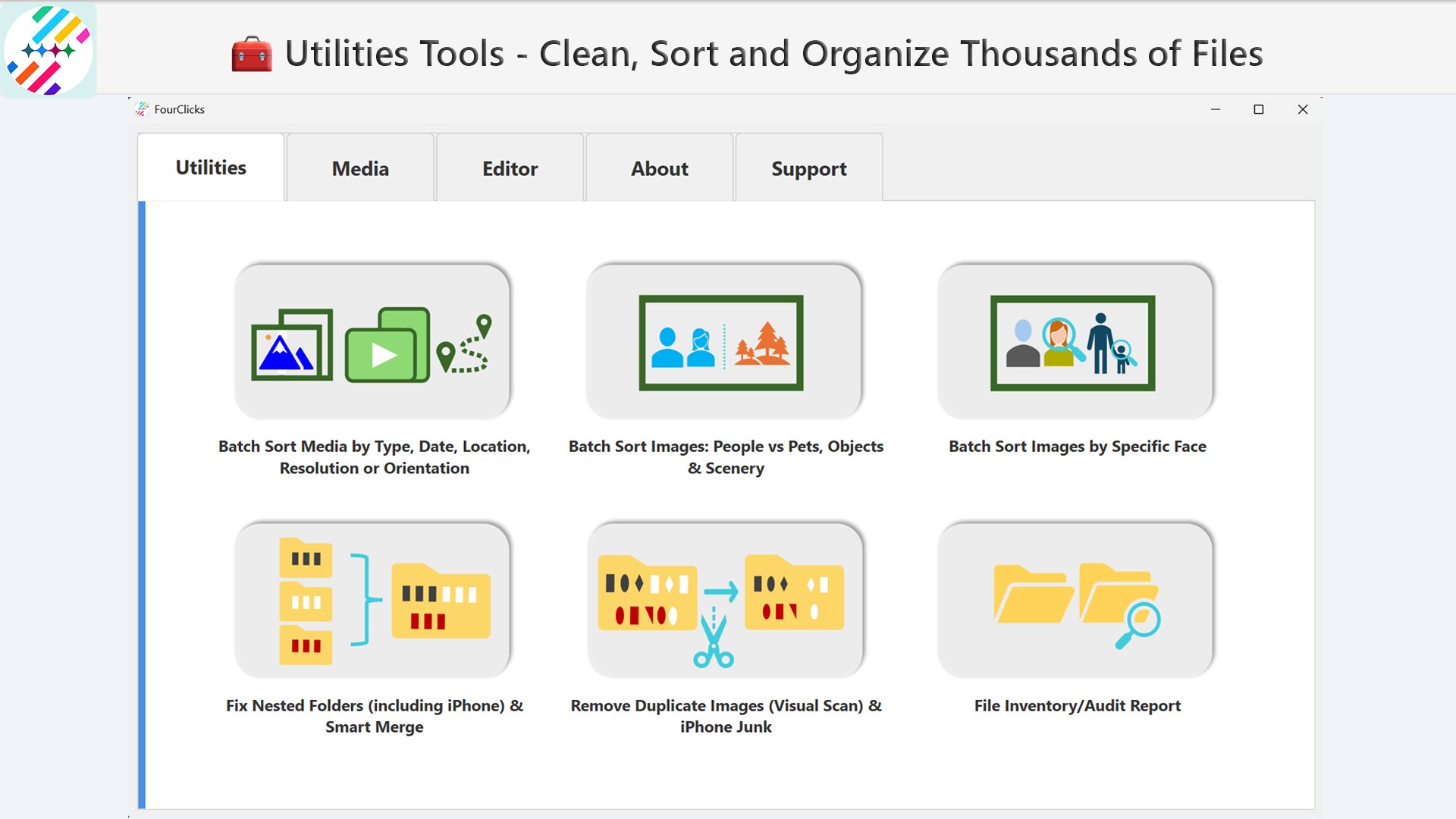
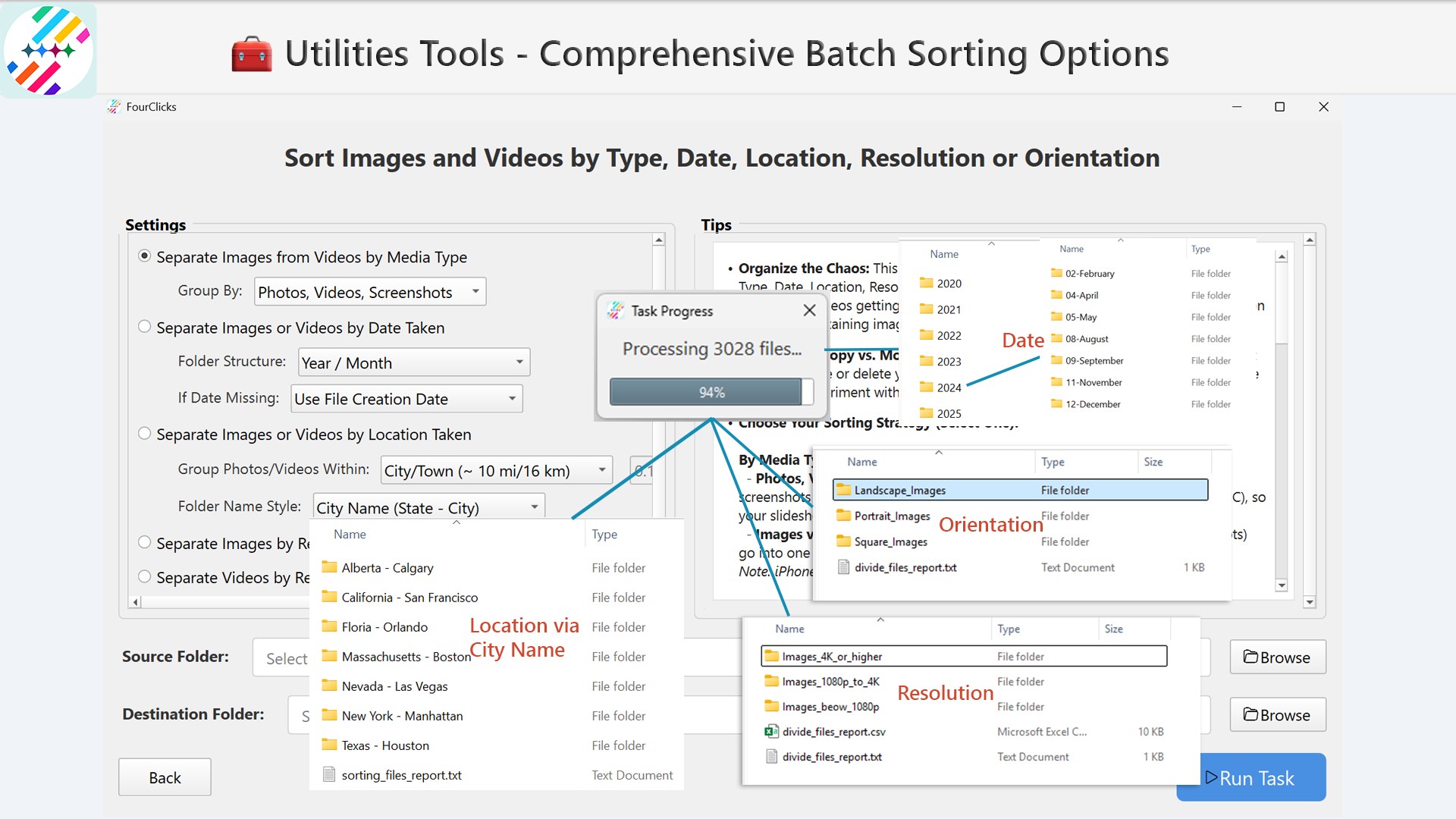
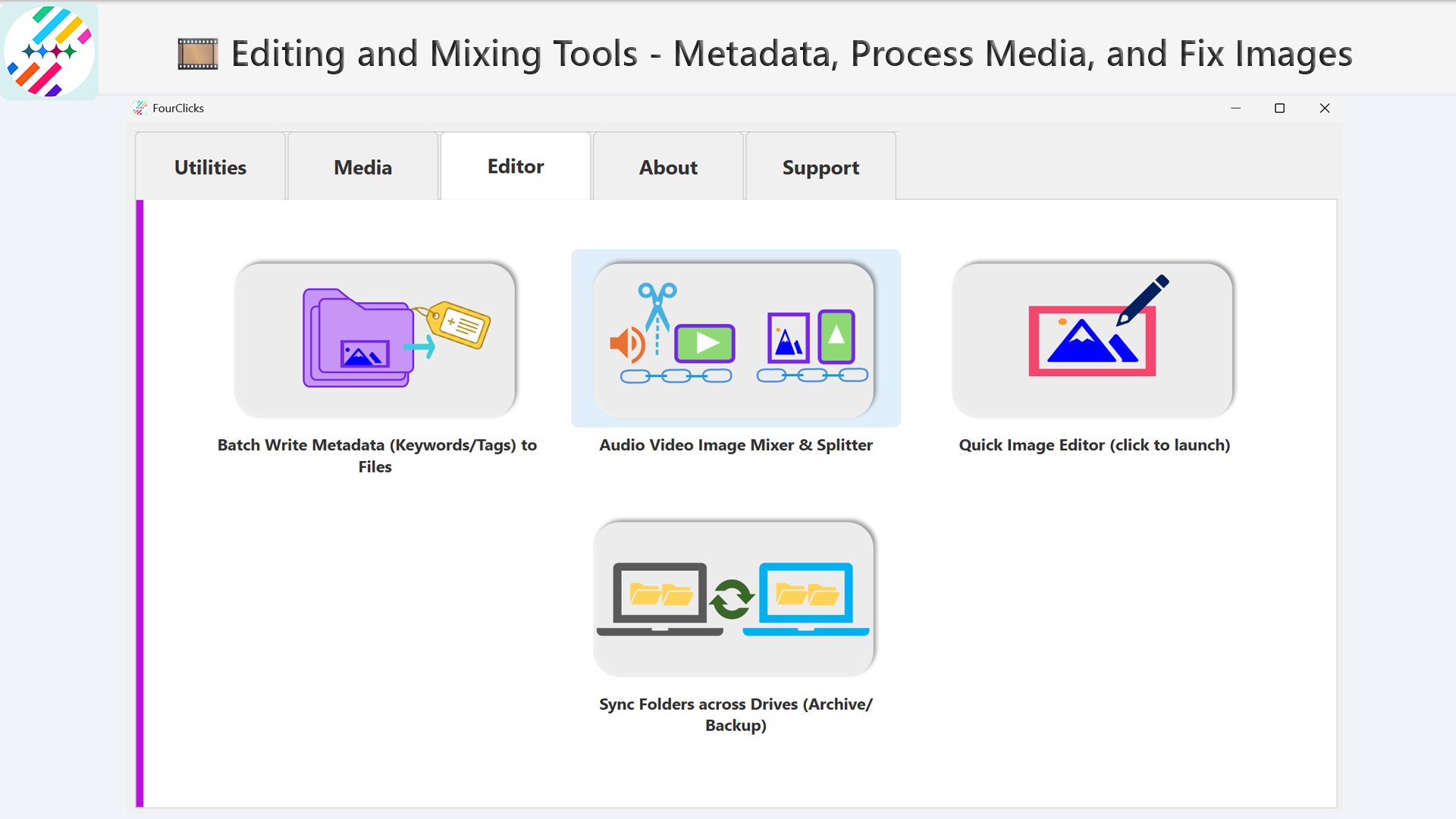
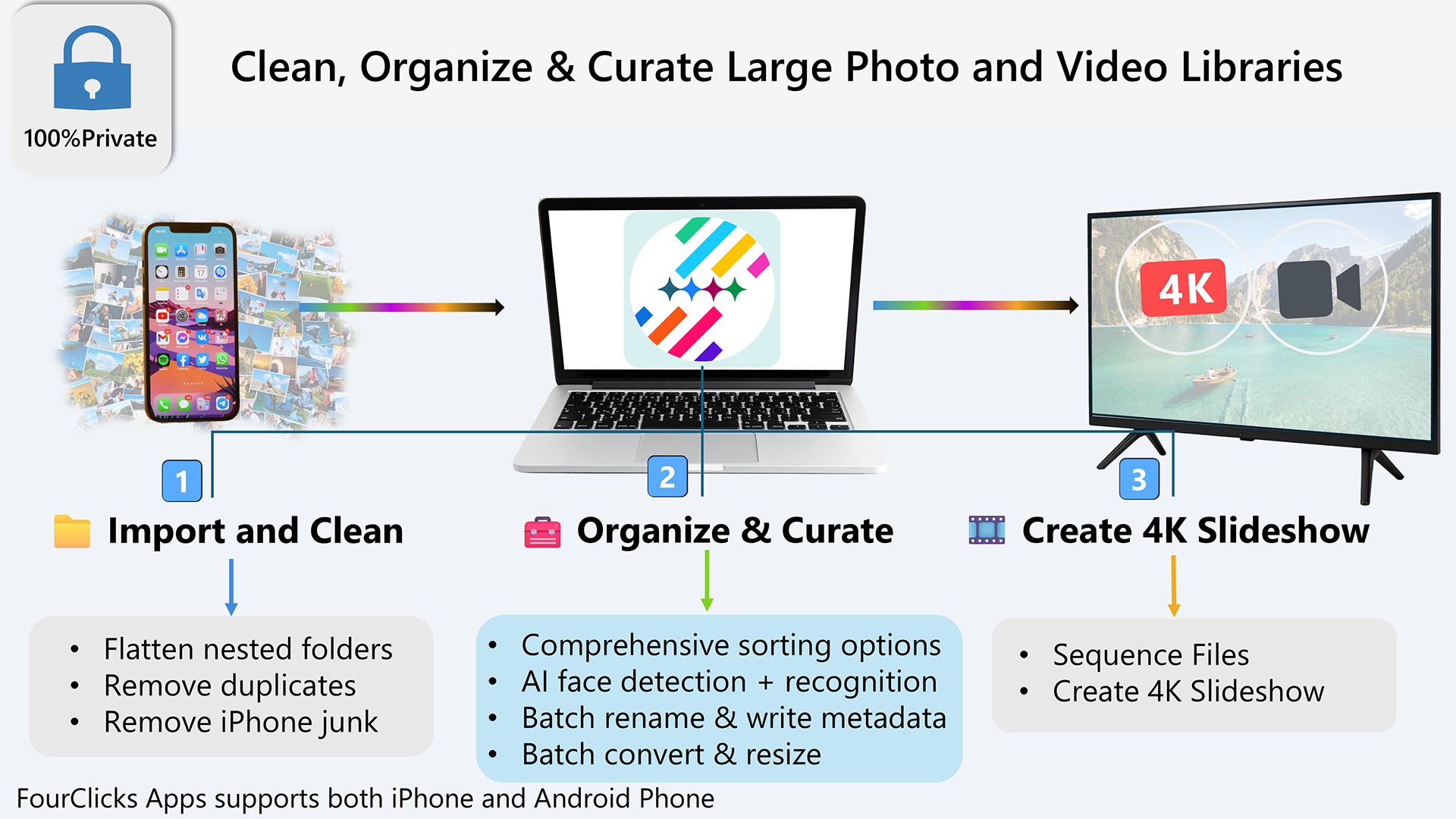
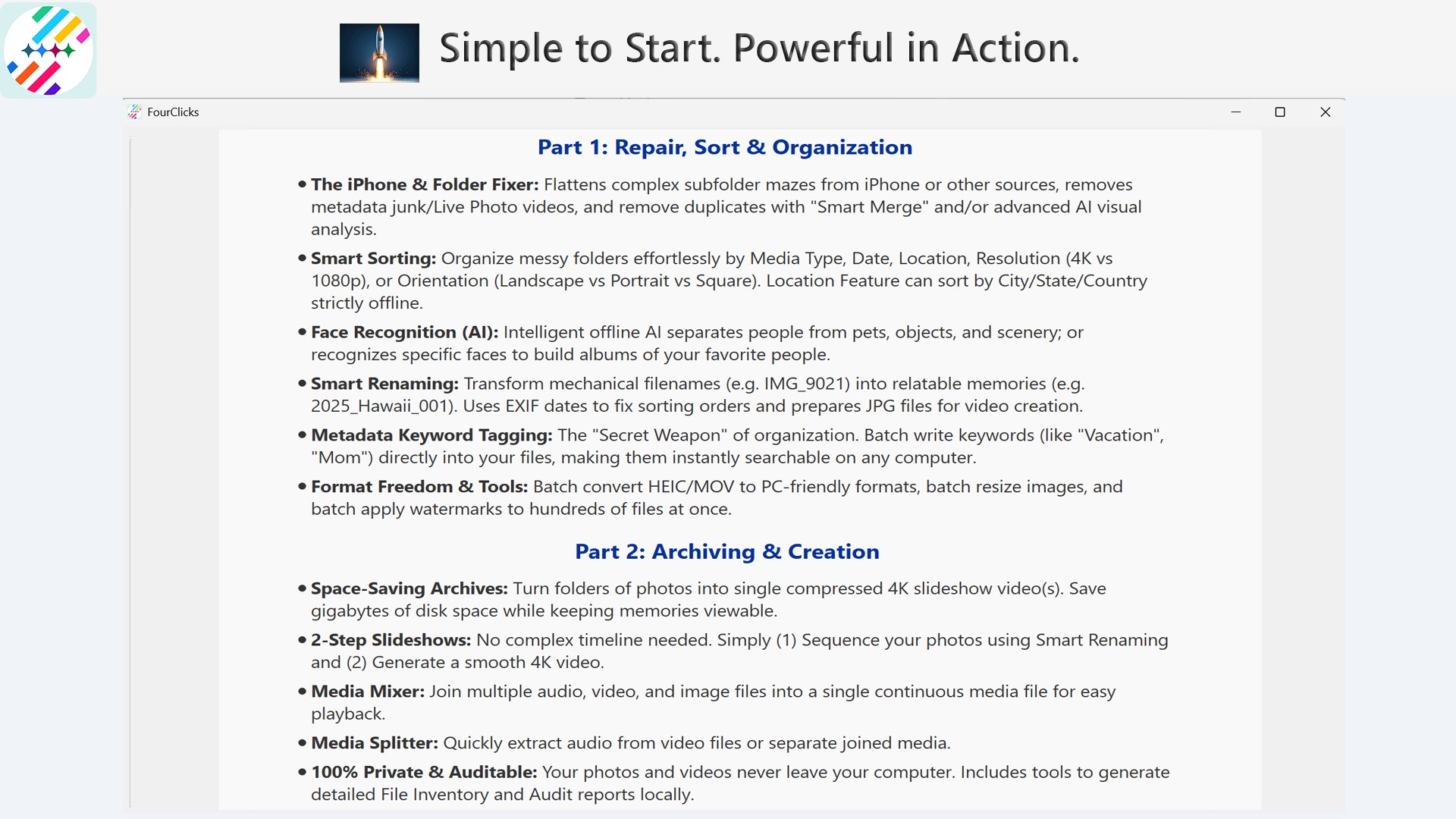
The core of FourClicks Media's appeal lies in its robust organizational tools. The interface is thoughtfully designed to resemble a familiar photo library, with intuitive drag-and-drop features, tagging, and sorting options. Finding that particular vacation snapshot buried in thousands of photos happens in seconds, thanks to its powerful search and filtering options. It's akin to having a personal assistant for your digital photo collection, reducing the chaos and turning messy folders into neatly arranged albums. For TCOs (top-crop operators), whether hobbyists or professional archivists, this feature significantly speeds up workflows and enhances productivity.
Convert with Confidence
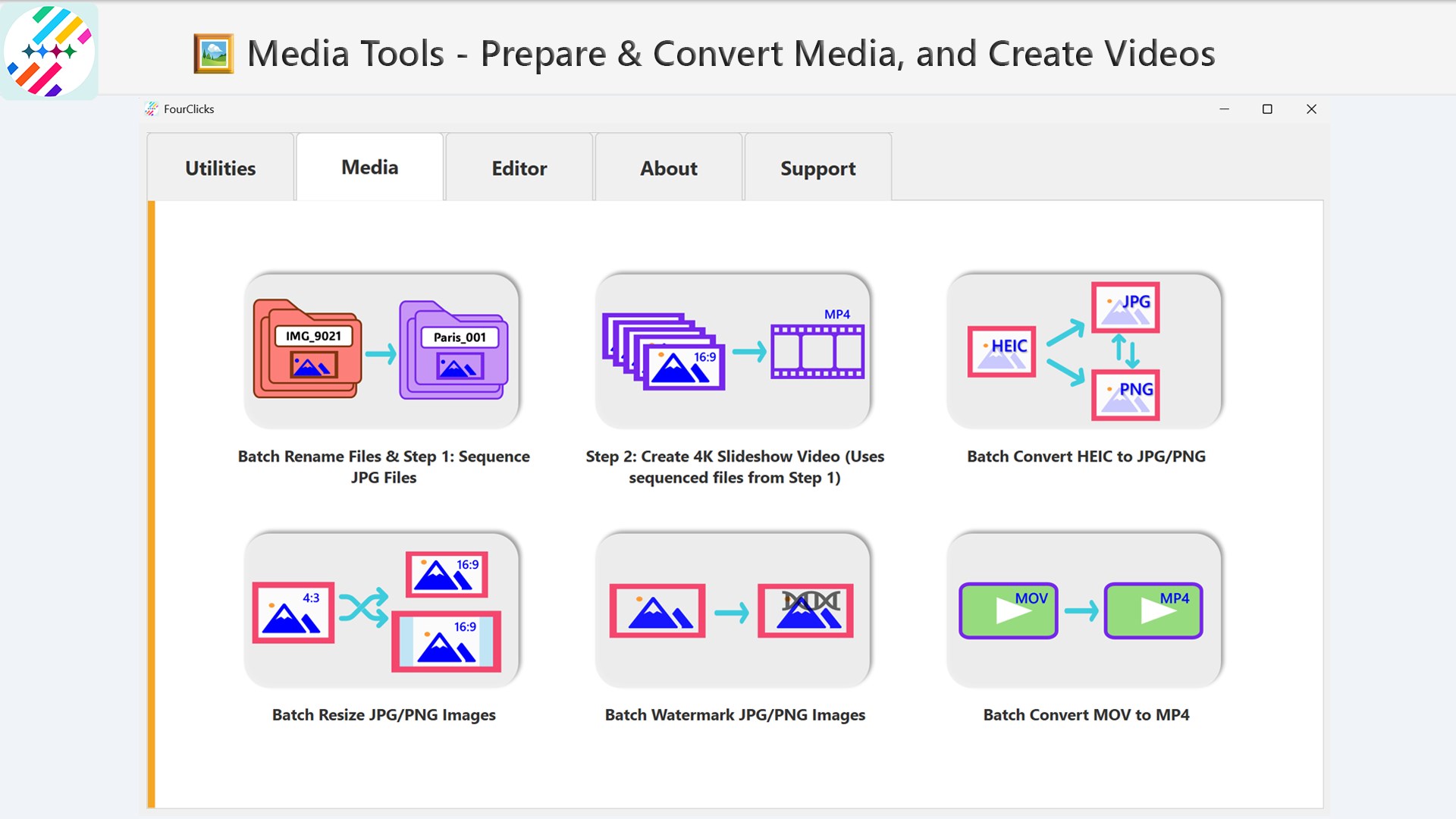
The second standout feature is the versatile photo converter. Whether you need to change formats for compatibility or optimize images for different platforms, FourClicks Media handles it with ease. Supports popular formats like JPEG, PNG, TIFF, and RAW, ensuring high quality preservation during conversion. Batch processing is a breeze, allowing users to transform hundreds of images simultaneously. This is particularly useful for photographers preparing portfolios or marketers customizing images for various media outlets. The conversion process is fast, stable, and preserves details, saving you hours of tedious reformatting.
Create Breathtaking 4K Slideshows in Minutes
Perhaps the most visually captivating feature is the slideshow creator. Imagine transforming your organized images into a cinematic journey—the app supports full 4K resolution and offers multiple transition effects, music synchronization, and customizable layouts. It's like having your own mini movie studio at your fingertips. What sets this apart from competitors is its balance between ease of use and advanced options. You don't need to be a video editing expert to craft professional-looking slideshows; a few clicks are enough to produce stunning, high-quality presentations perfect for sharing on Windows screens or even larger displays.
User Experience: Sleek, Simple, Efficient
The interface feels familiar yet thoughtfully modern, much like a well-organized digital desktop. Navigation is straightforward—icons are clear, menus logical, resulting in a low learning curve even for less tech-savvy users. The app operates smoothly, with minimal lag or crashes, making it a dependable workhorse. Beginners will appreciate guided tutorials, while seasoned users will value the depth of customization available. The overall experience is one of efficiency and enjoyment, turning what might be a chore into an engaging creative process.
What Makes FourClicks Media Different? The Unique Edge
Unlike many other photo apps that focus solely on either organization or editing, FourClicks Media provides a holistic suite covering organization, conversion, and slideshow presentation — all in one package. Its standout feature is the ability to produce high-resolution, visually appealing slideshows directly from your existing photo collections, eliminating the need for multiple tools. Additionally, its batch processing and format support surpass typical free utilities, making it more suitable for serious users who require reliability and speed. These qualities position FourClicks Media as a unique contender in its niche, especially for users who want a streamlined, all-in-one solution without the hassle of switching between different apps.
Final Verdict and Usage Recommendations
Considering its comprehensive feature set, user-friendly design, and stability, FourClicks Media is a highly recommendable app for anyone looking to efficiently manage and showcase their photos. It's especially ideal for users who want a one-stop-shop for organizing, converting, and creating engaging slideshows without an overwhelming learning curve. While it may lack some advanced editing features found in dedicated photo editing software, its focus on simplicity and performance makes it a valuable addition to any photo enthusiast's or small business's toolkit. I'd rate it as a solid buy—definitely worth trying if you need reliable, versatile photo management and presentation tools on Windows.
Pros
- Intuitive Photo Organization
- High-Quality 4K Slideshow Creation
- Versatile Image Conversion
- Batch Processing Capability
- Built-in Editing Tools
Cons
- Limited Advanced Editing Features
- Occasional Slideshow Rendering Delays
- Basic Export Options
- UI Customization Restrictions
- Potential Stability Issues with Large Files










