


- Name Viber
- Category Social
- Developer Viber
- Available on PC
- OS Windows 10 version 0.0 or higher
- Keyboard Integrated Keyboard
- Mouse Integrated Mouse
- languages English
A Comprehensive Look at Viber for Windows: Your Reliable Messaging Companion
In an era where staying connected isn't just a convenience but a necessity, Viber for Windows steps into the spotlight as a robust messaging app designed to keep you seamlessly connected with friends, family, and colleagues. Combining familiar chat features with unique personalization and verification tools, Viber offers a familiar yet refreshed experience tailored for Windows users seeking trustworthy communication tools.
About the App
Viber for Windows is a free messaging and calling application that integrates with your desktop environment, providing an accessible and user-friendly platform for instant communication. Developed and published by Viber Media S.A R.L., this app extends Viber's well-established mobile features to the larger screen of your PC.
- Main Highlights: Cross-platform messaging, high-quality voice and video calls, personal profile customization, and authenticity verification.
- Developer/Publisher: Viber / Viber Media S.A R.L.
- Target Audience: Windows users seeking a reliable, feature-rich messaging service for personal or professional communication, particularly those valuing privacy and customization.
A Fun and Smooth Messaging Experience for Windows Users
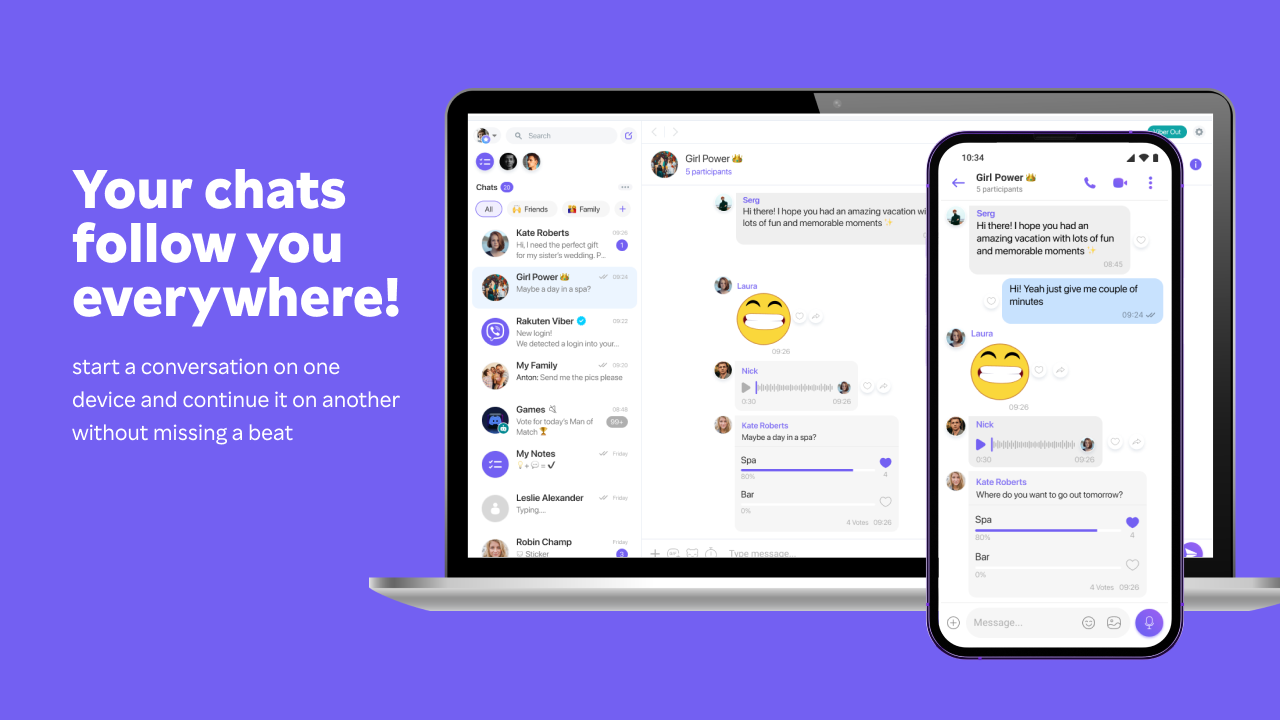
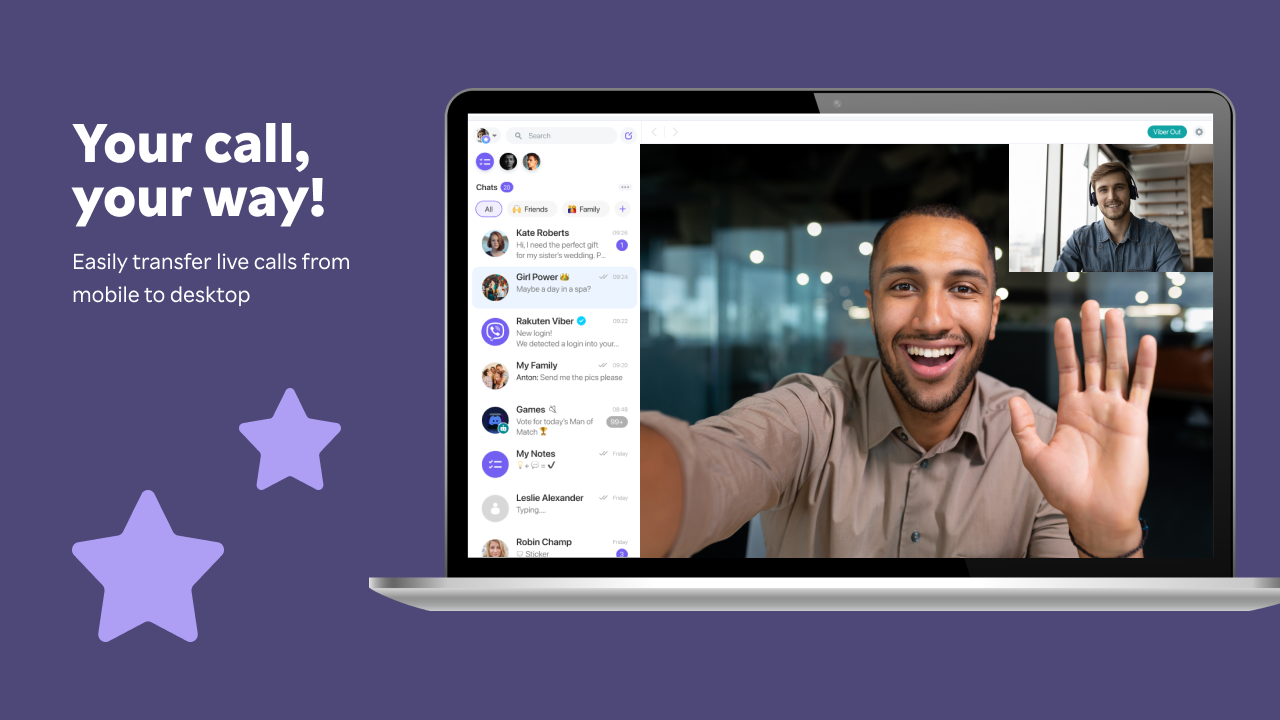
Imagine sitting at your desk, coffee in hand, and effortlessly juggling conversations across the screen—Viber for Windows transforms your desktop into a bustling communication hub. Its lively interface and straightforward design make it easy for anyone to jump right into chats or calls without a steep learning curve. Whether you're catching up with friends during a break or coordinating with colleagues, Viber's seamless experience promises to keep your flow uninterrupted.
Core Features That Keep You Connected
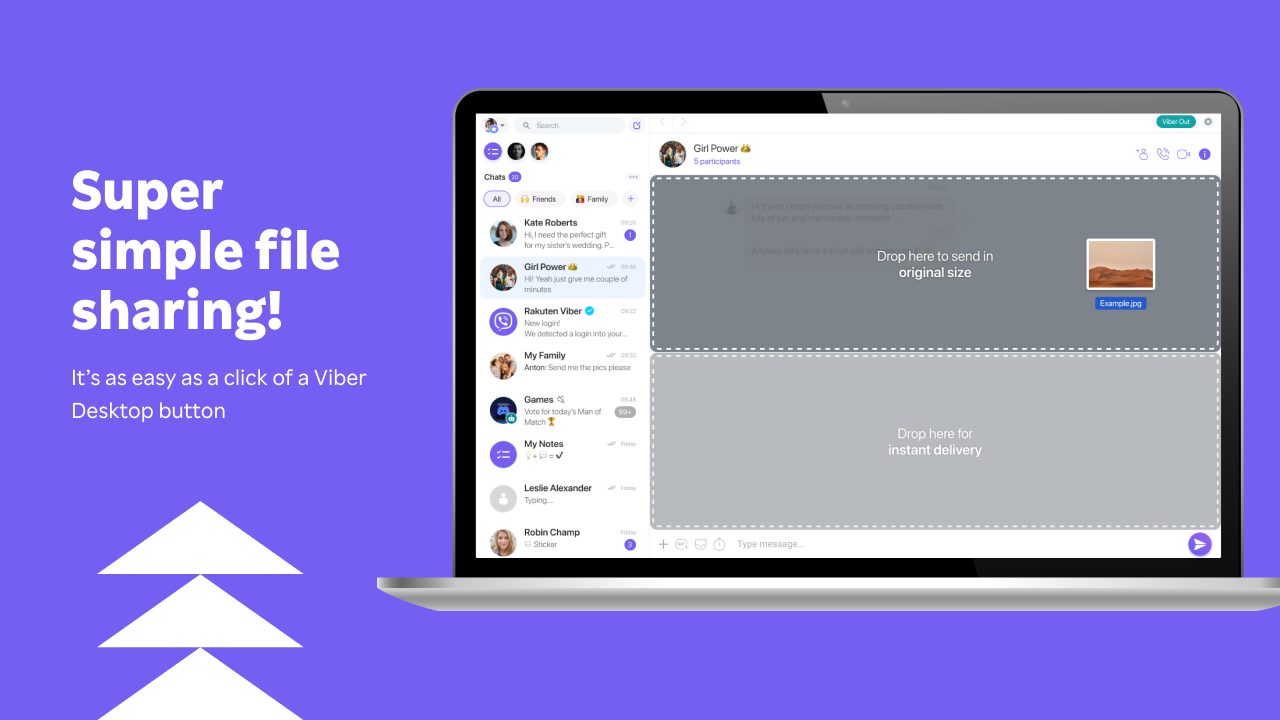
One of Viber's standout features is its ability to combine traditional messaging with multimedia sharing. You can send texts, images, and even short videos with just a few clicks, much like passing notes in a classroom but with the added joy of digital flair. The high-quality voice and video call option is another core strength—a crisp and stable connection even during long conversations makes it feel like your loved ones are right next to you, regardless of distance.
Equally noteworthy are the profile customization and authenticity verification tools. Users can craft personalized profiles, adding avatars, statuses, and quick-dash info—think of it as giving your digital persona a unique signature. Meanwhile, the authenticity verification feature acts as a trusty gatekeeper, helping you confirm if your contacts are genuine, providing peace of mind in a digital landscape often riddled with impersonation concerns.
User Interface and Experience: Simple, Elegant, and Intuitive
Viber's interface strikes a fine balance—clean, colorful, and packed with intuitive icons that guide you effortlessly through the app. Its layout resembles familiar chat apps, making transitions seamless for new users. Navigating through contacts, recent chats, or call logs feels like flipping through a well-organized photo album—smooth and hassle-free. Compatible with touch and keyboard inputs, the app feels responsive and fluid, even when managing multiple conversations simultaneously. The learning curve is practically nonexistent, perfect for users who want quick access and straightforward functionality.
What Sets Viber Apart? Personalization and Authenticity
While many social messaging tools may look alike, Viber's approach to personalization and authenticity verification creates a distinctive niche. The ability to customize profiles ensures your presence is truly yours—adding personal touches that express your identity. The authenticity verification acts like a digital passport check, streamlining trustworthy interactions amidst the chaos of countless contacts. These features collectively enhance user confidence and foster genuine connections, setting Viber apart from other social platforms that often focus solely on rapid messaging without these depth layers.
Final Verdict: A Recommendable Desktop Companion
All in all, Viber for Windows earns a solid recommendation, especially for users seeking a reliable and customizable communication app. Its blend of smooth operation, user-friendly design, and unique tools like profile customization and contact verification make it stand out among competitors. If staying connected with your digital circle while maintaining a personalized touch sounds appealing, Viber might just become your go-to messaging app on Windows.
Pros
- User-friendly interface
- Strong messaging features
- End-to-end encryption
- Cross-platform support
- Free calls and messages
Cons
- Limited advanced customization options
- Occasional call quality issues
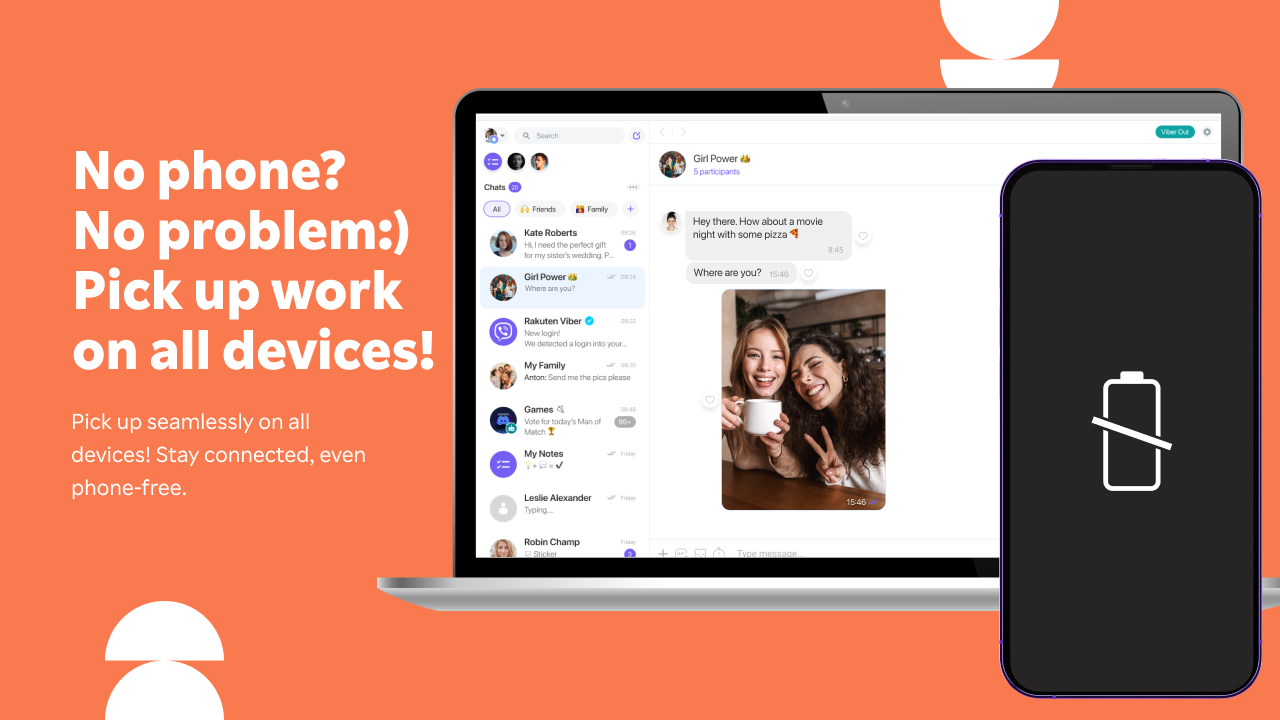
- High battery consumption during calls
- Limited desktop notification options
- Dependence on internet connectivity











