


- Name Multi Messenger Professional
- Category Social
- Developer CodeView
- Available on PC, Mobile, Surface Hub, HoloLens
- OS Windows 10 version 19041.0 or higher
- languages English (United States)
Multi Messenger Professional for Windows: A Seamless Hub for Modern Social Connectivity
Multi Messenger Professional for Windows, developed by CodeView, aims to simplify and enhance the way users manage multiple messaging platforms through a single, unified interface. Designed for those who juggle various chats and social networks daily, this app strives to boost productivity and streamline communication in our increasingly connected world.
Key Features That Shine
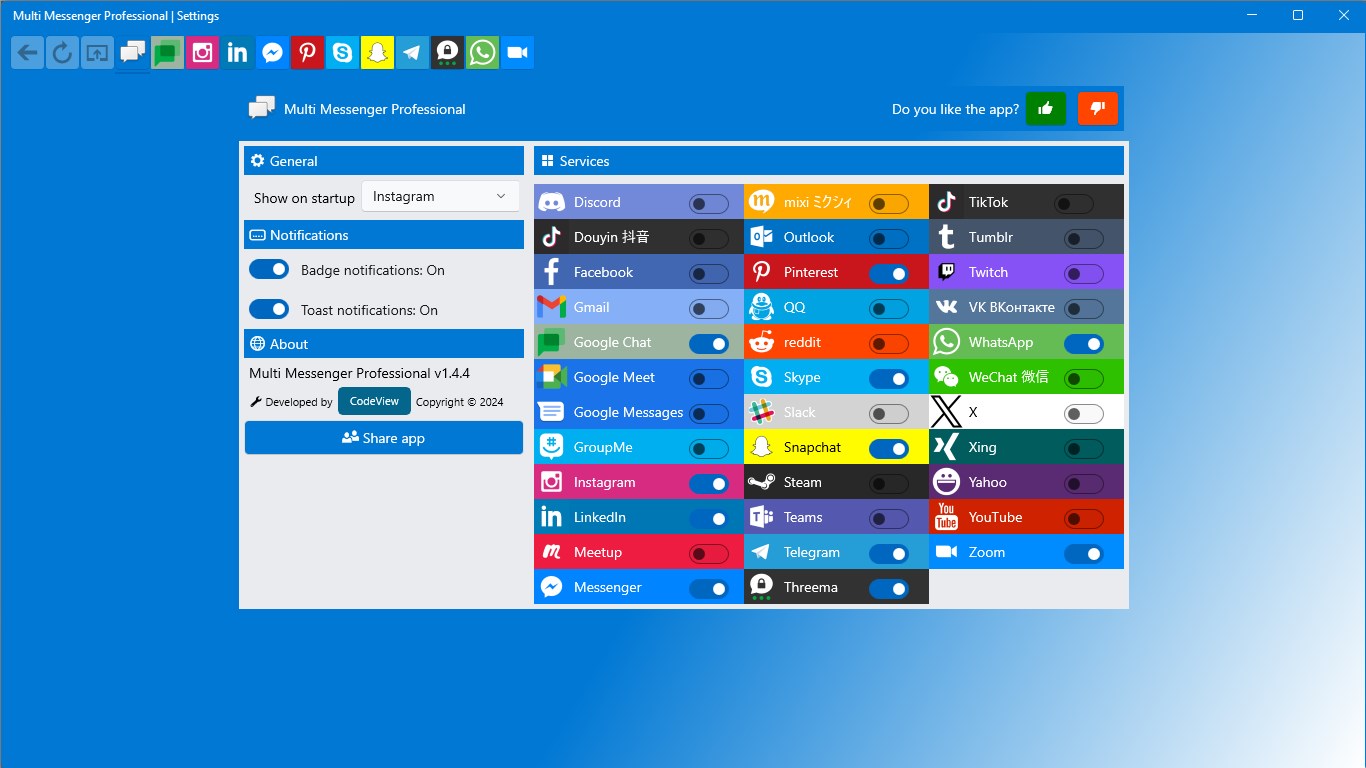
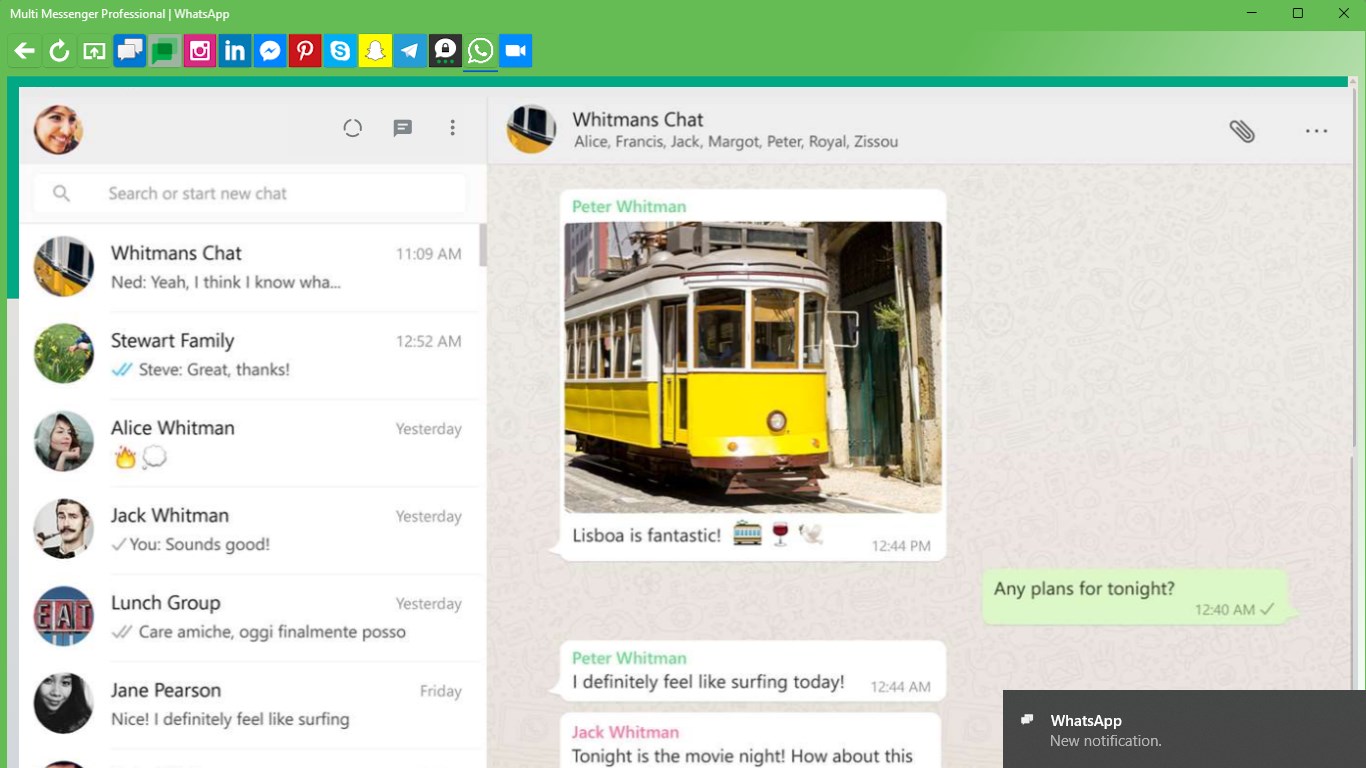
At its core, Multi Messenger Professional offers several standout features: multi-platform integration allowing users to access various messaging services simultaneously; robust profile customization options that let users craft authentic digital identities; and intelligent connection discovery to help users expand their networks organically. These features work together to create a versatile and user-centric messaging experience.
Intuitive Design and User Experience
Right from the first glance, the app greets users with a clean and organized interface—think of it as a well-arranged control panel where every communication line is just a click away. The layout employs a modern, minimalistic style, making it easy to navigate even for newcomers. Switching between messaging accounts is as smooth as gliding from one chat window to another, thanks to optimized performance that ensures minimal lag.
Learning curve-wise, Multi Messenger Professional strikes a balance between simplicity and functionality; even those less familiar with multi-platform clients can pick it up quickly without feeling overwhelmed. The app's design emphasizes clarity—labels, icons, and menus are thoughtfully arranged, guiding users intuitively through their messaging tasks.
Innovative Differentiators: Authenticity & Connection Discovery
What truly sets this app apart from typical social messengers are its focus on profile authenticity and connection discovery. Unlike other platforms that often present generic profiles, Multi Messenger Professional allows extensive profile customization—think of it as personalizing your digital storefront with unique avatars, bios, and status updates. This emphasis on authenticity ensures your online identity feels genuine, which is particularly vital in today's era of digital trust.
Additionally, its connection discovery feature acts like a friendly neighborhood watch, proactively suggesting new contacts based on your existing networks and interaction patterns. This ease of organically expanding your social circle transforms the app from a mere messaging client to a dynamic social explorer, tailored to your unique interests and connections.
Final Thoughts: Is It Worth a Try?
For professionals and avid social users alike, Multi Messenger Professional is a welcome addition to the digital toolkit. It's not just about managing multiple chats; it's about creating a trustworthy, engaging, and efficient communication environment. The app's polished interface, combined with its standout features—especially profile authenticity and connection discovery—make it a noteworthy choice in the crowded landscape of social apps.
While it may not revolutionize the way you chat entirely, it offers enough thoughtful touches to warrant recommendation—particularly if you value authentic profiles and proactive connectivity. I'd suggest giving it a test run if managing multiple messaging platforms has ever felt like juggling too many balls or if you're eager to expand your social network in a more organic, meaningful way. Overall, Multi Messenger Professional for Windows earns a solid thumbs-up for its blend of practicality and innovation—your new digital command center awaits.
Pros
- Seamless Integration
- User-Friendly Interface
- Notification Management
- Customizable Themes
- Cross-Device Sync
Cons
- Limited Free Features
- Occasional Connectivity Issues
- Battery Consumption
- Lack of End-to-End Encryption
- Limited Customization Options











