



- Name LinkedIn
- Category Social
- Available on PC
- OS Windows 10 version 17763.0 or higher
- languages Arabic, Chinese (Simplified), Chinese (Traditional), Czech, Danish, Dutch, English, Filipino, French, German, Hindi, Indonesian, Italian, Japanese, Korean, Malay, Norwegian (Bokmål), Polish, Portuguese, Romanian, Russian, Spanish, Swedish, Thai, Turkish, Ukrainian
Connecting Professionals with Purpose: An In-Depth Look at LinkedIn for Windows
In today's fast-paced digital landscape, staying connected to your professional network is more crucial than ever. LinkedIn for Windows offers a tailored experience designed to bring your network closer, offering seamless access to career opportunities, industry updates, and meaningful connections—all from the comfort of your desktop.
Basic Information: Your Professional Companion on Windows
LinkedIn for Windows positions itself as an essential hub for professionals aiming to stay updated and engaged with their industry. Developed by the trusted team at LinkedIn, this application strives to provide an intuitive, efficient, and user-friendly desktop experience.
Key Features and Highlights
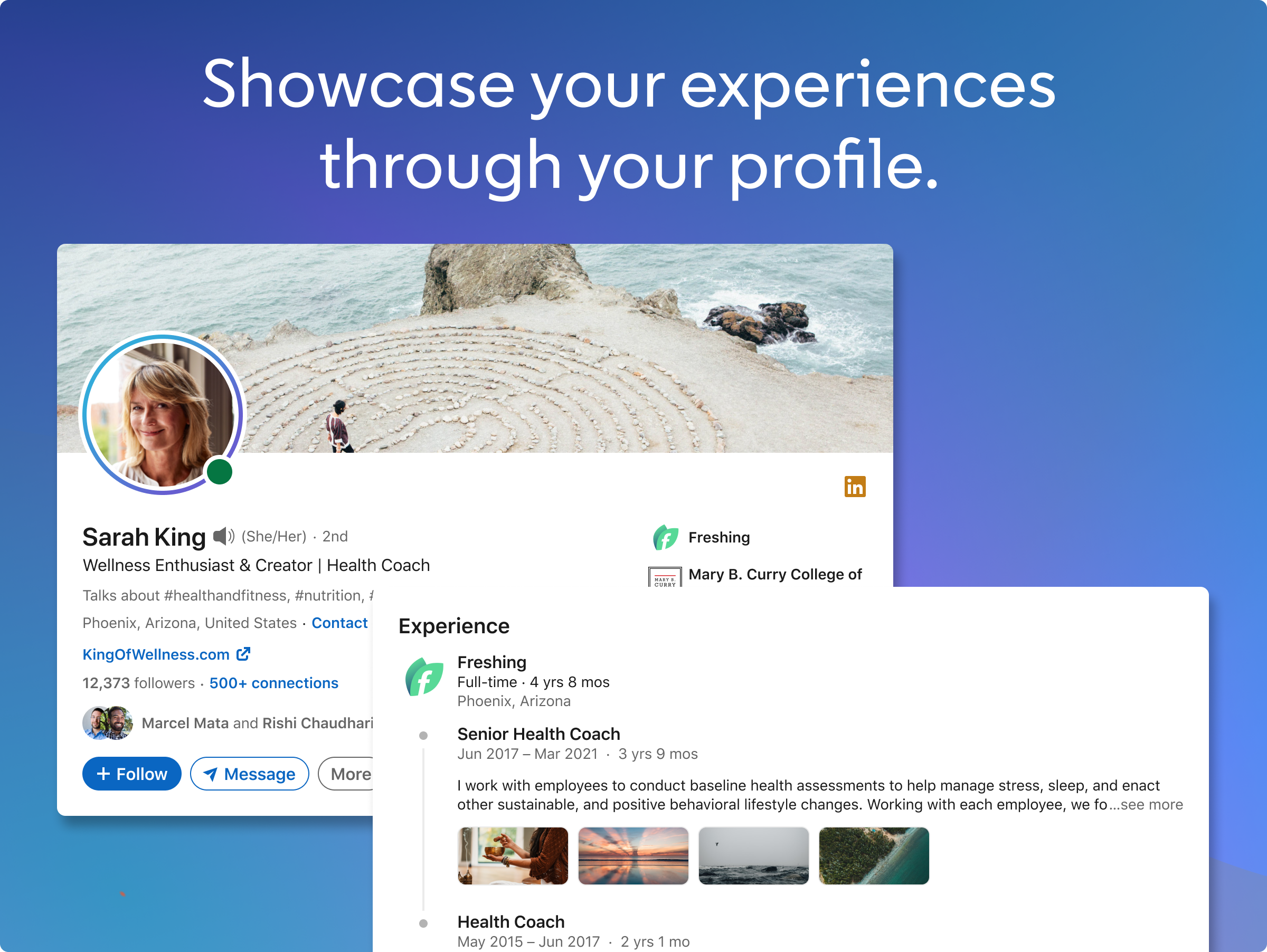
- Profile Customization & Authenticity Verification: Easily update your profile and verify your identity to enhance trustworthiness.
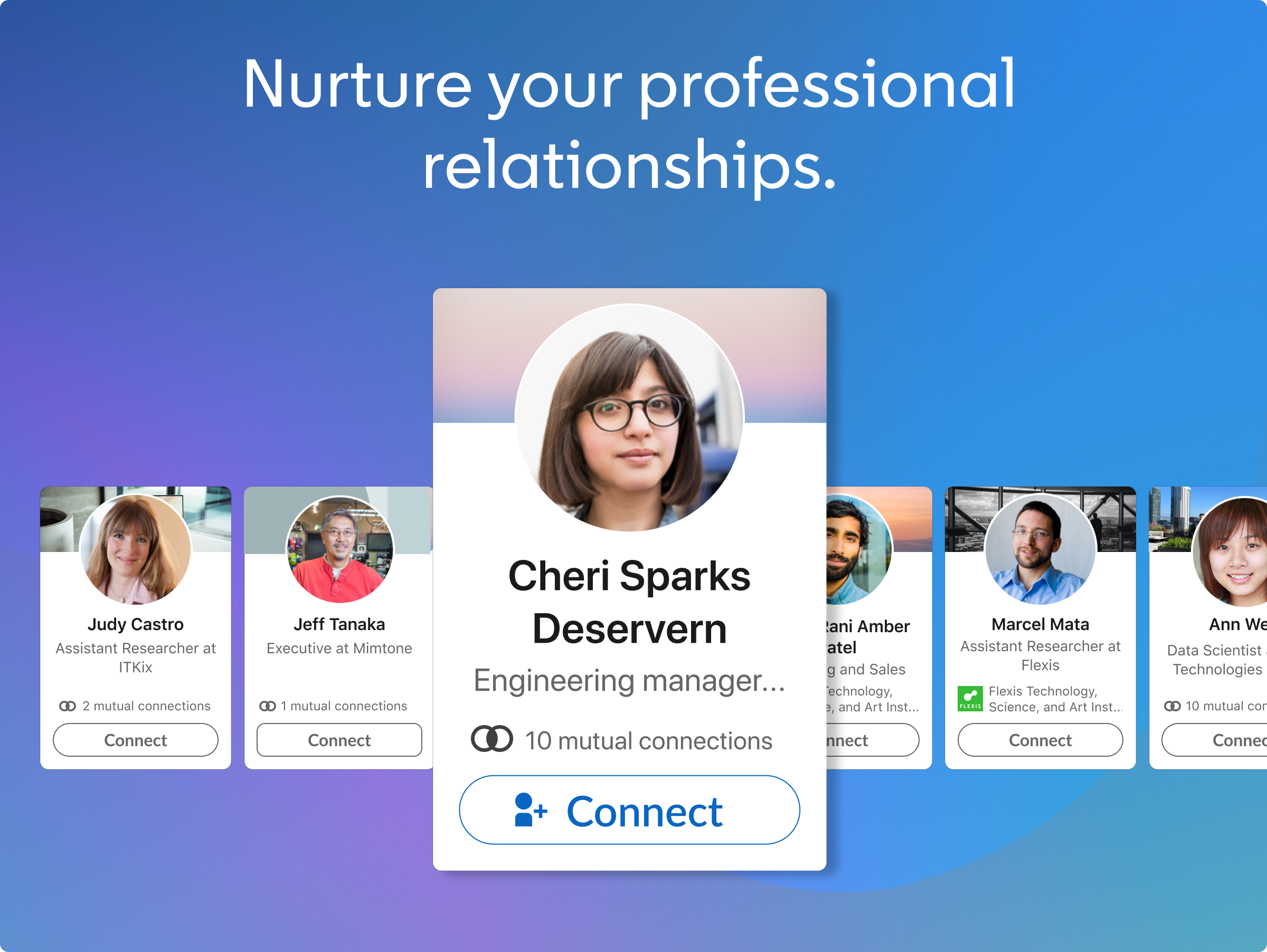
- Connection Discovery: Instantly find and connect with colleagues, industry experts, or potential job opportunities based on your interests.
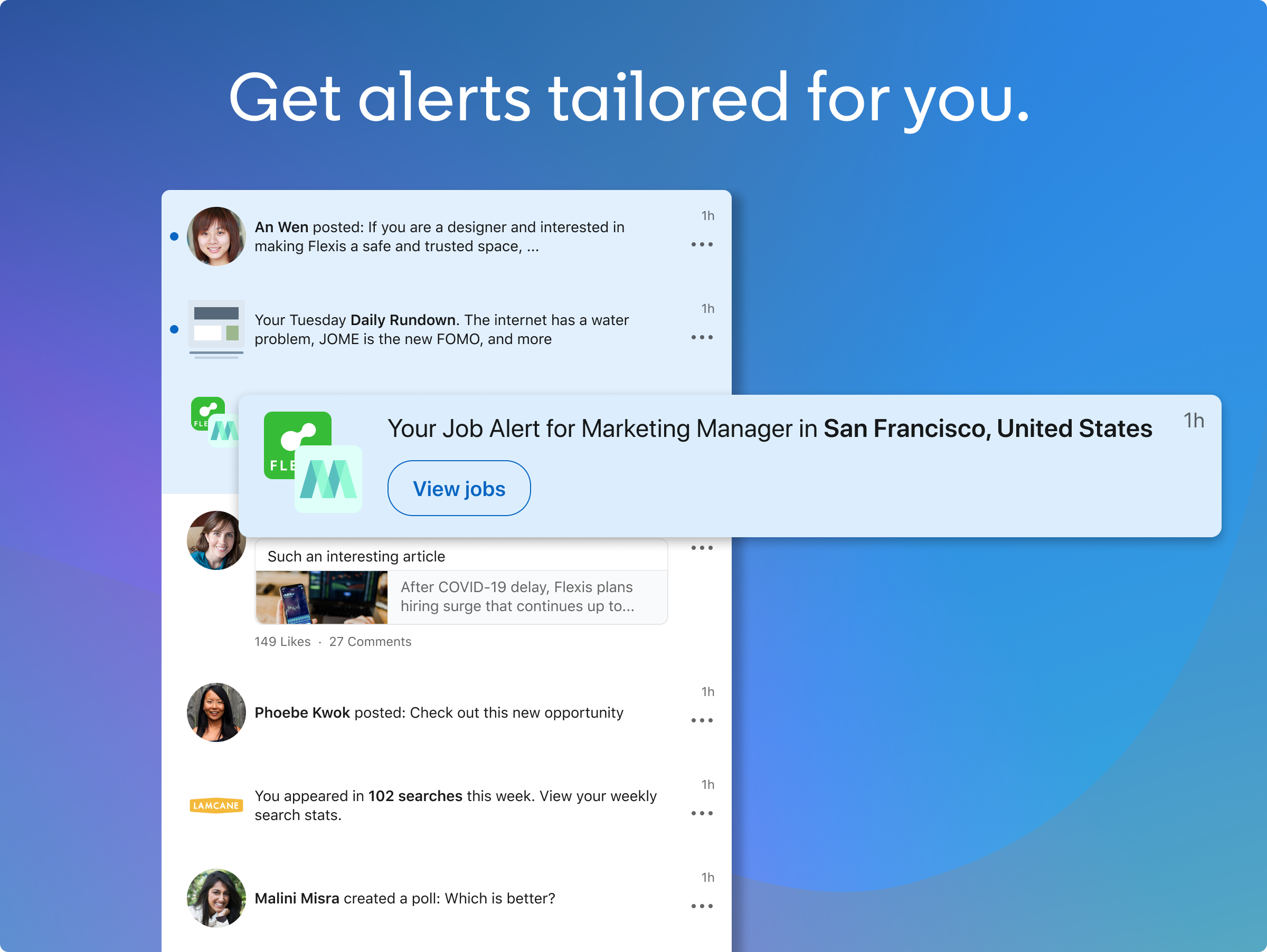
- Streamlined Messaging & Notifications: Keep track of your messages, alerts, and updates without switching apps.
- Content Sharing & Engagement: Share posts, articles, and participate in discussions seamlessly.
Target Audience
This app targets professionals across industries who prefer a dedicated desktop experience, including job seekers, recruiters, industry insiders, and anyone eager to cultivate a polished online presence at their workspace.
Engaging and Efficient: The App in Action
Imagine sitting at your desk, coffee in hand, with your digital Rolodex always within arm's reach—LinkedIn for Windows turns that vision into reality. Its interface feels like a curated dashboard that respects your time while keeping you plugged into the pulse of your professional world.
Delving into Core Functionalities
Profile Customization & Authenticity Verification
This feature is akin to crafting your professional persona with the care of an artist. Updating your profile is straightforward—drag, drop, type—and the app prompts you to verify your identity through integrated tools. This verification process adds an extra layer of authenticity, making your profile stand out as a trusted figure in your field, whether you're a freelancer showcasing your portfolio or a corporate executive highlighting your achievements.
Connection Discovery & Networking
Think of this feature as your professional radar. Using smart algorithms, the app suggests potential connections based on your industry, location, and interests. The discovery process feels natural—like a friendly nudge from a trusted colleague—helping you meet relevant contacts without sifting through endless profiles. Unlike some social platforms that overwhelm with unfiltered feeds, LinkedIn for Windows keeps your networking targeted and meaningful.
User Experience and Design
The app sports a clean, professional interface—think of it as a well-organized digital library where every book (or feature) is easily accessible. Navigation is smooth, with transitions feeling fluid, thanks to optimized performance tailored for Windows. The learning curve is gentle; even newcomers find themselves up and running in minutes, thanks to intuitive layouts and helpful onboarding prompts.
What Sets It Apart from Competitors?
While other professional social apps often focus on broad content feeds or casual interactions, LinkedIn for Windows emphasizes profile authenticity and connection relevance. The authenticity verification feature adds credibility—an essential factor in building trust—especially in remote or freelance work scenarios. Furthermore, the connection discovery function acts as a personalized networking assistant, proactively presenting you with opportunities tailored to your professional profile, unlike more generic social feeds.
Would I Recommend It? The Verdict
Absolutely. If you are someone who values a dedicated, streamlined professional networking app that integrates seamlessly into your Windows environment, this tool is worth exploring. It's particularly beneficial for users who prefer managing their career and network updates on a desktop rather than sifting through mobile feeds. For those who prioritize authenticity and meaningful connections, LinkedIn for Windows offers standout features that align with these goals.
Overall, I'd suggest giving it a try if you're looking to elevate your professional game—especially if you're already embedded in the Microsoft ecosystem. Its user-centric design and focus on trust-building set it apart from many other social tools out there, making it a solid addition to your digital toolkit.
Pros
- User-Friendly Interface
- Professional Networking Features
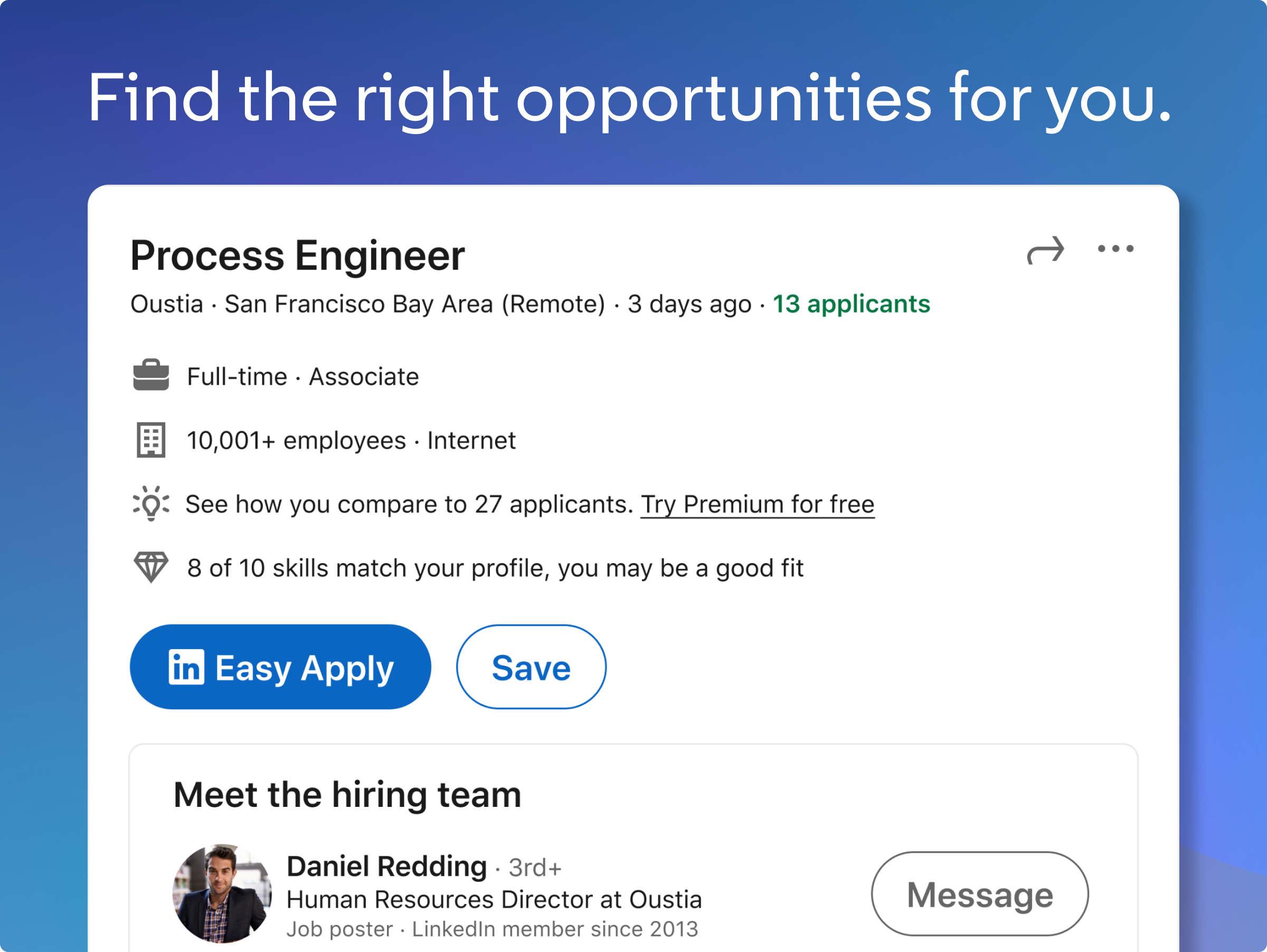
- Job Search Functionality
- Real-Time Notifications
- Content Sharing and Engagement
Cons
- Occasional App Crashes on Launch
- Limited Offline Access
- Slow Loading Times for Profiles
- Notification Delays
- Limited Advanced Search Filters











