

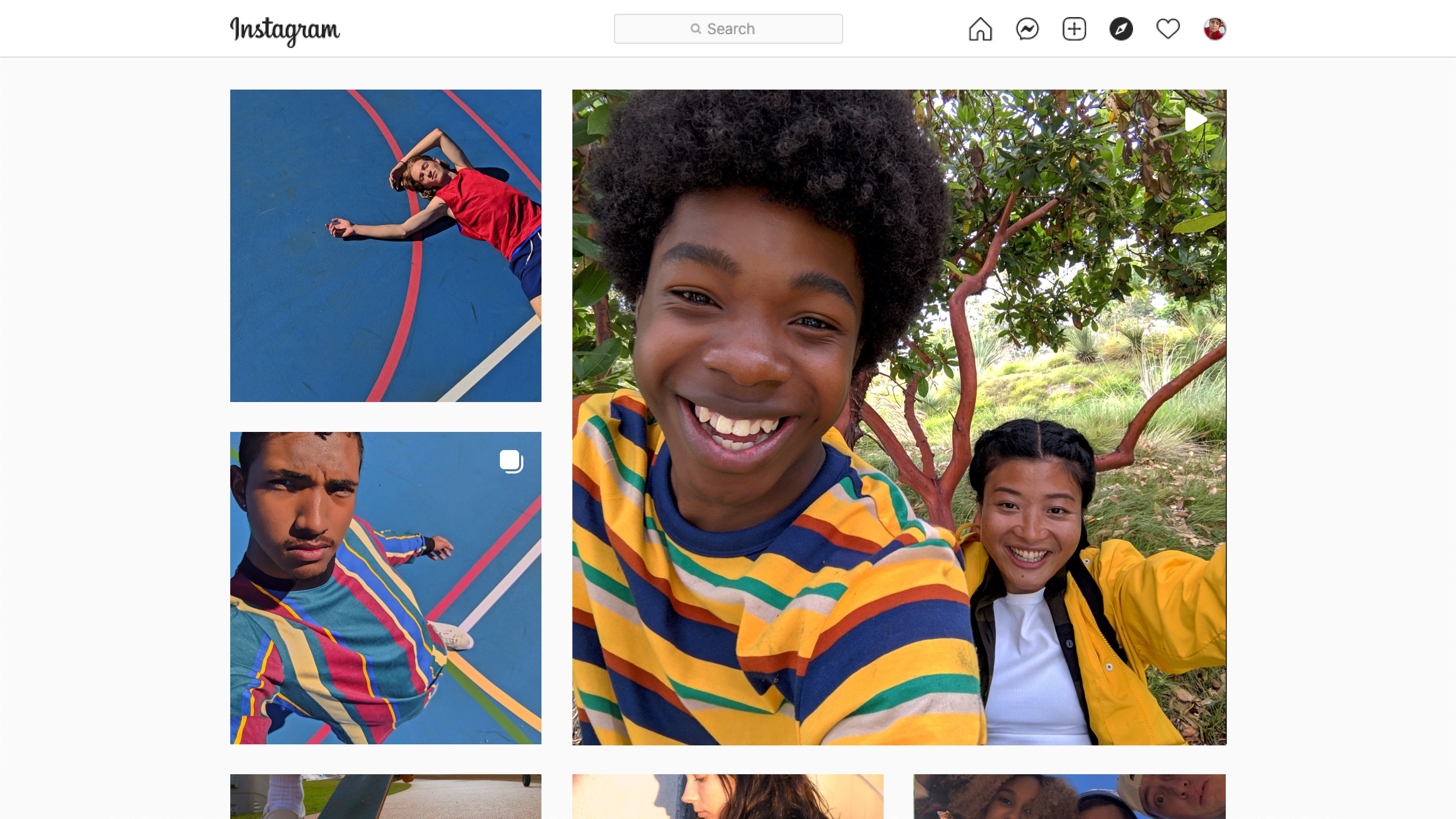
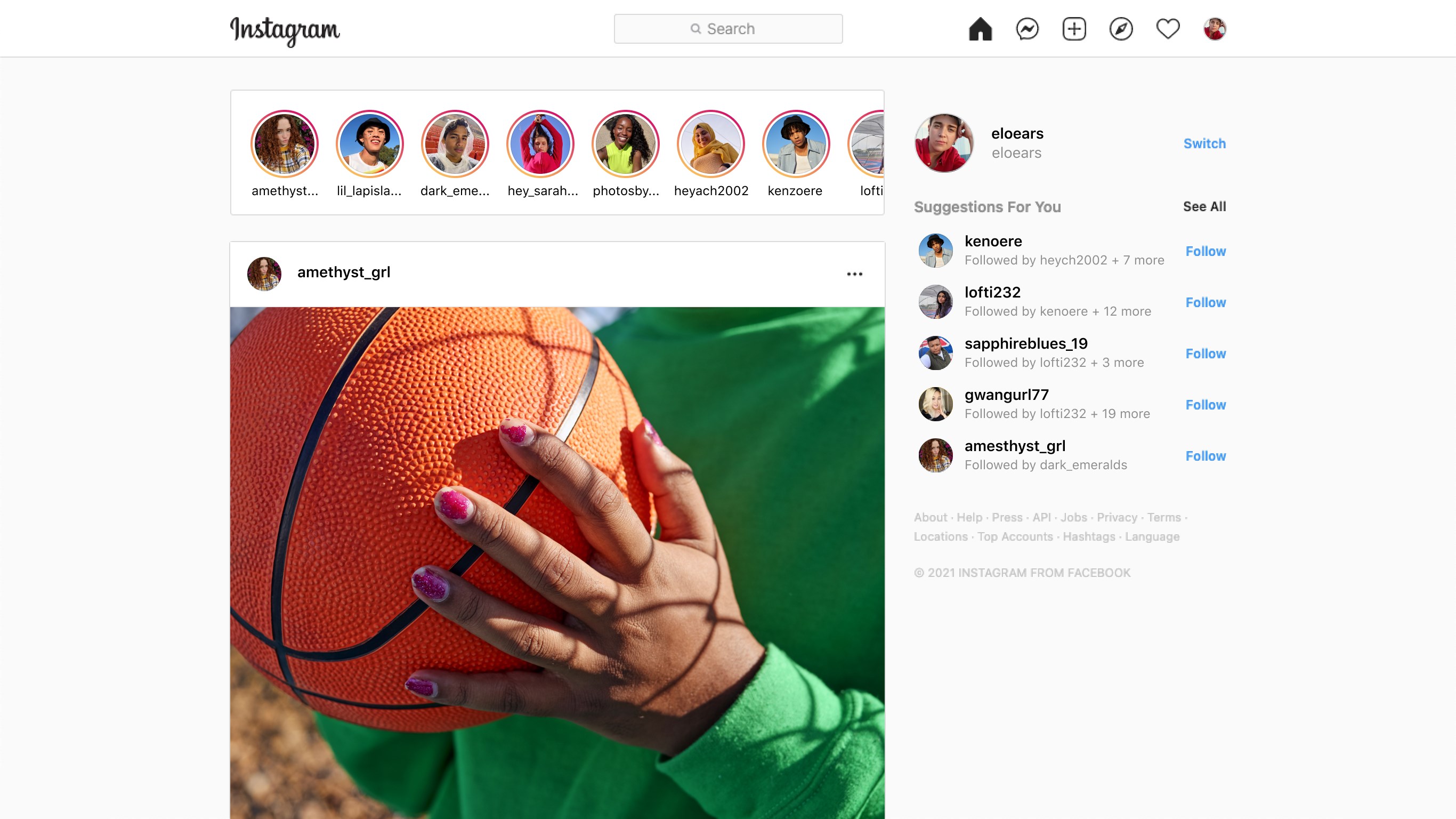
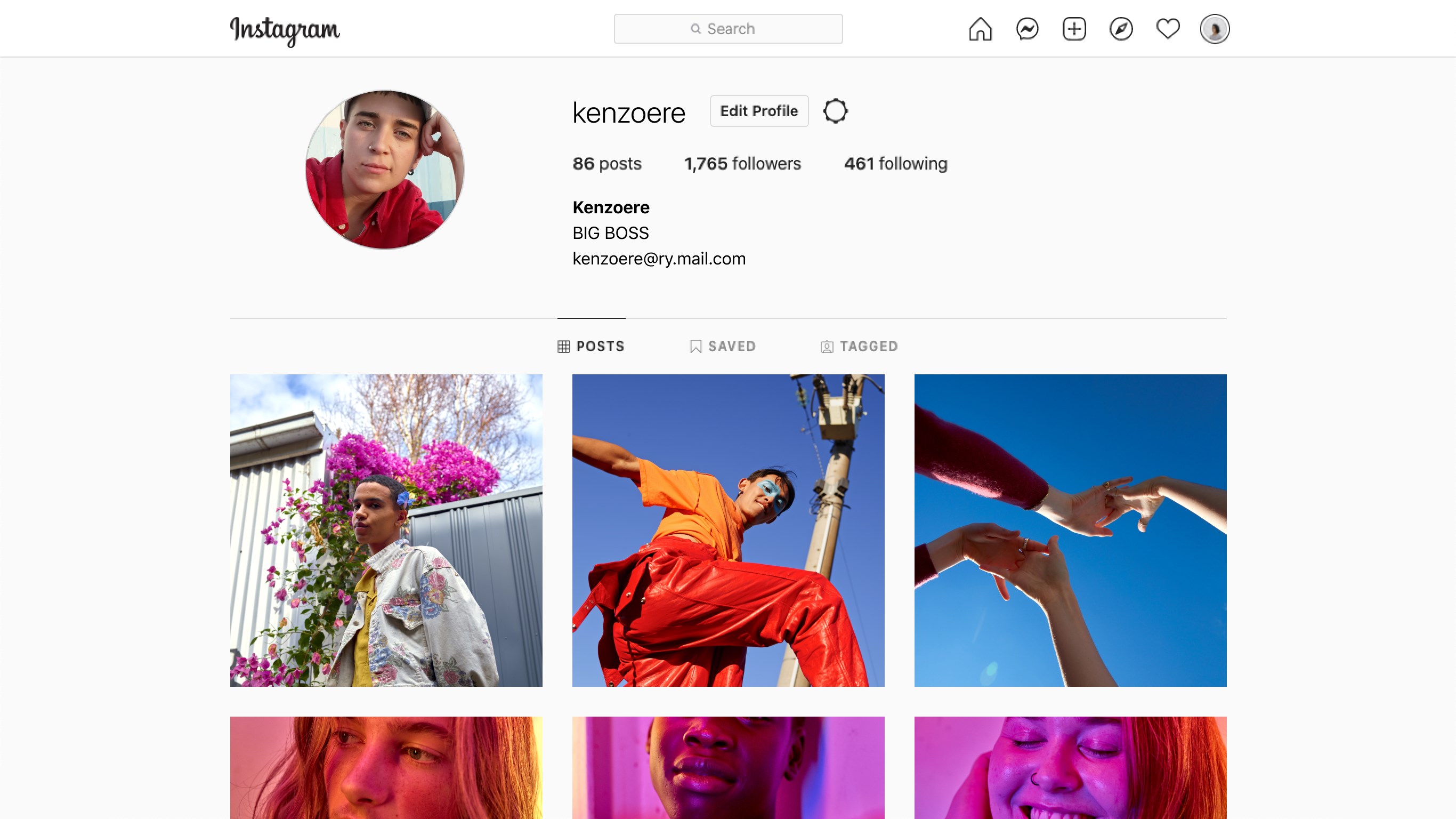
- Name Instagram
- Category Social
- Available on PC
- OS Windows 10 version 19041.0 or higher
- Memory 2 GB
- languages English (United States)
Instagram for Windows: Bringing Your Visual World to the Desktop
Instagram for Windows offers a seamless way for users to connect, share, and explore stunning visuals directly from their desktops, bridging the gap between mobile and PC experiences with ease.
About the App: Basic Information
Positioned as a dedicated desktop client for one of the world's most popular social media platforms, Instagram for Windows enables users to browse their feed, post photos, and interact with friends without switching devices.
Developed by the official Instagram team, this app ensures authenticity and maintains the app's core design principles, adapted for the Windows environment.
Main features include easy media upload and editing tools, direct messaging, and an optimized browsing experience tailored for larger screens. Notably, the app emphasizes connection discovery and profile customization, fostering a more personalized social engagement.
Its primary target audience encompasses casual users, content creators, influencers, and professionals seeking a convenient platform to manage their Instagram activity from their PCs.
Vivid Beginnings: A Fresh Take on Instagram Desktop
Imagine sitting comfortably at your desk, coffee in hand, and suddenly feeling the urge to share that perfect sunset shot or catch up on your favorite friends' stories—all without rummaging for your phone. That's the magic Instagram for Windows aspires to bring: a natural extension of the mobile experience into your workspace. Designed with both aesthetics and usability in mind, this app invites you into a vibrant visual world, highlighting how social media can integrate seamlessly into your daily routine.
Core Functionality Unpacked
Streamlined Media Upload and Editing
One of the standout features is the ability for users to upload photos and videos directly from their PCs. Whether you're a photographer or just someone who likes to showcase life's moments, the app supports drag-and-drop uploads, making content creation effortless. Furthermore, integrated editing tools—filters, cropping, brightness adjustments—function smoothly without clutter, mimicking the familiar mobile editing experience. This ensures your visuals are polished before sharing, all within a familiar interface.
Enhanced Connection Discovery & Profile Customization
Unlike typical social apps, Instagram for Windows emphasizes connecting with new and existing contacts through intelligent discovery features. It intelligently suggests users based on your interests and existing network, facilitating authentic connections. Plus, its profile customization options allow users to personalize their bio, highlight sections, and display status updates, echoing the authenticity verification trend. This focus on genuine profiles and customized presentation helps foster a more real and trustworthy community, which is especially valuable in an era of widespread online authenticity concerns.
Intuitive Interface & User Experience
The app sports a sleek, modern interface that leverages the larger monitor real estate without sacrificing the mobile-like simplicity. The layout prioritizes ease of navigation: the timeline feels familiar, with clear icons and a logical flow. Transitioning between feeds, messages, and profile settings is swift, thanks to optimized performance and a clean design. The learning curve is gentle—most users will feel at home within minutes—making it accessible even for those new to desktop social media management.
What Sets It Apart: The Unique Edge
While many social media apps adapt well across platforms, Instagram for Windows distinguishes itself with features like realtime profile customization and an emphasis on authentication. Its connection discovery system leverages Windows-specific optimizations to suggest highly relevant contacts, fostering more meaningful interactions. The app's focus on authenticity verification offers added confidence that profiles are genuine, which is essential for both casual users and serious influencers. These features contribute to a more trustworthy and personalized social experience—something often lost in web-based browsing or less tailored desktop apps.
Recommendation & Usage Tips
This app earns a solid recommendation for users who frequently strategize their social media content or prefer managing their online presence from a desktop environment. It's particularly useful for content creators who need to upload high-quality images and maintain authentic connections. For casual browsing or quick interactions, it provides a more comfortable experience compared to mobile devices.
To maximize its potential, consider using it alongside your mobile device for cross-platform content planning. Keep in mind that, as a desktop app, it's best suited for composed posts and engagement rather than spontaneous stories, which are often quicker to upload via mobile.
Pros
- User-friendly interface
- Seamless integration with Instagram features
- Consistent updates and new feature additions
- Quick access to notifications and messages
- Official app ensures security and trustworthiness
Cons
- Limited editing tools within the app
- Occasional app crashes on certain devices
- Slow loading times for large media files
- Limited analytics and insights for business accounts
- Notification synchronization issues at times











