

- Name Facebook
- Category Social
- Available on PC
- OS Windows 10 version 19041.0 or higher
- Memory 2 GB
- languages English
Facebook for Windows: A Robust Desktop Companion for Social Connection
Facebook for Windows offers users a streamlined way to stay connected, share moments, and explore content directly from their desktop, bridging the gap between mobile convenience and desktop productivity.
Who's Behind the Curtain: Developer and Core Features
Developed by Meta, the social giant behind Facebook, this application brings the familiar social media experience to your Windows PC. Its main highlights include real-time notifications, seamless multimedia sharing, and a dedicated space for community engagement. Designed for everyday users—from casual browsers to active community members—the app caters to those who prioritize staying connected without constantly switching devices.
A Fresh Take on Social Networking: An In-depth Look
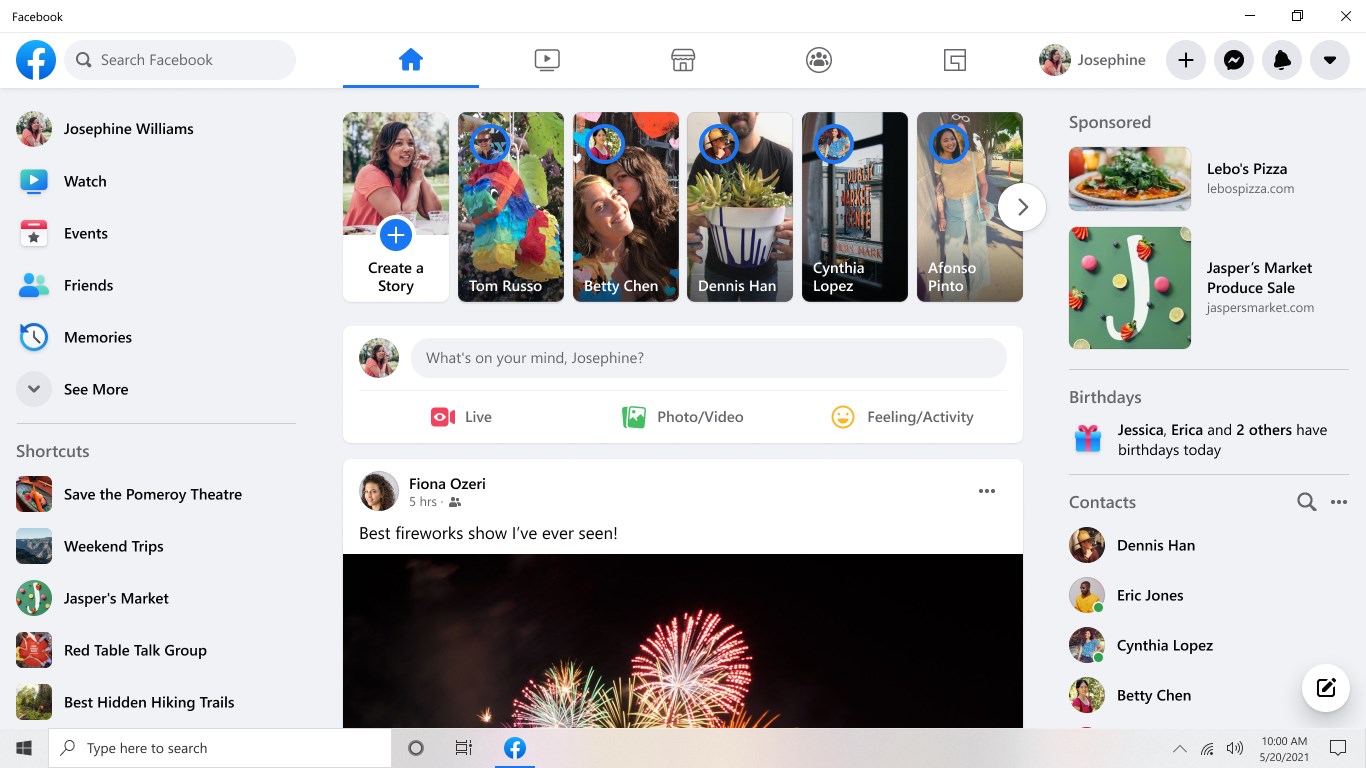
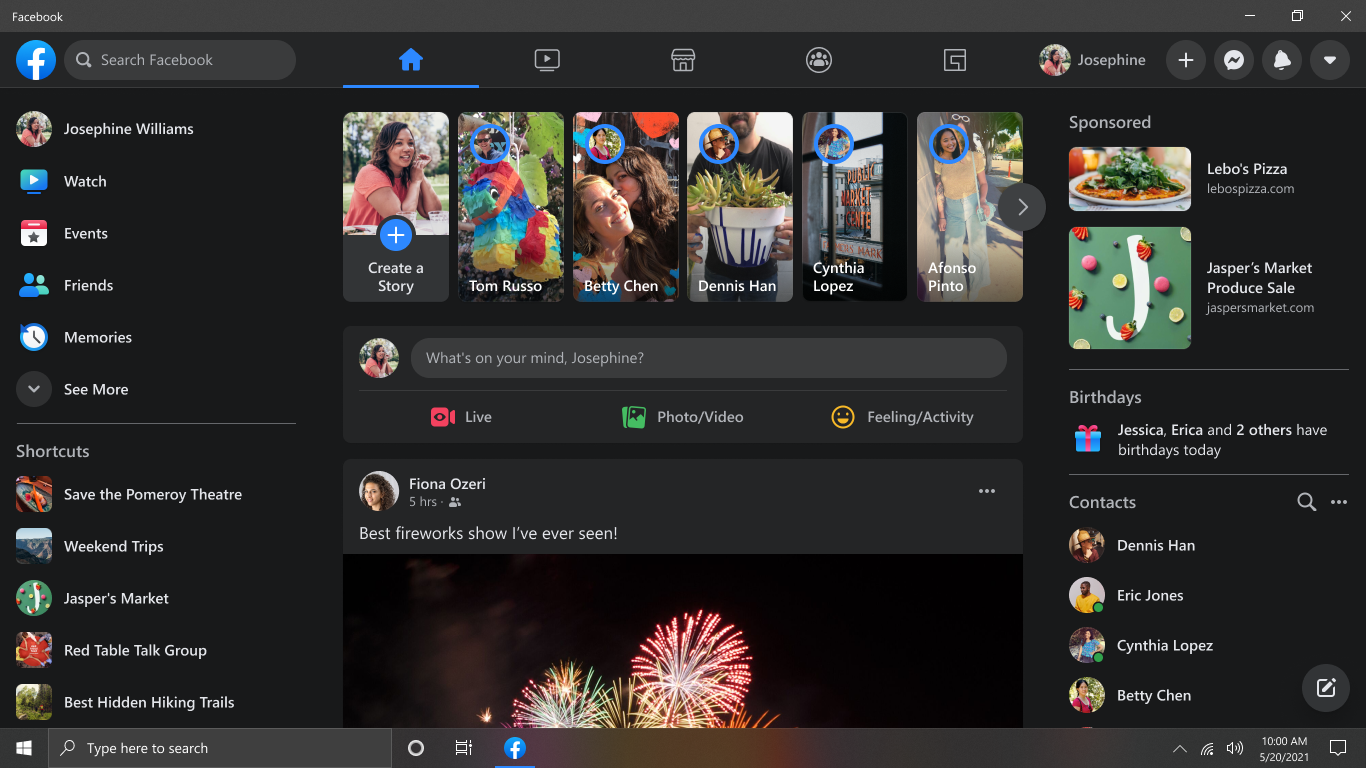
Stepping into the Facebook for Windows interface feels like entering a cozy digital lounge—familiar, yet optimized for the desktop experience. The app's clean and intuitive design ensures that both tech-savvy users and newcomers can navigate with ease. The interface is organized with a sidebar for quick access to your feed, messages, notifications, and friend lists, making navigation feel natural, like flipping through a well-organized digital scrapbook.
Boosting Engagement: Core Functionalities Explained
The heart of Facebook for Windows lies in its core functionalities. First, real-time notifications keep you instantly updated on new messages, comments, and events, ensuring you're always in the loop without having to refresh or dig through menus. Second, multimedia sharing capabilities allow you to upload photos, videos, and status updates directly from your desktop—making the process faster and more convenient than ever before. Lastly, the app emphasizes community engagement features such as Groups and Events, facilitating interactions whether you're organizing a local meetup or participating in an online discussion.
User Experience: Navigating with Ease and Elegance
Designed with user comfort in mind, the app boasts smooth scrolling, quick load times, and responsive controls, creating a seamless browsing experience akin to flipping through a glossy magazine. Its learning curve is gentle; even first-time users can quickly adapt thanks to familiar layouts and clear icons. The interface feels both polished and approachable—like chatting with a trusted friend who knows your preferences.
Differentiators: What Makes It Stand Out?
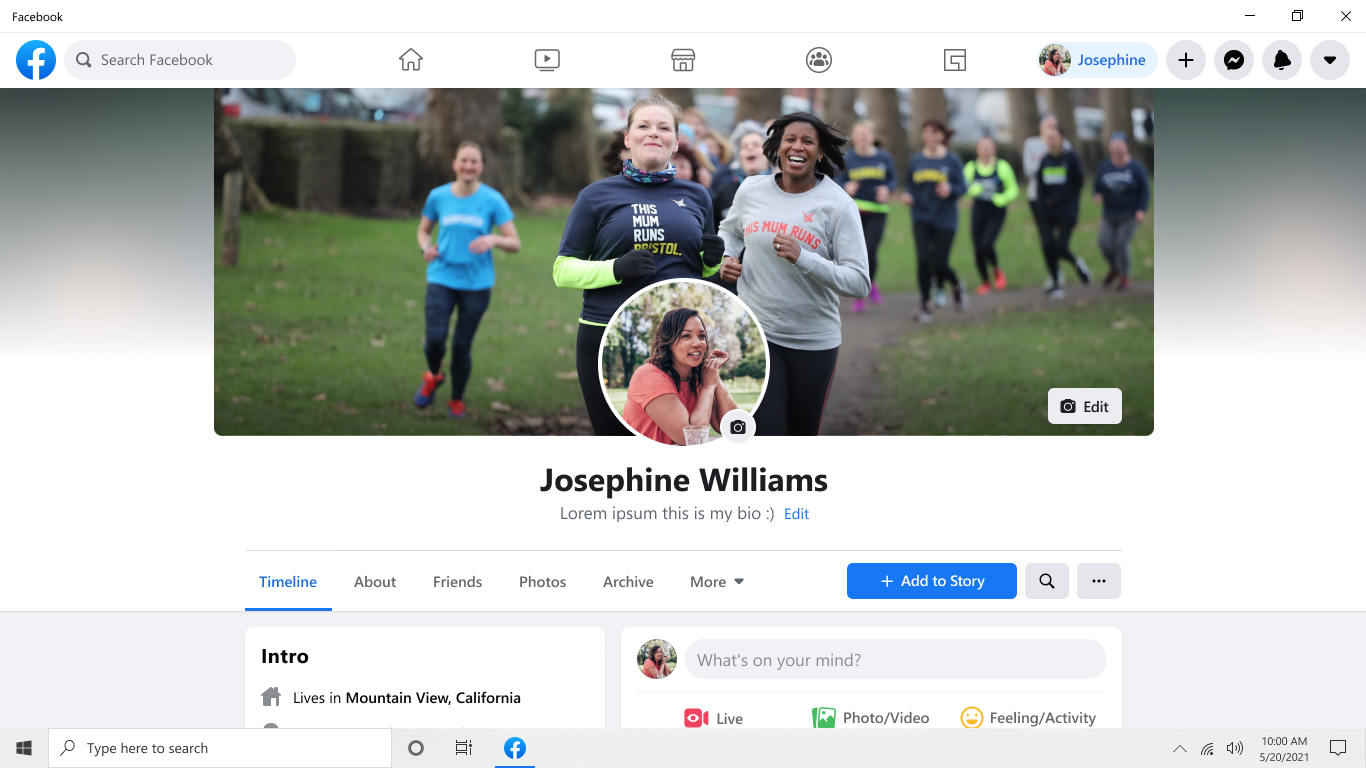
Compared to mobile versions or web browsers, Facebook for Windows offers notable advantages in user profile customization and authenticity verification. It provides an enhanced profile editing experience, allowing users to tweak their settings on a larger screen for more precise adjustments. Additionally, the app incorporates verification features that help confirm the authenticity of contacts, reducing the risk of fake profiles—a significant advantage in today's digital landscape.
Another standout aspect is connection discovery; the application intelligently surfaces potential new contacts based on your activity, interests, and existing connections, offering a more personalized networking experience. This approach turns your desktop into a social hub that feels both familiar and intelligently calibrated to your preferences.
Overall Recommendation: Worth a Try for the Diligent Social Seeker
If you're someone who values instant updates, multimedia sharing, and a desktop-friendly social experience, Facebook for Windows is a solid choice. Its unique strengths—particularly in profile customization and trustworthy connection discovery—set it apart from other social media apps. While it may not revolutionize social networking, it provides a competent, user-friendly environment to stay connected efficiently. I'd recommend giving it a try if you spend considerable time on Facebook and prefer a dedicated desktop app over browser tabs, especially for managing your profile details and engaging with communities more comfortably.
Pros
- User-friendly interface
- Seamless Facebook integration
- Regular updates
- Free to download
- Quick login options
Cons
- Limited feature set compared to full Facebook app
- Occasional sluggish response
- Notification delays
- Limited customization options
- In-app ads occasionally intrusive











