

- Name Bluetooth Driver Installer
- Category Social
- Developer 1_By_1 Media
- Available on PC, Mobile, Surface Hub, HoloLens
- OS Windows 10 version 15063.0 or higher
- Keyboard Integrated Keyboard
- Mouse Integrated Mouse
- languages English (United States)
A Clear Signal for Better Connectivity: An In-Depth Review of Bluetooth Driver Installer for Windows
Navigating the world of wireless device connections can sometimes feel like trying to tune into a distant radio station — frustrating static, dropped signals, and endless searching. Enter Bluetooth Driver Installer for Windows, a straightforward tool that promises to be your reliable navigator in maintaining seamless Bluetooth functionality. Developed by 1_By_1 Media, this application aims to simplify the often tangled process of managing and troubleshooting Bluetooth drivers, ensuring your devices stay happily connected. Whether you're a tech enthusiast, a busy professional, or someone who simply values dependable connectivity, this app positions itself as an essential utility in your digital toolbox.
Core Features That Make a Difference
At first glance, Bluetooth Driver Installer blends simplicity with practicality. Its primary attraction lies in its core functionalities designed to solve common Bluetooth issues without the fuss:
- Automatic Driver Reinstallation: When Bluetooth devices refuse to connect or suddenly disconnect, this app swiftly scans your system and reinstalls the appropriate driver—saving you from the tedious manual driver searches and updates.
- Driver Compatibility and Repair: It's like a repair shop for drivers — analyzing, verifying, and fixing driver corruption or conflicts so your Bluetooth stack functions smoothly, aligning with the operating system's expectations.
- Minimal Footprint and User-Friendly Operation: Designed to be lightweight, the app runs quietly in the background, with an intuitive interface that even those new to driver management can navigate confidently.
Design, Usability, and User Experience
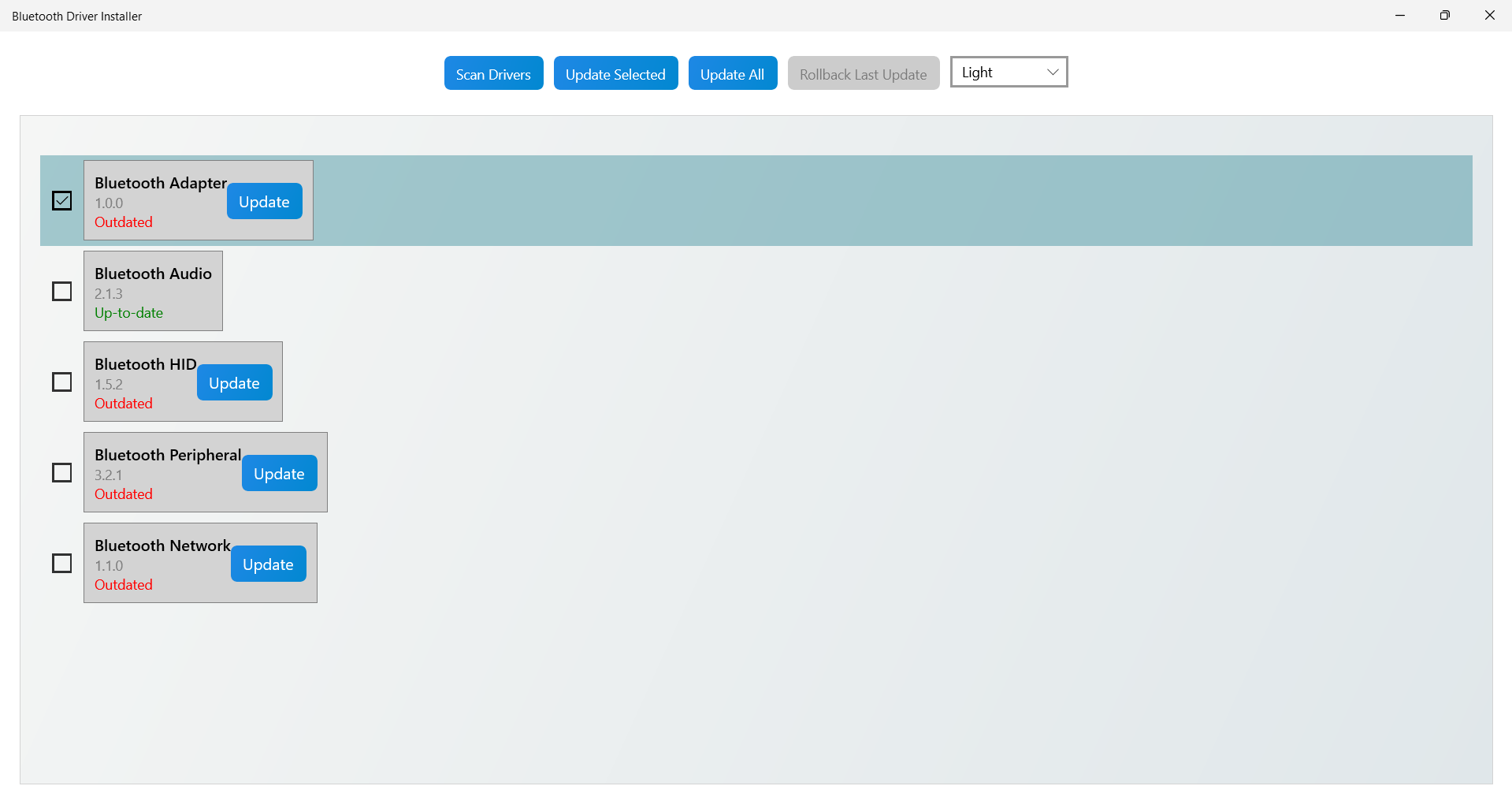
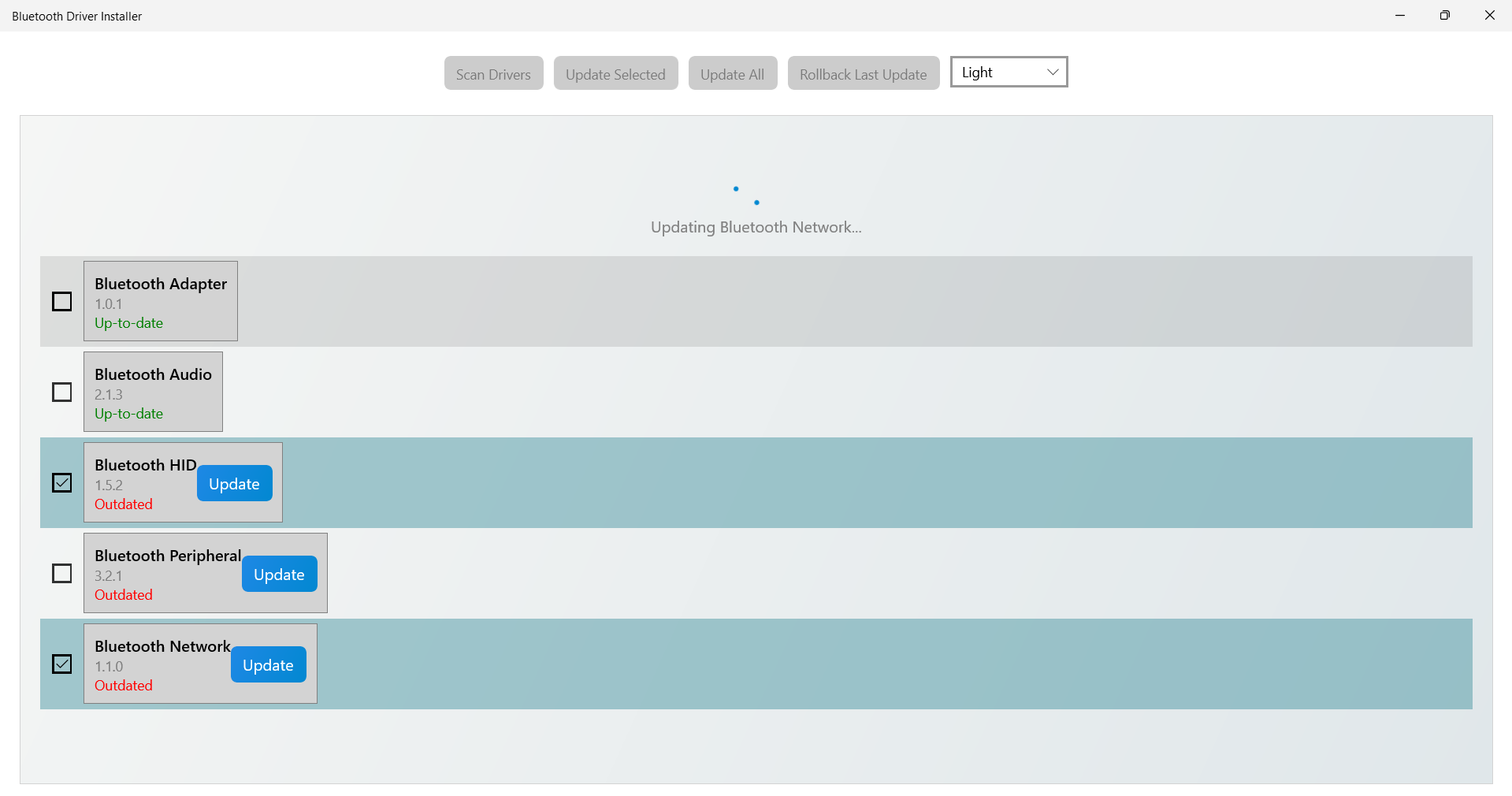
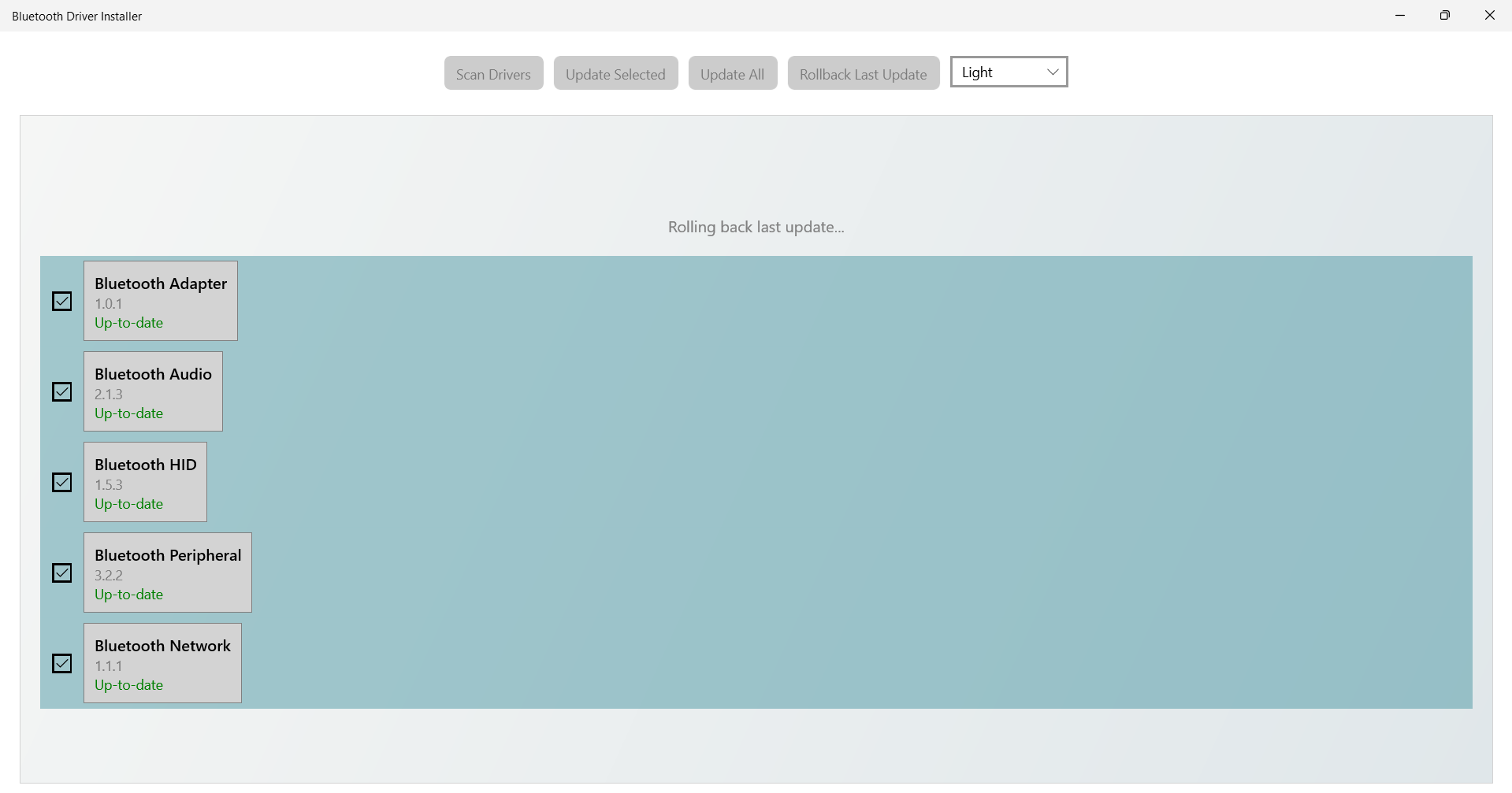
The user interface of Bluetooth Driver Installer is refreshingly straightforward — think of it like the dashboard of a reliable car: uncluttered, functional, and easy to operate. Opening the app presents a clean window with clear options to scan and fix drivers, clearly indicating progress and status updates. The design minimizes cognitive load, making it accessible for users with varying levels of tech expertise.
Performance-wise, the application demonstrates commendable fluency. The scan and repair processes are swift, often completing in less than a minute, which feels almost like having an on-demand mechanic for your Bluetooth needs. The learning curve is gentle; even a casual user can understand and utilize its features with ease, with helpful tooltips and minimal jargon guiding the way.
What Sets It Apart from Its Peers?
While many driver management tools exist, Bluetooth Driver Installer distinguishes itself through its focus on Bluetooth-specific issues. Where other utilities may offer broad driver fixing capabilities, this app's tailored approach ensures more precise and reliable solutions for Bluetooth connections. Particularly noteworthy is its ability to verify driver authenticity and compatibility, reducing the likelihood of installing malicious or corrupt drivers.
Furthermore, unlike generic driver installers, Bluetooth Driver Installer offers a sort of "connection discovery" feature — it helps identify nearby Bluetooth devices that your system might struggle to detect or connect with, acting as a bridge to unlock hidden or problematic pairings. This focus on both troubleshooting and enhancing connectivity makes it particularly appealing for users who value a more holistic approach to Bluetooth management.
Recommendations and Final Thoughts
All in all, Bluetooth Driver Installer for Windows earns a solid recommendation for anyone experiencing Bluetooth connectivity hiccups or who wants to maintain a healthy Bluetooth environment on their PC. Its targeted features, combined with an easy-to-use interface, make it a valuable tool — especially for users who prefer reliable, automated solutions over manual driver tinkering.
While it doesn't replace comprehensive network management tools, its simplicity and effectiveness make it a worthy addition to your system maintenance suite. For those seeking to streamline Bluetooth device management and troubleshoot with confidence, this app is worth trying — think of it as your digital handshake reconstructor, ensuring your devices stay connected and communicating smoothly.
Pros
- Simple installation process
- Improves Bluetooth stability
- Lightweight and fast
- User-friendly interface
- Free to use
Cons
- Limited diagnostic capabilities
- Requires administrator access to run
- Temporary fix for some hardware configurations
- Lack of ongoing official updates
- No detailed troubleshooting guidance











