
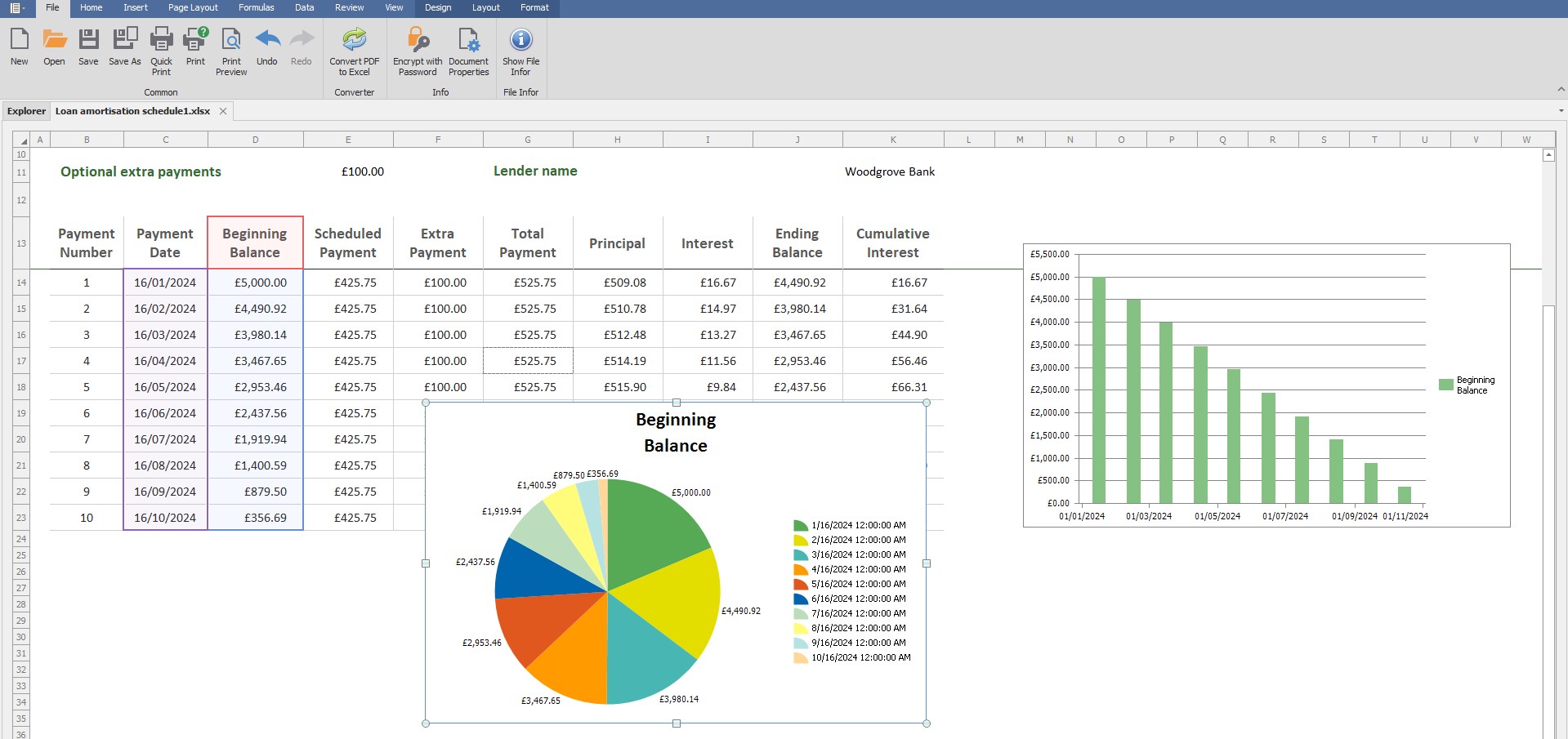
- Name XLSX Spreadsheet
- Category Productivity
- Developer PdfLe
- Available on PC, Mobile, Surface Hub, HoloLens
- OS Windows 10 version 17763.0 or higher
- languages English (United States)
Streamlining Data Management with XLSX Spreadsheet for Windows
If you've ever wrestled with complex spreadsheets or juggled multiple data files, XLSX Spreadsheet for Windows by PdfLe aims to be your reliable sidekick—making data handling more intuitive, efficient, and less of a headache. It's designed to transform how users interact with Excel files, especially for those who prefer simplicity without sacrificing power.
Who's Behind the Curtain?
Developed by PdfLe and published by File Viewer Pro Inc., this app benefits from a team with a clear focus: providing users with streamlined file viewing and editing capabilities. Their experience in creating versatile document tools shines through in how smoothly this application integrates into the Windows environment, aligning functionality with user needs.
Top Features That Make a Difference
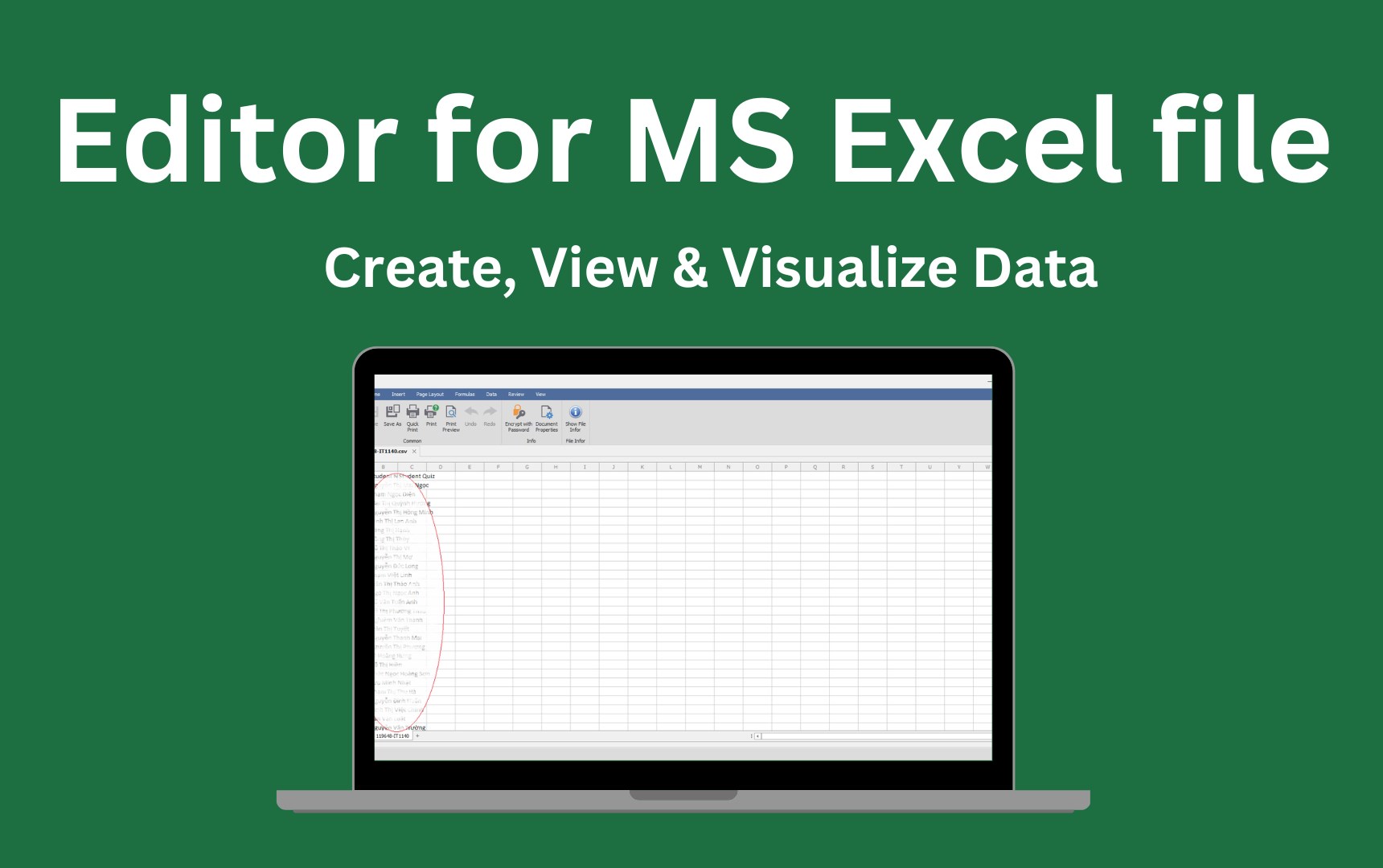
- Seamless XLSX File Viewing and Editing: Open, view, and modify spreadsheets quickly without the bloat or lag that some heavy Office alternatives bring.
- Intuitive User Interface: Clean, modern, and familiar layout that reduces the learning curve, allowing new users to become proficient swiftly.
- Enhanced Workflow Integration: Supports smooth operations within Windows, including drag-and-drop features, making spreadsheet tasks part of your daily routine with minimal disruption.
- Lightweight and Efficient: Designed to keep cognitive load low—simple menus and straightforward options mean you focus on your data, not on figuring out complicated menus.
Targeted at professionals, students, and casual users who need reliable spreadsheet management without the bloat, this app aims to cater to those who value straightforwardness and speed over overly complex tools.
Why This App Stands Out: The Core Experience
Imagine opening your spreadsheet app on a busy morning—your files are ready, and everything feels instantly familiar. That's the magic of XLSX Spreadsheet for Windows. Let's delve into its core strengths:
1. Focused Simplicity with Robust Functionality
This app is like a well-organized toolbox—everything you need, nothing you don't. Unlike bulky office suites that bombard you with endless features, XLSX Spreadsheet keeps its focus narrow and sharp. Editing and viewing are streamlined: quick access to formulas, cell formatting, and data sorting, all within a clean interface. This targeted approach reduces cognitive load—no more hunting through layers of menus, just a few clicks to achieve your task.
2. Workflow Integration and Efficiency
The app excels at embedding itself into your Windows workflow. Features like drag-and-drop support and easy file management mean your spreadsheets become a natural part of your digital environment. It minimizes context switches—no need to open bloated software that slows down your system or complicates your work process. Its lightweight nature ensures that activities like reviewing, editing, or sharing spreadsheets become seamless steps in your routine, rather than disruptive chores.
3. User Experience and Visual Design
The interface feels like an orderly desk—everything in its place, inviting you to get started immediately. The design prioritizes clarity and ease of use, reducing frustration for first-time users. Navigation is straightforward, with intuitive icons and clear menus, facilitating a minimal learning curve. The app's responsiveness is noteworthy—scrolling, editing, and file switching happen swiftly, making it feel like an extension of your thoughts rather than a separate tool.
Comparing with Competitors: What Makes It Unique?
While many productivity tools clutter their feature set in an effort to be all-things-to-all-people, XLSX Spreadsheet for Windows distinguishes itself through its laser focus on workflow efficiency and cognitive simplicity. By streamlining core functions and supporting effortless integration into Windows, it minimizes the mental effort often associated with managing complex spreadsheets. Unlike some rivals that bombard users with options, this app carefully curates a user experience that emphasizes ease and clarity, making it accessible for both casual users and professionals who need to handle spreadsheets efficiently without cognitive overload.
Recommendation and Use Cases
If you prioritize a straightforward, responsive, and minimally intrusive tool to handle your XLSX files, this app comes highly recommended. It's especially suited for users who handle spreadsheets regularly but don't need the overwhelming features of full-fledged office suites. For example, project managers reviewing data reports, students working on data exercises, or professionals needing quick edits on the go will find this app a dependable companion.
However, if your work demands advanced macros, extensive data analysis, or integration with other complex Office tools, you might want to explore more comprehensive solutions. That said, for everyday spreadsheet tasks with an emphasis on speed and ease, XLSX Spreadsheet for Windows is an excellent choice.
In conclusion, this app offers a rare blend of simplicity and efficiency—like a well-tuned instrument ready to help you master your data effortlessly. It's a practical tool for those who value workflow harmony and cognitive ease, making spreadsheet management less of a chore and more of a breeze.
Pros
- User-Friendly Interface
- Excel Compatibility
- Cloud Syncing Support
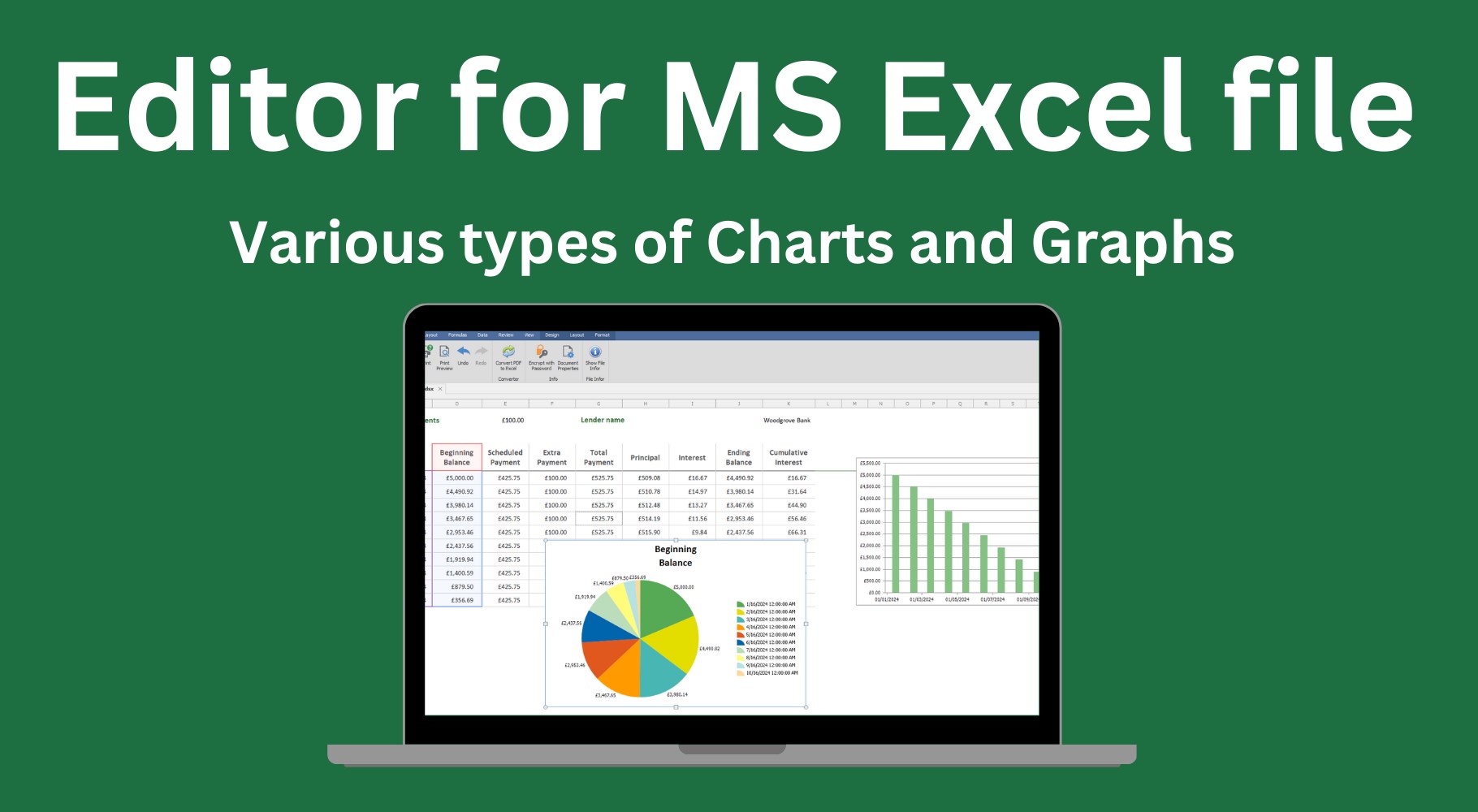
- Basic Data Visualization Tools
- Lightweight and Fast
Cons
- Limited Advanced Features
- Occasional Sync Issues
- Basic Formatting Options
- Offline Editing Limitations
- File Conversion Limitations











