

- Name Lenovo Vantage
- Category Productivity
- Developer Lenovo Group Ltd.
- Available on PC
- OS Windows 10 version 17763.0 or higher
- languages Chinese (Simplified), English (United States)
Unlocking Seamless Laptop Management with Lenovo Vantage for Windows
Lenovo Vantage for Windows is a dedicated system utility app designed to streamline the management of Lenovo devices, offering users an intuitive gateway to optimize performance, security, and device health—all within a user-friendly interface.
A Brief Overview: Who, What, and Why
Developed by Lenovo Group Ltd. and published through LENOVO INC., this app serves as a central hub for Lenovo users eager to fine-tune their laptops effortlessly. Its main highlights include tailored hardware control, proactive system updates, and quick access to support options, making it an essential companion for both casual users and power users alike. The target demographic encompasses Lenovo laptop owners seeking an integrated, simplified management experience that enhances productivity and device longevity without the hassle of navigating multiple settings or third-party tools.
Intuitive Interface and Smooth Operations: Your Digital Dashboard
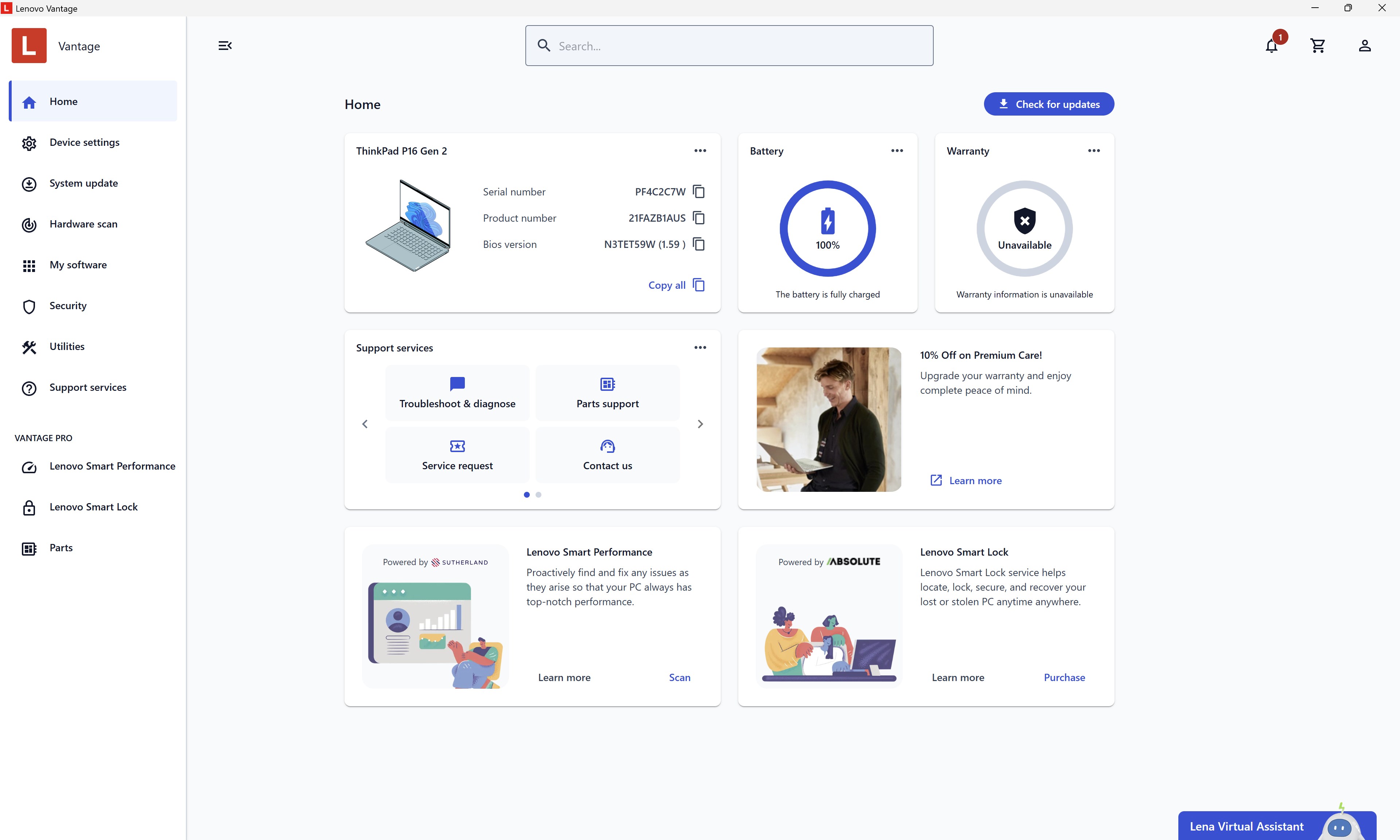
From the moment you open Lenovo Vantage, you're greeted with a sleek, modern interface that feels more like engaging with a smart dashboard than fumbling through complicated menus. The layout adopts a card-based design, categorizing key functions such as Me, Devices, and Support into clearly defined sections. Navigating through the app is akin to flipping through a well-organized workspace—everything is just a couple of clicks away.
Interaction performance impresses with snappy responsiveness, ensuring users aren't bogged down by laggy transitions. Importantly, the learning curve is gentle, even for those not well-versed in technical details, thanks to thoughtful iconography and straightforward language. This usability makes routine check-ups or adjustments feel less like chores and more like a smoothly flowing part of your daily workflow.
Core Features: Stability, Customization, and Support at Your Fingertips
System Optimization and Power Management
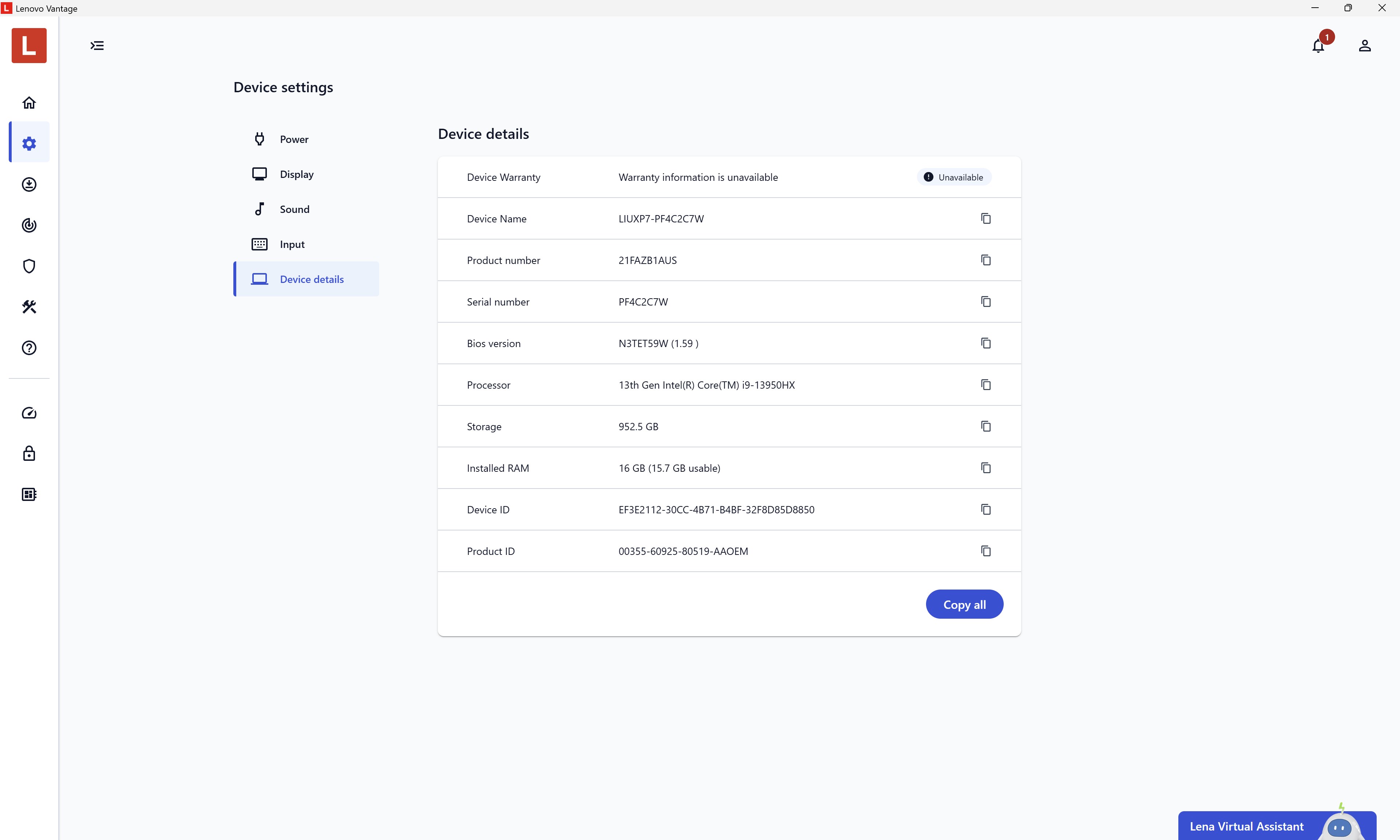
Lenovo Vantage provides a smart approach to balancing performance and battery life. Its adaptive power settings and tailored 'Power Plans' allow users to customize how their laptop conserves energy during different tasks—imagine setting your device to be a sprinter or a marathon runner, depending on your day's needs. The app's auto-optimization feature assesses device health periodically, alerting you to potential issues before they escalate.
Firmware and Driver Updates—Keeping Your Device in Top Shape
Rather than manually hunting for driver updates, Lenovo Vantage automates this process with built-in tools that scan and recommend relevant updates. This reduces cognitive load—no more juggling multiple firmware sources—ensuring your system remains secure and efficient without intricate technical steps. The app's update system is subtly integrated, prompting users only when action is necessary, akin to having a trusted mechanic looking after your car while you drive carefree.
Support and Troubleshooting Access
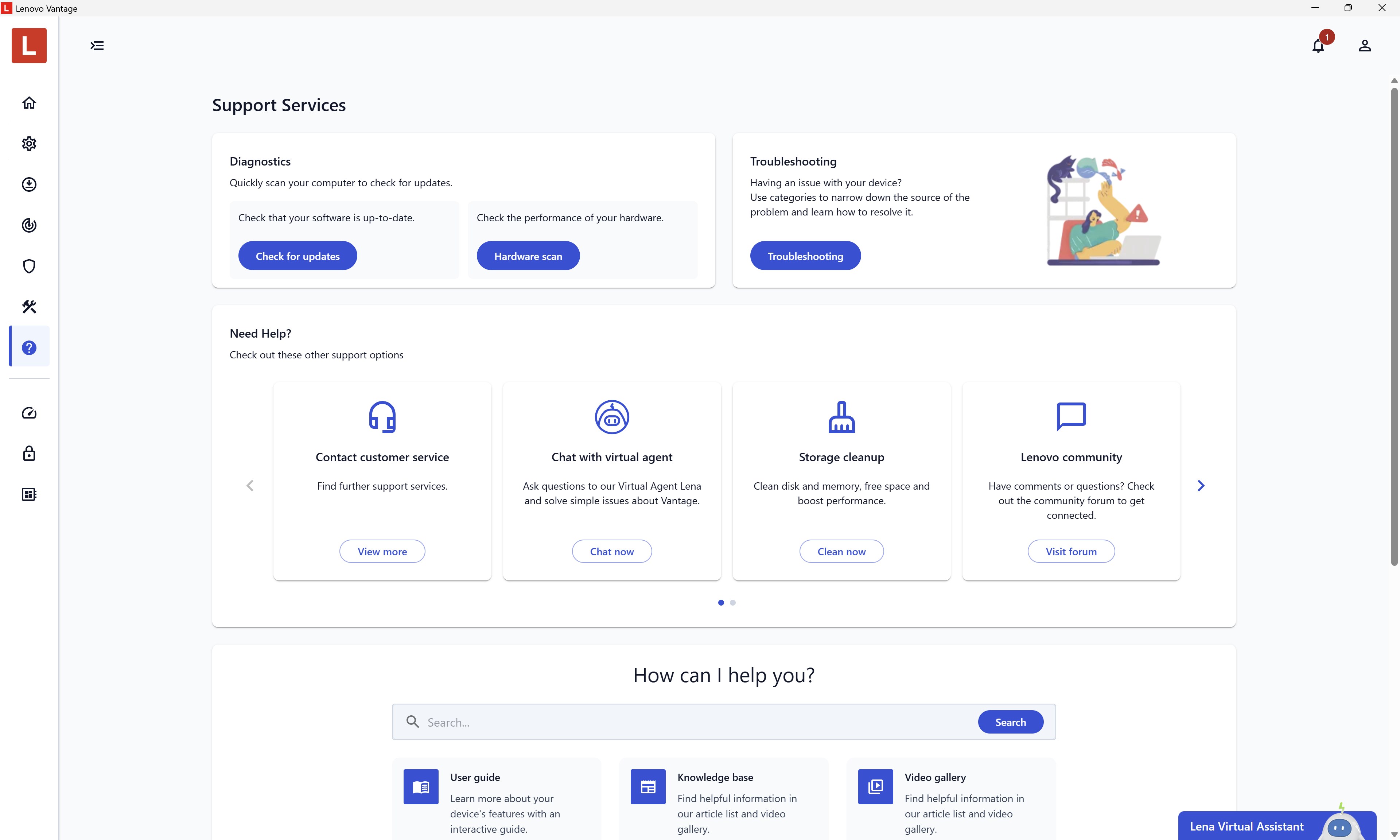
Access to troubleshooting guides, warranty details, and direct support links is seamlessly woven into the app. It's akin to having a knowledgeable assistant sitting beside you, ready to help resolve issues or provide recommendations based on real-time diagnostics. This integration minimizes the frustration of extended search, streamlining your problem-solving process.
Evaluating User Experience and Unique Edge
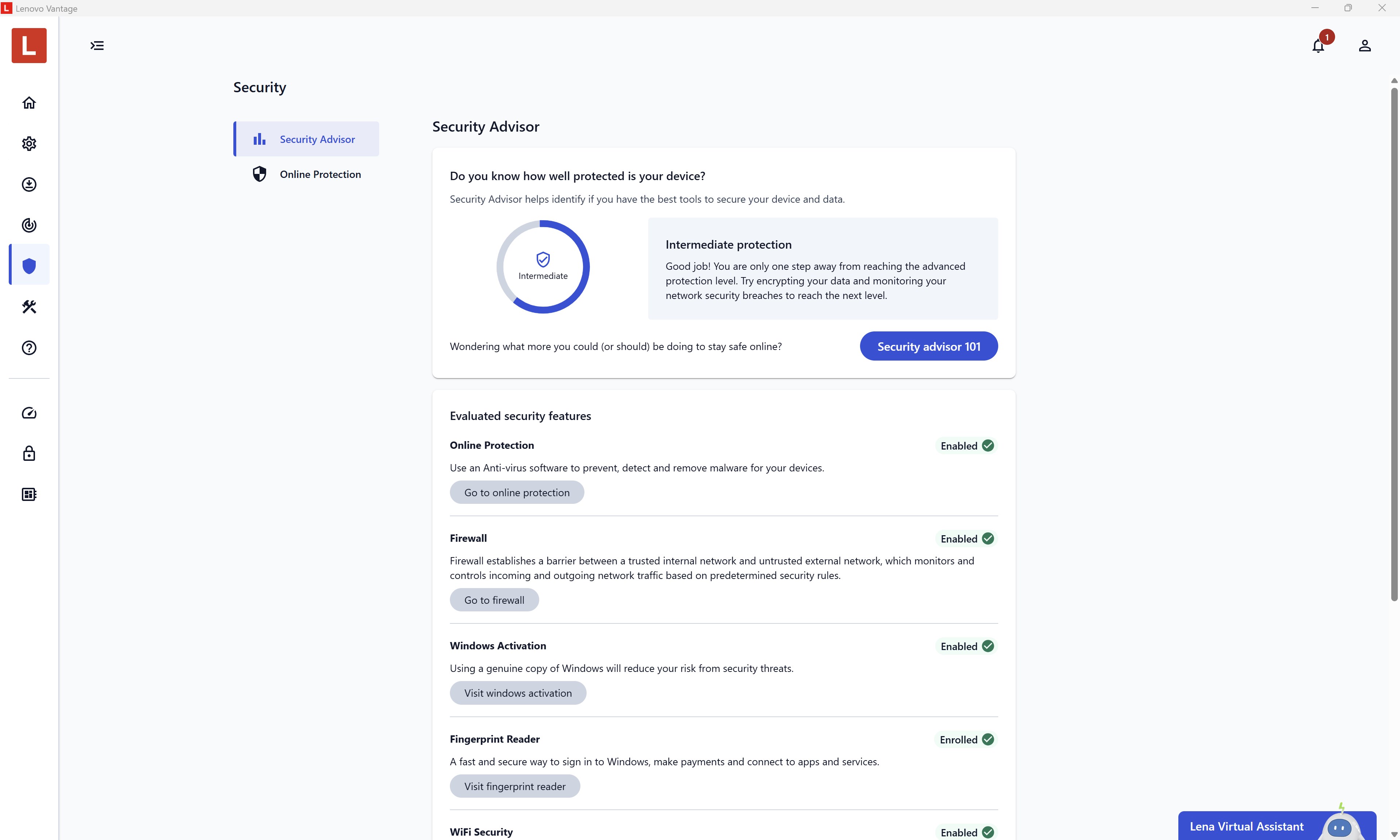
The design philosophy of Lenovo Vantage emphasizes reducing cognitive load by presenting relevant features without overwhelming the user with unnecessary options. Its workflow integration excellence means users can perform multiple device management tasks within a single, cohesive environment—saving time and mental effort. Unlike some productivity apps that clutter the interface with myriad features, Vantage focuses on what truly matters: device health, performance, and support, delivered in an accessible manner.
Compared to generic PC management tools, Lenovo Vantage distinguishes itself with its tailored approach to Lenovo hardware, optimizing the unique capabilities of these devices. Its smart default settings and targeted updates minimize manual intervention, ensuring smoother operation and a lower barrier to entry for less tech-savvy users.
Final Thoughts & Recommendations
Lenovo Vantage for Windows is a well-crafted tool that balances simplicity with powerful device management features. It's especially recommended for Lenovo laptop owners who want peace of mind through proactive health monitoring and easy customization. For users seeking a clutter-free, efficient way to keep their device performing at its best, this app offers a compelling, no-nonsense solution.
While advanced users might find some settings too basic, the app's core strengths lie in its seamless workflow integration and reduction of repetitive cognitive load—making system maintenance feel almost automatic. For everyday users and professionals alike, Lenovo Vantage can be considered an essential utility enhancing both device longevity and overall user experience.
Pros
- User-friendly interface
- System update management
- Hardware diagnostics
- Customization options
- Battery optimization features
Cons
- Limited compatibility with non-Lenovo devices
- Occasional software lag
- Limited advanced customization
- Notifications can be intrusive
- Features sometimes duplicated with Windows settings










