

- Name Embird Embroidery Software
- Category Productivity
- Developer BALARAD, s.r.o.
- Available on PC
- OS Windows 10 version 0.0 or higher
- Keyboard Integrated Keyboard
- Mouse Integrated Mouse
- Memory 4 GB
- languages Albanian, Arabic, Belarusian, Bulgarian, Chinese, Croatian, Czech, Danish, Dutch, English, Filipino (Latin), Estonian, Finnish, French, German, Greek, Hebrew, Hungarian, Hindi, Indonesian, Irish, Italian, Japanese, Kiswahili, Korean, Latvian, Lithuanian, Malay, Marathi, Norwegian, Persian/Farsi, Polish, Portuguese, Romanian, Russian, Serbian, Slovak, Slovenian, Spanish, Swedish, Tajik, Tamil, Turkish, Thai, Ukrainian, Urdu, Vietnamese
Embird Embroidery Software for Windows: A Competent Stitch in the Digital Embroidery World
Embird Embroidery Software by BALARAD, s.r.o. offers a streamlined and approachable solution for embroidery enthusiasts and professionals alike, aiming to simplify complex design workflows without sacrificing flexibility.
Empowering Creativity with Intuitive Design Tools
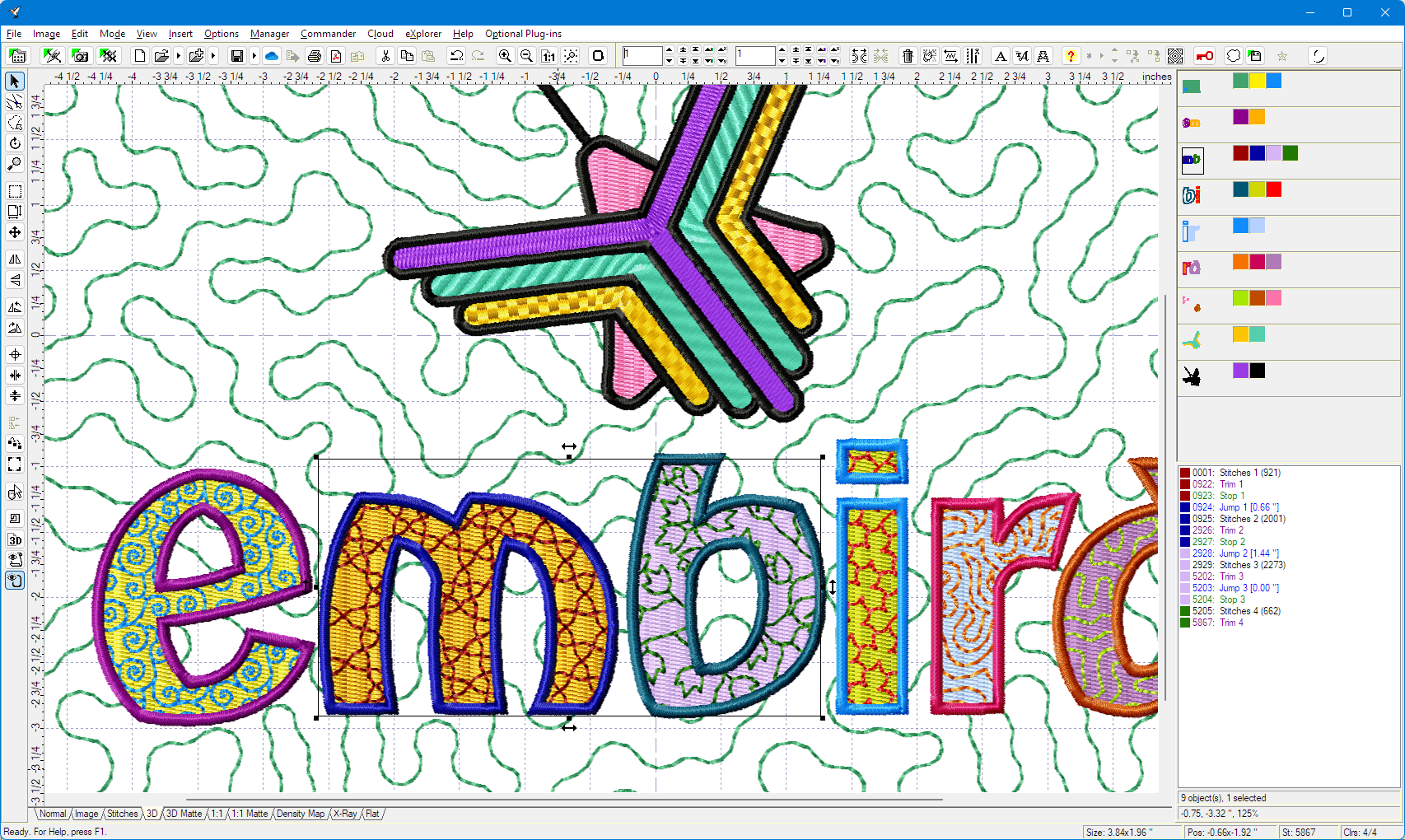
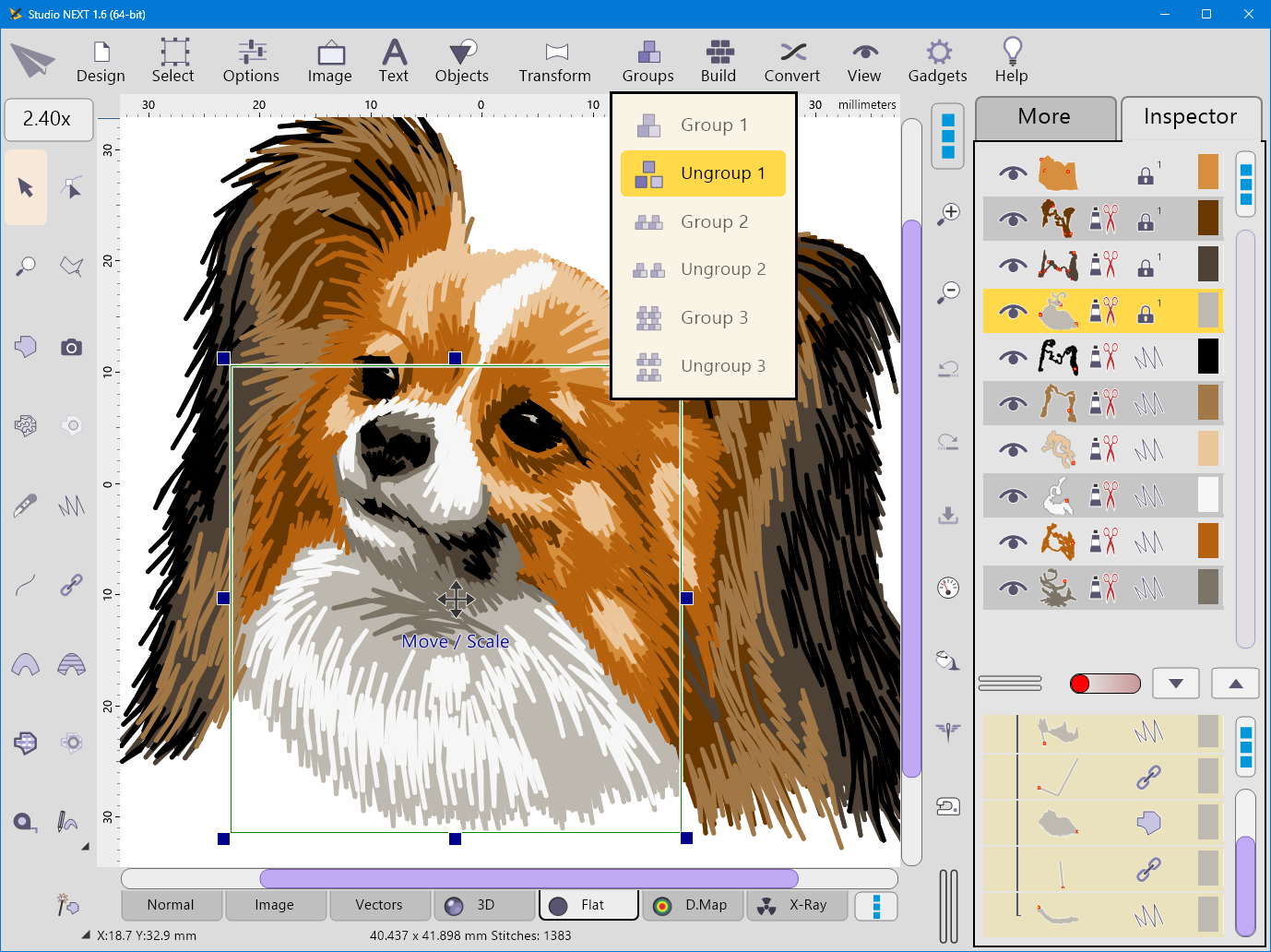
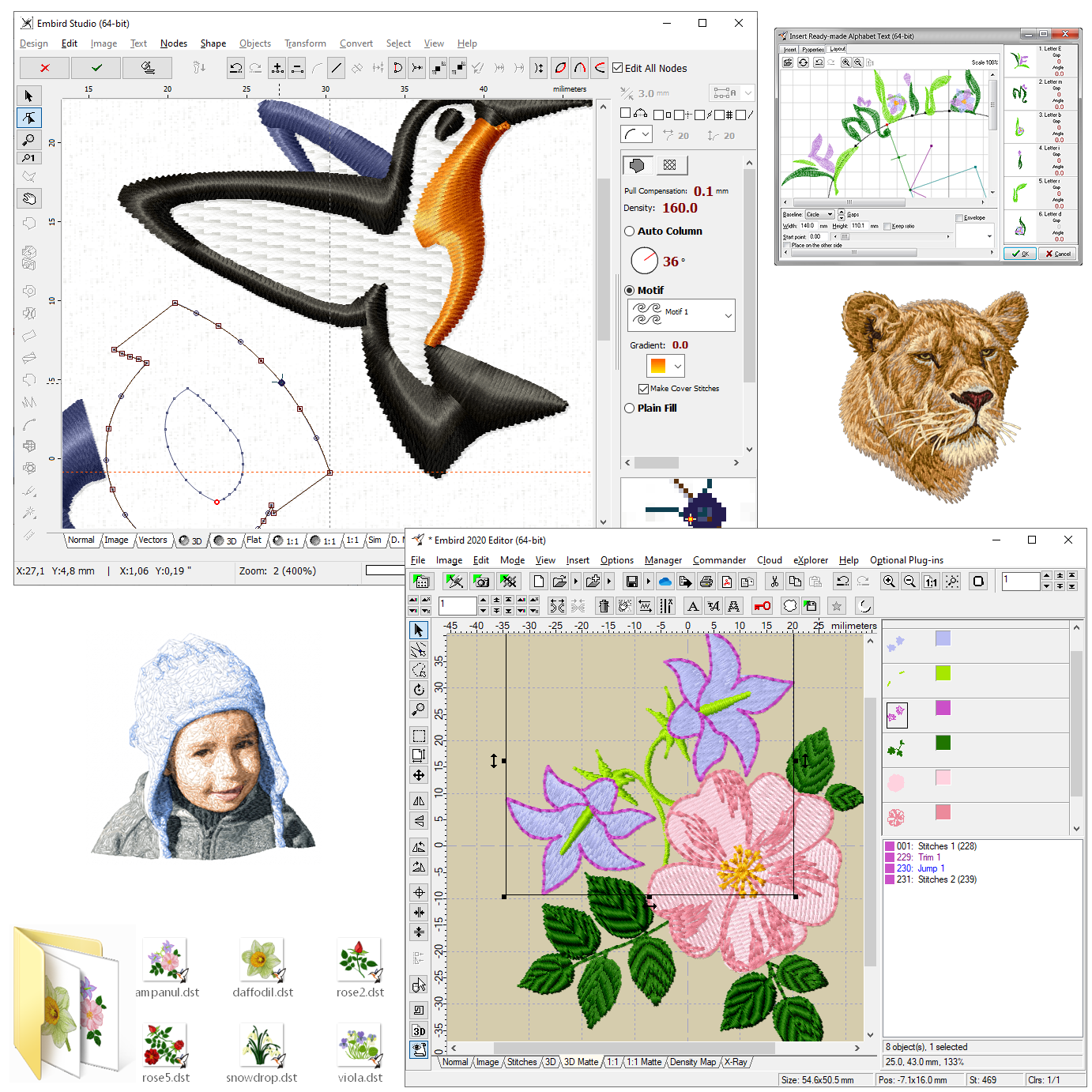
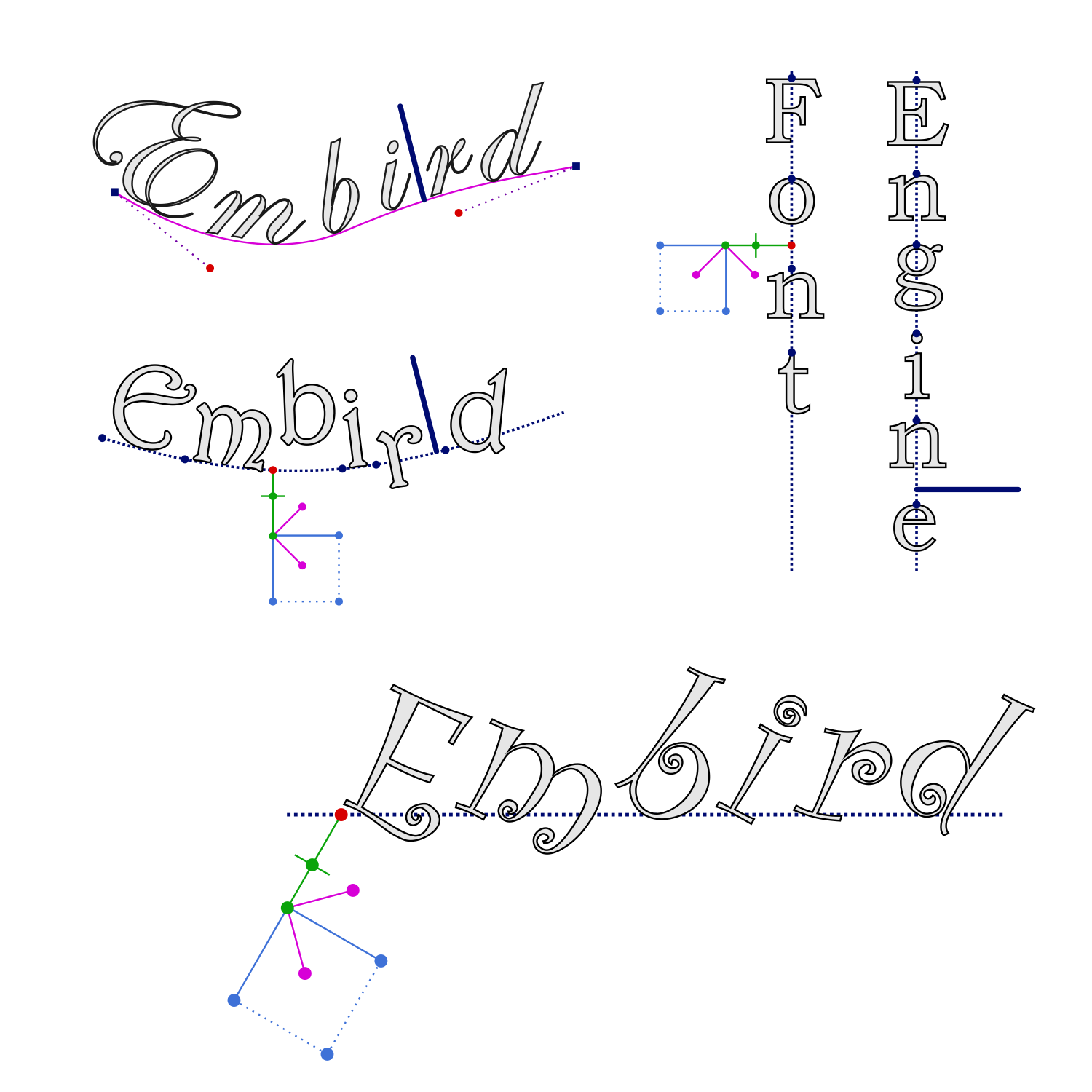
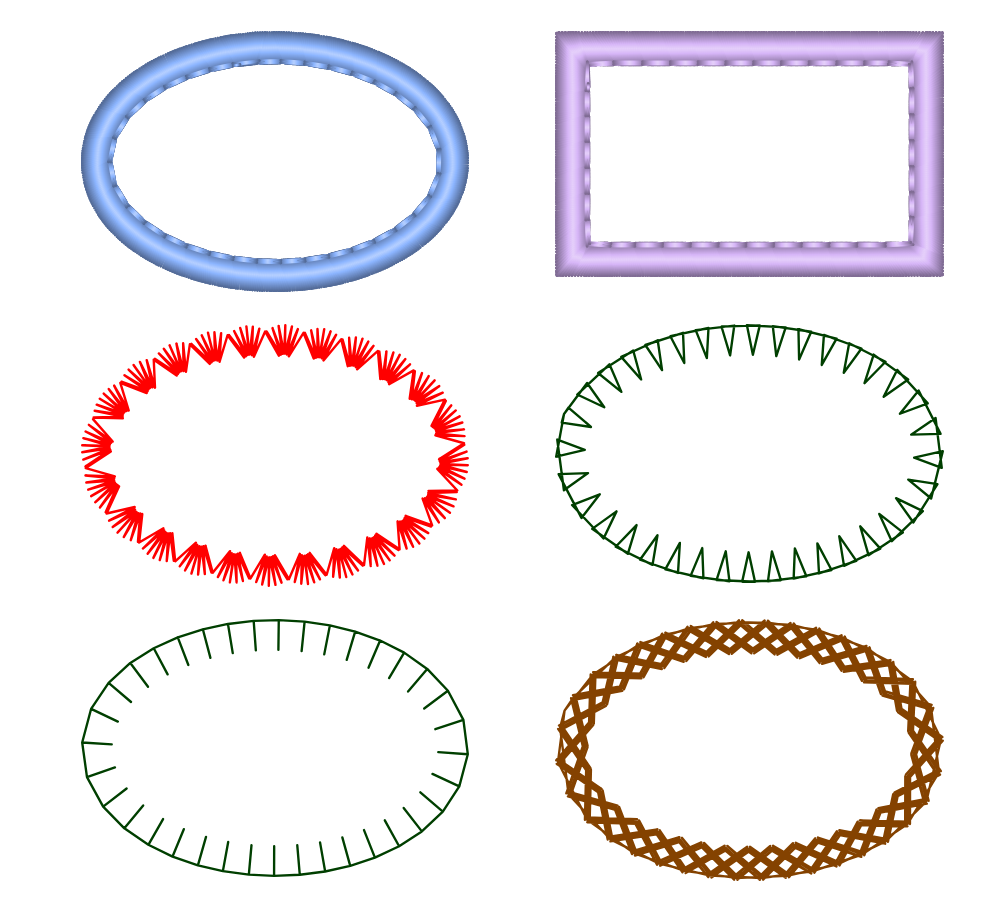
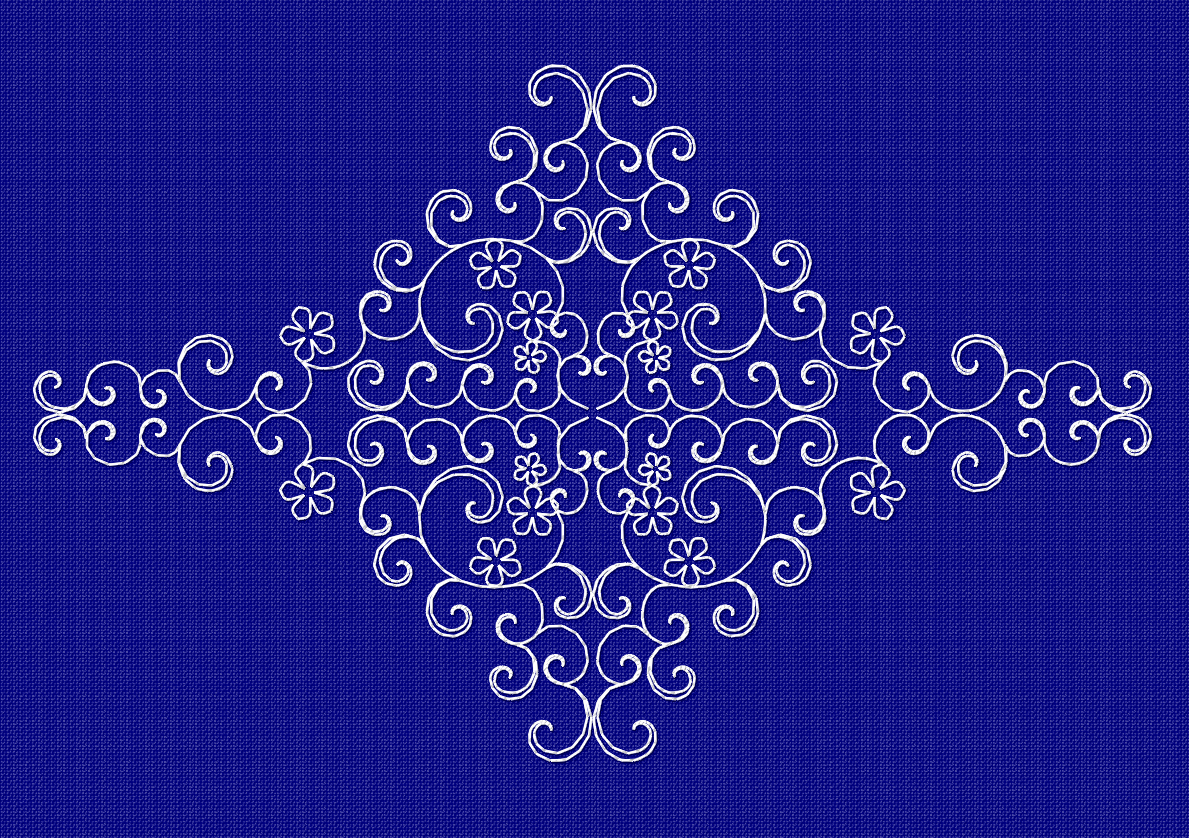
At its core, Embird stands out by providing a versatile suite of embroidery design features that cater to both beginners seeking ease of use and experienced users aiming for detailed customization. The software boasts over 50 built-in font styles, allowing users to easily incorporate text into their designs, much like adding a personalized signature onto a masterpiece. Its auto-digitizing feature simplifies the process of converting bitmap images into embroidery-ready files, transforming complex images into stitchable formats with just a few clicks – akin to a skilled artisan mass-producing intricate motifs effortlessly.
Seamless Design Editing and Modification
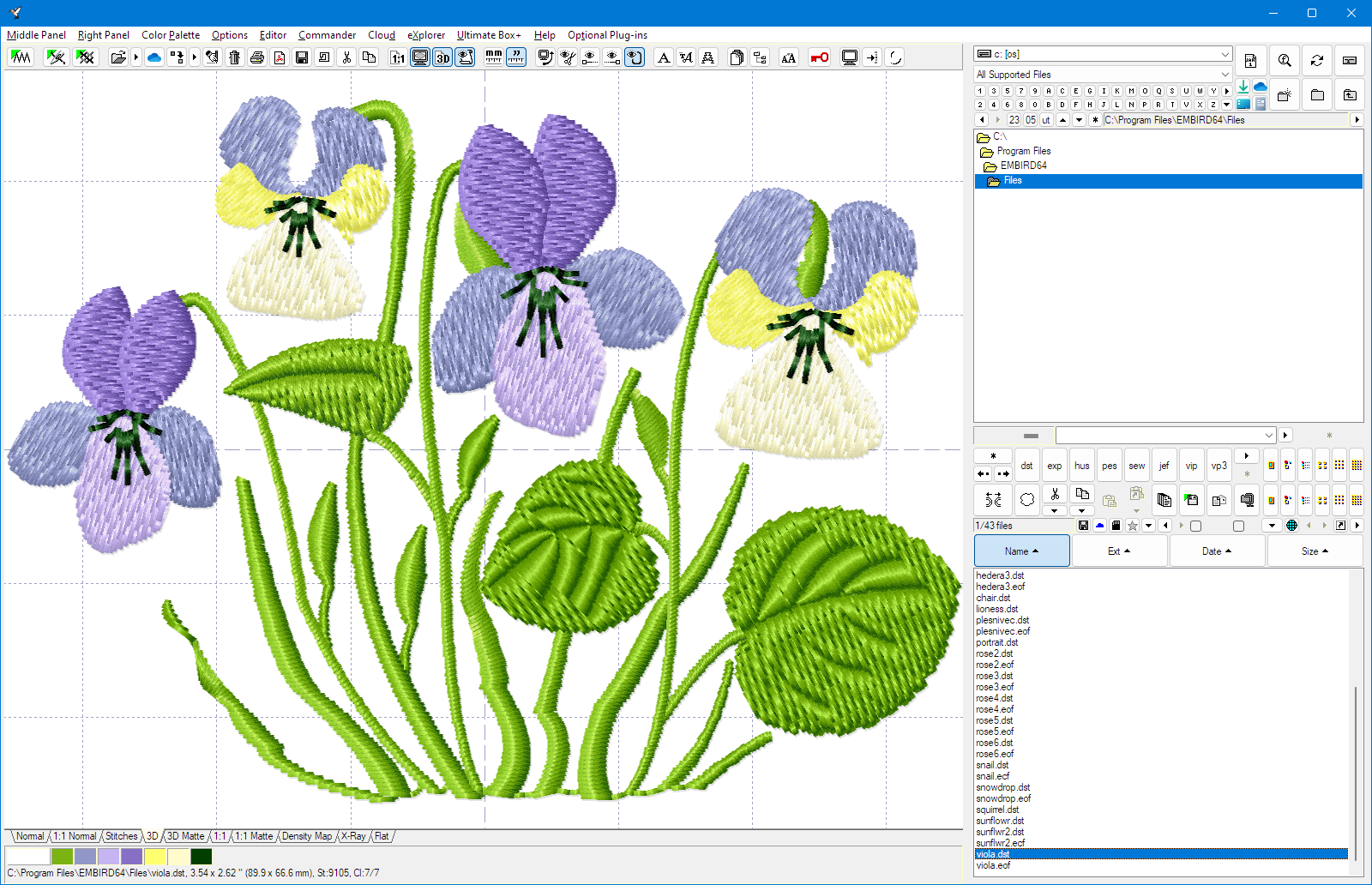
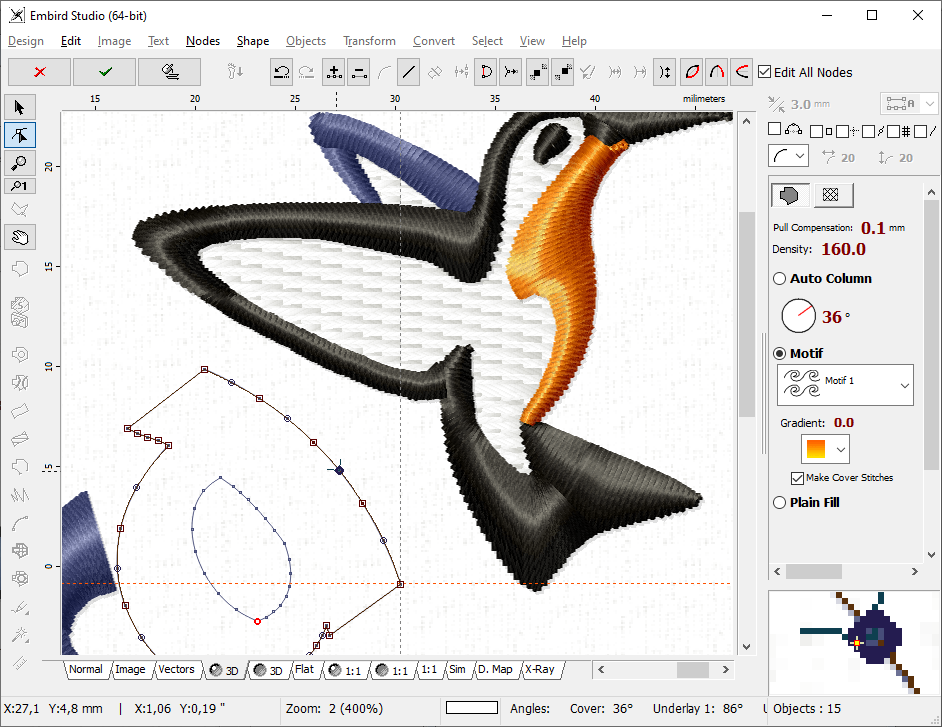
The editing module offers precise control over stitch properties, enabling users to tweak embroidery patterns for optimal results. The ability to resize, rotate, and adjust stitch density ensures that each design maintains its intended aesthetic. Plus, the software supports a wide array of embroidery formats, facilitating smooth import and export flows, which is essential when collaborating across different hardware platforms. This flexibility ensures creators won't get bogged down by compatibility issues, much like having a universal adapter for all your electronic devices.
User Experience: Friendly Interface Meets Efficient Workflow
Embird's interface adopts a clean, intuitive layout that resembles a well-organized sewing kit – tools are logically placed, fostering a clutter-free environment where ideas can bloom. Navigation feels natural, with drag-and-drop functionalities and clearly labeled menus making the learning curve gentle. For newcomers, the abundance of online tutorials and community forums acts like a helpful sewing circle, guiding them stitch by stitch through complex processes. The application runs smoothly on Windows, with minimal lag even when handling sizable projects, providing a fluid user experience comparable to guiding a needle through tightly woven fabric.
This well-balanced design reduces cognitive load by separating complex features into manageable modules, enabling users to focus on their creative vision rather than wrestling with technical hurdles.
Unique Strengths: Simplified Workflow with Power at Your Fingertips
One of Embird's most standout features is its combination of simplicity and depth. Unlike some embroidery programs overwhelmed by a clutter of features, Embird streamlines common tasks—like digitizing and editing—while offering advanced options for those who wish to deepen their craft. Its user-centric approach means that you don't need to be a tech wizard to create professional-quality designs. The auto-digitizing function, in particular, acts like a friendly assistant that quickly translates images into quality embroidery files, saving hours of manual tracing and digitization—an absolute game-changer in efficiency.
Moreover, Embird excels in workflow efficiency through its modular architecture, allowing users to add only the functionalities they need, thus reducing feature overload and cognitive strain. This design philosophy makes the software approachable without sacrificing the potential for intricate customization—a noteworthy differentiator in a crowded marketplace.
Final Remarks and Recommendations
In summary, Embird Embroidery Software offers a balanced blend of user-friendliness and advanced capabilities, making it a valuable tool for hobbyists, small business owners, or seasoned embroiderers seeking a reliable digital companion. Its particularly innovative auto-digitizing feature and modular layout stand out as strengths that facilitate a smoother, more efficient design workflow. If you're looking for a program that combines accessibility with depth, Embird deserves serious consideration.
While it may not match the exhaustive set of features found in premium embroidery suites, its thoughtful design makes it an excellent starting point and a practical choice for those who prioritize ease of use without compromising quality. I would recommend this software to anyone who wants to elevate their embroidery projects confidently and with minimal frustration—think of it as having a trusty sewing buddy by your side every step of the way.
Pros
- Intuitive User Interface
- Extensive Design Library
- Excellent Compatibility
- Advanced Editing Tools
- Regular Updates and Support
Cons
- Steep Learning Curve for Beginners
- Resource Intensive
- Limited Export Options
- Occasional Software Crashes
- Lack of Tutorial Content within the App










