


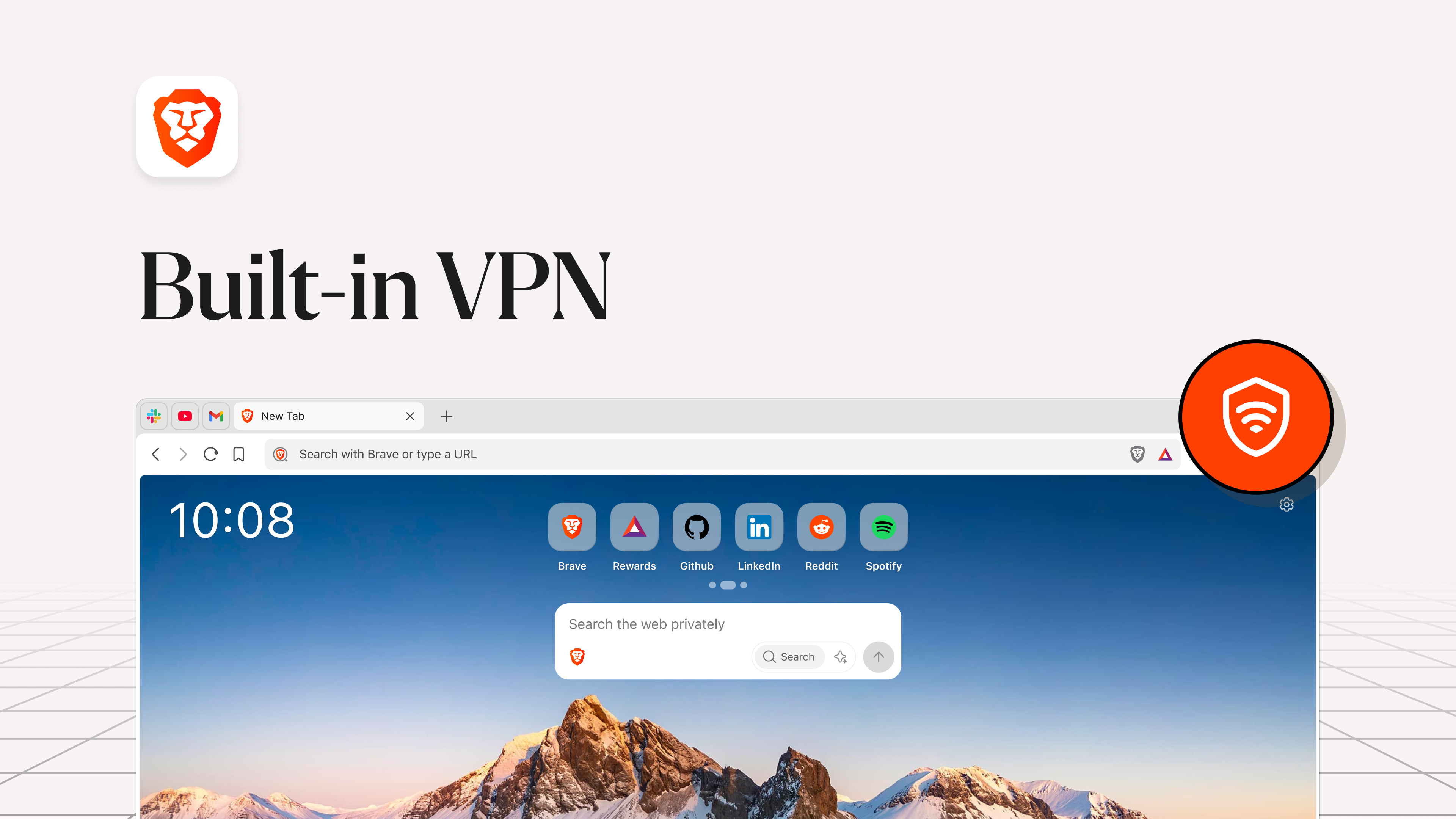
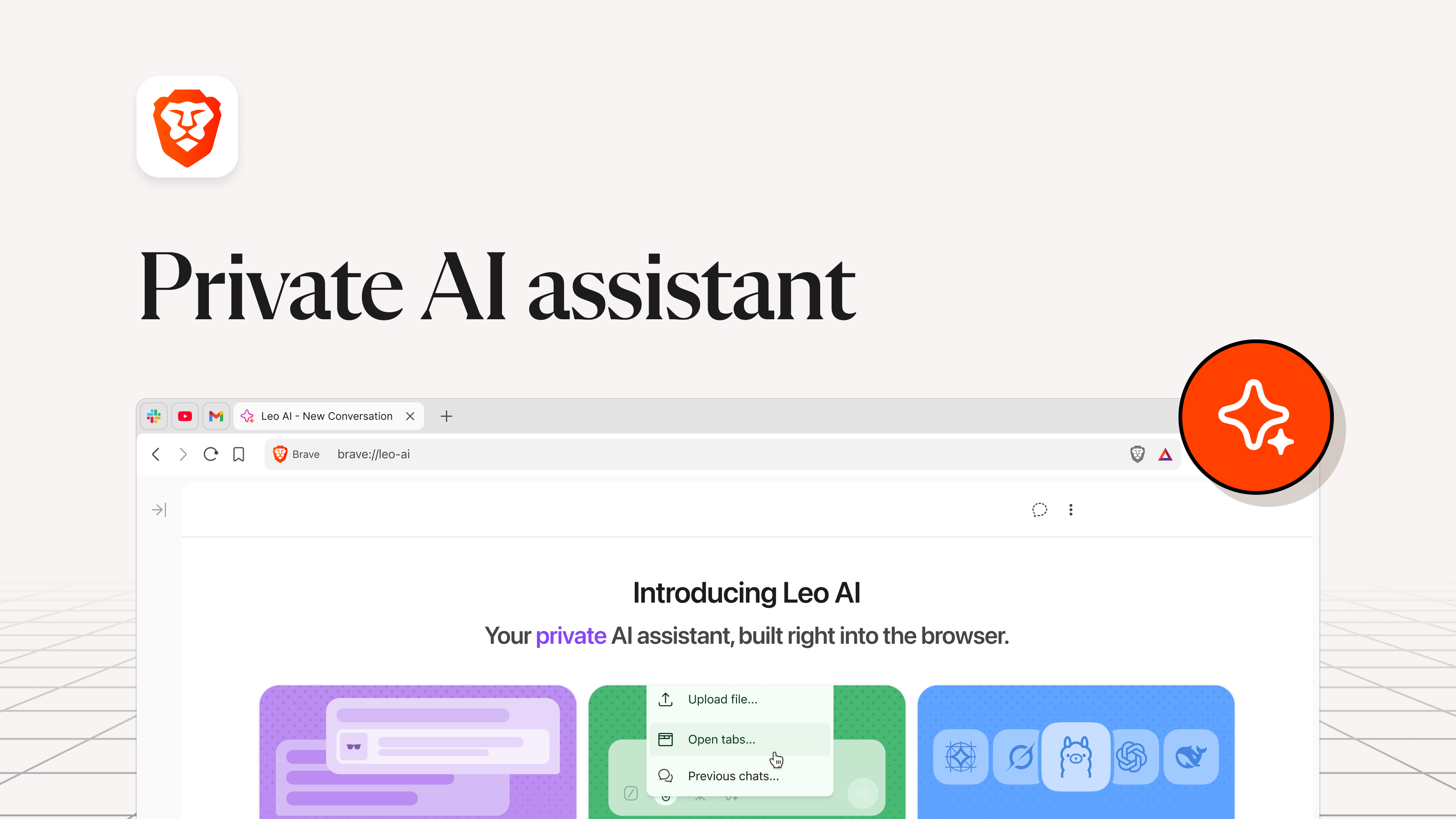
- Name Brave Browser
- Category Productivity
- Developer © 2015 - 2026 Brave Software, Inc. | All rights reserved
- Available on PC
- OS Windows 10 version 0.0 or higher
- languages Amharic, Arabic, Bangla, Bulgarian, Catalan, Chinese, Chinese (Simplified), Chinese (Traditional Chinese), Croatian, Czech, Danish, Dutch, English, English (United Kingdom), Estonian, Filipino, Finnish, French, French (Canada), Galician, German, Greek, Hebrew, Hindi, Hungarian, Indonesian, Italian, Japanese, Kannada, Korean, Latvian, Lithuanian, Malay, Norwegian, Persian/Farsi, Polish, Portuguese, Portuguese (Brazil), Portuguese (Portugal), Romanian, Russian, Serbian, Slovak, Slovenian, Spanish, Spanish (Latin America), Kiswahili, Swedish, Thai, Turkish, Ukrainian, Vietnamese
Brave Browser for Windows: A Privacy-First, Streamlined Web Experience
Brave Browser for Windows is designed to deliver fast, secure, and privacy-oriented web browsing, redefining how users navigate the internet with a focus on streamlined performance and minimal disruptions.
About the Developer and Main Features
Developed by Brave Software, Inc., a company committed to building a safer and more transparent internet, Brave Browser for Windows integrates cutting-edge privacy protections with a user-friendly interface. Key features include built-in ad blocking and tracker prevention, integrated HTTPS upgrades for secure connections, and a privacy-respecting rewards system that incentivizes user engagement without compromising anonymity. Its primary target users are privacy-conscious individuals, digital professionals, and anyone seeking a faster, less cluttered browsing experience.
Setting the Stage: An Entertaining Introduction to Brave
Imagine opening your browser and feeling the rush of a sleek, clutter-free interface—no relentless ads, no sneaky trackers—just pure, unadulterated access to the web's riches. Brave Browser for Windows feels like stepping into a high-speed train that whisks you through the digital landscape while shielding you from unwelcome passersby. It's not just a browser; it's your digital guardian championing privacy, speed, and efficiency, all wrapped in a modern package that makes you wonder how you ever browsed without it.
Core Functionality 1: Privacy and Security First
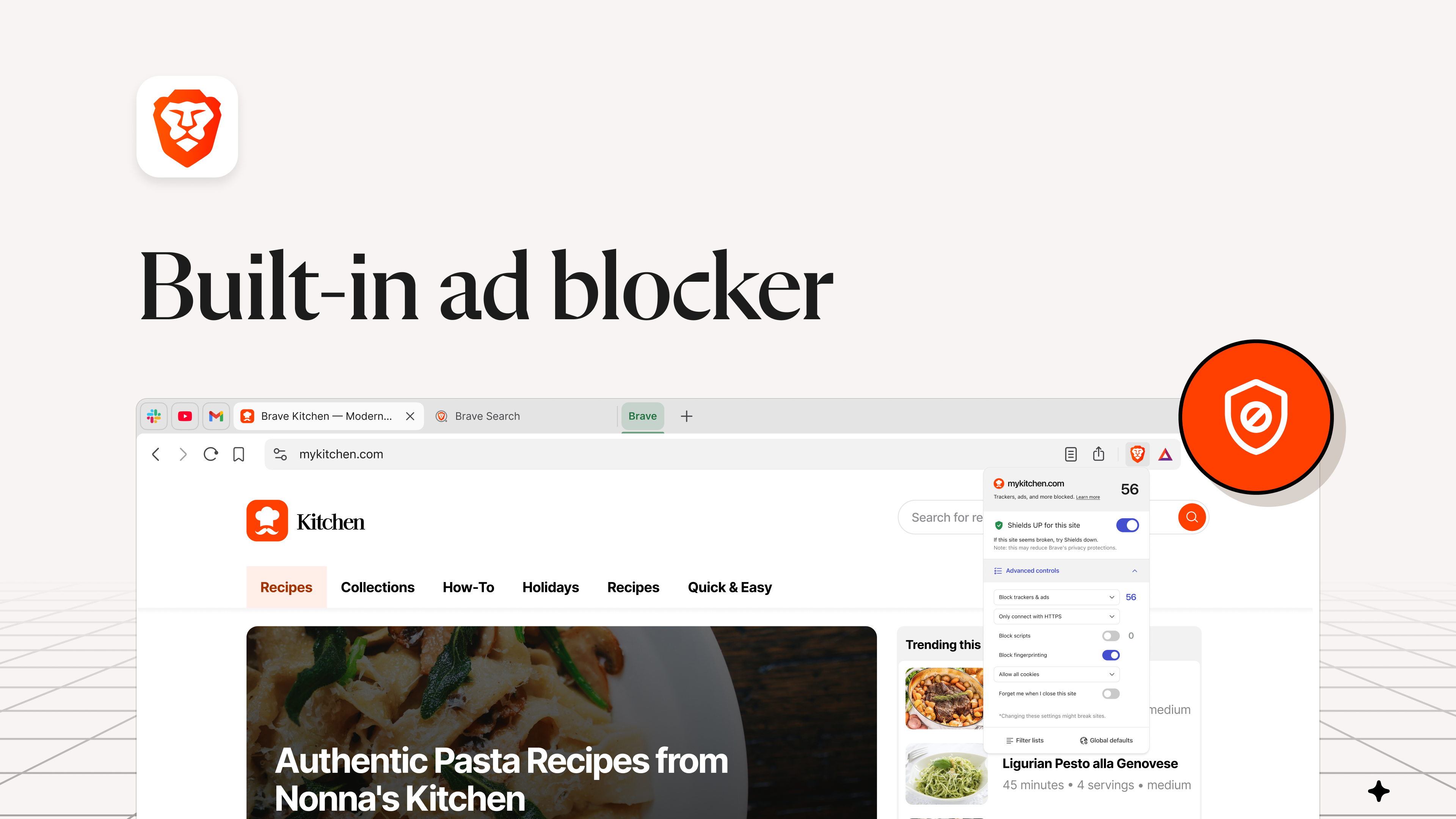
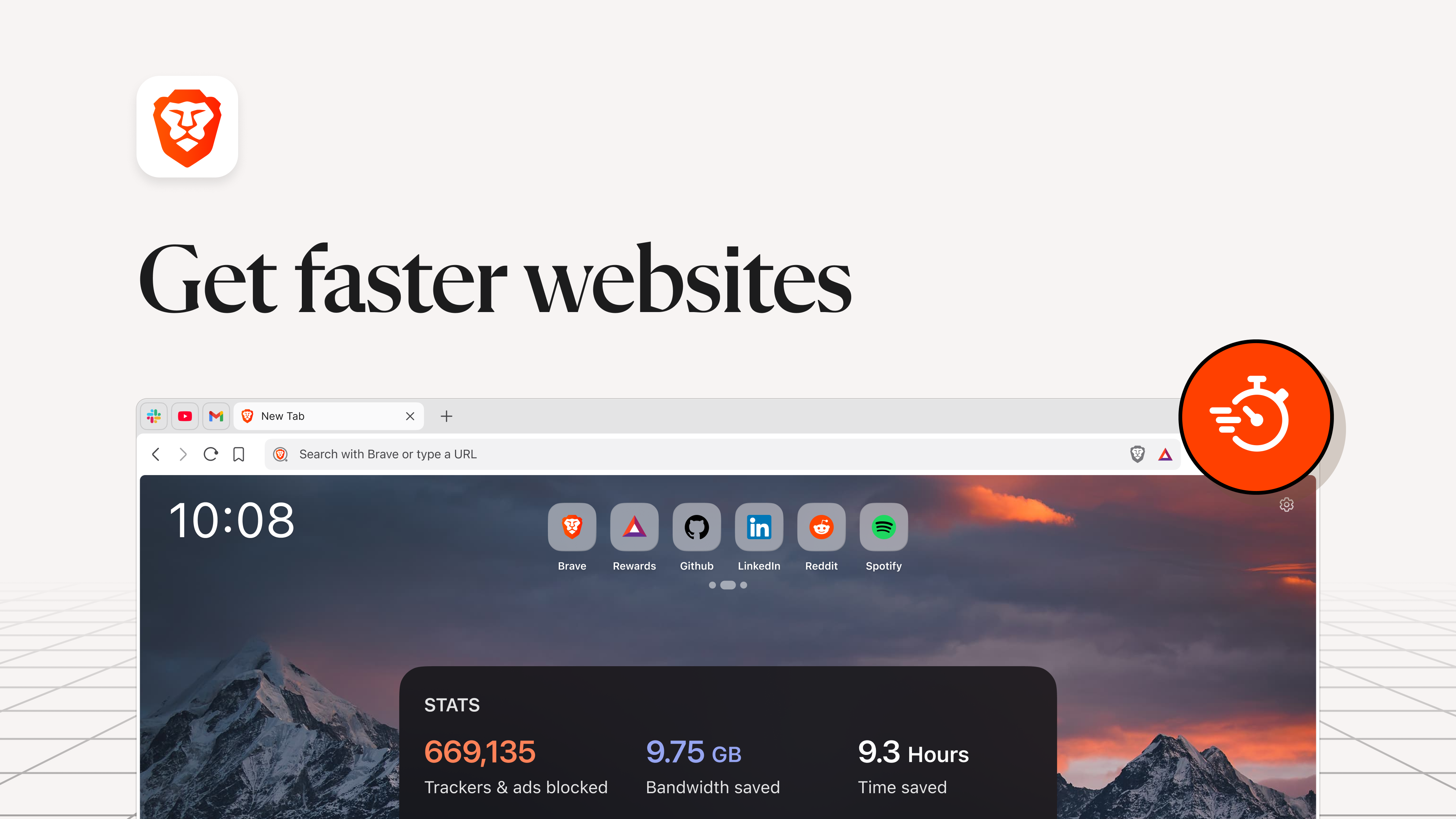
Brave's standout feature is its comprehensive privacy shield—built-in ad blocker, tracker prevention, and HTTPS upgrades whip your browsing experience into a sleek, faster, and safer ride. Unlike conventional browsers that bombard you with intrusive ads and let trackers lurk in the shadows, Brave automatically blocks third-party ads and scripts, significantly reducing page load times and restoring your bandwidth. The HTTPS Everywhere functionality ensures that your data stays encrypted whenever possible. This all-in-one privacy package effectively reduces cognitive load by eliminating unwanted distractions and prevents malicious content from slipping through, making your browsing experience not just more pleasant but safer and less stressful.
Core Functionality 2: Efficient Workflow Integration and Rewards
One of Brave's most innovative aspects is its integrated reward system, which allows users to opt into viewing privacy-respecting ads in exchange for Basic Attention Tokens (BAT). This mechanism cleverly aligns user privacy with monetization—where traditional ad models often come at the expense of user data. Beyond that, Brave's seamless integration with existing workflows—supporting extensions, synchronization across devices, and quick access to favorite sites—makes navigating the web feel like a well-orchestrated dance rather than a chaotic scramble. The browser's minimalist interface, coupled with intelligent defaults, reduces mental clutter and helps users focus on what truly matters, showcasing how thoughtful design improves cognitive efficiency versus feature-heavy cluttered alternatives.
User Experience: Intuitive, Speedy, and Accessible
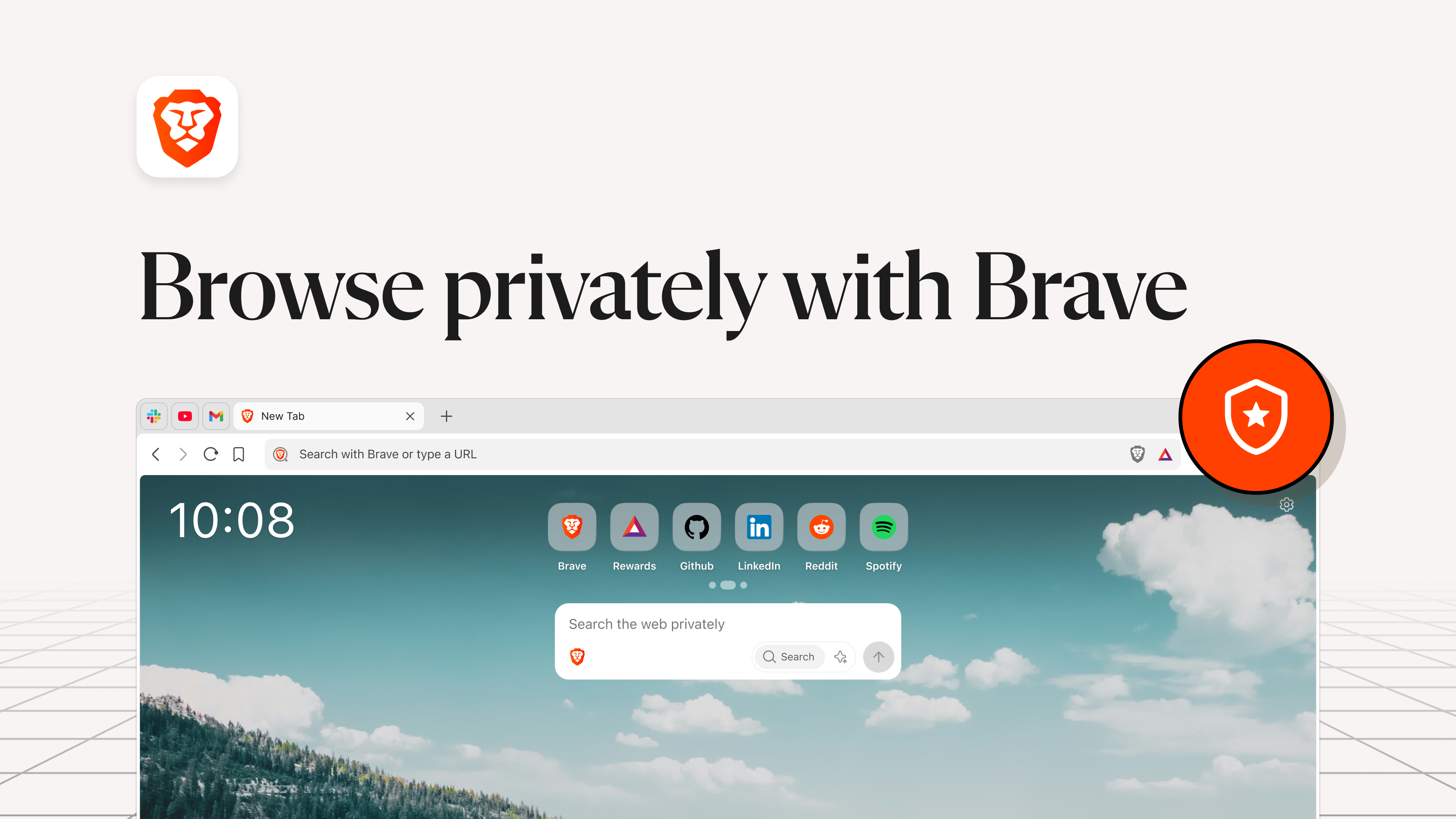
The interface design of Brave is akin to a high-end dashboard—clean, organized, and visually soothing. Navigation is straightforward, with customizable controls that cater to both tech-savvy users and newcomers alike. It operates with impressive fluidity; pages load swiftly thanks to its optimized rendering engine, and the browser's resource consumption remains modest even during intensive sessions. The learning curve is gentle, owing to its familiar layout resembling mainstream browsers, but with added features accessible via simple menus. Overall, Brave excels at delivering an effortless experience that prioritizes speed and ease of use without sacrificing privacy or functionality.
What Sets Brave Apart: Focused on Workflow Efficiency and Cognitive Clarity
Compared to other productivity browsers, Brave's true magic lies in reducing cognitive load while enhancing workflow efficiency. Many browsers bombard users with constant prompts and complex configurations, making the digital environment feel chaotic. Brave, however, acts like a calm, organized workspace—auto-blocking distractions, quietly upgrading security, and integrating rewards that motivate without complicating. These features collectively free up mental bandwidth, allowing users to concentrate on their tasks rather than managing browser clutter. Its focus on reducing unnecessary cognitive friction makes Brave ideal for professionals and everyday users who value clarity and speed.
Final Verdict and Recommendations
All considered, Brave Browser for Windows is a highly recommended choice for anyone seeking a safer, faster, and less intrusive browsing experience. Its core strengths—privacy protection, workflow-friendly design, and innovative reward system—make it stand out among standard browsers. If your priority is to improve your online security without sacrificing speed or user-friendliness, Brave offers a compelling, well-rounded solution. I suggest trying it out as your primary browser, especially if you're tired of online distractions and want a more streamlined, privacy-respecting digital environment.
Pros
- Enhanced Privacy Features
- Fast Browsing Speed
- Built-in Shields and Ad Blocking
- Regular Security Updates
- User-friendly Interface
Cons
- Limited Extension Support
- Occasional Compatibility Issues
- Syncing Difficulties Across Devices
- Customizable Settings May Be Overwhelming for New Users
- Limited Built-in Tools for Developers










