

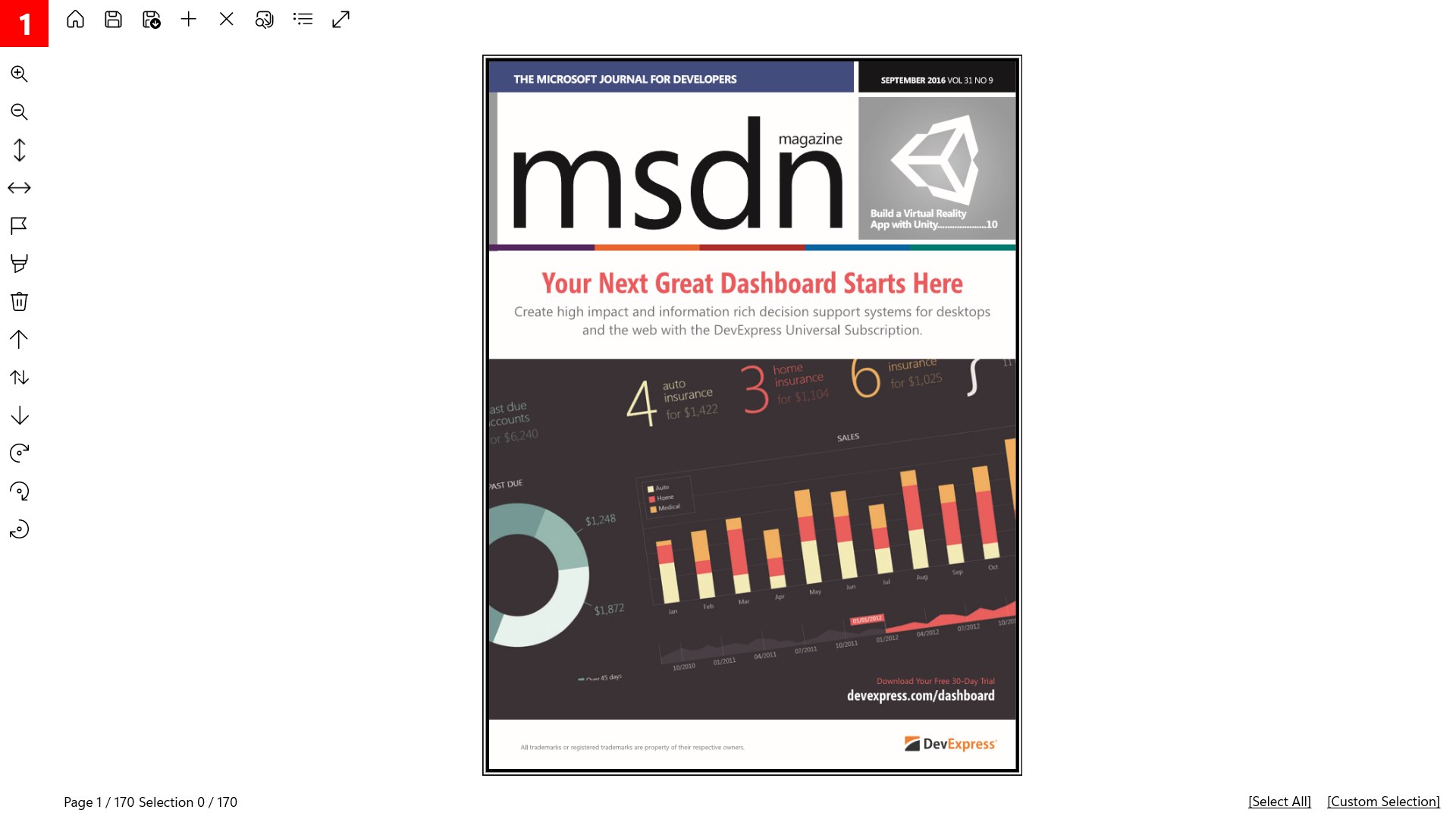
- Name PDF Binder Pro
- Category Productivity
- Developer XtremeDevelopments.com Ltd
- Available on PC, Surface Hub
- OS Windows 10 version 17763.0 or higher
- languages Arabic, Chinese (Simplified), Dutch, English, French, German, Hindi, Italian, Japanese, Russian, Spanish
Streamlining Your PDF Management: An In-Depth Look at PDF Binder Pro for Windows
If you've ever felt overwhelmed by a scattered collection of PDF files cluttering your desktop, PDF Binder Pro offers a calming oasis—a tool designed to consolidate and manage PDFs with efficiency and ease. As a professional tech reviewer, I've tested this application extensively to see how it stacks up in the crowded universe of productivity tools, and I'm here to share my insights.
Meet the Developer and Main Features
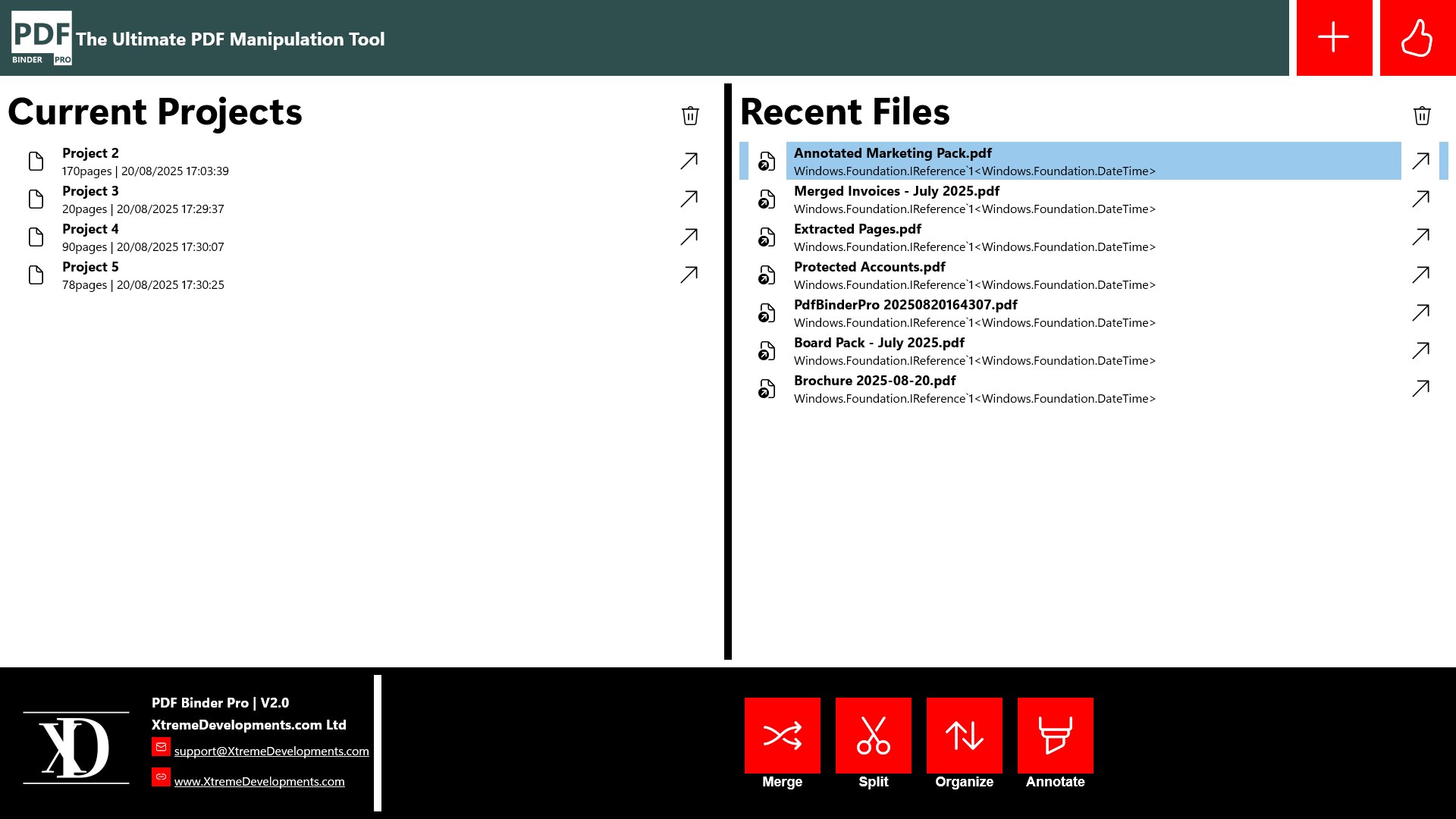
Developed and published by XtremeDevelopments.com Ltd, PDF Binder Pro positions itself as a user-friendly yet powerful app aimed at simplifying PDF organization. Its core strengths include its intuitive document merging capabilities, seamless workflow integration, and reduced cognitive load through straightforward design.
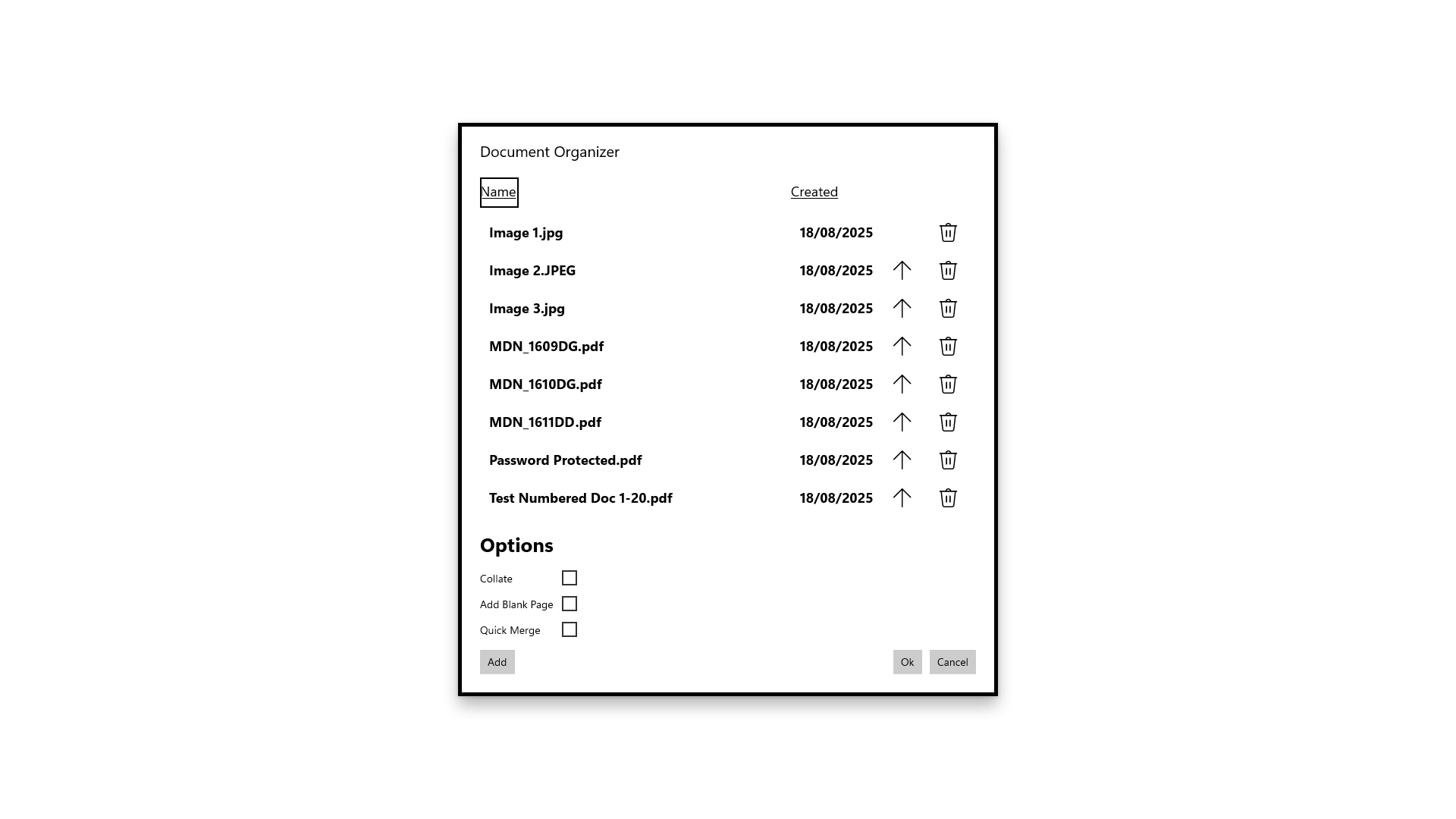
- Primary Functions: Merging multiple PDFs into a single file, splitting large PDFs into manageable parts, and reorganizing pages within a document.
- Innovative Aspects: Focused on reducing workflow disruptions by providing quick, drag-and-drop operations, and minimizing user effort with a clean, minimalistic interface.
- Target Audience: Professionals, students, and anyone who frequently handles batch PDF tasks who seek efficiency without steep learning curves.
A Fresh Breeze for PDF Tasks: A Quick Overview
Imagine opening a cluttered desk drawer, only to find a jumble of papers—PDF Binder Pro is like a neat organizer that quickly sorts, merges, and splits documents without fuss. During my testing, it became clear that this app is tailored for users who value straightforwardness and speed—a rare combination in the PDF management world that often feels bogged down by overcomplex features.
Core Features that Elevate Productivity
Effortless Binding and Splitting
The primary allure of PDF Binder Pro lies in its ability to swiftly combine multiple PDF files into a single document—or break apart a bulky file into segments—without freezing or crashing. Its drag-and-drop interface makes the process feel less like a chore and more like assembling a digital jigsaw puzzle. This feature is particularly valuable for professionals who need to prepare documents for presentations or archive materials quickly and efficiently.
Page Reorganization and Editing
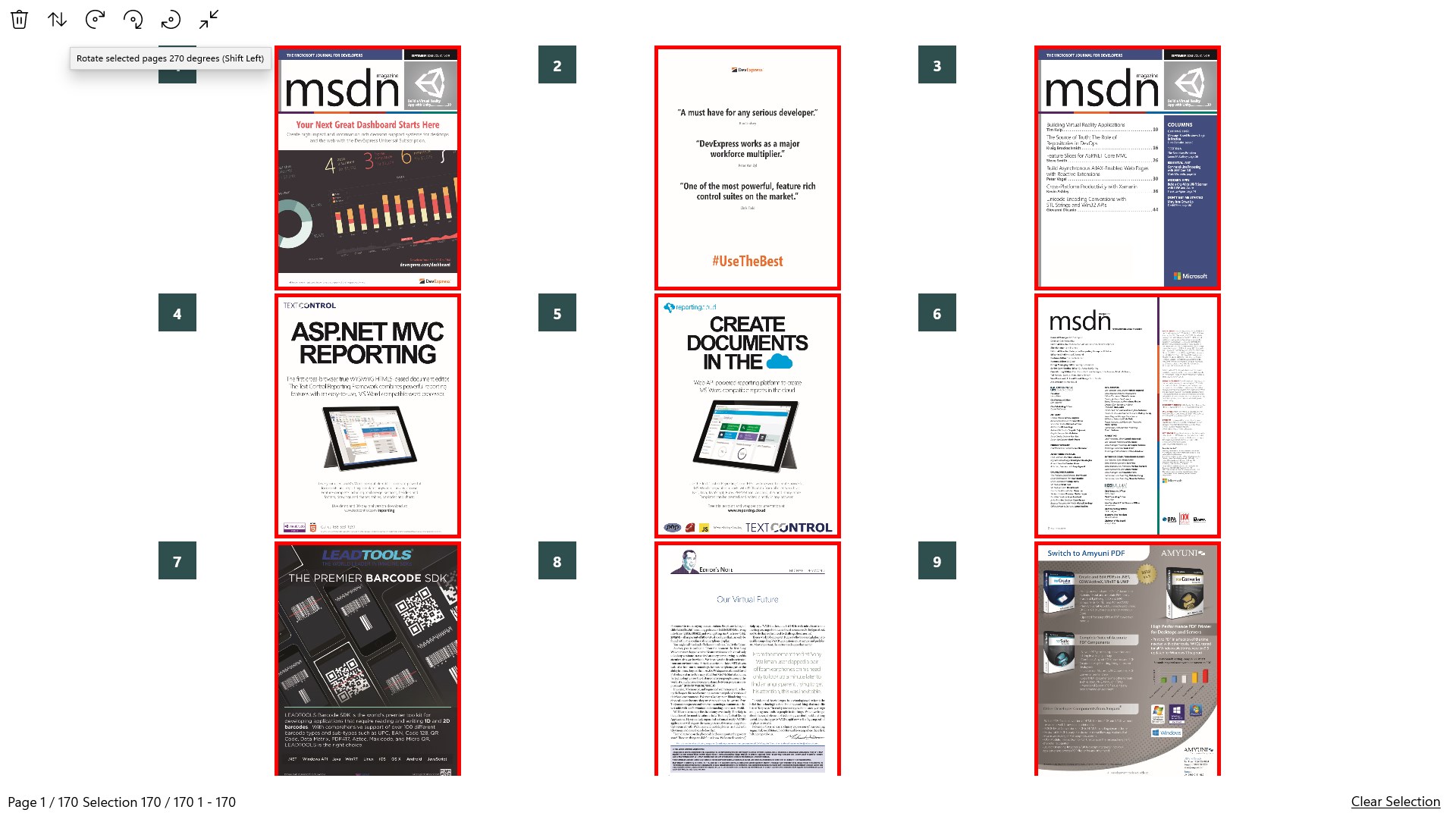
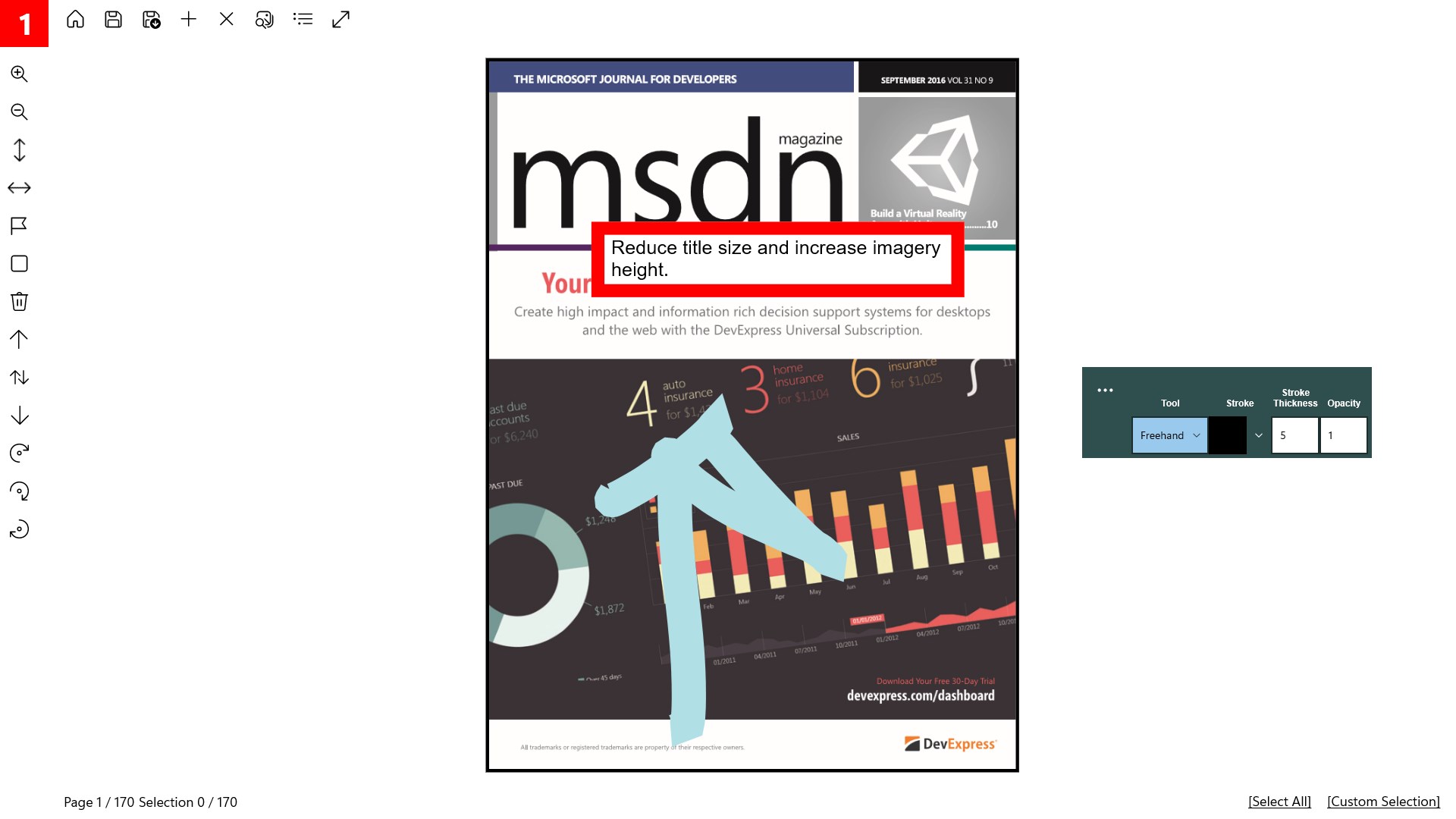
Beyond simple merging, the application enables users to reorder pages within a PDF with a visual thumbnail layout that makes knowing your way around as intuitive as flipping through photo albums. Moving pages around requires just a few clicks, and the real-time preview helps ensure your final document has the perfect flow—eliminating the need for multiple save-and-undo cycles that often bog down less streamlined tools.
Design, Usability, and Unique Appeal
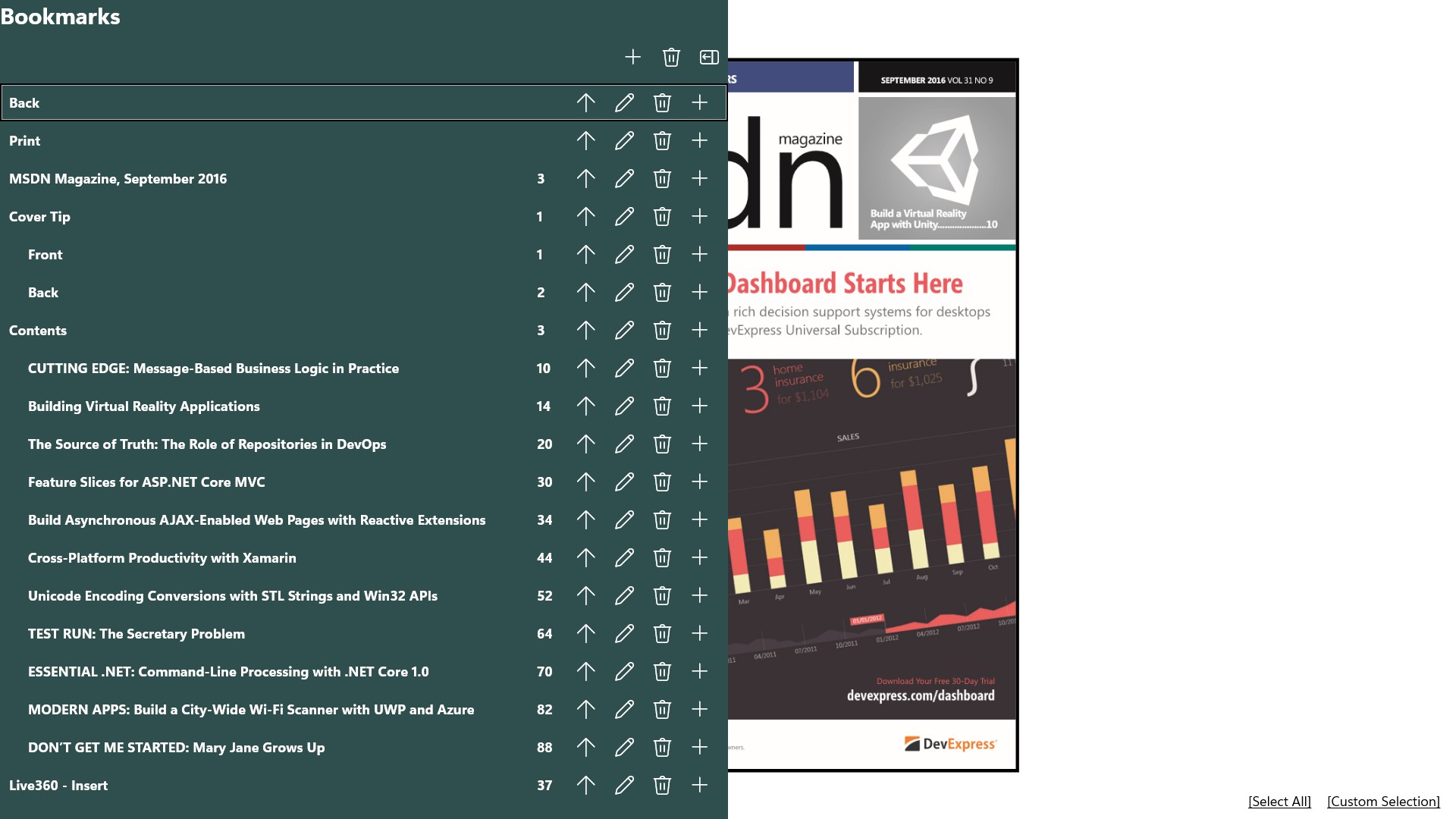
One of PDF Binder Pro's standout features is its sleek, clutter-free interface. Designed with minimalism in mind, it resembles a well-organized workspace where every tool is just a click away. The app responds smoothly to commands, with no noticeable lag, reflecting careful optimization for a seamless experience. The learning curve is gentle enough for beginners—think of it as a friendly assistant guiding you through your PDF tasks—yet robust enough to satisfy power users who crave precision.
Compared to other productivity tools, PDF Binder Pro differentiates itself through its workflow focus. Its straightforward features reduce cognitive load by avoiding overcomplicated menu structures or extraneous options. This allows users to accomplish their goals with fewer steps, facilitating a more efficient and less stressful working environment. Rather than overwhelming the user with options, it emphasizes core tasks, making everyday PDF management feel less like a chore and more like a breeze.
Final Recommendations
All in all, PDF Binder Pro strikes a commendable balance between simplicity and effectiveness. If your daily routine involves managing multiple PDF files—merging reports, splitting large documents, or reorganizing pages—this app will serve as a reliable partner. Its minimalistic design and workflow-focused features stand out among similar tools, making it a worthy addition to your productivity arsenal.
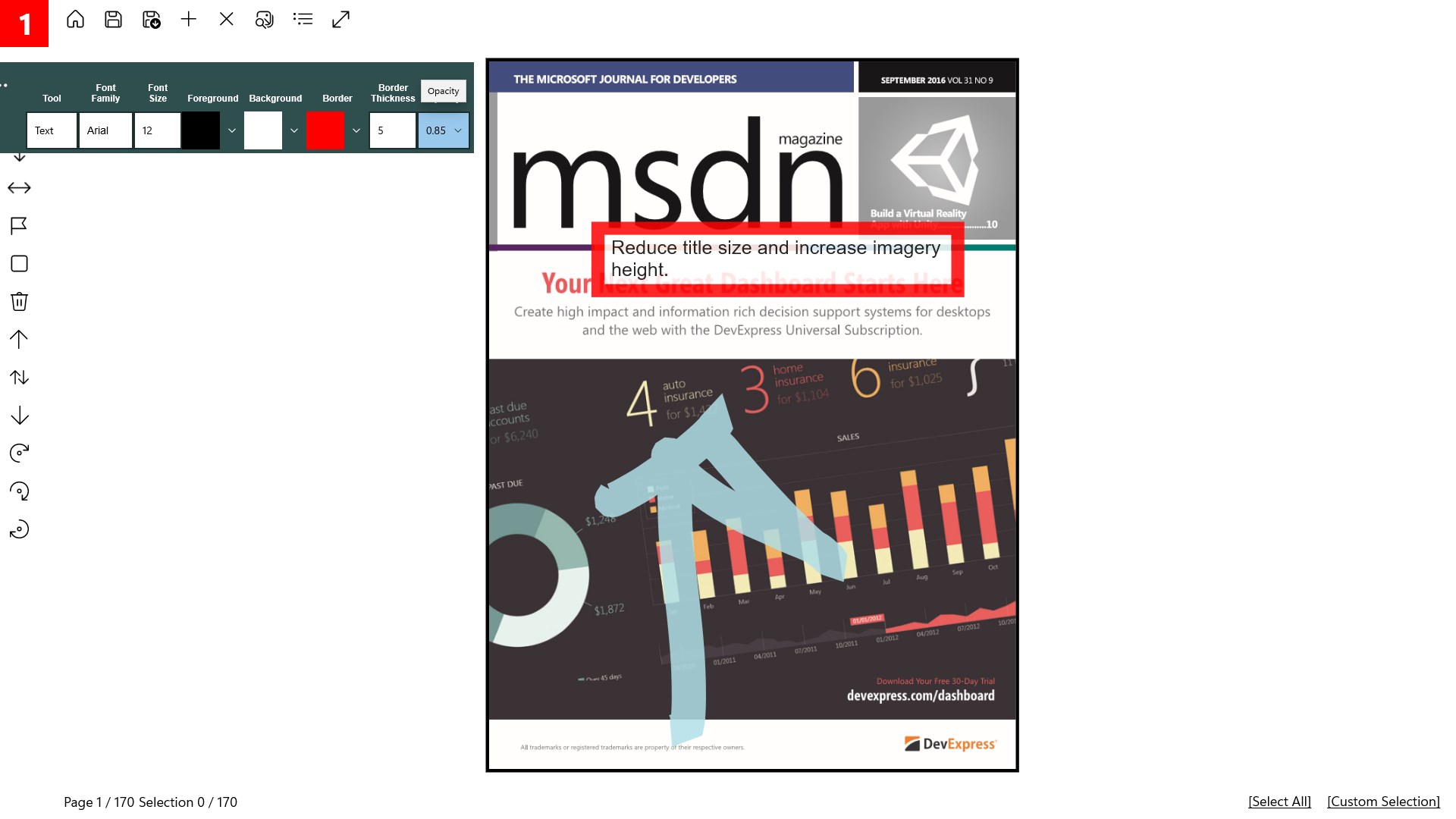
Although it may lack some of the advanced editing features found in pricier counterparts, its specialized focus on binding and splitting makes it an ideal choice for users prioritizing speed and ease of use. I recommend giving it a try if streamlined PDF management fits into your workflow and you value reducing unnecessary complexity. Think of PDF Binder Pro as your digital filing cabinet—organized, quick, and effortlessly efficient.
Pros
- User-friendly interface
- Fast processing speed
- Supports multiple file formats
- Easy file management
- Basic editing capabilities
Cons
- Limited editing functions
- Occasional crashes with very large files
- Watermark on free version
- Limited cross-platform sync
- Basic help resources










