

- Name Hotspot Shield VPN - Wifi Proxy
- Category Productivity
- Available on PC, Mobile, Surface Hub, HoloLens
- OS Windows 10 version 18362.0 or higher
- languages Arabic, English, English (United States), French, German, Indonesian, Japanese, Korean, Persian/Farsi, Portuguese (Brazil), Russian, Spanish, Turkish
Secure Your Connection with Ease: An In-Depth Look at Hotspot Shield VPN - Wifi Proxy for Windows
Imagine browsing the internet as if you're weaving through a digital maze with a trusted guide — that's precisely what Hotspot Shield VPN offers. It's a user-friendly tool designed to anonymize your online presence and unlock restricted content seamlessly, all from your Windows device.
Basic Information and Core Features
Positioning in the Market
Hotspot Shield VPN for Windows is a reliable, straightforward VPN solution that emphasizes privacy and unrestricted access while maintaining strong performance.
Developer and Team
Developed by Pango Inc., a company known for its focus on user-centric security and privacy applications, bringing credible expertise to the table.
Main Highlights
- Robust VPN Encryption: Protects your data with military-grade encryption standards.
- Global Server Network: Access a wide range of servers worldwide to enhance browsing freedom and reduce connection lag.
- Simple User Interface: An intuitive dashboard that's easy for newcomers and tech-savvy users alike.
- Wi-Fi Security: Secures public Wi-Fi connections, turning risky hotspots into safe zones.
A Fun Dive into Features and User Experience
Stepping Into the Virtual World
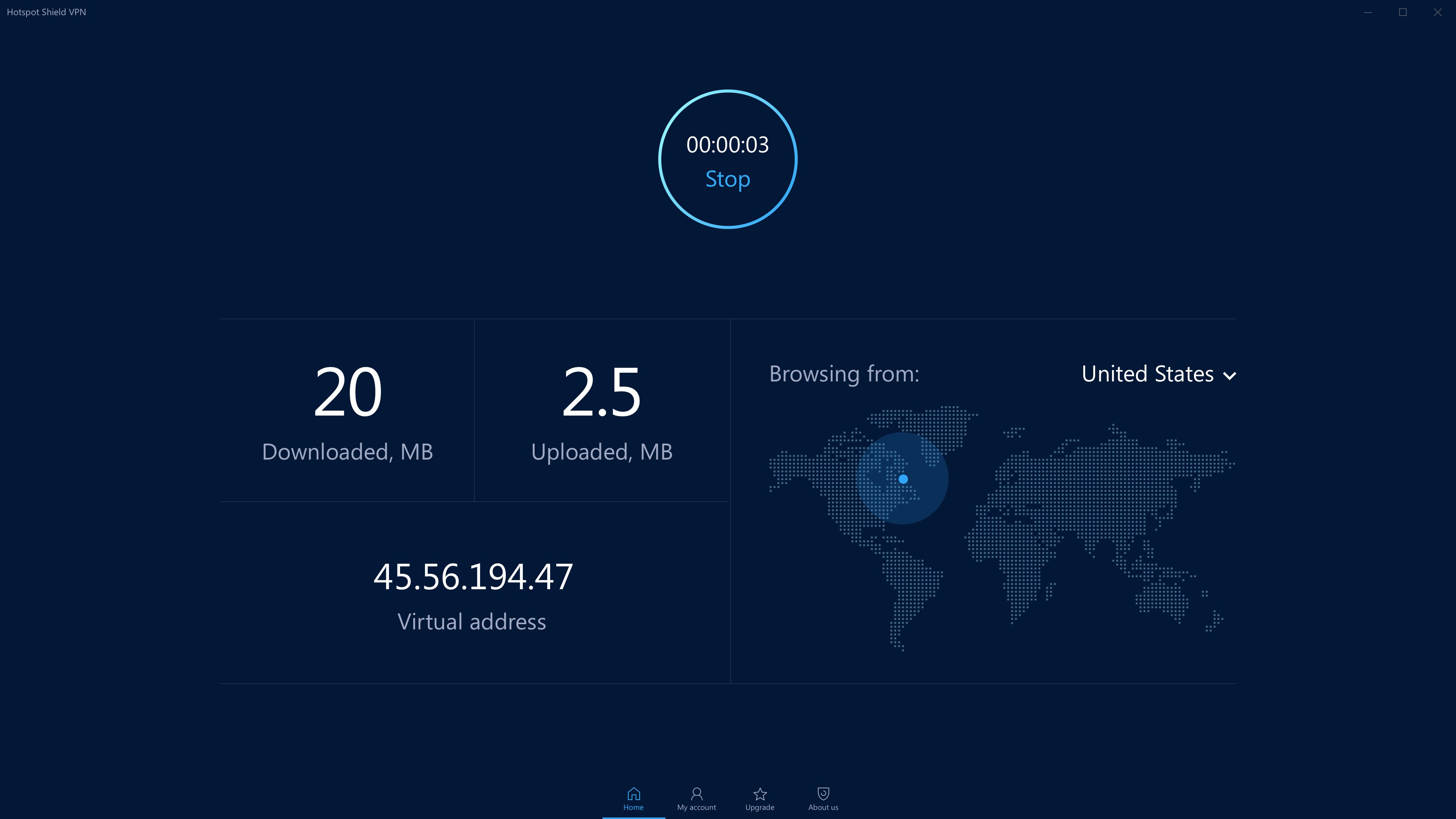
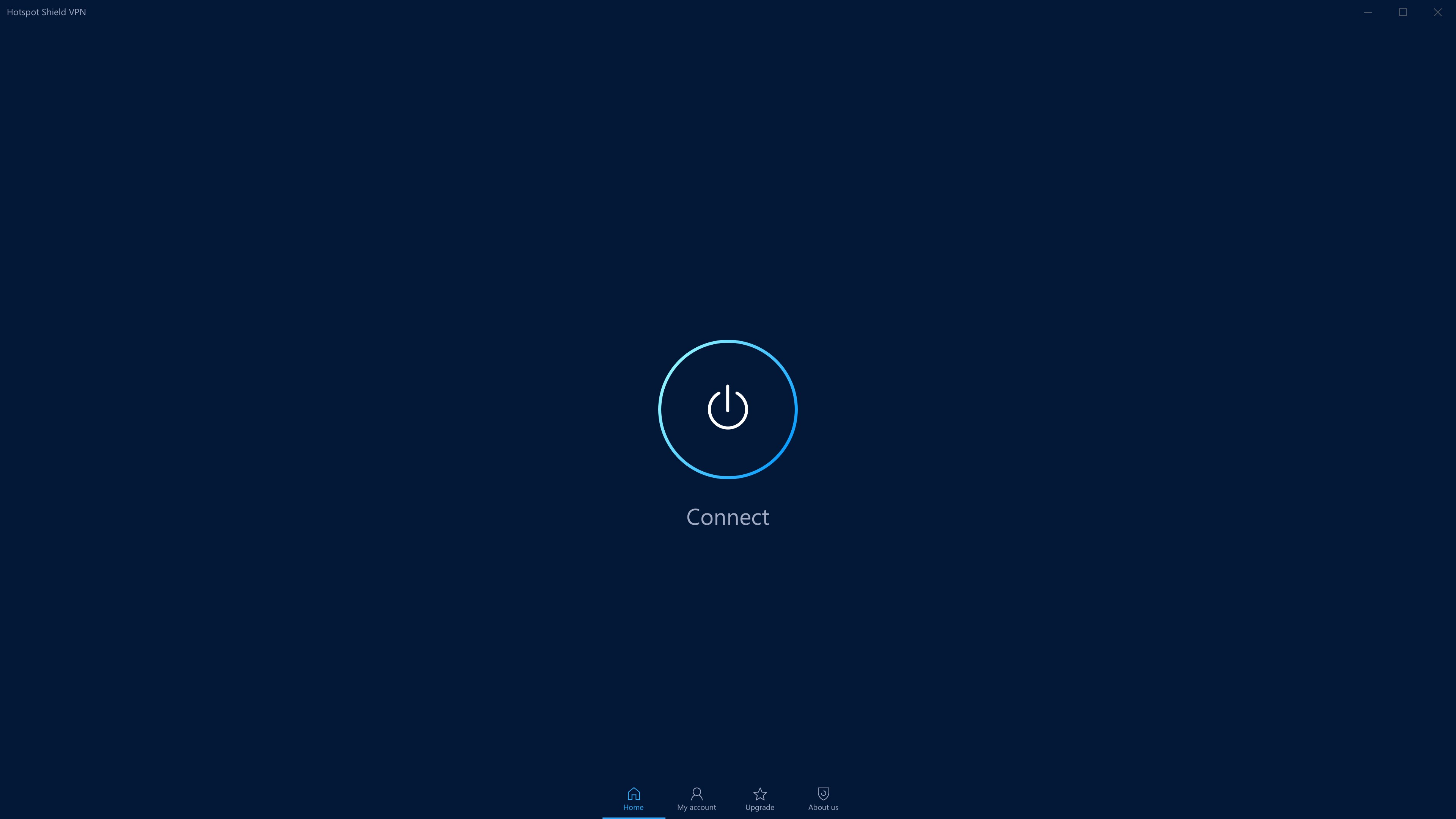
Picture your internet journey as sailing across a vast digital ocean. Hotspot Shield VPN acts as your trusty seawind — pushing you forward swiftly and safely while shrouding your vessel from prying eyes. From the moment you launch the app, its sleek, minimalistic design immediately communicates a sense of professionalism and ease. The dashboard, with its straightforward layout, invites you to connect with just a click, removing any potential intimidation for first-time users. The app operates smoothly, with almost no lag or jitter, making your browsing feel like gliding over calm waters.
Core Functional Offerings
1. Seamless VPN Connection
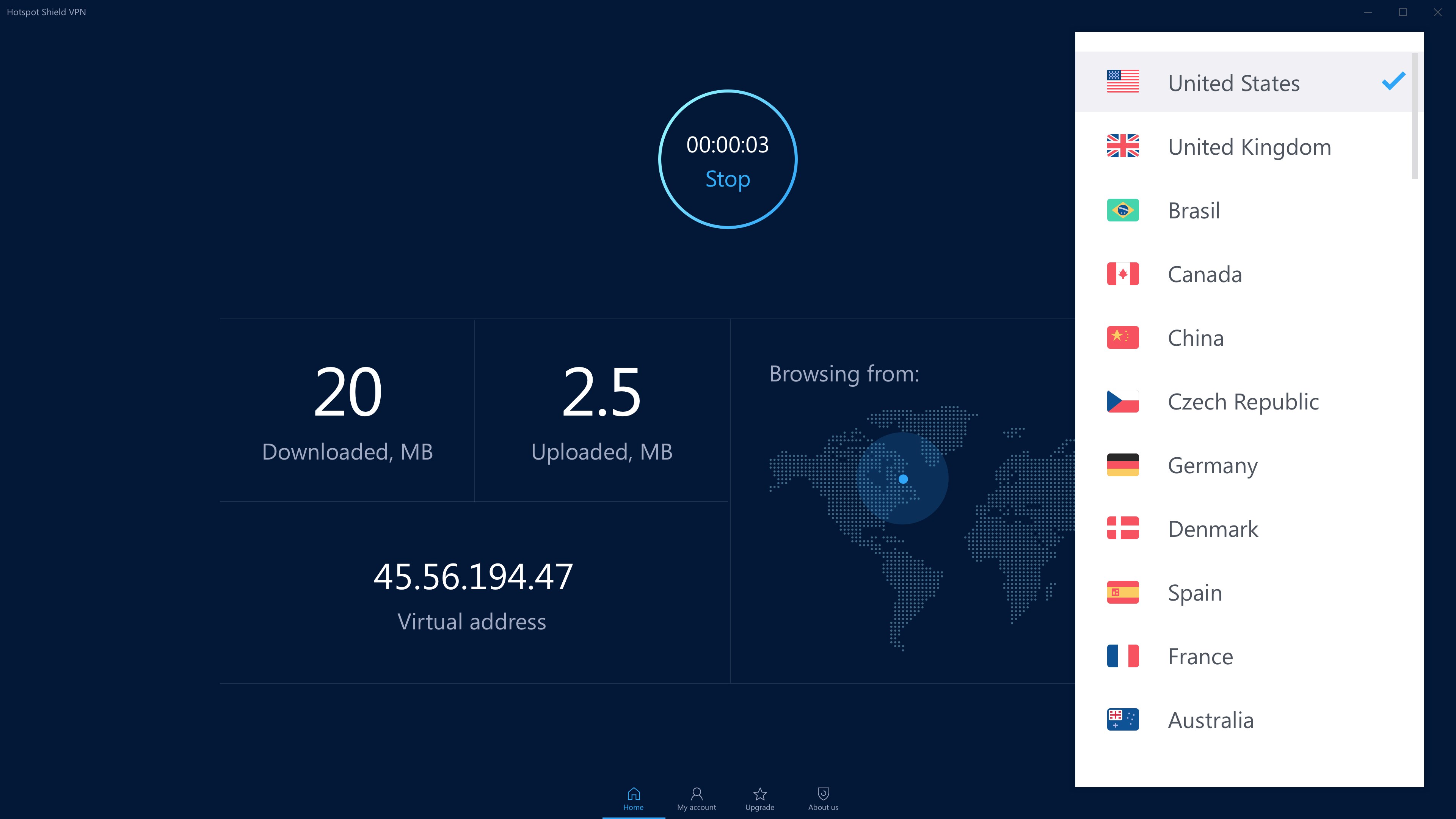
Hotspot Shield's standout feature is its ability to connect you securely in seconds. Choosing a server location is as simple as clicking a button, almost like selecting a destination on a travel app. The connection stability is commendable, ensuring your session stays uninterrupted whether you're streaming, working, or socializing online. Its automatic protocol optimization smartly balances speed and security, making sure your digital voyage is both quick and safe without you needing to tweak any complicated settings.
2. Wi-Fi Security and Privacy
Think of public Wi-Fi networks as bustling markets – lively but often risky. Hotspot Shield turns these environments into safe havens by encrypting your data, so sensitive info like passwords or financial details stay under wraps. The app provides real-time protection indicators, giving you peace of mind similar to having a personal bodyguard safeguarding your digital footprint. This feature is especially valuable for remote workers or travelers seeking a trusted shield against cyber threats.
User Experience and Unique Selling Points
Compared to other productivity and VPN tools, Hotspot Shield's focus on reducing cognitive load stands out. Its minimalistic design and one-click connect feature serve as a “digital autopilot,” allowing users to enjoy online freedom without wrestling with complicated menus or excessive options. The straightforward interface reduces mental effort, which is akin to having a dedicated co-pilot—making it accessible for all levels of tech proficiency.
What Sets It Apart?
Unlike many VPN apps that bombard users with a plethora of settings and customization options, Hotspot Shield strikes a perfect balance by offering essential features in an elegant package. Its ability to automatically optimize connections based on your location and network quality enhances workflow efficiency, saving time and reducing frustration. Essentially, it minimizes distractions so you can focus on your tasks rather than on managing the VPN itself.
Final Thoughts: To Use or Not to Use?
Overall, I recommend Hotspot Shield VPN for users who prioritize a quick, reliable, and easy-to-understand VPN experience over complex customization. It's particularly well-suited for those new to VPNs or anyone needing a hassle-free way to secure their public Wi-Fi connections. While it may not have every bells and whistle for the tech enthusiast, its focus on streamlined security and usability makes it a solid choice for everyday browsing. For anyone looking to browse smarter and safer on Windows without complexity, this app earns a thumbs-up — a trustworthy companion in your digital journey.
Pros
- Strong Security Features
- Fast Connection Speeds
- User-Friendly Interface
- Wide Server Network
- Built-in Malware and Phishing Shield
Cons
- Occasional Connection Drops
- Limited Free Data Allowance
- Ads in Free Version
- No Manual Server Selection on Mobile
- Occasional App Crashes on Some Devices










