
- Name XLSX Editor PLUS
- Category Productivity
- Developer PeroSoftware.com
- Available on PC
- OS Windows 10 version 14393.0 or higher
- languages Chinese (Simplified), English (United States), French, German, Italian, Japanese, Korean , Portuguese (Brazil), Russian, Spanish (Spain), Turkish
Introducing XLSX Editor PLUS for Windows
Designed as a versatile tool for managing Excel files, XLSX Editor PLUS offers a streamlined experience tailored to enhance productivity for users who frequently work with spreadsheets. Whether you're a data analyst, administrative professional, or casual user, this app promises to simplify your workflow through its intuitive interface and powerful features.
Who Becomes Your Spreadsheet Wingman?
Developed and published by PeroSoftware.com, a team known for crafting user-friendly software solutions, XLSX Editor PLUS aims to fill the gaps left by traditional spreadsheet tools with added ease and flexibility. The app's main highlights include rapid editing capabilities, seamless data management, and robust file handling that cater to both simple and complex tasks. Its core functionalities are crafted with clarity — allowing users to modify, interpret, and manage Excel data without the typical clutter of more complex applications.
Getting Hands-On: Workflow, Experience, and Unique Features
Slick Interface and User Experience
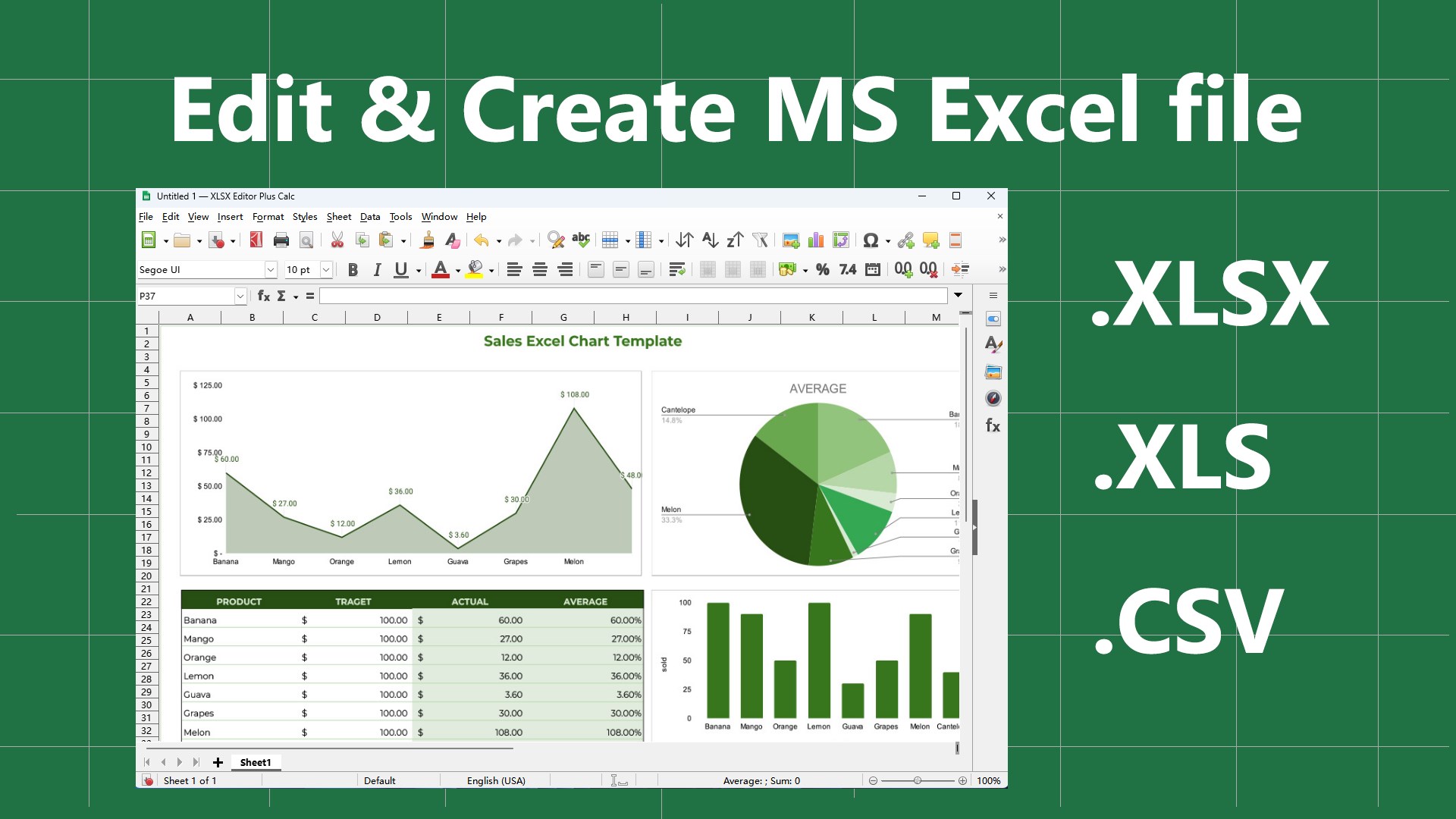
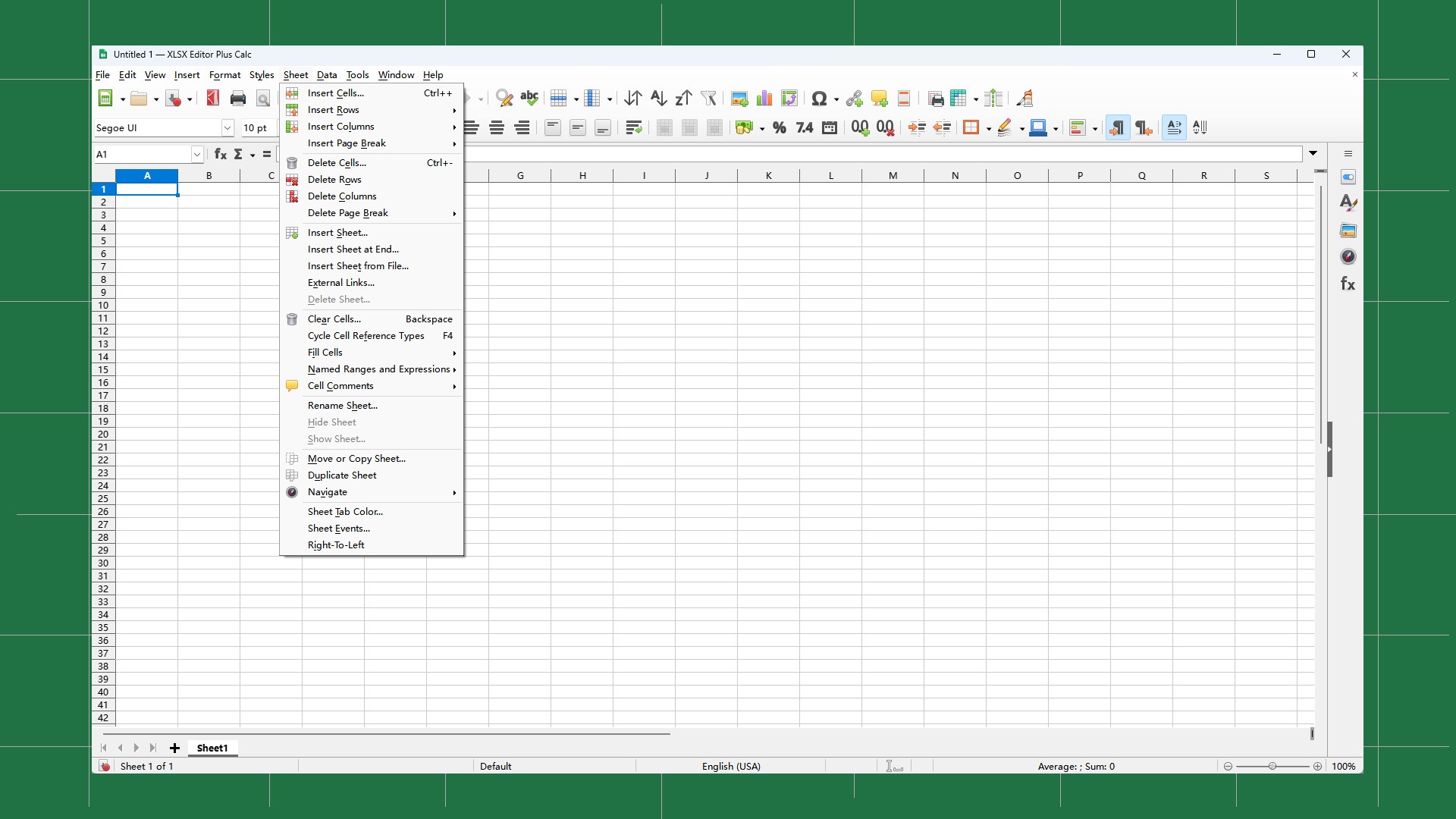
Imagine holding a well-organized toolbox where every tool is at your fingertips — that's the feeling XLSX Editor PLUS offers. Its interface is clean, minimalistic, and designed with the user in mind, making navigation feel almost second nature. Whether you're clicking through menus or editing cells, the app responds smoothly, almost as if it anticipates your next move. The learning curve is gentle; even newcomers can start editing files efficiently within minutes, thanks to clear icons and straightforward options. This focus on user experience reduces cognitive load, allowing you to stay focused on your data rather than wrestling with the tool itself.
Core Functionality: Powerful Yet Simple
One of its standout features is the ability to perform bulk edits with ease. Imagine being able to search and replace across an entire spreadsheet without losing your mind — XLSX Editor PLUS excels here, streamlining what used to be tedious chores. Its in-place editing options enable you to modify cell contents quickly, offering extensive filtering and sorting tools that make data management feel like a well-conducted symphony rather than a chaotic jam session.
Another core strength is file handling. The app supports opening, editing, and saving large XLSX files swiftly, ensuring productivity isn't hampered by frustrating lag or crashes. It also offers features like cell formatting and data validation, empowering you to prepare professional reports or complex datasets without relying on more bloated software. All of these are seamlessly integrated, fostering an environment where workflow efficiency is prioritized.
What Sets It Apart from Other Productivity Tools?
While many spreadsheet editors boast similar features, XLSX Editor PLUS stands out through its focus on reducing cognitive load by balancing rich functionalities with an uncluttered interface. Unlike some tools that overwhelm users with unnecessary bells and whistles, this app emphasizes Workflow Integration Efficiency. You can effortlessly incorporate it into your existing file management routines, making quick edits or batch updates without disrupting your entire process.
Its approach to feature complexity is refreshingly straightforward: it provides just enough tools to get the job done effectively without making the user feel like they're deciphering hieroglyphs. This elevates it above many competitors that, despite offering extensive features, often complicate workflow management. For professionals who prefer a no-nonsense, reliable editing experience, XLSX Editor PLUS is a practical choice that prioritizes clarity and speed.
Final Thoughts: Is This App for You?
If you're seeking a dedicated, efficient, and user-friendly XLSX editor that seamlessly integrates into your workflow without overwhelming you, XLSX Editor PLUS is highly recommended. It's ideal for users who need to perform quick edits, manage large datasets, or streamline repetitive tasks with minimal fuss. While it might lack some of the advanced statistical or coding features of more complex data analysis software, it excels as a focused editing tool.
For those tired of wrestling with clunky interfaces or drowning in superfluous options, this app offers a breath of fresh air. Its commitment to reducing cognitive load, coupled with its efficiency-driven design, makes it a solid addition to any professional's toolkit. Give it a try, and you might find spreadsheet editing to be less of a chore and more of a streamlined dance.
Pros
- Intuitive User Interface
- Advanced Data Editing Features
- Wide Compatibility
- Batch Processing Capabilities
- Lightweight and Fast
Cons
- Limited Support for Macros
- Occasional Crashes with Large Files
- Basic Data Validation Features Only
- Lack of Cloud Sync Integration
- No Built-in Help Documentation











