

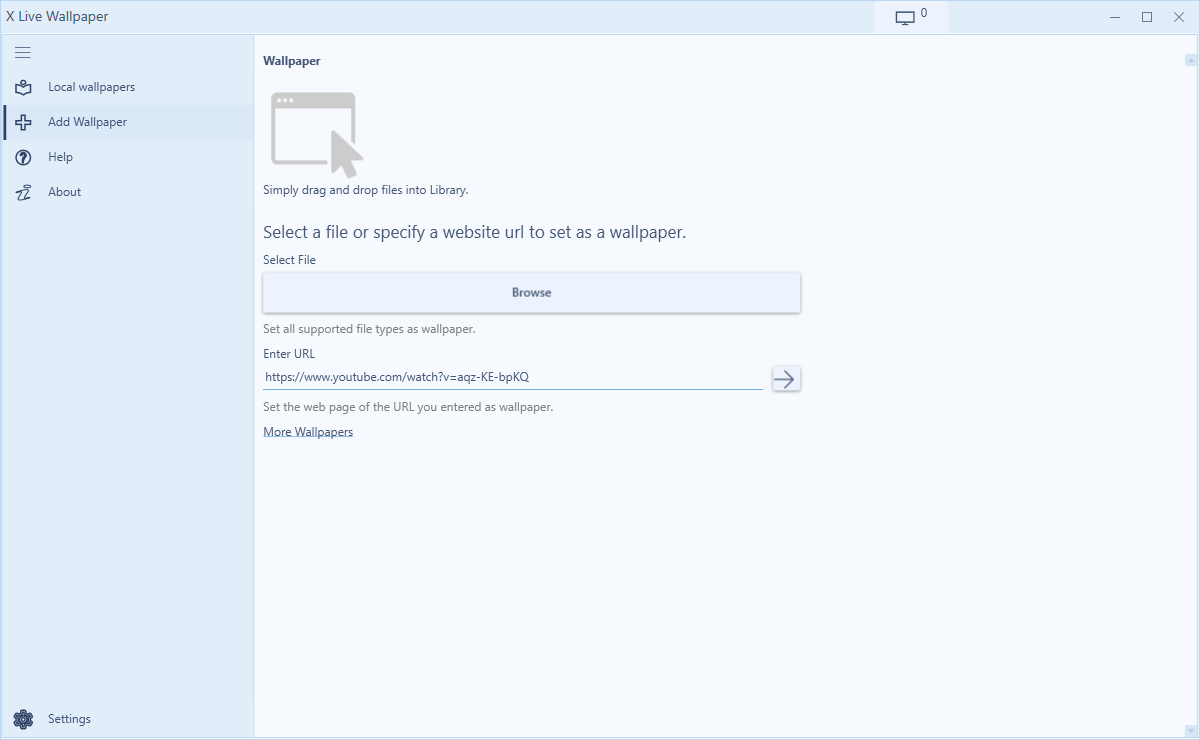
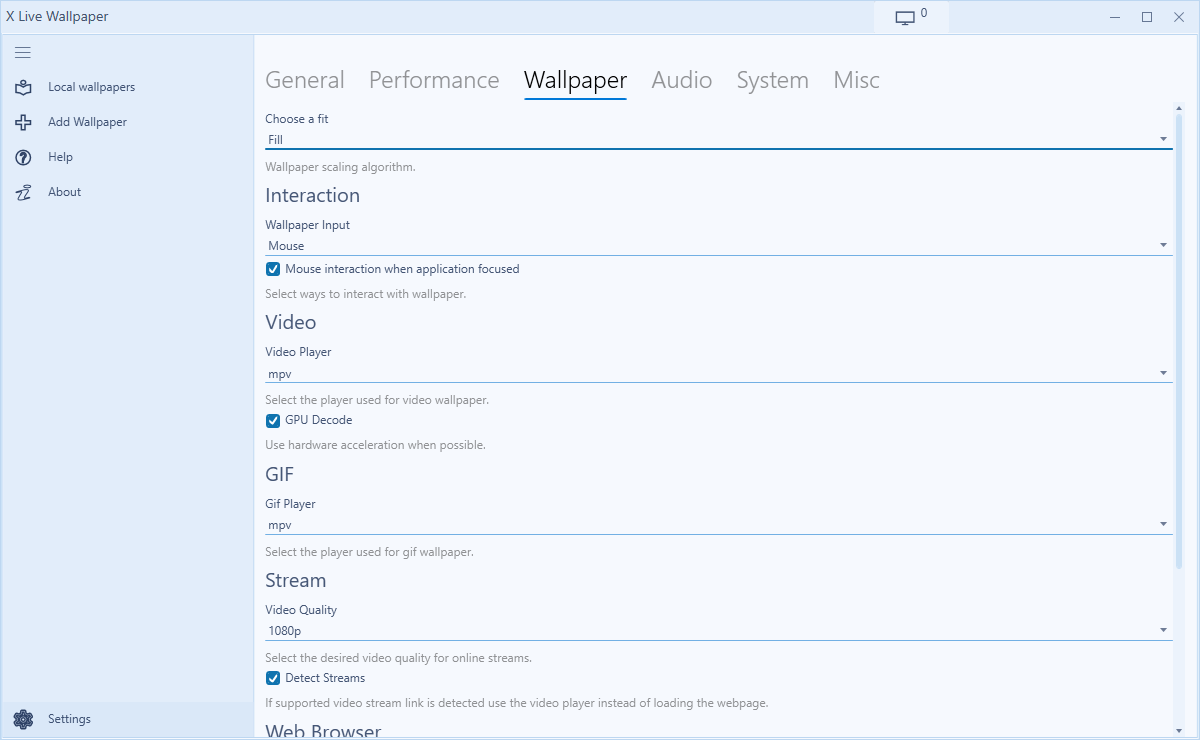
- Name X Live Wallpaper
- Category Productivity
- Developer CoolLeGet INC
- Available on PC, Surface Hub, HoloLens
- OS Windows 10 version 17763.0 or higher
- languages English (United States)
Introducing X Live Wallpaper for Windows: Bringing Your Desktop to Life
X Live Wallpaper for Windows, developed by CoolLeGet INC, is an application designed to transform your desktop experience with dynamic, animated wallpapers. Instead of static images, it offers a lively and engaging visual environment, making your workspace more vibrant and personalized.
Developer and Core Features
Produced by the innovative team at CoolLeGet INC, this app aims to merge aesthetic appeal with functional simplicity. Key highlights include:
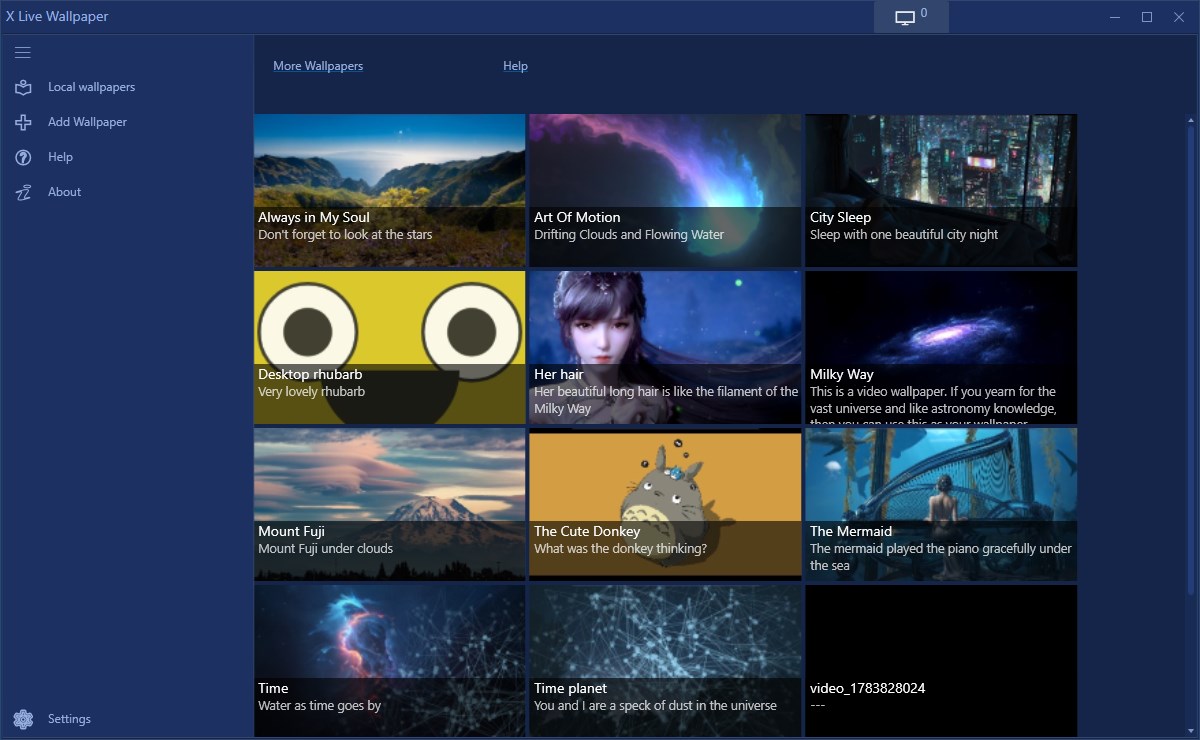
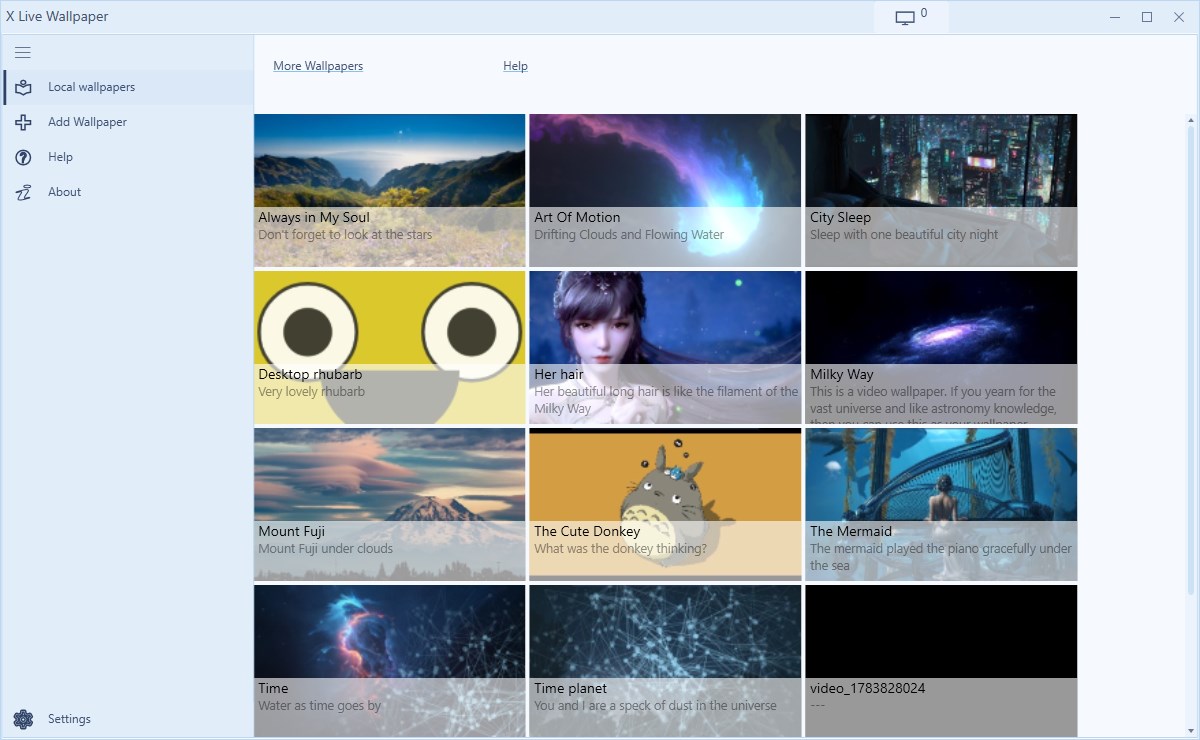
- Wide Selection of Animated Wallpapers: A diverse library ranging from calming nature scenes to futuristic animations, catering to different tastes.
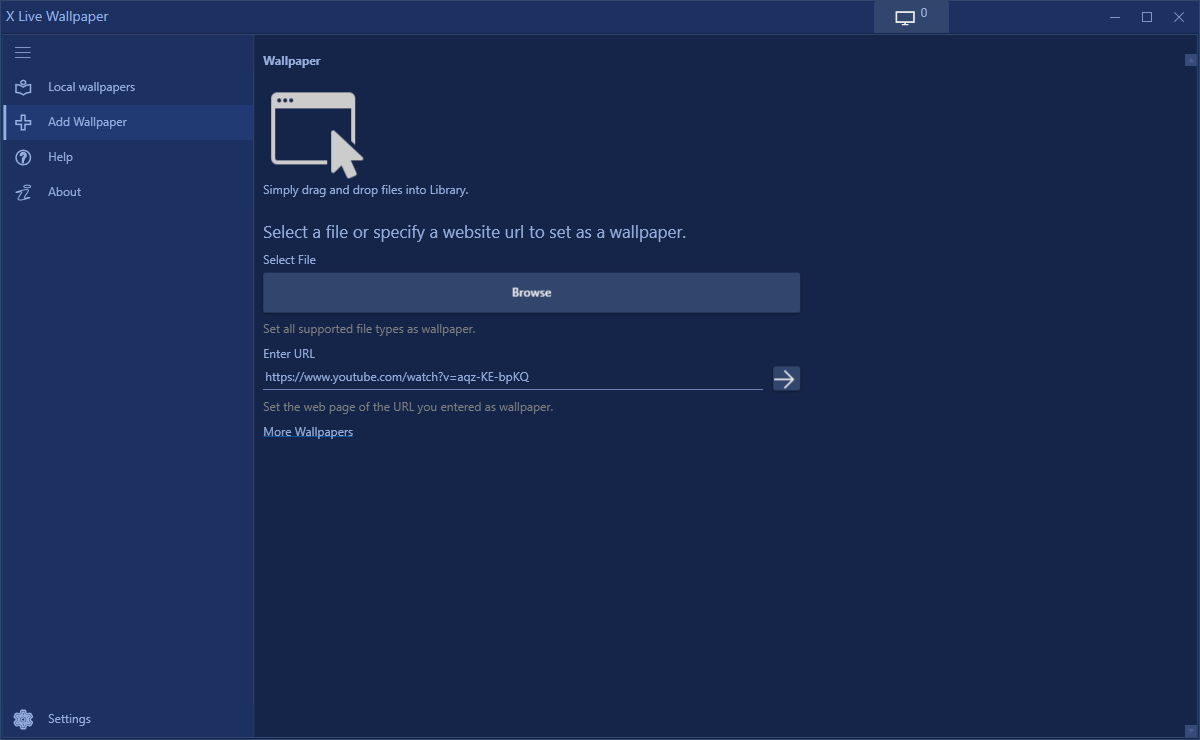
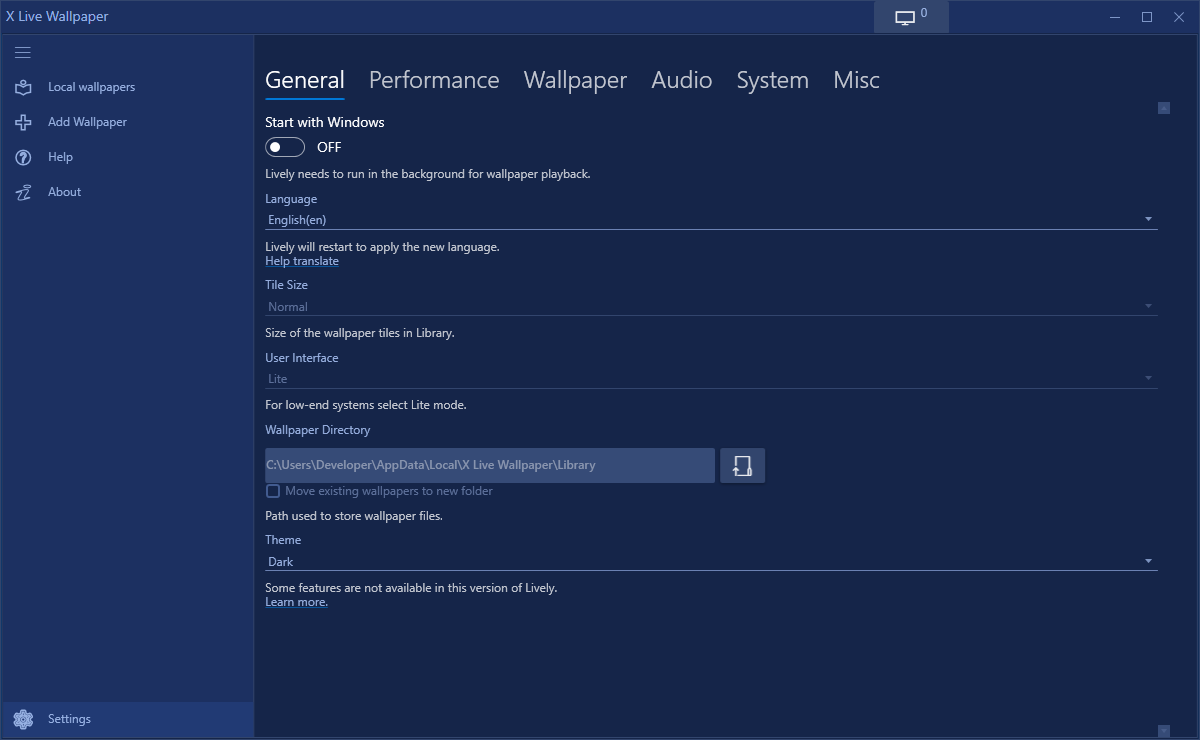
- Easy Customization Options: Users can set their preferred wallpapers, adjust animation speed, and choose different visual effects seamlessly.
- Performance Optimized: Designed to run smoothly without taxing system resources excessively, ensuring a balance between visual appeal and performance.
- User-Friendly Interface: Intuitive controls allow easy browsing and application of wallpapers, even for less tech-savvy users.
The app targets Windows users who want to inject more personality into their desktops — from students to professionals seeking a more inspiring digital workspace.
Enter the World of Dynamic Visuals
Imagine sitting down at your desk and being greeted not by a dull, static background but by an animated vista that reacts subtly to your presence or time of day. X Live Wallpaper transforms everyday computing by immersing your workspace in lively, captivating scenes, akin to having a miniature cinema or natural landscape right on your desktop. It's a straightforward way to break the monotony and add a dash of personality to your digital environment.
Multi-Scene Animation: Your Desktop's Personal Showtime
One of the app's most compelling features is its extensive library of animated wallpapers. From gentle ocean waves to swirling galaxy swirls, these wallpapers are crafted to create a sense of depth and motion, elevating the visual appeal of your desktop. Unlike static backgrounds, these animations bring an element of life, making the interface feel more interactive and engaging. The app allows you to preview different scenes before setting them, simplifying the selection process. Additionally, users can tweak animation speeds and effects, customizing the experience to suit their mood or workflow.
Smooth Integration and User Experience
From a usability standpoint, X Live Wallpaper excels in its clean, minimalist interface. Navigating through wallpapers feels intuitive, and applying them is as simple as a click. The app is built to run efficiently, ensuring that the animations do not interfere with your system's performance, even during intensive tasks. The learning curve is minimal, making it accessible to a broad audience—from tech enthusiasts to casual users. The responsive controls and real-time preview features create a seamless setup experience—like tuning a musical instrument until it feels just right.
Unique Selling Points and Differentiation
Compared to other wallpaper applications, X Live Wallpaper's biggest strength lies in its focus on reducing cognitive load while enhancing visual engagement. Its animation system is optimized for performance, meaning users enjoy lively visuals without sacrificing speed or stability. Unlike some cluttered apps with excessive customization options that may overwhelm users, this app maintains a straightforward approach — delivering an immersive aesthetic experience without complicated settings. This simplicity helps users focus better on their workflow rather than being distracted by overly complex features.
Final Thoughts and Recommendations
All in all, X Live Wallpaper for Windows is a solid choice for anyone looking to brighten up their digital workspace with minimal fuss. Its standout features—like the rich library of animations and smooth performance—make it worth trying, especially if you value aesthetic enhancement that integrates seamlessly into your daily routine. I'd recommend it to users who want a lively yet unobtrusive desktop environment, whether for work or leisure. For those tired of static backgrounds and seeking a more dynamic visual, this app could be a delightful addition. Just remember—while the animations are engaging, don't forget to consider your system's capacity, and adjust the settings accordingly for optimal balance.
Pros
- Visually Stunning Live Wallpapers
- Easy to Customize
- Supports Multiple Wallpaper Types
- Smooth Performance
- Regular Content Updates
Cons
- High GPU Usage
- Limited Free Content
- Battery Consumption on Laptops
- occasional stability issues
- Limited Resolution Settings











