



- Name WPS Office Suite - PDF, Docs, Spreadsheet, Slide View & Edit
- Category Productivity
- Available on PC
- OS Windows 10 version 0.0 or higher
- languages English (United States), French, German, Indonesian, Japanese, Portuguese (Brazil), Russian, Thai, Spanish (Mexico), Spanish (Spain), Portuguese (Portugal), French (Canada), Polish
WPS Office Suite for Windows: A Robust Alternative in Productivity Tools
WPS Office Suite is a comprehensive office application designed to streamline document creation, editing, and viewing within a unified interface. Offering a familiar experience akin to traditional office suites, it aims to enhance efficiency for users who need reliable, feature-rich tools without the hefty price tag.
Developed by a Trusted Name in Office Software
Created by Kingsoft Office Software Corporation Limited, a prominent player in the office productivity landscape, WPS Office has garnered recognition for delivering versatile office solutions tailored for Windows users worldwide. Their focus on lightweight yet powerful software makes them a significant alternative for both individual and business needs.
Key Functional Highlights: What Makes WPS Office Stand Out
- Unified Office Environment: Combines PDF viewing, editing, and document management within a single platform, reducing app-switching and improving workflow continuity.
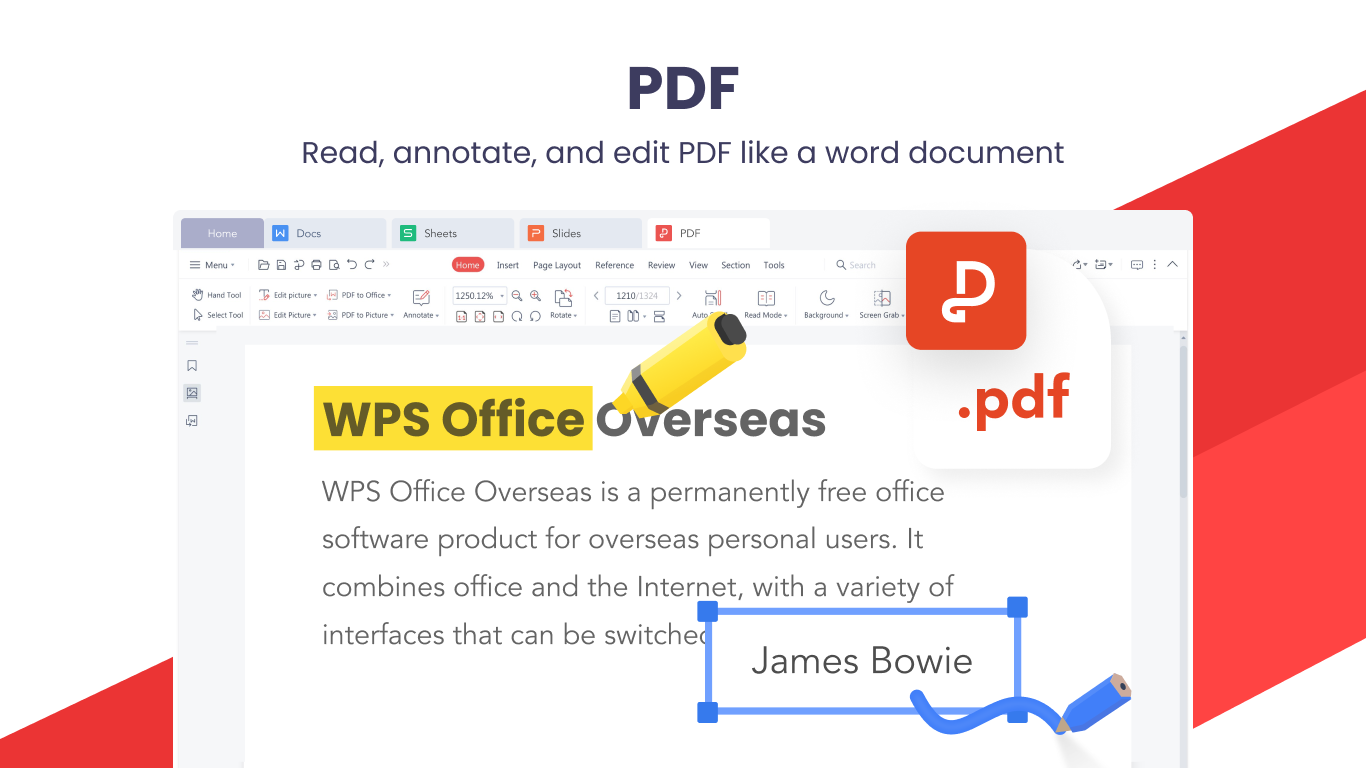
- Intuitive PDF Editor: Offers comprehensive PDF tools, including annotation, conversion, and form filling, catering to users who often work with PDF documents.
- Compatibility & File Format Support: Supports a broad range of document formats (DOCX, XLSX, PPTX, PDF, and more), ensuring seamless integration with other office tools and cloud services.
- Lightweight & User-Friendly Design: Maintains a fast, clutter-free interface that caters to both tech-savvy users and beginners, minimizing learning curve and cognitive load.
Engaging Experiences and Core Functional Pages
Imagine sitting at your desk, glancing over a report filled with critical data — WPS Office helps you navigate through this ocean of information smoothly. Its design is akin to a well-organized workshop: everything you need is within reach, yet uncluttered enough to feel approachable.
Document, Spreadsheet, and Presentation Modules
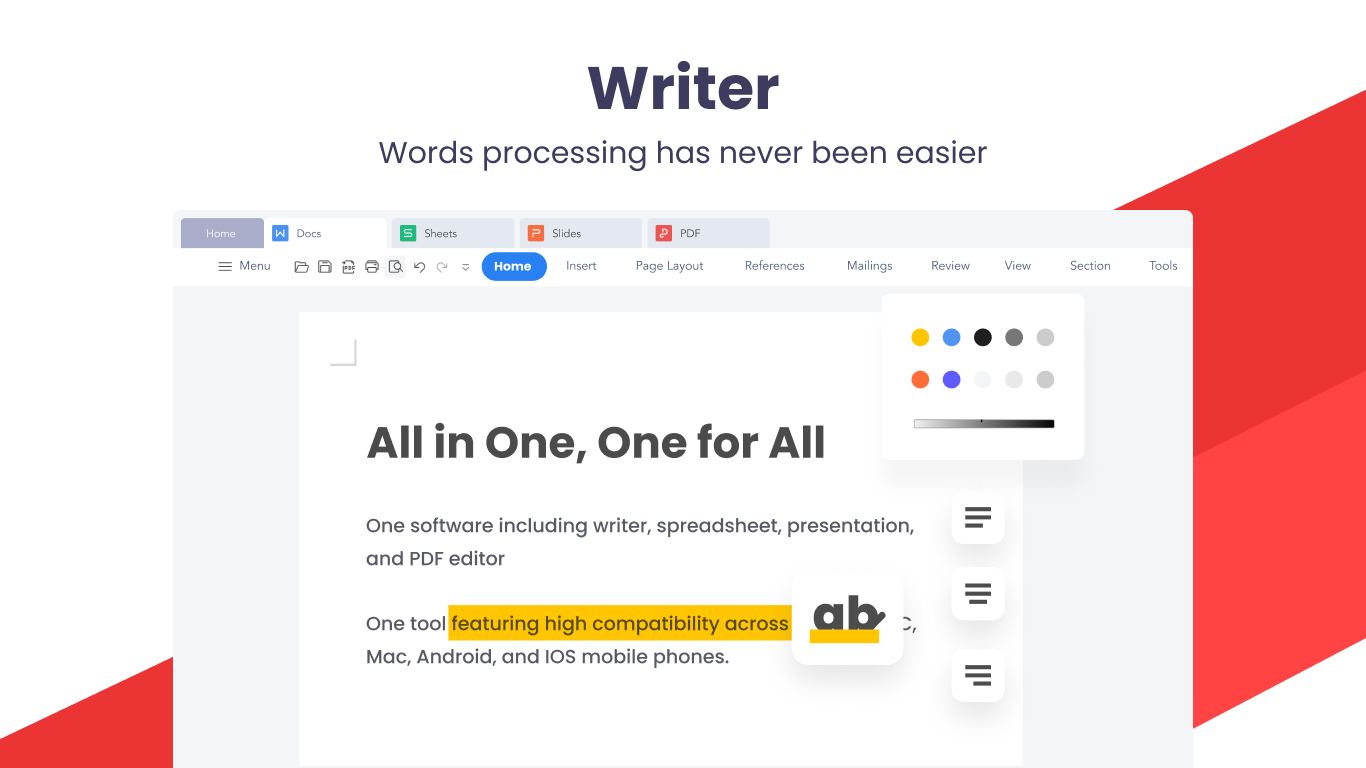
The suite divides core functionalities into dedicated modules — Word Processor, Spreadsheet, and Presentation — mimicking the classic office layout but with modern twists. Each module is optimized for quick formatting, editing, and collaboration. For example, WPS Writer offers a familiar ribbon interface that mimics Microsoft Word, making the transition seamless for users switching from other platforms.
Advanced PDF Tools
The PDF component isn't just a viewer; it's an editor that allows you to annotate, fill forms, and convert PDFs into editable formats. Its smooth operation reduces frustration that often comes with more complex PDF tools, ensuring users don't experience cognitive overload. This makes WPS ideal for users needing quick, reliable PDF modifications without resorting to specialized, often pricey, software.
User Experience: Interface, Performance, and Learning Curve
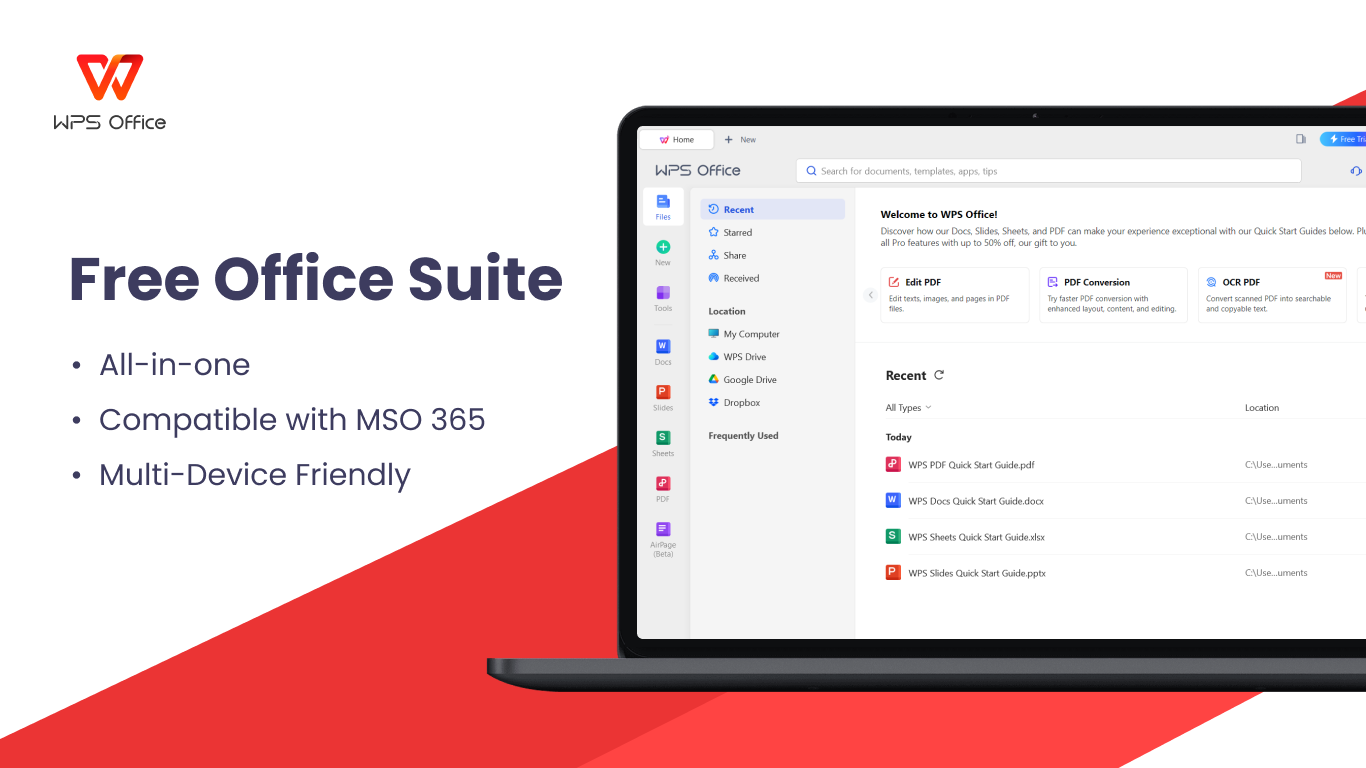
From the moment you launch WPS Office, its clean, modern interface welcomes you like an organized workspace. The minimalistic design—much like a streamlined desktop—avoids visual noise while offering all essential tools at a glance. Navigation feels intuitive, much like flipping through familiar office papers, which shortens the learning curve considerably.
Performance-wise, WPS Office operates smoothly on a variety of hardware setups, even on modest machines, thanks to its lightweight architecture. Tasks such as document loading, saving, and online synchronization are swift, minimizing waiting time and cognitive load. For new users, quick-start tutorials and contextual tips further ease adoption, making it accessible for both occasional users and productivity pros.
Distinctive Edge: Workflow Integration & Feature Simplicity
Compared to other productivity suites, WPS Office's standout advantage is its focus on streamlining workflow integration. Its design centers around reducing unnecessary steps; for instance, its PDF editor is seamlessly integrated into the document ecosystem, enabling users to switch from reading to editing with minimal friction. Unlike bulky suites packed with features that overwhelm, WPS emphasizes essential tools that truly boost productivity, thus alleviating cognitive overload.
This approach makes WPS a particularly attractive choice for users who prioritize efficiency over excessive feature bloat. Its balanced feature set allows for effective task completion without bogging down users with complexity, akin to having a reliable, well-organized workspace instead of a cluttered desk full of unrelated gadgets.
Final Verdict and Recommendations
WPS Office Suite for Windows earns a solid recommendation for users seeking a streamlined, versatile suite that handles everyday office tasks with grace. It's especially suitable for those who need robust PDF editing capabilities, quick document management, and minimal learning curves. While it may not replace high-end enterprise solutions for advanced functionalities, its strength lies in offering an efficient, user-friendly experience with clear workflow advantages.
If you're looking for an alternative that combines familiar interfaces with unique workflow integration features and avoids feature overload, WPS Office is definitely worth a try. It's like having a dependable toolkit that adapts to your needs without adding unnecessary weight—perfect for enhancing your productivity with less mental clutter. So, give it a spin and experience the simplicity and efficiency it brings to your daily tasks.
Pros
- Comprehensive Office Suite
- Intuitive User Interface
- Cloud Integration
- Editing and Conversion Tools
- Free Basic Features
Cons
- Limited Advanced Features
- Occasional Lagging
- Premium Features Locked
- Limited Offline Capabilities
- Syncing Issues











