
- Name WordPal – Write & Format
- Category Productivity
- Developer WunderApps GmbH
- Available on PC
- OS Windows 10 version 17763.0 or higher
- Keyboard Not specified
- Mouse Not specified
- languages English (United States)
WordPal – Write & Format for Windows: A Streamlined Writing Companion
WordPal is a thoughtfully designed writing application aimed at enhancing your productivity by simplifying the process of composing and formatting documents, all within a clean and intuitive Windows environment.
Meet the Developer and Main Features
Developed by WunderApps GmbH and published by Tim Grabinat, WordPal sets out to improve your writing workflow with a suite of user-friendly tools. Its primary features include intelligent formatting suggestions that adapt to your writing style, seamless integration with cloud storage services to keep your work synchronized, and a distraction-free writing mode that fosters focus. It's tailored for students, professionals, and writers who desire an efficient yet straightforward tool to handle their document preparation without the clutter of unnecessary bells and whistles.
Engaging and User-Friendly Interface
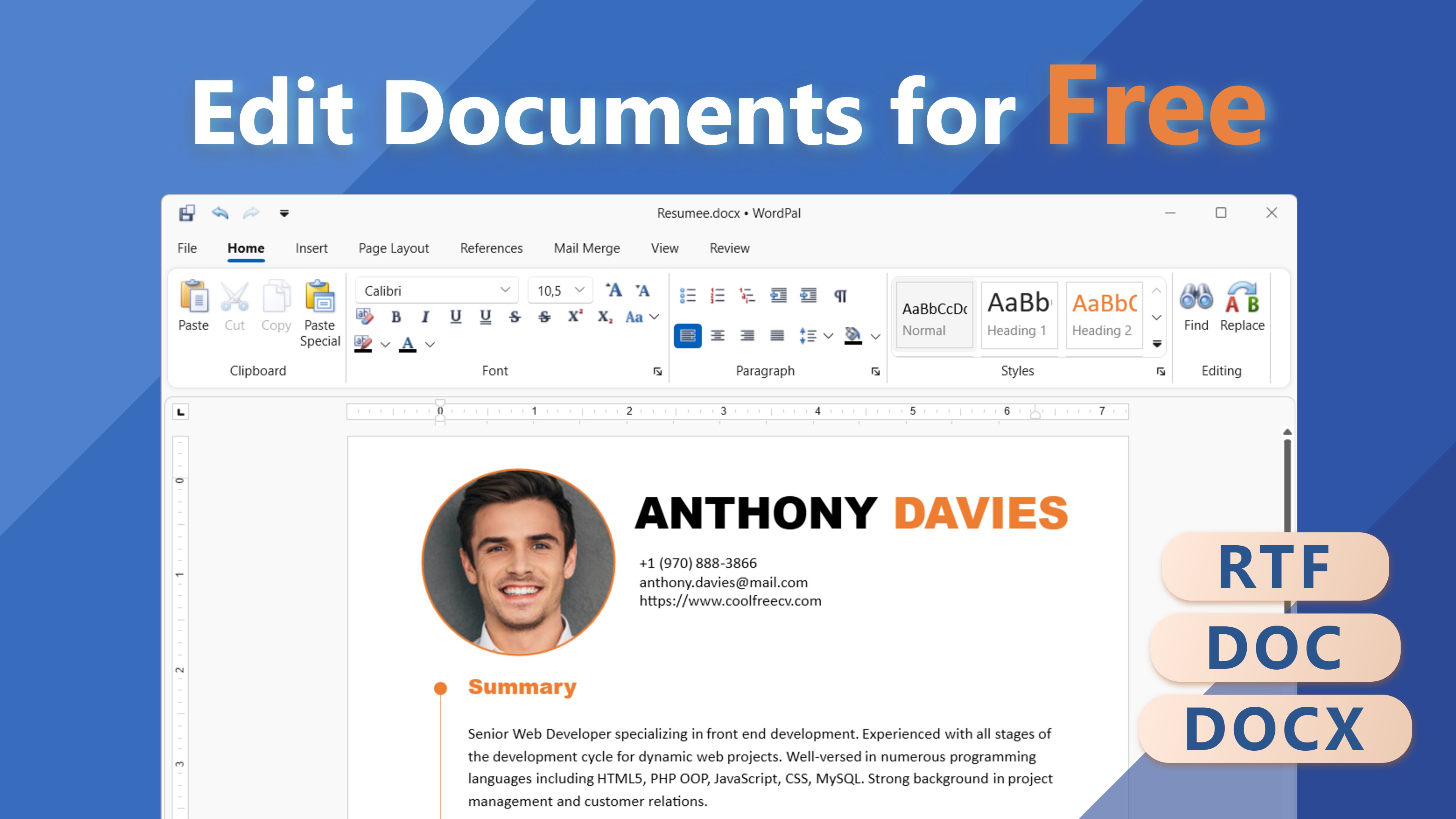
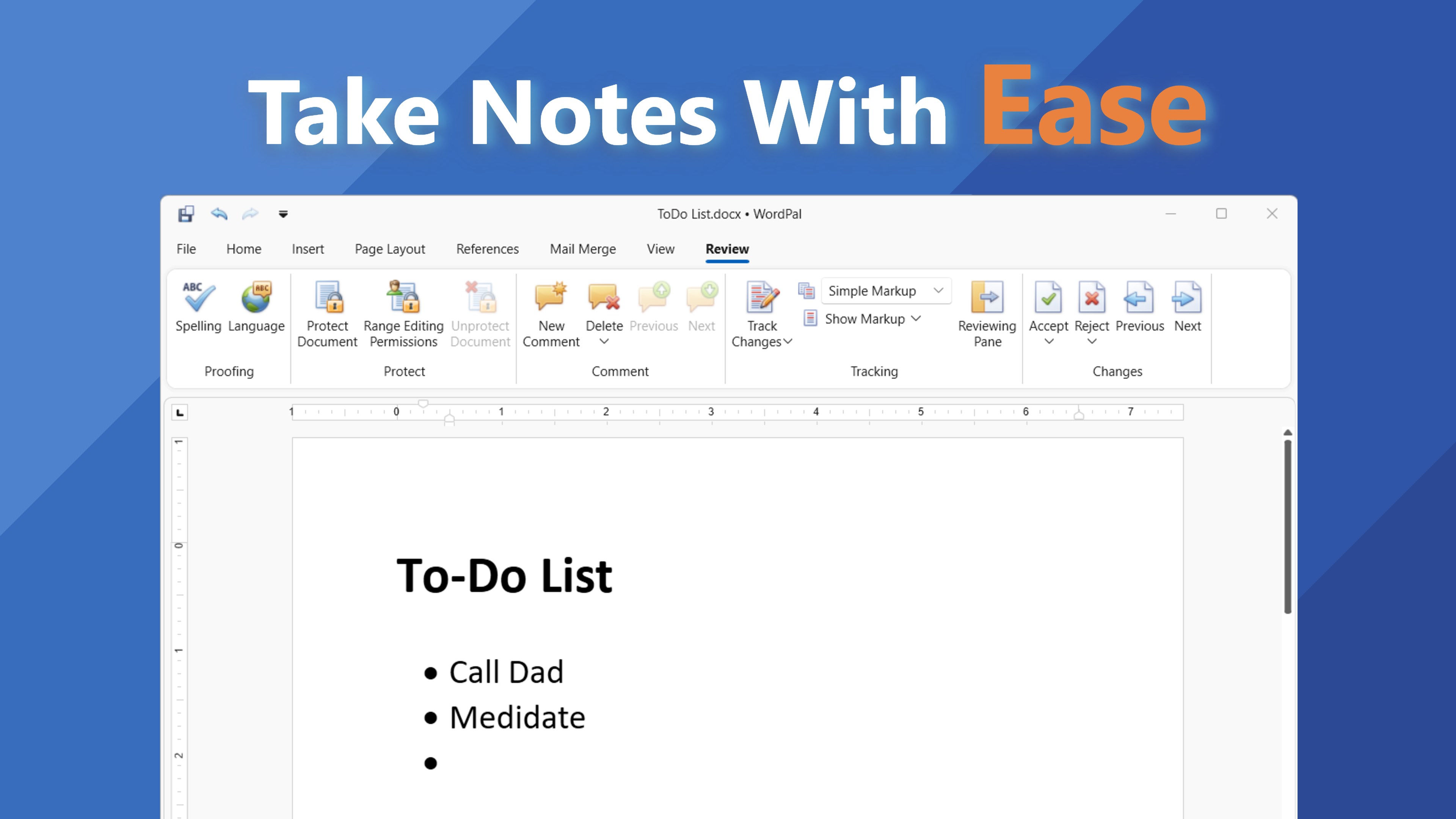
Imagine stepping into a writing space that feels both familiar and refreshing—clean lines, minimal clutter, and thoughtfully organized controls make WordPal a joy to navigate. The interface embodies the principle of “less is more,” allowing users to focus on their content rather than wrestling with complex menus. From customizable themes to a simple toolbar, every element is crafted to reduce visual noise and cognitive load, making the learning curve gentle even for first-time users. The app responds swiftly, with no noticeable lag during editing or formatting, providing a seamless experience comparable to flipping through pages of a well-bound notebook.
Core Functionality: Precision Formatting and Workflow Efficiency
Smart Formatting Assistance
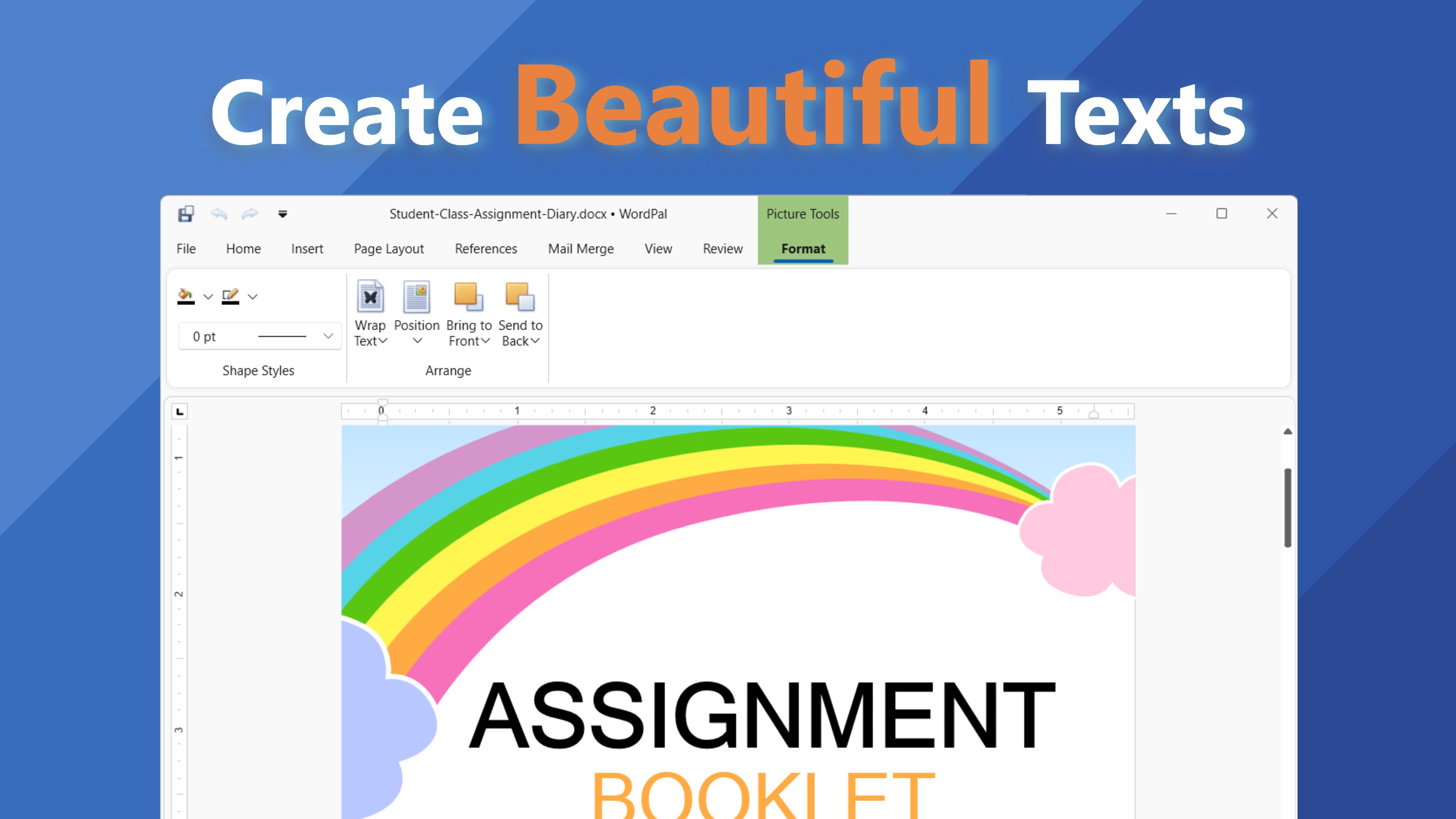
One standout feature of WordPal is its intelligent formatting engine that offers real-time suggestions aligned with your writing style. Want to quickly convert bullet points into a numbered list or apply consistent heading styles? WordPal anticipates your needs, reducing manual adjustments and saving precious time. This function resembles having a digital editor whispering helpful hints in your ear, streamlining the process of producing polished documents without drowning in complex style menus.
Cloud Integration for Continuity
Never worry about losing your work or juggling multiple devices. WordPal offers built-in support for cloud services, enabling smooth synchronization across platforms. This means you can start writing on your desktop, continue on a tablet, or save drafts directly to your preferred storage solution effortlessly. It's like having an invisible assistant that keeps your projects up-to-date, making your workflow more fluid and less fragmented.
Focus Mode for Deep Concentration
The distraction-free mode is akin to drawing a curtain around your workspace, allowing you to immerse yourself deeply into your writing. When activated, all extraneous UI elements fade away, leaving only your cursor and canvas. This environment encourages sustained focus and has been shown to reduce cognitive load—a feature that distinguishes WordPal from some cluttered productivity tools filled with unnecessary options. It's perfect for tackling complex reports or creative projects without interruptions.
Compared to Other Productivity Tools
While many writing apps aim to tick all the boxes, WordPal's strength lies in its balance of feature simplicity and intelligent assistance. Unlike heavyweight editors that bombard you with options, it emphasizes workflow integration and cognitive ease. Its contextual formatting prompts and smooth cloud sync work together to reduce fragmentation and mental strain, promoting a seamless creative process. For users seeking an unobtrusive yet capable tool, WordPal provides a welcome alternative that prioritizes efficiency over feature overload.
Final Verdict and Recommendations
All things considered, WordPal stands out as a concise, effective writing companion equipped with particularly intelligent formatting suggestions and robust cloud integration. It's ideally suited for users who value simplicity, clarity, and workflow coherence. If you're a student, professional, or hobbyist writer tired of complex, cluttered editors, this app can become your reliable drafts partner. I recommend giving it a try if your main goal is to write with focus and finesse, without the distraction of unnecessary features. For those seeking a lightweight yet smart document tool—WordPal is definitely worth considering.
Pros
- User-friendly interface
- Advanced formatting tools
- Real-time spelling and grammar correction
- Offline mode support
- Seamless cloud integration
Cons
- Limited free features
- Occasional lag during heavy formatting
- Learning curve for advanced features
- Limited customization options for themes
- Occasional syncing delays with cloud storage











