

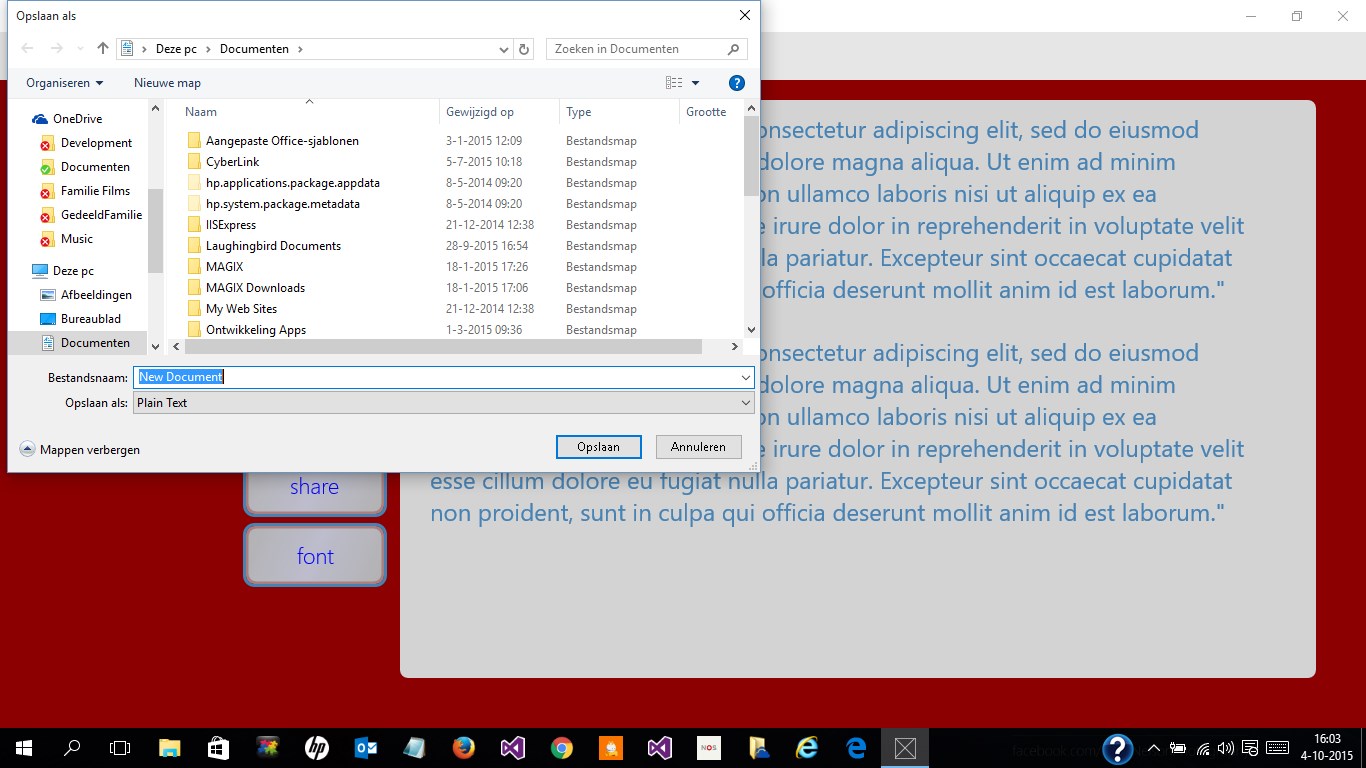
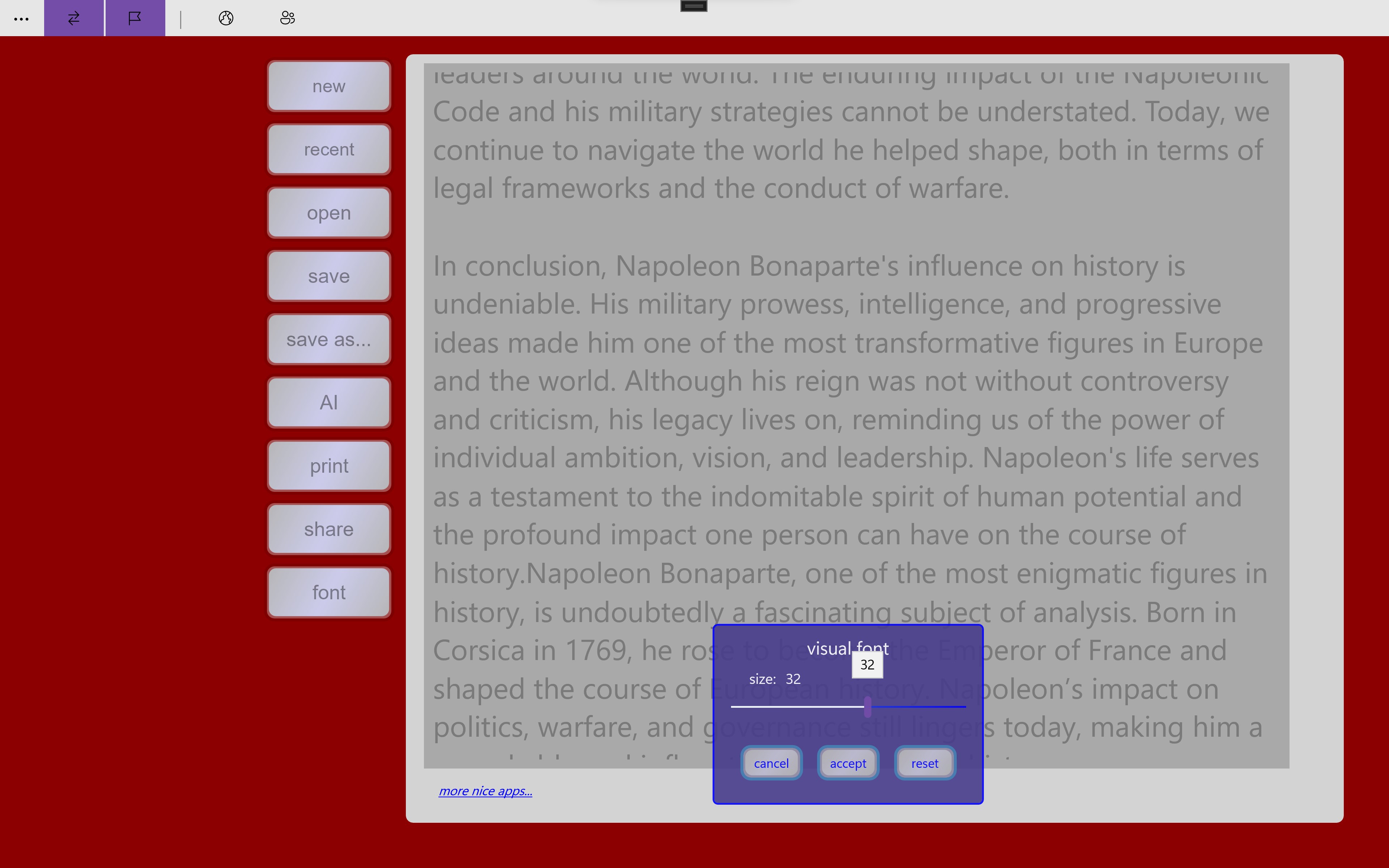
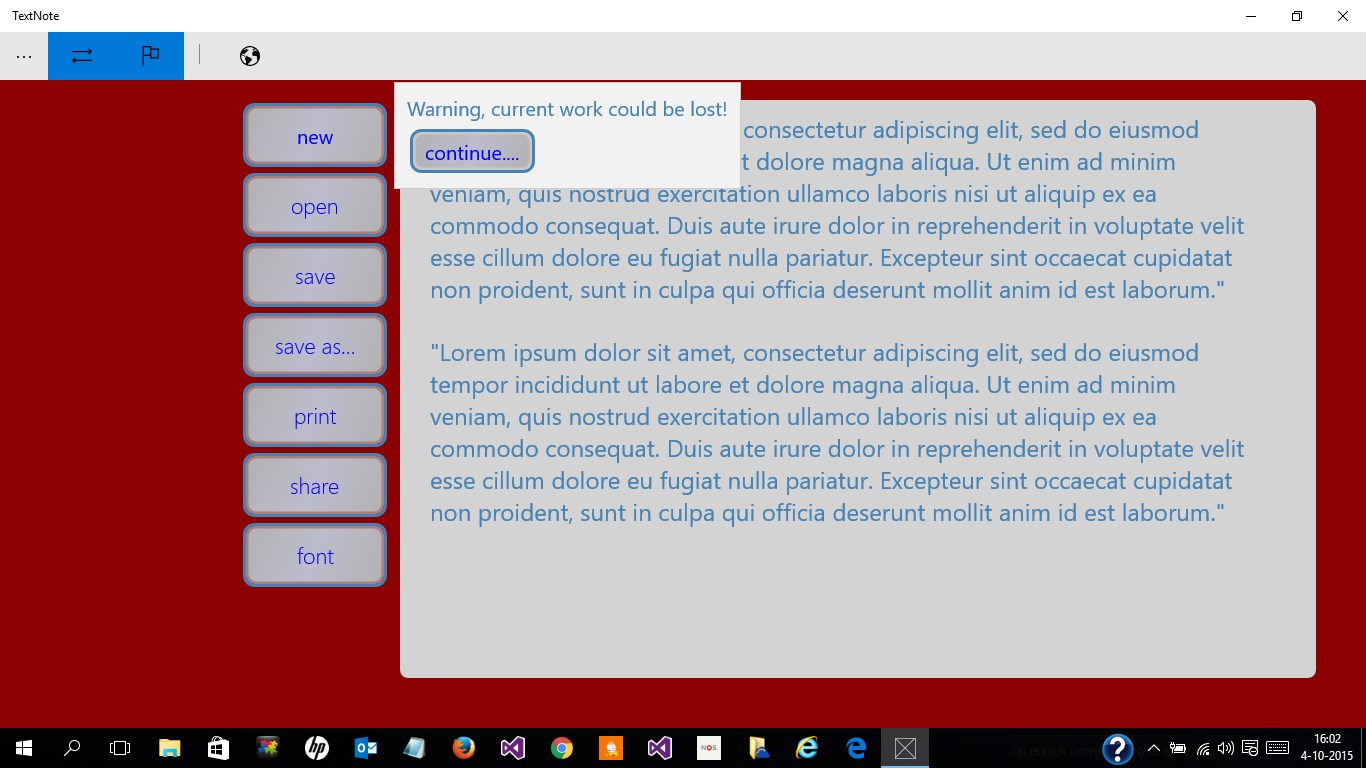
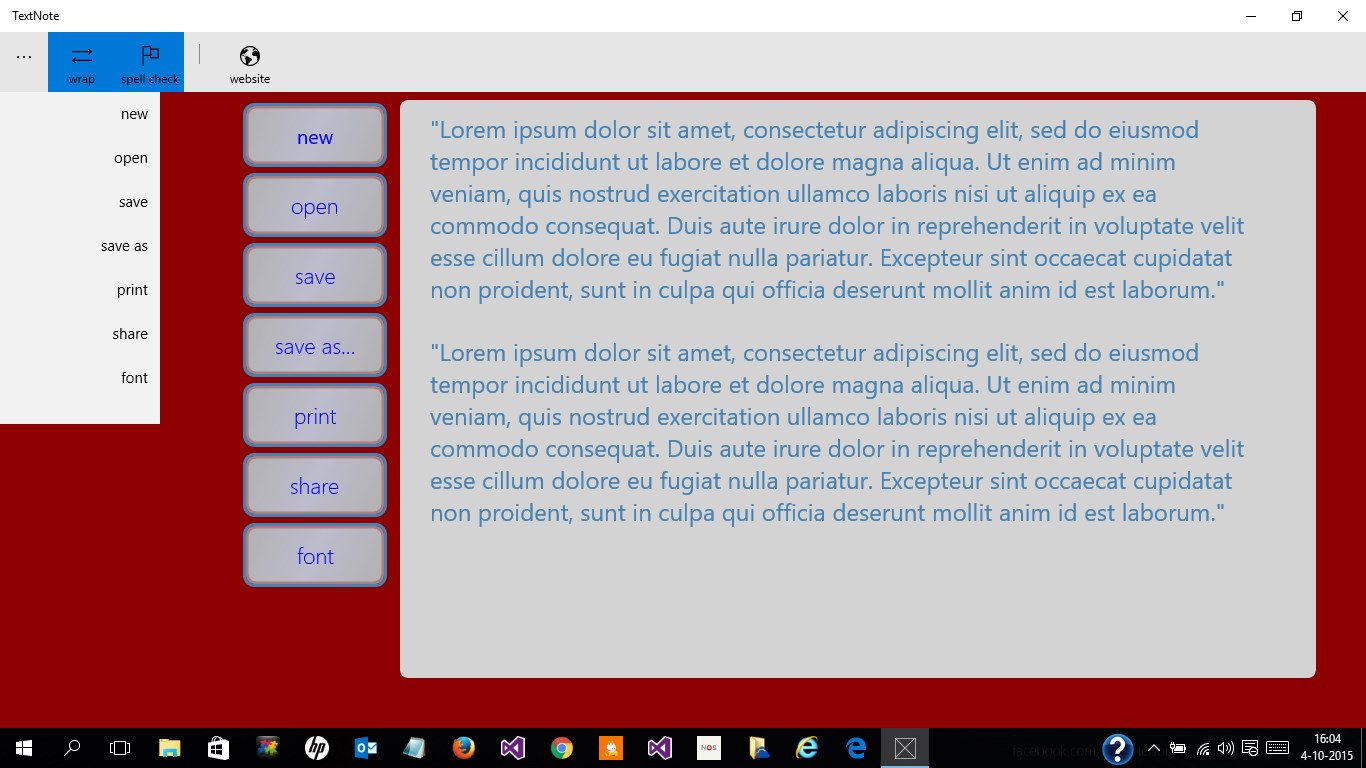
- Name WordPad TextNote
- Category Productivity
- Developer Eugene Schouten
- Available on PC, Mobile, Xbox console, Surface Hub
- OS Windows 11 version 22621.0 or higher
- languages English (United States)
Introducing WordPad TextNote for Windows: Your Simple yet Powerful Note-Taking Companion
WordPad TextNote for Windows, developed by Eugene Schouten and published by Qwabber, is a lightweight application designed to provide an efficient and user-friendly note-taking experience tailored for Windows users seeking a straightforward writing tool without the clutter of complex features.
What Makes WordPad TextNote Stand Out?
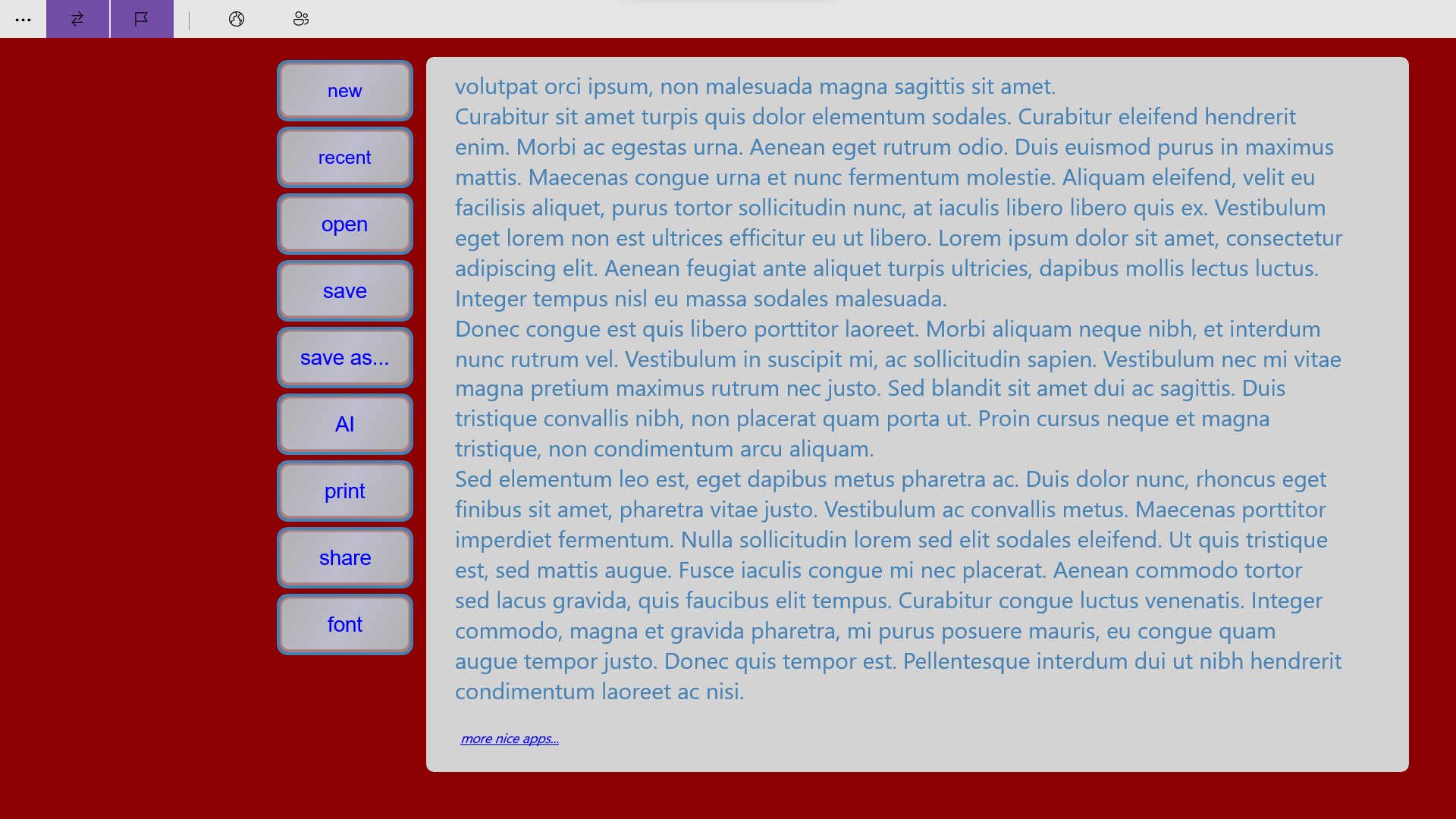
In a landscape crowded with elaborate productivity apps, WordPad TextNote carves a niche by emphasizing core writing functionalities wrapped in a clean, minimalist interface. Its primary highlights include seamless integration with Windows, an intuitive editing environment, and an emphasis on workflow efficiency that minimizes distractions. Whether you're jotting down quick reminders or drafting longer notes, this app aims to keep your focus sharply on your content.
Design Philosophy: Simplicity Meets Efficiency
The user interface of WordPad TextNote embodies the philosophy of "less is more." Think of it as your digital notepad—no overwhelming menus, complicated toolbars, or unnecessary clutter. The design is refreshingly straightforward: a spacious editing canvas with essential formatting options tucked in neatly. The app's interface adapts fluidly to different window sizes, providing a smooth, distraction-free writing environment. Navigation feels intuitive, making it easy for newcomers to start using the app immediately without a steep learning curve.
Core Functionality Spotlight: Effortless Text Management and Workflow Integration
Simplified Text Editing and Formatting
At its heart, WordPad TextNote is a glorified digital sticky note with sophisticated underpinnings. It offers basic formatting tools—bold, italics, underline, bullet points—sufficient for most everyday notes. The real charm lies in its minimalism: it encourages you to focus on your ideas instead of wrestling with endless customization options. This simplicity ensures that users can quickly jot down thoughts, edit on the fly, and organize notes effortlessly, making it ideal for both casual users and professionals who prefer quick, clean documentation.
Seamless Workflow and Windows Integration
One of the app's standout features is how seamlessly it integrates into the Windows ecosystem. It supports native file formats, allowing you to save and open notes directly from your File Explorer, and can be pinned to the taskbar or start menu for instant access. The app also plays nicely with the clipboard, enabling quick copying and pasting, which accelerates your workflow—much like a trusty pen and paper combined with modern digital convenience. This tight integration reduces cognitive load by allowing you to work within a familiar environment that feels natural and responsive.
User Experience and Learning Curve
Using WordPad TextNote feels akin to flipping open a familiar notebook; its straightforward design invites instant productivity. The learning curve is remarkably gentle—there's virtually no setup, no confusing options, just an intuitive workspace. Responsiveness is excellent, with instant typing feedback and smooth scrolling. The app is lightweight so it doesn't hog your system resources, making it suitable for both high-end workstations and modest laptops. Overall, this results in a pleasant, frustration-free experience that keeps your focus on content creation rather than technical fiddling.
Comparing with Hierarchical Productivity Apps
Unlike many feature-rich note-taking apps that often overwhelm users with options, WordPad TextNote champions clarity and workflow efficiency. Its core contribution is reducing cognitive load—users aren't bogged down by extraneous functionalities or complex UI layers. Instead, it offers a focused environment that boosts productivity by enabling quick capture and retrieval of notes without unnecessary distractions. This pragmatic approach makes it particularly appealing for users who seek a dependable, no-nonsense note-taking tool that complements their existing workflow rather than complicates it.
Final Verdict: A Practical Choice for Focused Note-Taking
I would recommend WordPad TextNote for anyone who values simplicity and efficiency. It's especially suited for students, professionals, or anyone needing a fast, reliable space to jot down thoughts without the fuss of more elaborate apps. While it may not replace heavy-duty document editors or project managers, its streamlined design excels at what it's intended to do—making your note-taking quick, easy, and distraction-free. For users prioritizing workflow integration and cognitive ease over feature bloat, this app is definitely worth a try.
Pros
- User-friendly Interface
- Lightweight Application
- Basic Text Editing Features
- Offline Accessibility
- Seamless Integration with Microsoft Account
Cons
- Limited Formatting Options
- No Rich Text or Image Embedding
- Basic Export Functions
- Limited Customization
- Occasional Synchronization Delays











