
- Name WinZip PDF Pro
- Category Productivity
- Developer Corel Corporation
- Available on PC
- OS Windows 10 version 0.0 or higher
- Keyboard Integrated Keyboard
- Mouse Integrated Mouse
- Memory 2 GB
- DirectX Version 9
- languages English
An Efficient and User-Friendly PDF Companion for Windows Users
WinZip PDF Pro for Windows, developed by Corel Corporation and published by WinZip Computing, aims to streamline your PDF tasks with a robust set of features wrapped in an intuitive interface. Whether you're handling reports, contracts, or eBooks, this app promises a seamless experience—making PDF management less of a chore and more of a breeze.
Core Features That Stand Out
Powerful PDF Conversion and Compression
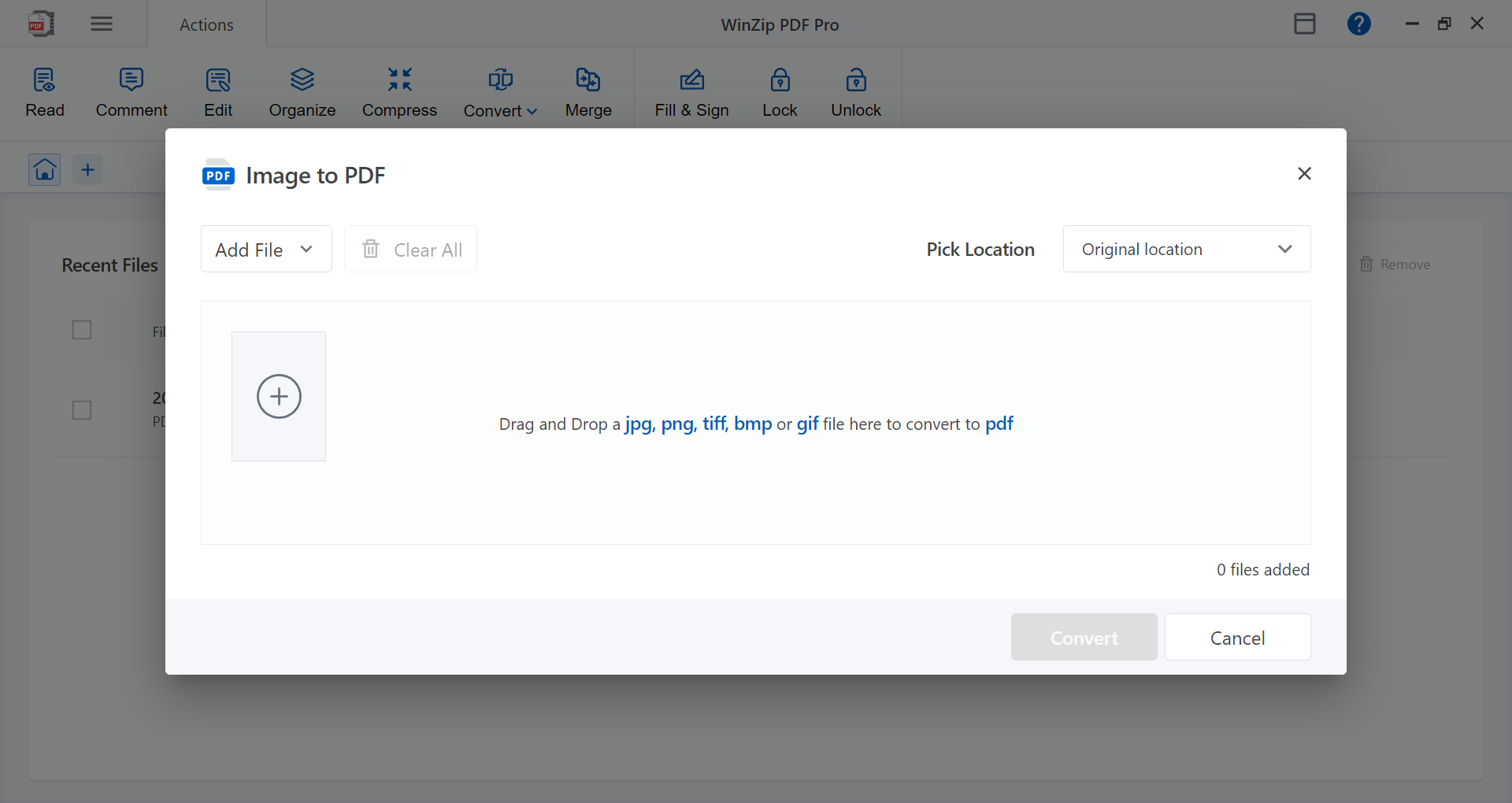
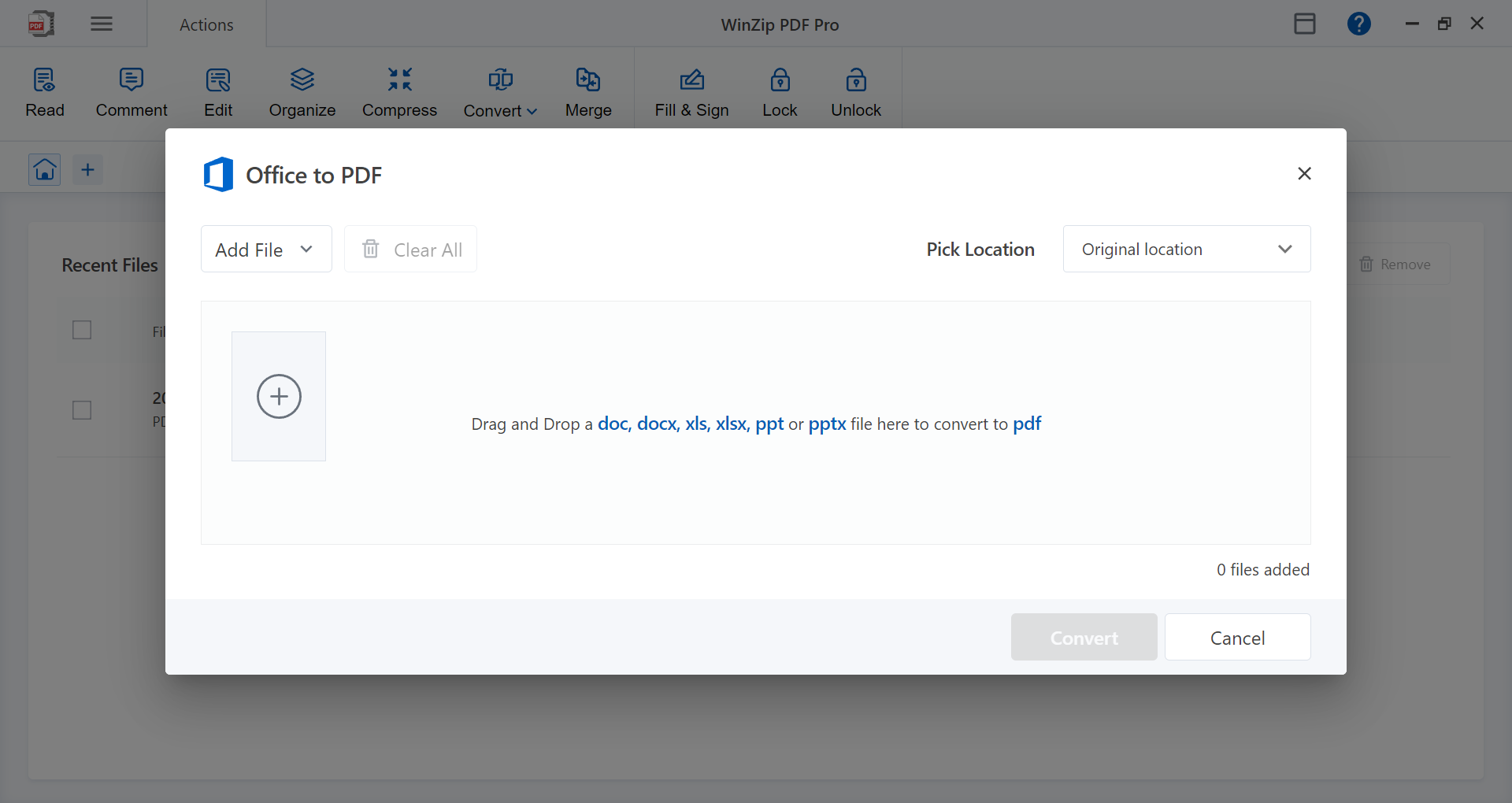
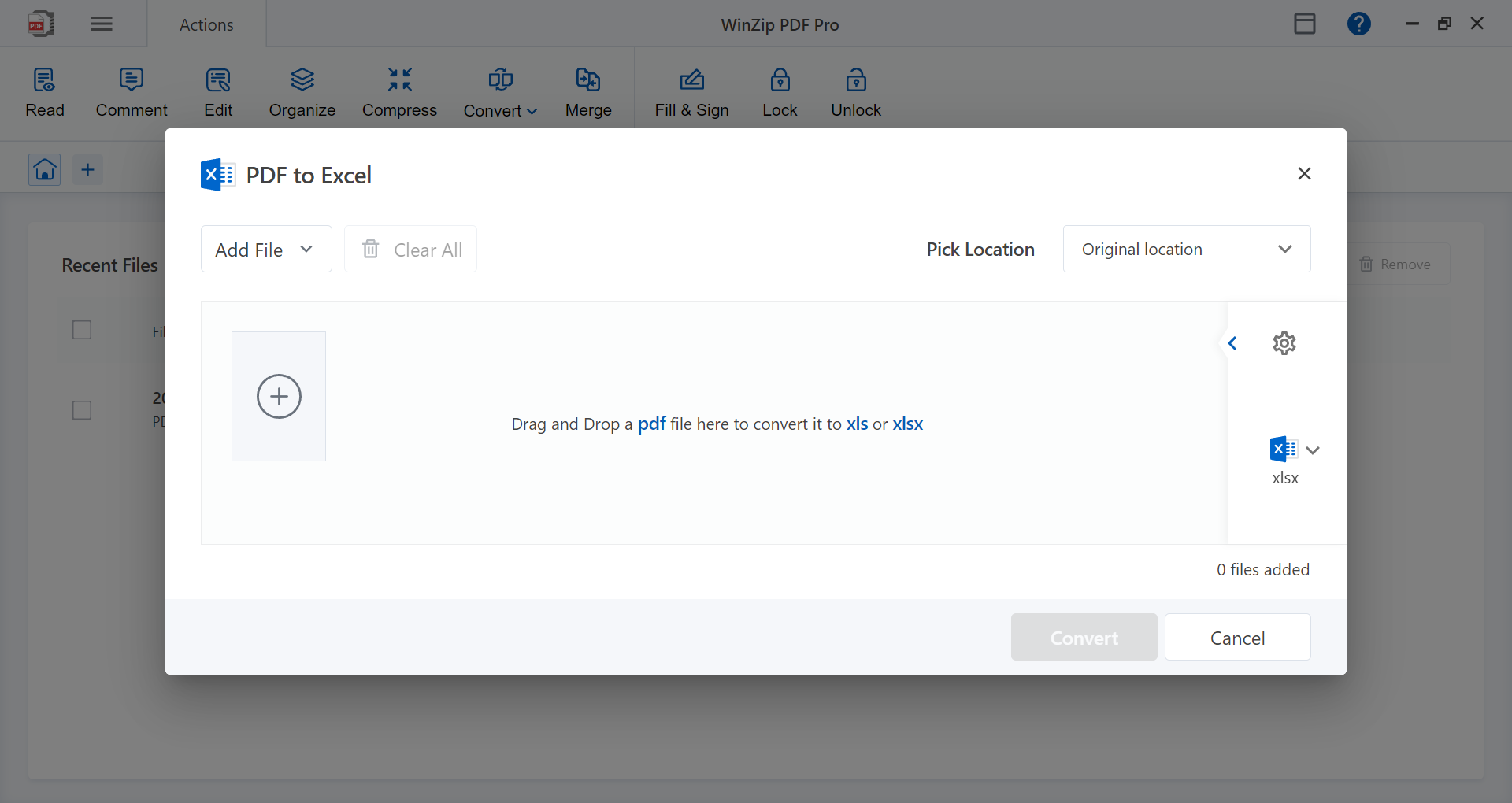
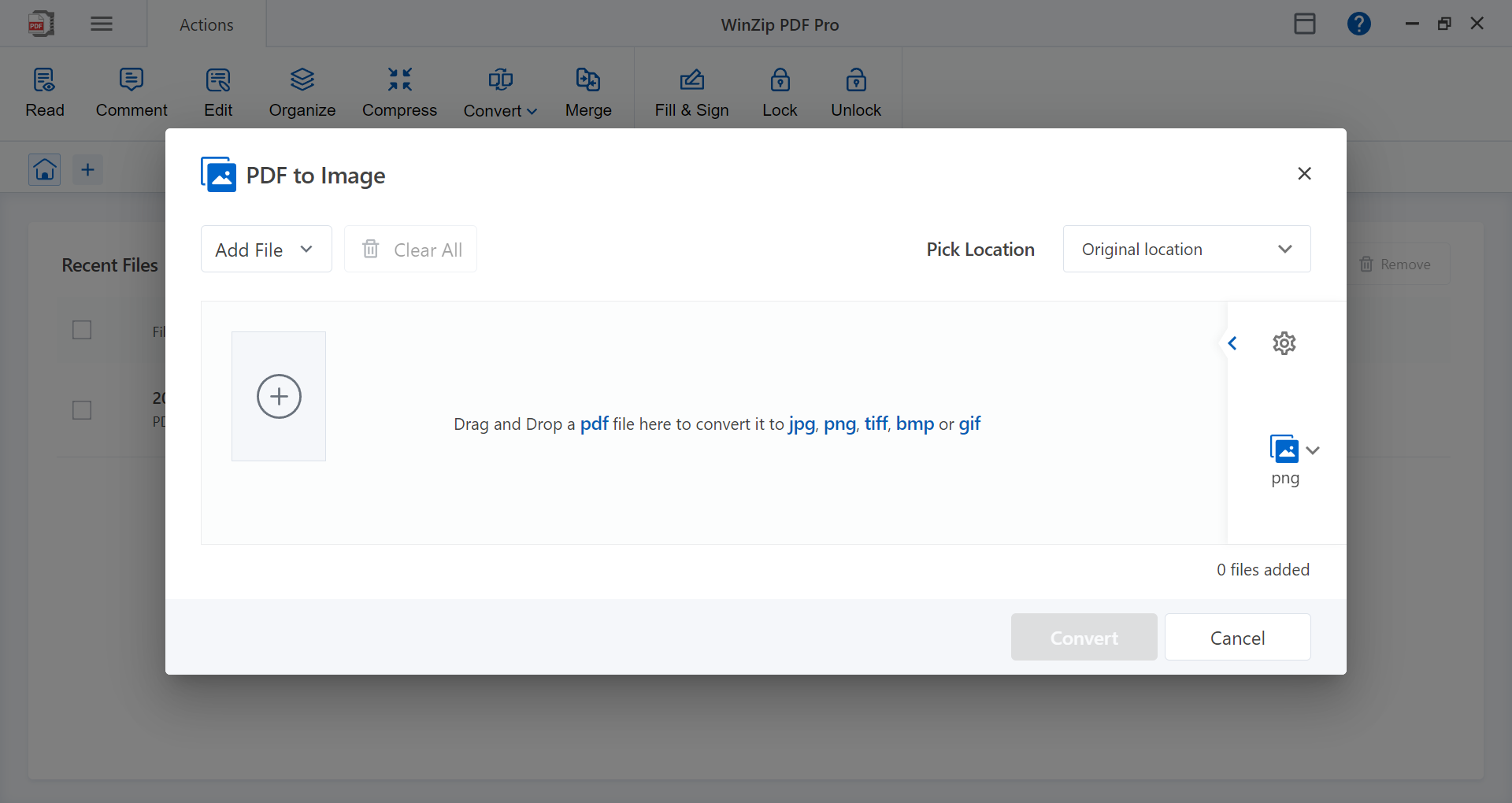
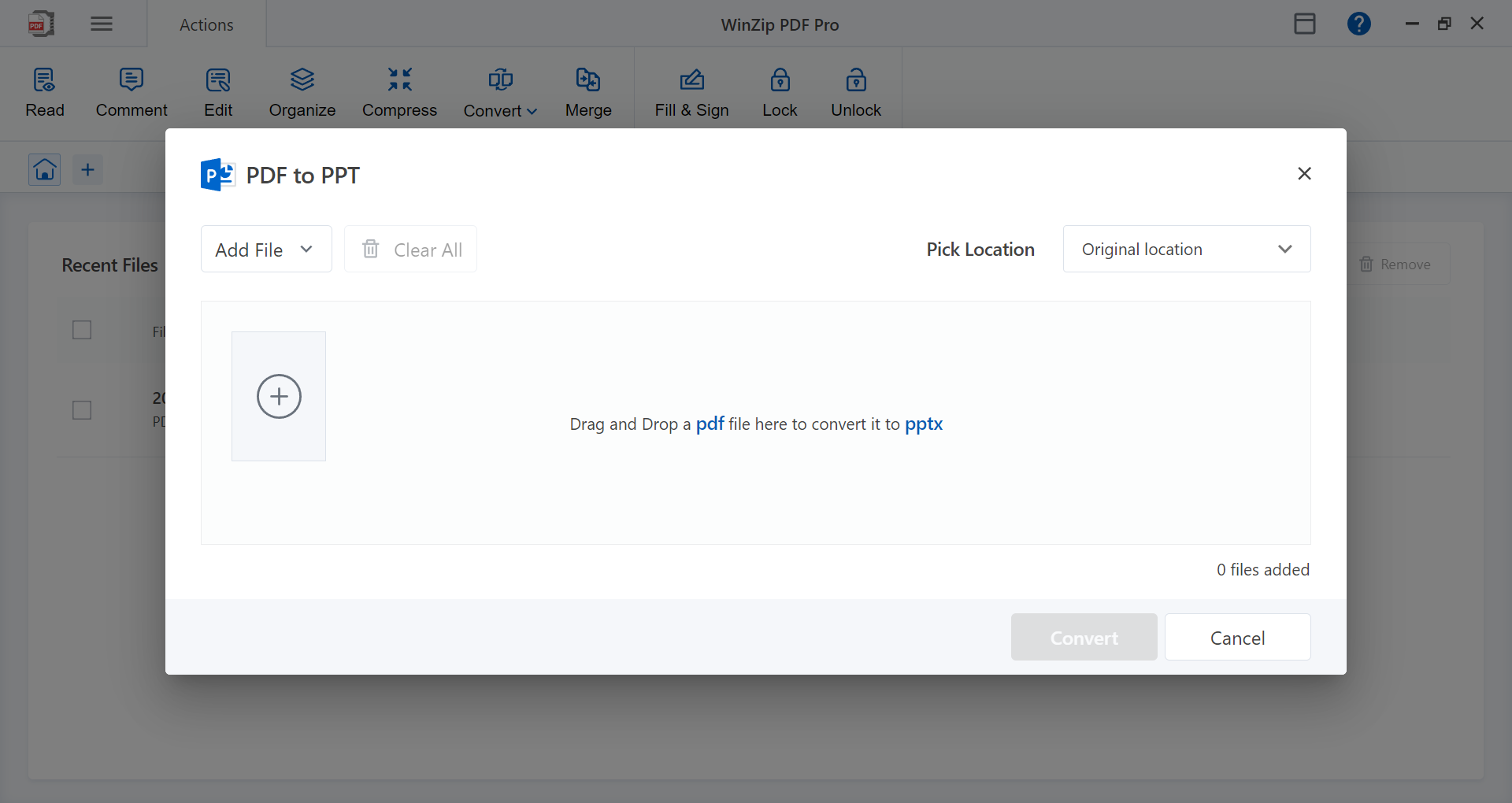
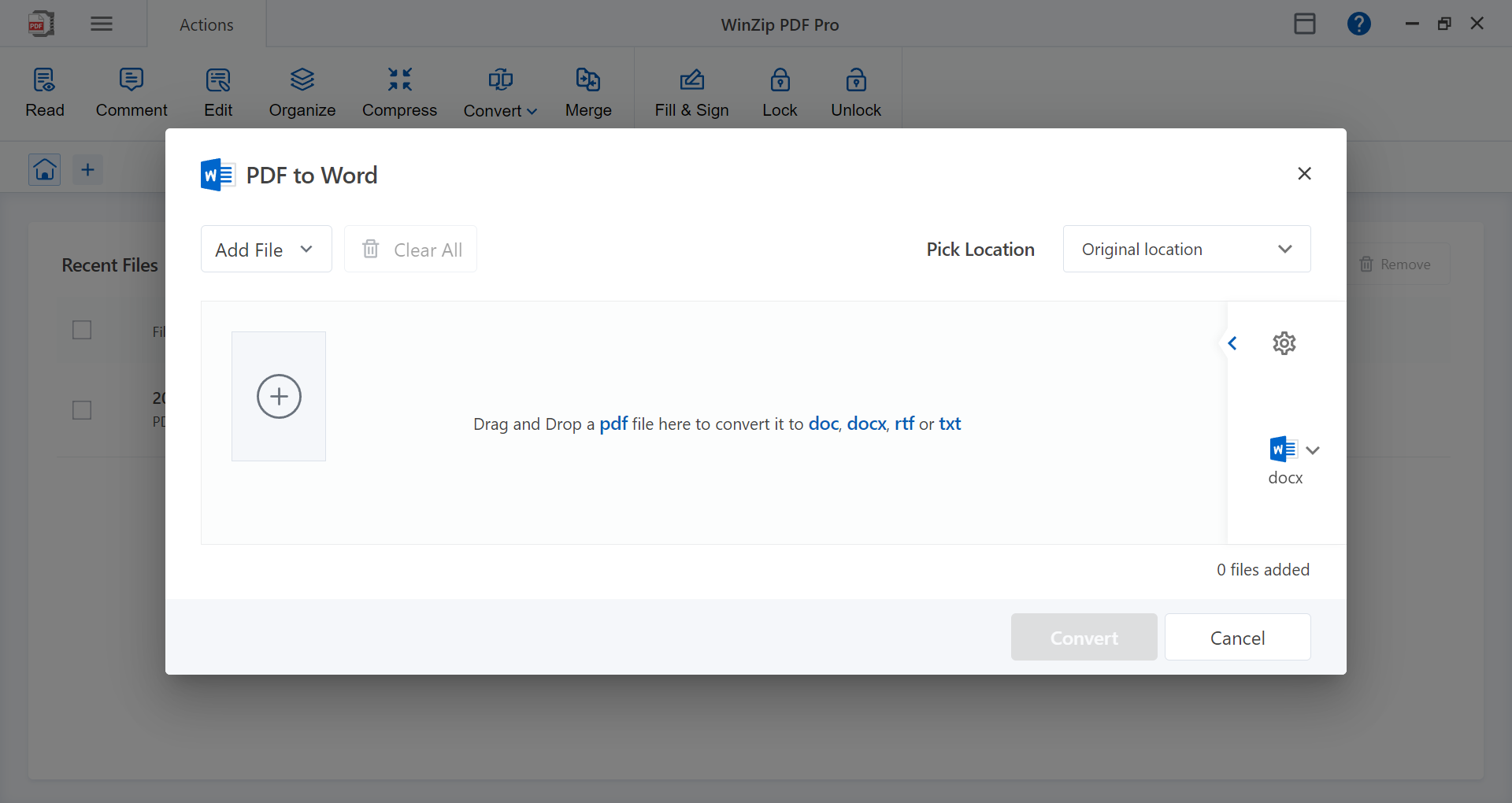
The application excels at converting PDFs to and from various formats such as Word, Excel, PowerPoint, and images, facilitating effortless editing and sharing. Its compression feature ensures those files don't weigh down your workflow, enabling quick uploads and downloads without sacrificing too much quality—a crucial advantage when dealing with large documents or limited bandwidth.
Secure Editing and Annotation Tools
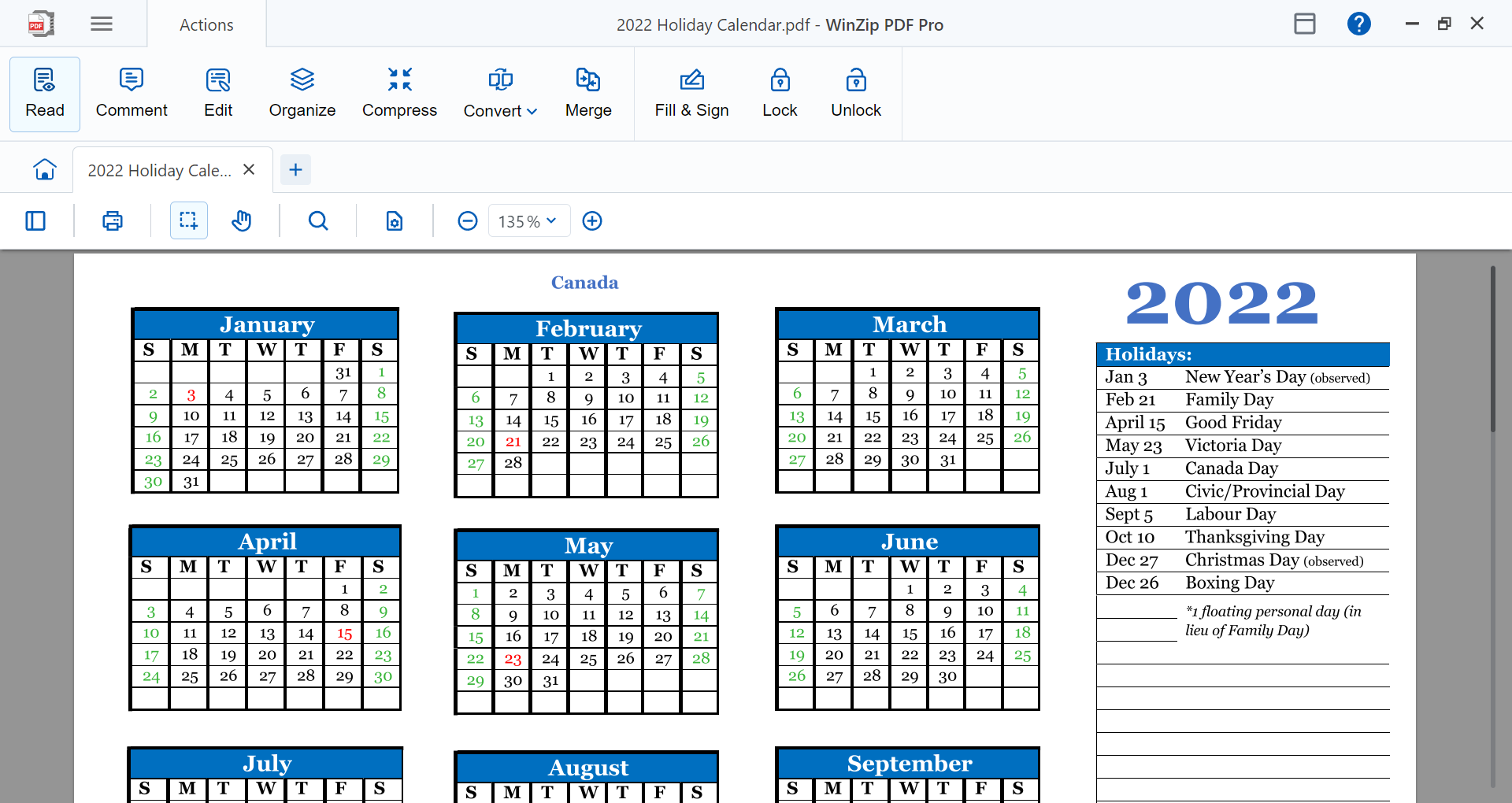
WinZip PDF Pro offers a suite of editing tools including text editing, annotation, and highlighting, all wrapped in a clean and straightforward interface. Plus, with integrated password protection and permissions management, sensitive documents remain secure throughout your workflow. This blend of ease of editing combined with security is like having a high-tech safe zipped right into your document workspace.
Enhanced Workflow Integration
One of its most distinctive features is how well it integrates with Windows and Widely used cloud storage services, allowing users to open, save, and share PDFs directly from their preferred platforms. Unlike many PDF tools that feel like standalone islands, this app acts as a bridge, reducing the cognitive load associated with switching between apps and streamlining your digital workspace.
Design, Usability, and User Experience
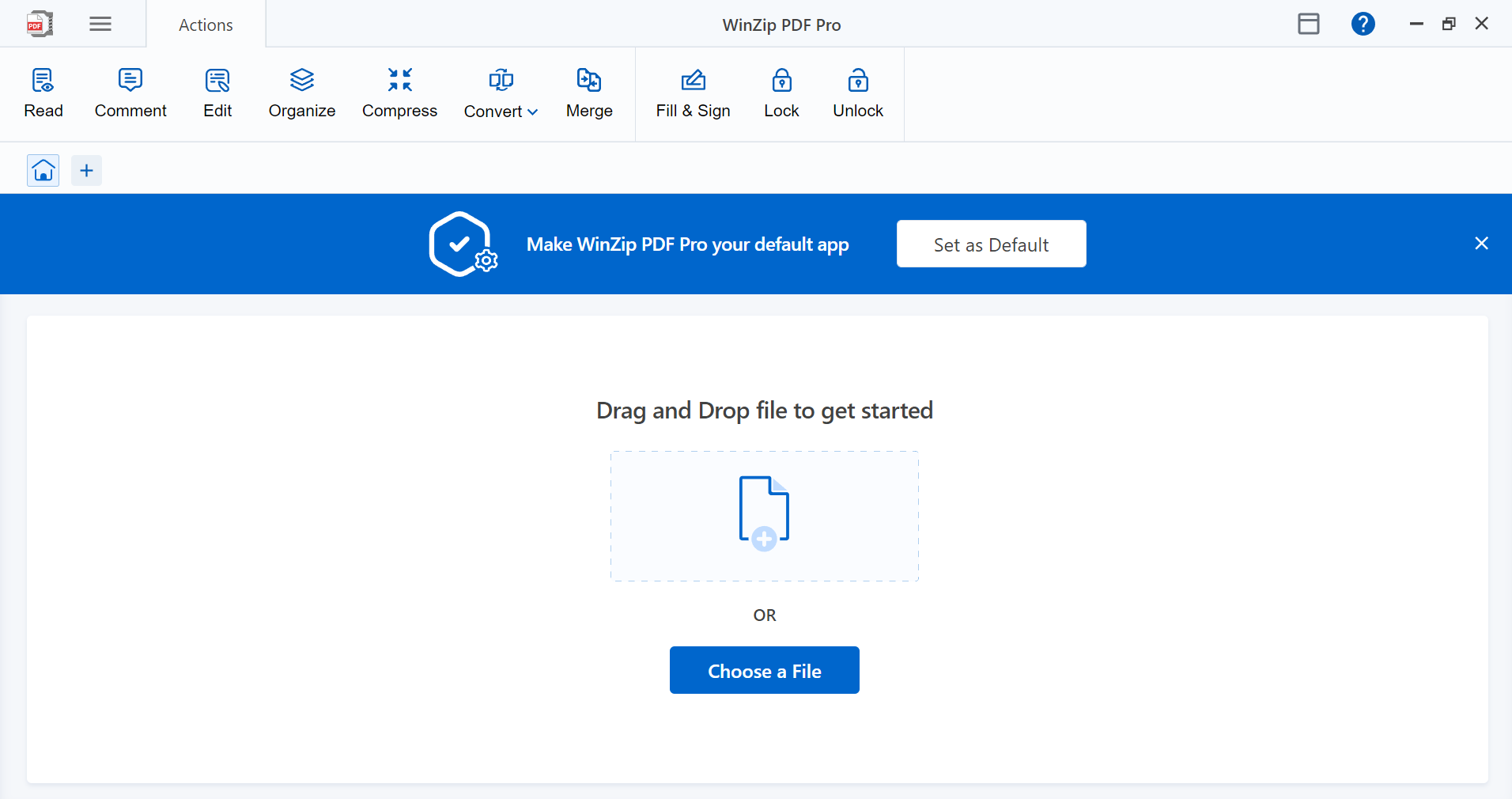
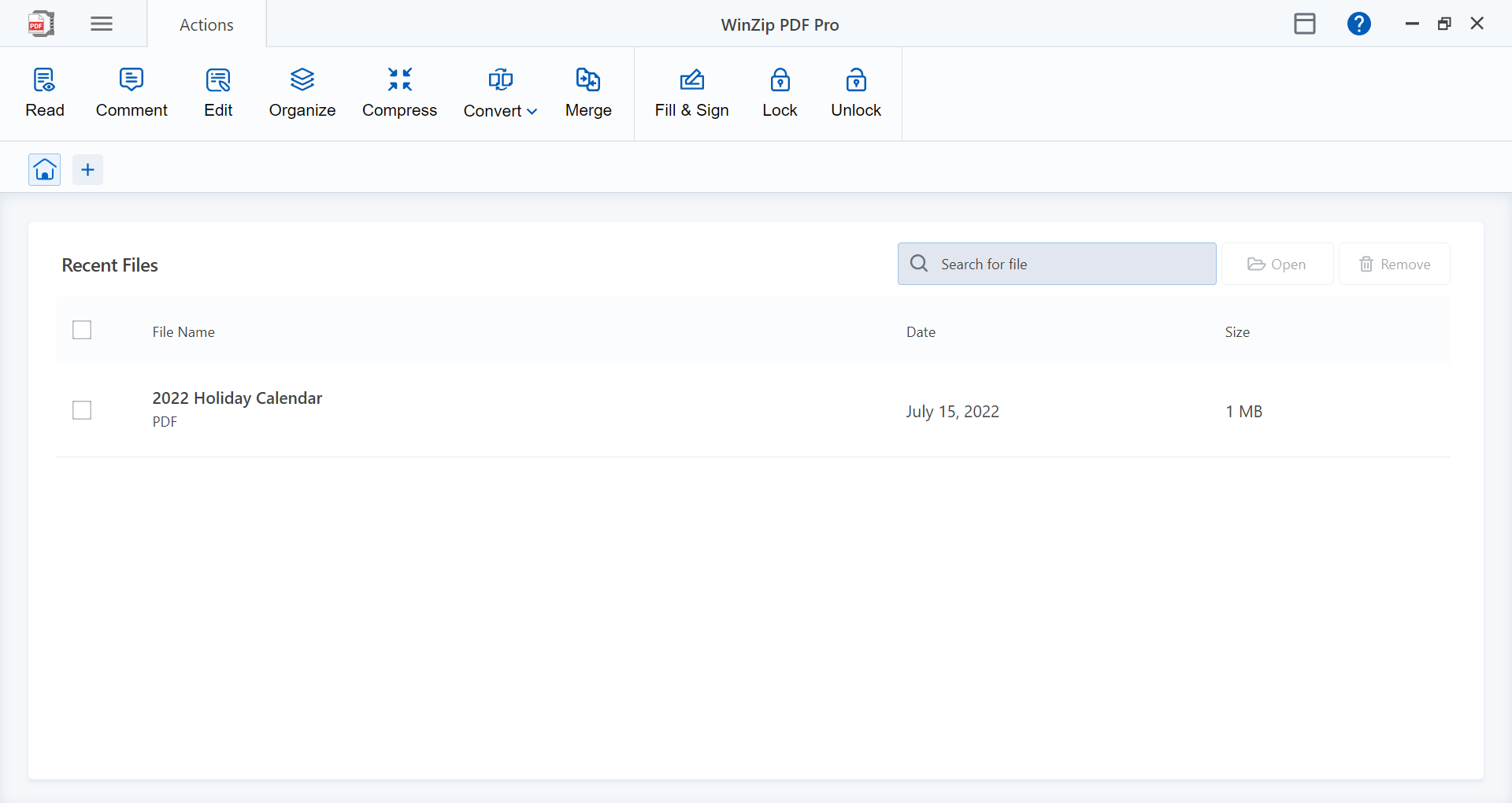
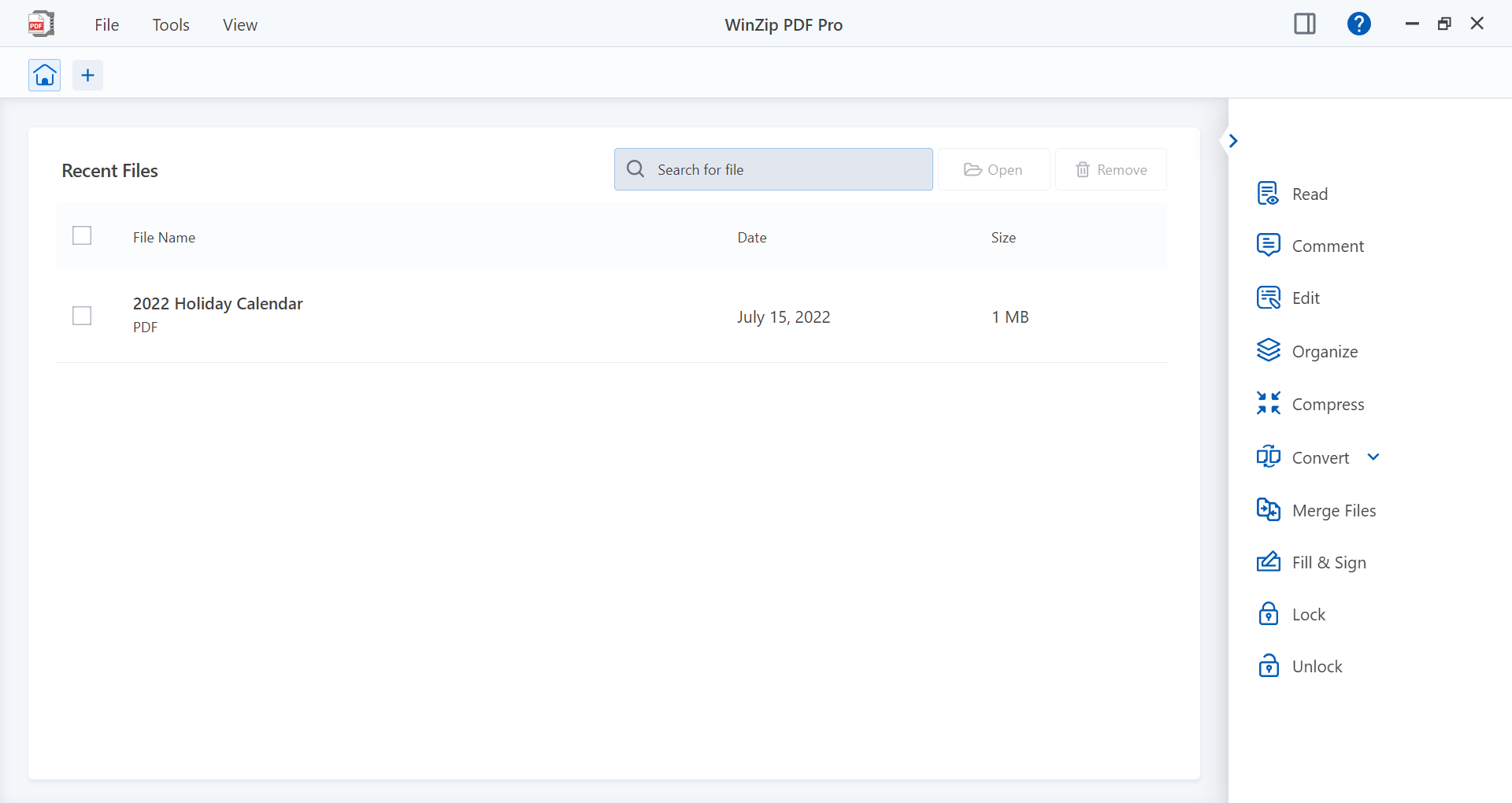
The interface adopts a modern yet familiar layout, reminiscent of well-designed office applications, making it easy to find tools without a steep learning curve. The design feels akin to a well-organized toolbox—everything in reach, minimizing the time spent looking for functions. During testing, operations such as converting a batch of files or annotating a document felt smooth and responsive, with immediate feedback that kept the workflow flowing without hiccups.
New users will find the learning curve gentle; the app's tools are logically grouped, and tutorials or tips are readily accessible. Even those who aren't tech-savvy can navigate and utilize the features confidently, turning what might seem complex—like managing multiple file versions or securing documents—into a straightforward task.
What Sets It Apart from Similar Apps?
While many PDF tools focus on individual features, WinZip PDF Pro shines in its holistic approach to workflow integration. Its ability to seamlessly connect with cloud services, combined with high-efficiency conversion and compression, means less time juggling multiple apps and more time focusing on the actual content. Additionally, the intuitive UI reduces cognitive load—users don't need to constantly decipher complex menus or functions, making it an excellent choice for professionals who value efficiency over clutter.
Final Verdict: A Reliable Choice for Professionals and Power Users
Given its solid feature set, excellent integration capabilities, and user-friendly design, I recommend WinZip PDF Pro for Windows as a trustworthy tool for anyone dealing with PDFs regularly. It's especially suited for users who want a straightforward, secure, and efficient solution that doesn't overwhelm with unnecessary complexity. Whether you're reviewing legal documents, preparing presentations, or managing large batch conversions, this app can be an invaluable part of your productivity arsenal.
Pros
- User-friendly interface
- Comprehensive PDF tools
- Effective file compression
- Seamless integration with Microsoft Store
- Reliable encryption options
Cons
- Limited editing features compared to dedicated PDF editors
- Occasional slow performance with large files
- In-app advertisements may distract some users
- Learning curve for advanced features
- Limited cross-platform support











