

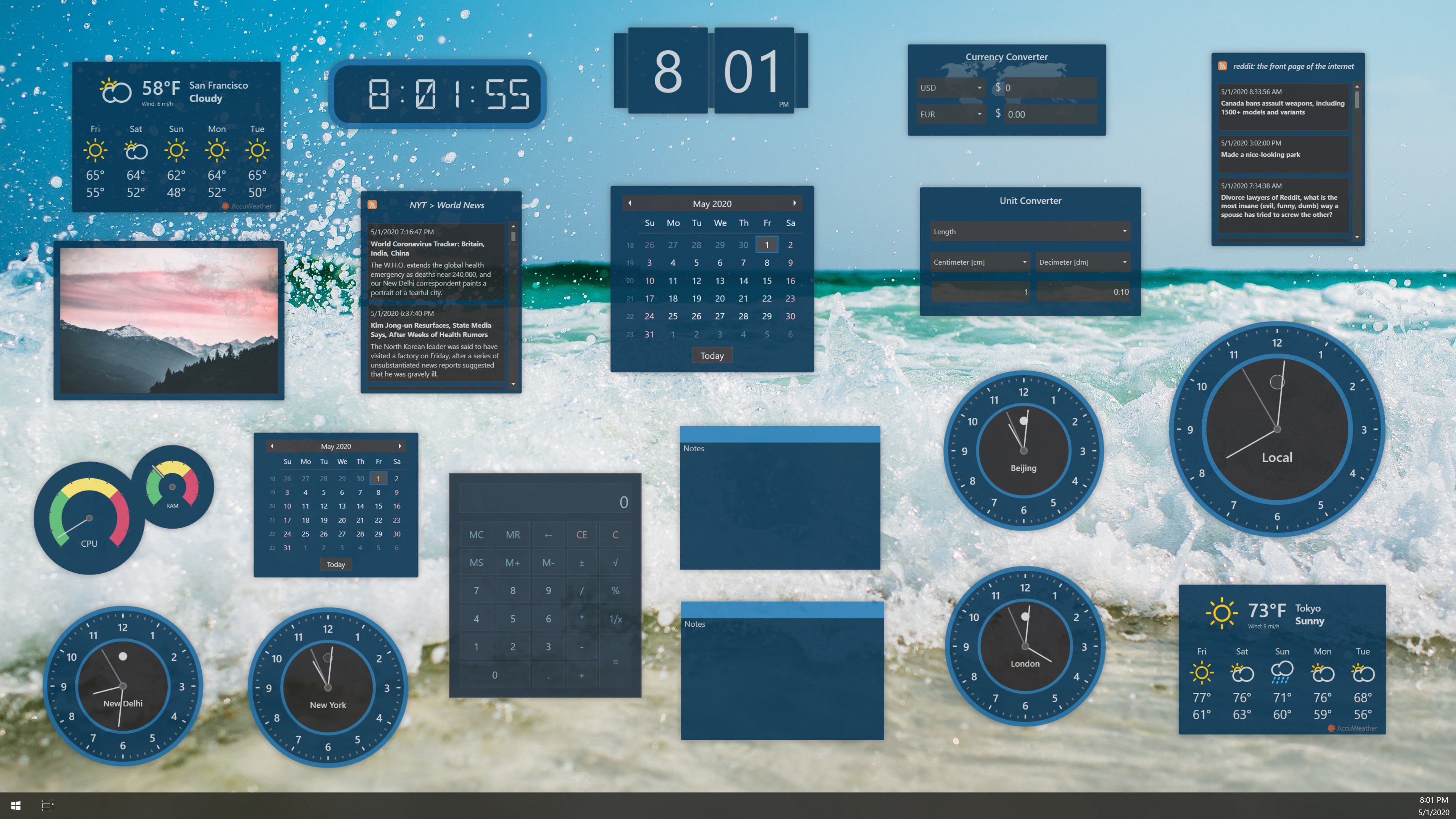
- Name Widget Launcher
- Category Productivity
- Developer Allen Chan
- Available on PC
- OS Windows 10 version 17763.0 or higher
- Memory 4 GB
- Keyboard Not specified
- Mouse Not specified
- languages Chinese (Simplified), Chinese (Traditional Chinese), Czech, English (United States), French, German, Italian, Japanese, Korean, Polish, Portuguese (Brazil), Russian, Spanish, Turkish
Streamlined Productivity at Your Fingertips
Widget Launcher for Windows is a versatile app designed to bring essential tools and shortcuts directly onto your desktop, transforming your workspace into a more efficient hub. Developed by Allen Chan under the Chan Software Solutions banner, this application aims to simplify access to your favorite applications and information, reducing the time spent navigating through menus and windows.
Who's Behind the Curtain?
Created by Allen Chan, a developer focused on enhancing Windows productivity, Widget Launcher is part of the Chan Software Solutions suite. The company's goal appears to center on integrating everyday tools seamlessly into users' workflows, facilitating a smoother, less intrusive computing experience. Whether you're a busy professional, a student managing multiple resources, or a casual user seeking a clutter-free desktop, this app is designed with you in mind.
A Glimpse into the Core Features
Customizable Widget Dashboard
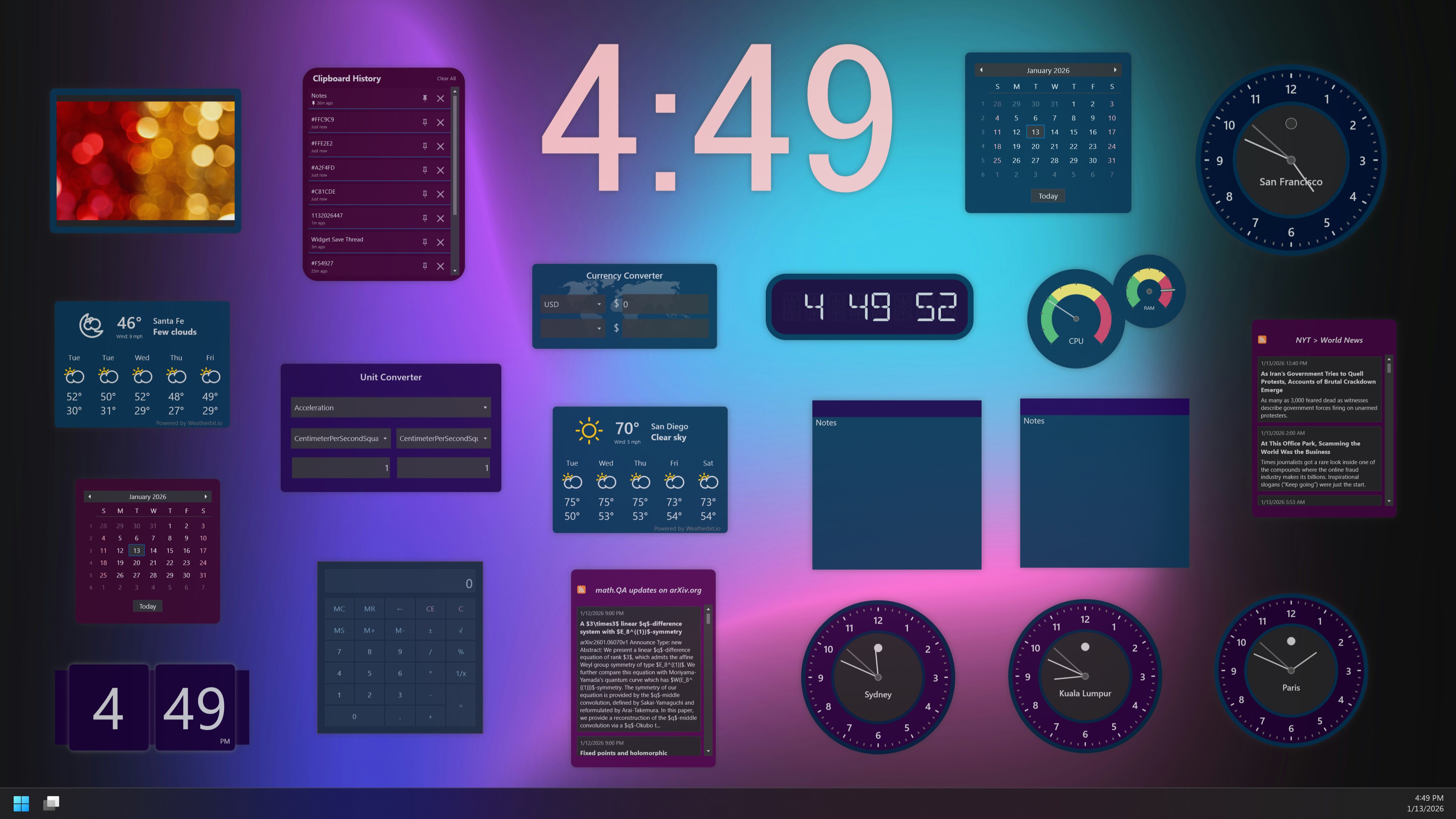
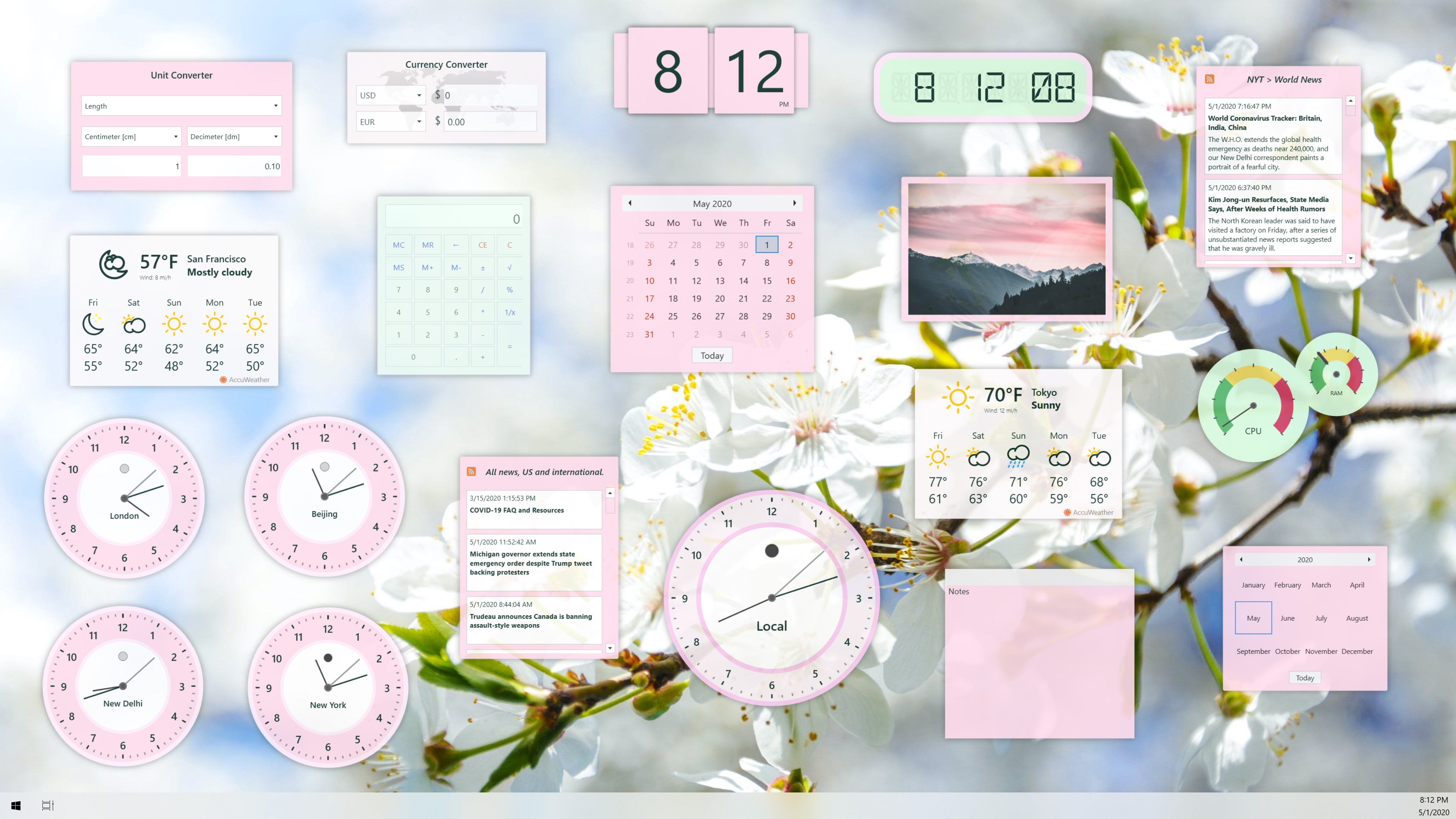
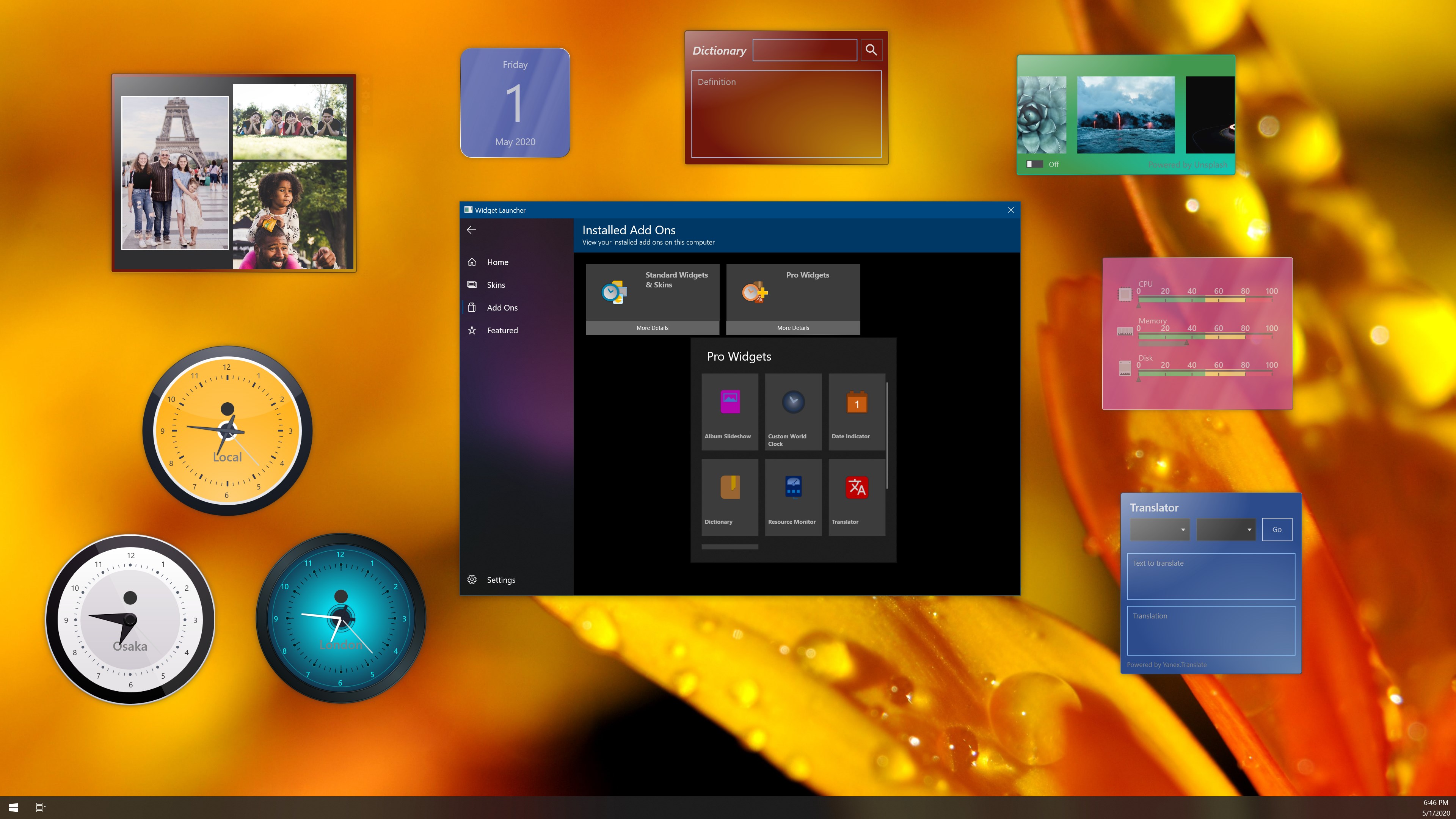
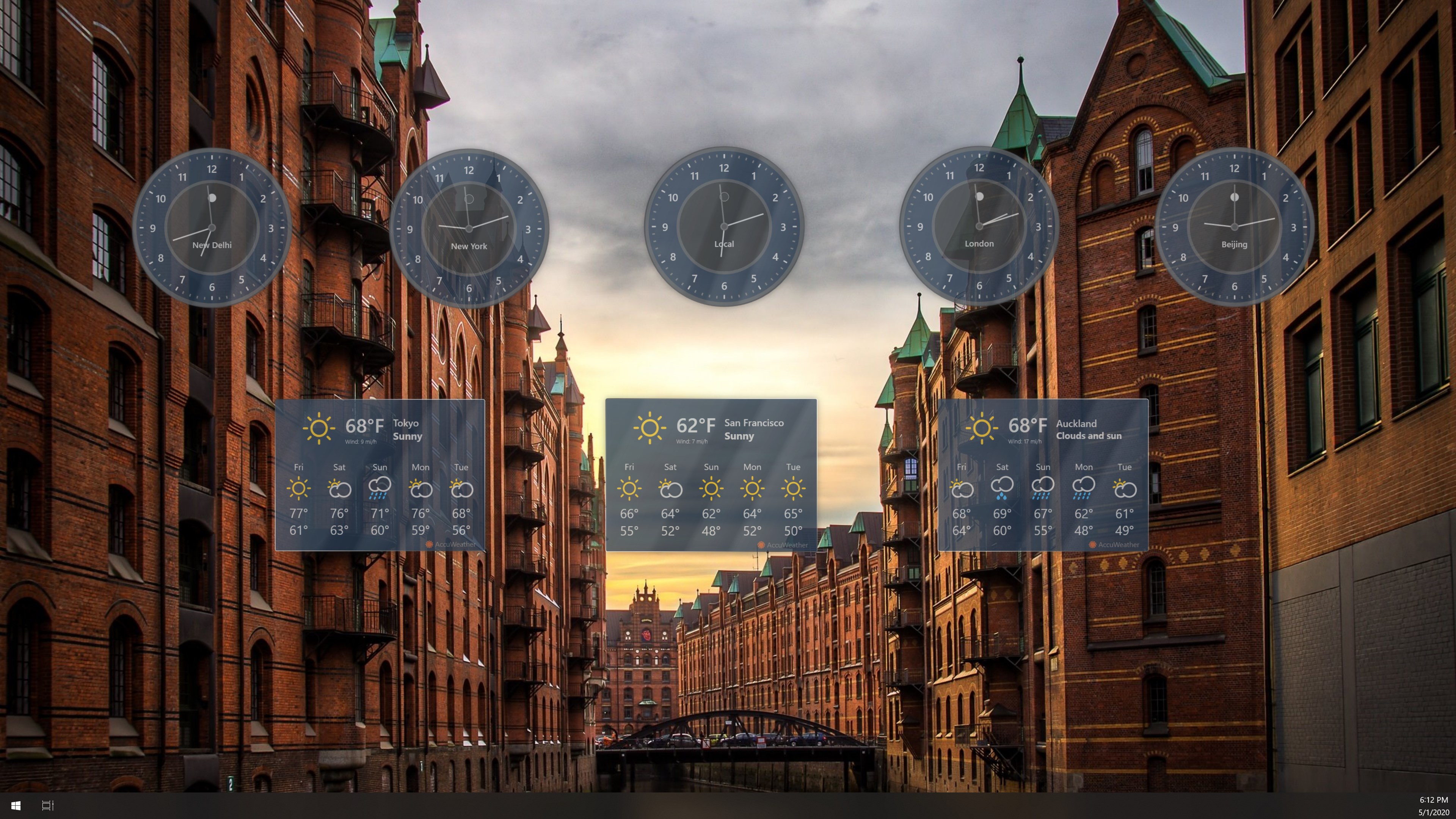
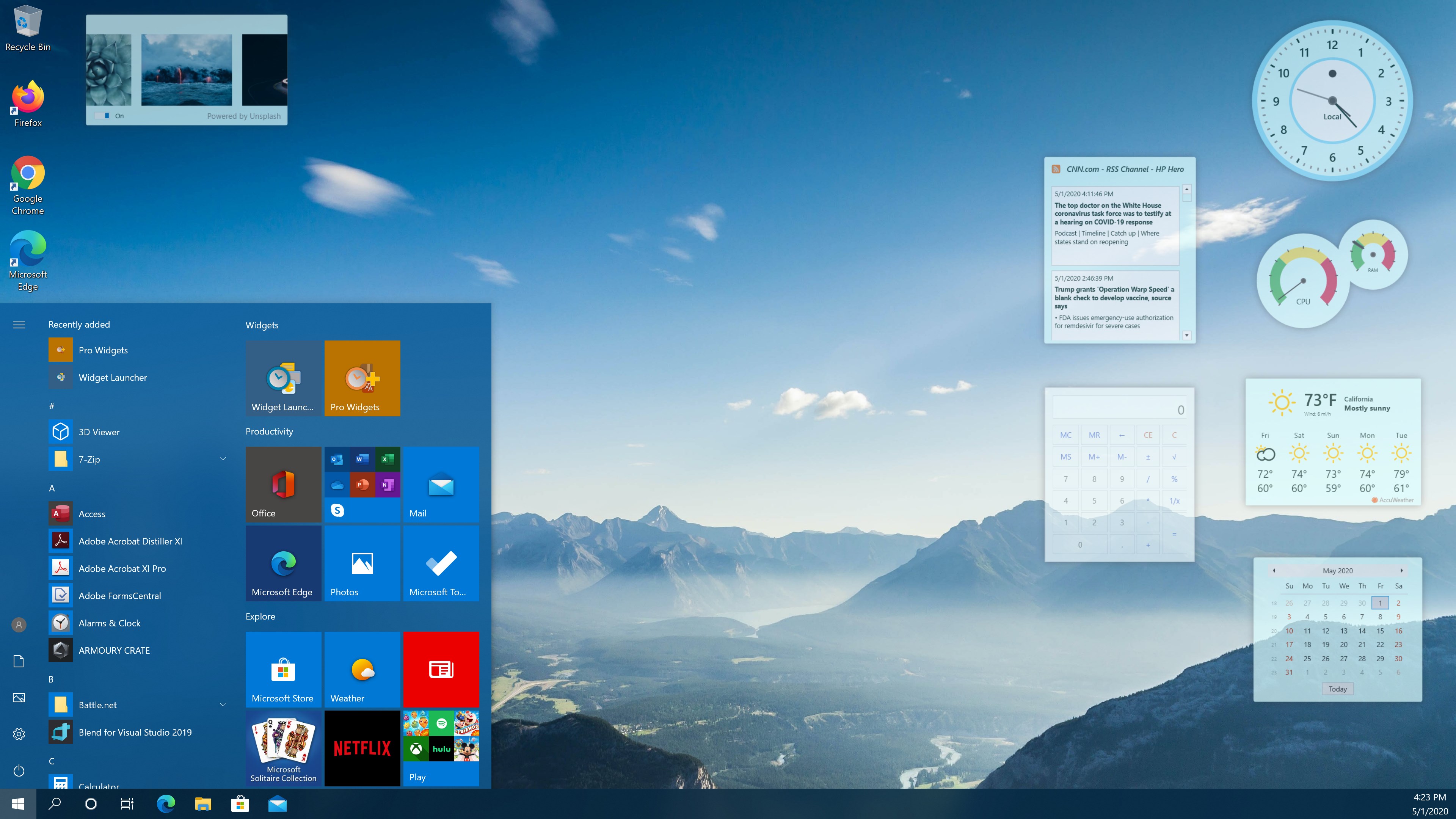
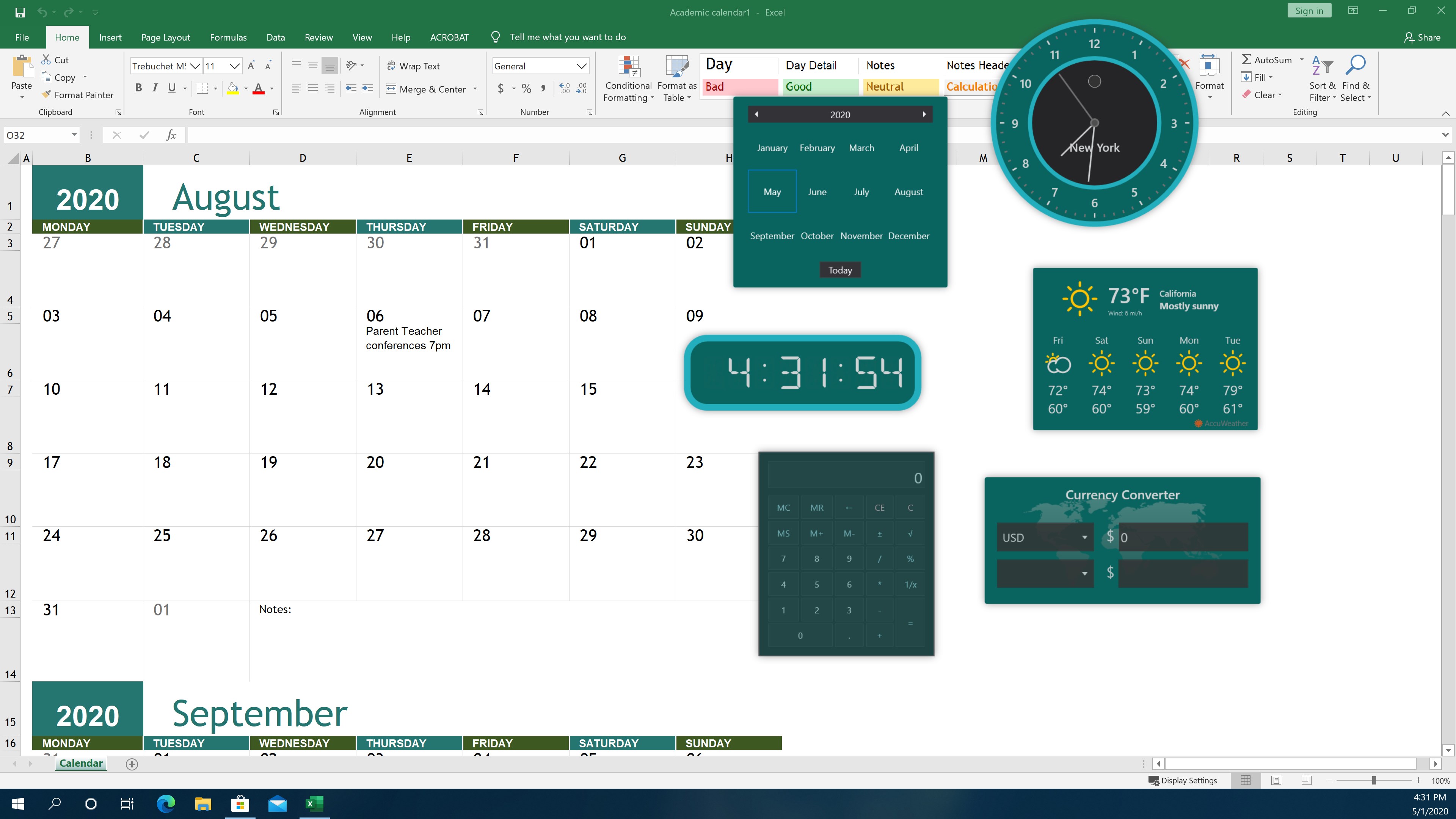
The app allows you to craft your own personalized widget dashboard, where you can pin shortcuts for apps, web links, notes, weather forecasts, and more. Imagine having your frequently used tools laid out like a well-organized control panel—quick to access and easy to customize. The flexibility here makes it a powerful aid for streamlining daily routines without overwhelming your desktop.
Smart Group Management
Widget Launcher excels in grouping related widgets into smart clusters. Whether you want to categorize work tools, entertainment shortcuts, or research resources, the app offers intuitive grouping options. This reduces cognitive load by minimizing clutter and helping you stay focused, turning a chaotic desktop into an organized command center.
Seamless Workflow Integration
Beyond visual appeal, Widget Launcher emphasizes smooth integration with your existing workflow. It supports quick launching of applications with minimal delay, and its minimalist design ensures that it doesn't interfere with more comprehensive software. This level of efficiency is especially noticeable compared to similar tools that often require complex configurations or busy interfaces.
Design, Usability, and User Experience
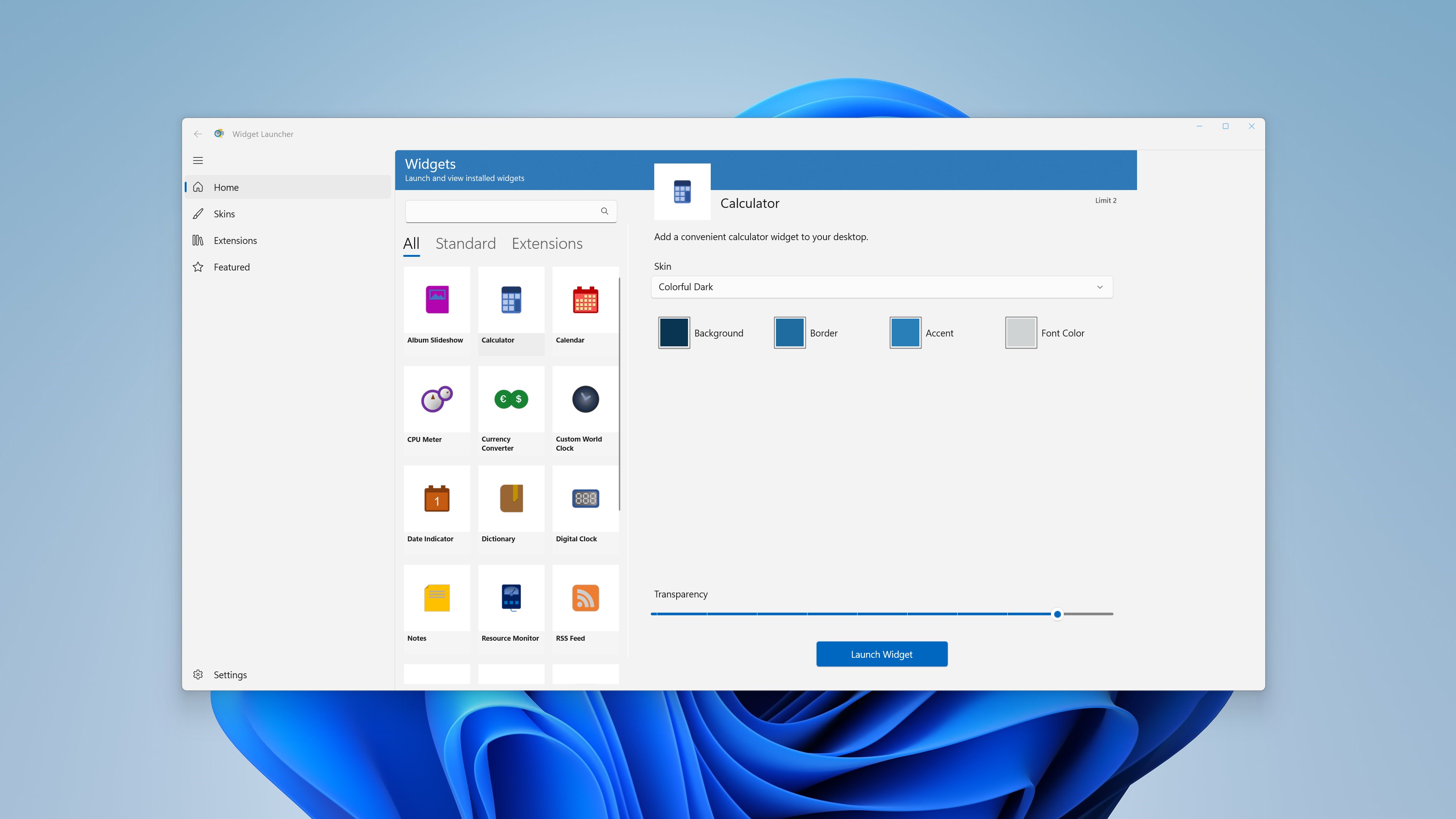
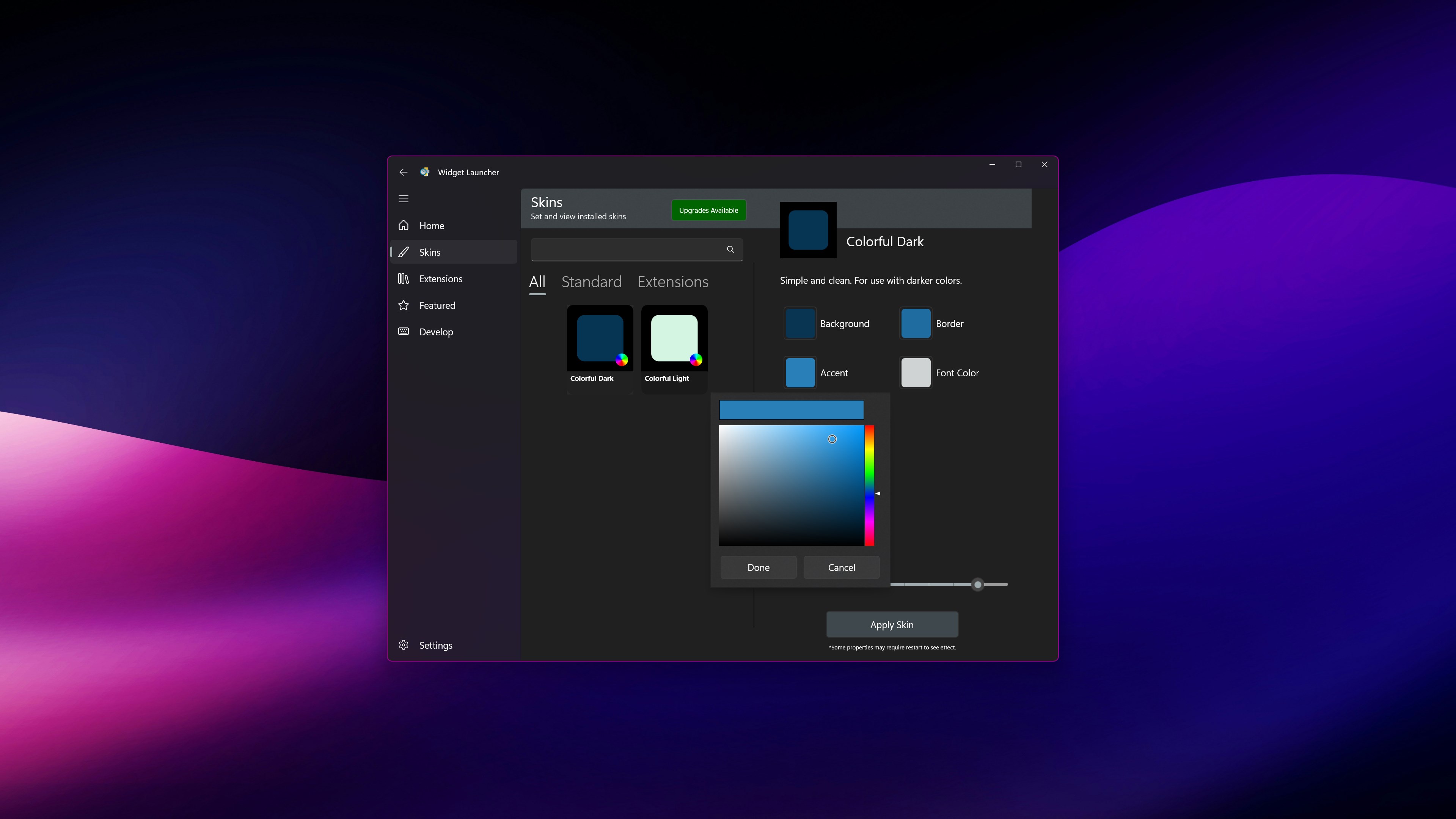
The interface of Widget Launcher is sleek and modern, with a clean layout that resembles a minimalist control panel more than a traditional desktop app. Navigation feels natural, with drag-and-drop functionality making customization straightforward—think of arranging your digital toolbox just like organizing physical tools on a workbench. Responsiveness is smooth, supporting rapid interactions without lag, which is crucial during busy work sessions.
For newcomers, there's a gentle learning curve. Setting up your first dashboard takes only a few minutes, and the intuitiveness of the design means you're likely to start benefiting immediately. The app's simplicity hides its underlying flexibility, making it accessible yet powerful—much like a Swiss Army knife that unfolds into multiple tools as needed.
What Sets It Apart? Workflow Harmony and Cognitive Ease
Compared to other productivity widgets or launcher applications, Widget Launcher's most distinctive advantage lies in its focus on reducing cognitive load while maintaining feature simplicity. Many apps flood users with options, creating a cluttered experience that can be overwhelming—akin to juggling too many balls at once. Conversely, Widget Launcher emphasizes a minimalistic design that streamlines access without sacrificing functionality.
Its core strength is in how seamlessly it integrates into your workflow, acting as a smart hub rather than an additional hurdle. Features like grouped widgets and quick-launch capabilities mean you spend less mental energy recalling command sequences or searching through menus. It's like having a dedicated assistant who anticipates your needs and brings the right tools to your attention without fuss.
Final Verdict: A Worthy Companion for Focused Work
If you're searching for a desktop enhancement that offers practical, customizable shortcuts without adding visual noise or complexity, Widget Launcher deserves your attention. Its unique ability to streamline interactions and cut down on unnecessary steps makes it a valuable addition—particularly if your goal is to optimize productivity without constantly tweaking endless settings.
While it might not boast the flashy features of some multi-purpose launchers, its understated design and workflow-centric approach make it particularly suited for users who value efficiency and clarity. I recommend giving it a try if you want a cleaner workspace and smoother daily routines—think of it as that reliable, organized friend who somehow always keeps your workspace neat and ready for the next task.
Pros
- User-friendly interface
- Customizable widget options
- Fast performance
- Seamless integration with Windows
- Regular updates and bug fixes
Cons
- Limited widget variety
- Occasional crashes
- Requires frequent updates for optimal performance
- Limited customization options for advanced users
- Official documentation could be more comprehensive











