
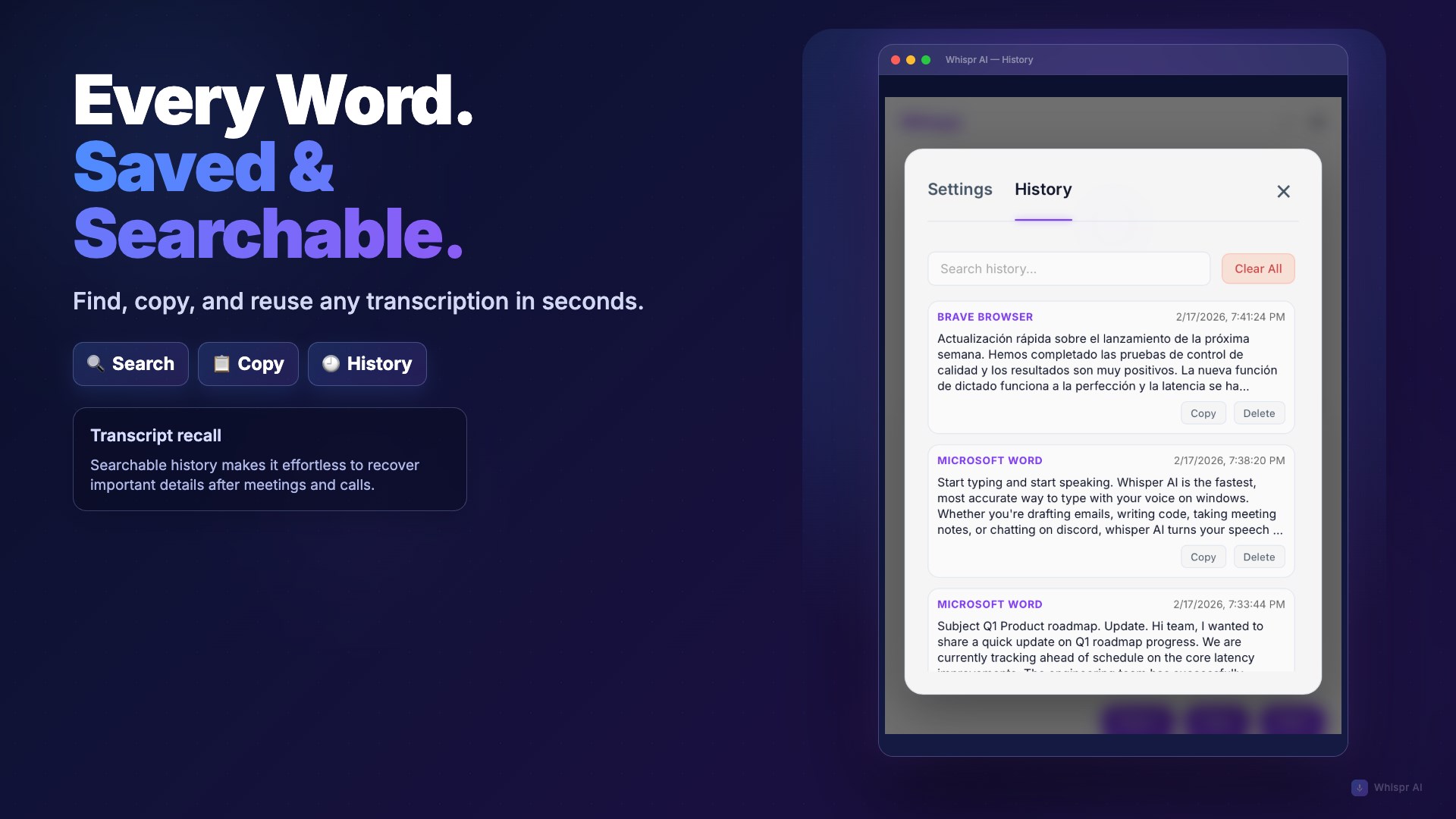
- Name Whispr AI - Voice Typing & Transcription
- Category Productivity
- Developer Zeta AI
- Available on PC
- OS Windows 10 version 17763.0 or higher
- languages English (United States)
Whispr AI - Voice Typing & Transcription for Windows: Your Hands-Free Writing Companion
Imagine dictating your thoughts effortlessly as if you're chatting with a friend, while Whispr AI turns your voice into accurate typed text seamlessly. This application aims to streamline productivity by integrating voice transcription directly into your Windows workflow, making manual typing a thing of the past for busy professionals, students, or anyone who prefers speaking over typing.
About the Developer and Core Features
Developed by Zeta AI, a team committed to harnessing artificial intelligence to simplify daily tasks, Whispr AI offers an intuitive voice-to-text experience. Its main features include high-accuracy transcription, seamless integration with Windows applications, and adaptive voice recognition that learns your speaking style over time. Designed for users who want quick, reliable, and easy-to-use voice typing on their desktops, this tool caters to writers, content creators, and multitaskers alike.
Vivid Voice: The Engaging Introduction
Envision yourself brainstorming ideas during a bus ride or jotting down notes while cooking—Whispr AI makes these scenarios effortless. Its lively, responsive engine listens attentively, transforming your spoken words into polished text faster than you can say “transcribe.” Whether you're drafting documents, capturing ideas, or converting lengthy recordings, this app aims to be your silent partner, working tirelessly in the background while you focus on what truly matters—your thoughts and creativity.
Deep Dive into Core Functionalities
Accurate & Adaptive Voice Transcription
Whispr AI's standout feature is its high-precision transcription engine, which leverages advanced AI algorithms to understand a wide range of accents and speech patterns. Unlike basic voice-to-text tools, it learns from your speech over time, adapting to nuances such as colloquialisms and specialized terminology. This adaptive capability reduces errors significantly, ensuring your transcription remains clean and professional, particularly valuable for business professionals and writers who rely on accuracy.
Workflow Integration & User Experience
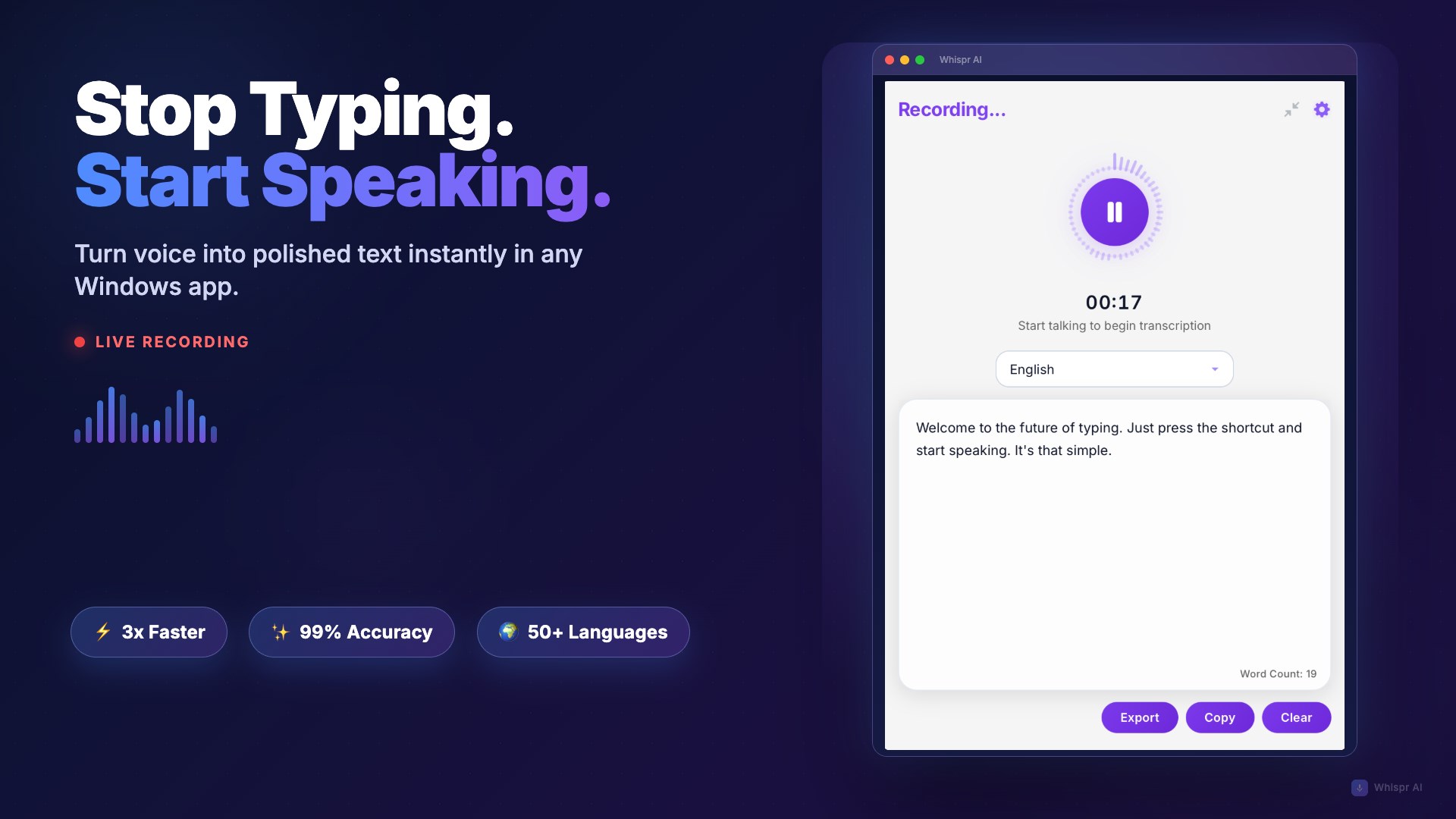
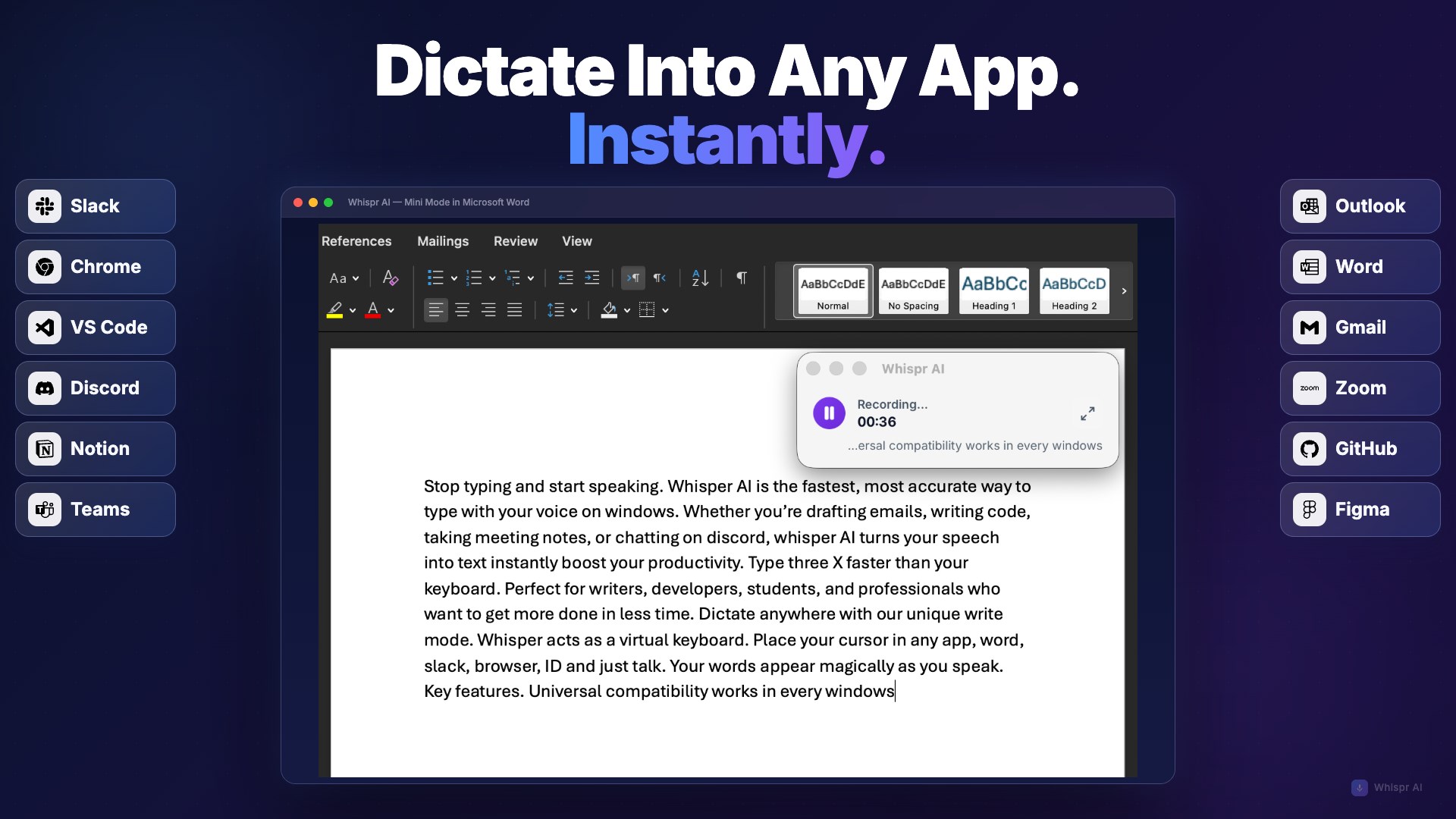
The app's interface is streamlined and minimalistic, resembling a friendly dashboard rather than a cluttered command center. Setup is straightforward—once installed, it integrates smoothly with Windows' existing speech recognition services and supports various input scenarios. The operation flow is fluid; simply activate the app, hit the record button, and start speaking. Its real-time transcription feels almost like a conversation, with prompt updates that keep your workflow flowing naturally. The app also offers shortcuts and customizable hotkeys, making repetitive tasks swift and intuitive, akin to having a personal assistant at your fingertips.
Unique Advantages Over Similar Tools
What sets Whispr AI apart from traditional transcription apps is its focus on reducing cognitive load and workflow disruption. While many apps boast extensive features, they often introduce complexity—requiring users to learn new interfaces or juggle multiple tools. Whispr AI, on the other hand, emphasizes simplicity: it's designed to be an unobtrusive extension of your natural speaking process. Its ability to adapt over time means less manual correction and greater confidence in the accuracy, fostering a smoother working experience. This streamlined focus makes it ideal for users seeking efficiency without sacrificing quality.
Final Verdict and Usage Recommendations
In summary, Whispr AI stands out as a reliable, user-friendly voice transcription app tailored to enhance your productivity and ease your mental load. If your routine involves frequent writing, note-taking, or documenting ideas, this tool can significantly cut down the time and effort typically spent on manual typing. Its learning capability and workflow integration provide a noticeable edge over more complex, feature-heavy offerings. For best results, I recommend using it in quiet environments initially to help it adapt quickly to your voice, then gradually integrating it into your daily routine for maximum efficiency.
Pros
- Highly accurate voice recognition
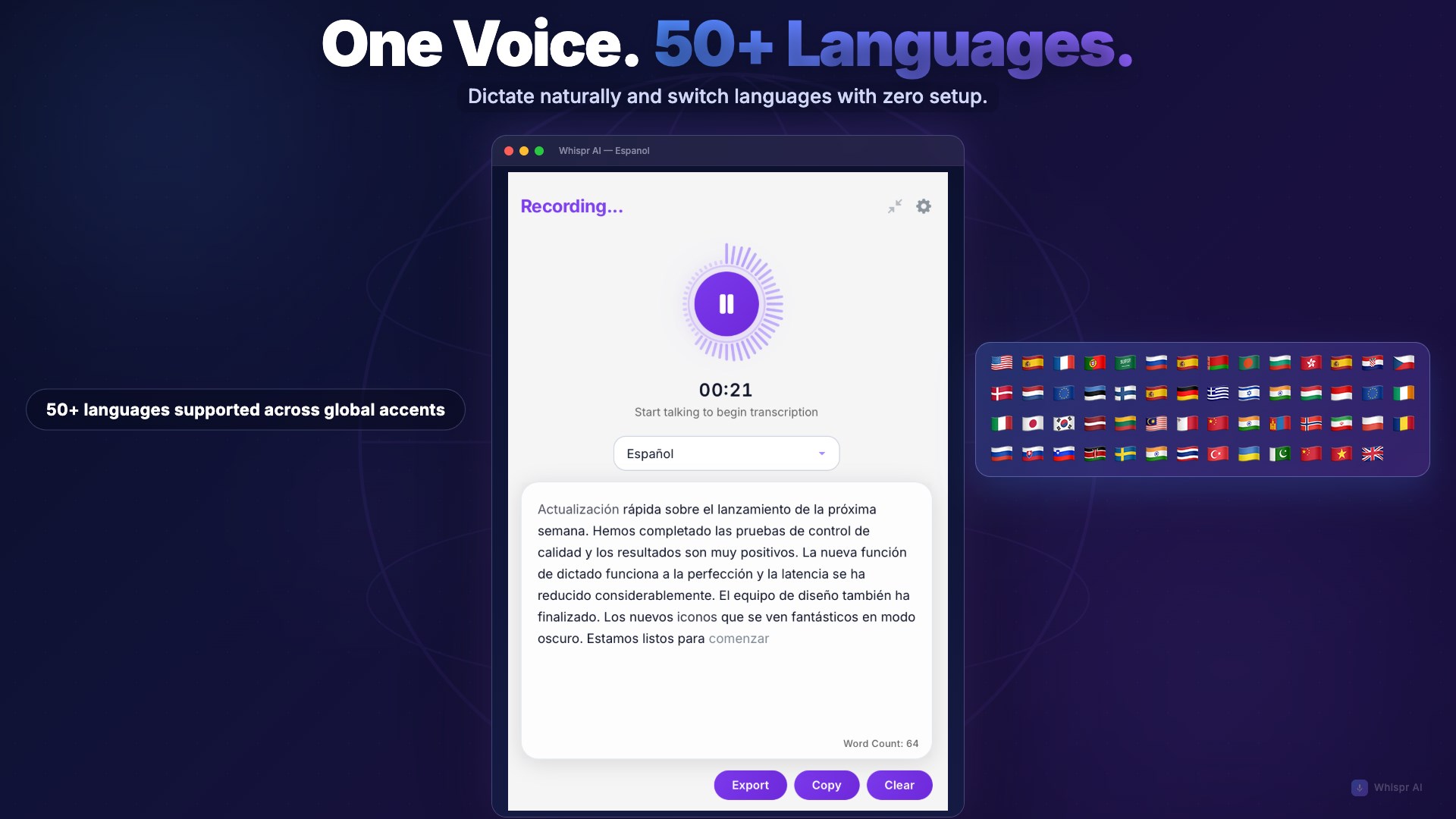
- Supports multiple languages and accents
- Real-time voice typing with immediate feedback
- Intuitive user interface and easy setup
- Offers customizable transcription styles and export formats
Cons
- Limited offline functionality
- Occasional misinterpretation of complex technical terms
- Battery consumption can be high during prolonged use
- Some users report lag or delays in transcription processing
- Limited free usage hours; premium subscription needed for extended features











