

- Name WavePad
- Category Multimedia design
- Developer NCH Software
- Available on PC
- OS Windows 10 version 15063.0 or higher
- Keyboard Integrated Keyboard
- Mouse Integrated Mouse
- Memory 4 GB
- languages English (United States)
WavePad for Windows: Your User-Friendly Audio Editing Companion
WavePad for Windows is a versatile audio editing application designed to cater to both amateurs and professionals seeking an intuitive yet powerful tool for audio processing tasks.
About the Developer and Main Features
Developed and published by NCH Software, a reputable company renowned for creating a wide array of multimedia and utility applications, WavePad aims to streamline audio editing with simplicity and efficiency. Its standout features include support for a broad range of audio formats, advanced noise reduction capabilities, and seamless batch processing. Geared toward musicians, podcasters, educators, and audio enthusiasts, the app offers a balanced mix of accessible features and professional-level tools.
Engaging the User: A Fun and Practical Introduction
Imagine having a professional audio studio at your fingertips—WavePad feels just that, transforming your Windows device into a creative playground for sound. Whether you're trimming a podcast episode, applying special effects to your latest music track, or restoring old recordings, WavePad invites you to explore the world of audio editing without the intimidating complexity often associated with professional software. Its straightforward yet feature-rich design ensures that users of all skill levels can dive right in and start creating in minutes, making it an ideal companion for both quick edits and intricate projects.
Core Functionality Deep Dive
Seamless Audio Editing and Effects
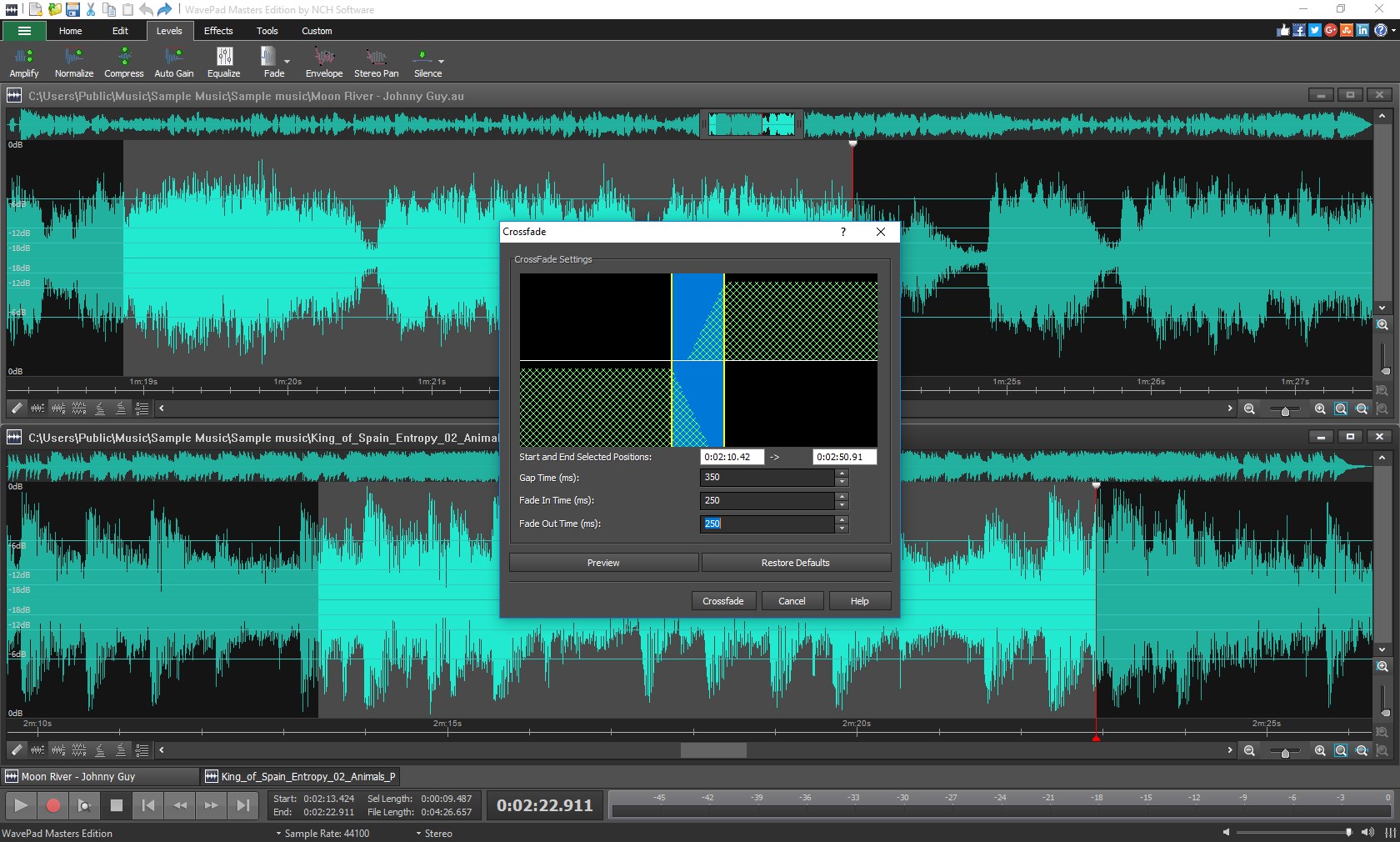
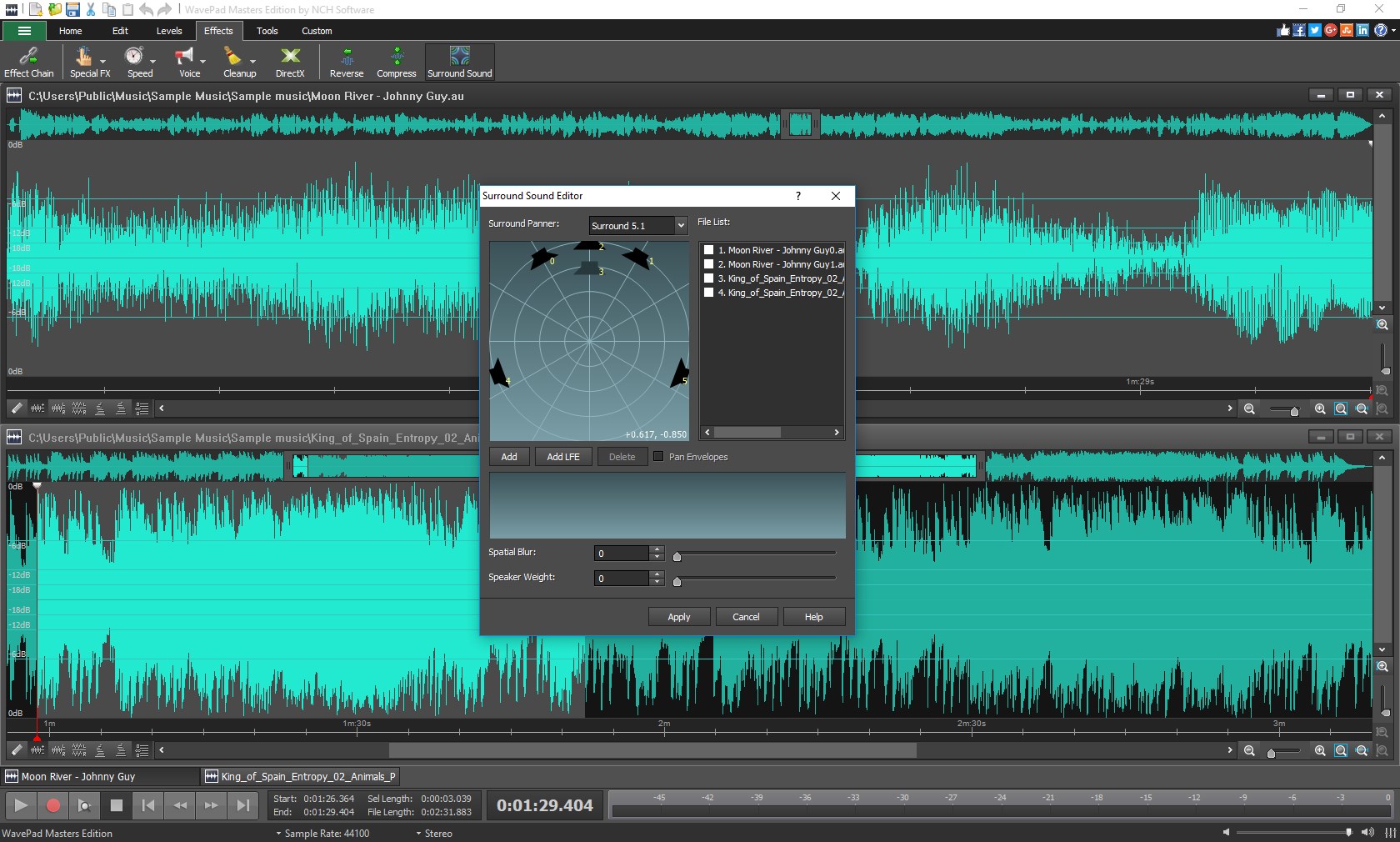
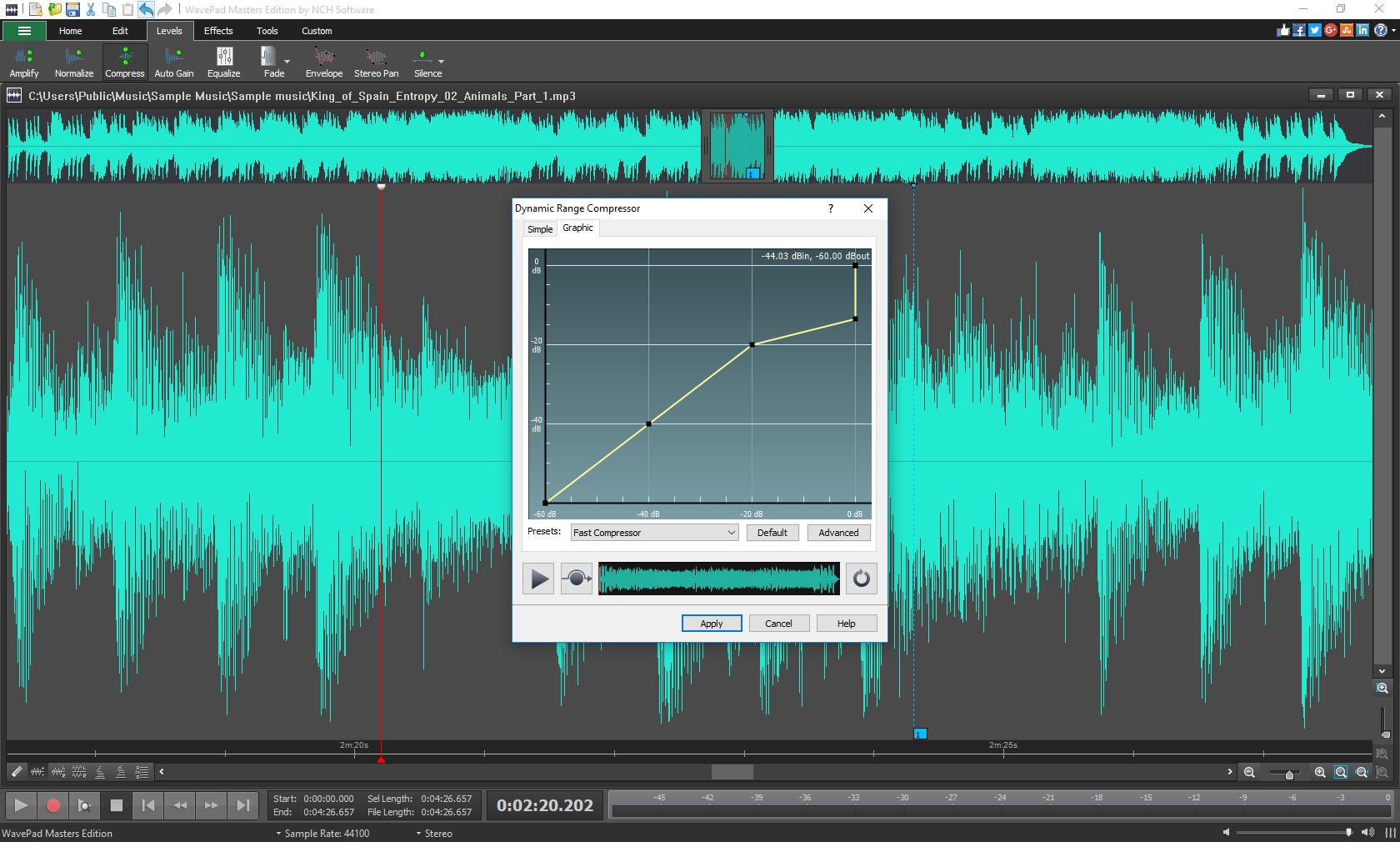
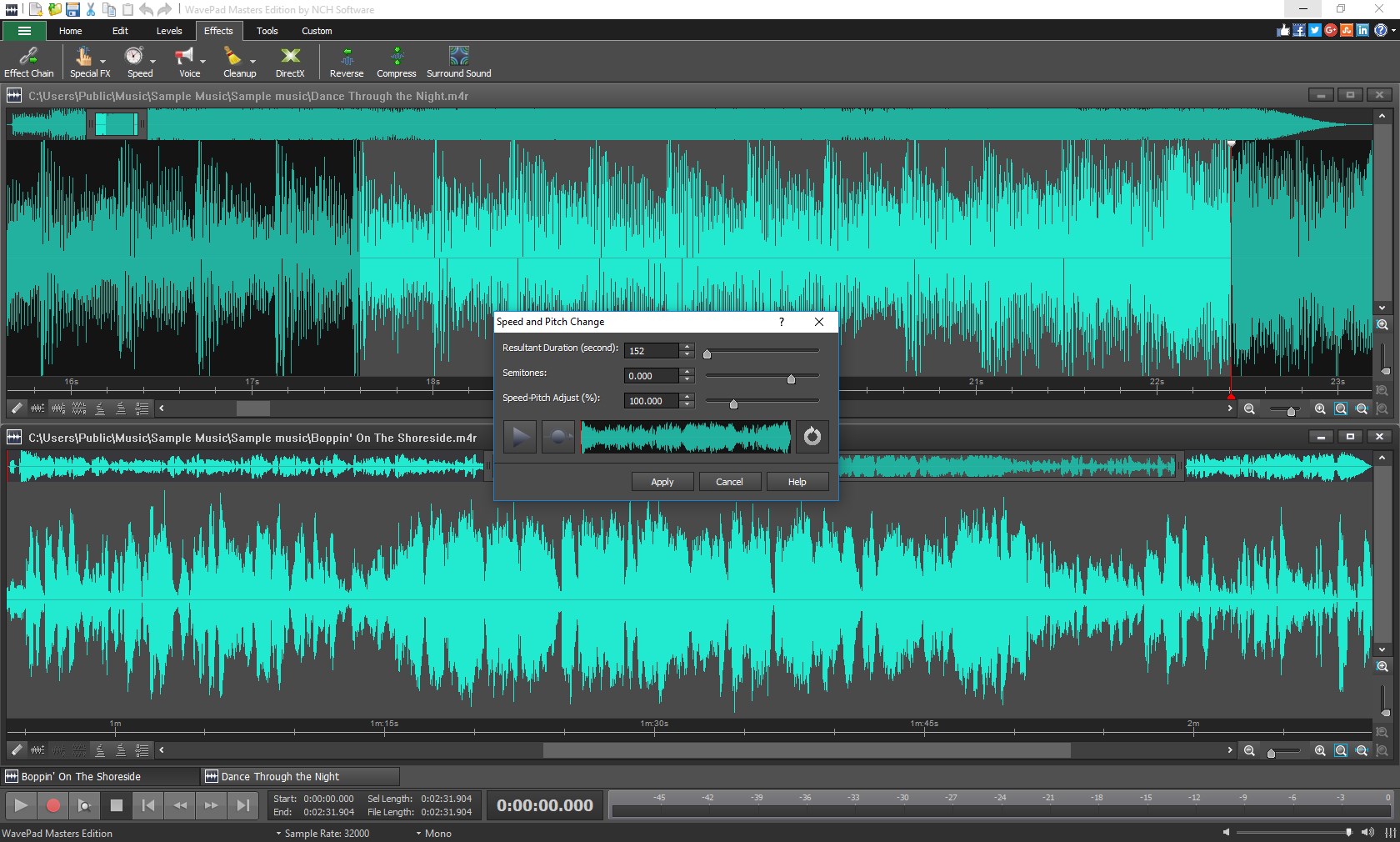
At the heart of WavePad is its robust editing engine, which offers a wide array of functions—cut, copy, paste, silence, and more—wrapped in an interface that feels as natural as editing a document. The app's suite of audio effects includes echo, reverb, pitch shifting, and equalization, allowing you to enhance your sound with a few clicks. Notably, WavePad's real-time preview feature enables you to listen to adjustments instantly, ensuring you achieve the desired outcome before finalizing your edits. This immediacy makes the editing process feel almost like tweaking soundtracks in your favorite movie scene.
Noise Reduction and Restoration
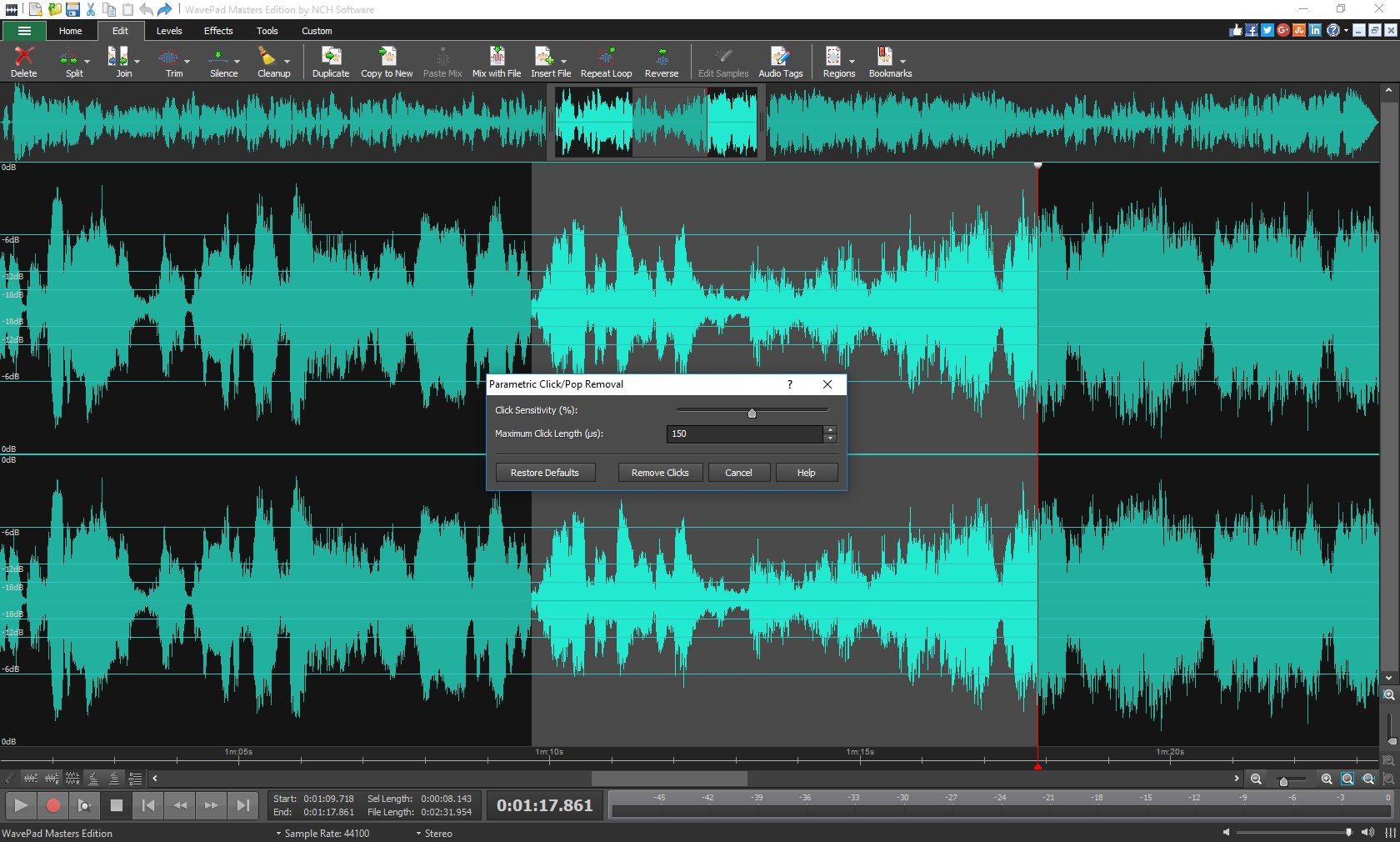
One of WavePad's most compelling features is its advanced noise reduction tools, which are particularly valuable for cleaning up recordings with background hiss or hum. Imagine restoring the clarity of a vintage voice recording—WavePad's spectral analysis and reduction algorithms excel at isolating unwanted noise without sacrificing the quality of the primary audio. This feature positions WavePad as an excellent choice for archiving and restoring audio material, setting it apart from many simpler editors that lack such specialized capabilities.
Batch Processing and Format Support
The application also shines in its ability to handle batch processing—applying the same effect or conversion to multiple files at once, saving significant time during large projects. Plus, WavePad supports a plethora of audio formats—including MP3, WAV, VOX, and more—ensuring compatibility across various devices and platforms. Whether you're converting segments or creating a playlist, these features make WavePad a powerful yet accessible tool for managing audio collections efficiently.
Design, Usability, and Differentiation
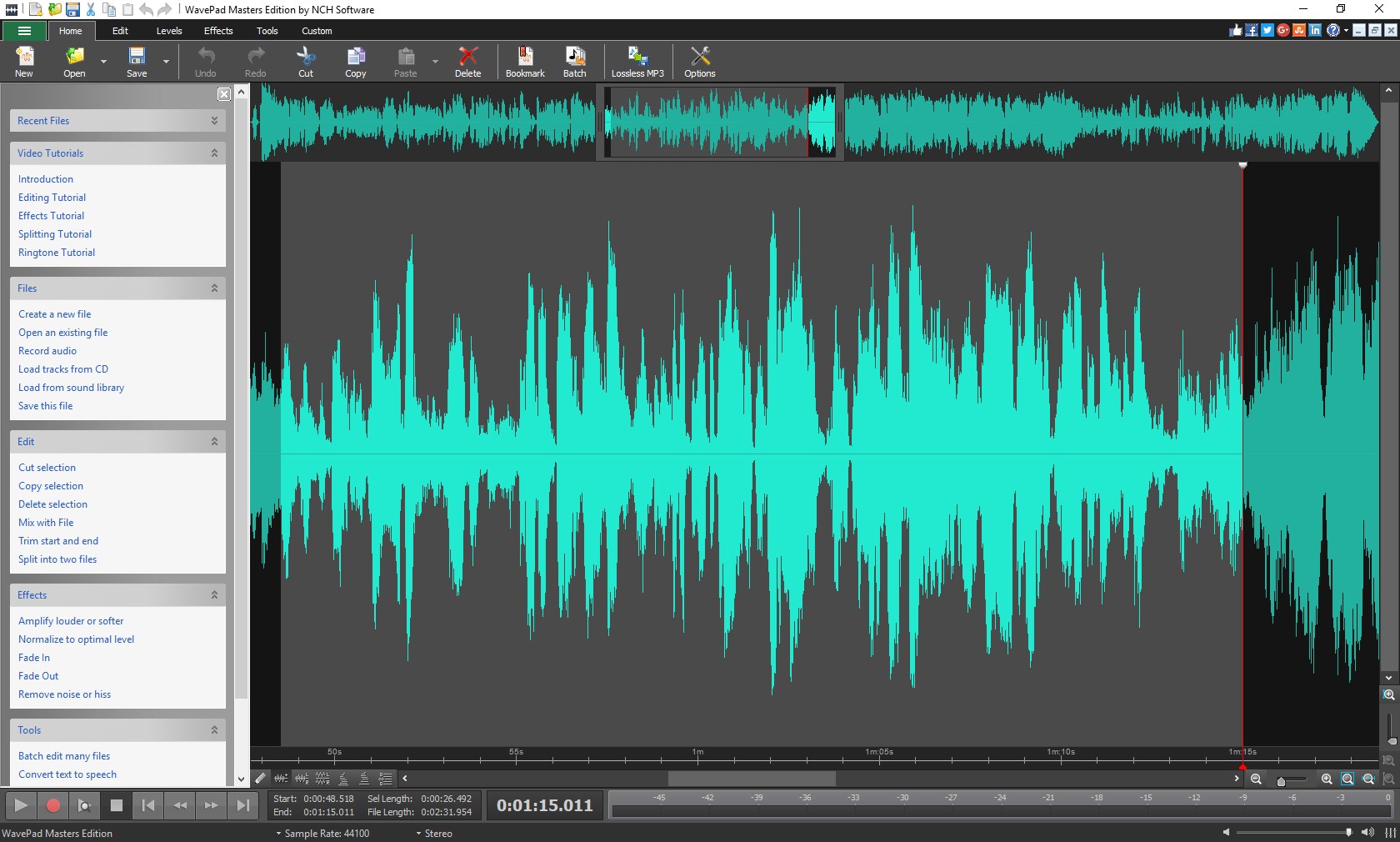
Visually, WavePad sports a clean, intuitive interface that resembles a modern digital workspace—no clutter, just streamlined menus and clearly labeled buttons. Navigating between functions feels natural, even for users new to audio editing. The app's operation is notably smooth, with minimal lag and quick responsiveness that keep the creative flow uninterrupted. Its learning curve is gentle, bolstered by helpful tutorials and tooltips, making it suitable for beginners eager to learn or seasoned editors seeking quick edits.
In comparison with other multimedia editing applications, WavePad's standout attribute is its focus on audio restoration and batch processing. While many general multimedia editors offer basic trimming and effects, WavePad's spectral noise reduction and file conversion capabilities provide a distinct advantage for users working on archival projects, podcasts, or music production. Its balance of simplicity and depth makes it a versatile tool—more than just a basic editor, yet accessible enough for everyday use.
Final Verdict and Usage Suggestions
Considering its feature set, user-friendly design, and notable audio restoration tools, I recommend WavePad for users who need a capable yet approachable audio editor. It's especially suitable for podcasters, musicians, and audio archivists who value quality restoration and efficient batch processing. For those seeking a straightforward app with professional nuances, WavePad offers a compelling package.
While it might lack some of the super-advanced editing features found in high-end digital audio workstations, its strengths lie in its ease of use and targeted functionalities. If your projects involve a lot of audio cleanup or batch conversions, WavePad deserves a spot on your Windows desktop. For casual editing and quick modifications, it's a reliable companion that won't let you down.
Pros
- User-Friendly Interface
- Wide Range of Audio Formats Supported
- Comprehensive Editing Features
- Batch Processing Capability
- Good Audio Quality Preservation
Cons
- Limited Advanced Features in Free Version
- Occasional Stability Issues on Some Devices
- Basic Help Documentation
- Limited Effects in Free Version
- Syncing and Cloud Storage Support is Basic










