

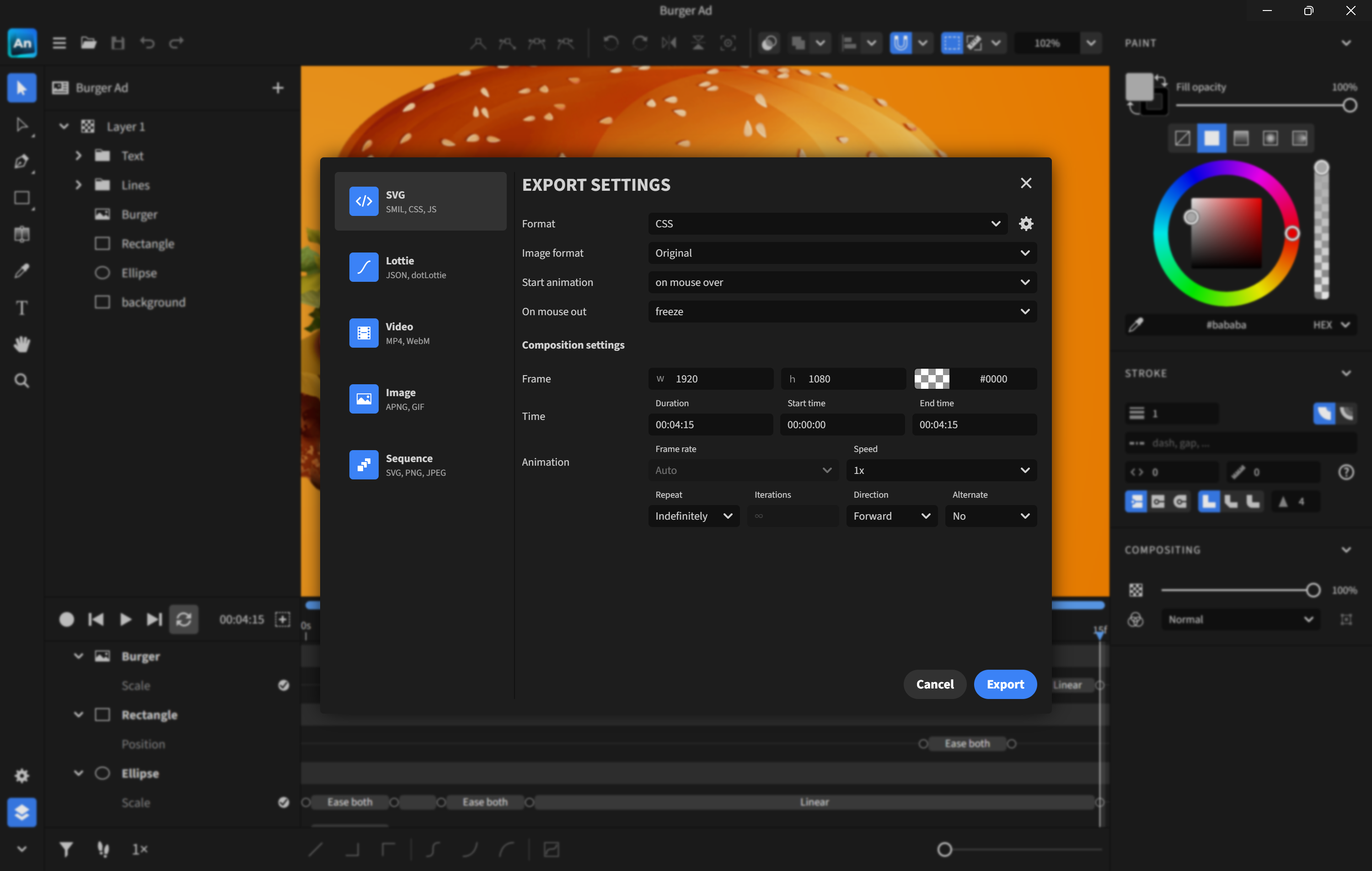
- Name Expressive Animator
- Category Multimedia design
- Developer Expressive
- Available on PC
- OS Windows 10 version 0.0 or higher
- Keyboard Integrated Keyboard
- Mouse Integrated Mouse
- Memory 4 GB
- DirectX Version 11
- languages English
An Inspiring Tool for Expressive Animation on Windows
Expressive Animator for Windows is a thoughtfully designed application that empowers users to craft lively, dynamic animations with ease—perfect for artists, educators, and storytellers looking to add flair to their digital creations without getting bogged down by complex software.
A Closer Look at the Developer and Main Features
Developed and published by Expressive, this app showcases the company's commitment to accessible and engaging multimedia tools. Its core strengths include intuitive animation controls that make motion creation straightforward; a rich library of expressive characters and assets; seamless integration with Windows environments; and tools that facilitate storytelling through visual motion, making it ideal for both beginners and experienced animators.
Setting the Scene: Why Expressive Animator Stands Out
Imagine trying to tell a story where your characters can breathe life into every gesture—the twinkle in an eye, the sway of a walk, or an exaggerated wink. Expressive Animator makes this a reality, packing powerful animation features into a user-friendly interface. Whether you're preparing a quick explainer video or experimenting with character design, this app transforms the usually daunting task of animation into an accessible, creative playground.
Intuitive Interface and User Experience
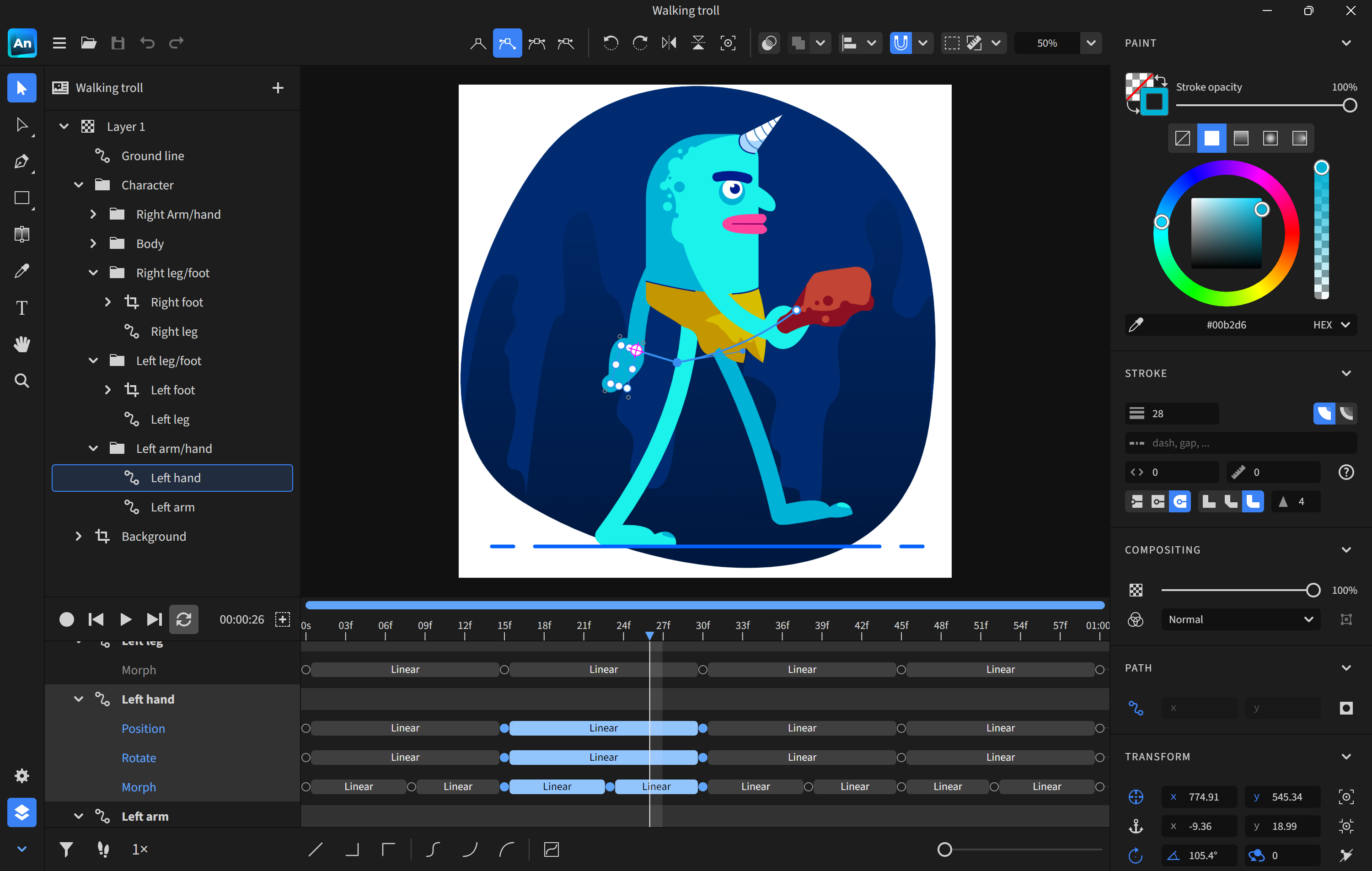
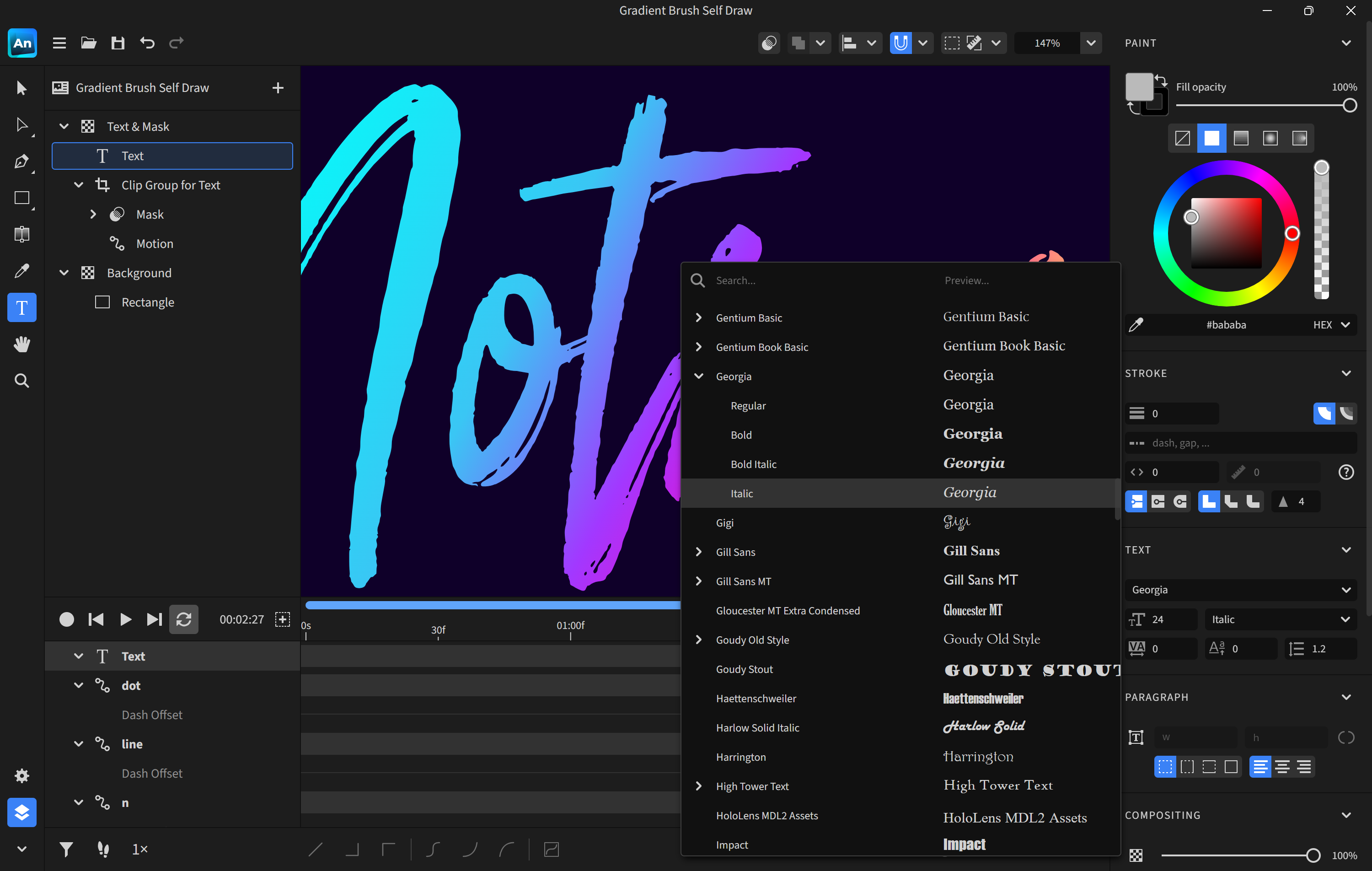
The application's interface is clean and welcoming, akin to a well-organized workshop. Navigating through tools feels natural, thanks to logically grouped controls and a responsive design that responds swiftly to user inputs. Learning a new feature is straightforward, owing to succinct tutorials and tooltips that gently guide new users without overwhelming them. The overall operation flow is smooth, making it a pleasant experience whether you're sketching out rough ideas or fine-tuning detailed animations.
Core Features in Detail
Expressive Character Controls
This feature is the heart of the app's charm. It offers an extensive set of pre-designed characters and facial expressions that can be animated with simple sliders or drag-and-drop gestures. The standout here is the ability to customize expressions dynamically—think of your character turning from a surprised look to a delighted smile in seconds. This responsiveness elevates storytelling, giving your animations genuine emotional depth without requiring extensive technical skills.
Timeline and Motion Editing
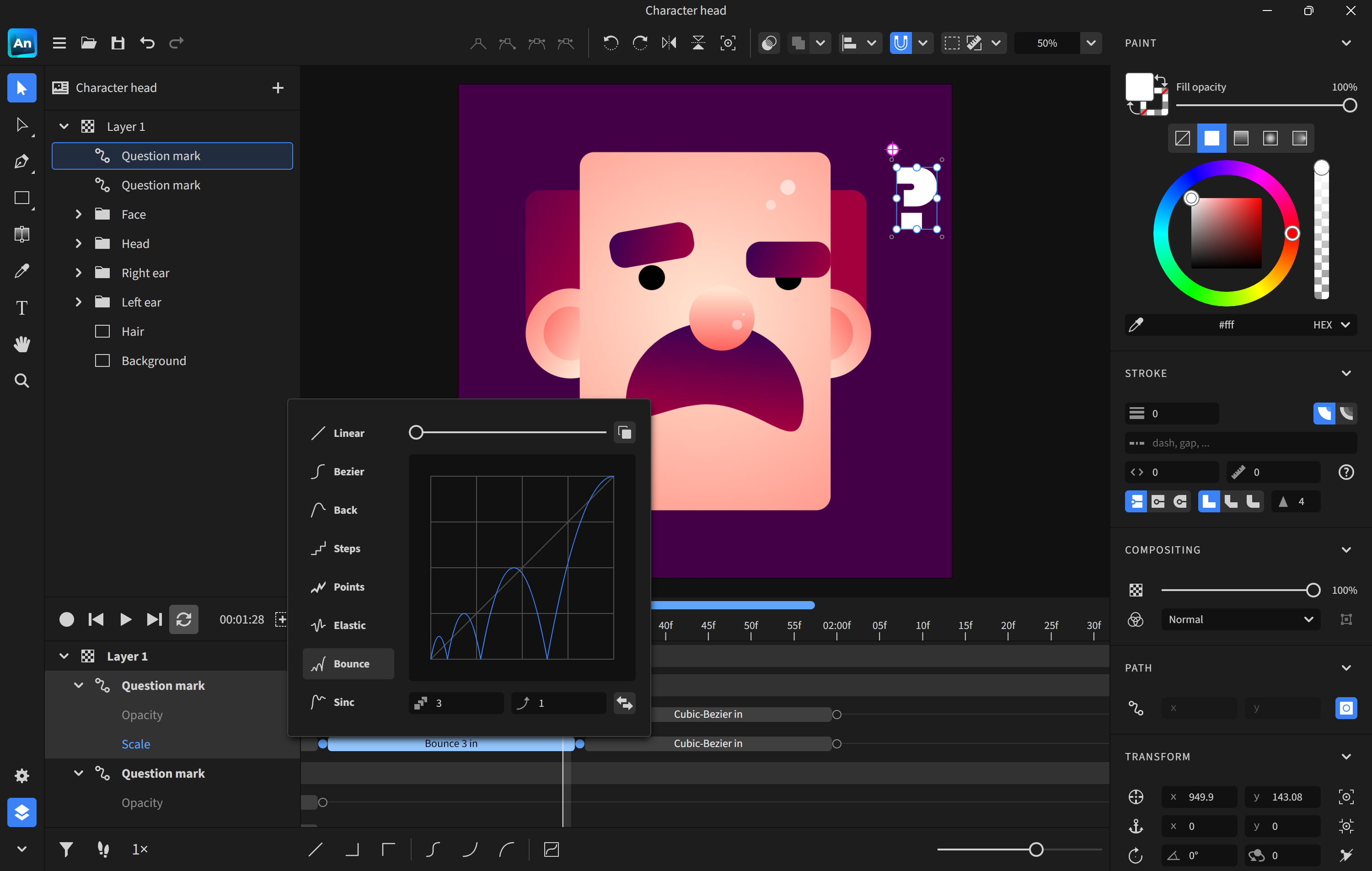
The timeline interface resembles a musical score—organized, yet flexible enough for creative improvisation. Users can easily fine-tune movements, adjust timing, and add keyframes with a few clicks. What's particularly impressive is the smooth interpolation between poses, which ensures fluid motion even with minimal effort. This intuitive control makes sequence editing accessible, whether you're creating a bouncing ball or complex character choreography.
Asset Library and Customization
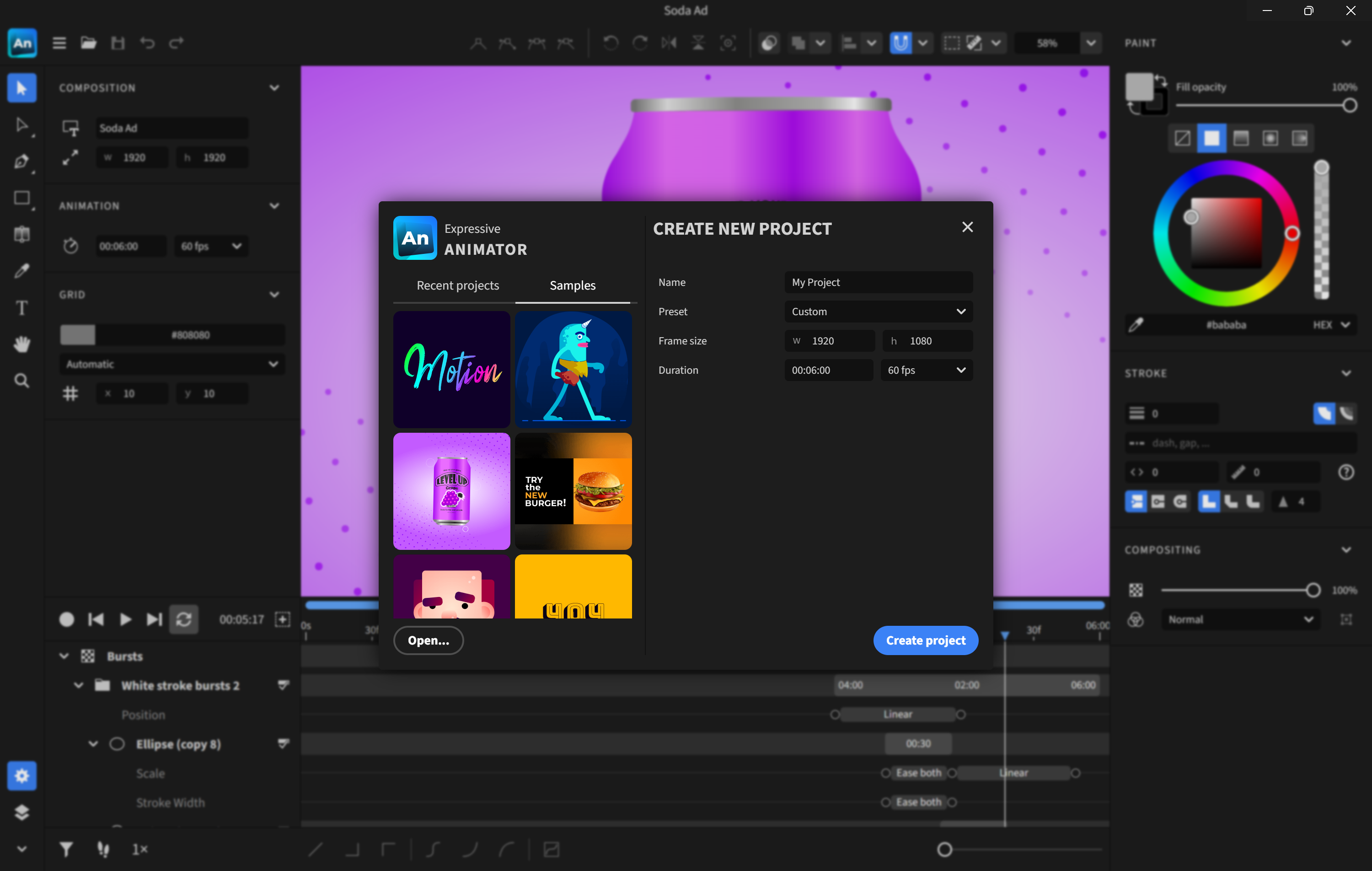
Expressive Animator boasts a robust collection of assets—characters, backgrounds, props—allowing users to assemble scenes quickly. Moreover, the app supports custom asset import, meaning you can integrate your own illustrations or 3D models, enhancing creative flexibility. This feature is especially appealing to those who wish to incorporate unique designs into their animations, setting the app apart from more template-heavy counterparts.
Comparative Edge & Unique Advantages
Compared to other multimedia design apps like Adobe Animate or Toonly, Expressive Animator stands out for its focus on emotional expressiveness and ease of use. While traditional tools often require a steep learning curve and technical expertise, this app emphasizes storytelling through exaggerated, expressive motions that can be achieved with minimal fuss. Its emphasis on face and gesture animation makes it particularly suited for character-driven projects, making it a niche contender for creators who prioritize expressive storytelling over complex scene construction.
Final Verdict & Recommendations
I would recommend Expressive Animator for users seeking a friendly yet capable animation tool for adding lively expressions and simple motions to their projects. It's especially suited for educators, content creators, or small studios needing quick turnaround without sacrificing emotional richness. While it may lack some advanced features of high-end animation suites, it compensates with its intuitive approach and the ability to produce engaging, expressive animations swiftly. For those ready to give life to their characters and tell stories visually with a touch of simplicity, this app is definitely worth exploring.
Pros
- Intuitive interface
- Extensive animation tools
- High-quality export options
- Regular updates and support
- Performance optimization
Cons
- Limited asset library
- Steep learning curve for advanced features
- Occasional stability issues
- Limited export formats
- Resource intensive










