

- Name Font Lounge
- Category Multimedia design
- Available on PC, Surface Hub, HoloLens
- OS Windows 10 version 10240.0 or higher
- DirectX Not specified
- Memory Not specified
- languages English (United States)
Introducing Font Lounge for Windows: Your Elegant Typeface Companion
Font Lounge for Windows is a sleek application designed for typography enthusiasts, designers, and anyone eager to add flair to their digital projects with meticulously curated fonts. Whether you're working on a professional presentation, crafting a personal design, or just exploring new typefaces, this app aims to streamline your font management experience with style and efficiency.
About the Developer: Erickfiveten
Developed by Erickfiveten, Font Lounge is part of a growing suite of tools dedicated to enhancing creative workflows. The team emphasizes simplicity, usability, and a refined user interface to ensure that even novice users can effortlessly explore and utilize diverse fonts.
Core Features Highlighted: What Makes Font Lounge Stand Out?
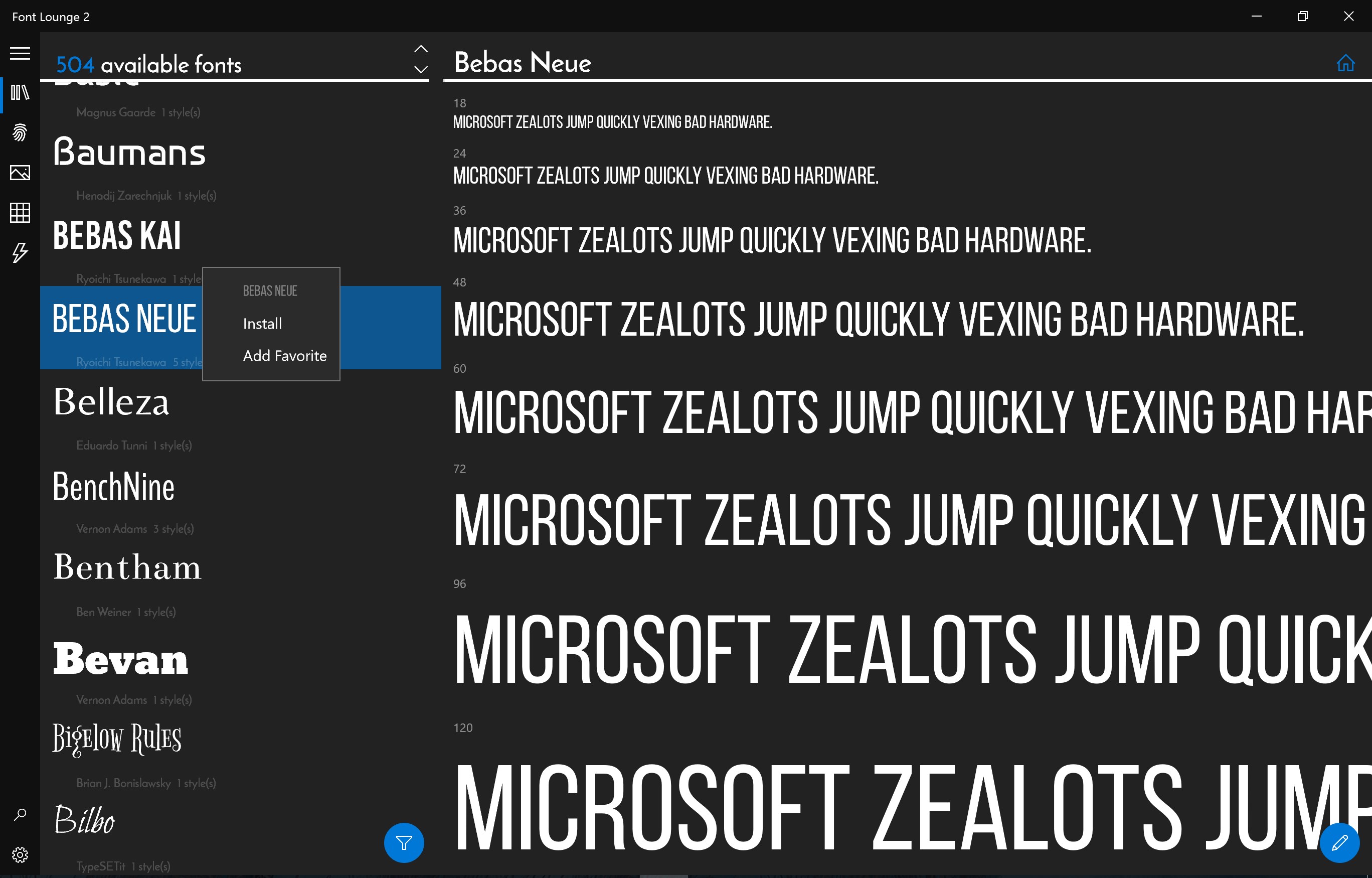
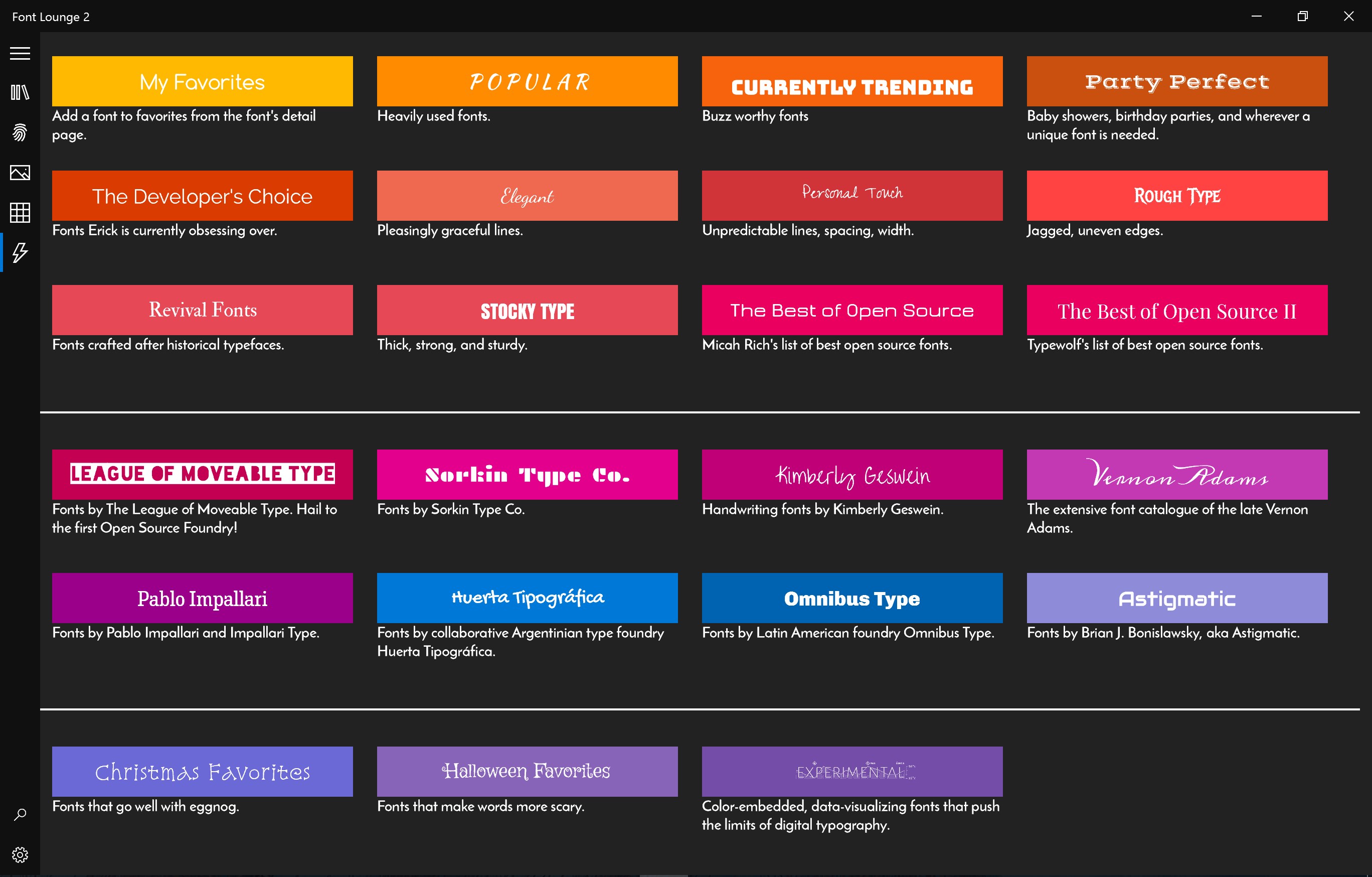
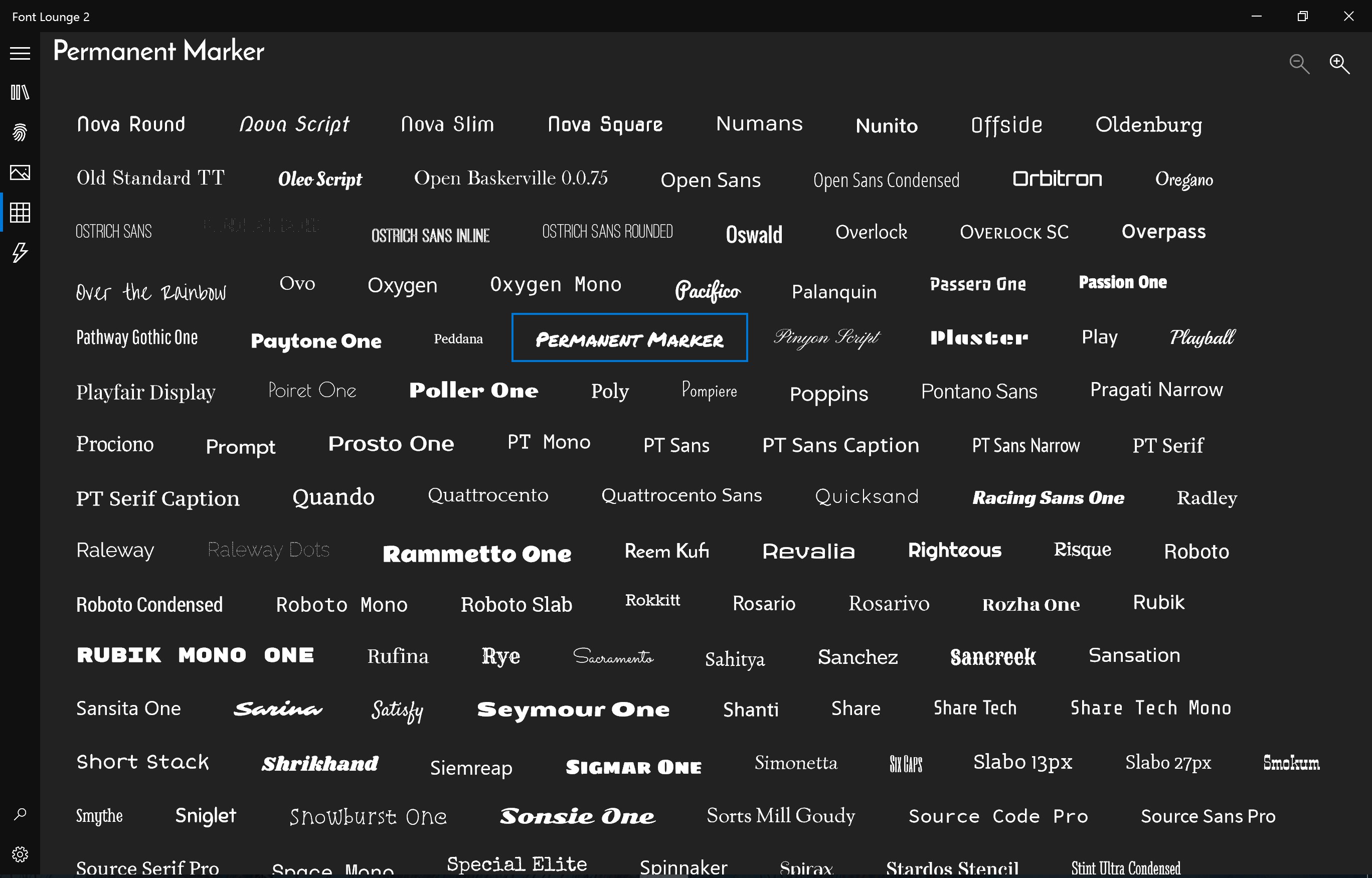
- Curated Font Collections: Access a carefully selected library of high-quality fonts, making it easier to discover unique typographic styles without sifting through countless options.
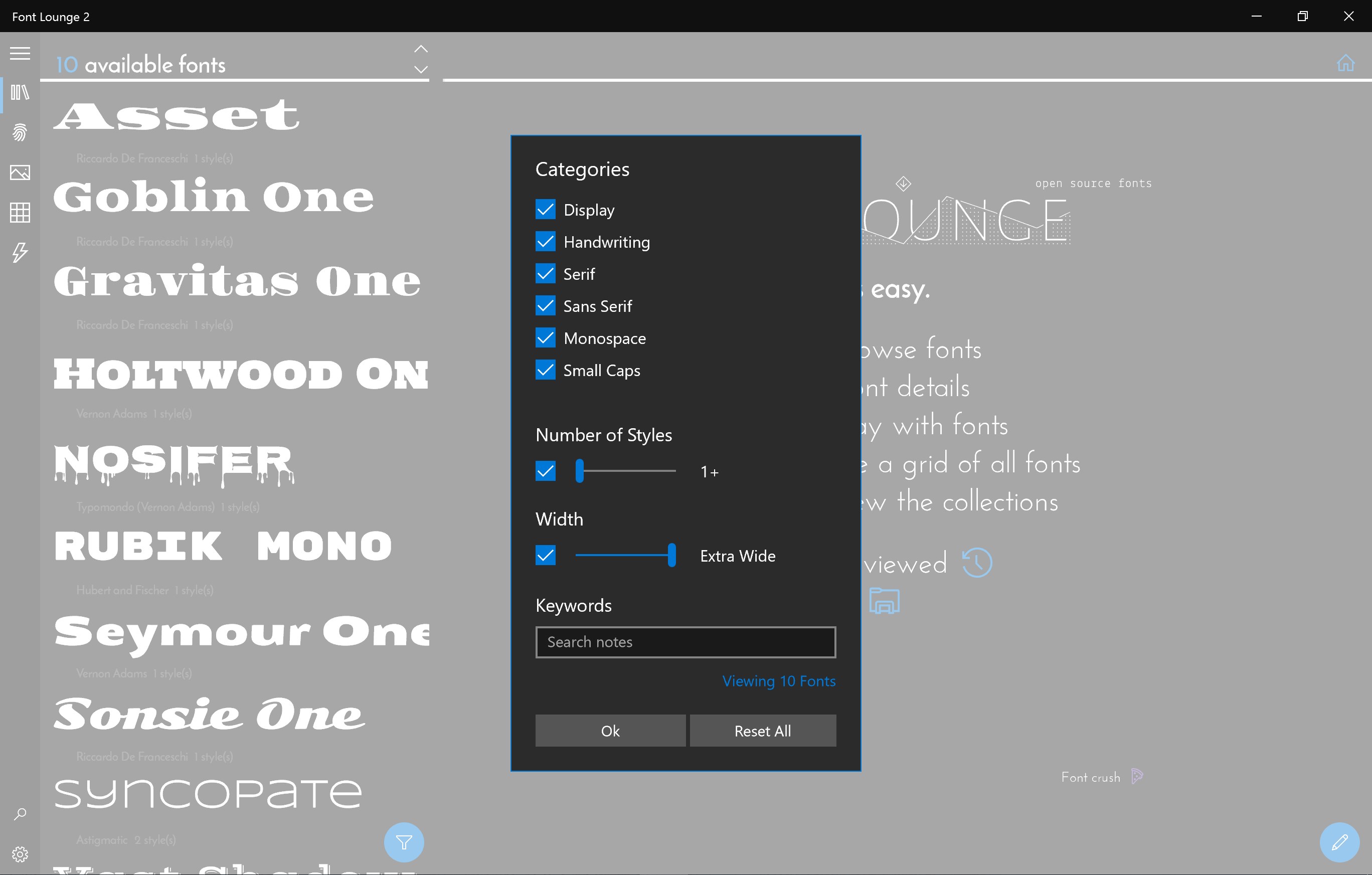
- Organized Font Management: Easily categorize, tag, and search fonts within the app, which helps save time and keeps your font library tidy.
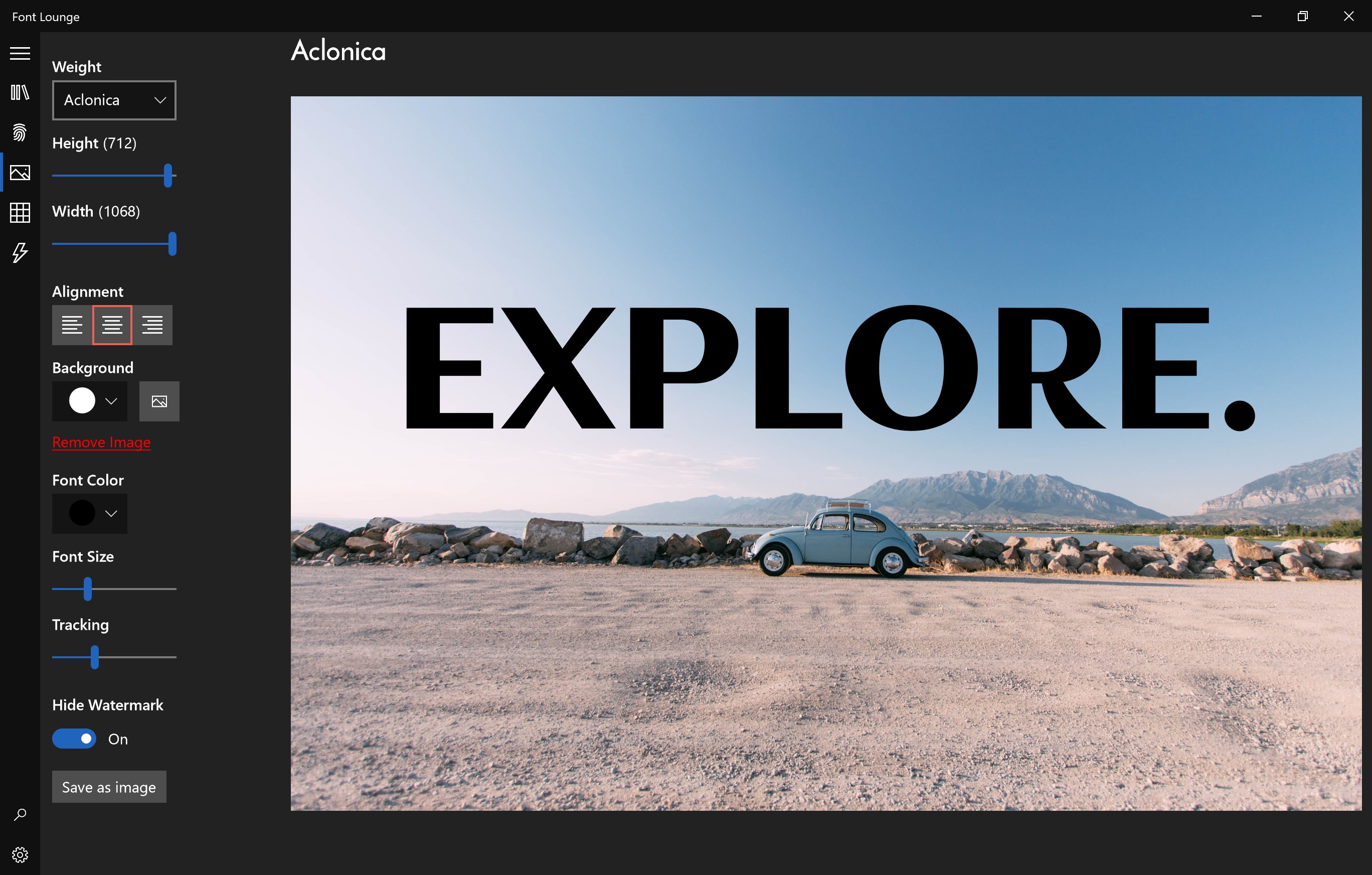
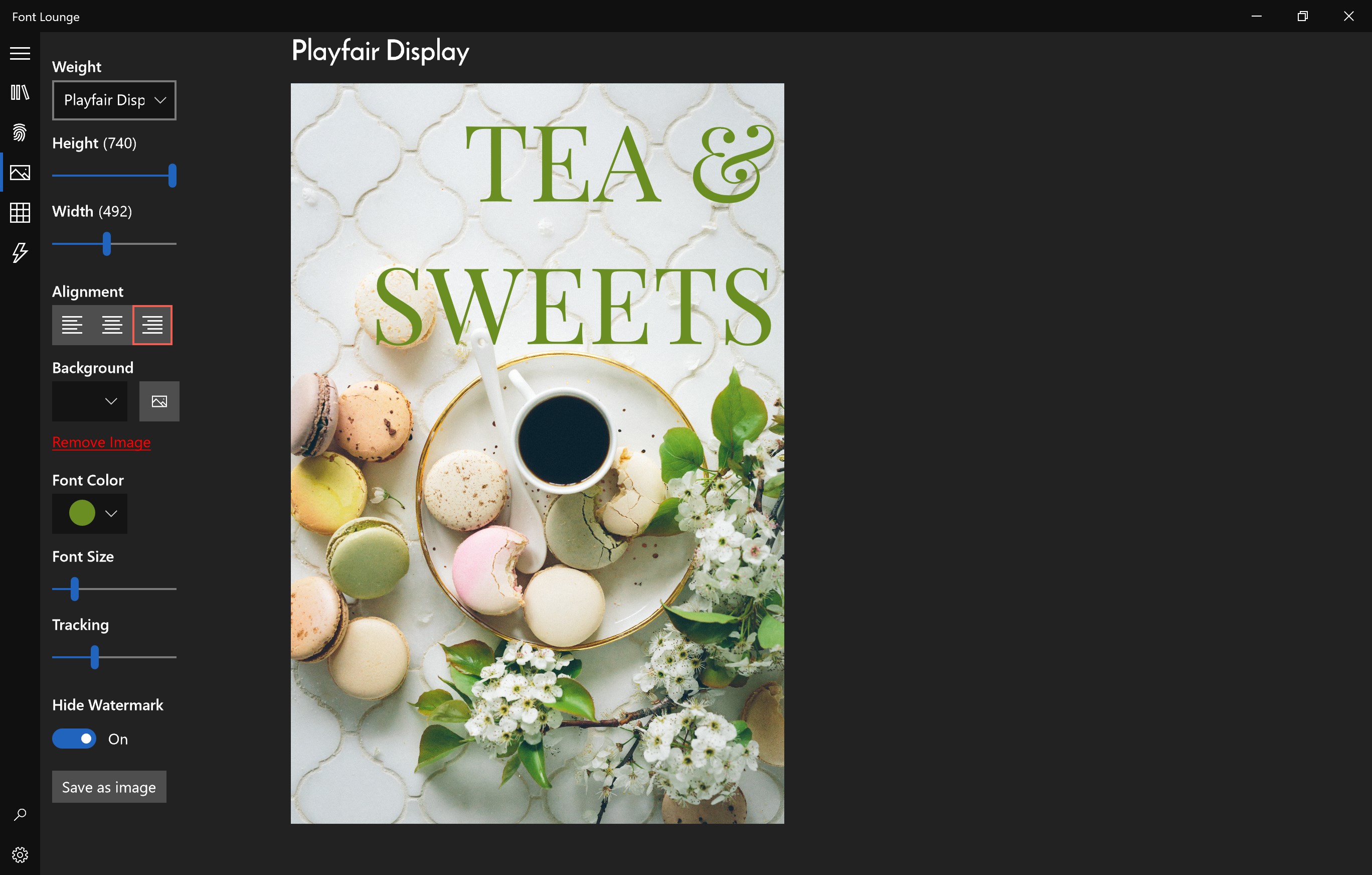
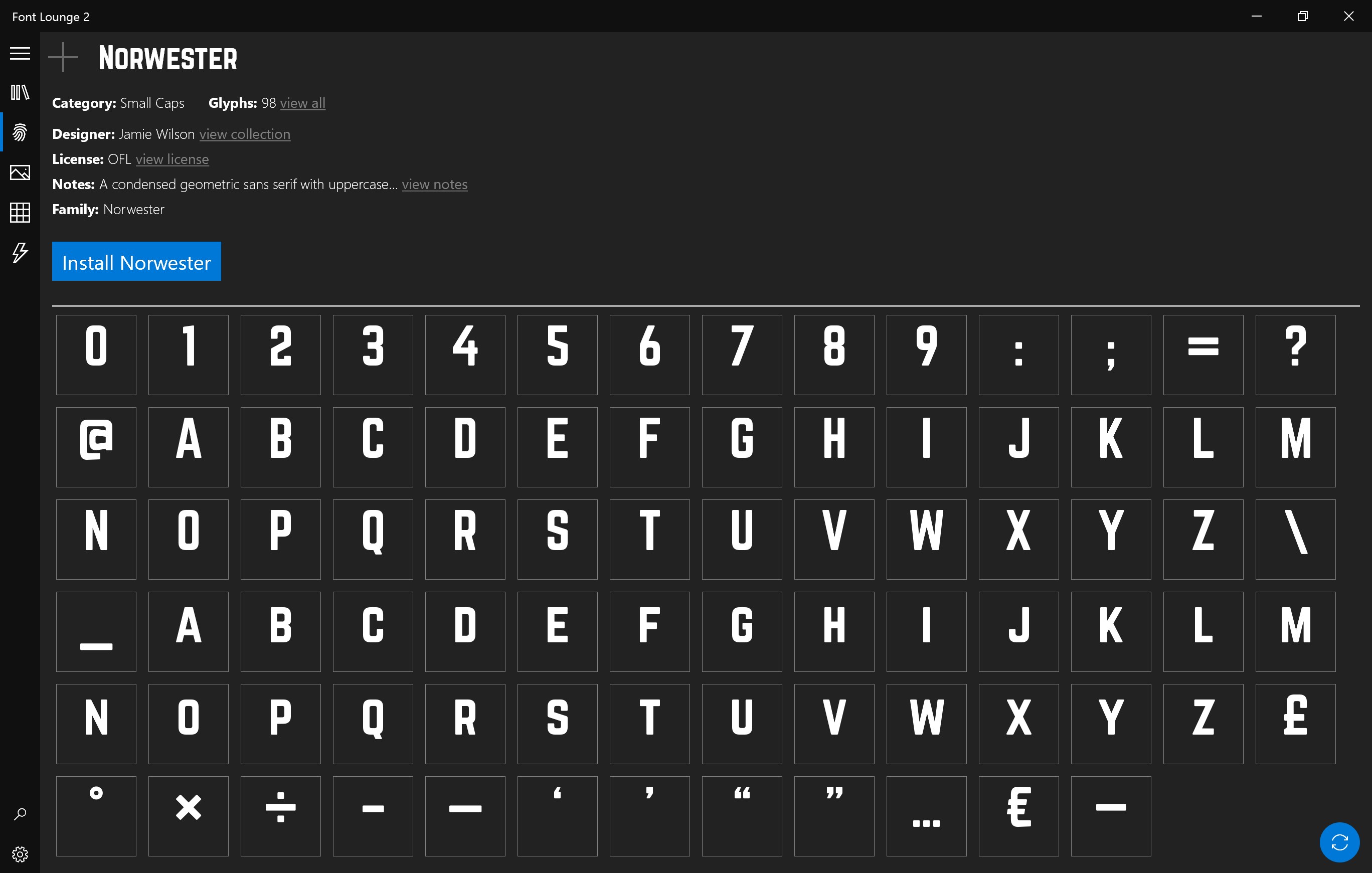
- Seamless Integration: Connects smoothly with Windows applications, allowing quick preview and application of fonts in various programs without cumbersome exporting or switching tools.
- Personalized Font Playlists: Create custom font lists for specific projects, ensuring consistency across your creative endeavors.
A Vibrant Exploration of Font Lounge's User Experience
Imagine opening a window into a vibrant, well-organized library of fonts, each one waiting to add personality to your work. From the moment you launch Font Lounge, the interface greets you with a clean, modern design reminiscent of a boutique stationery shop—inviting and uncluttered. The app's smooth animations and intuitive layout make browsing feel like a leisurely stroll through a curated gallery, rather than a tedious search.
The learning curve is gentle; new users quickly grasp how to filter, preview, and manage fonts thanks to straightforward controls and helpful tooltips. Switching between different font collections is as simple as flipping through a well-organized photo album, making the experience both enjoyable and efficient.
What Sets Font Lounge Apart in the Multimedium Design Realm?
Compared to other font management tools, Font Lounge's most distinctive trait is its curated collection combined with highly intuitive management features. Unlike generic font libraries, it emphasizes quality over quantity, ensuring each font is vetted for clarity and style. Additionally, the personalized playlist feature is akin to creating your own playlist of favorite songs—except here, it's your tailored font lineup for different projects, streamlining workflow and maintaining visual consistency effortlessly.
Furthermore, the seamless integration with Windows applications means fonts can be previewed and applied directly within programs like Word, PowerPoint, or Adobe Suite, eliminating the hassle of exporting and importing files repeatedly. This fusion of curated content, ease of use, and tight app integration makes Font Lounge a uniquely efficient and stylish tool in the crowded space of multimedia font management.
Final Thoughts: Worth a Try for Font Enthusiasts and Creatives
Overall, Font Lounge for Windows emerges as a thoughtfully designed, user-friendly application that caters to both casual users and professional designers seeking an elegant and efficient font management experience. Its standout features—particularly the curated collection and personalized font playlists—offer tangible benefits that set it apart from many competitors.
If you're tired of wading through endless font options or want a streamlined way to organize and apply your fonts, this app is worth exploring. While it may lack some extensive advanced features found in larger font management suites, its simplicity and targeted functionality make it an excellent choice for those who value clarity and style in their typographic workflow. For anyone looking to elevate their digital projects with minimal fuss, Font Lounge is a recommended addition to your creative toolkit.
Pros
- Extensive Font Library
- Ease of Use
- High-Quality Font Previews
- Regular Updates
- Custom Font Management
Cons
- Limited Free Fonts
- Slow Font Loading
- Insufficient Search Filters
- Limited Customization Options
- Occasional App Crashes










