

- Name ibis Paint
- Category Multimedia design
- Developer ibis inc.
- Available on PC
- OS Windows 10 version 19041.0 or higher
- DirectX Version 11
- Memory 2 GB
- Keyboard Not specified
- Mouse Not specified
- languages Arabic, Chinese (Simplified), Chinese (Traditional Chinese), Dutch, English, French, German, Hebrew, Hindi, Indonesian, Italian, Japanese, Korean, Portuguese, Russian, Spanish, Thai, Turkish, Vietnamese
Unleashing Creativity with Ibis Paint for Windows
If you're an aspiring digital artist or a seasoned illustrator seeking a robust and versatile drawing tool on your Windows device, Ibis Paint for Windows might just become your new best friend. Offering a blend of professional-grade features with an intuitive interface, this app promises to elevate your creative game without drowning you in complexity. But does it truly stand out in the crowded field of digital painting applications? Let's dive in and find out.
A Quick Overview: What is Ibis Paint for Windows?
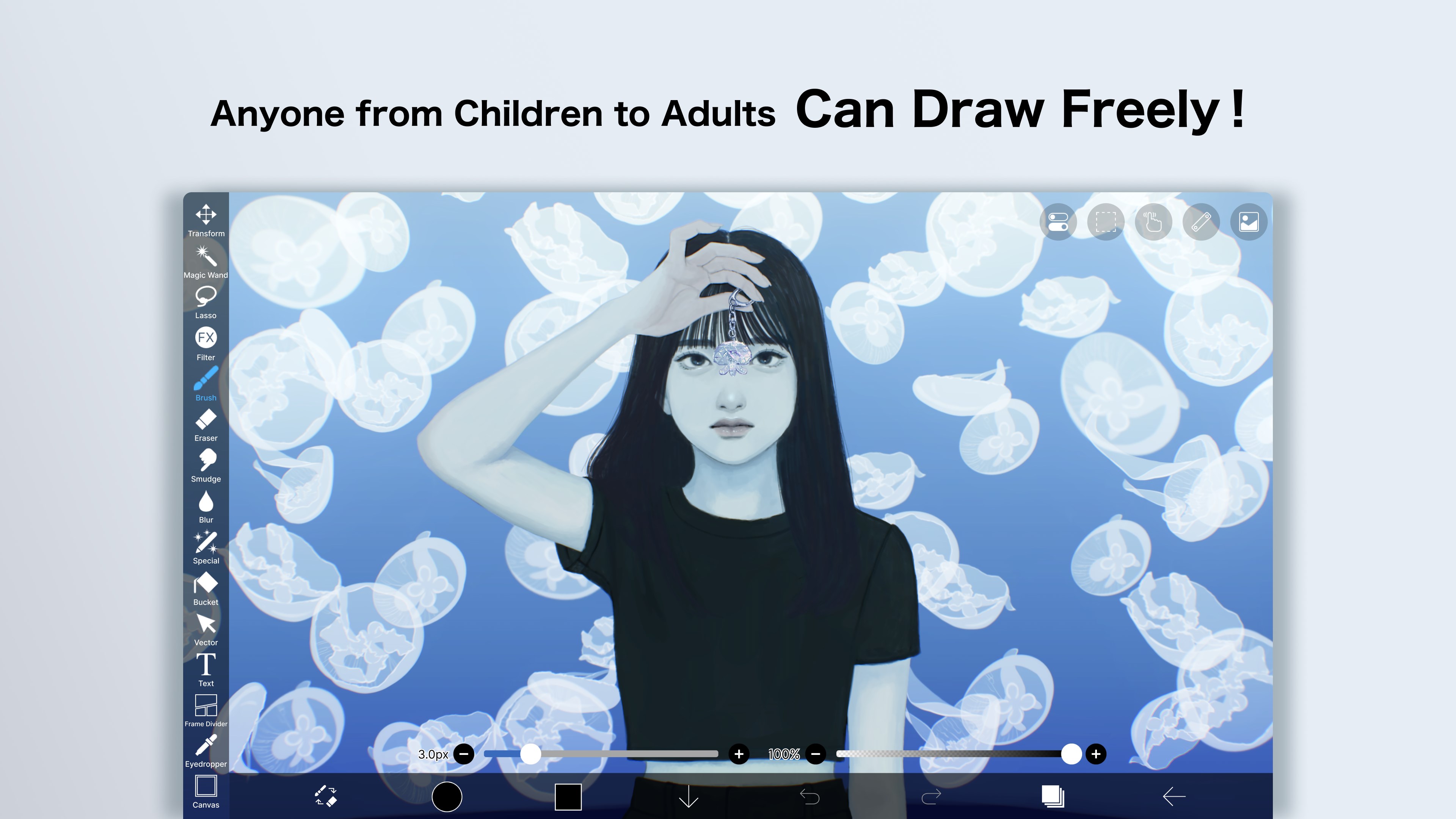
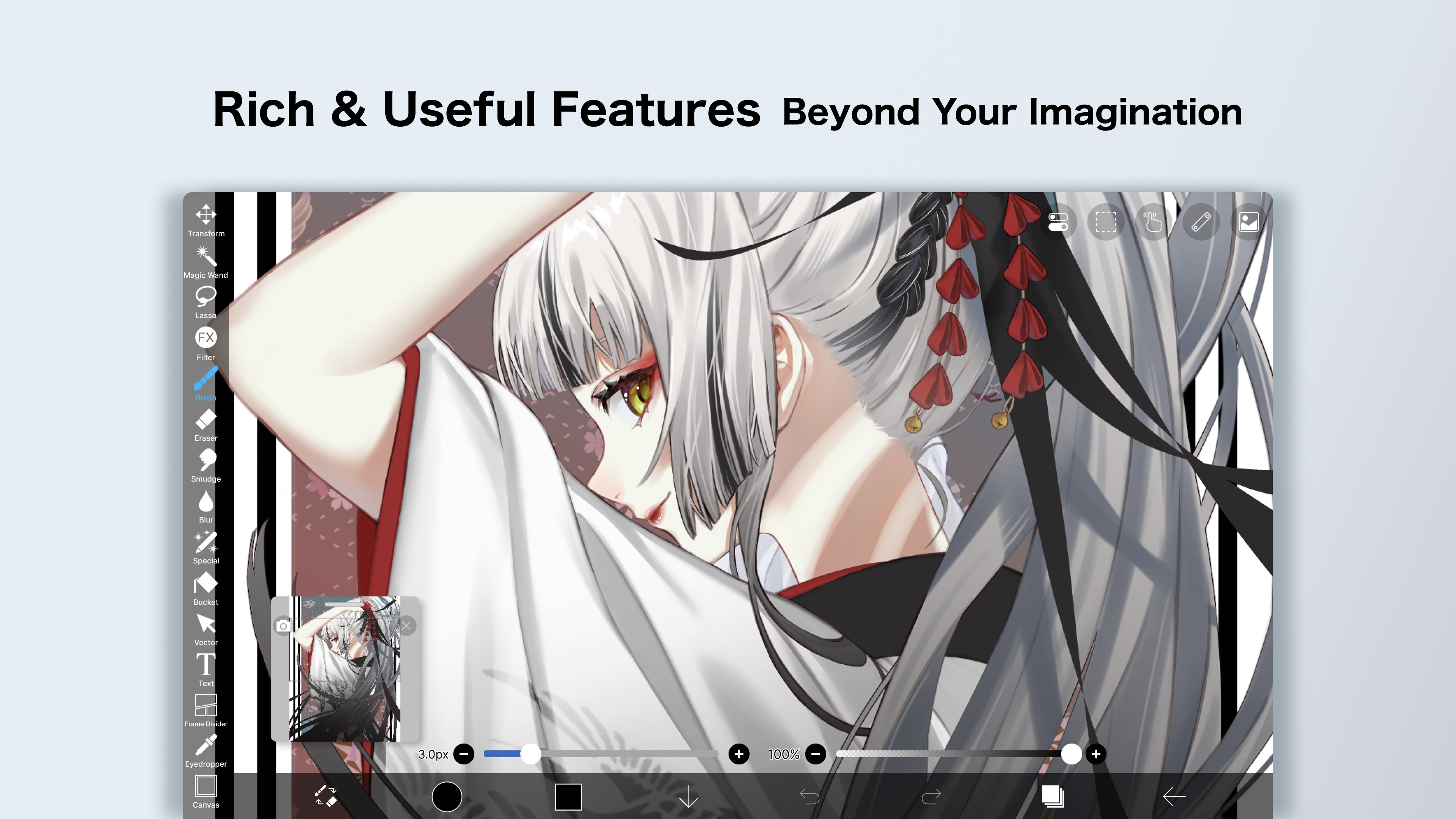
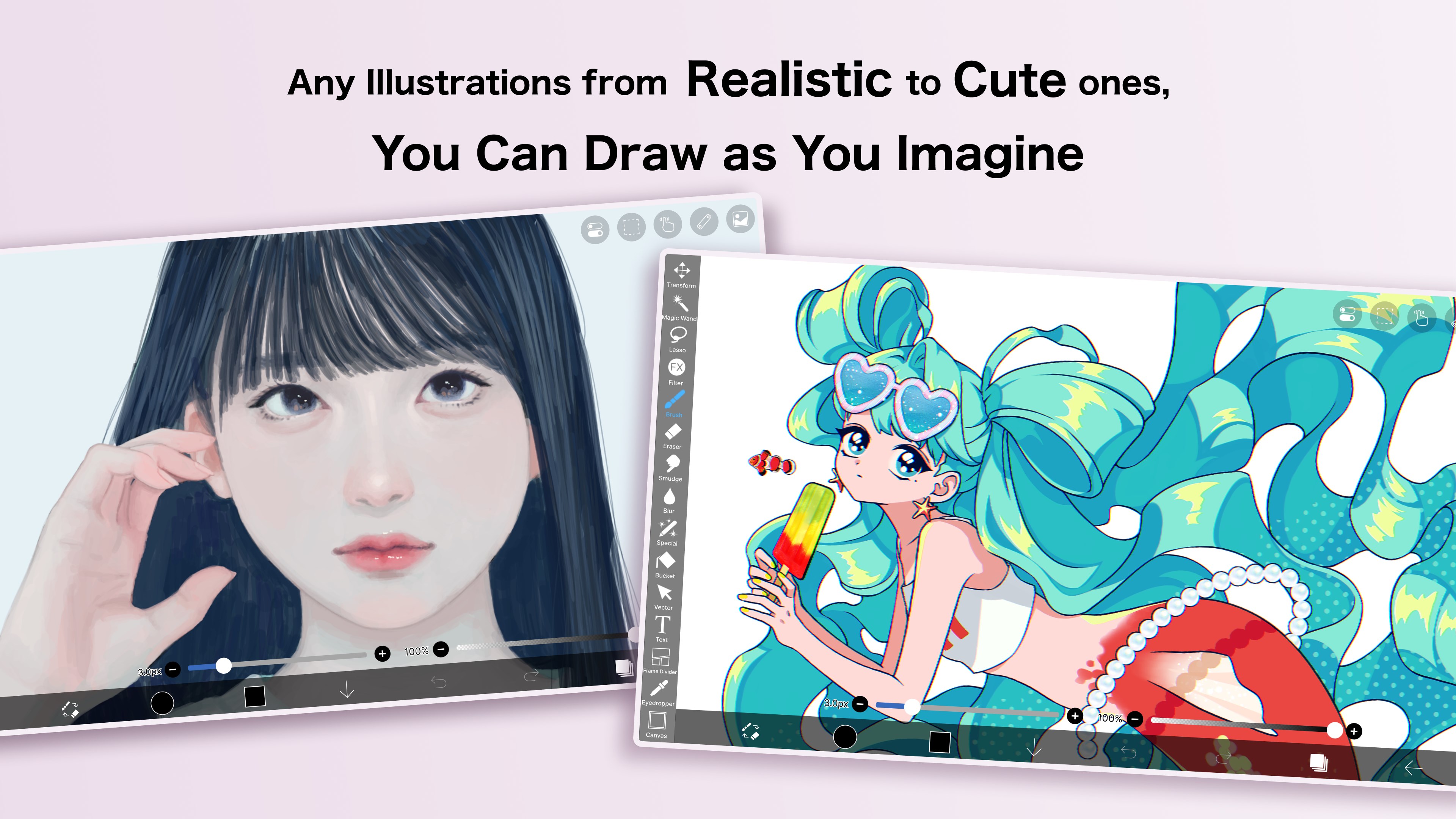
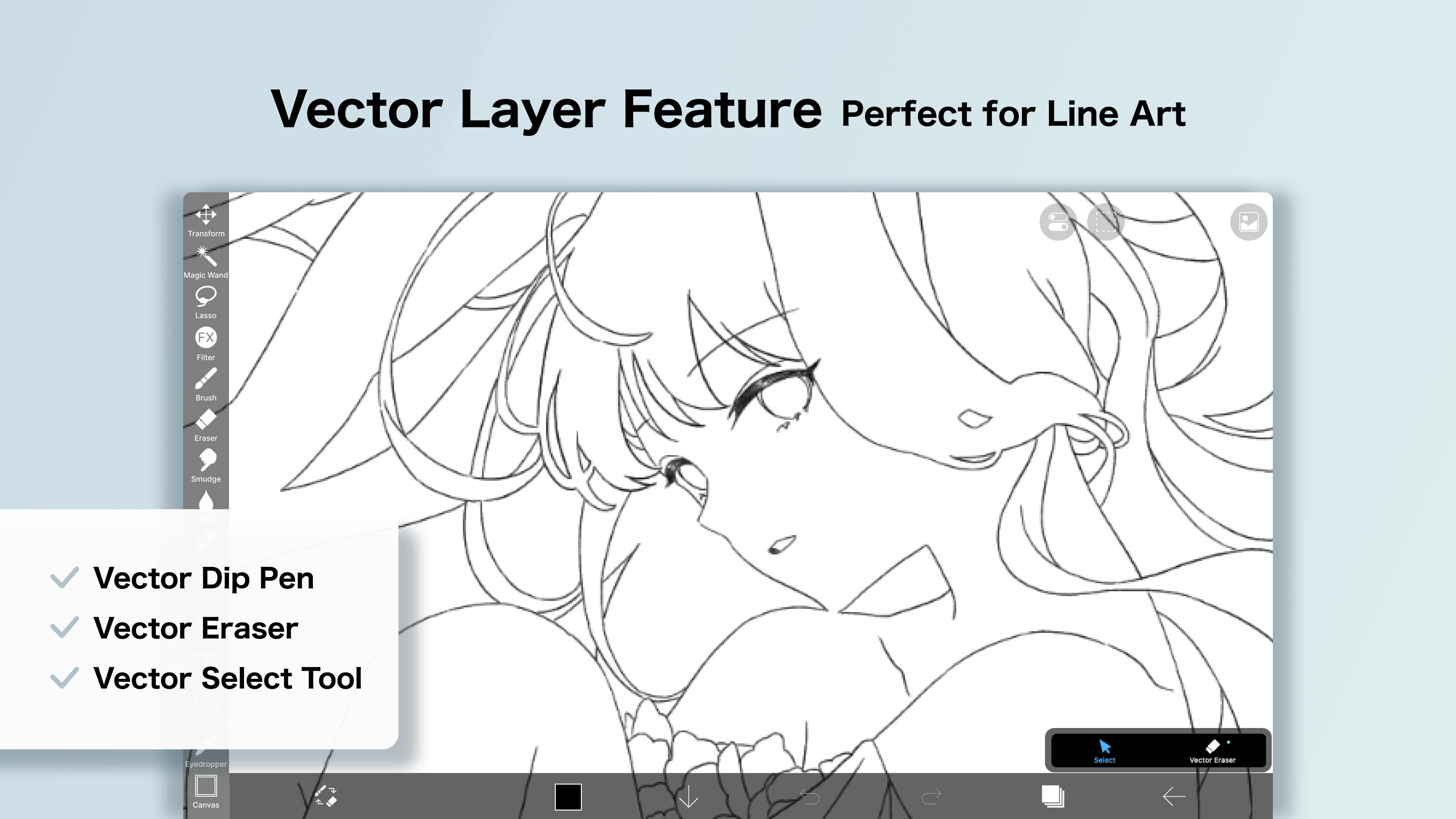
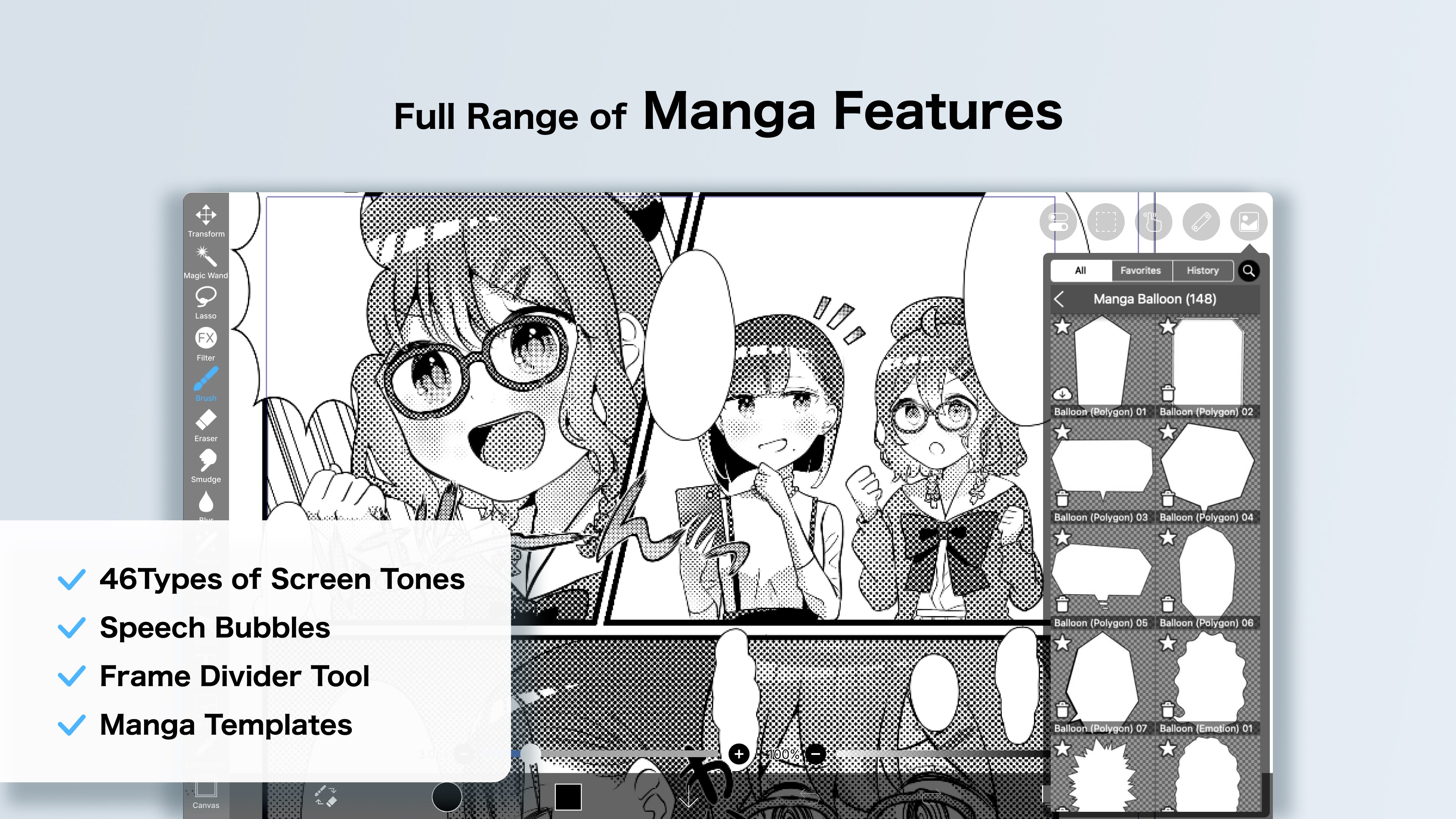
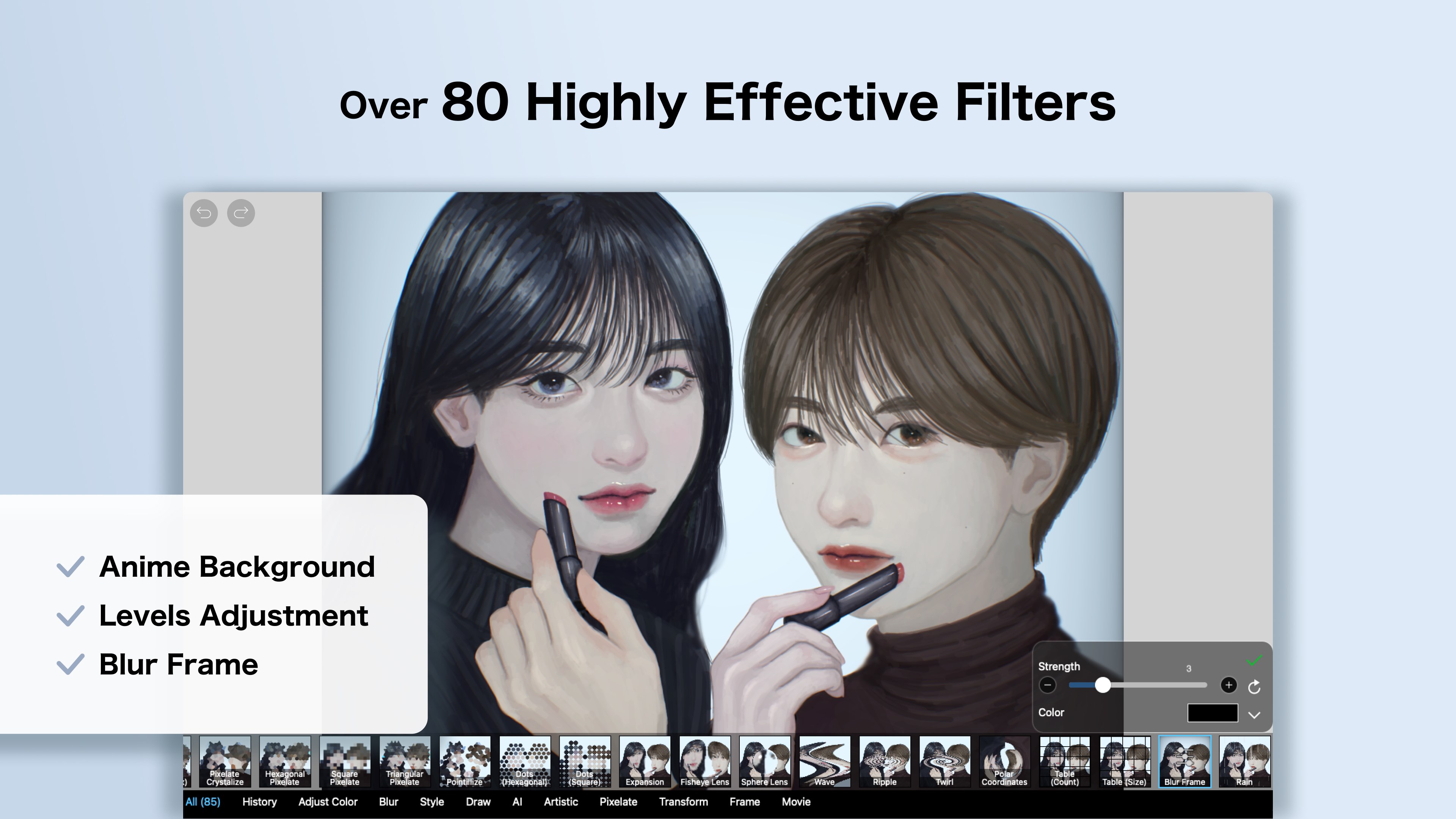
Developed and published by Ibis Inc., Ibis Paint for Windows is a comprehensive digital illustration app designed to cater to both hobbyists and professional artists. It emphasizes ease of use while delivering advanced features, making it ideal for users looking for a powerful yet accessible drawing platform. Key highlights include a rich library of brushes and filters, recording capabilities for tutorials, and a smooth, responsive interface tailored for touch and pen input. Its main target audience comprises digital artists, manga and comic creators, students, and anyone passionate about visual storytelling on a desktop environment.
Vivid Creativity and User Engagement
Imagine sitting at your desk, sketchpad in hand—but instead of paper, you're immersed in a digital canvas ready to bring your ideas to life with just a few taps and strokes. That's the joy Ibis Paint for Windows aims to deliver. Its promise isn't just about making digital drawing easier; it's about transforming your creative flow into an engaging and rewarding experience. The app's lively interface, combined with its powerful feature set, makes it easy to lose yourself in drawing sessions filled with discovery and satisfaction.
Core Functionality: Brush Powerhouse and Layer Management
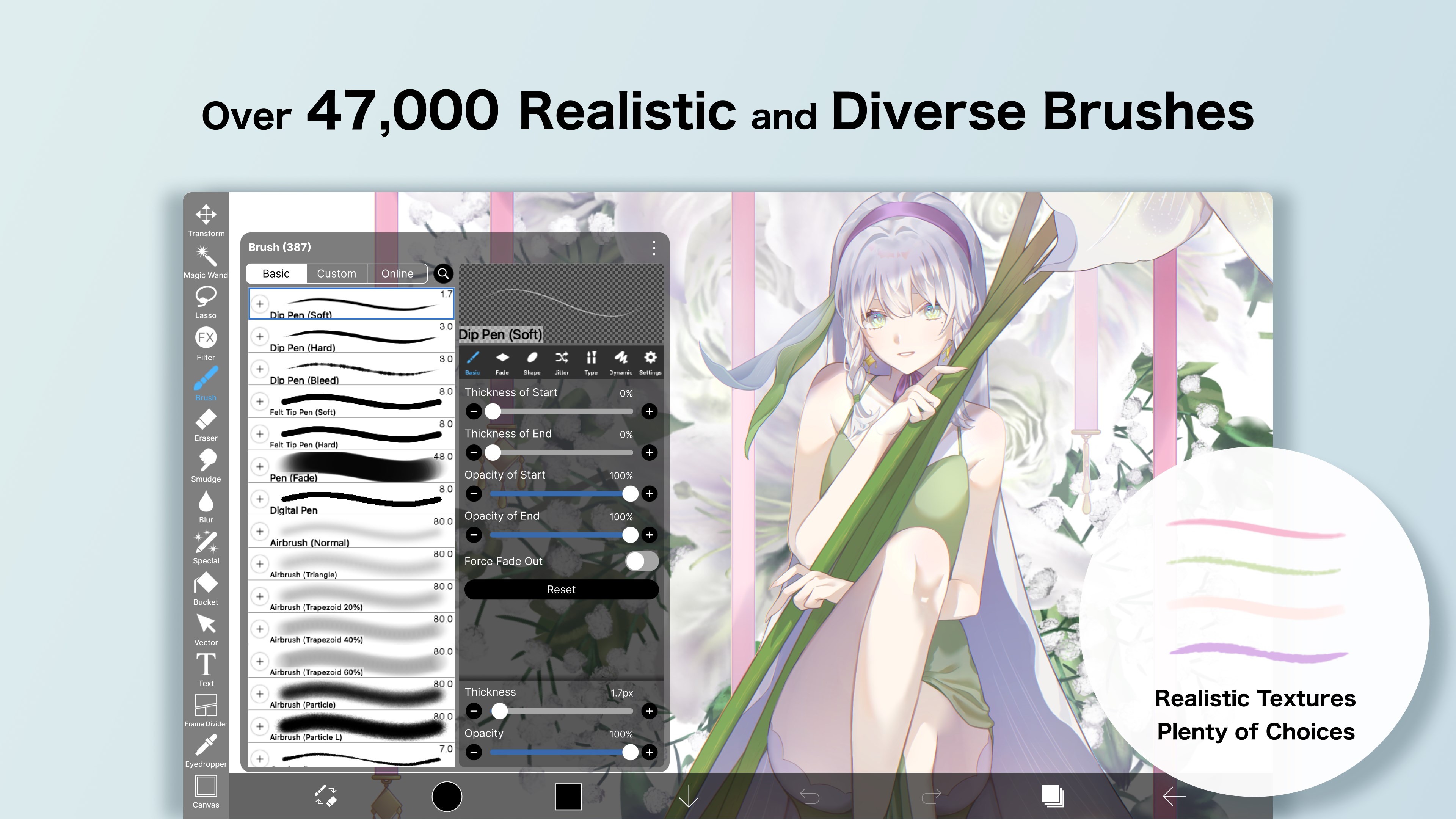
One of Ibis Paint's standout features is its extensive brush library—over 800 customizable brushes including pen, pencil, watercolor, and ink options. The interface allows for quick switching and detailed adjustment, enabling artists to craft textures and effects that rival traditional media. This level of control is especially appealing for manga and comic artists aiming for nuanced line work and shading.
Complementing the brushes is its sophisticated layer system, similar to what you'd find in advanced desktop programs like Photoshop. Multiple layers with blending modes, masks, and transparency controls mean artists can build complex compositions without fear of ruining their work. The intuitive layer panel makes managing numerous elements straightforward, even for those new to digital art.
Fluid User Experience and Learning Curve
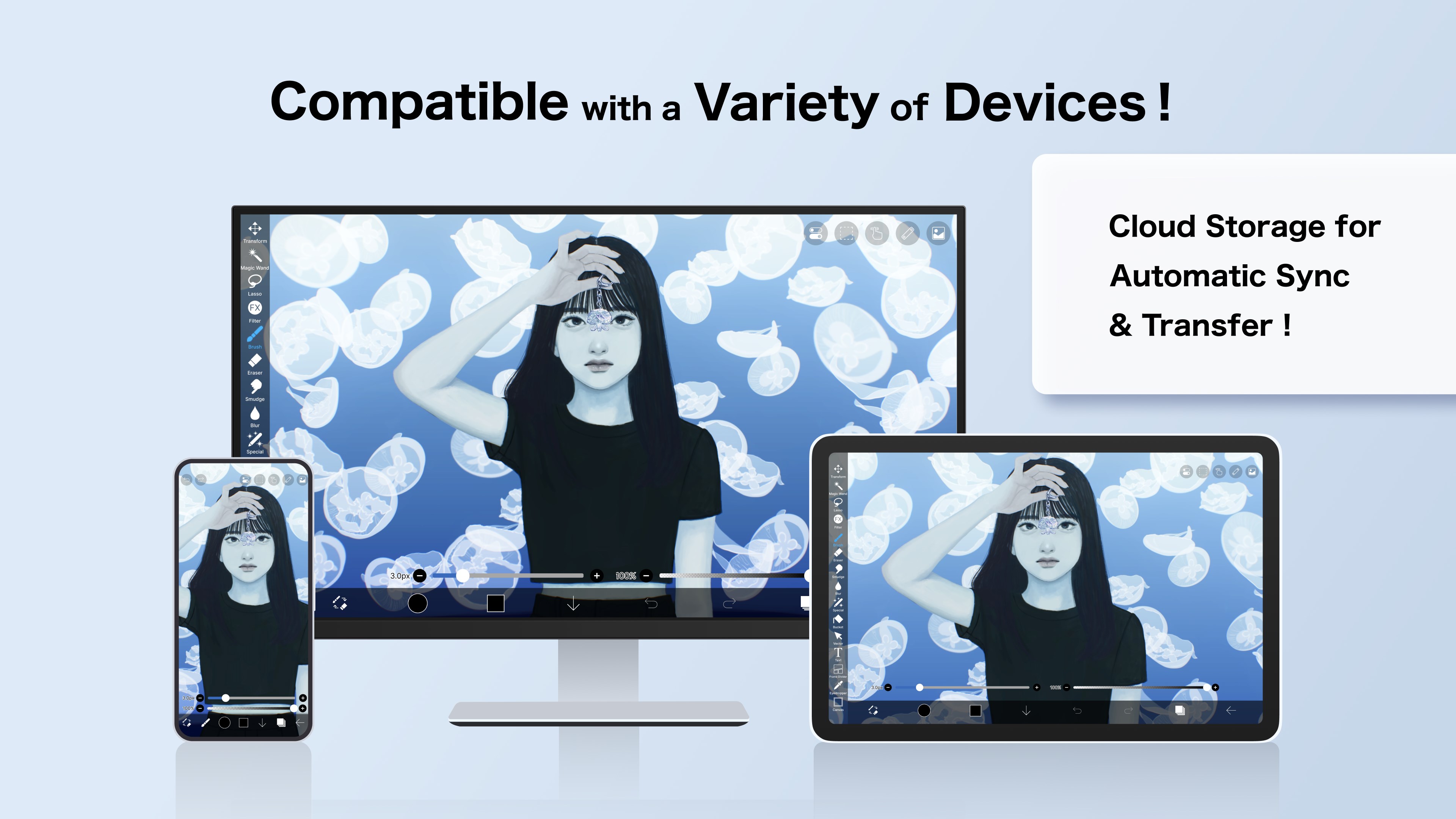
Navigation within the app feels seamless, thanks to its clean layout and responsive design. Whether you're zooming into tiny details or panning across large canvases, the app responds instantly—no lag, no stuttering. For newcomers, the wealth of tutorials and built-in guides smooths the learning curve, while experienced users can dive into advanced tools without fuss. The app supports both mouse and pen input, enabling precise strokes reminiscent of traditional drawing but with the flexibility of digital editing.
Distinctive Features That Set It Apart
While several drawing apps compete for your attention, Ibis Paint for Windows shines due to its record feature—which captures your entire drawing process as a video—that's ideal for creators wanting to share their techniques or produce tutorials effortlessly. Additionally, its robust community sharing platform, where users can upload and comment on works, fosters a collaborative environment akin to social media, enriching the creative experience.
Compared to other multimedia design apps, Ibis Paint's user-centric approach—balancing depth of features with ease of access—is a significant advantage. Its customizable brushes meet the needs of both casual doodlers and professional artists seeking high precision, making it a versatile tool that adapts as your skills grow.
Final Verdict: Your Creative Companion?
Considering its rich feature set, smooth performance, and accessible interface, Ibis Paint for Windows earns a solid recommendation for digital artists at all levels. It's especially outstanding if you value customizable brushes and the ability to record your process—a handy feature for sharing and learning. For those looking for a free, comprehensive drawing app that doesn't compromise on quality, this application offers compelling value.
In conclusion, Ibis Paint for Windows is a trustworthy partner for creative expression—friendly enough for beginners yet deep enough for seasoned artists. Give it a try, and see how it turns your ideas into vibrant digital masterpieces.
Pros
- User-friendly Interface
- Extensive Brush Library
- Layer Management
- Advanced Stabilization Tool
- Rich Selection of Features
Cons
- Performance Issues on Some Devices
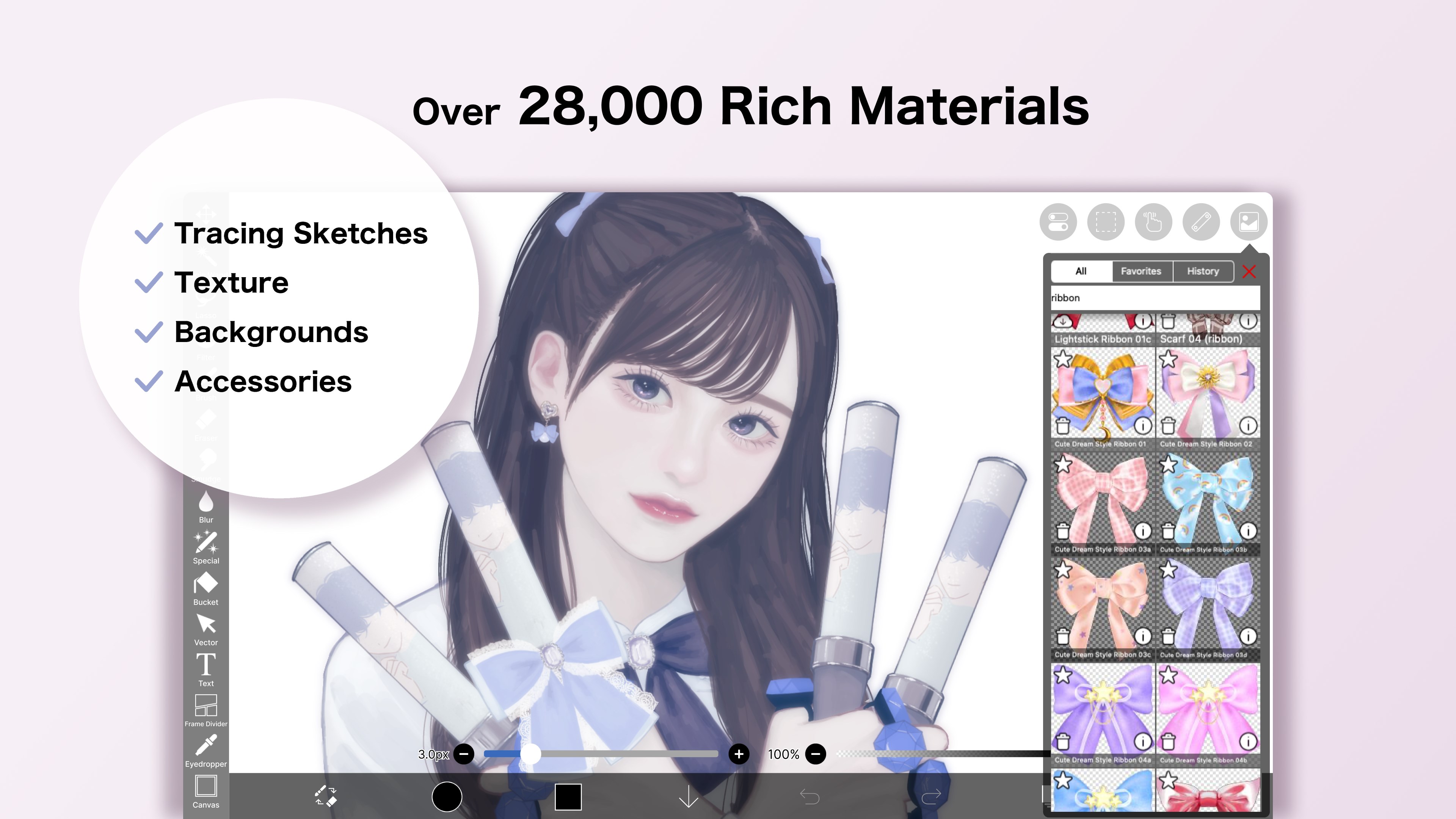
- Limited Export Options in Free Version
- Learning Curve for Advanced Tools
- Occasional Lag with Large Files
- Limited Asset Marketplace Access










