



- Name ArtRage Vitae
- Category Multimedia design
- Developer Ambient Design Ltd.
- Available on PC
- OS Windows 10 version 17763.0 or higher
- Keyboard Integrated Keyboard
- Mouse Integrated Mouse
- Memory 1 GB
- languages Dutch, English, French, German, Italian, Japanese, Portuguese, Russian, Spanish
ArtRage Vitae for Windows: A Creative Sanctuary for Digital Artists
ArtRage Vitae stands out as a thoughtfully designed digital painting application that combines realistic art tools with an intuitive user interface, catering to both amateur painters and seasoned artists looking for a versatile creative platform.
Meet the Minds Behind the Brushstrokes
Developed and published by Ambient Design Ltd., a company renowned for crafting user-friendly art software with a focus on realism and natural media simulation. Their dedication shines through in Vitae's seamless blending of traditional art techniques with digital convenience.
Highlighting Key Features That Paint a Full Picture
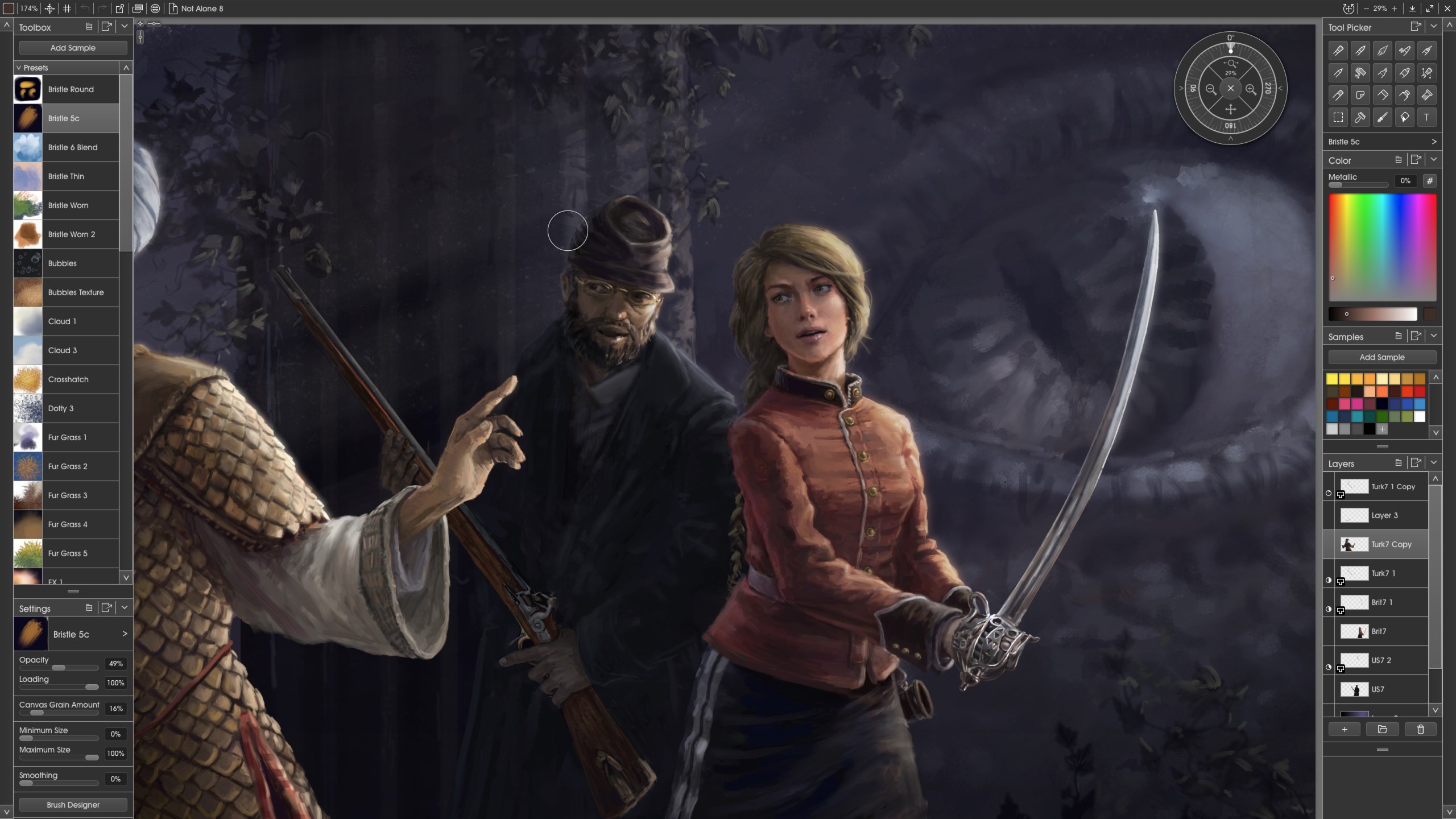
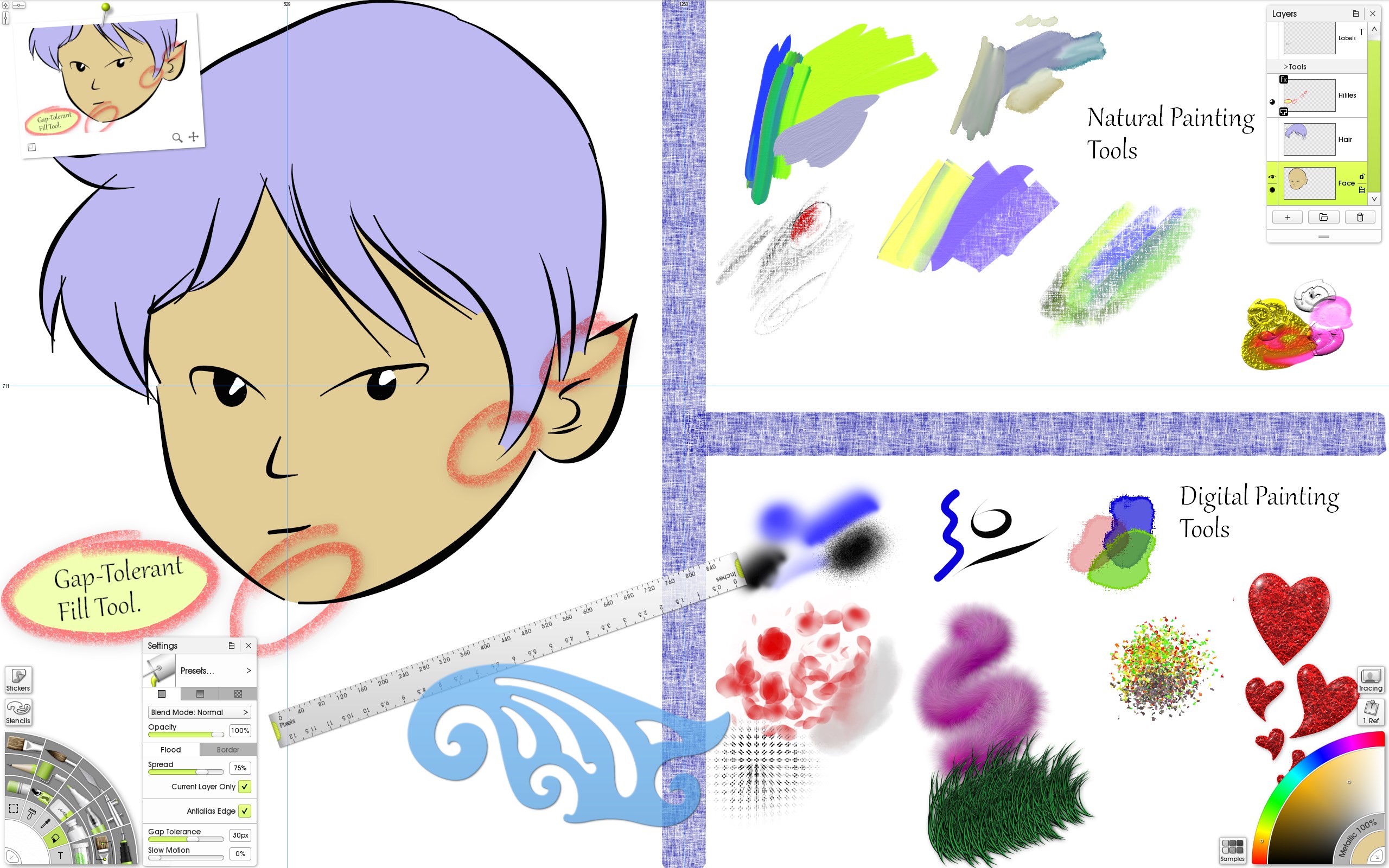
- Advanced Realistic Media Tools: Vitae offers an impressive array of brushes and tools that mimic real-world media like oils, watercolors, and pastels, giving artists the authentic feel of traditional painting with the flexibility of digital editing.
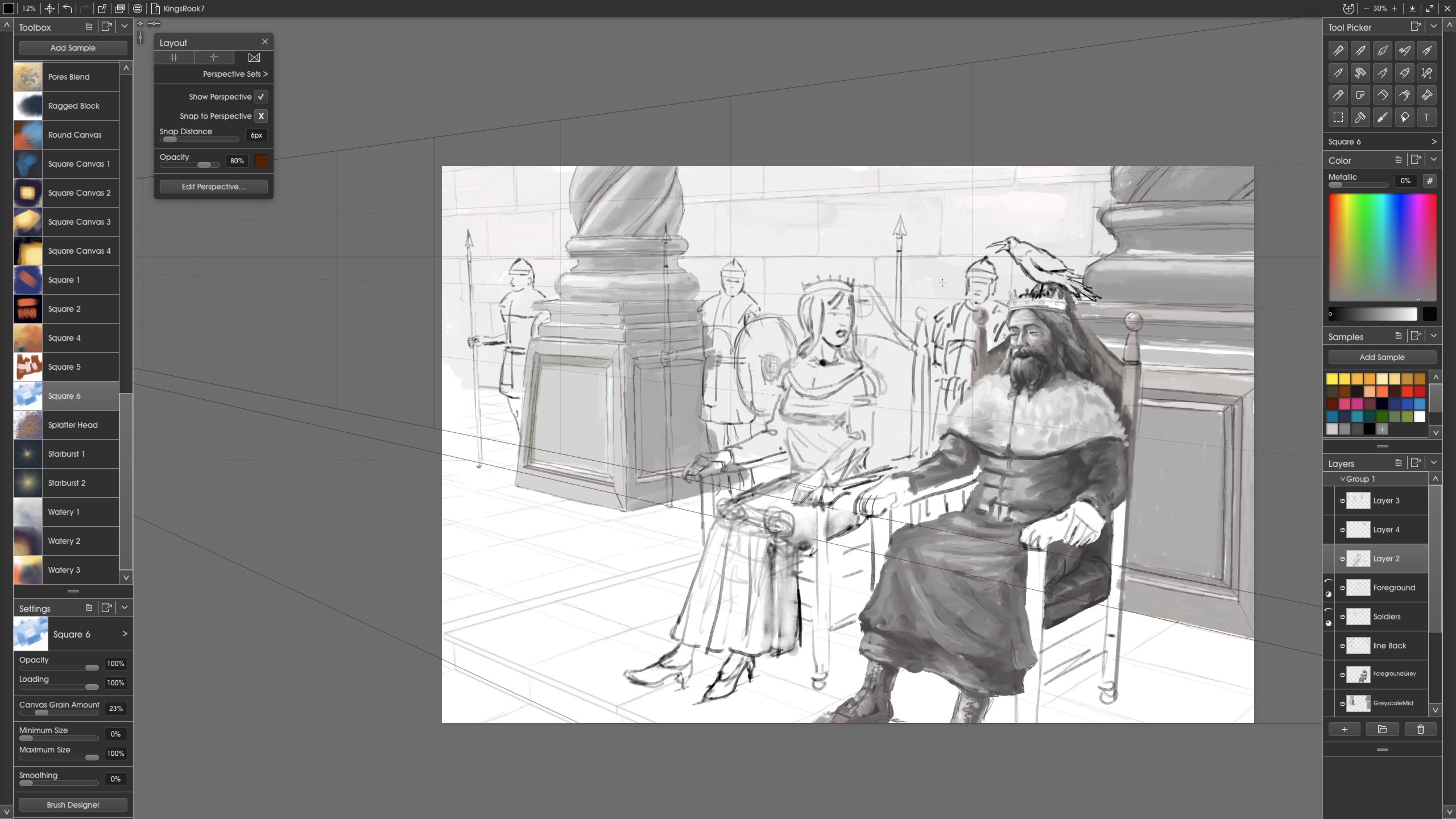
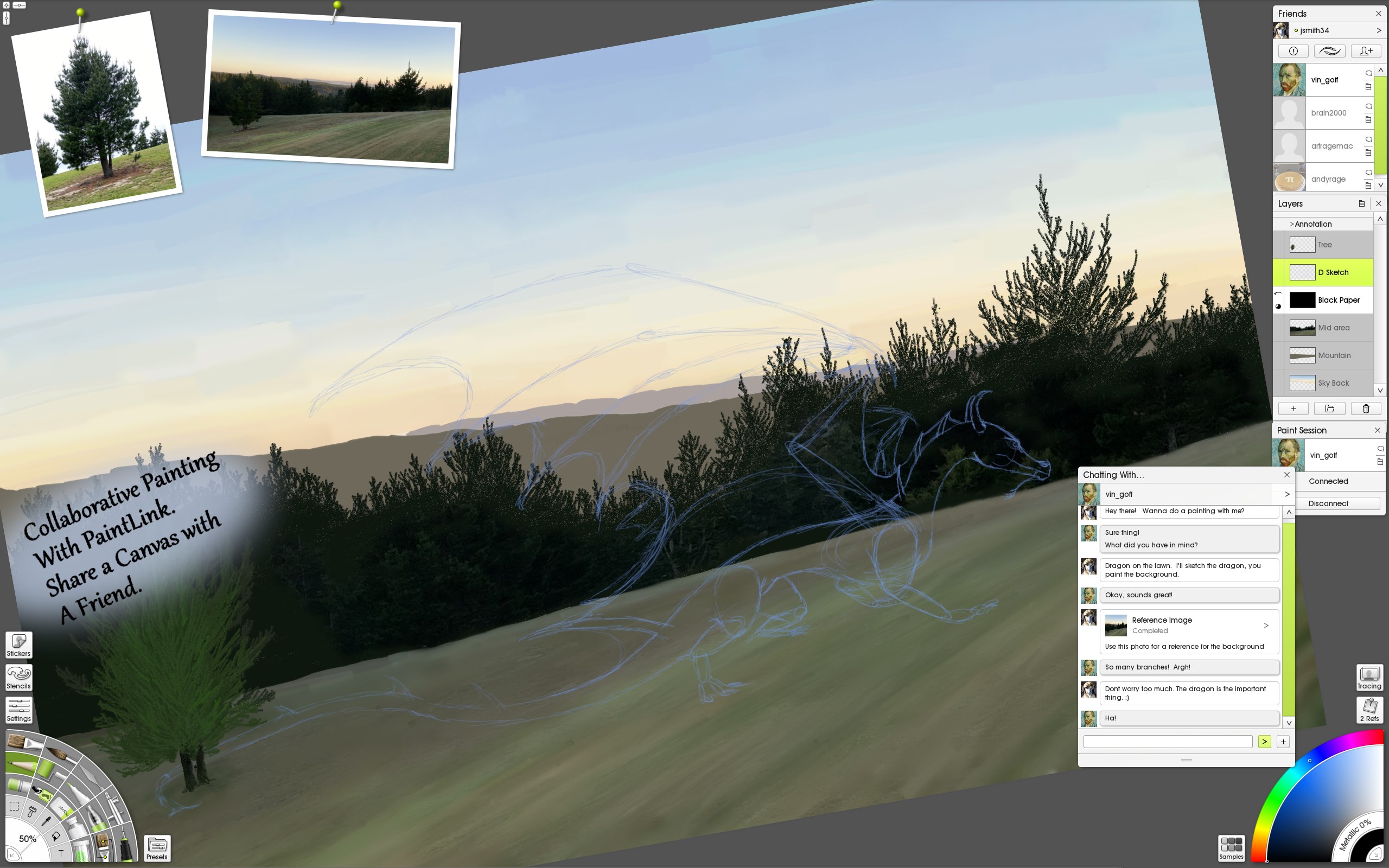
- Intuitive Layer System with Masks: The application's layered workflow, including mask functionalities, empowers users to create complex compositions with ease, making adjustments as natural as sliding sheets of acetate in a lightbox.
- Rich Customization and Presets: Artists can personalize brushes and textures or load from a vast library of presets, fostering creativity and experimentation without getting bogged down in technical complexity.
- Robust Undo/Redo & Non-Destructive Editing: Vitae's emphasis on flexibility allows users to experiment freely, knowing that every stroke can be refined or reverted without hassle.
A Closer Look at the Artistic Experience
Engaging and Friendly Interface
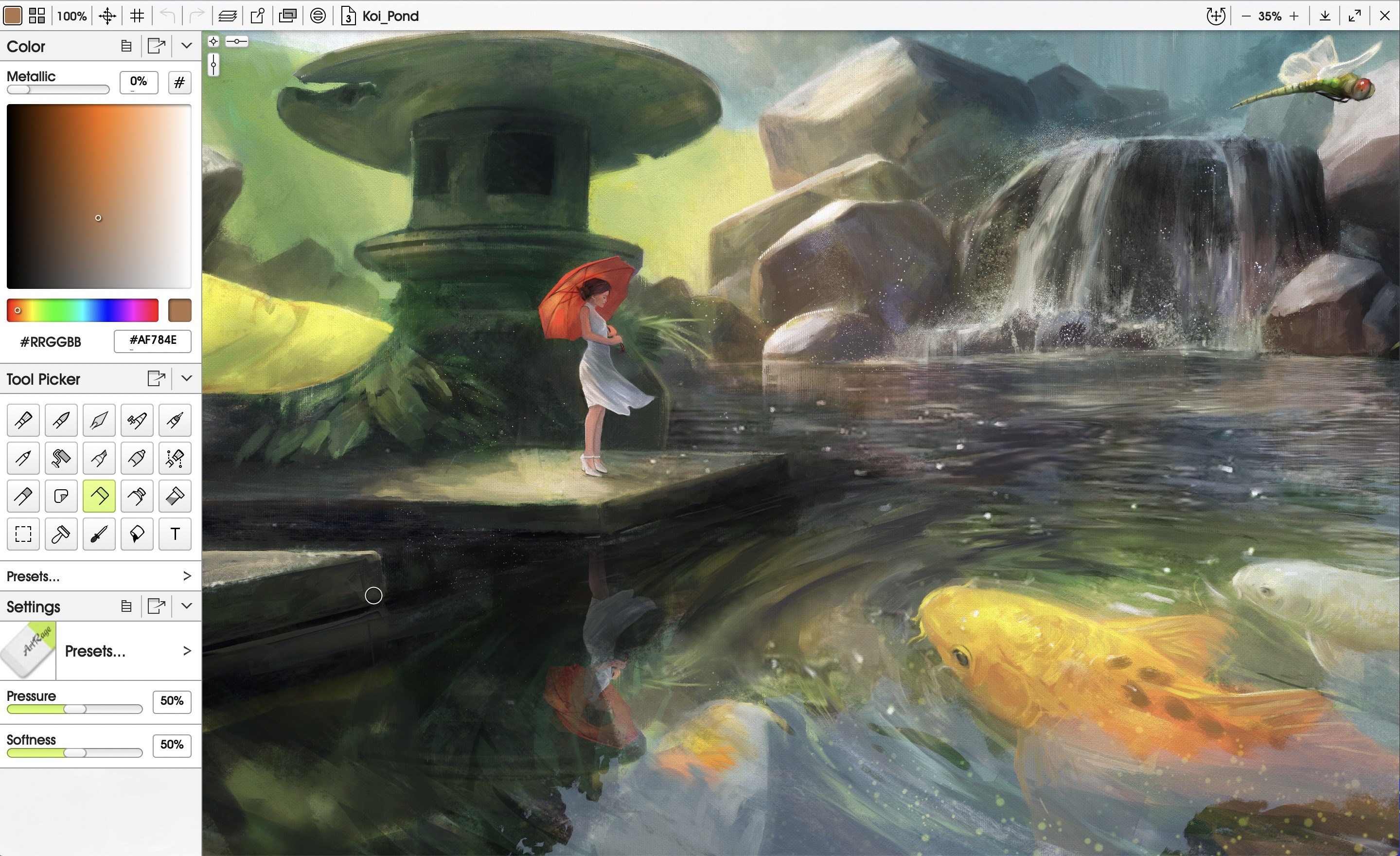
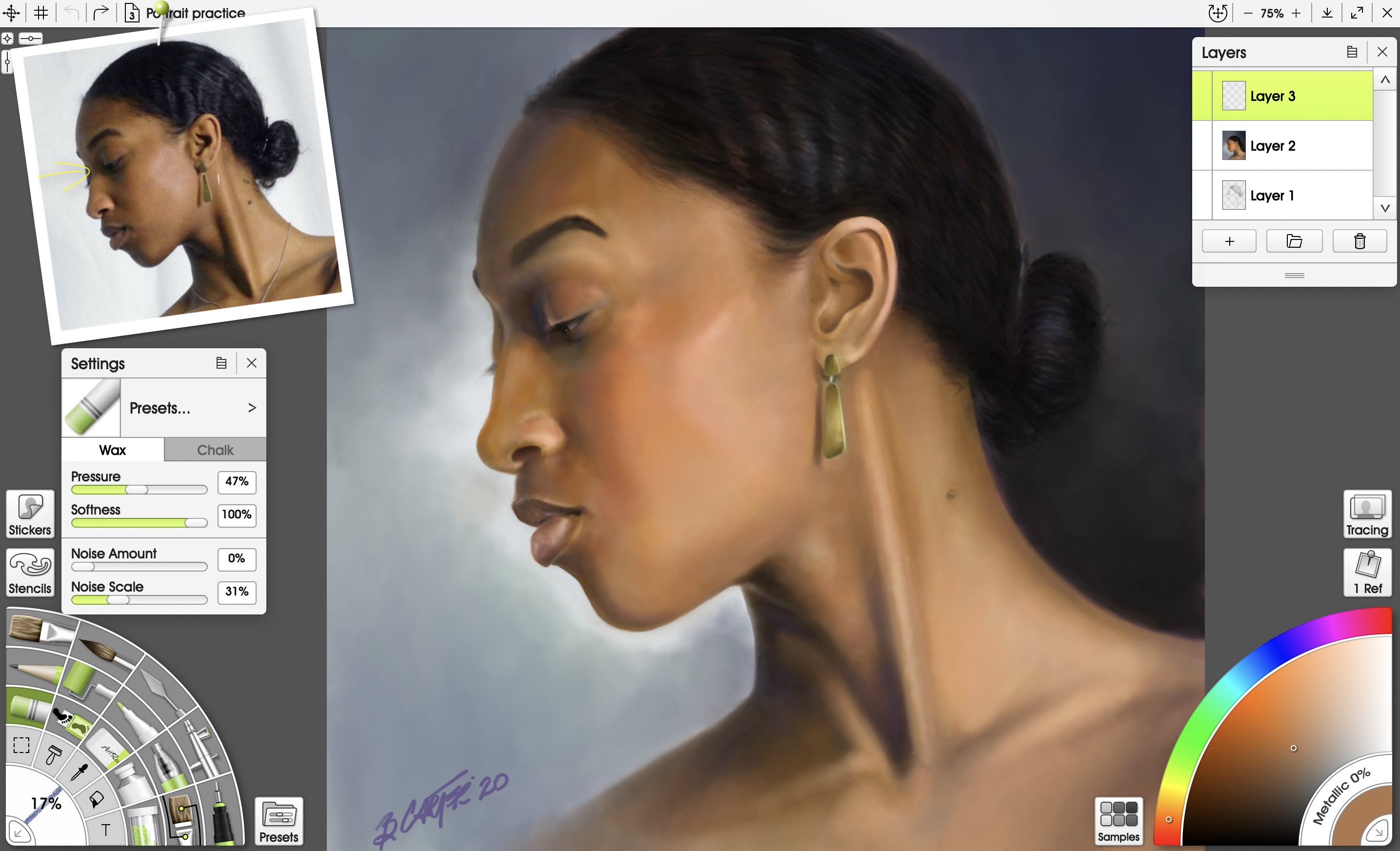
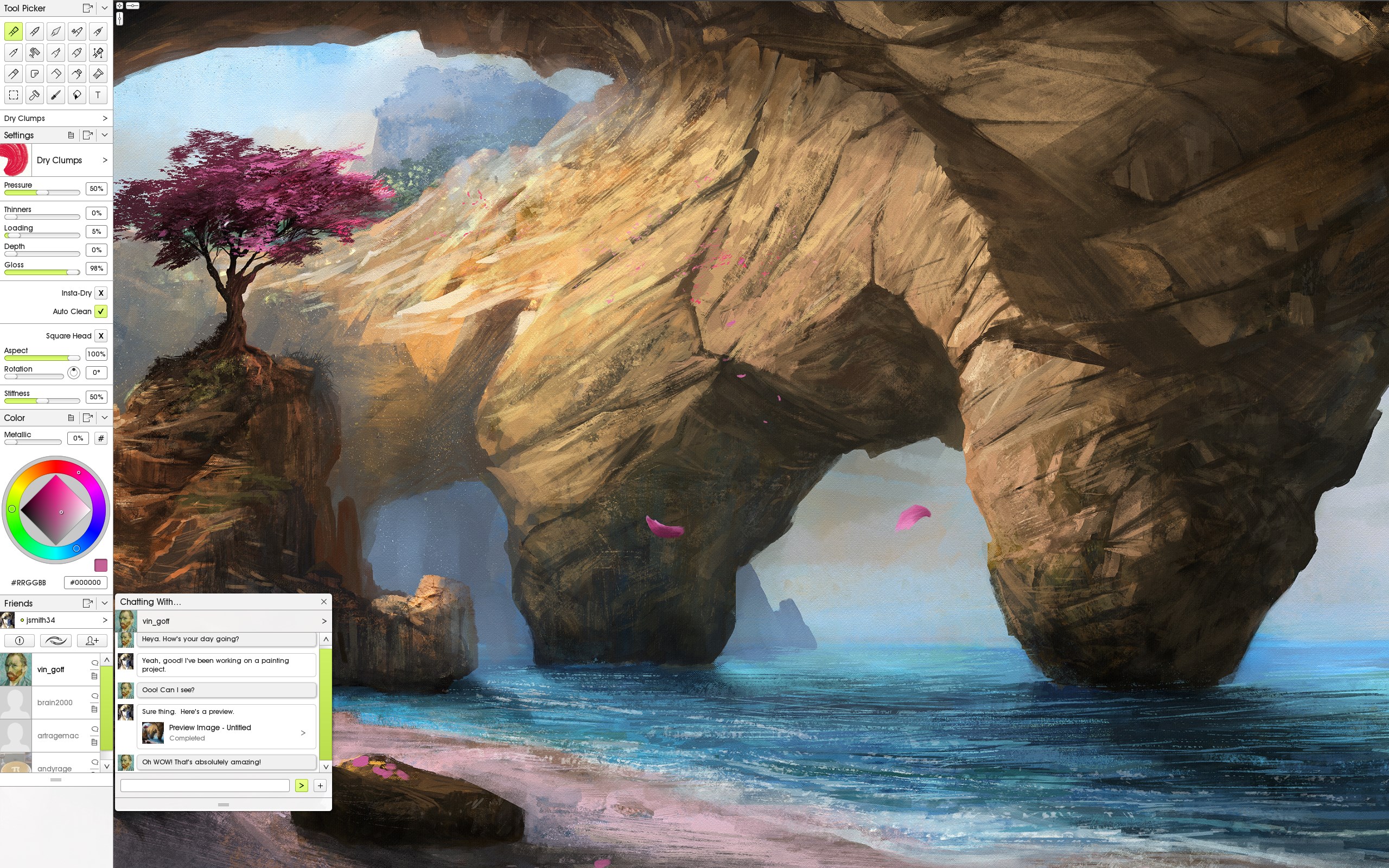
Starting up Vitae feels like stepping into a cozy atelier — clean, uncluttered, yet packed with all the tools you need at your fingertips. The interface's soft color palette and logical layout create a calming environment, reducing visual noise and allowing your imagination to run wild. Navigating through brushes, color palettes, and layer controls is as smooth as gliding a brush across canvas, with zero lag or confusion, making the creative process feel fluid and organic.
Core Functionality: Painting Realism Comes to Life
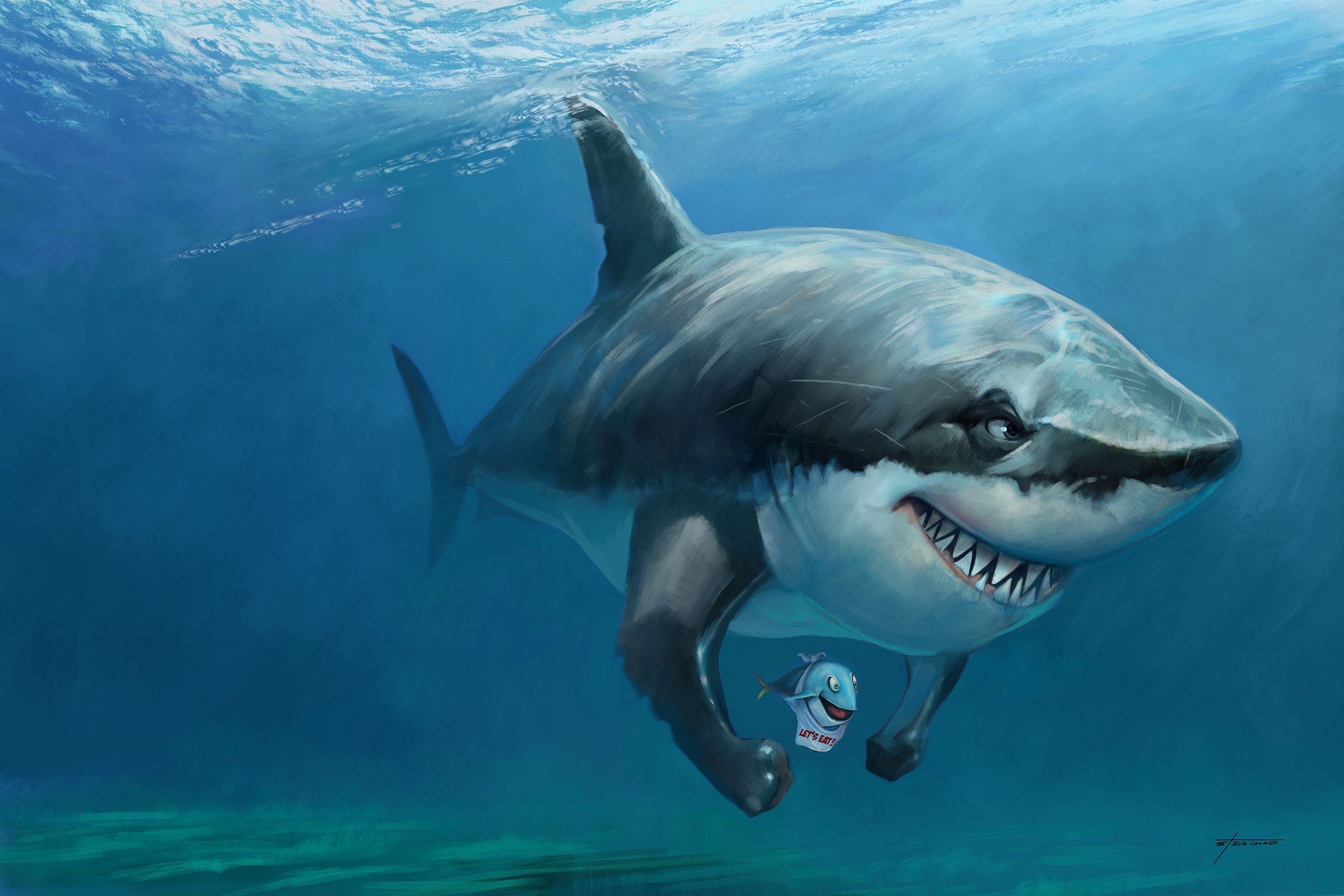
The standout feature in Vitae is undoubtedly its realistic media simulation. Whether you're blending oil paints on a virtual canvas or studying watercolor washes, the application's physics-based brushes mimic real-world behavior remarkably well. This feature transforms digital art from mere lines and colors into expressive, textured artworks that evoke a tangible sense of tradition, yet with the convenience of digital adjustments.
Learnability and User-Friendly Design
While Vitae packs powerful tools, its learning curve remains gentle, thanks to thoughtful onboarding tutorials and contextual help. Beginners can pick up basic techniques quickly, while pros appreciate the depth of editing options and customization. The interface's logical layout minimizes clutter, making complex projects manageable—like assembling a musical ensemble where each instrument has its rightful place.
What Sets ArtRage Vitae Apart?
Compared to other multimedia design programs, Vitae's real-time media simulation is notably superior, providing a tactile experience that rivals traditional mediums. Its unique combination of realistic brushes with a straightforward workflow gives it a tactile quality many digital applications lack. Additionally, its focus on non-destructive editing and flexible layering techniques ensures artists can experiment freely without the fear of ruining their work, a significant advantage for creative exploration.
Final Verdict: A Solid Choice for Serious and Aspiring Artists
I would recommend Vitae to digital artists who crave authentic media experiences without sacrificing digital convenience. Its blend of realistic tools, user-centric design, and flexibility makes it a compelling option for painters, illustrators, and hobbyists alike. If you're seeking a digital atelier that feels familiar yet innovative, this app is well worth exploring. For in-depth projects, concept art, or just casual experimentation, Vitae offers a balanced, approachable platform that can grow with your skills and creativity.
Pros
- Intuitive and professional user interface
- Rich and realistic brush textures
- High-resolution canvas support
- Customizable tools and settings
- Regular updates and feature improvements
Cons
- Limited vector editing capabilities
- Steep learning curve for advanced features
- Occasional performance lag on lower-spec devices
- Limited export formats in free version
- Missing some advanced selection tools










