

- Name StylusX
- Category Multimedia design
- Developer StylusX
- Available on PC
- OS Windows 10 version 14393.0 or higher
- DirectX Version 11
- Memory 8 GB
- Keyboard Not specified
- Mouse Not specified
- languages English (United States)
StylusX for Windows: A Seamless Creative Companion
StylusX for Windows is a versatile and innovative application designed to elevate your multimedia and stylus-driven workflows, providing fans of digital creativity with a new level of precision and control. Whether you're sketching, note-taking, or designing, this app offers robust features tailored to enhance productivity and expression.
Meet the Creator: StylusX Team's Vision
Developed and published by the dedicated team at StylusX, this app embodies their commitment to delivering intuitive and powerful tools for digital artists and professionals. Their focus is on creating software that bridges the gap between hardware and effortless digital creation, ensuring users enjoy a seamless experience regardless of their skill level.
Core Features That Make a Difference
1. Advanced Stylus Calibration and Sensitivity Settings
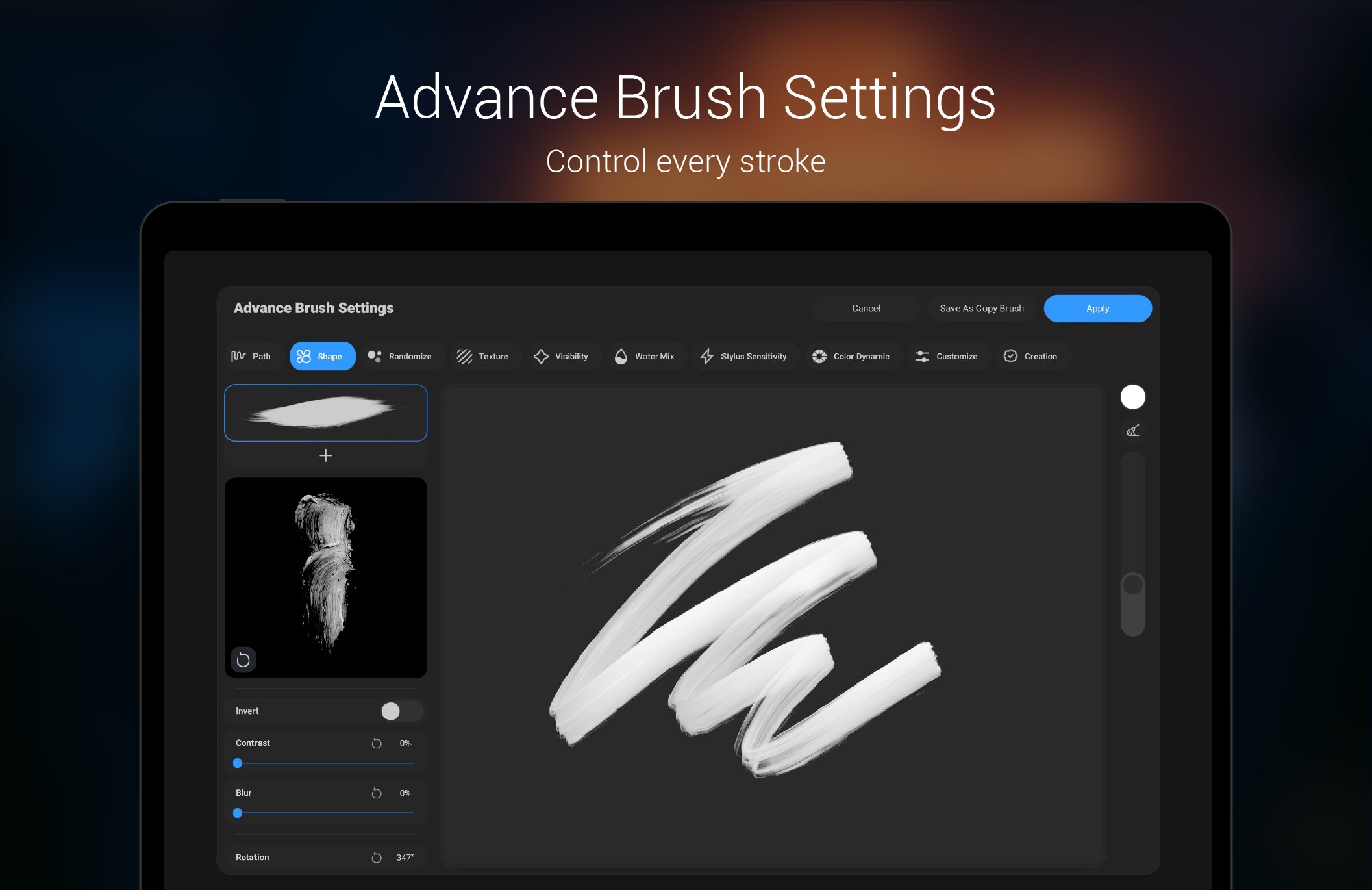
StylusX shines in its meticulous calibration options, allowing users to fine-tune their stylus sensitivity, tilt detection, and pressure curves. This level of customization ensures that every stroke feels natural and mirrors traditional media, akin to having a digital pencil with a mind of its own. This feature is particularly advantageous for digital artists seeking precision and nuanced control.
2. Multi-Touch Gesture Integration
Forget juggling between different apps; StylusX packs multi-touch gesture controls directly into its interface. Pinch to zoom, rotate, or switch tools effortlessly with finger gestures, making navigation smooth as butter. This integration improves workflow efficiency dramatically, turning your Windows device into a powerhouse for multimedia design and note-taking.
3. Rich Export and Compatibility Options
Creating art or notes is great, but sharing your work is even better. StylusX offers multiple export formats—PNG, JPEG, SVG, and even GIF—facilitating easy sharing across platforms. Its compatibility with other multimedia and design tools ensures your creative process is seamless from start to finish, similar to having a universal translator for digital content.
Intuitive Design and User Experience
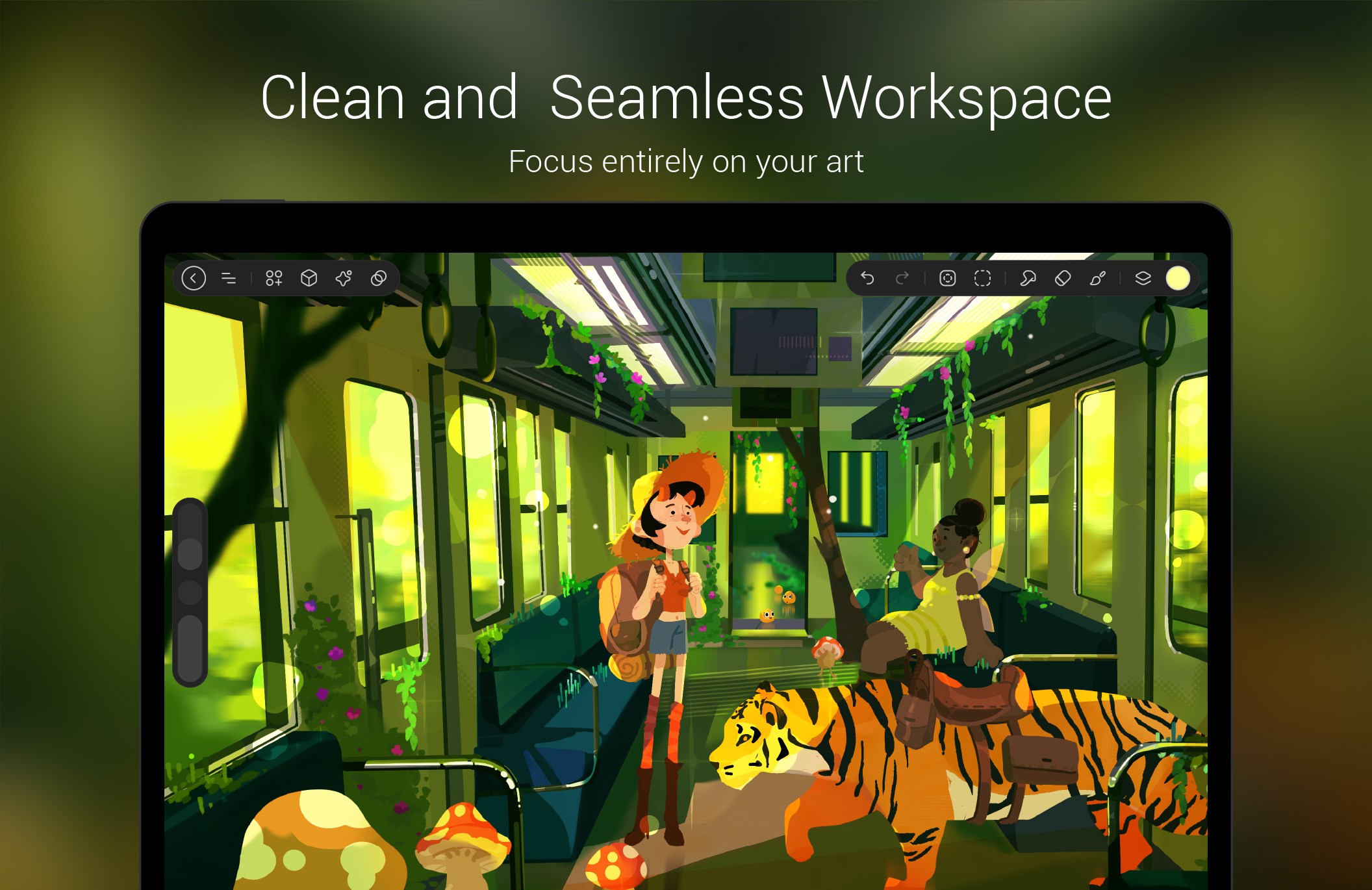
From the moment you launch StylusX, its clean and modern interface beckons like a well-organized artist's desk—everything within arm's reach. The app's layout emphasizes ease of access to tools and settings, reducing the learning curve for newcomers. Navigating through features feels smooth; transitions are fluid, and responsiveness remains sharp, whether you're drawing delicate lines or filling large areas.
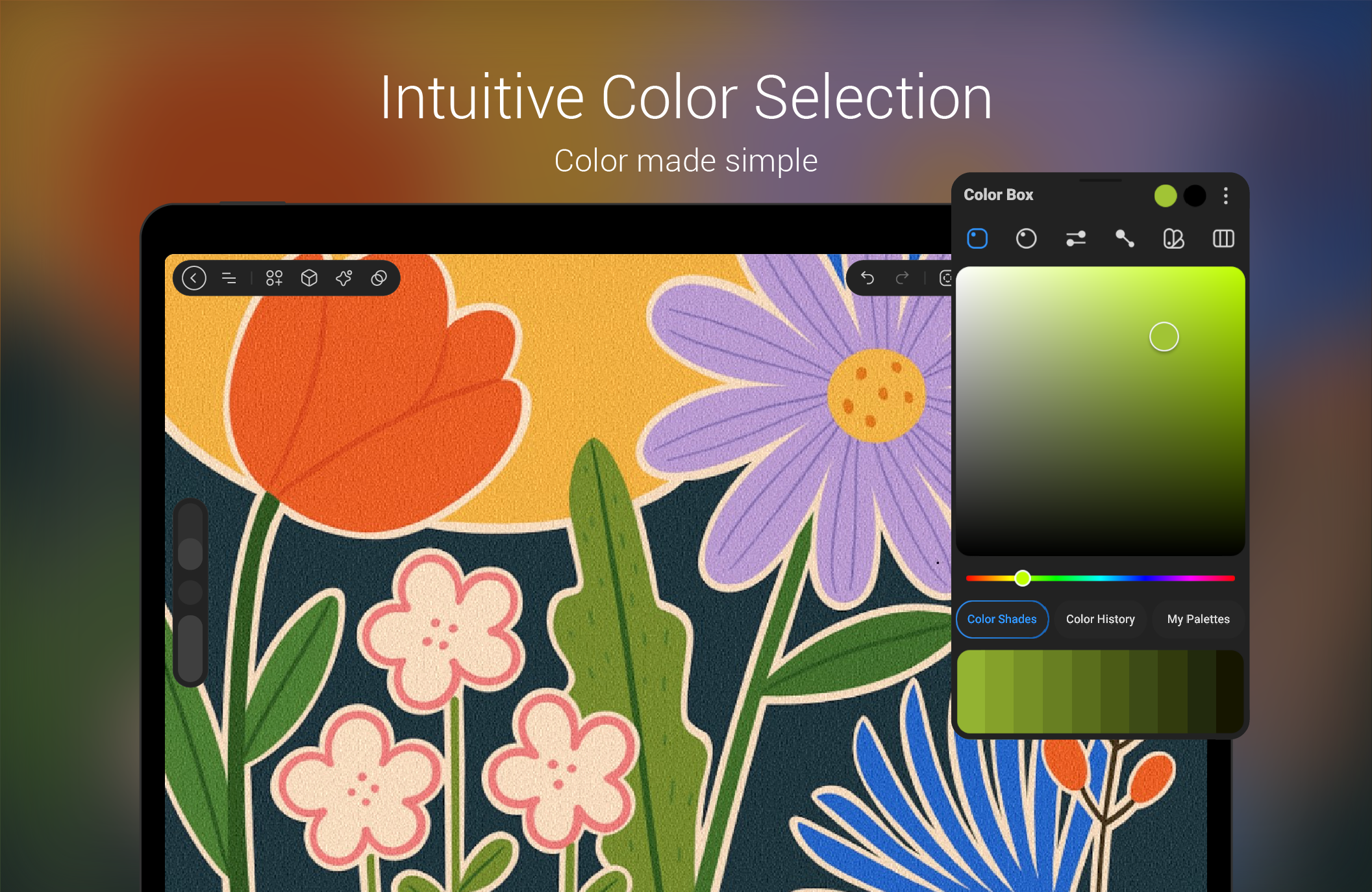
Adjusting tools and settings involves straightforward menus with clear icons and labels, making it approachable for beginners yet robust enough for seasoned professionals. The app responds instantly to stylus inputs, reflecting a high degree of operational fluency that's critical when capturing spontaneous creative ideas.
What Sets StylusX Apart?
Compared to other multimedia design apps, StylusX's standout feature is its exceptional stylus sensitivity customization combined with multi-touch gesture support. Many similar tools offer basic stylus support, but few allow the depth of calibration and fluid gesture integration that StylusX delivers. Imagine the difference between sketching with a standard pencil and one that adapts perfectly to your pressure and tilt; that's the level of control this app provides—bringing a studio-quality touch to your Windows device.
Moreover, its focus on user-centric design and flexible export options ensures it's not just a tool but a creative partner that adapts to your workflow, whether you're an amateur doodler or a professional designer.
Final Thoughts and Recommendations
StylusX for Windows demonstrates a thoughtful blend of precision and usability, making it a compelling choice for anyone interested in digital creativity or stylus-based productivity. Its standout features—especially the detailed stylus calibration and multi-touch gestures—are particularly attractive for users who demand nuanced control and seamless interaction.
While the app shines in its core functionalities, newcomers might need a little time to master some advanced calibration options, but overall, it offers an intuitive experience. For artists, designers, or note-takers seeking a reliable, customizable stylus companion on Windows, StylusX is definitely worth exploring.
In summary, I recommend StylusX for users eager to maximize their stylus devices' potential and enjoy a fluid, responsive digital workspace. It's not just another app; it's a carefully crafted tool designed with precision and user empowerment in mind.
Pros
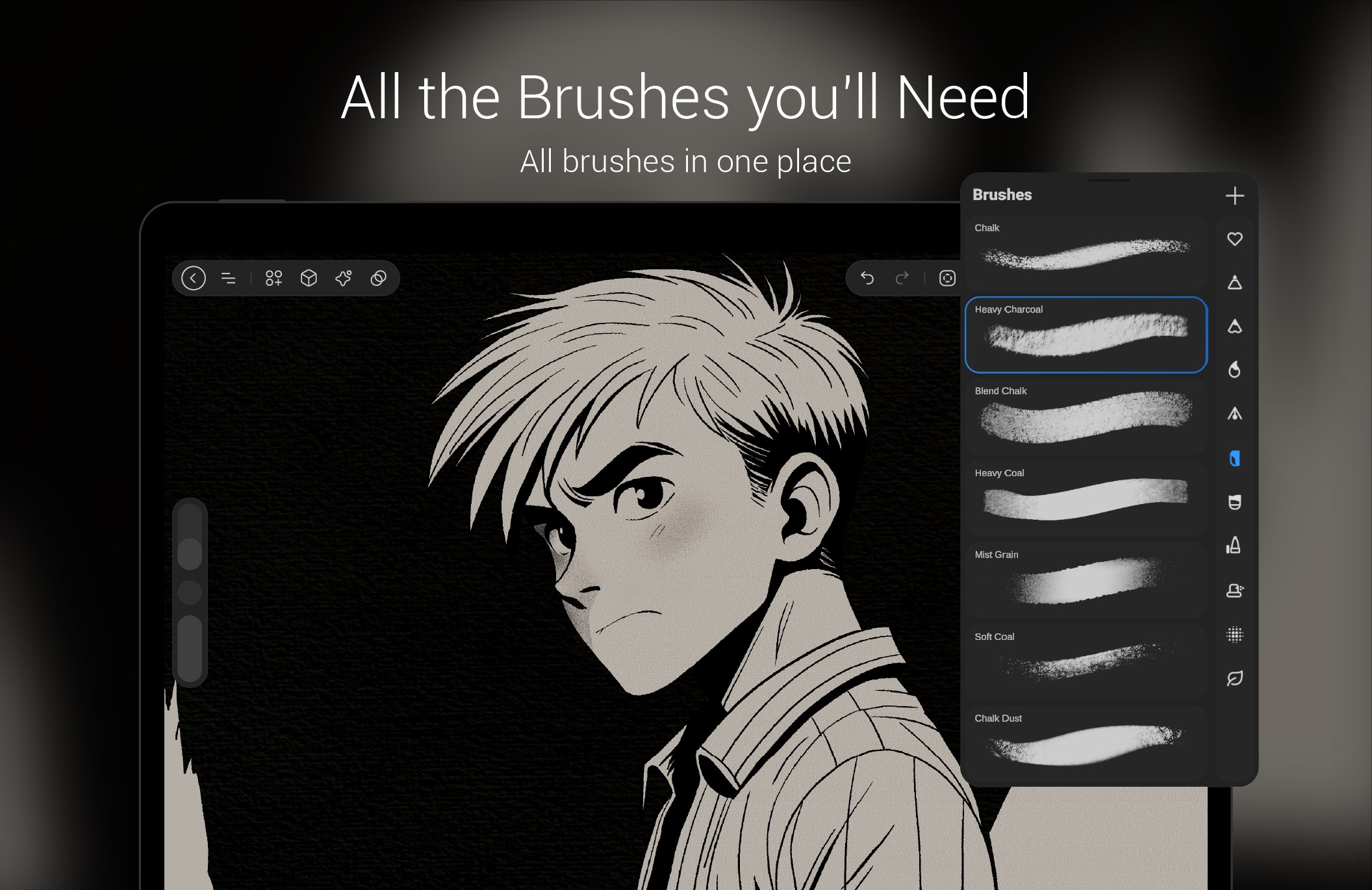
- Intuitive Drawing Interface
- High Precision Support
- Customizable Tools
- Quick Sync with Microsoft Store
- Offline Functionality
Cons
- Limited Export Format Options
- Occasional Lag in High-Resolution Mode
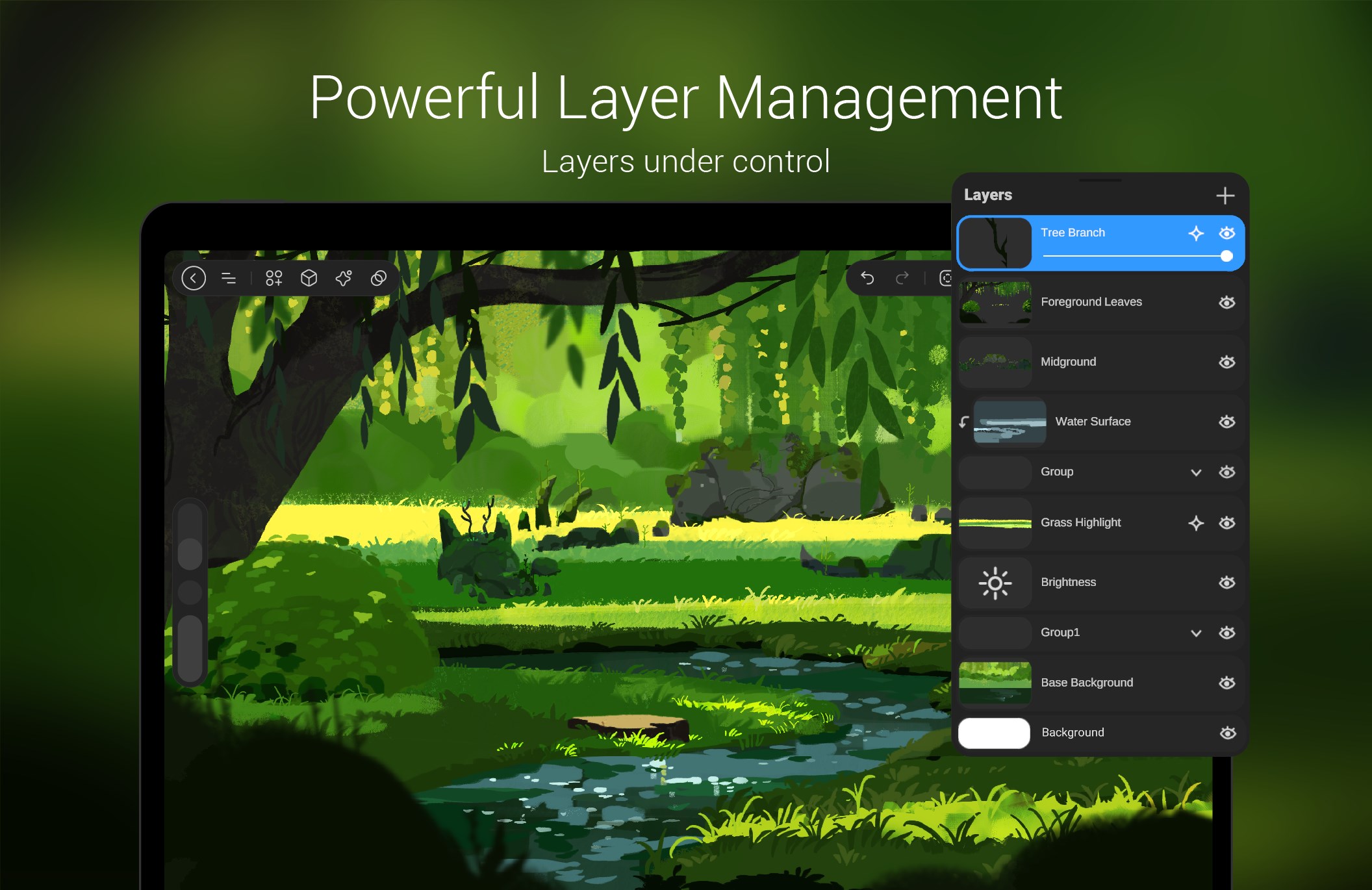
- Lack of Advanced Layer Management
- Limited Customizable Shortcuts
- Some Drawing Tools May Be Too Basic for Professionals










