
- Name WavePad Audio Editor Software Express Edition
- Category Multimedia design
- Developer NCH Software
- Available on PC
- OS Windows 10 version 15063.0 or higher
- Keyboard Integrated Keyboard
- Mouse Integrated Mouse
- languages English (United States)
A Friendly Dive into WavePad Audio Editor Express for Windows
If you're on the hunt for a straightforward yet capable audio editing tool that doesn't overwhelm but still gets the job done, WavePad Audio Editor Express for Windows might just be your new best buddy. Whether you're trimming a podcast, spicing up a playlist, or enhancing some home recordings, this app aims to serve as a trusty sidekick in your creative audio projects.
What's Behind the Curtain? Basic Info
WavePad Audio Editor Express offers a simple, no-fuss approach to audio editing, perfect for users seeking a reliable tool without steep learning curves. Developed and published by NCH Software, a reputable name in multimedia utilities, the app is designed to cater to casual users, students, educators, and small-scale podcasters.
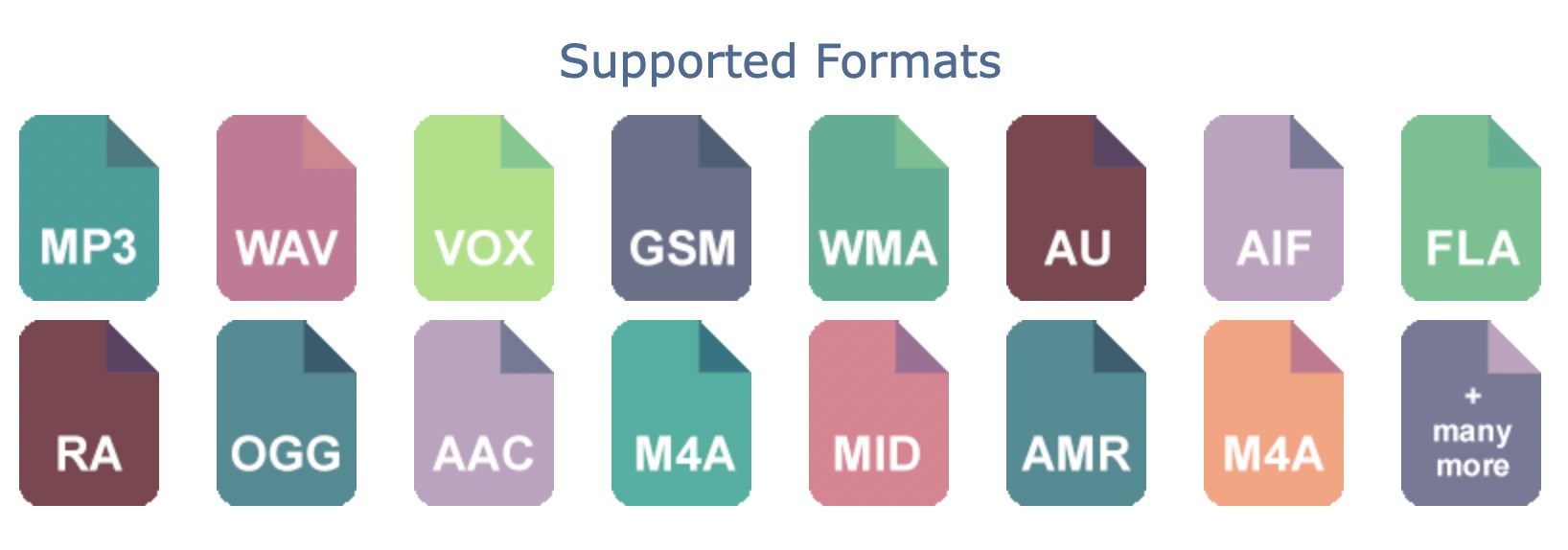
- Main Features Highlights: Multi-track editing, a lush array of audio effects, easy-to-use interface, and support for a wide range of audio formats.
- Target Users: Beginners, hobbyists, educators, podcasters, and anyone who wants quick, effective audio tweaks without diving into complex DAWs.
Stepping Into the Audio Playground: The Experience
Imagine sitting in a cozy studio, surrounded by your favorite tracks, eager to craft the perfect playlist or fix that slightly off-key recording. WavePad makes this scene so effortless that even a novice can feel like a seasoned audio engineer. Its clean, intuitive interface acts like your digital audio workshop, inviting exploration without intimidating complexity.
Core Functionality: Editing and Effects Made Simple
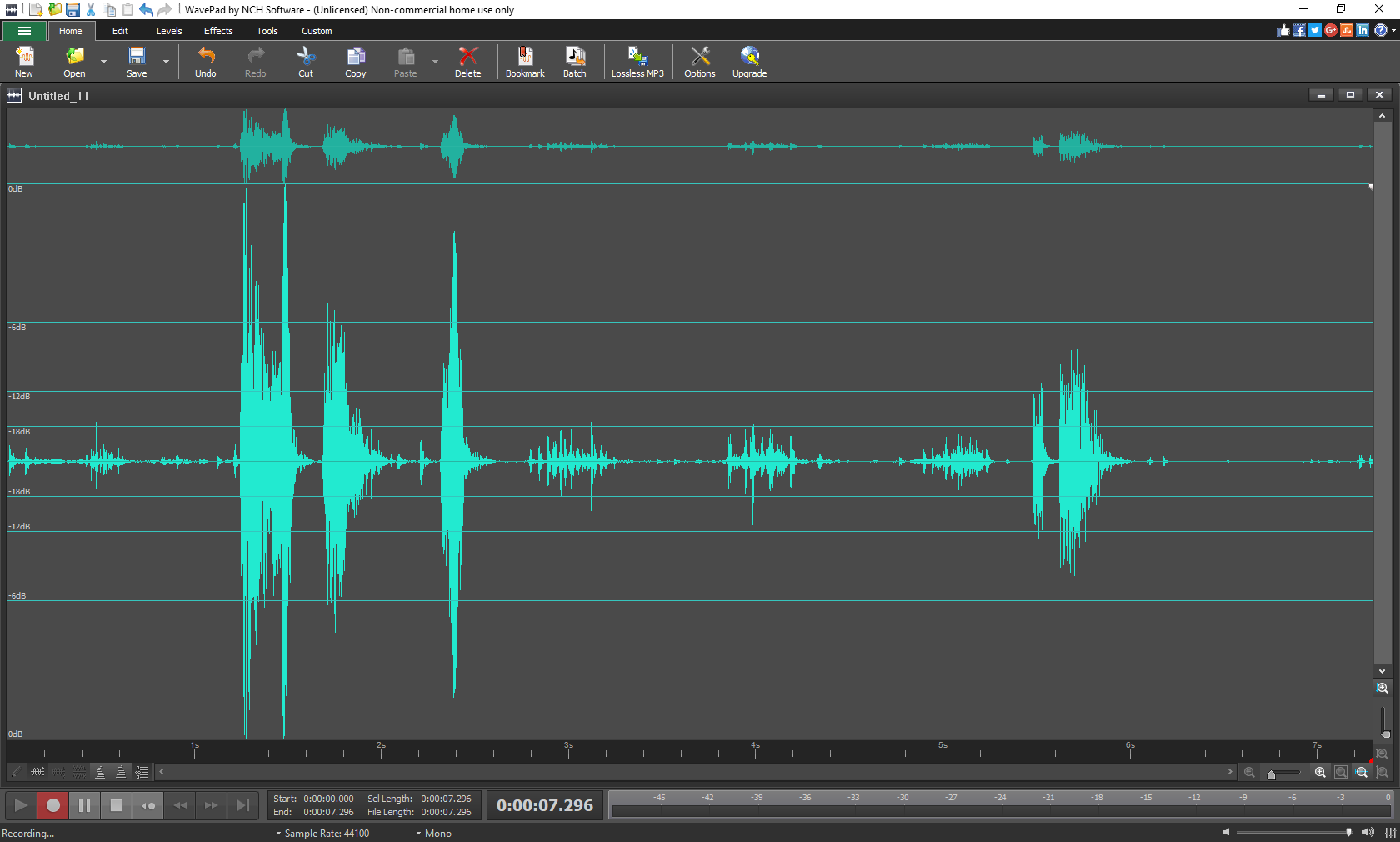
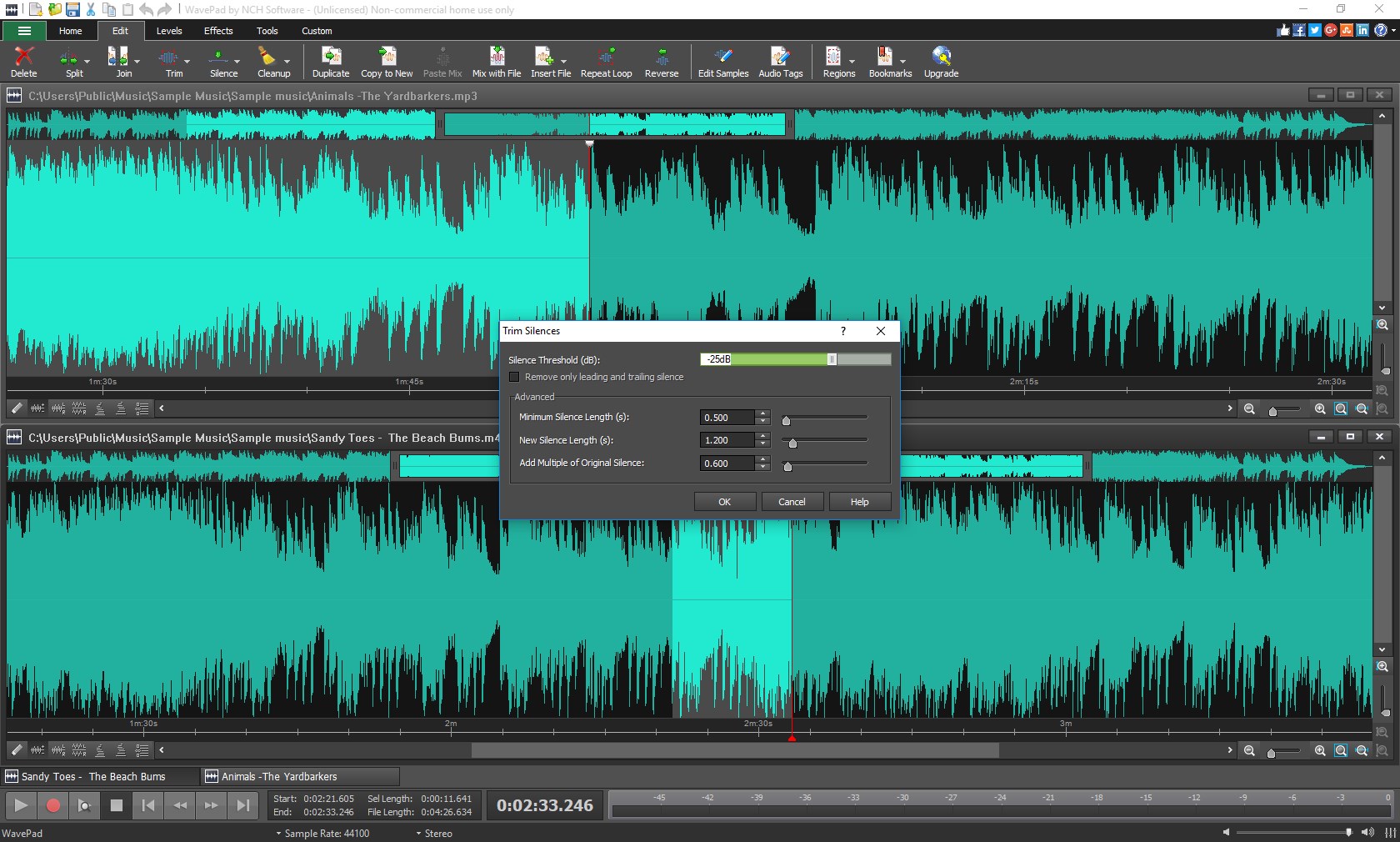
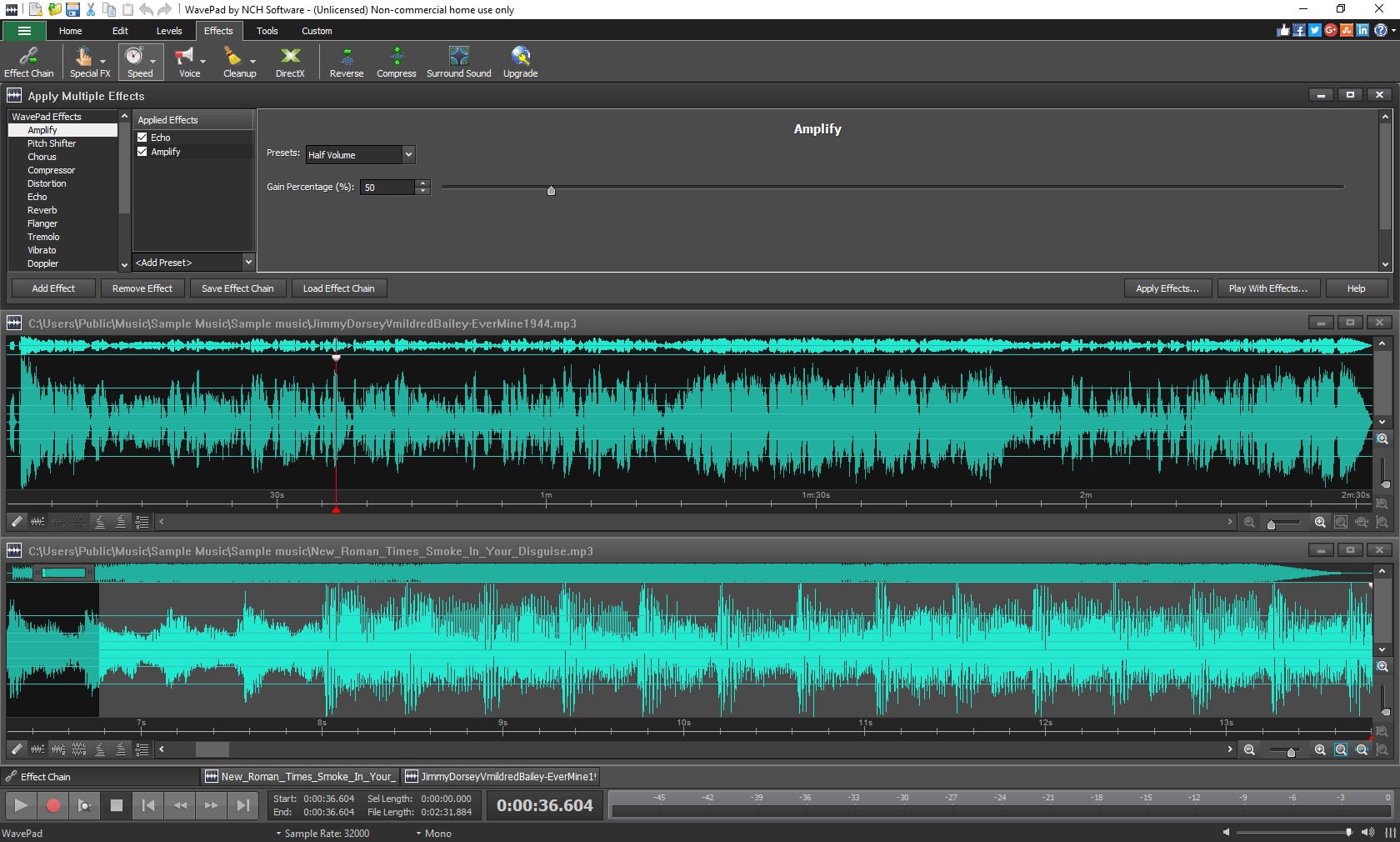
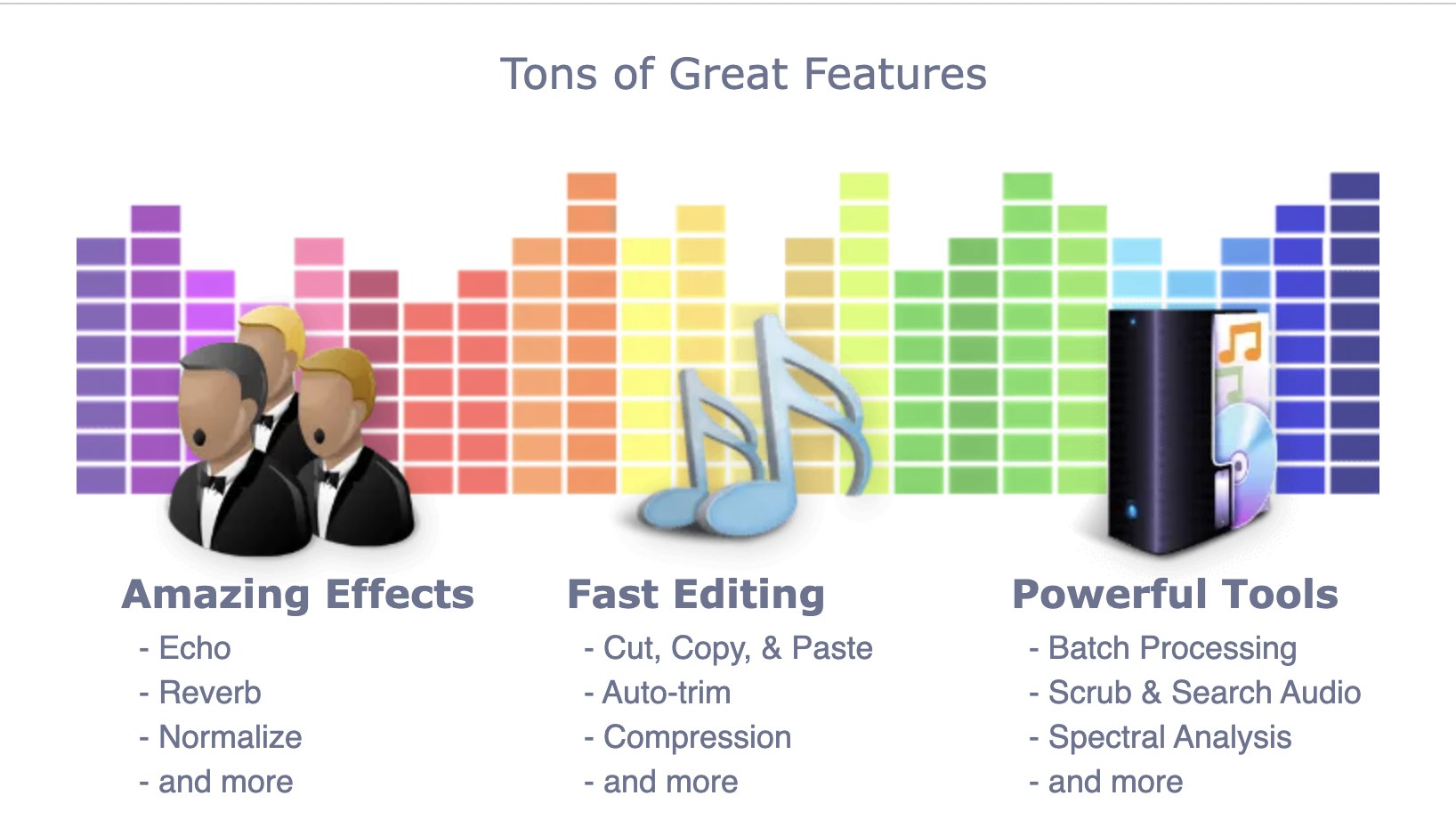
One of WavePad's crown jewels is its multi-track editing capability. Think of it as a digital scrapbook where you can layer multiple audio clips, adjust their timing, and blend sounds seamlessly. Whether it's mixing background music with voiceovers or stacking sound effects, this feature empowers you to build complex audio compositions with just a few clicks. The editing tools—cut, copy, paste, trim—are presented clearly, making common tasks feel like a breeze—imagine slicing through butter rather than wrestling with rough edges.
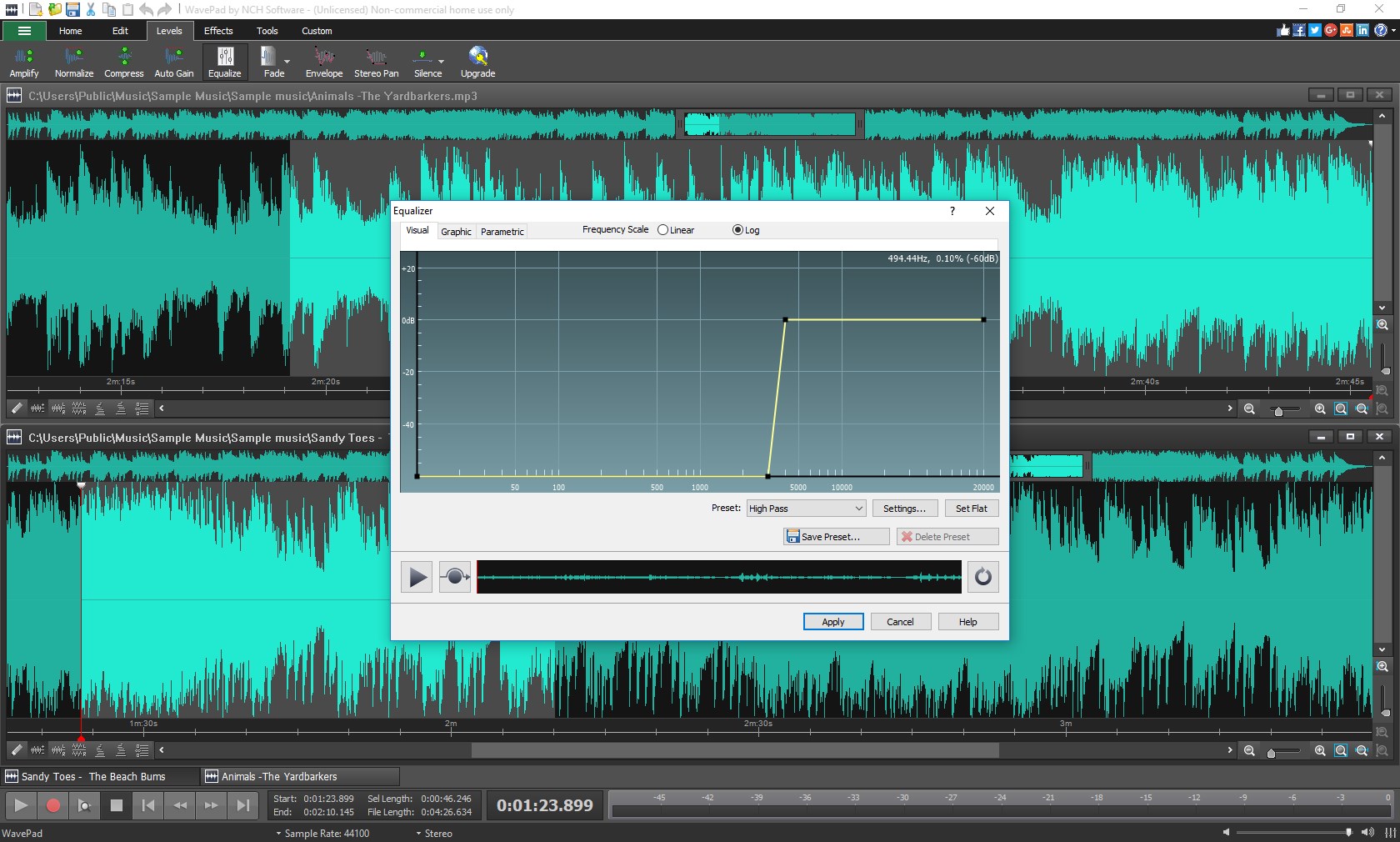
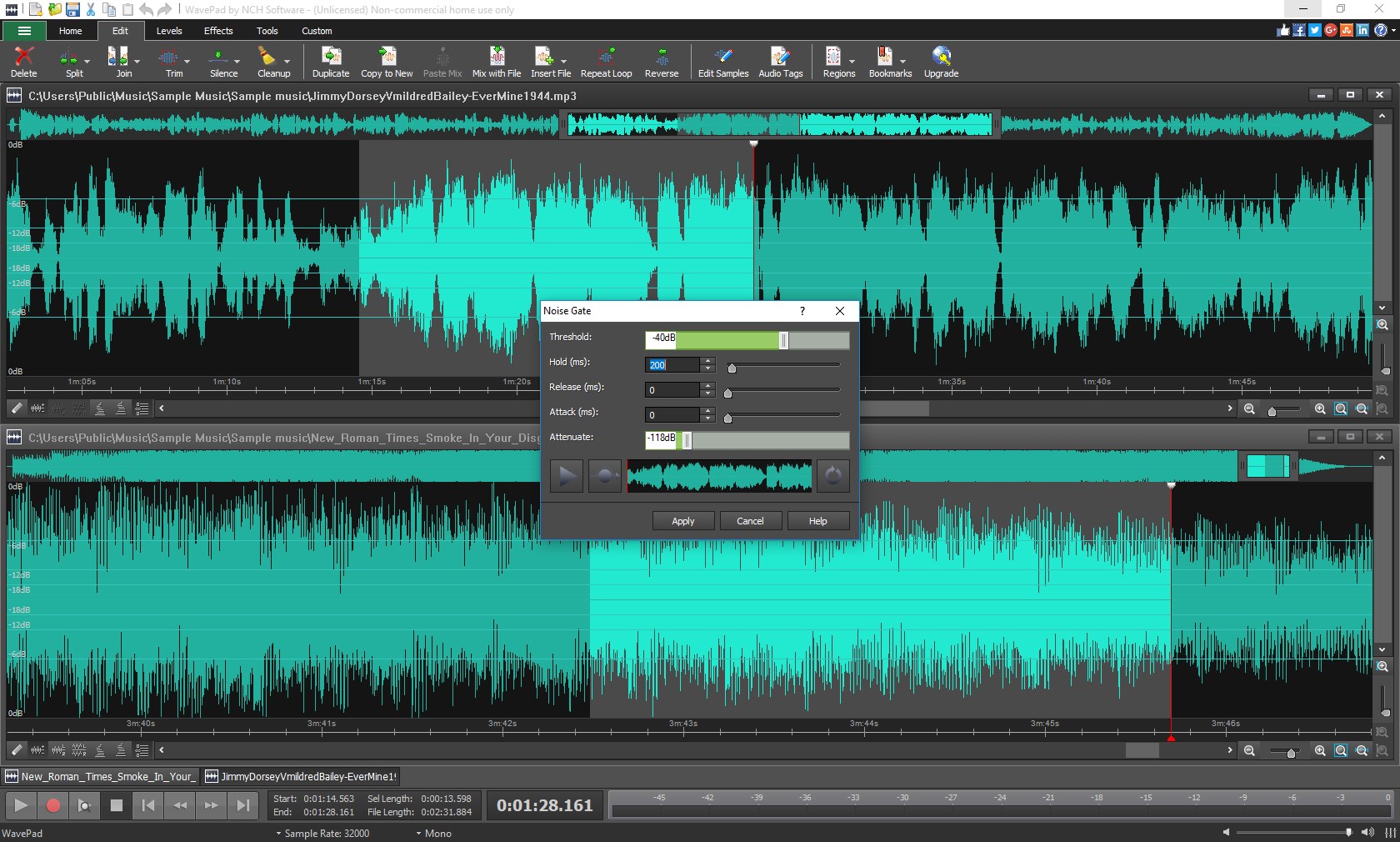
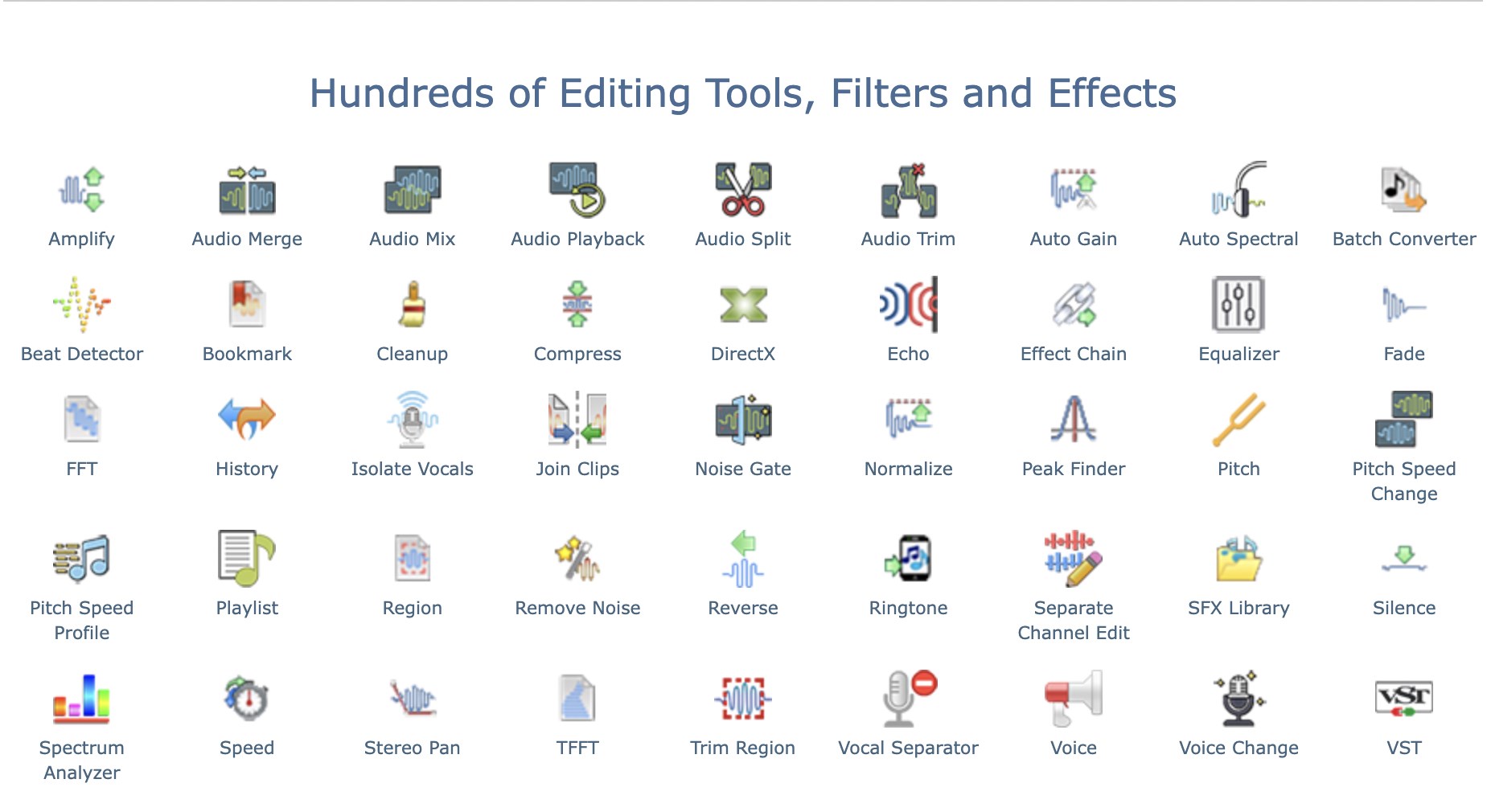
Another standout is the rich library of audio effects—reverb, echo, equalization, noise reduction—that allow you to enhance recordings with professional polish. These effects are easy to apply and tweak, giving your audio a fresh sound much like a chef adjusting spices to perfect a recipe. The ability to remove background noise is particularly notable, making it ideal for clean podcast recordings or enhancing music samples.
User Experience: Interface, Flow, and Learning Curve
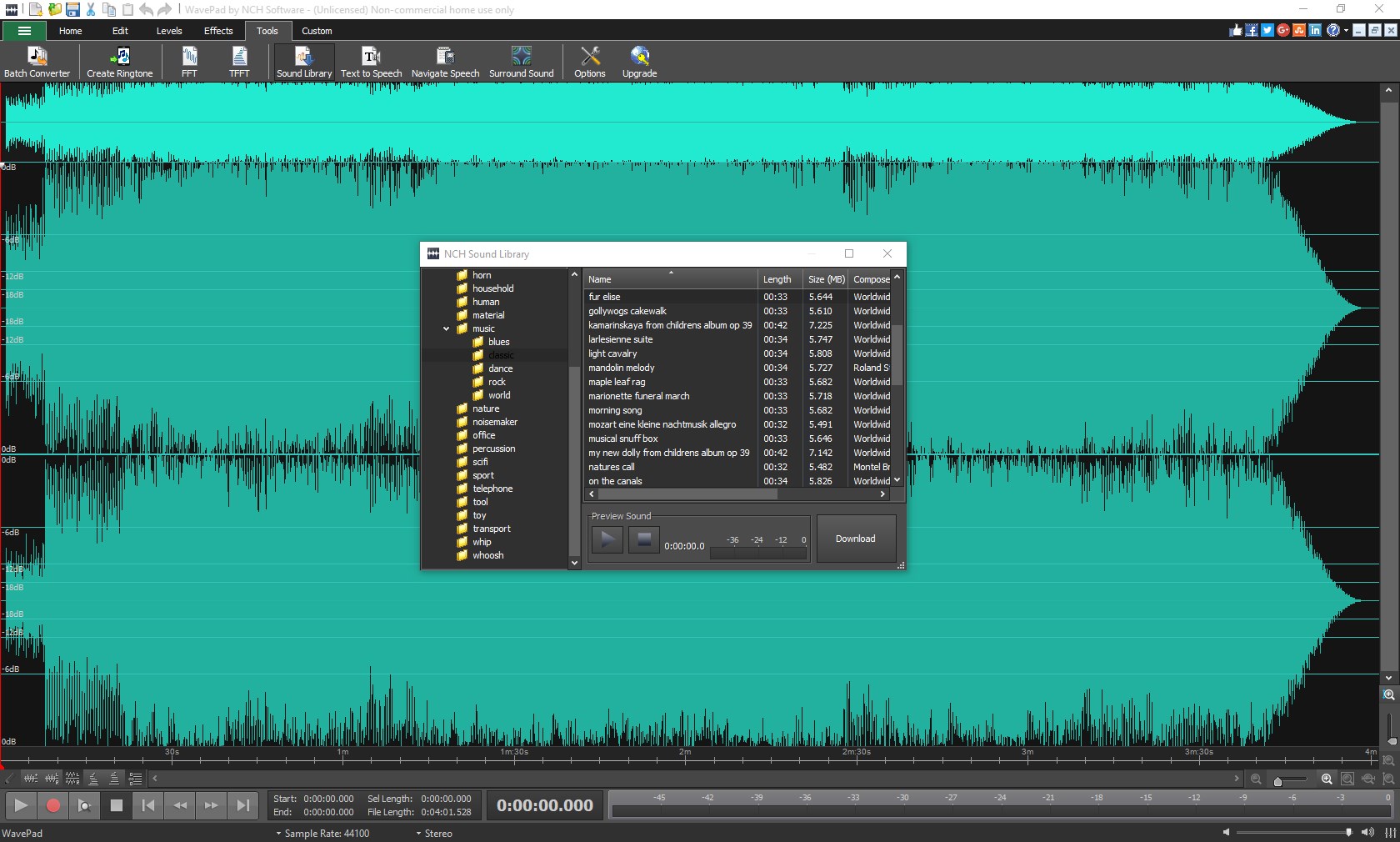
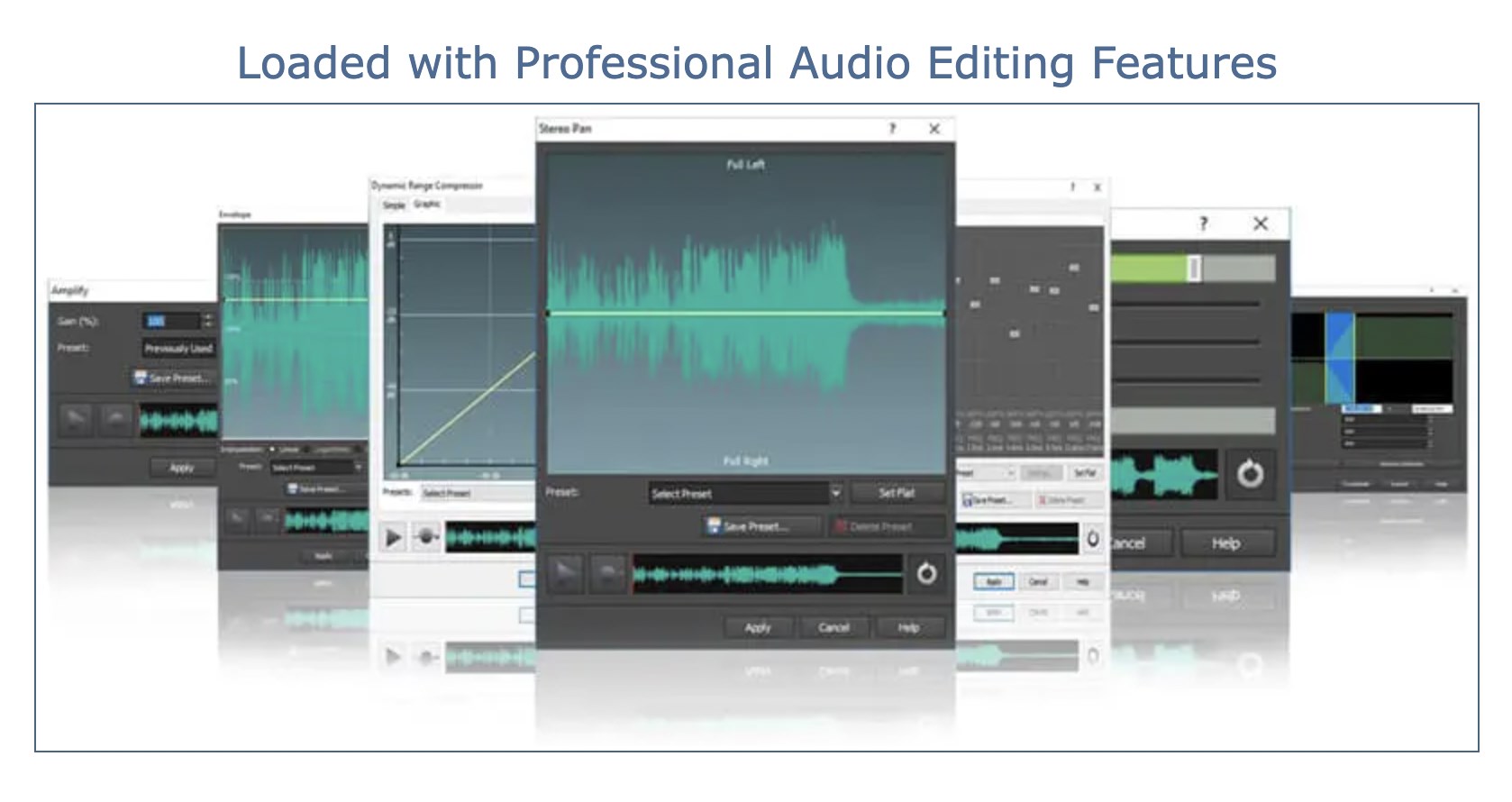
WavePad's interface is like a well-organized workspace—everything you need is within arm's reach. The icons are straightforward, and functions are logically grouped, which makes navigation smooth even for absolute beginners. Response time is snappy, ensuring your editing sessions feel seamless. While some advanced features might take a little time to master, overall, the app's learning curve remains gentle, encouraging users to experiment and learn without frustration. It's as if your digital studio is always inviting you to pick up new tricks without leaving you stranded in a sea of options.
What Sets WavePad Apart from Others?
Compared to other multimedia design tools like Audacity or Adobe Audition, WavePad's biggest unique advantage lies in its focus on simplicity paired with versatility. Its primary highlight is the ease of applying advanced effects without overwhelming the user—think of it as a luxury car that combines comfort with high performance, rather than a complex race car requiring expert driving skills. The app also excels at quick edits and batch processing, saving time for those who need fast results. Its cross-platform support and file compatibility make it a flexible choice for casual users who want to switch devices or work with various formats seamlessly.
Final Thoughts: Is It Worth a Try?
All in all, WavePad Audio Editor Express strikes a commendable balance between power and simplicity. It's certainly recommended for beginners and those who prefer an easy-to-navigate interface without sacrificing essential editing tools. If your projects are straightforward, and you need a reliable, no-fuss audio editor, this app is a solid choice. For advanced audio professionals or those seeking comprehensive mixing capabilities, exploring more feature-rich DAWs might be necessary—but as a user-friendly entry point, WavePad wins points for its approachable design and core features. Consider giving it a spin—you might find it's just what you need to give your audio projects that extra touch of clarity and professionalism.
Pros
- Intuitive User Interface
- Wide Range of Audio Formats
- Robust Editing Features
- Batch Processing Capabilities
- Built-in Effects and Filters
Cons
- Limited Free Features
- Occasional Stability Issues
- Basic Audio Restoration
- Limited Multichannel Support
- Advanced Features Require Purchase











