

- Name VSDC Video Editor
- Category Multimedia design
- Available on PC
- OS Windows 10 version 14393.0 or higher
- Keyboard Integrated Keyboard
- Mouse Integrated Mouse
- DirectX Version 9
- Memory 1 GB
- languages English (United States)
Overview: A Capable Yet User-Friendly Video Editor for Windows
VSDC Video Editor for Windows, developed by Vector Ltd, positions itself as a versatile tool for both novice and semi-professional video creators seeking a feature-rich yet accessible editing experience. With an emphasis on powerful editing capabilities combined with an intuitive interface, it caters to users who want to craft polished videos without delving into overly complex software.
Key Features That Stand Out
1. Non-Linear Editing with Precision Control
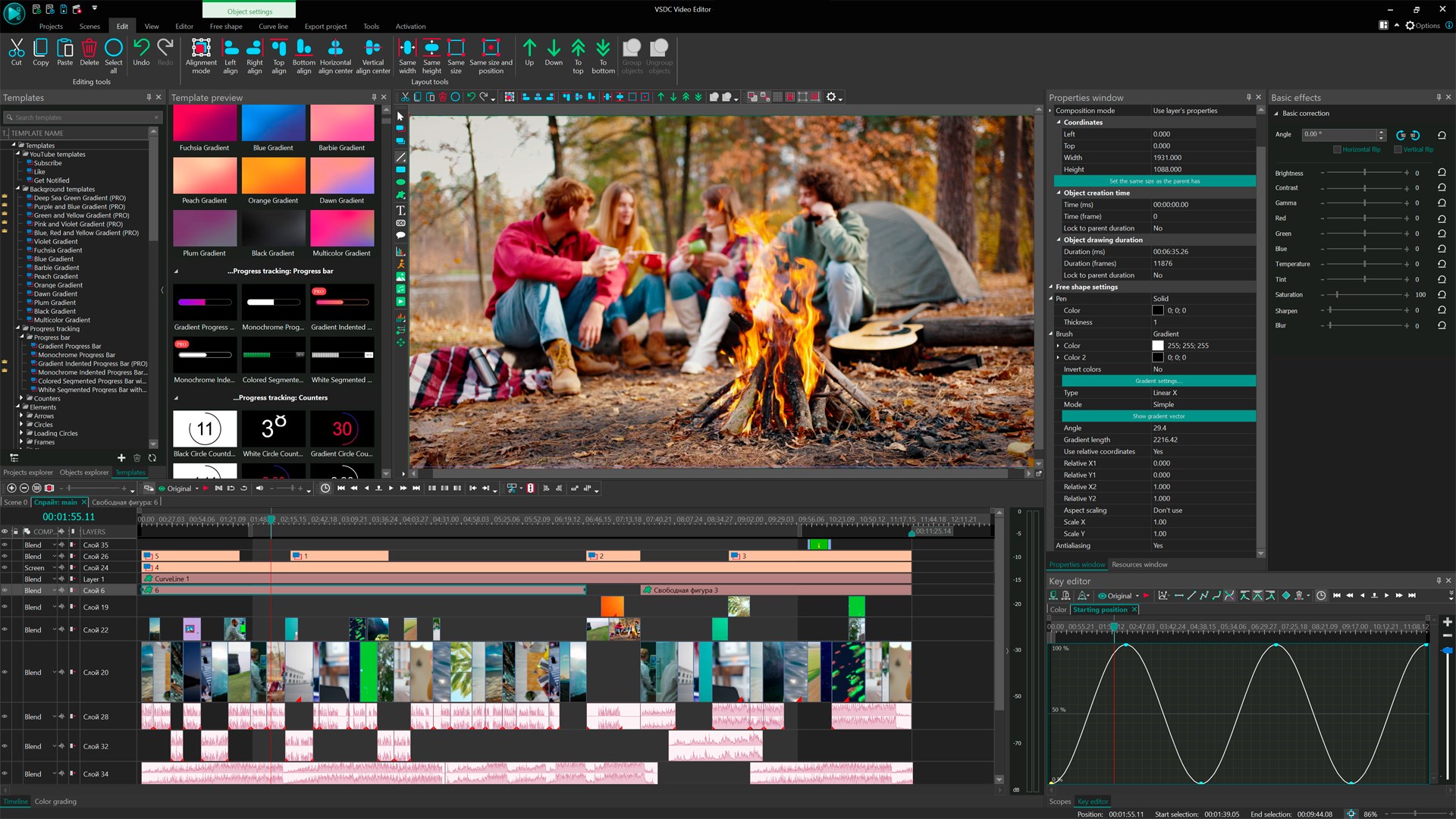
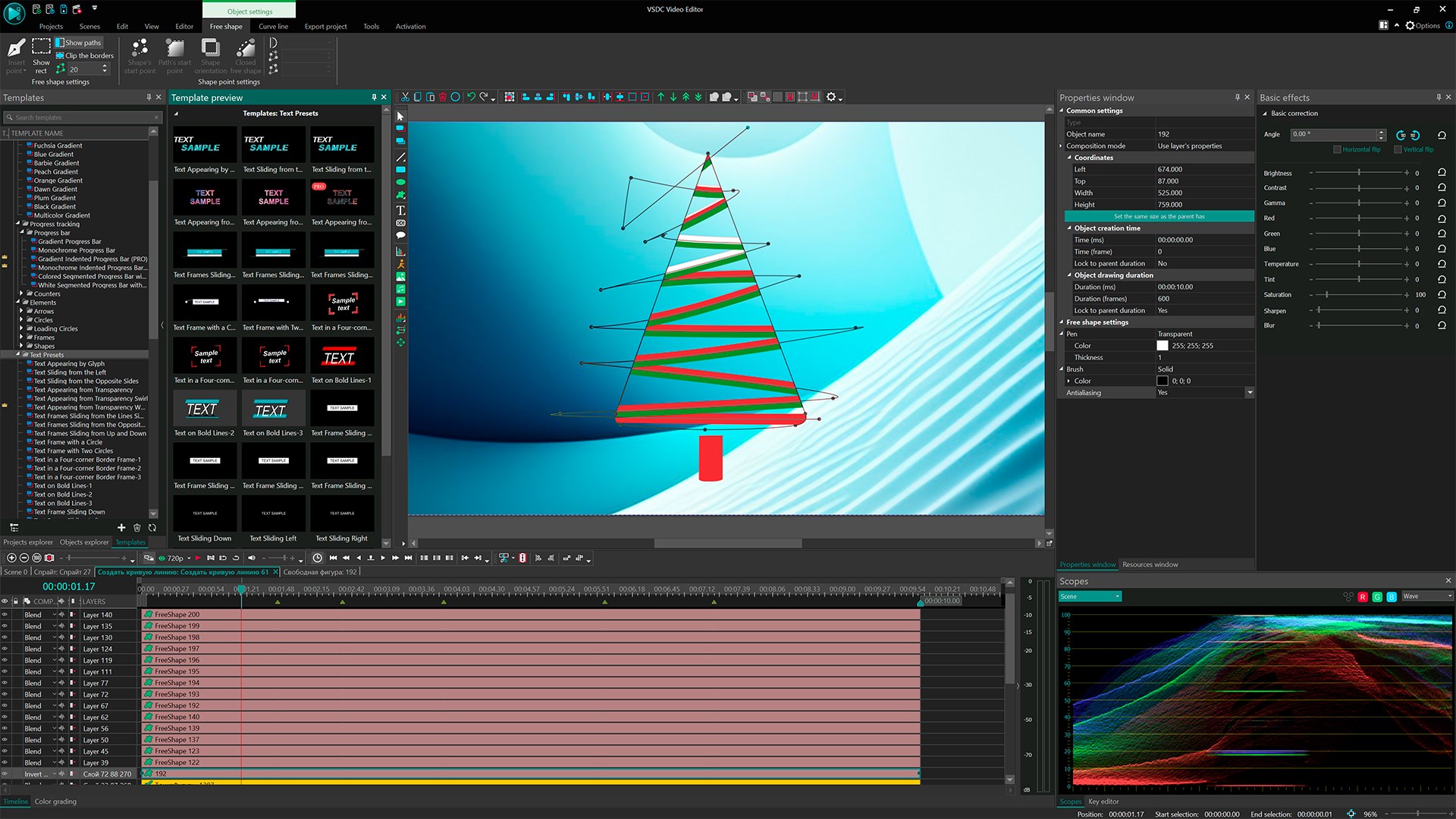
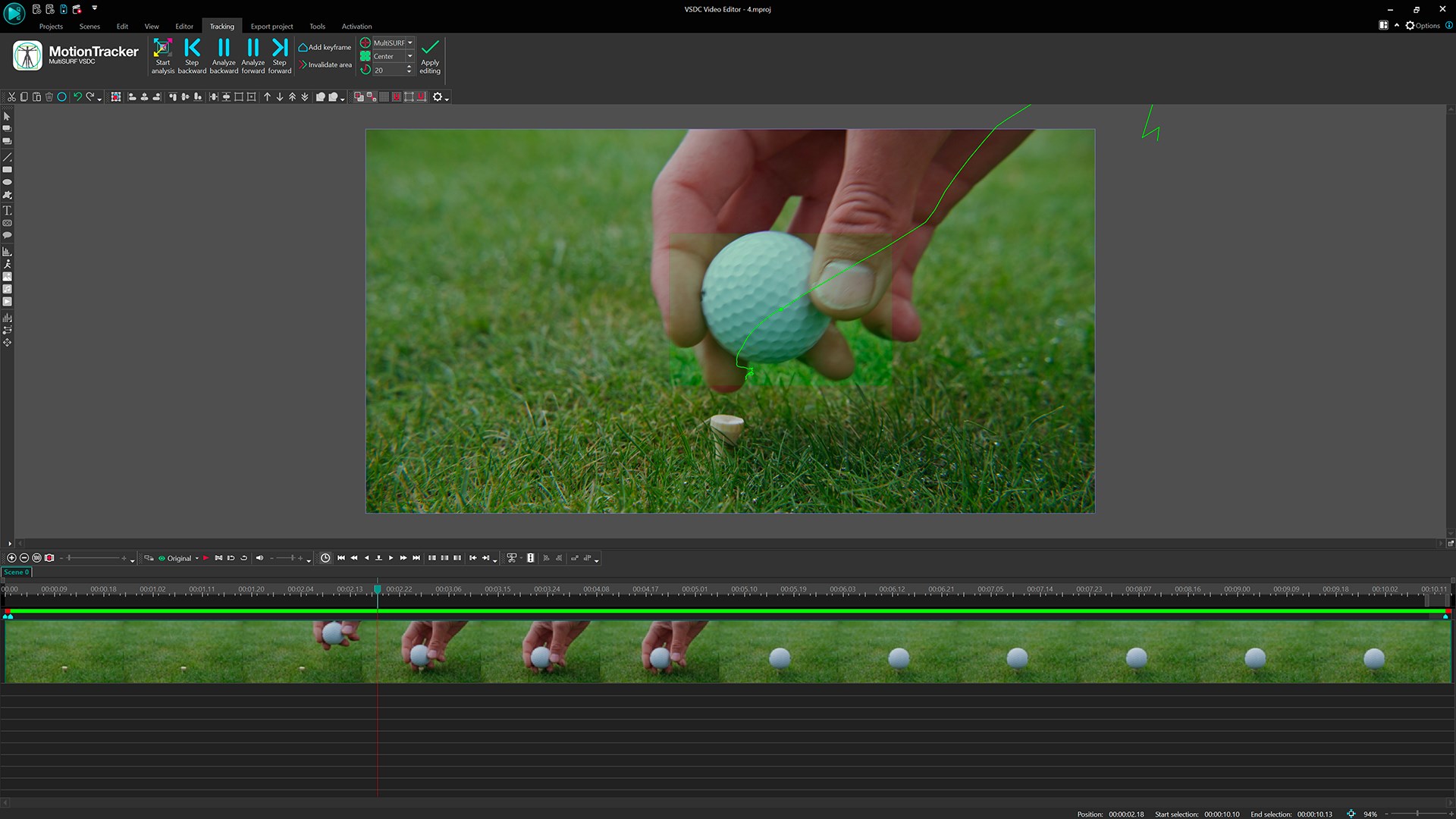
Unlike traditional timeline-based editors, VSDC offers a non-linear editing interface that allows users to place and move media objects freely on the canvas. This flexible approach provides greater creative freedom, making tasks like overlaying videos, applying filters, or masking elements a breeze. The precision control over object positioning and timing makes complex edits feel more natural and less constrained.
2. Advanced Visual Effects and Masking Capabilities
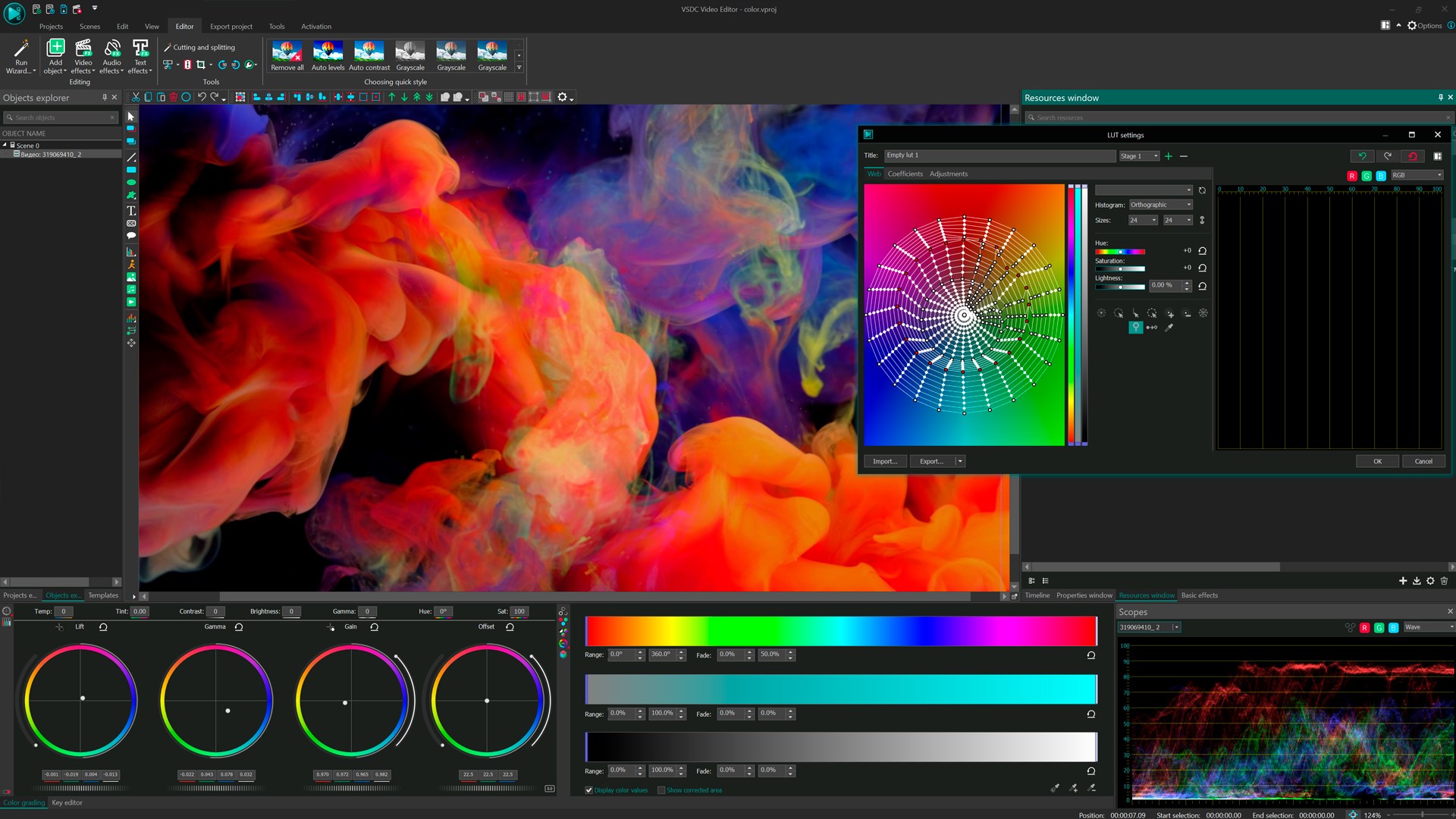
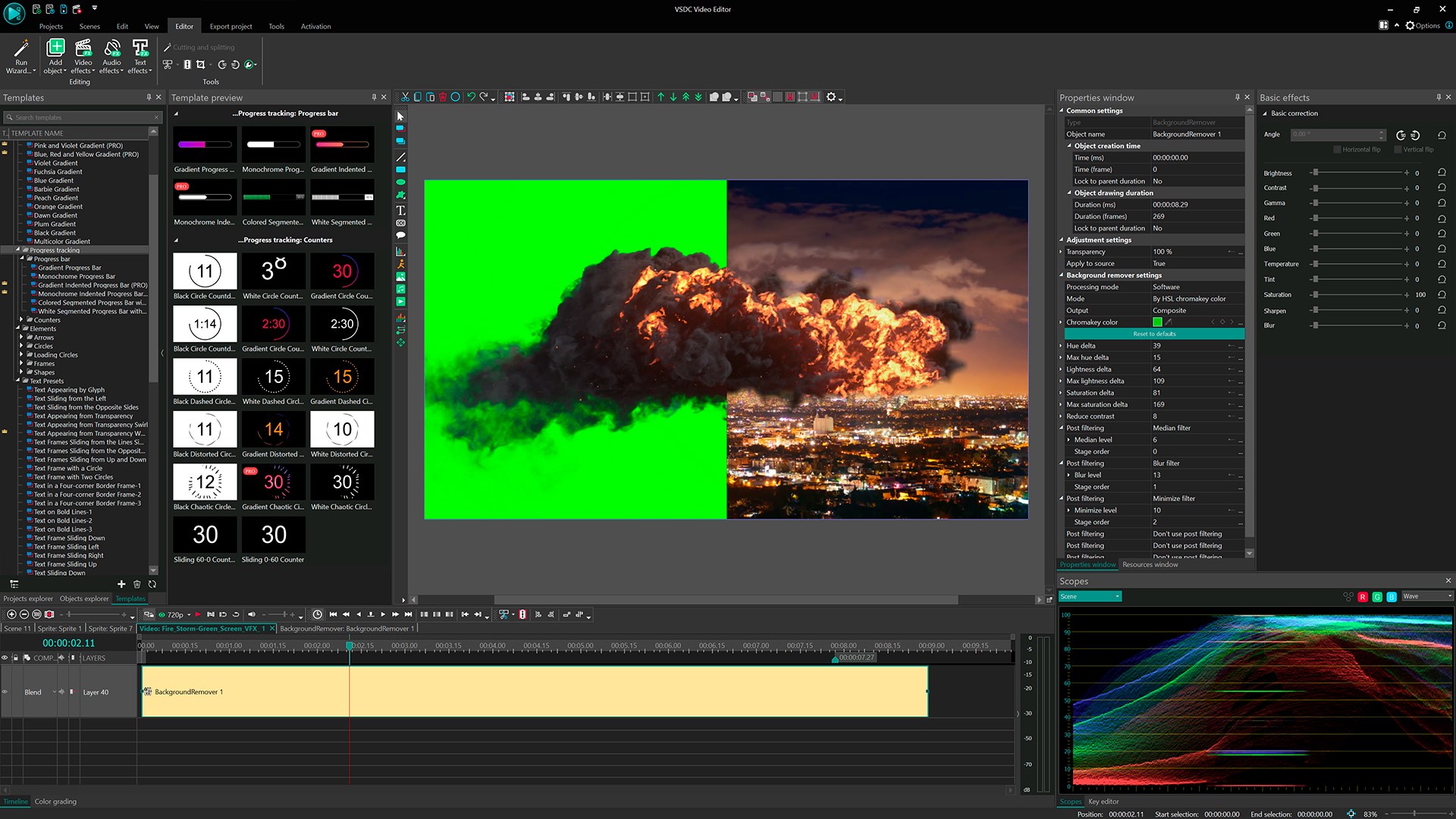
VSDC shines in its visual effects arsenal, especially with its masking and chroma-key tools. Users can perform complex background removals or create layered visual effects seamlessly. The masking feature, in particular, is a standout, allowing for dynamic overlays, picture-in-picture effects, or creative transitions that can elevate a simple project into a professional-looking production.
3. Audio Editing and Enhancement Tools
Freshly integrated audio features enable users to fine-tune soundtracks with equalizer, volume envelope, and noise reduction options. Synchronizing audio with video is made smoother, making the app suitable for those who pay close attention to audio quality in their videos. This focus on audio is a notable advantage over some competitors that often overlook sound editing capabilities.
User Experience: Navigating the Creative Journey
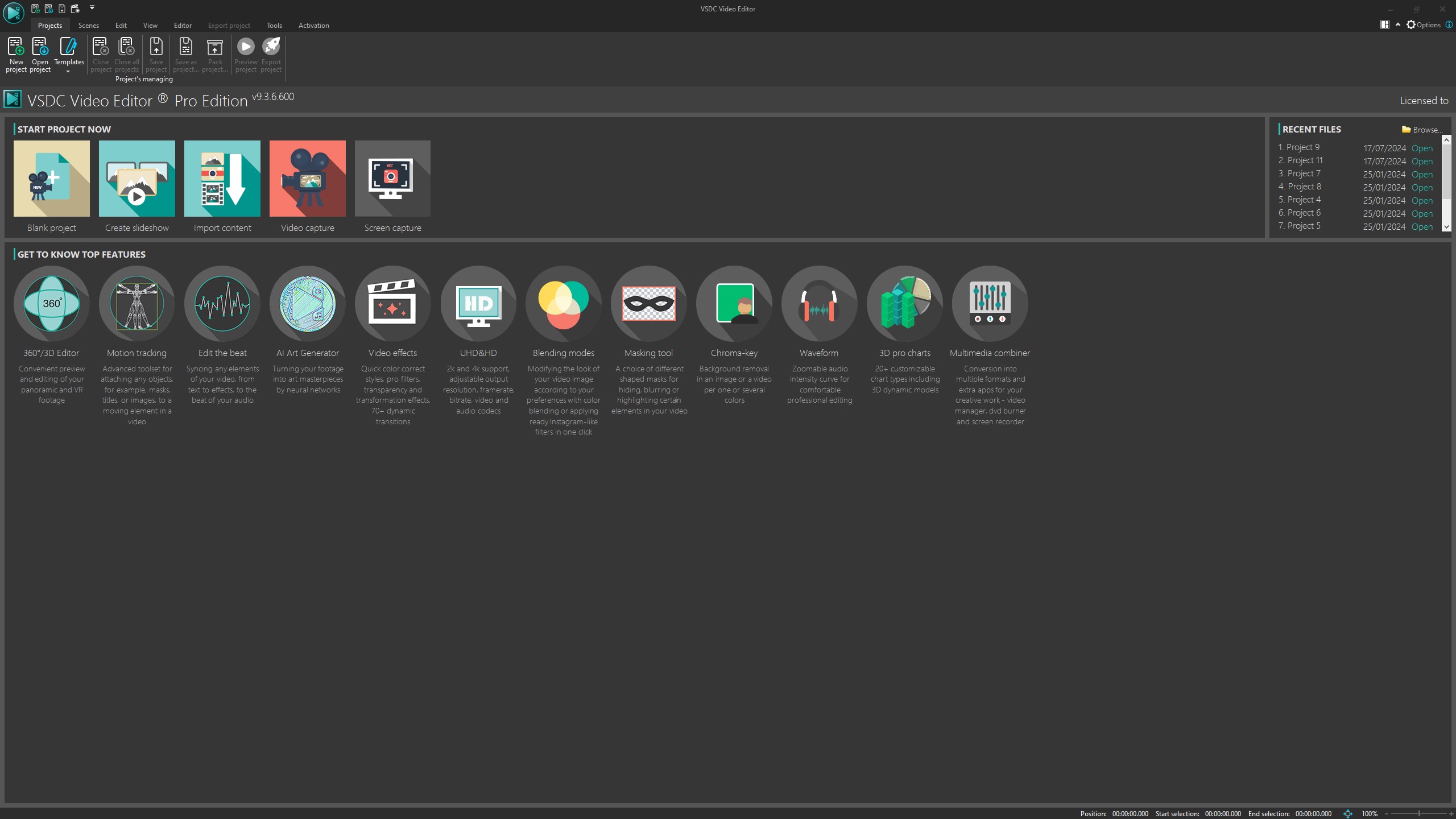
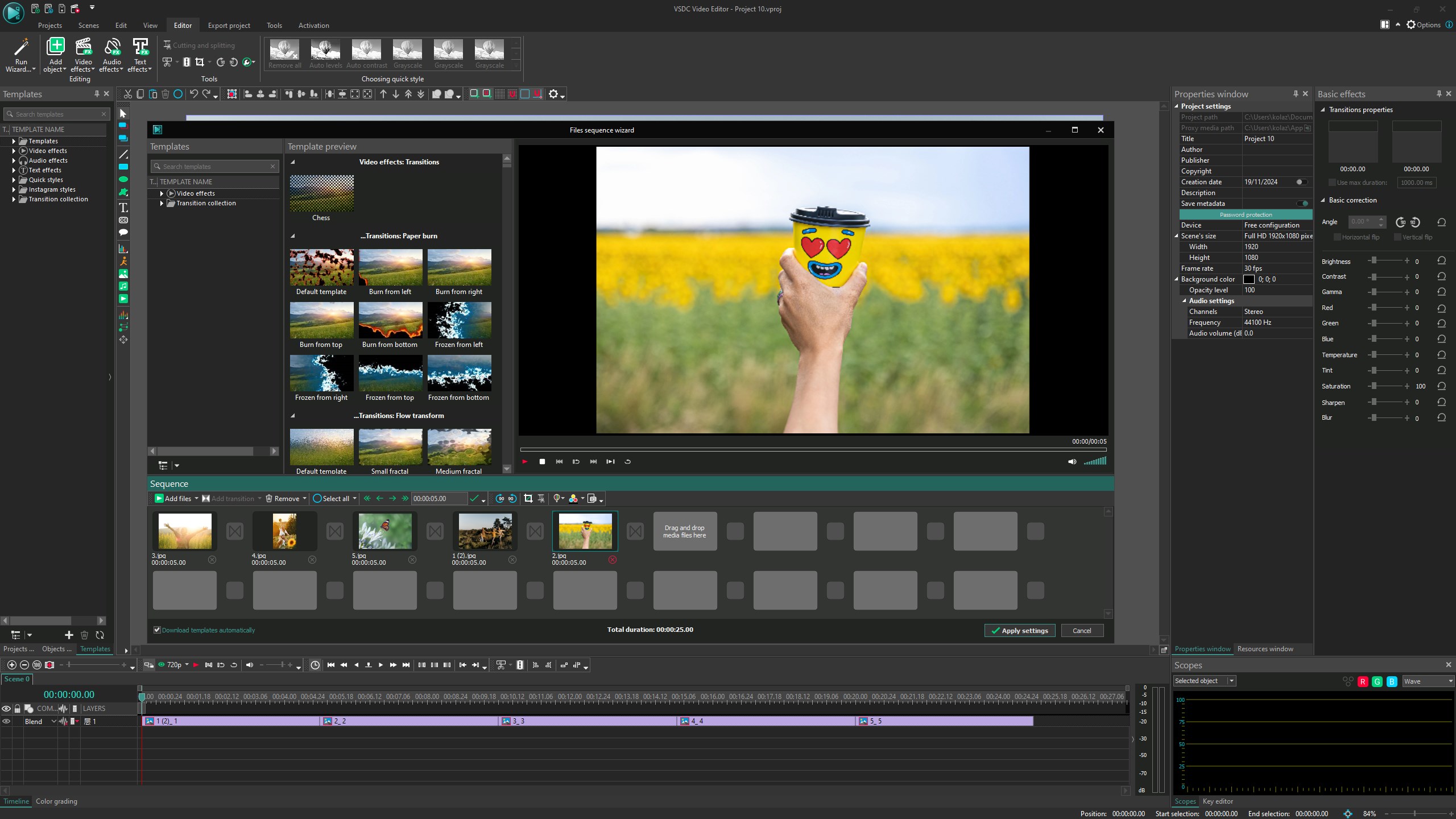
The interface of VSDC is thoughtfully designed to balance complexity and ease of use. Its dark-themed workspace feels modern and reduces eye strain during long editing sessions. The drag-and-drop functionality combined with contextual menus simplifies navigation, helping users find what they need without excessive clicks. While some advanced features might require a brief learning curve, the abundance of tutorial resources and community support mitigates this hurdle effectively.
Operation across different hardware configurations remains smooth, with minimal lag during typical editing tasks. The software's architecture ensures that even resource-intensive effects like masking or 4K rendering process efficiently, making it suitable for users with mid-range PCs.
What Makes VSDC Different? Unique Selling Points
When comparing VSDC with other multimedia editing applications, its non-linear editing and masking features are standout differentiators. Many free or budget-friendly editors operate on linear timelines, which can feel restrictive; VSDC's non-linear approach unlocks creative potential similar to high-end software without the steep learning curve. Additionally, its robust masking tools allow for sophisticated compositing and visual storytelling—capabilities that often require premium tools elsewhere.
Furthermore, VSDC's commitment to a relatively gentle learning curve, combined with advanced features, gives it an edge as an entry-level professional tool. Unlike some editors that either sacrifice features for simplicity or overwhelm beginners, VSDC strikes a balanced middle ground, making it a compelling choice for growing content creators.
Final Thoughts and Recommendations
Overall, VSDC Video Editor for Windows is a solid, versatile software that offers particular strengths in visual effects, masking, and flexible editing workflows. It's especially suitable for users who want more control over their editing process without committing to more expensive, complex software. Beginners can start with the intuitive interface, while intermediate users will appreciate its advanced capabilities.
I would recommend this app to hobbyists, YouTubers, and small production teams looking for an affordable yet powerful editing solution. For those aiming at professional-grade post-production, VSDC can serve as a capable stepping stone, especially with its unique masking and non-linear editing features knocking some of the higher-end competition out of the park at this price point.
Pros
- User-Friendly Interface
- Advanced Editing Features
- Wide Format Support
- Free Version Available
- Performance Efficiency
Cons
- Occasional Stability Issues
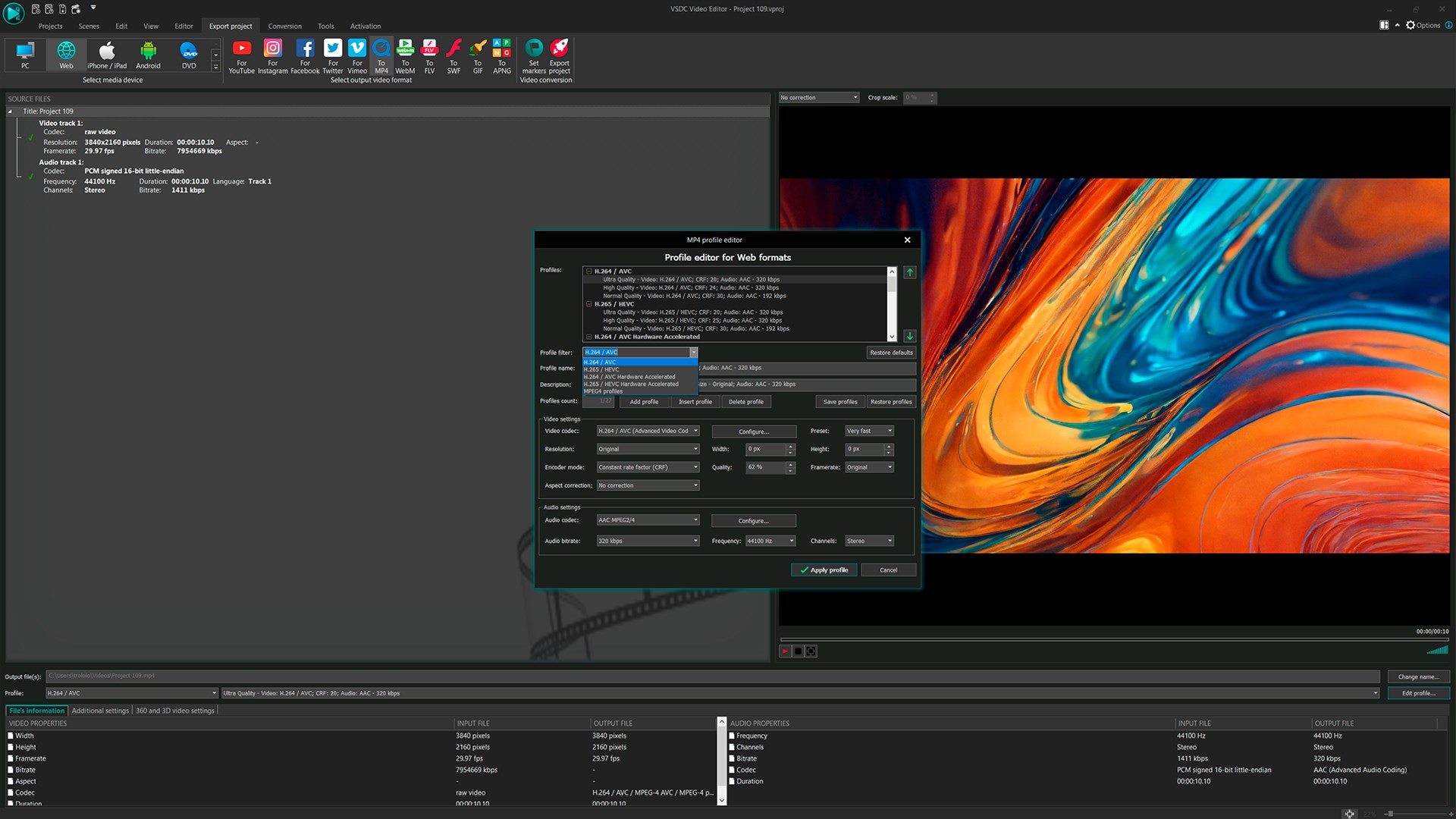
- Limited Export Options in Free Version
- Learning Curve for Advanced Features
- Watermark on Exported Videos (Free Version)
- Limited Support for 3D Editing











