
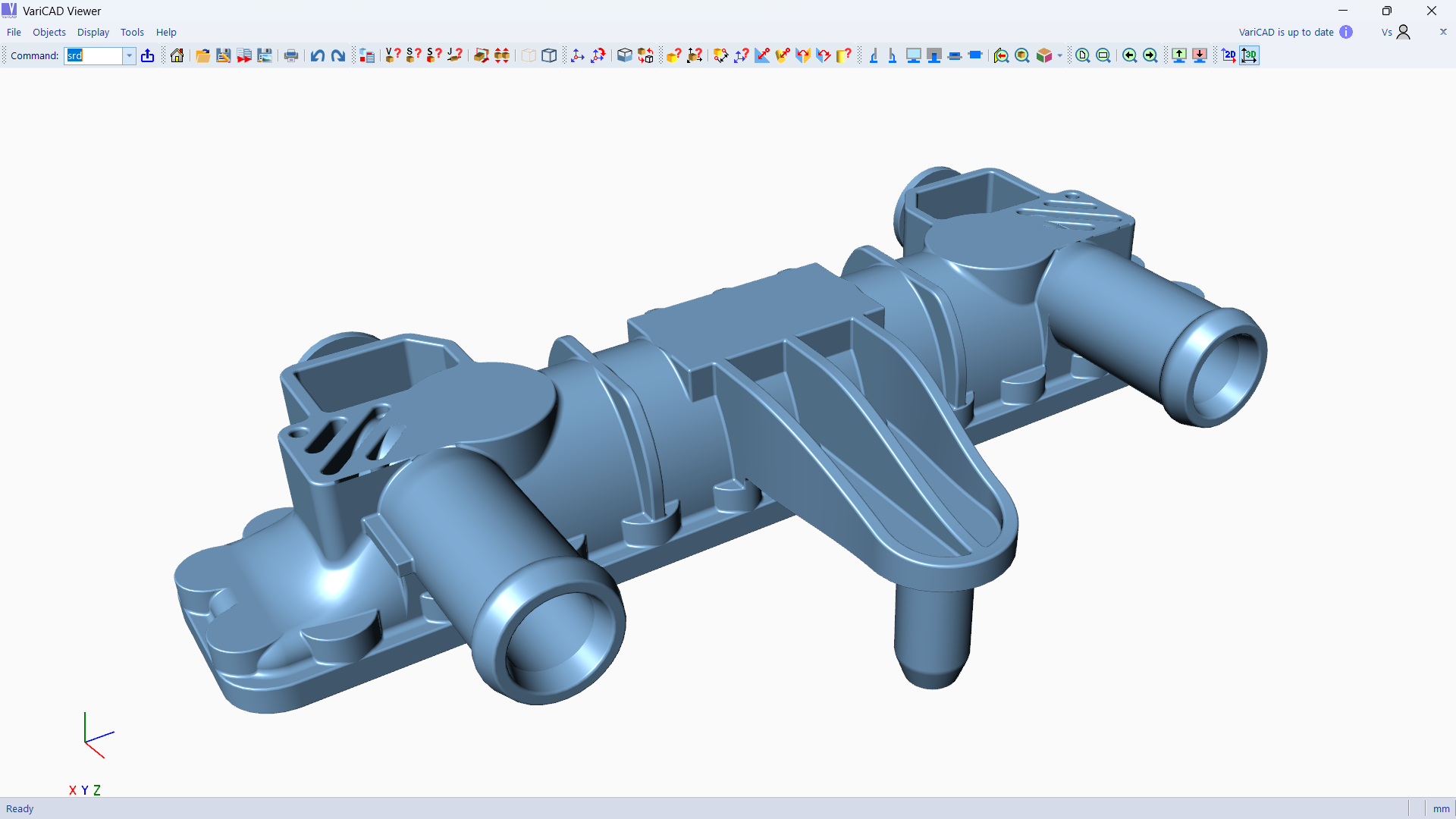
- Name VariCAD Viewer & Converter
- Category Multimedia design
- Available on PC
- OS Windows 10 version 0.0 or higher
- Keyboard Integrated Keyboard
- Mouse Integrated Mouse
- languages Czech, English, German, Portuguese, Japanese
Introducing VariCAD Viewer & Converter: Your Gateway to Seamless CAD Viewing and Conversion
Imagine effortlessly opening, viewing, and converting complex CAD models without the hefty software overhead—this is exactly what VariCAD Viewer & Converter offers. Designed to streamline your CAD workflow, this lightweight application aims to be your go-to tool for quick model inspections and format conversions, all optimized for Windows users who value speed and simplicity.
Core Functionalities that Stand Out
Intuitive Viewing Experience
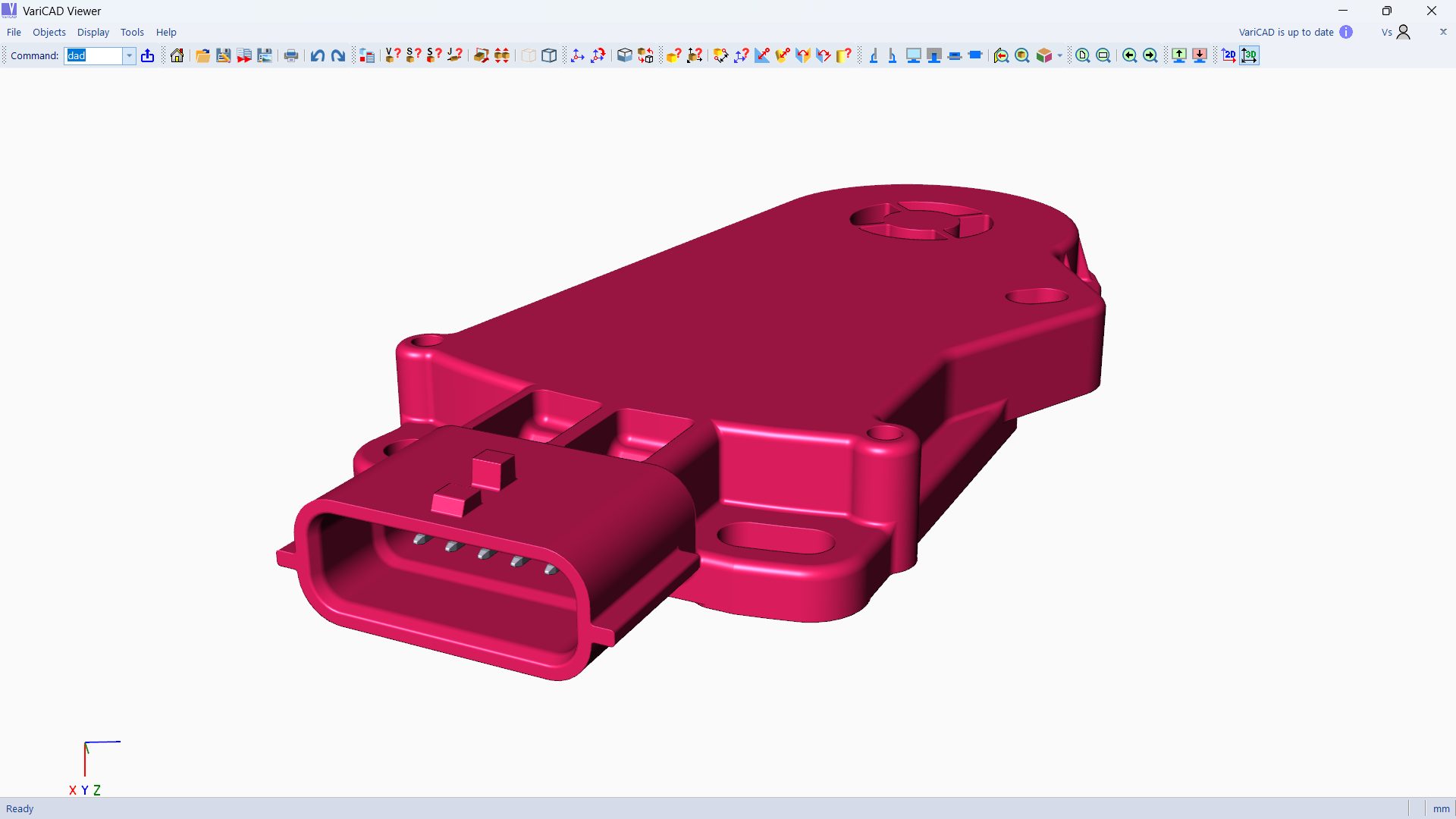
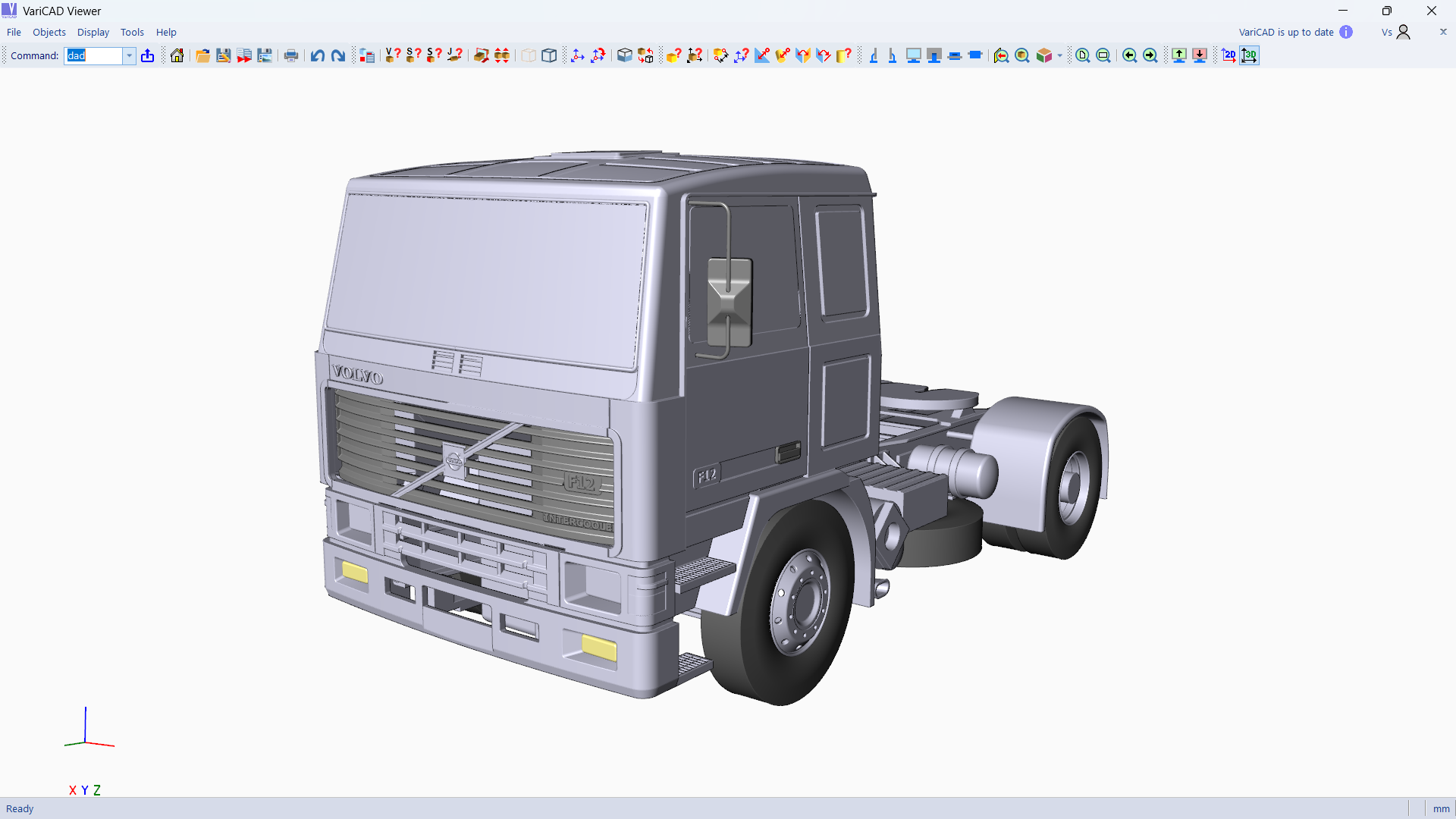
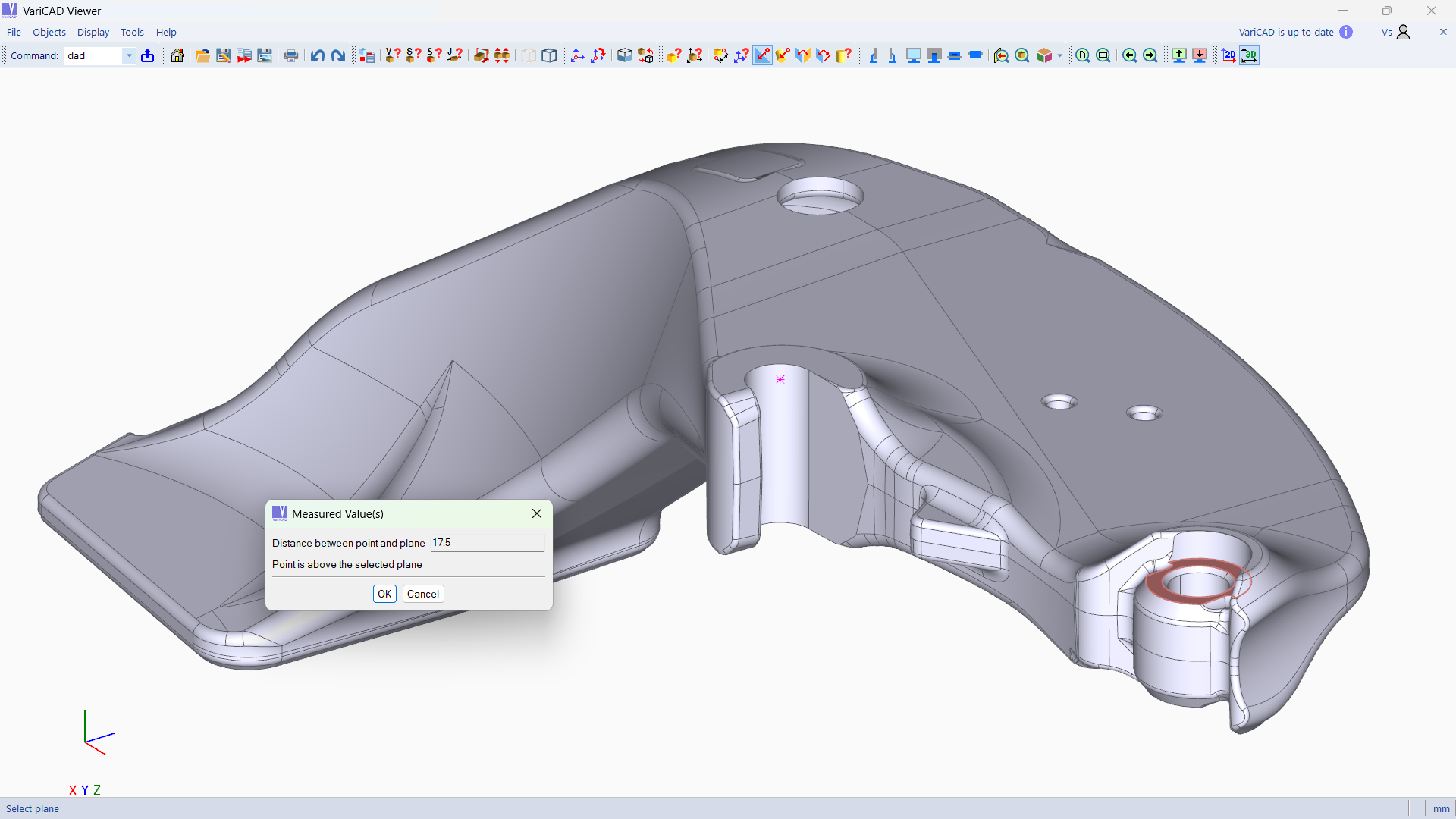
The app provides a straightforward interface that allows users to open various CAD file formats effortlessly. Whether you're inspecting detailed mechanical parts or architectural models, the viewer renders models clearly with options to rotate, zoom, and pan smoothly. Its rendering engine ensures sharp visuals without lag, making model examination both efficient and satisfying—like holding the model in your hands, but through a screen.
Robust Conversion Capabilities
One of this application's standout features is its ability to convert CAD files between multiple formats seamlessly. Need to share a model with a client using a different CAD platform? No problem. VariCAD Viewer & Converter handles popular formats such as DWG, DXF, STEP, and IGES, streamlining your cross-platform collaboration. This dual functionality eliminates the need for multiple programs, saving you time and reducing software clutter.
User-friendly Interface and Workflow
The design philosophy behind VariCAD Viewer & Converter emphasizes simplicity. The interface is clean, with intuitive menus that guide users through viewing and conversion tasks without a steep learning curve. Operations are snappy; opening a file or converting formats feels instantaneous, which is like having a vigilant assistant ready at your command. Even beginners can pick it up quickly—making it an excellent tool for professionals and hobbyists alike.
What Sets It Apart from Similar Applications?
Unlike many CAD viewers that focus solely on viewing, VariCAD Viewer & Converter combines high-quality rendering with versatile conversion options—all within a lightweight app. Its most distinctive advantage is the dual capability that caters to users needing quick inspections and reliable format conversions without switching between multiple dedicated programs. Additionally, the application's focus on Windows ensures optimized performance—fast, stable, and integrated into your existing workflow. For users in engineering, architecture, or manufacturing, this means less time fussing with file compatibility issues and more time focusing on design quality.
Final Thoughts and Recommendations
Overall, VariCAD Viewer & Converter offers a practical, efficient solution for CAD file viewing and conversion. While it may lack advanced editing features found in full CAD suites, its specialization makes it invaluable for quick reviews and format transpositions. I recommend it to professionals who need a reliable companion to their CAD tools or to students beginning to explore 3D modeling who want an easy way to view and share their work.
In summary, if your primary need is a lightweight, fast, and straightforward CAD viewer with excellent conversion functionalities, this app deserves a spot in your software arsenal. Its simplicity, combined with powerful core features, makes it a noteworthy choice for a wide range of Windows users involved in technical design—no fuss, just results.
Pros
- Easy file viewing with quick rendering
- Supports multiple CAD formats for conversion
- Intuitive and user-friendly interface
- Lightweight and fast performance
- Free to download and use as a viewer
Cons
- Limited editing capabilities
- Restricted to basic conversions in the free version
- Occasional rendering inaccuracies with complex models
- Lacks advanced measurement tools
- Limited documentation and user guides











