


- Name VA - Build Your AI Assistant
- Category Productivity
- Developer REVARN Cybernetics LLP
- Available on PC
- OS Windows 10 version 0.0 or higher
- Keyboard Integrated Keyboard
- Mouse Integrated Mouse
- Memory 8 GB
- DirectX Version 10
- languages English, English (Afghanistan), English (Åland Islands), English (Albania), English (Algeria), English (American Samoa), English (Andorra), English (Angola), English (Anguilla), English (Antarctica), English (Antigua and Barbuda), English (Armenia), English (Aruba), English (Australia and New Zealand), English (Australia), English (Azerbaijan), English (Bahamas), English (Bangladesh), English (Barbados), English (Belarus), English (Belize), English (Benin), English (Bermuda), English (Bhutan), English (Bolivia), English (Bonaire, Saint Eustatius and Saba), English (Bosnia and Herzegovina), English (Botswana), English (Bouvet Island), English (British Indian Ocean Territory), English (British Virgin Islands), English (Brunei), English (Bulgaria), English (Burkina Faso), English (Burundi), English (Cambodia), English (Cameroon), English (Canada), English (Cape Verde), English (Caribbean), English (Cayman Islands), English (Central African Republic), English (Chad), English (Christmas Island), English (Cocos (Keeling) Islands), English (Comoros), English (Congo (DRC)), English (Congo), English (Cook Islands), English (Côte d'Ivoire), English (Croatia), English (Curaçao), en-cz, English (Djibouti), English (Dominica), English (Dominican Republic), English (Eastern Africa), English (Equatorial Guinea), English (Eritrea), English (Estonia), English (Ethiopia), English (Falkland Islands), English (Faroe Islands), English (Fiji), English (French Guiana), English (French Polynesia), English (French Southern and Antarctic Lands), English (Gabon), English (Gambia), English (Georgia), English (Germany), English (Ghana), English (Gibraltar), en-gr, English (Greenland), English (Guadeloupe), English (Guam), English (Guernsey), English (Guinea-Bissau), English (Guinea), English (Guyana), English (Haiti), English (Heard Island and McDonald Islands), English (Honduras), English (Hong Kong SAR), en-hu, English (Iceland), English (India), English (Indonesia), English (Iraq), English (Ireland), English (Isle of Man), English (Israel), English (Jamaica), English (Jersey), English (Jordan), English (Kazakhstan), English (Kenya), English (Kiribati), English (Kyrgyzstan), English (Laos), English (Latvia), English (Lesotho), English (Liberia), English (Libya), English (Lithuania), English (Macao SAR), English (Macedonia, FYRO), English (Madagascar), English (Malawi), English (Malaysia), English (Maldives), English (Mali), English (Malta), English (Marshall Islands), English (Martinique), English (Mauritius), English (Mayotte), English (Micronesia), English (Moldova), English (Monaco), English (Mongolia), English (Montserrat), English (Mozambique), English (Myanmar), English (Namibia), English (Nauru), English (Nepal), English (Netherlands Antilles (Former)), English (Netherlands), English (New Caledonia), English (New Zealand), English (Nicaragua), English (Niger), English (Nigeria), English (Niue), English (Norfolk Island), English (Northern America), English (Northern Mariana Islands), English (Oman), English (Pakistan), English (Palau), English (Palestinian Authority), English (Papua New Guinea), English (Philippines), English (Pitcairn Islands), English (Puerto Rico), English (Qatar), English (Reunion), English (Romania), English (Rwanda), English (Saint Barthélemy), English (St Helena, Ascension, Tristan da Cunha), English (Saint Kitts and Nevis), English (Saint Lucia), English (Saint Martin (French Part)), English (Saint Pierre and Miquelon), English (Saint Vincent and the Grenadines), English (Samoa), English (San Marino), English (São Tomé and Príncipe), en-sa, English (Senegal), English (Seychelles), English (Sierra Leone), English (Singapore), English (Sint Maarten), English (Slovakia), English (Slovenia), English (Solomon Islands), English (Somalia), English (South Africa), English (South Georgia and the South Sandwich Islands), English (Southern Africa), English (Sri Lanka), English (Sudan), English (Suriname), English (Svalbard and Jan Mayen), English (Swaziland), English (Tajikistan), English (Tanzania), English (Thailand), English (Timor-Leste), English (Togo), English (Tokelau), English (Tonga), English (Trinidad and Tobago), English (Turkey), English (Turkmenistan), English (Turks and Caicos Islands), English (Tuvalu), English (U.S. Minor Outlying Islands), English (U.S. Virgin Islands), English (Uganda), en-ae, English (United Kingdom), English (United States), English (Uzbekistan), English (Vanuatu), English (Holy See (Vatican City)), English (Vietnam), English (Wallis and Futuna), English (Western Africa), English (Zambia), English (Zimbabwe)
Introducing VA - Build Your AI Assistant for Windows: A Smart Workflow Companion
VA - Build Your AI Assistant for Windows is a thoughtfully designed AI-powered application that aims to streamline your daily tasks, enhance productivity, and serve as your intelligent digital aide. Developed by REVARN Cybernetics LLP, this tool positions itself as a versatile, customizable assistant for Windows users seeking a smarter way to manage their workflows.
Who's Behind the Magic: Developer and Target Audience
Manufactured by REVARN Cybernetics LLP, the app benefits from a team experienced in AI integration and user-centered design. Its primary users include busy professionals, students, and tech enthusiasts who want to harness AI's power to simplify complex routines, reduce cognitive load, and focus on what truly matters. Whether you seek an assistant to manage your schedules, answer queries, or automate tasks, VA aims to elevate your Windows experience seamlessly.
A Fresh Take on Productivity: The Core Features
Customizable AI Assistant Tailored to Your Needs
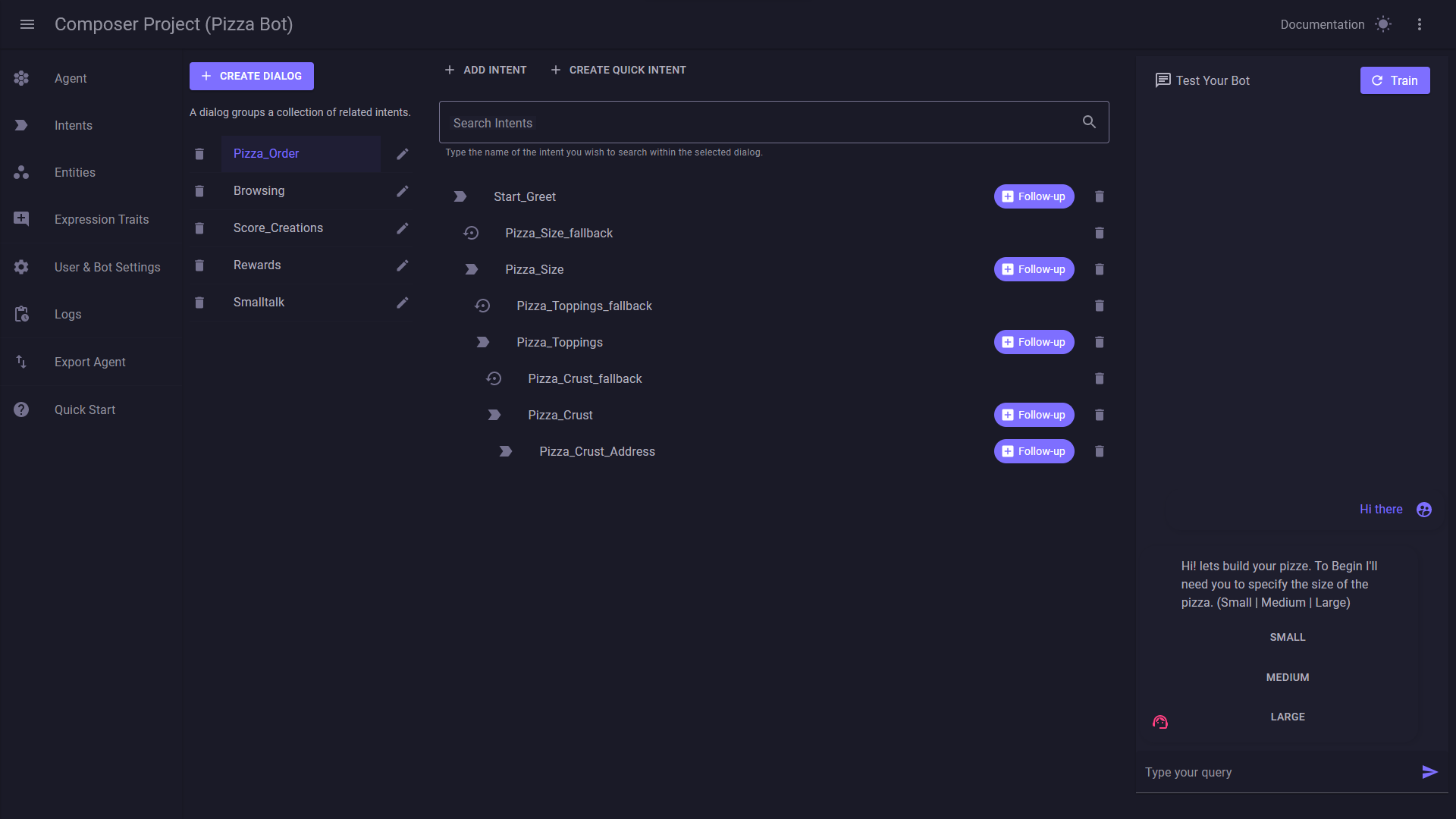
The standout feature of VA is its ability to build a personalized AI assistant. Unlike static productivity tools, this app allows users to configure and train their assistant to perform specific functions—be it setting reminders, drafting emails, or querying data. This customization aspect makes the tool adaptable for various workflows, from academic research to business management.
Intelligent Workflow Integration
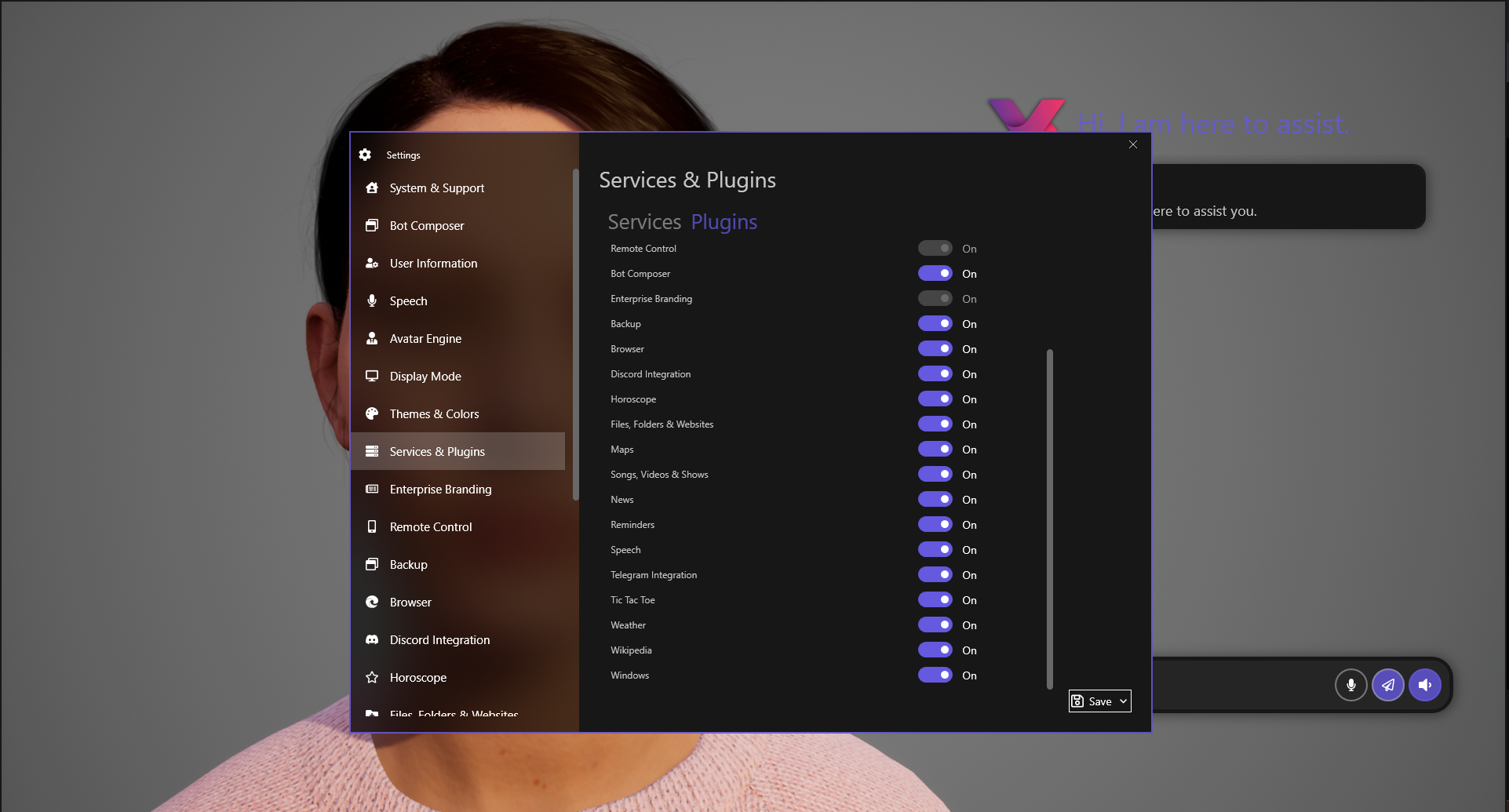
VA's deep integration with Windows and common productivity apps means your assistant doesn't work in isolation. It can interact with calendar apps, email clients, and even other third-party services. This interconnectedness minimizes task switching and manual data entry, creating a smooth, fluid workflow experience. Think of it as an intelligent conductor orchestrating your daily activities with minimal fuss.
Natural Language Processing for Reduced Cognitive Load
One of VA's most significant advantages is its natural language interface. The app understands conversational commands, allowing you to interact as you would with a human assistant. This reduces cognitive overhead—no more complicated menus or cryptic commands—making task execution intuitive and accessible for users of varying technical skills.
User Experience: Seamless, Intuitive, and Efficient
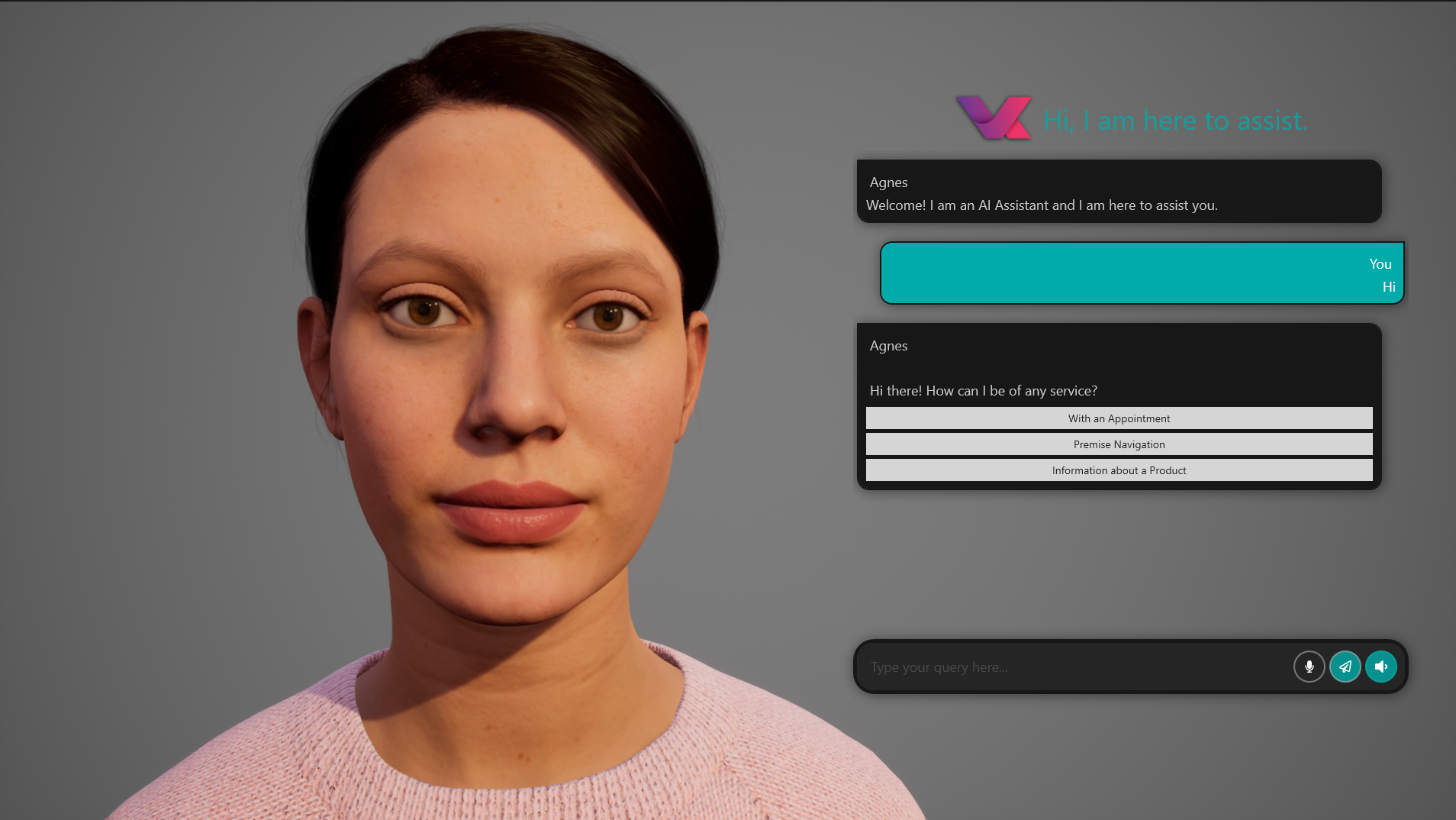
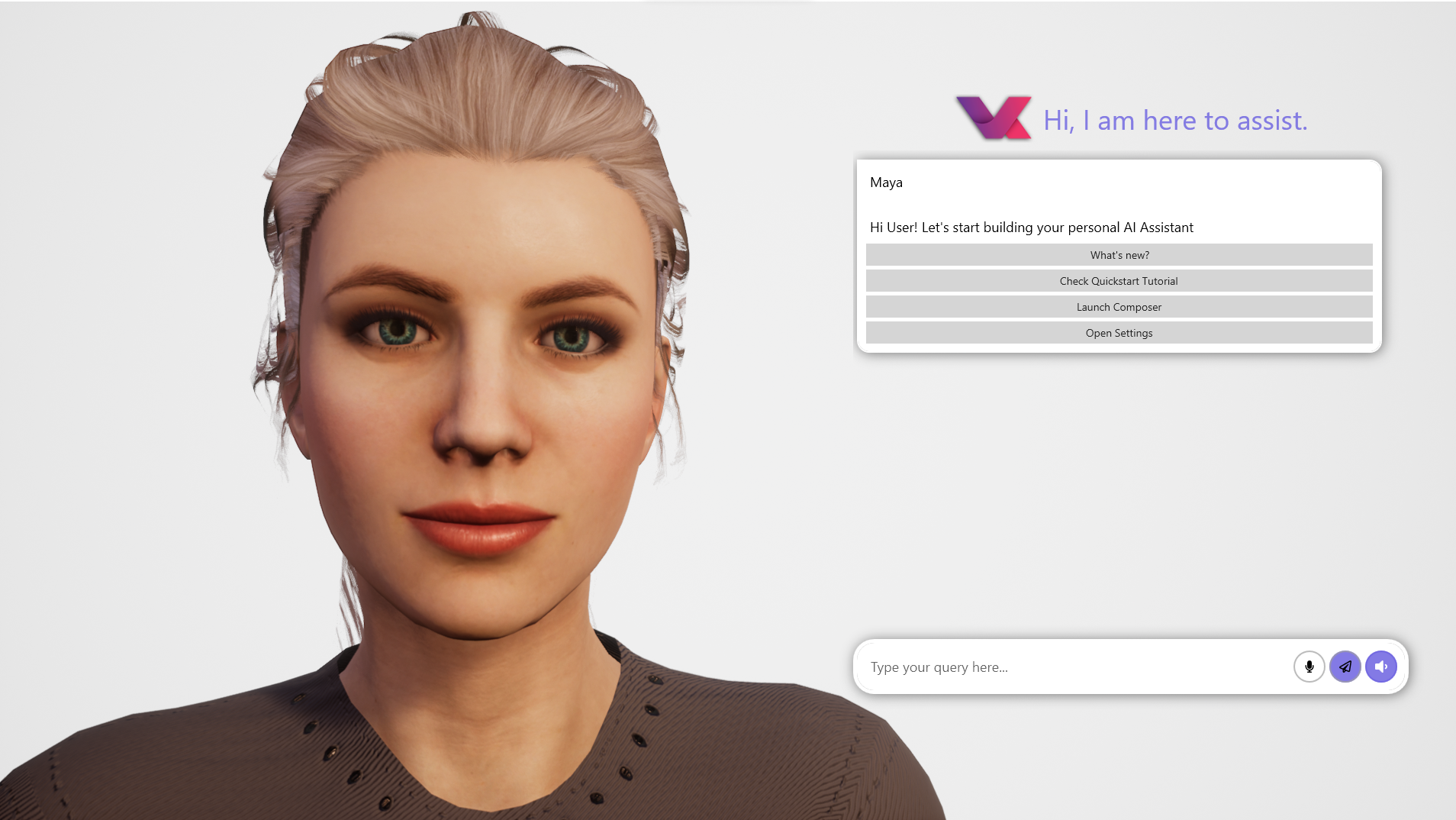
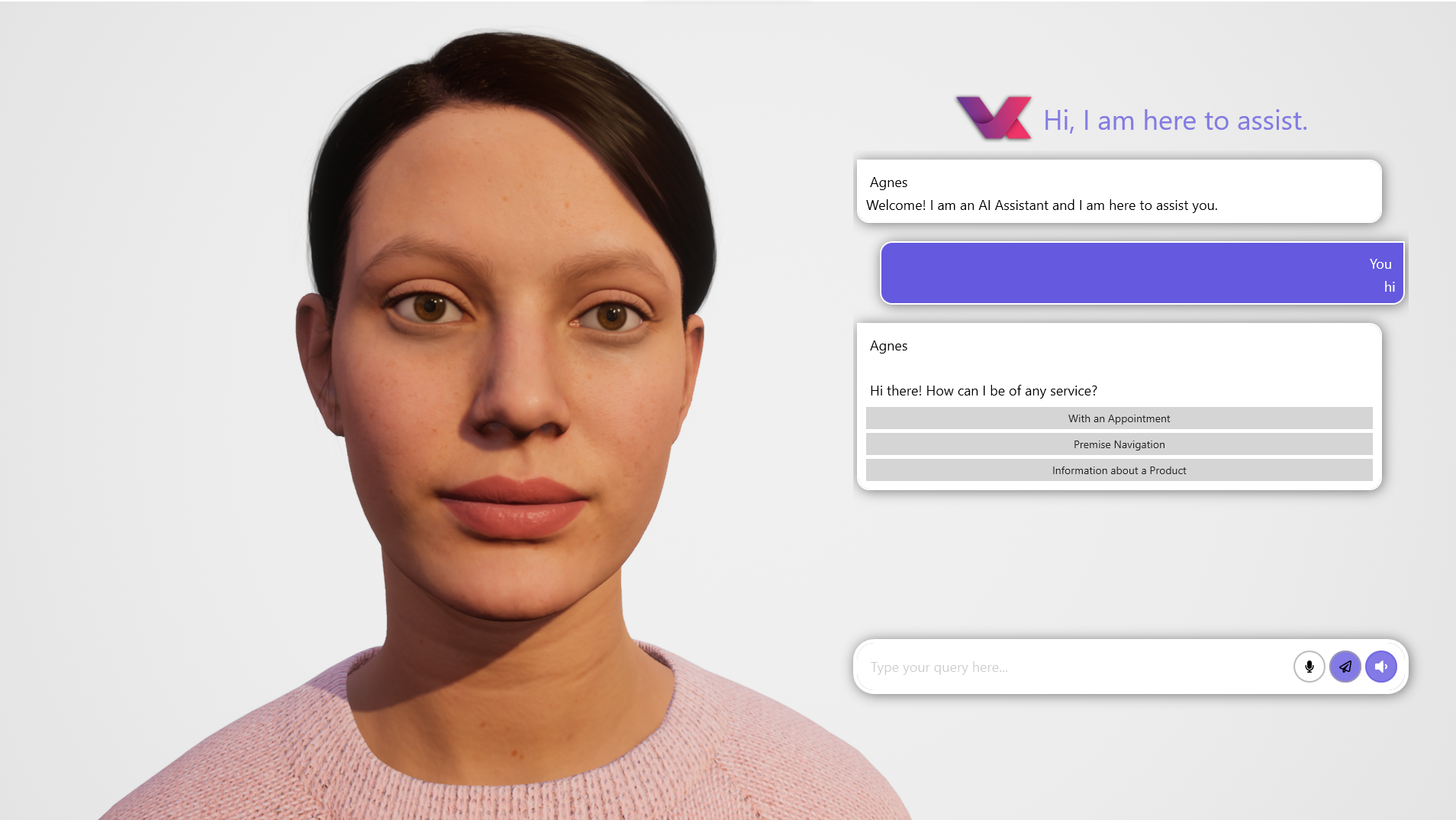
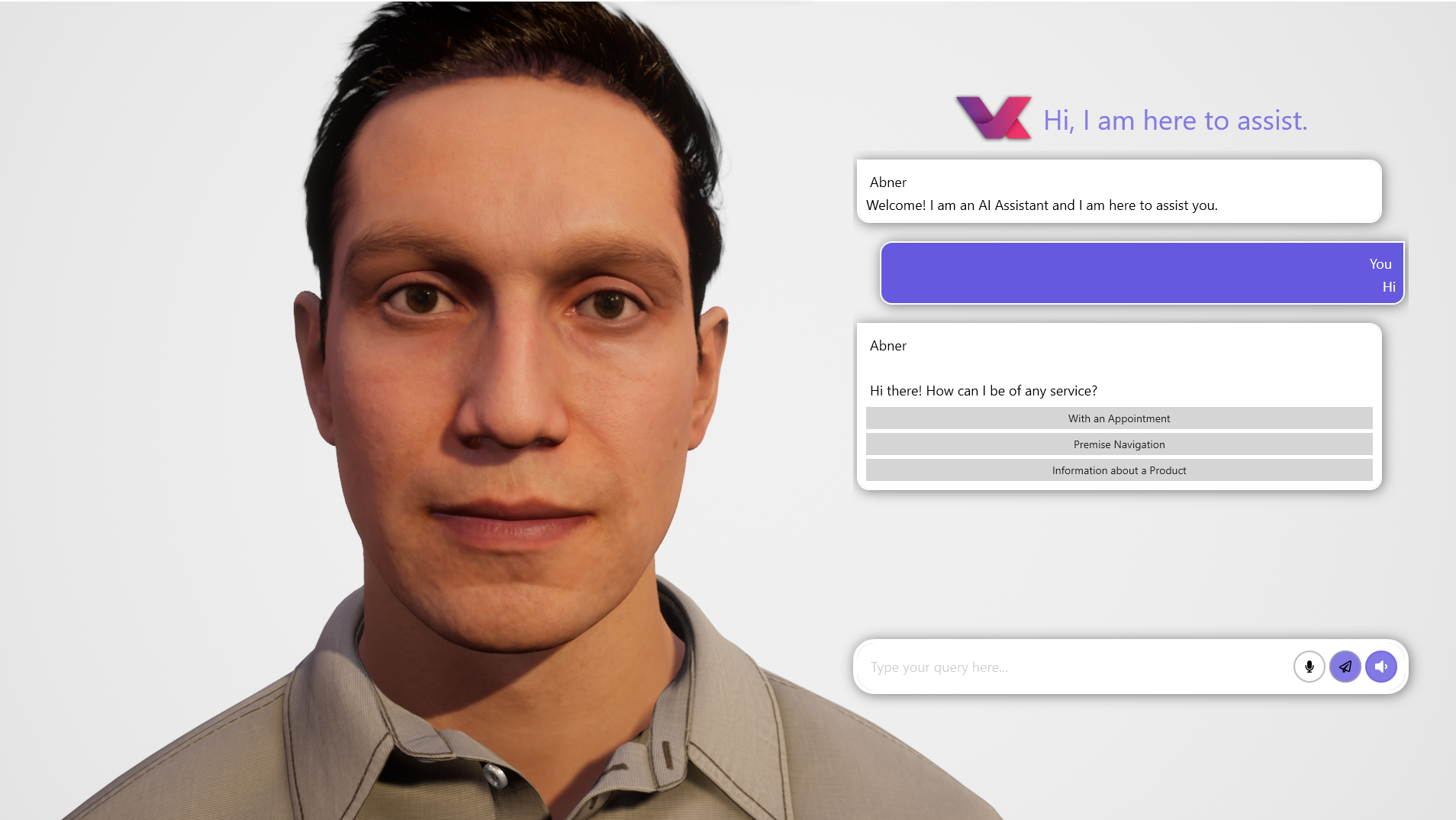
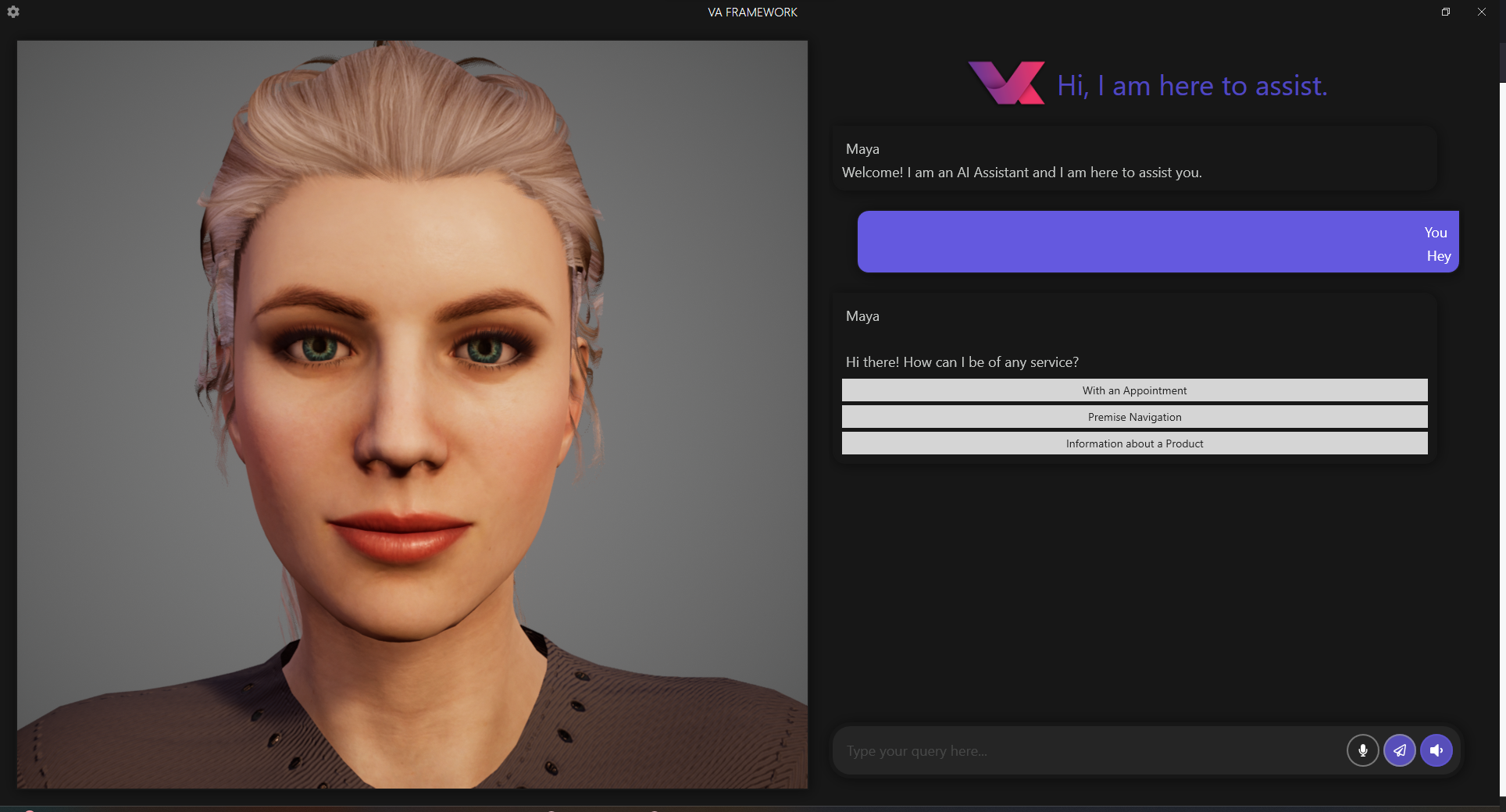
The interface of VA is clean, modern, and thoughtfully organized. It emphasizes clarity and ease of use, allowing new users to onboard quickly. Navigation feels natural, with core functionalities accessible within a few clicks. The app responds swiftly, demonstrating a well-optimized underpinning that keeps lag—and frustration—at bay.
Learning curve-wise, VA is friendly to novices but powerful enough for advanced users to exploit its customizable features. The amount of guidance available—via tooltips and help sections—further shortens the ramp-up time. Users can gradually deepen their engagement, from simple commands to complex automation scenarios, without feeling overwhelmed.
What Makes VA Stand Out in the Productivity Crowd?
Compared to other productivity apps, VA distinguishes itself primarily through its workflow integration efficiency and cognitive load reduction. While many tools focus on siloed functionalities—note-taking here, scheduling there—VA acts as a central hub, intelligently linking disparate tasks. Its natural language interface reduces the need to remember complex commands or navigate cluttered menus, thus lowering mental strain. The ability to customize the assistant's behaviors according to individual needs means it can serve as a tailored productivity partner rather than a one-size-fits-all solution.
Conclusion and Recommendations
All in all, VA - Build Your AI Assistant for Windows presents a compelling case for anyone looking to harness AI in their daily routines without the intimidation of complexity. Its standout features—particularly the highly customizable AI assistant and workflow integration—offer tangible productivity gains while keeping the user experience straightforward and enjoyable.
If you are a Windows user seeking to reduce mental clutter and automate routine tasks seamlessly, this app is worth exploring. Its gentle learning curve paired with powerful capabilities makes it suitable for beginners and power users alike. I recommend trying VA if you want a smarter, more connected way to manage your day, and you're comfortable investing a little time to customize your digital helper.
Pros
- Intuitive Interface
- Wide Range of Customization
- Seamless Integration
- Robust AI Capabilities
- Free Basic Features
Cons
- Limited Advanced Options for Power Users
- Occasional Response Delays
- Learning Curve for Beginners
- Inconsistent Cross-Device Performance
- Limited Language Support at Launch











