

- Name Trio Office: DOCX & XLSX Editor
- Category Productivity
- Available on PC
- OS Windows 10 version 17763.0 or higher
- languages Catalan, Chinese (Simplified), Chinese (Traditional), Croatian, Czech, Dutch, English (United States), Finnish, French, German, Greek, Hungarian, Indonesian, Italian, Japanese, Korean, Polish, Portuguese, Portuguese (Brazil), Romanian, Russian, Slovak, Spanish, Swedish, Thai, Turkish, Ukrainian, Vietnamese
Seamless Document Editing Experience on Windows
Trio Office: DOCX & XLSX Editor for Windows stands out as a streamlined tool designed to simplify document management tasks, making editing and reviewing of Word and Excel files more accessible and efficient. Whether you're a busy professional or a student juggling multiple documents, this app promises a focused environment without the clutter of unnecessary features.
About the Developer and Core Offerings
Developed by GT Office PDF Studio, a team known for creating reliable productivity tools, Trio Office centers on delivering essential document editing functionalities with minimal fuss. The app's primary strengths include:
- Intuitive editing of DOCX and XLSX files with familiar interface elements.
- Lightweight and fast, enabling quick access and modifications without lag.
- Built-in preview features that streamline the review process.
- Compatibility and portability across Windows devices for on-the-go editing.
The target audience comprises professionals, students, and anyone needing straightforward editing tools without the complexity of full office suites.
Refreshing Simplicity in Document Management
Imagine diving into your work with a tool so streamlined that it feels like a breeze rather than trudging through a thick forest of menus—this is what Trio Office offers. Its interface is clean, resembling a well-organized workspace rather than a cluttered desk, helping users focus better on their tasks. The app's design signals a clear departure from bulky office suites that often come with features you never use, prioritizing ease and speed instead.
Core Functionalities that Boost Efficiency
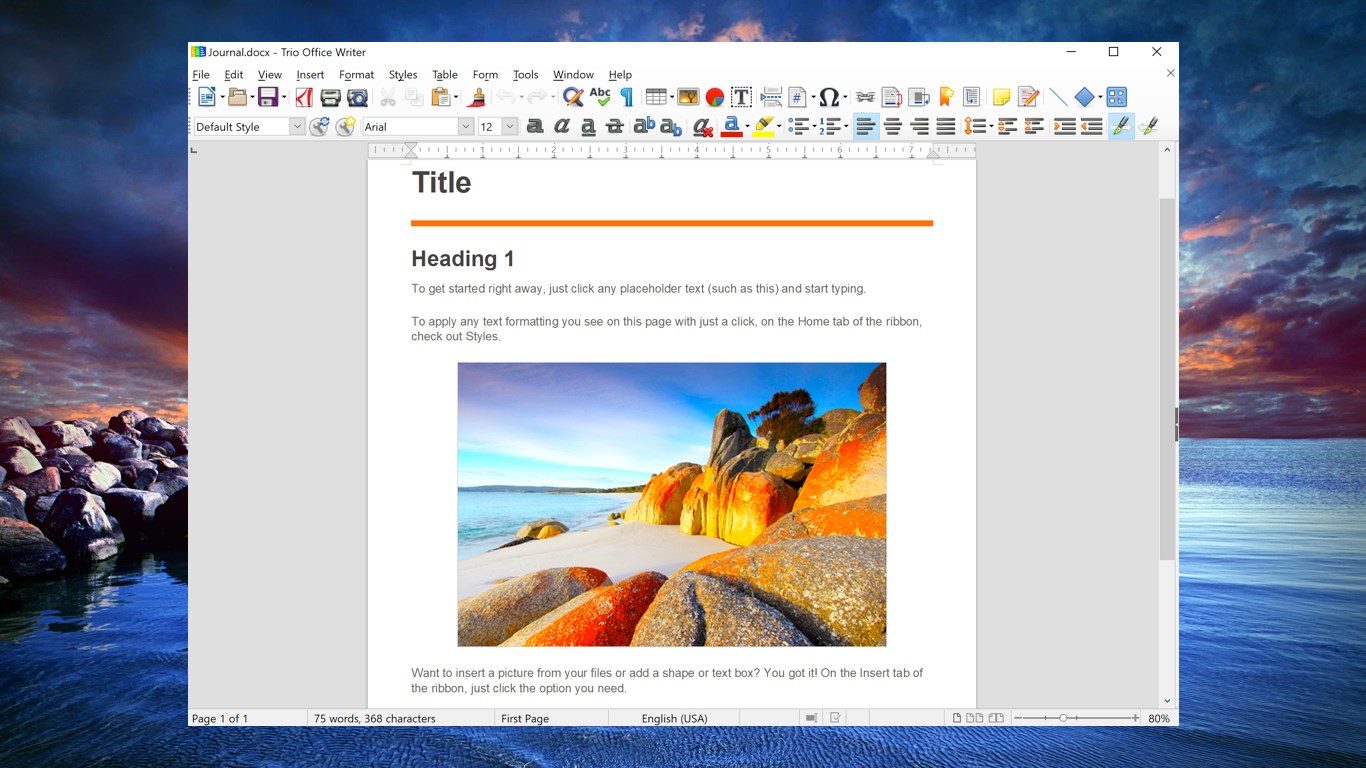
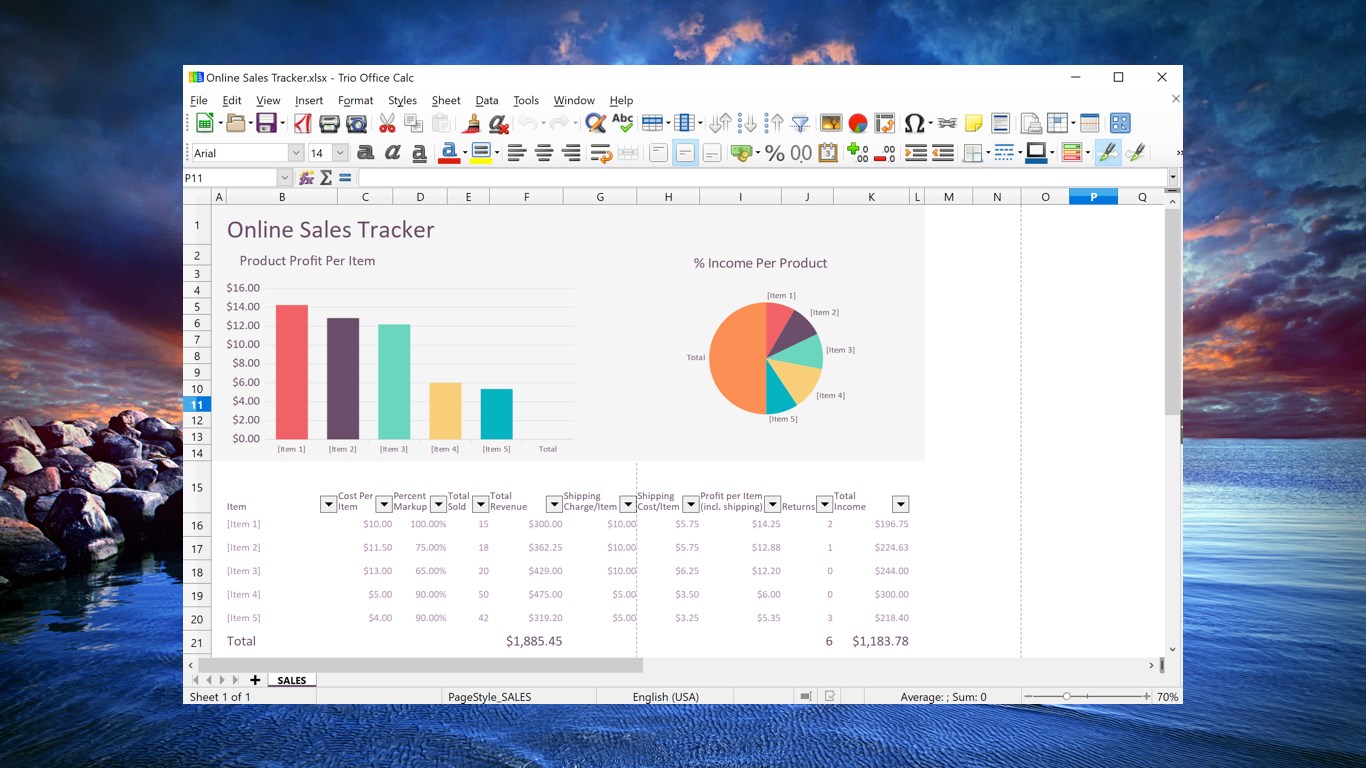
First, the editing capabilities for DOCX and XLSX files are straightforward yet powerful. You can modify text, adjust formatting, insert images, and manipulate spreadsheets with familiar tools, all within a simplified environment. This reduces the cognitive load that often accompanies full-featured office applications, making editing feel less overwhelming.
Second, the review and annotation features allow users to highlight, comment, and track changes effortlessly. This is particularly beneficial for collaborative workflows, where quick feedback loops are essential. The app's focus on these core review functions ensures that reviewing becomes a natural part of your workflow rather than a tedious chore.
Lastly, the file preview and quick access functionalities serve as a handy hub, allowing you to skim through documents without launching heavier applications. This contributes to a smoother, more integrated workflow—think of it as having a digital clipboard that keeps your documents ready for action at a moment's notice.
Reviewing User Experience: A Friendly, Efficient Tool
From a usability standpoint, Trio Office's interface resembles a familiar workspace (think of an organizer that fits neatly on your desk), but with the added benefit of clarity and minimal distractions. Swiping through menus feels natural, like turning the pages of a well-loved book, with operation flow so smooth that even newcomers can become productive quickly. The learning curve is gentle—no steep inclines or confusing options, just straightforward tools that do the job efficiently.
Compared to comprehensive office suites that bundle hundreds of features, Trio Office separates itself through workflow integration efficiency. It doesn't bombard you with options that often lead to cognitive overload; instead, it offers just enough to complete your tasks swiftly. This focus makes it perfect for quick edits, reviews, and light modifications—no need to navigate complex ribbons or dialogs.
Unique Selling Points and Final Recommendations
The most distinctive features of Trio Office are its emphasis on core editing tasks combined with an unobtrusive, user-friendly interface. These attributes reduce the mental effort needed to make quick changes and review documents, thereby streamlining your daily workflow. Its lightweight nature also means it occupies less system resources, which is crucial when working on devices with limited capacity.
For users seeking a straightforward, reliable solution for DOCX and XLSX editing without the frills, I recommend giving Trio Office a serious look. It's ideal for those who value speed and simplicity over a multitude of features—making document management less of a chore and more of a seamless part of your routine.
While it may not replace full office suites for complex tasks, its unique focus on efficiency makes it a valuable addition to your productivity toolkit—particularly if your work revolves around review, light editing, and quick document access. Overall, Trio Office offers a compelling alternative for anyone tired of navigating bloated software for simple edits.
Pros
- User-friendly interface
- File compatibility
- Basic formatting tools
- Lightweight app size
- Offline editing support
Cons
- Limited advanced features
- Occasional performance lag
- Basic templates missing
- Limited cloud integration
- No real-time collaboration











