


- Name Trend Micro VPN- Safer VPN
- Category Productivity
- Developer Trend Micro
- Available on PC
- OS Windows 10 version 0.0 or higher
- Memory 1 GB
- languages English
Streamlined Security with Trend Micro VPN for Windows
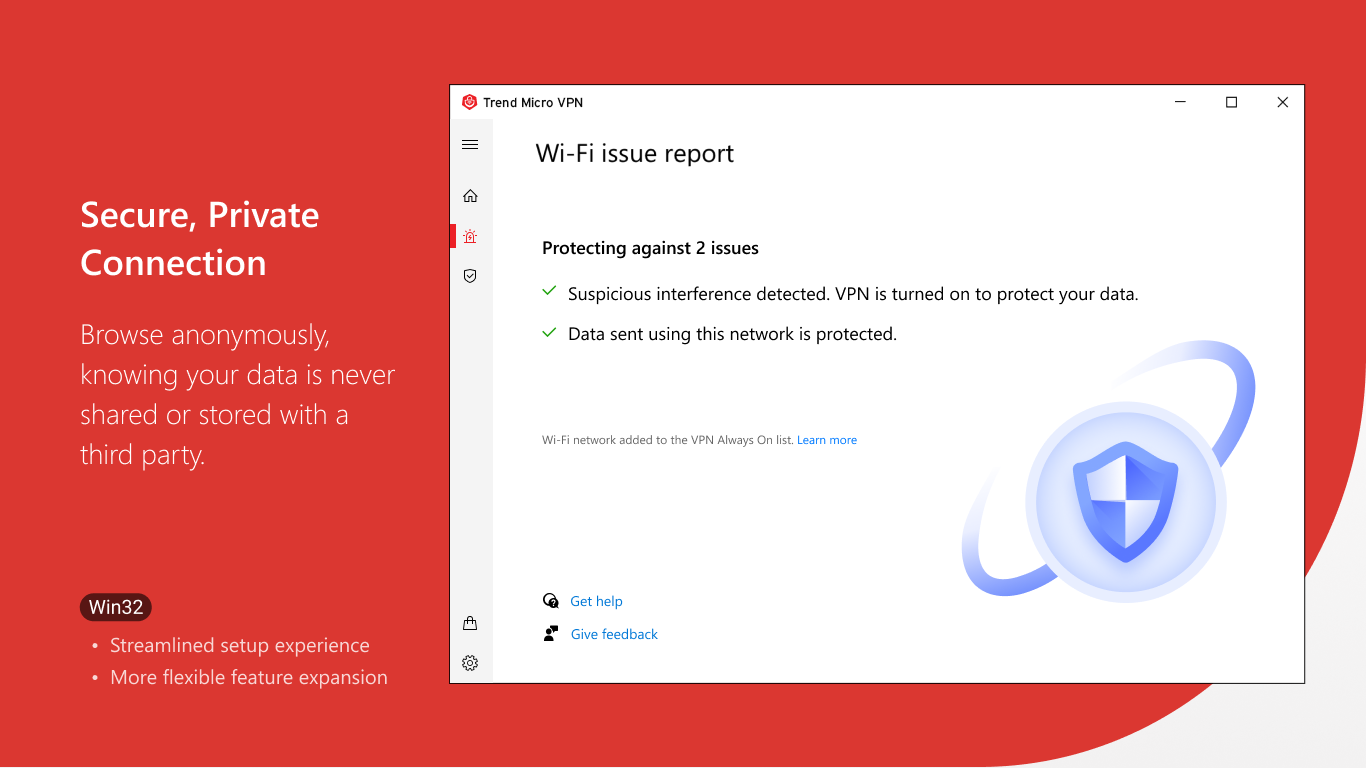
Trend Micro VPN - Safer VPN for Windows is a dedicated tool designed to enhance your online privacy and security without sacrificing convenience. By seamlessly encrypting your internet traffic, it offers a straightforward way to browse confidently in an increasingly interconnected world.
About the Developer and Core Features
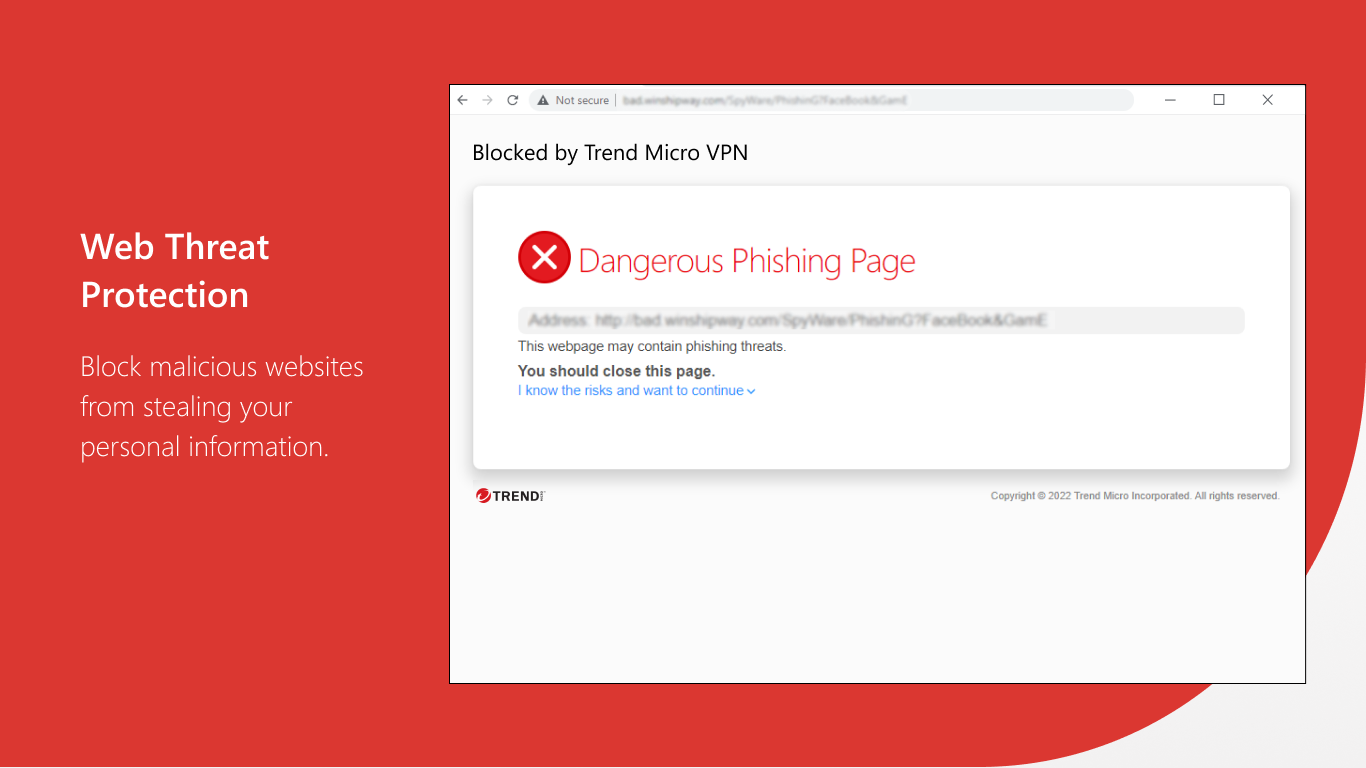
Developed and published by Trend Micro Inc., a globally recognized cybersecurity leader, this application taps into years of industry expertise to deliver a reliable VPN experience. Its key highlights include robust data encryption, a straightforward connection process, and a focus on user privacy — all tailored to meet the needs of everyday users seeking simple yet effective online security.
Who Is This App For?
Targeted at casual internet users, remote workers, and students, Trend Micro VPN for Windows is ideal for those who want to improve their browsing privacy and bypass regional restrictions without wrestling with complicated configurations. Perfect for users who prefer a plug-and-play solution that emphasizes ease of use and dependable security.
Vivid Exploration of Its Core Offerings
Effortless Privacy with One-Click Connectivity
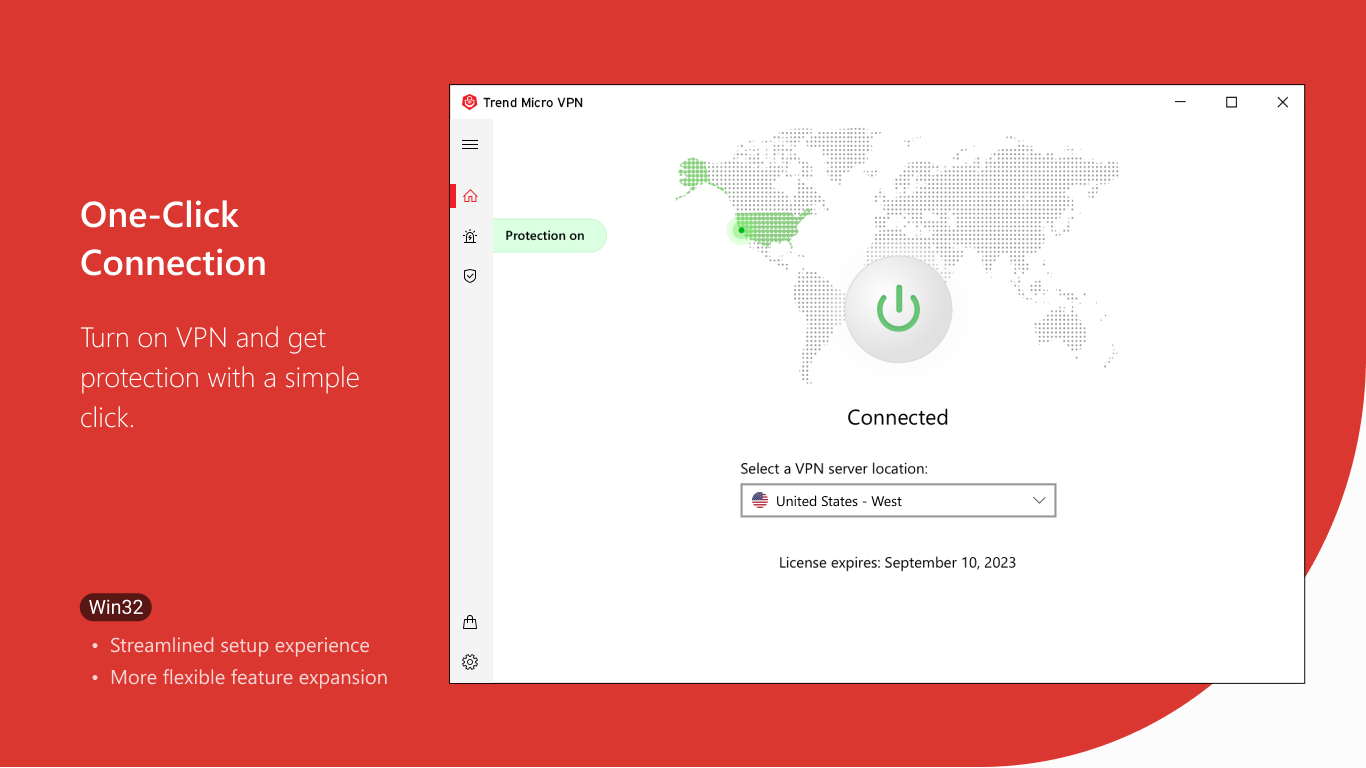
Imagine your online session as a journey through a bustling city — then picture slipping into an invisibility cloak just at the right moment. That's what the one-click connect feature offers: instant privacy protection. With a simple tap, the app establishes a secure tunnel between your device and the internet, shielding your data from prying eyes and malicious interference. This minimalistic approach ensures that even non-tech-savvy users can effortlessly safeguard their online presence without puzzling over complex settings.
Robust Data Encryption and Selective Server Access
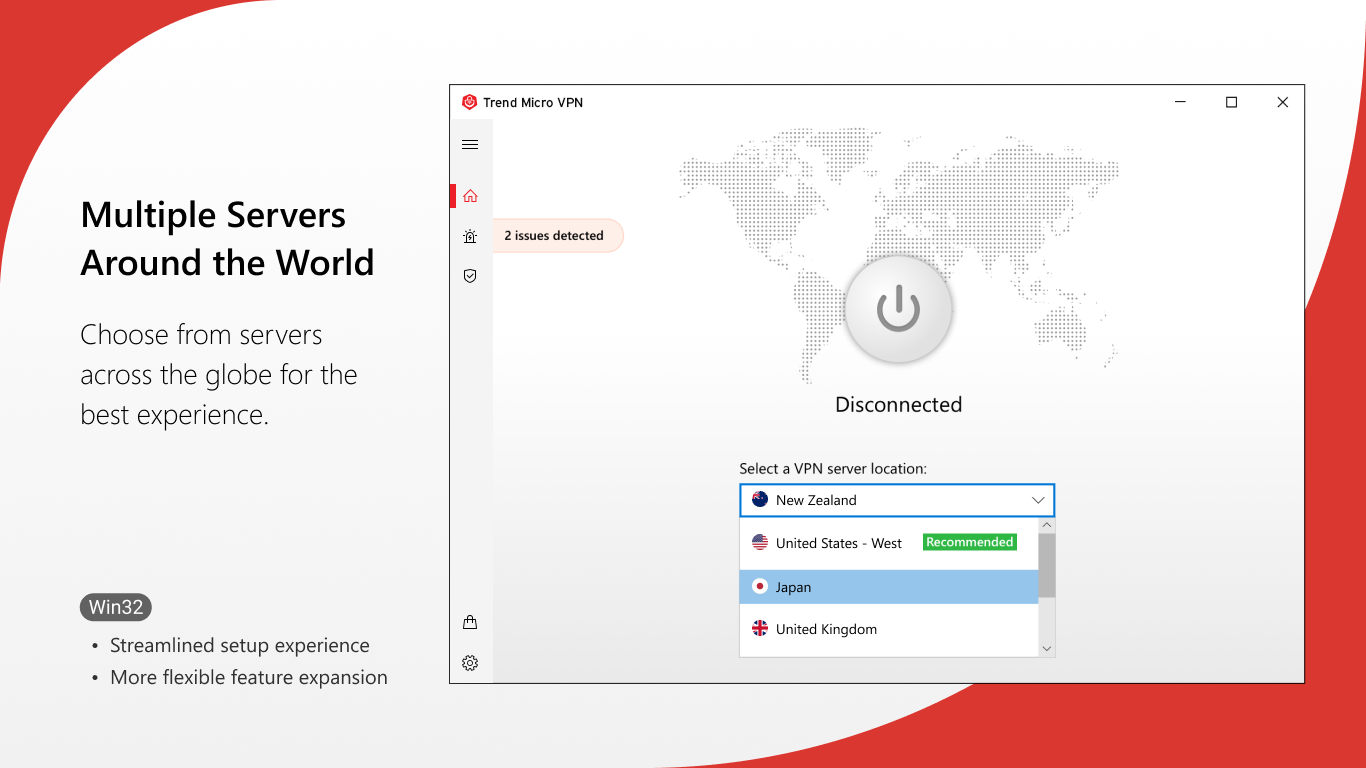
Under the hood, the app leverages industry-standard encryption protocols to turn your data into an unreadable stream for outsiders. It also offers access to a curated list of servers across various regions, empowering users to bypass geo-restrictions or optimize connection speeds based on their location. Compared to more feature-heavy VPNs, this focus on quality server options and reliable encryption strikes a perfect balance that reduces cognitive overload — no overwhelming menus, just clear choices for effective security. Think of it as having a well-trained pilot navigating your internet flight path smoothly.
User Experience: Clean, Intuitive, and Snappy
The interface design echoes the simplicity of a well-organized workspace — uncluttered, modern, and approachable. Navigating between connection status, server selection, and settings feels natural, akin to flipping through pages of a familiar handbook. The app responds swiftly to commands, ensuring smooth operation without lag or confusing prompts. Its learning curve is gentle, making it accessible for beginners, yet sufficient for those seeking straightforward, reliable protection.
What Sets It Apart and Final Recommendations
While many VPN applications flood users with an overwhelming array of features, Trend Micro VPN concentrates on core functionality, reducing cognitive load and promoting workflow efficiency. Its ability to quickly establish a secure connection, combined with trusted encryption, makes it an attractive choice for users who desire dependable privacy without the hassle.
Compared to similar productivity-focused applications, this VPN's strength lies in its simplicity and strategic security measures. It acts like a trusted shield, easily accessible from your desktop, integrating seamlessly into daily routines.
For anyone prioritizing intuitive operation, reliable security, and a minimal learning curve, I recommend giving Trend Micro VPN a try. It's particularly suited for individuals who need peace of mind on a busy day — whether working remotely, streaming content, or just browsing casually. For casual users seeking a straightforward, trustworthy VPN, this app offers a compelling, no-fuss solution.
Pros
- Strong Privacy Protection
- User-Friendly Interface
- Multiple Server Locations
- Reliable Connection Stability
- 24/7 Customer Support
Cons
- Limited Free Usage
- Variable Connection Speeds
- Occasional App Crashes on Older Devices
- Limited Advanced Settings
- Ads in Free Version











