
- Name Transparent Clock
- Category Productivity
- Available on PC
- OS Windows 10 version 0.0 or higher
- Keyboard Integrated Keyboard
- Mouse Integrated Mouse
- languages English
A Pragmatic Tool for Time Management on Windows
Transparent Clock for Windows by MurGoo.com is a straightforward desktop clock application designed to provide accurate time display along with additional useful features. Crafted with simplicity in mind, it aims to become an unobtrusive yet helpful companion for professionals, students, and anyone seeking to keep track of time seamlessly on their Windows desktops.
Key Features That Stand Out
The app offers several highlights, but two features fundamentally set it apart: a customizable digital clock display integrated into your desktop and an elegant world clock for tracking multiple time zones. Additionally, it provides real-time system information overlays and alarm functionalities that can be tailored to individual workflows.
Intuitive Interface and User Experience
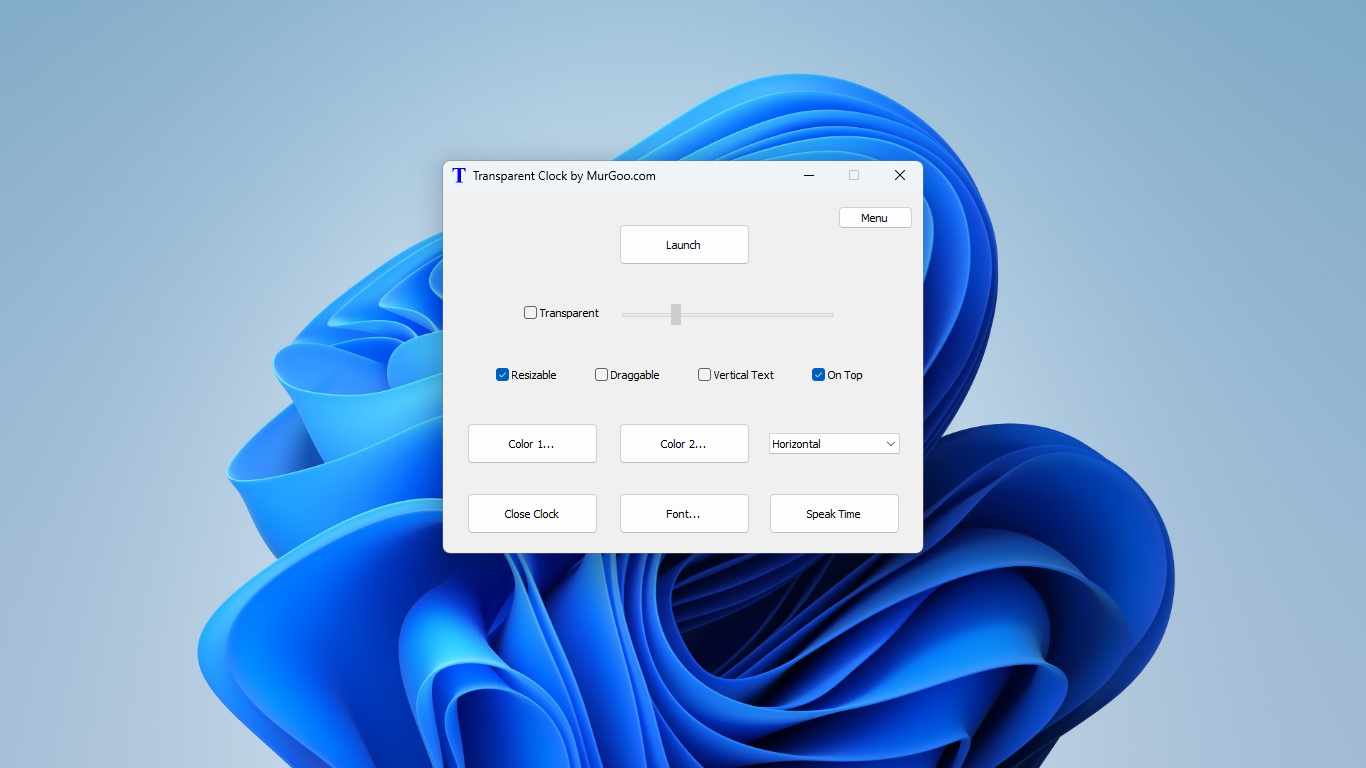
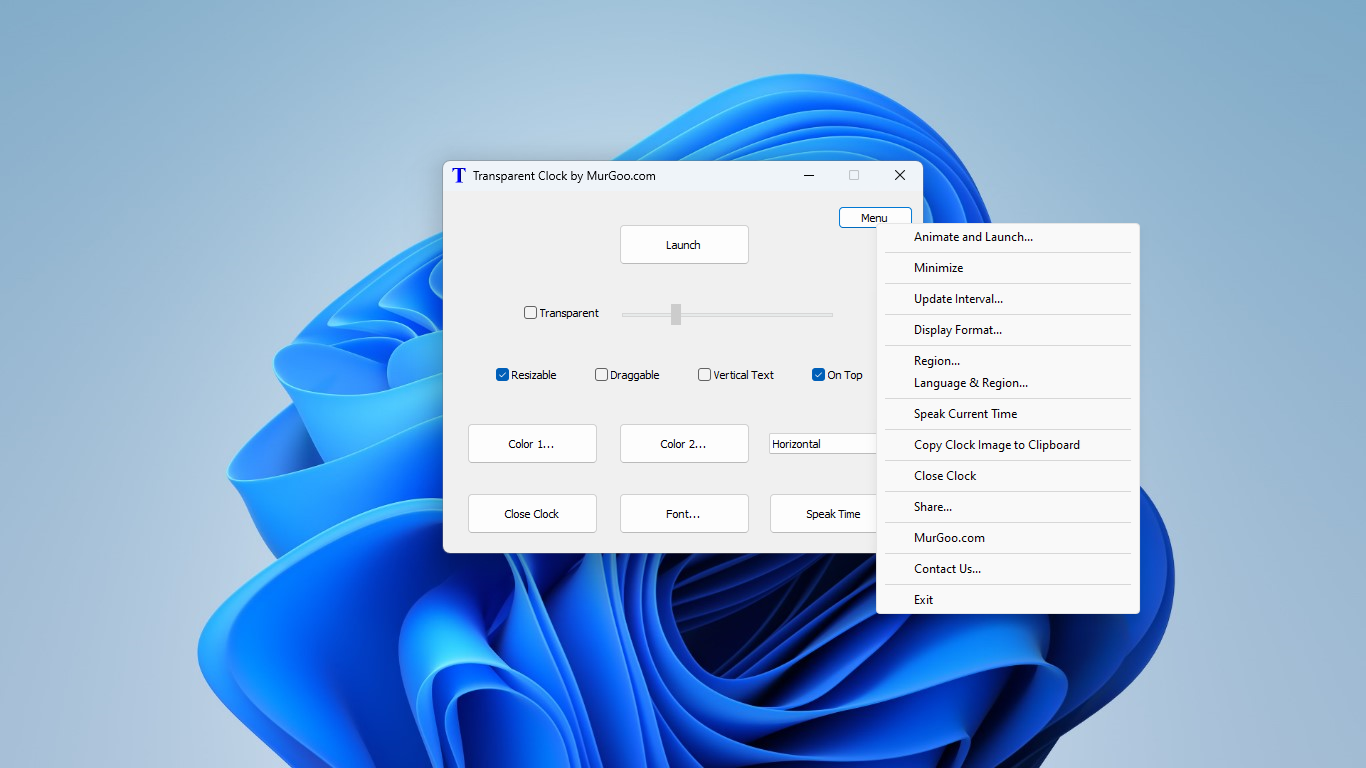
Setting eyes upon Transparent Clock feels like meeting a well-organized workspace: clean, clear, and functional. Its interface employs a minimalist design, avoiding clutter while providing instant access to essential information. Navigating through settings is smooth; toggling options or adjusting appearance takes just a few clicks, making it very user-friendly—even for those who rarely fiddle with clock apps. The learning curve is gentle, akin to adjusting your familiar desk layout, allowing users to integrate the tool into their routine almost immediately.
Core Functionality and Practical Use Cases
Customizable Time Display at Your Fingertips
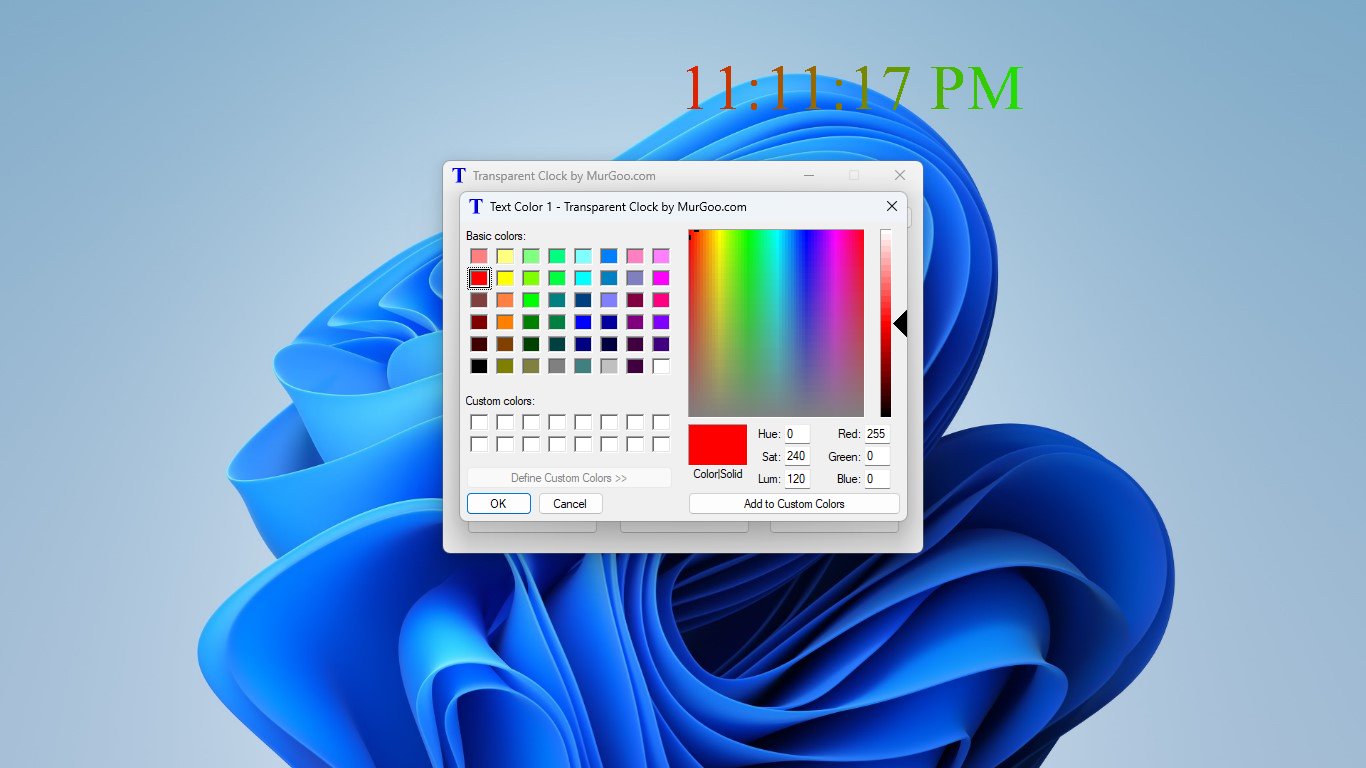
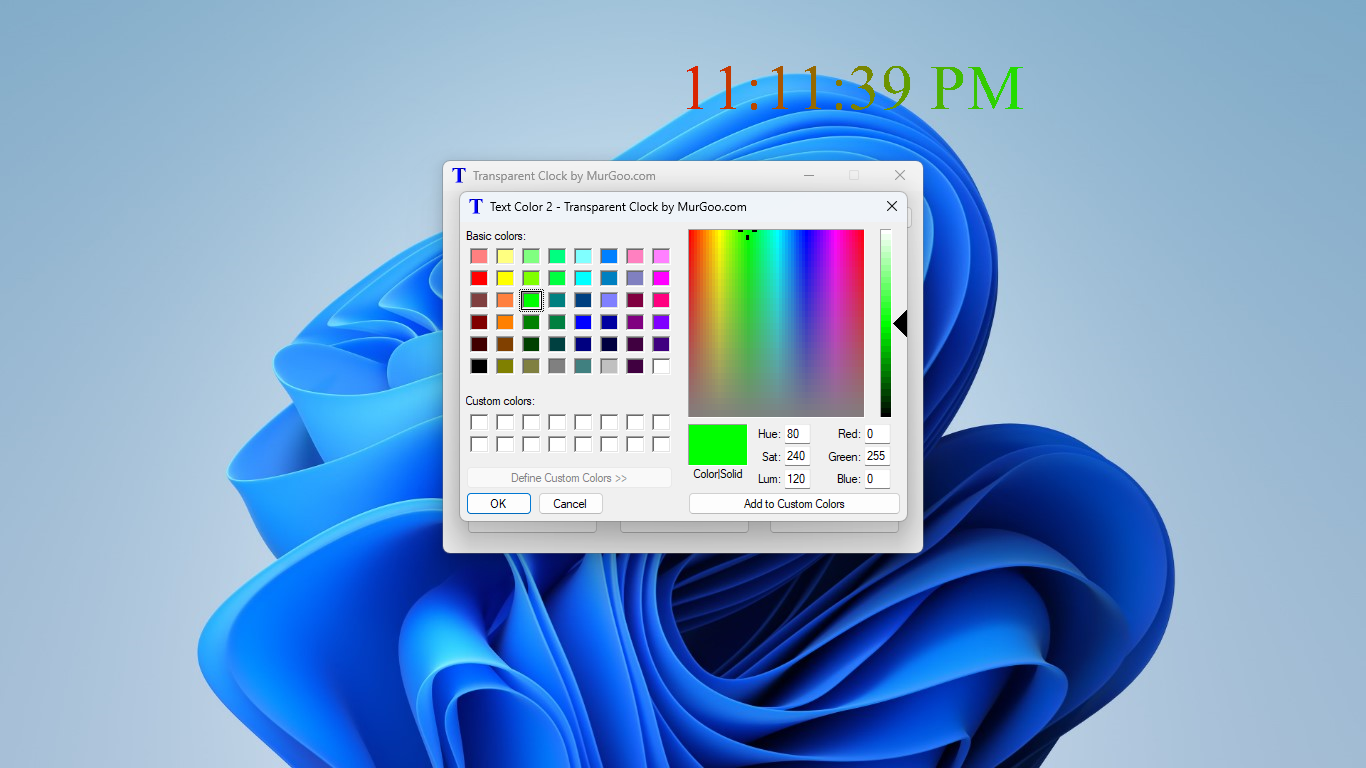
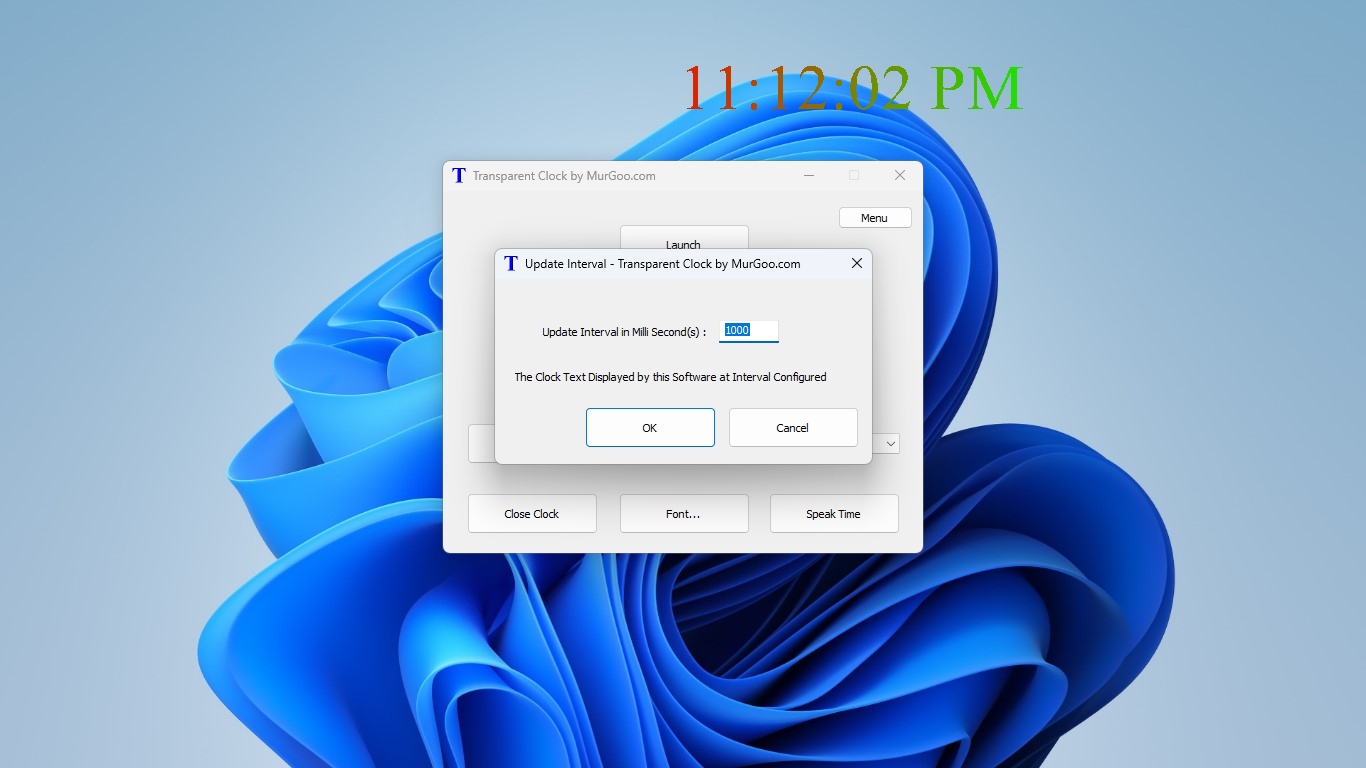
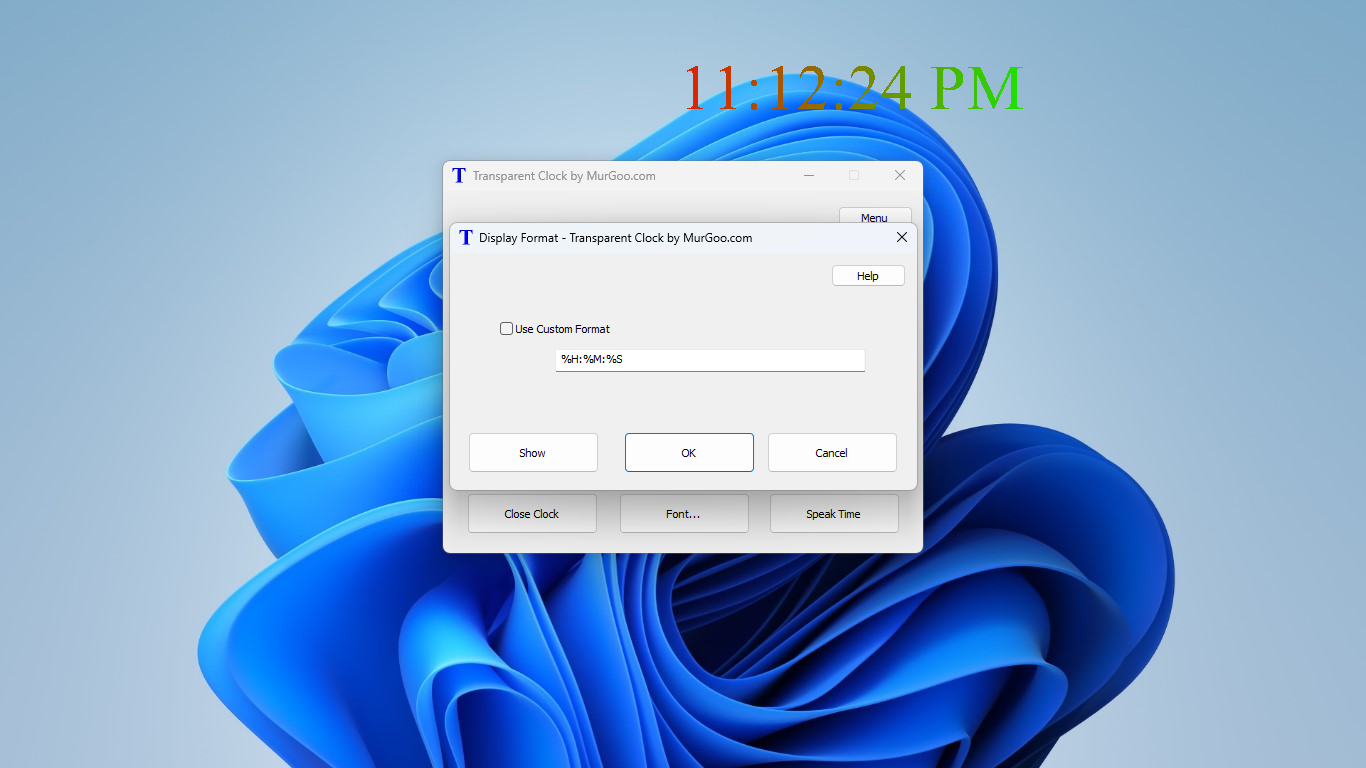
The main draw is the digital clock that sits discreetly on your desktop, customizable in size, color, and position. This is particularly useful for users who need a quick glance at the time without opening system menus or cluttering their taskbar. The clock's transparency allows it to blend into the background, much like a calm river flowing beneath your focus, ensuring it doesn't distract during intensive tasks. Its real-time updates keep your timing precise, essential for workflows that depend on accuracy.
World Clock and Multi-Zone Tracking
For users coordinating across time zones, the integrated world clock feature shines. Imagine having a globe on your desktop—showing your colleagues' local times at a glance. Setting up multiple cities is straightforward, making it ideal for remote teams or global travelers. The visual clarity and straightforward management reduce cognitive load by consolidating time zone references into one consistent, accessible space, rather than juggling multiple apps or browser tabs.
Differentiators and Workflow Integration
Unlike many productivity tools focused solely on time display or alarms, Transparent Clock emphasizes reducing mental clutter and integrating seamlessly into daily routines. Its minimalistic approach avoids feature overload—a typical pitfall of complex productivity apps—by focusing on core functionalities that genuinely enhance time awareness. For example, its transparency feature allows the clock to sit unobtrusively on the desktop, serving as a constant yet non-intrusive reminder of time passing, much like a gentle tide shaping the shore.
This focus on clarity and simplicity helps decrease cognitive load, unlike cluttered calendar or task management apps which often require undue attention and setup. It's akin to having a reliable, easy-to-read watch on your desk—always available without disrupting your workflow.
Recommendation and Usage Suggestions
Overall, Transparent Clock for Windows earns a solid recommendation for anyone seeking a lightweight, visually unobtrusive clock solution that improves workflow efficiency. It's particularly suitable for professionals who need quick time references across multiple zones, or students managing busy schedules. Its ease of use and focused feature set make it a dependable addition without the overhead of heavy software. For users craving more extensive scheduling or task management, this app works best as a supplementary tool rather than a comprehensive planner.
In conclusion, think of Transparent Clock as your silent desk assistant—always there, clear and simple, helping you keep track without demanding your attention. If efficiency with minimal distraction is your goal, this app deserves a place on your Windows desktop.
Pros
- Intuitive Transparent Interface
- Multiple Alarm and Notification Options
- Accurate Weather and Time Sync
- Simple and Lightweight
- Personalization Features
Cons
- Limited Customization Options
- Occasional Widget Refresh Delays
- No Offline Mode
- Limited Language Support
- Basic Weather Data Presentation











