
- Name TP Clock
- Category Productivity
- Developer Thomas P. Olsen
- Available on PC
- OS Windows 10 version 17763.0 or higher
- Keyboard Integrated Keyboard
- Mouse Integrated Mouse
- languages English (United States)
A Clean, Efficient Time Management Tool for Windows Users
TP Clock for Windows, developed and published by Thomas P. Olsen, is a straightforward time-tracking application designed to streamline your productivity. With a focus on simplicity and efficiency, it aims to help users monitor and manage their time without the clutter of complex features.
Key Features that Stand Out
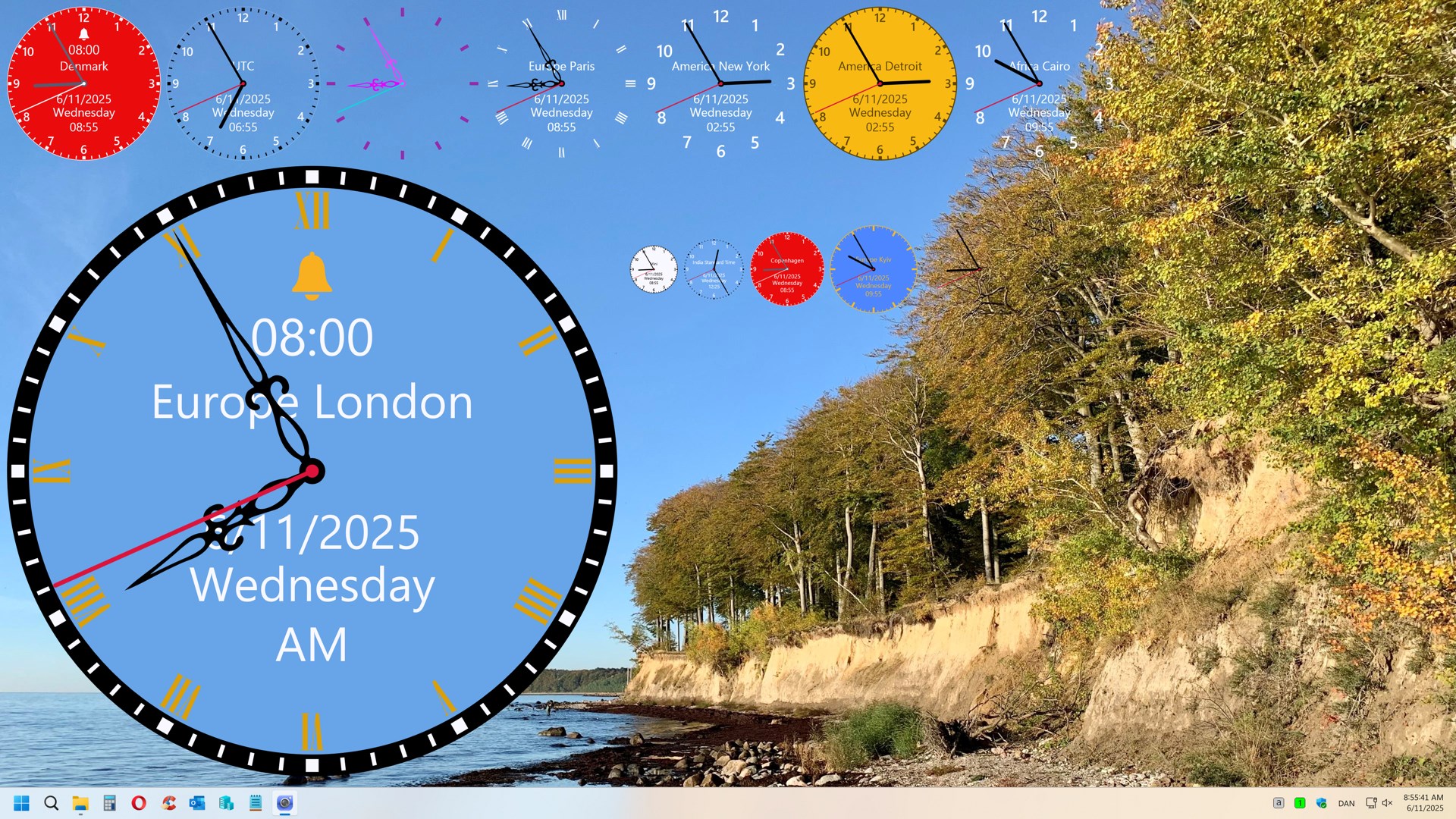
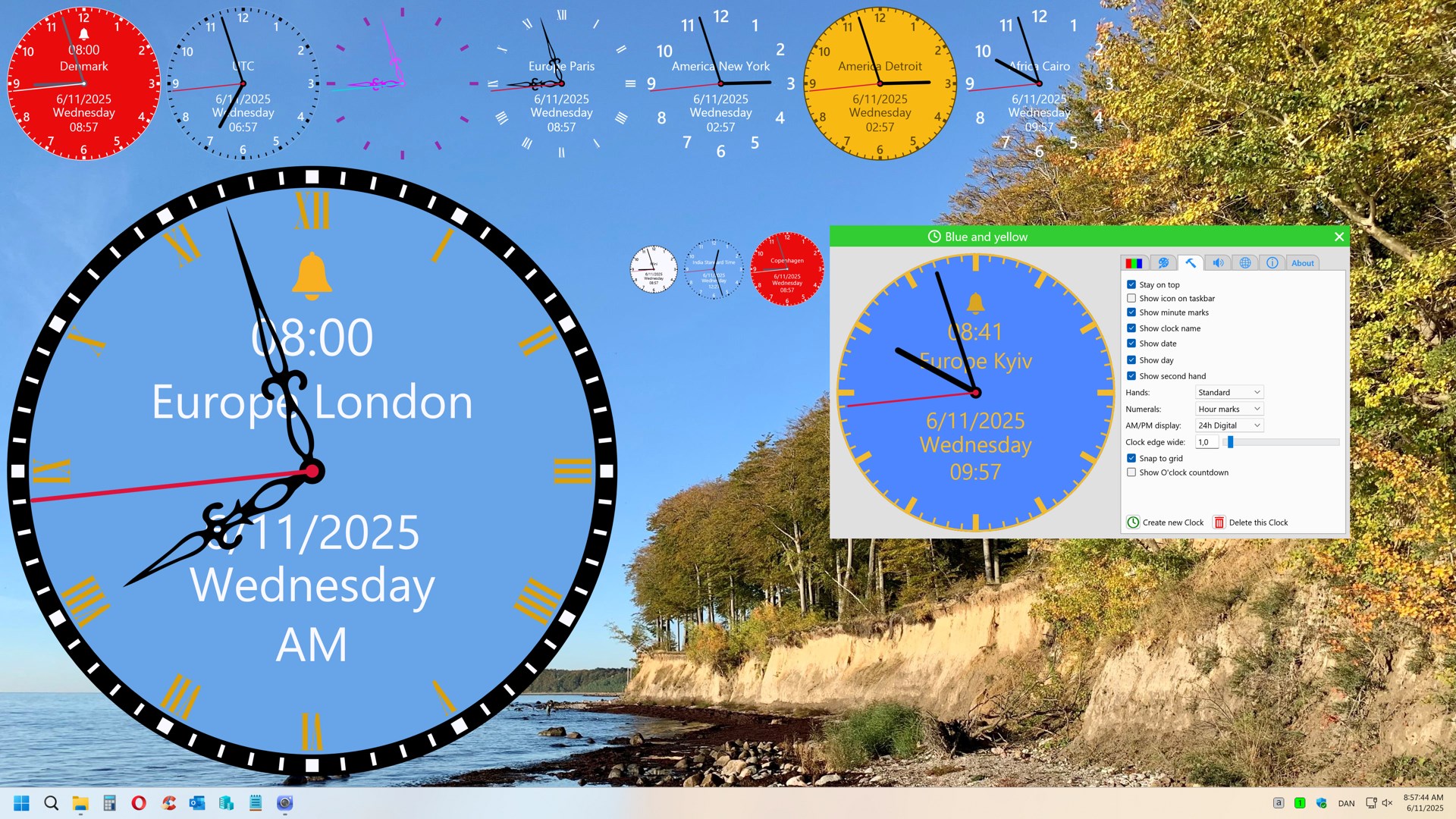
Boasting a sleek interface and intuitive controls, TP Clock emphasizes ease of use. Its main features include precise time tracking, customizable alerts to keep you on schedule, and a flexible interface that adapts to various workflows. These functionalities cater primarily to professionals, students, and anyone who values structured time management.
Engaging Introduction: A Swipe of the Timer — Like a Friendly Assistant
Imagine having a diligent assistant sitting right beside your keyboard, quietly keeping tabs on every moment you dedicate to tasks. That's what TP Clock delivers—a calm, reliable companion for your daily schedule. Instead of juggling multiple tabs or complicated apps, you can summon a clean, straightforward timer that just works, letting you focus on what truly matters. It's like having a trusty stopwatch that's always ready, without any unnecessary bells and whistles. This app isn't about overwhelming you with features; it's about making your workflow smoother, much like a well-oiled machine that hums effortlessly in the background.
Intuitive Time Tracking and Custom Alerts
One of TP Clock's most compelling aspects is its simple yet powerful time-tracking capability. Users can start and stop timers with a single click, making it easy to record time spent on different activities without disrupting the flow. The app also offers customizable alerts—so you can set reminders to take breaks, switch tasks, or pause for a moment of reflection. These alerts serve as gentle signals that help prevent burnout or distractions, akin to having a soft chime reminding you to stretch after a long stretch of work. The unobtrusive nature of these features ensures you stay engaged without feeling overwhelmed by options.
Smooth, User-Friendly Interface with Minimal Learning Curve
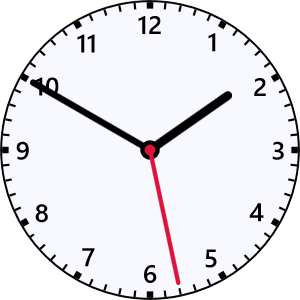
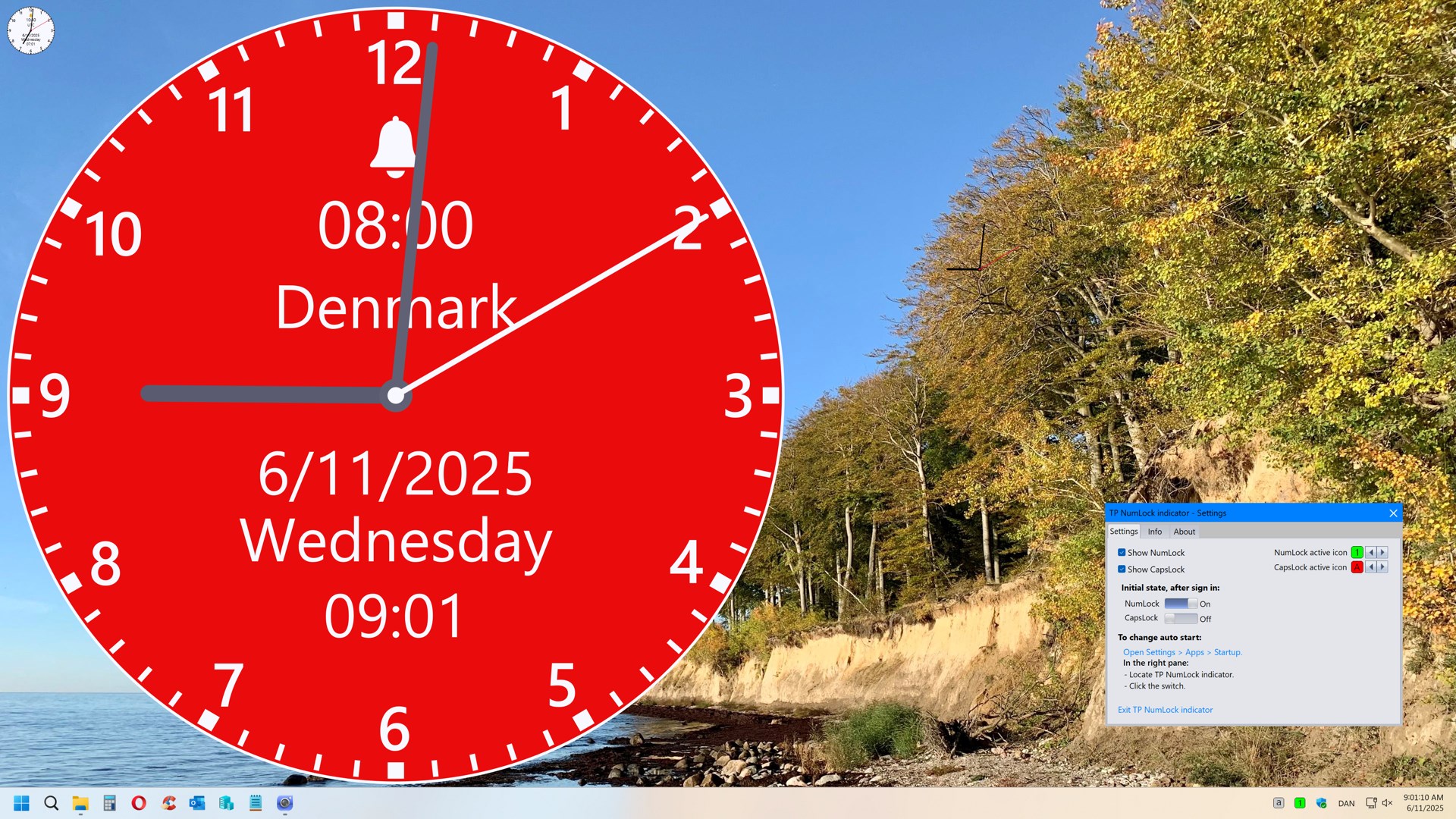
From the moment you open TP Clock, you'll notice its clean and minimalist interface—a fresh breeze compared to cluttered productivity tools. The layout is straightforward: clear buttons, uncluttered visuals, and an intuitive flow that doesn't require a manual. As you experiment, you'll find yourself navigating effortlessly, akin to adjusting the dials of a vintage radio—familiar, simple, and satisfying. The app's streamlined design minimizes cognitive load, allowing you to focus solely on your tasks rather than figuring out how to use the tool. This simplicity ensures that even those new to digital timers can start benefiting from day one, speeding up adoption and maximizing efficiency.
Standing Out in a Crowded Market of Productivity Apps
Compared to feature-heavy productivity apps that often bombard users with options and complex settings, TP Clock carves out a niche with its focus on workflow integration and reducing cognitive load. Its core advantage lies in providing essential time management functions without the distraction of unnecessary features. Think of it as the minimalist's choice—efficient, unobtrusive, yet highly effective. Unlike many apps that require extensive setup or learning, TP Clock seamlessly fits into your routine. Its lightweight design ensures that it complements your workflow rather than complicates it. For users seeking a reliable timer that's easy to incorporate into daily tasks, TP Clock offers a compelling, clutter-free experience.
Final Verdict & Usage Recommendations
If your goal is to adopt a no-nonsense, easy-to-use timer to help monitor your work sessions, TP Clock is highly recommended. Perfect for those who prefer clarity over complexity, it's especially beneficial for students, freelancers, or professionals who need quick, focused tools to stay on track. While it may lack some advanced features present in larger productivity suites, its core strengths make it an indispensable companion when streamlined time tracking matters most. For anyone looking to improve their workflow efficiency without the burden of learning a complicated app, TP Clock offers an unobtrusive but effective solution.
Pros
- Intuitive User Interface
- Precise Time Tracking
- Customizable Settings
- Widgets Support
- Lightweight and Fast
Cons
- Limited Alarm Options
- Lack of Synchronization Features
- Minimal Export Capabilities
- Limited International Support
- Basic Notifications











