

- Name Total PC Cleaner: Clean Disk, Antivirus
- Category Productivity
- Available on PC
- OS Windows 10 version 17134.0 or higher
- languages Chinese (Simplified), Dutch, English, English (United States), French, German, Italian, Japanese, Russian, Spanish
Total PC Cleaner: A Comprehensive Windows Maintenance Tool
If you're tired of your cluttered computer slowing down, Total PC Cleaner promises to be a one-stop solution to clean disks, boost performance, and safeguard your system—all in a friendly, user-centric package. Think of it as a digital spring cleaning service that fits neatly into your Windows workflow.
Who's Behind Total PC Cleaner?
Developed by the team behind Total PC Cleaner, this app is crafted with the goal of simplifying system maintenance for everyday Windows users. The publisher has positioned it as a user-friendly yet powerful utility, focusing on optimizing performance without overwhelming users with complexity.
Core Features That Shine
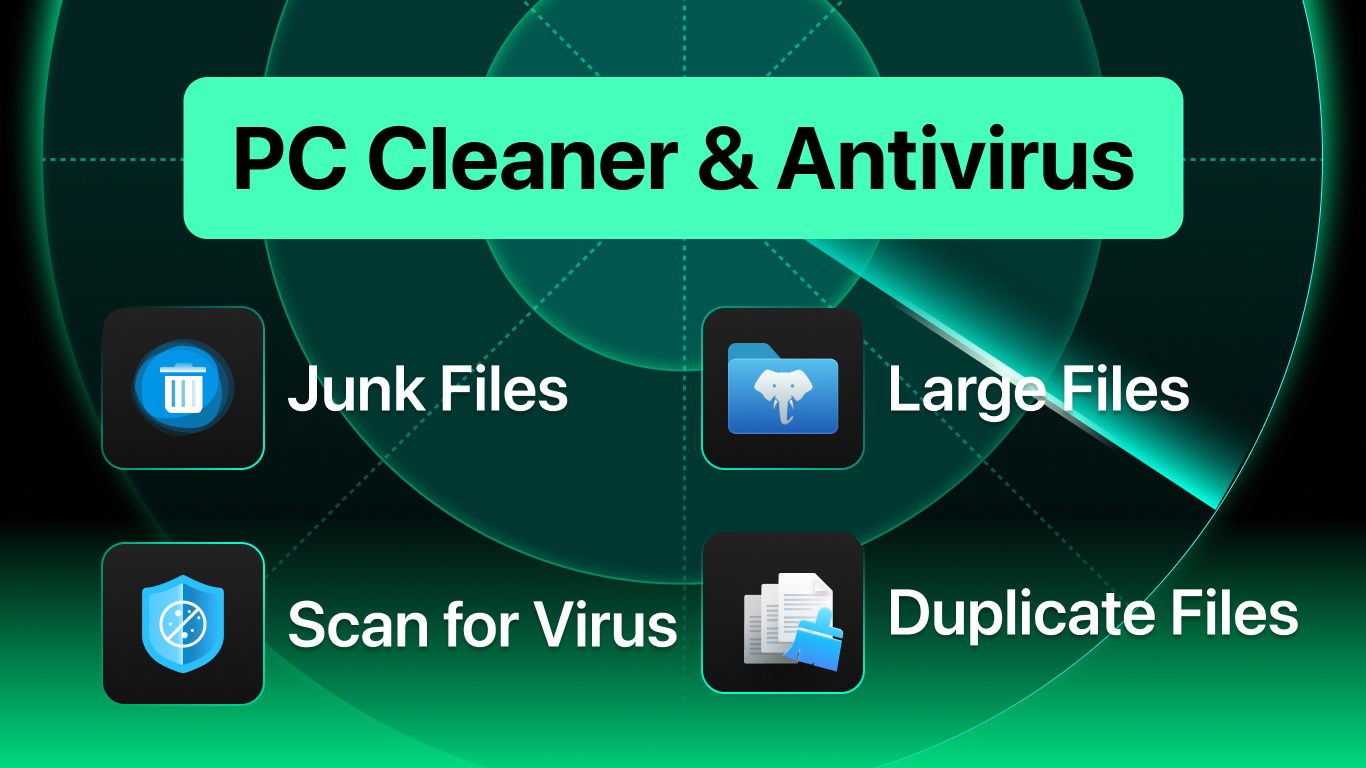
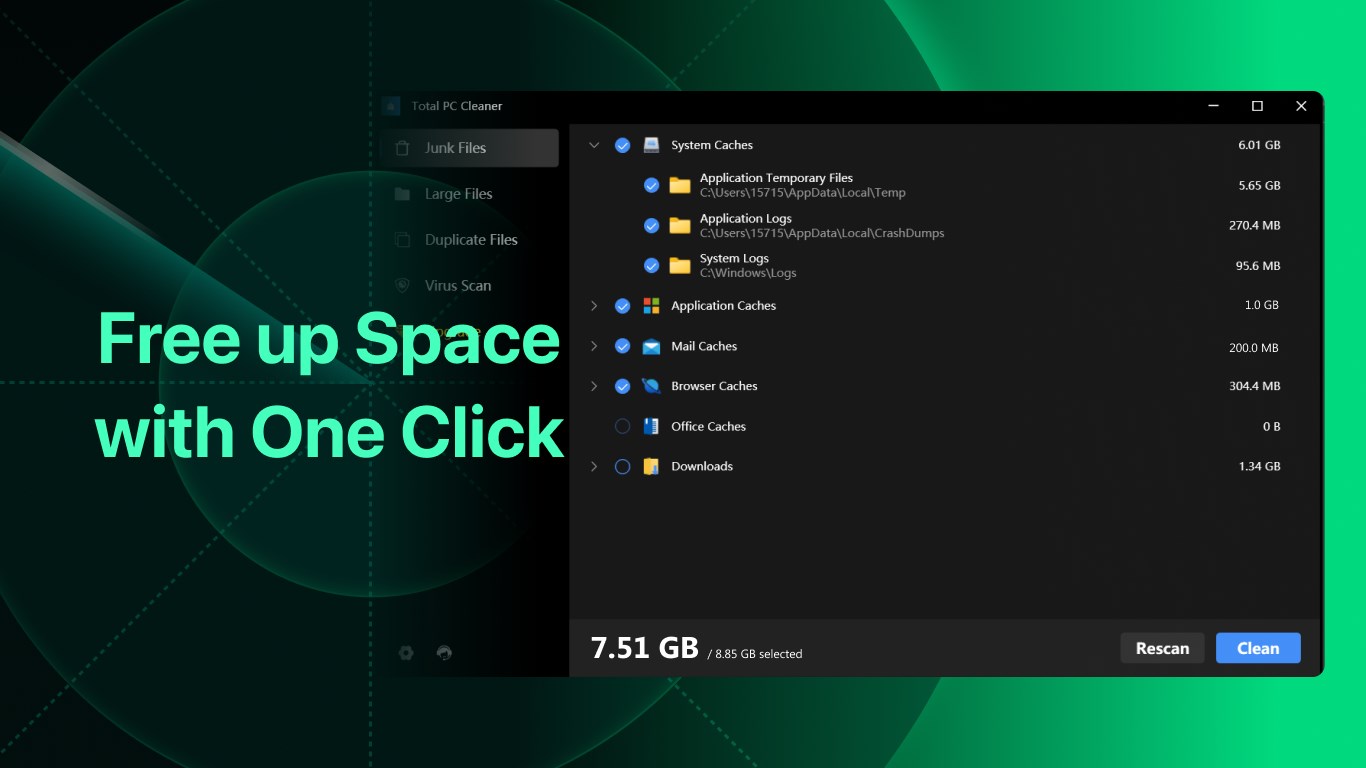
- Efficient Disk Cleanup: This feature scans your system for unnecessary files—junk, temp files, cache—and safely removes them, freeing up valuable storage space. It's akin to tidying up your desktop, but for your entire PC.
- Robust Antivirus Engine: Integrated real-time protection detects and eliminates malware, ensuring your system stays secure. This enhances overall system reliability and peace of mind, like having a vigilant guard dog on duty.
- Comprehensive System Optimization: Beyond cleaning, the app offers tools to manage startup items and background processes, helping your PC sprint faster out of the gate. It's like giving your machine a shot of adrenaline for everyday tasks.
Designed primarily for everyday Windows users—from casual home users to small office operators—it aims to keep systems running smoothly without requiring technical expertise.
A Bright and Friendly Interface
Launching Total PC Cleaner feels like stepping into a well-organized workshop: clean, intuitive, and approachable. The dashboard is straightforward, with neatly labeled icons guiding you through cleaning and security functions. Navigating between disk cleanup and antivirus modules is smooth, with minimal lag or confusing menus—perfect for users who prefer a no-fuss experience. The learning curve is gentle, allowing even those new to system optimization to get started quickly.
Core Functionality in Focus
Disk Cleaning Made Effortless
The disk cleanup module employs an intelligent scanning algorithm that prioritizes safety—only removing redundant files that won't affect system stability. What sets it apart is its balance between thoroughness and simplicity; you won't be overwhelmed with technical options, yet you'll get a meaningful cleanup that restores speed and frees space. Regularly scheduled scans mean maintaining your PC becomes an effortless routine rather than a chore.
Antivirus and Security—Peace of Mind
The integrated antivirus provides real-time protection alongside quick scan functionalities. Its detection engine is comparable to dedicated security suites but embedded into an all-in-one app, reducing the cognitive load when managing multiple tools. The antivirus updates seamlessly in the background, so users can focus on their work without constant interruptions. Its unobtrusive alerts inform you of threats but aren't overly alarmist—striking a sensible balance between vigilance and user comfort.
System Optimization and Management
The utility to optimize startup items and background processes complements the cleaning features by improving boot times and responsiveness. The interface allows you to disable unnecessary programs with a few clicks, akin to turning off idle appliances at home. This makes your PC run faster without requiring deep technical know-how, offering a tangible productivity boost with minimal effort.
What Makes It Stand Out?
Unlike many productivity apps that bundle dozens of features with confusing interfaces, Total PC Cleaner emphasizes workflow efficiency. Its main advantage is reducing users' cognitive load—streamlining essential tasks without overwhelming options. The app's intelligent design ensures that you rarely need to delve into manual settings, making it particularly suitable for non-technical users who want straightforward PC health maintenance. Its combination of disk cleaning and real-time antivirus protection in a cohesive, easy-to-navigate package exemplifies user-centered development.
My Recommendation and Usage Tips
Overall, I would rate Total PC Cleaner as a solid choice for everyday Windows users seeking a trusted, easy-to-use maintenance tool. It's best suited for those who want reliable disk cleaning, enhanced security, and system optimization without diving into complex configurations. For optimal results, set the app to perform regular automatic scans and cleanup—think of it as scheduling routine health check-ups for your PC. While it may not replace dedicated enterprise-level tools, for personal or small business use, it strikes a fine balance between simplicity and functionality.
In conclusion, Total PC Cleaner presents itself not just as a utility, but as a dependable partner in your digital health. Its focus on workflow integration and minimizing user effort makes it a noteworthy addition to your software toolbox—like having a friendly tech-savvy assistant at your side, quietly keeping your system in tip-top shape.
Pros
- Effective Disk Cleaning
- User-Friendly Interface
- Real-Time Antivirus Protection
- Scheduling Functionality
- Additional Tools
Cons
- Limited Deep Scan Capabilities
- Occasional False Positives
- Cleanup Speed Variability
- Limited Free Features
- No Privacy Policy Mentioned











