

- Name TeamViewer Remote
- Category Productivity
- Developer TeamViewer Germany GmbH
- Available on PC
- OS Windows 10 version 0.0 or higher
- languages English, German, German
TeamViewer Remote for Windows: Your Reliable Remote Access Companion
TeamViewer Remote for Windows is a robust remote desktop application designed to facilitate seamless control and support across devices, making remote work and troubleshooting effortless and efficient.
About the Developer and Core Features
Developed by TeamViewer Germany GmbH and published by TeamViewer, this app leverages years of expertise in remote connectivity solutions. Its main highlights include secure remote sessions with end-to-end encryption, intuitive multi-platform support, and robust file transfer capabilities. Designed to cater to professionals, IT support teams, and those who need reliable access to distant systems, it simplifies complex workflows into straightforward interactions.
Experience the App: A User-Friendly Gateway to Remote Connectivity
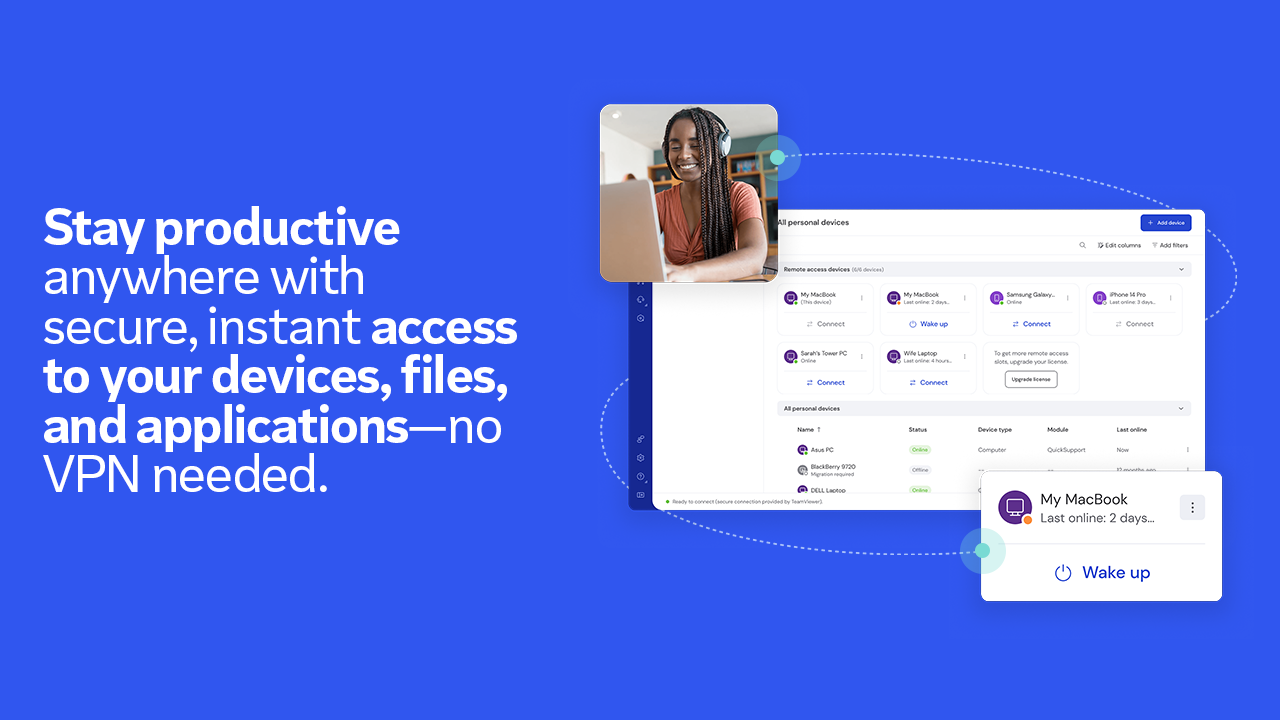
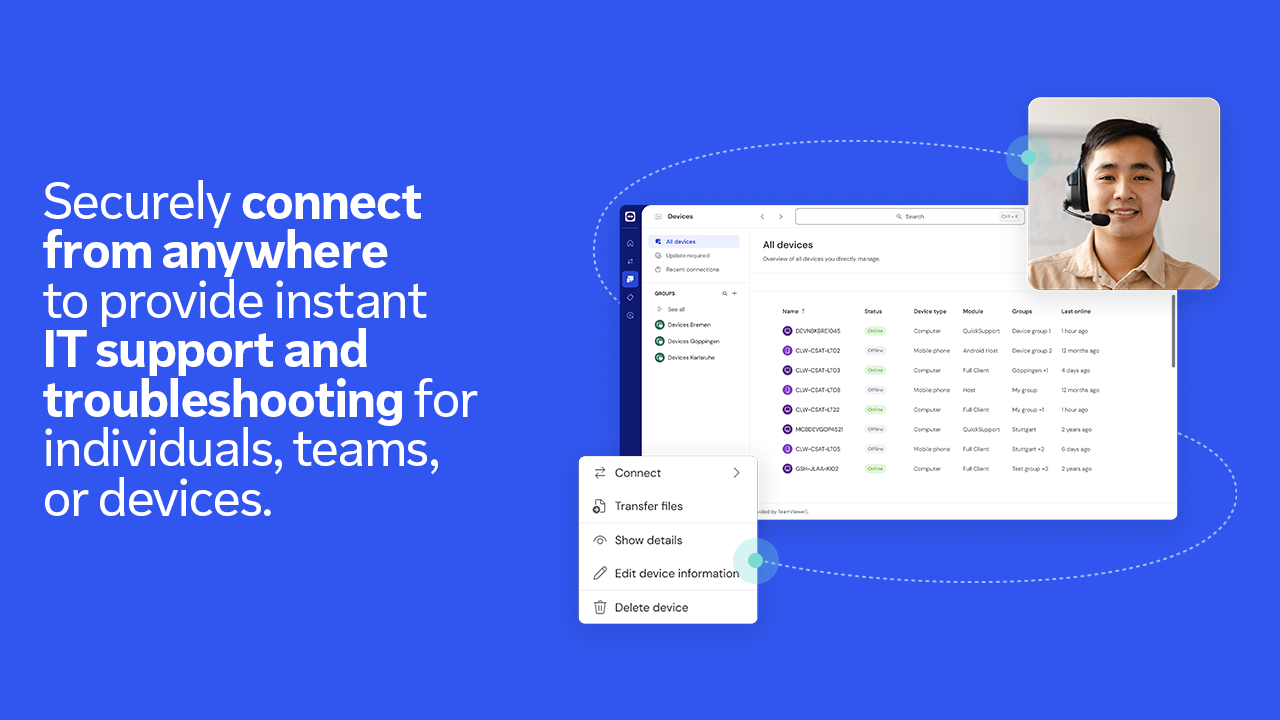
Imagine having a magic wand that lets you sit at your desk and, at the flick of your fingers, access another computer thousands of miles away. That's precisely what TeamViewer Remote for Windows offers — a window into distant desktops that feels as natural as working locally. Its clean and well-organized interface makes the experience inviting rather than intimidating, even for first-time users. Setting up a remote session is as simple as clicking a link or entering an ID — no technical wizardry required.
Seamless Remote Control and Support
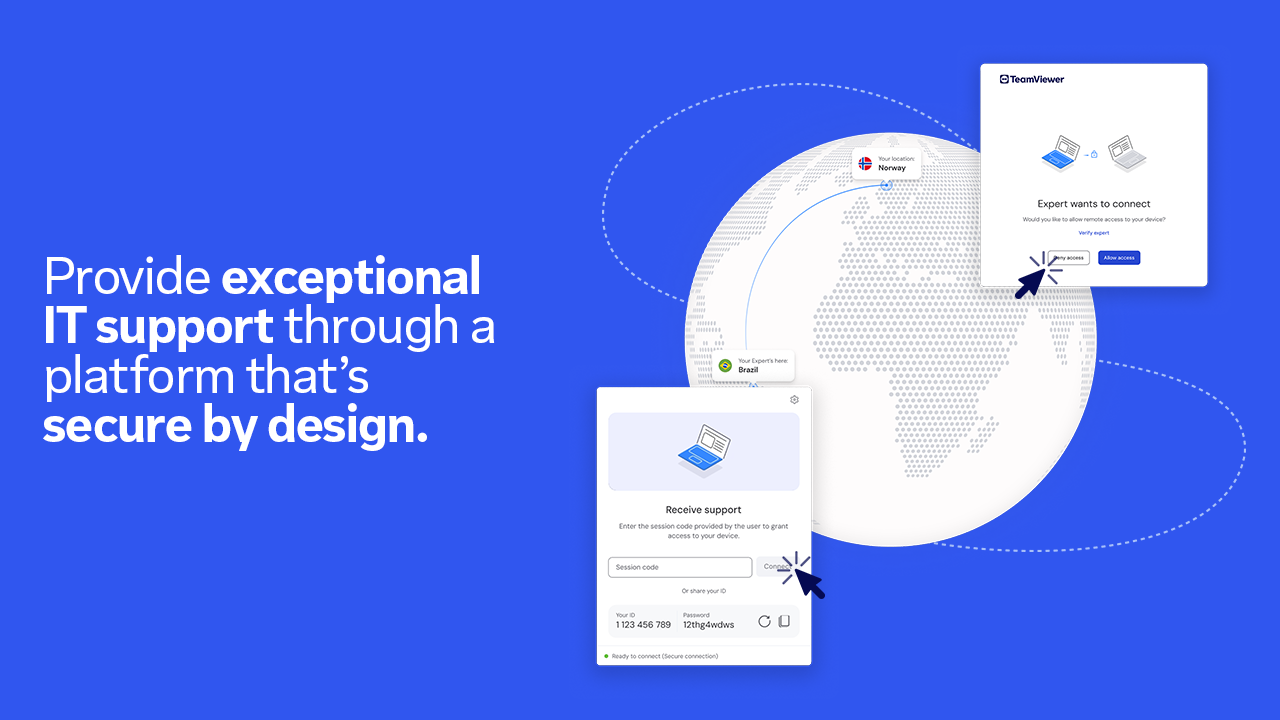
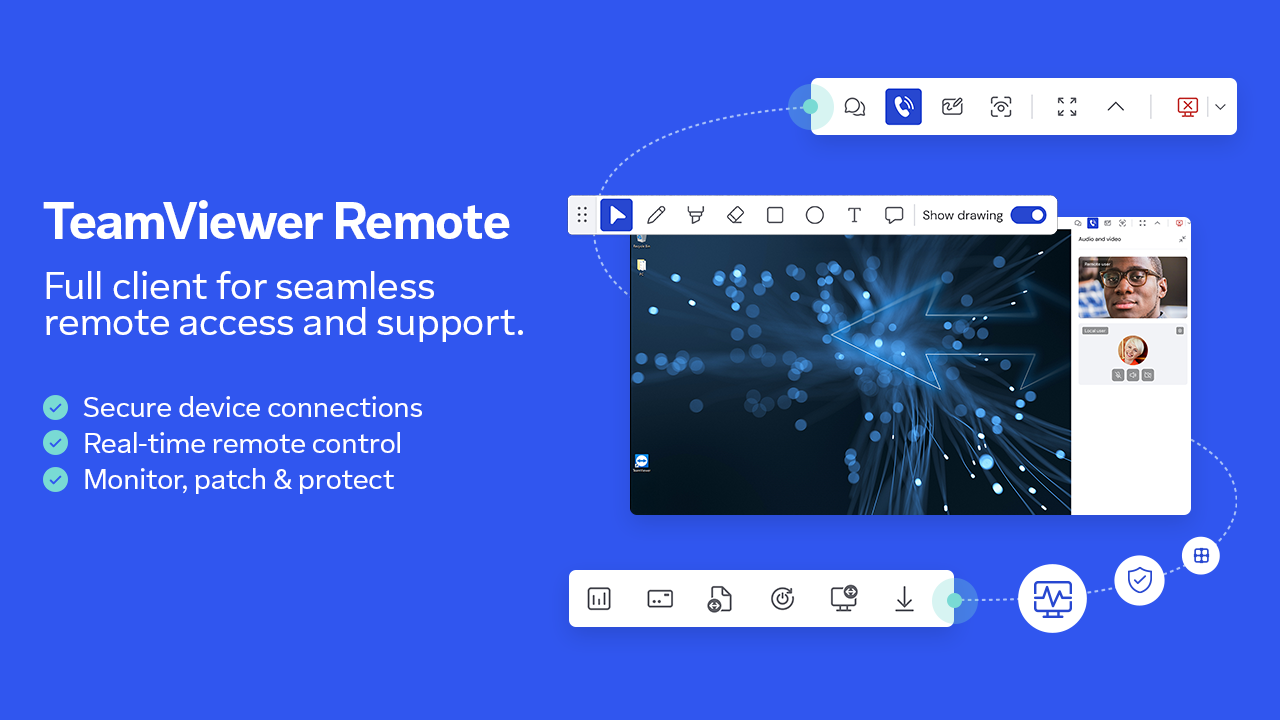
The core strength of TeamViewer lies in its stable and secure remote connection. Whether you're troubleshooting a colleague's PC or accessing your home server, the application ensures that every keystroke and mouse movement is transmitted smoothly. The standout feature here is its high-performance remote control that maintains fluidity even under less-than-ideal network conditions. Its encryption standards reassure users that sensitive data remains protected, transforming remote access from a potential vulnerability into a secure gateway.
Efficient File Transfer and Collaboration
Another pillar of excellence is the app's file transfer functionality. Unlike many remote solutions that mimic the speed of a crawl, TeamViewer facilitates quick and straightforward file exchanges — think of it as passing notes through a secured, digital mailbox. Users can drag and drop files directly during a session, reducing the need to switch to separate cloud services or email attachments. This tight integration accelerates workflows and minimizes cognitive load, making remote collaboration feel as natural as working side by side.
User Experience: Intuitive, Sleek, and Workflow-Optimized
From an ergonomic perspective, TeamViewer Remote for Windows scores high on user-friendliness. The interface is minimalistic yet packed with features, avoiding the clutter that often frustrates users of complex software. Navigation feels intuitive, and the app adapts well to different screen sizes and devices. The learning curve is shallow, enabling users to become competent in a matter of minutes. These design choices reflect a focus on reducing cognitive load and streamlining workflows—allowing users to spend less time wrestling with the tool and more time on productive tasks.
What Makes It Stand Out? The Workflow Integration Advantage
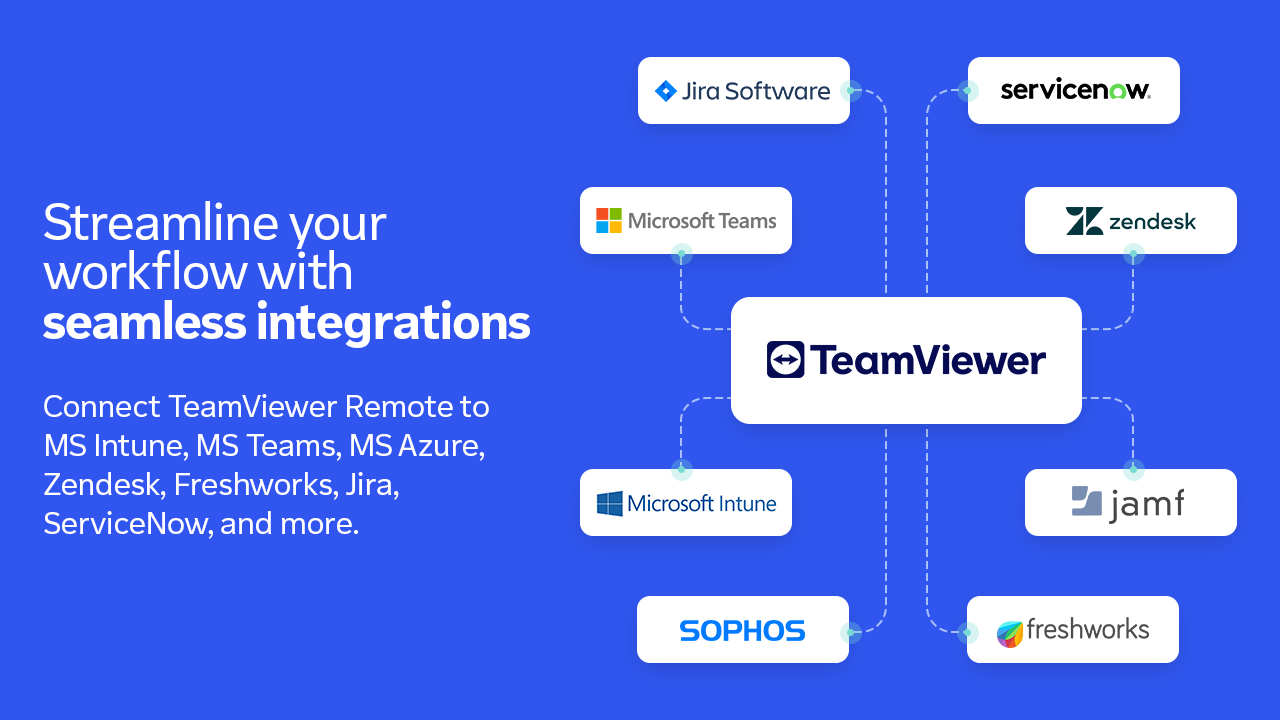
What sets TeamViewer apart from other productivity apps isn't just its remote control features but its emphasis on workflow integration. Unlike platforms jam-packed with bells and whistles that can overwhelm, TeamViewer zeroes in on essential functionalities that reduce complexity. Its ability to quickly establish secure sessions, transfer files seamlessly, and support multiple devices from a single platform means users spend less time configuring and more time working. Essentially, it acts like a highly skilled assistant, decluttering your remote work process and elevating your productivity by focusing on what truly matters — efficient work, not fiddling with the tools.
Final Verdict and Recommendations
Considering its thoughtful design, reliable performance, and targeted features, I recommend TeamViewer Remote for Windows to any professional or support technician seeking a dependable remote access solution. It's particularly beneficial for those who need quick, secure connections without the fuss of overly complicated interfaces. For users who prioritize workflow efficiency and minimal cognitive burden, this app offers a smooth, integrated experience that makes remote collaboration feel almost effortless.
Pros
- Easy cross-platform access
- High-quality video transmission
- Robust security features
- File transfer capability
- User-friendly interface
Cons
- High resource consumption
- Limited free session duration
- Occasional connectivity issues
- Customized control options are somewhat limited
- Mobile app interface could be improved











