

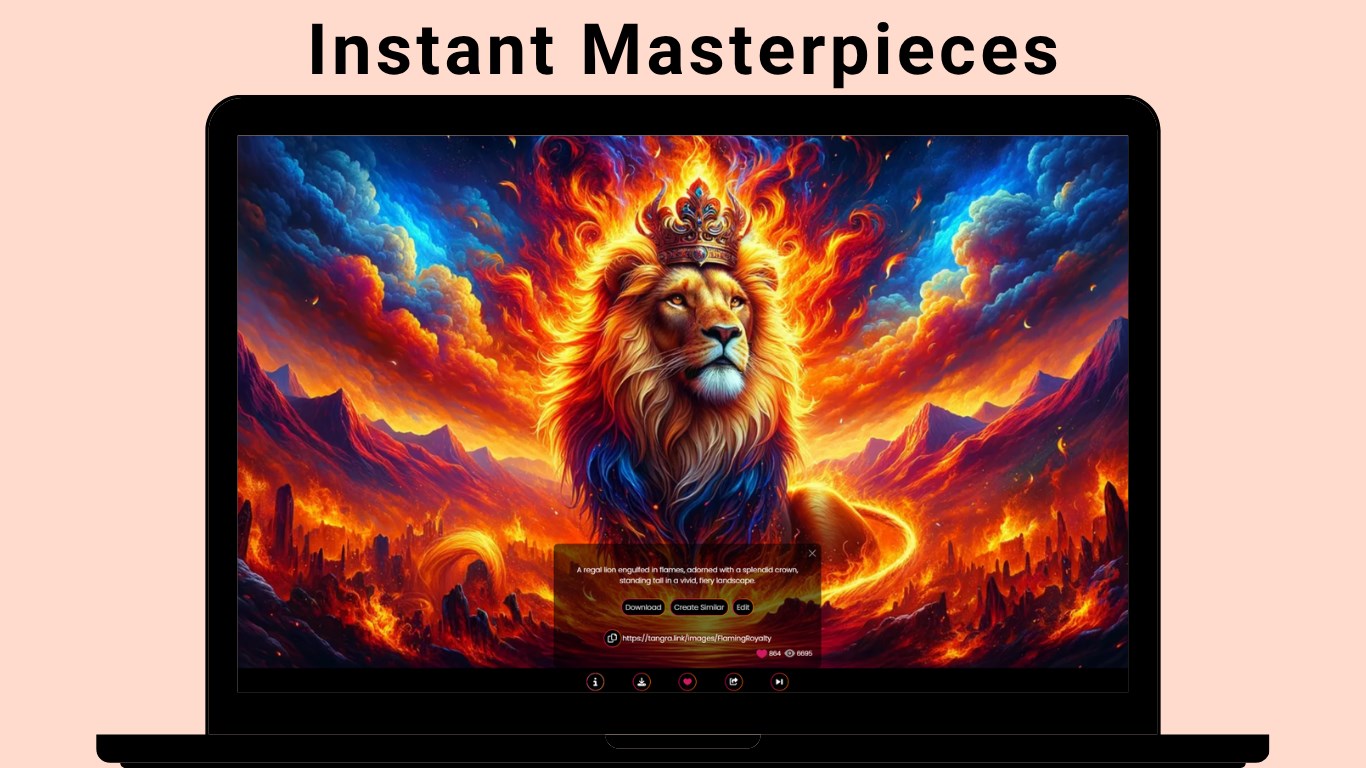
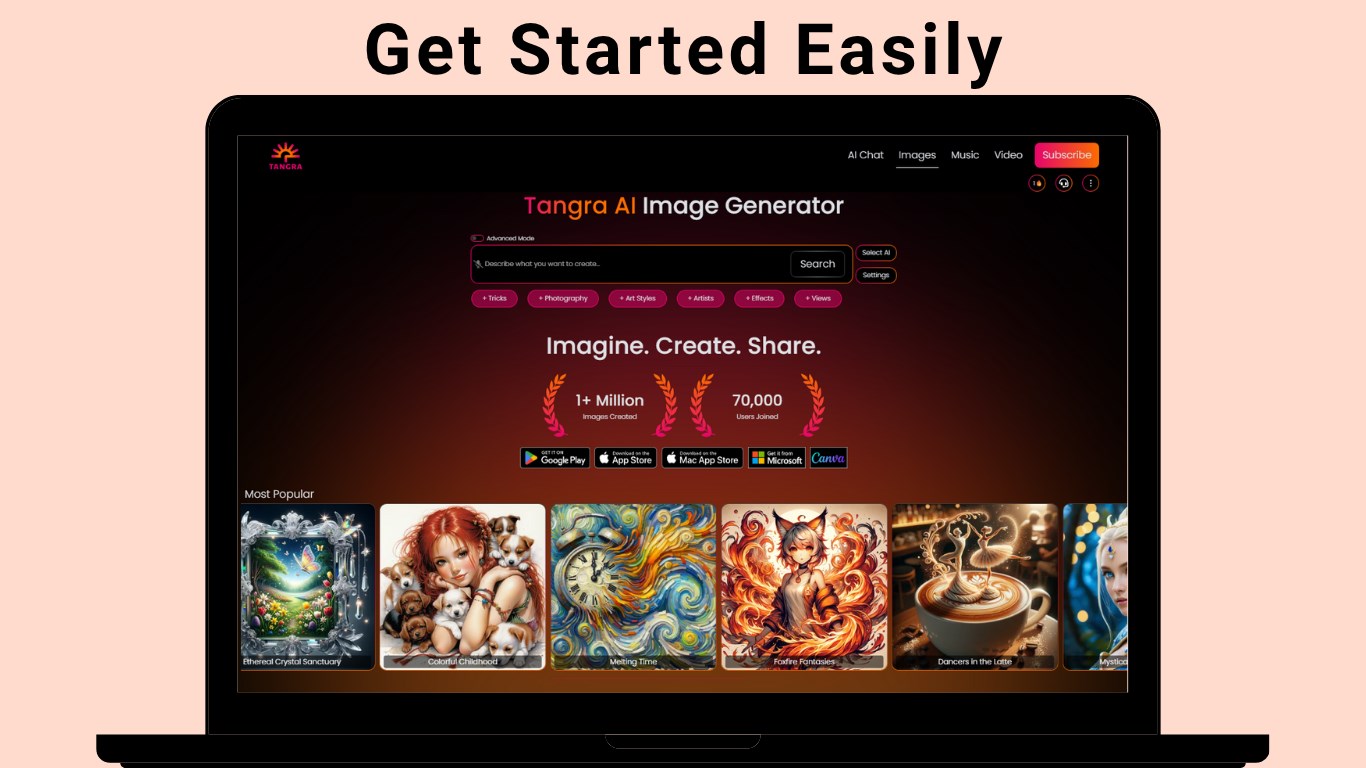
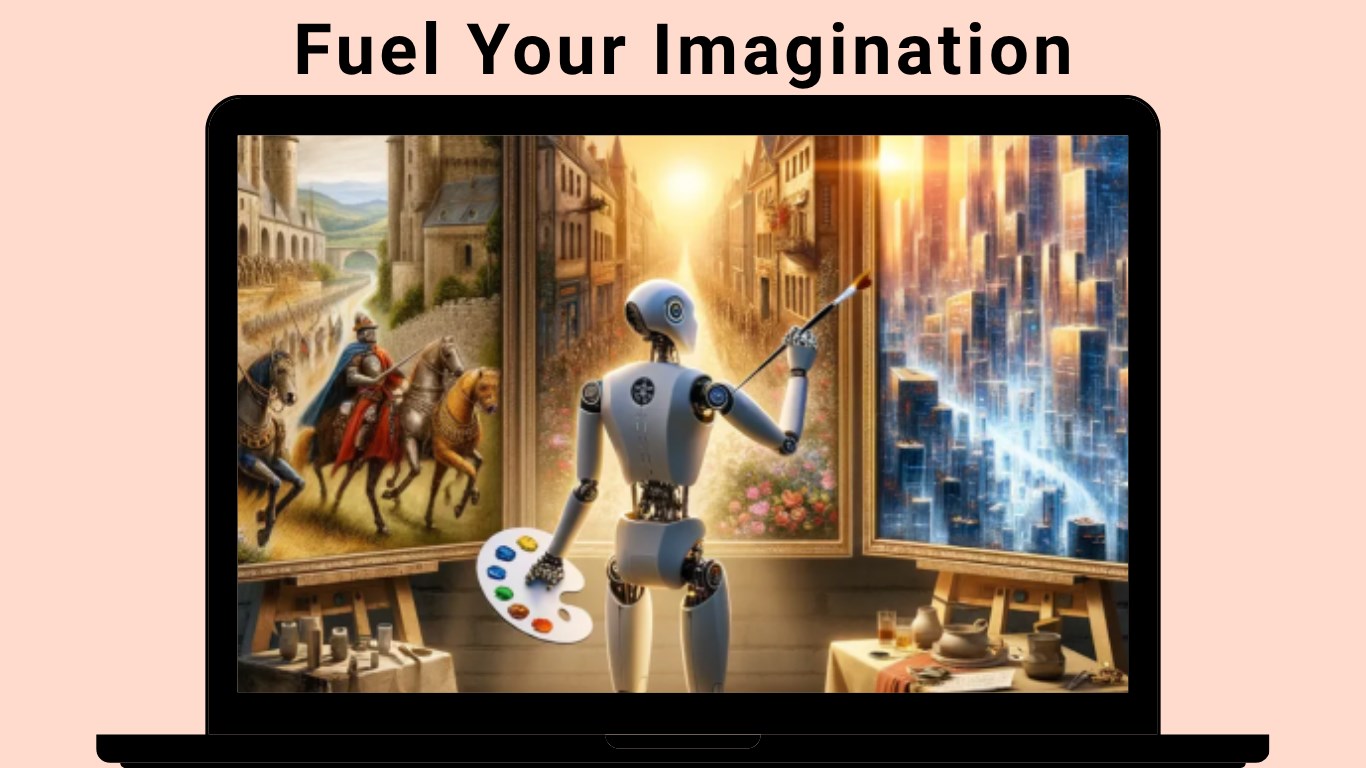
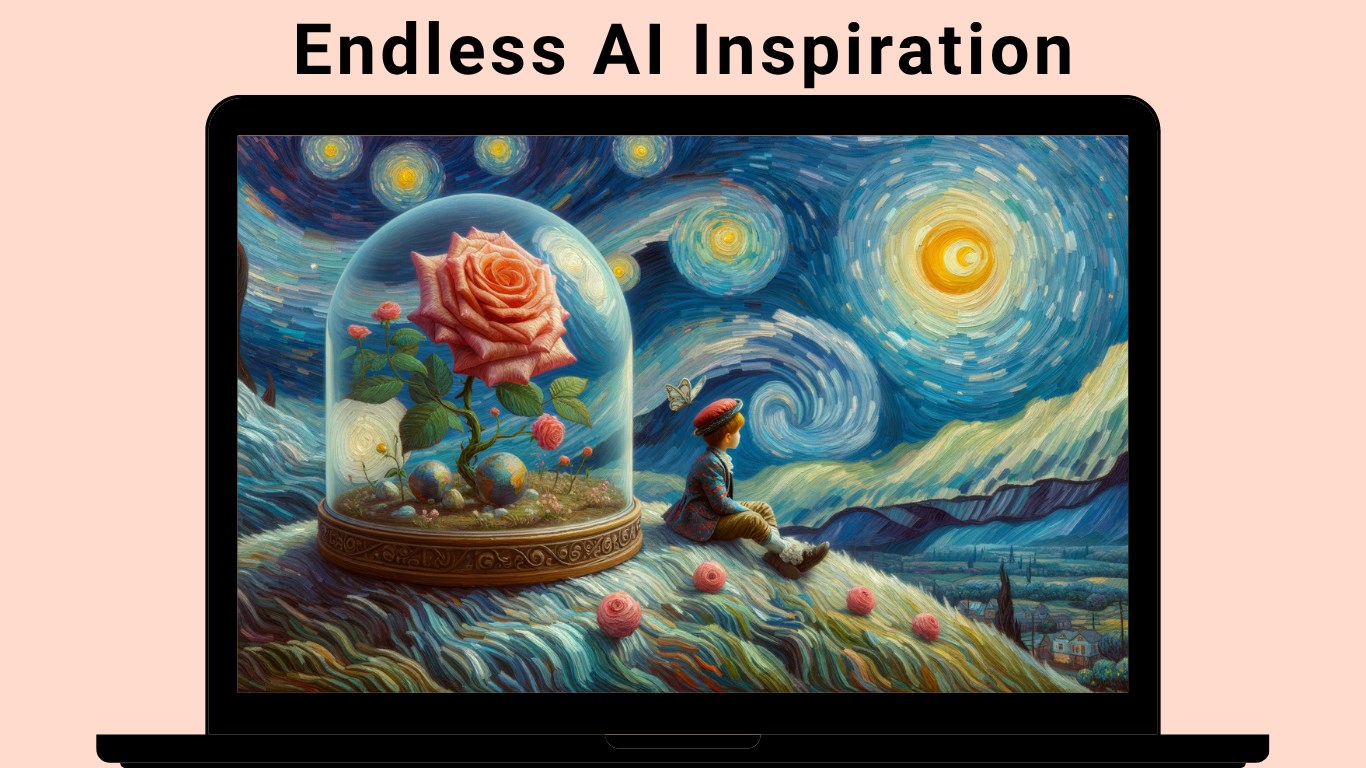
- Name Tangra AI Image Generator
- Category Multimedia design
- Developer Tangra AI
- Available on PC, Mobile, Surface Hub
- OS Windows 10 version 17763.0 or higher
- languages English (United States), French, German, Spanish (Spain)
Introducing Tangra AI Image Generator for Windows: A New Frontier in AI-Powered Creativity
Tangra AI Image Generator is a sleek and innovative application designed to empower users to generate stunning, high-quality images effortlessly on Windows. Combining advanced AI techniques with user-friendly design, it aims to serve both amateur creators and seasoned designers eager to streamline their visual content creation process.
Meet the Team Behind the Magic
Developed by Tangra AI and published by Simply Flows LLC, this application is the fruit of a dedicated team committed to pushing the boundaries of AI-driven image synthesis. Their focus is on creating accessible, efficient tools that make complex image generation accessible to a broad audience.
Core Highlights That Make It Stand Out
- Intuitive Text-to-Image Synthesis: Converts simple prompts into vivid, contextually rich images—perfect for marketing, storytelling, or personal projects.
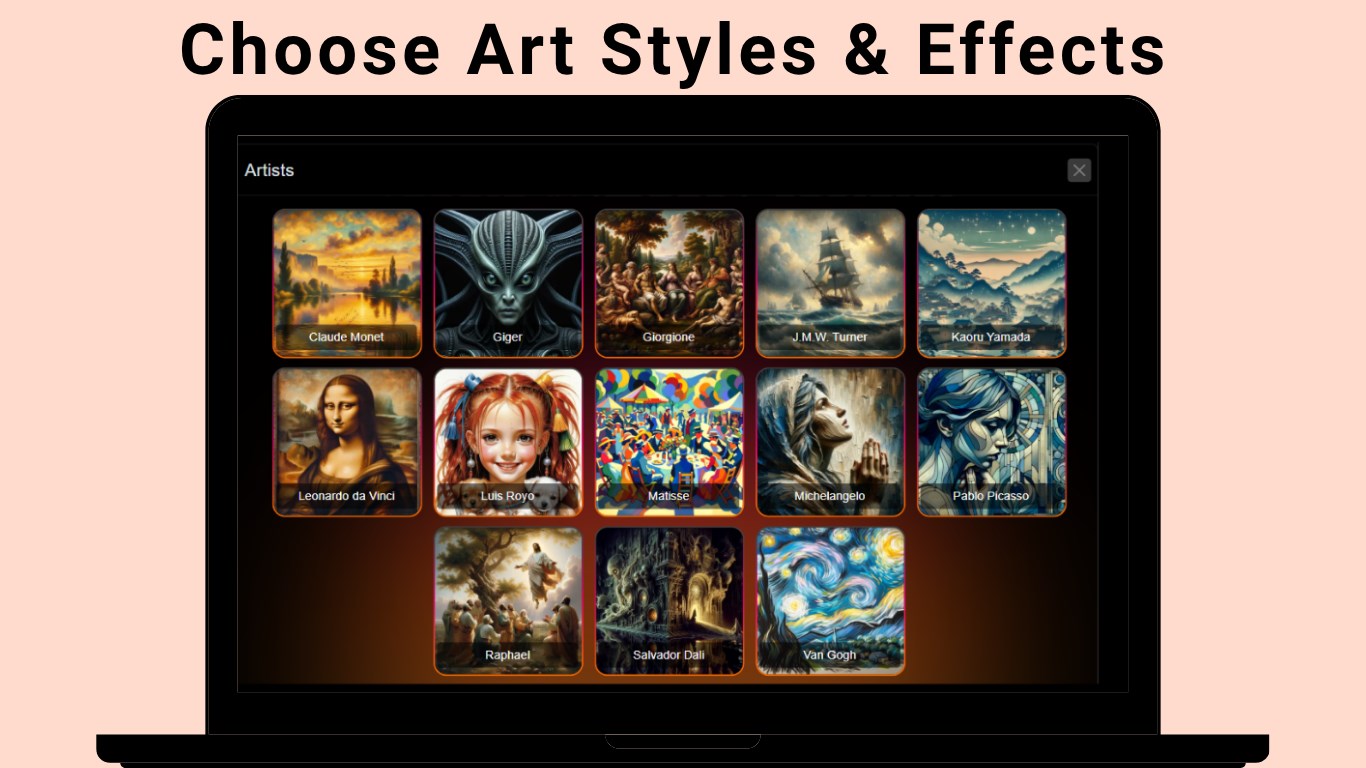
- Custom Style Controls: Allows users to fine-tune the artistic style, enabling a wide array of visual outputs tailored to different needs.
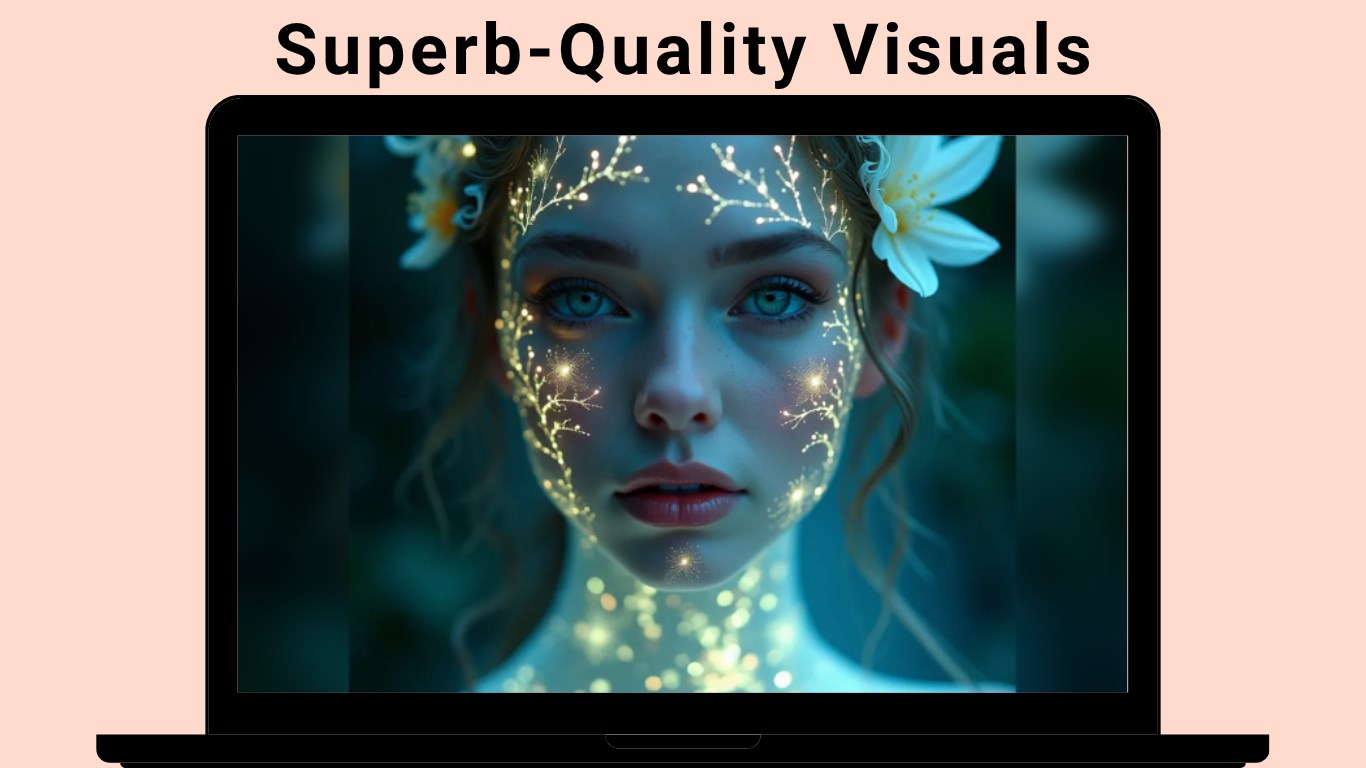
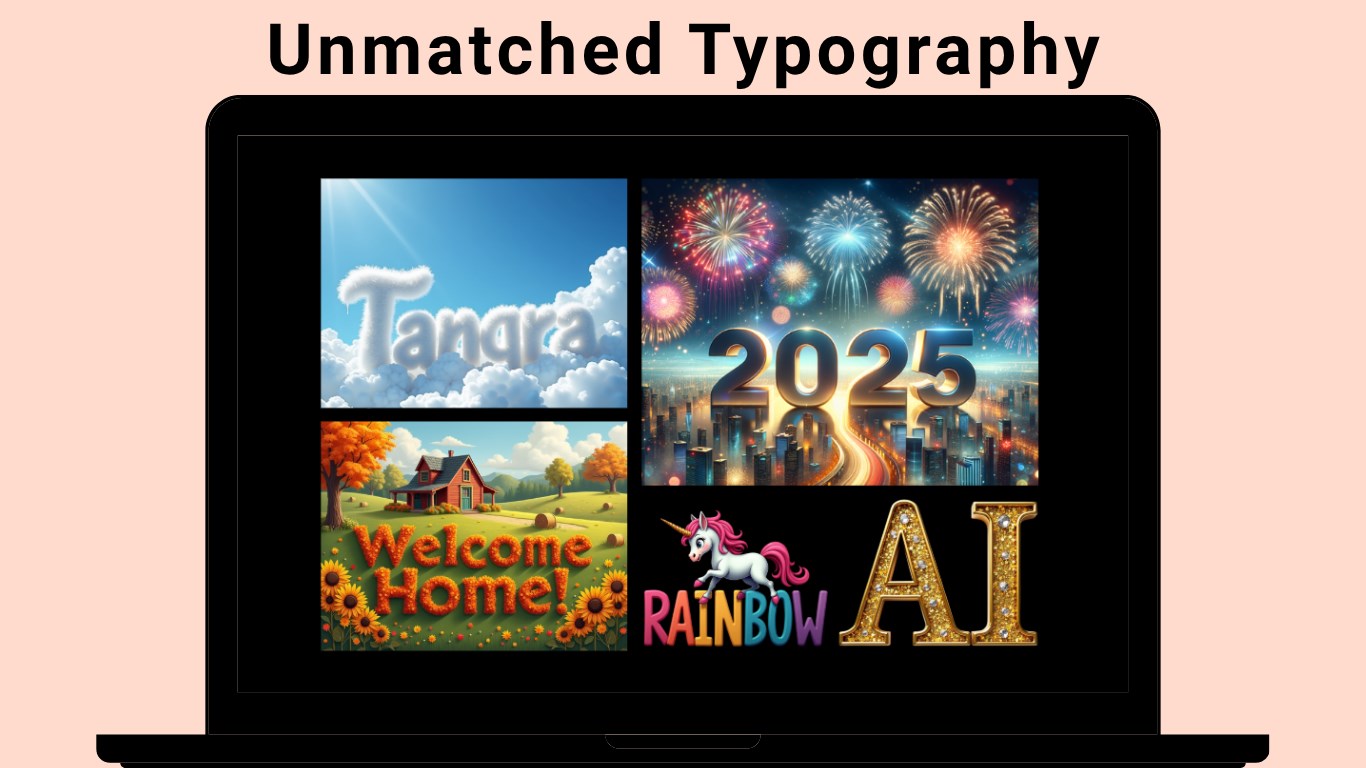
- Fast Rendering with High Resolution: Generates detailed images quickly without sacrificing quality, optimizing workflow efficiency.
- User-Centric Design: Clean interface paired with minimal learning curve, making complex AI capabilities accessible to everyone.
Vivid Journey into the User Experience
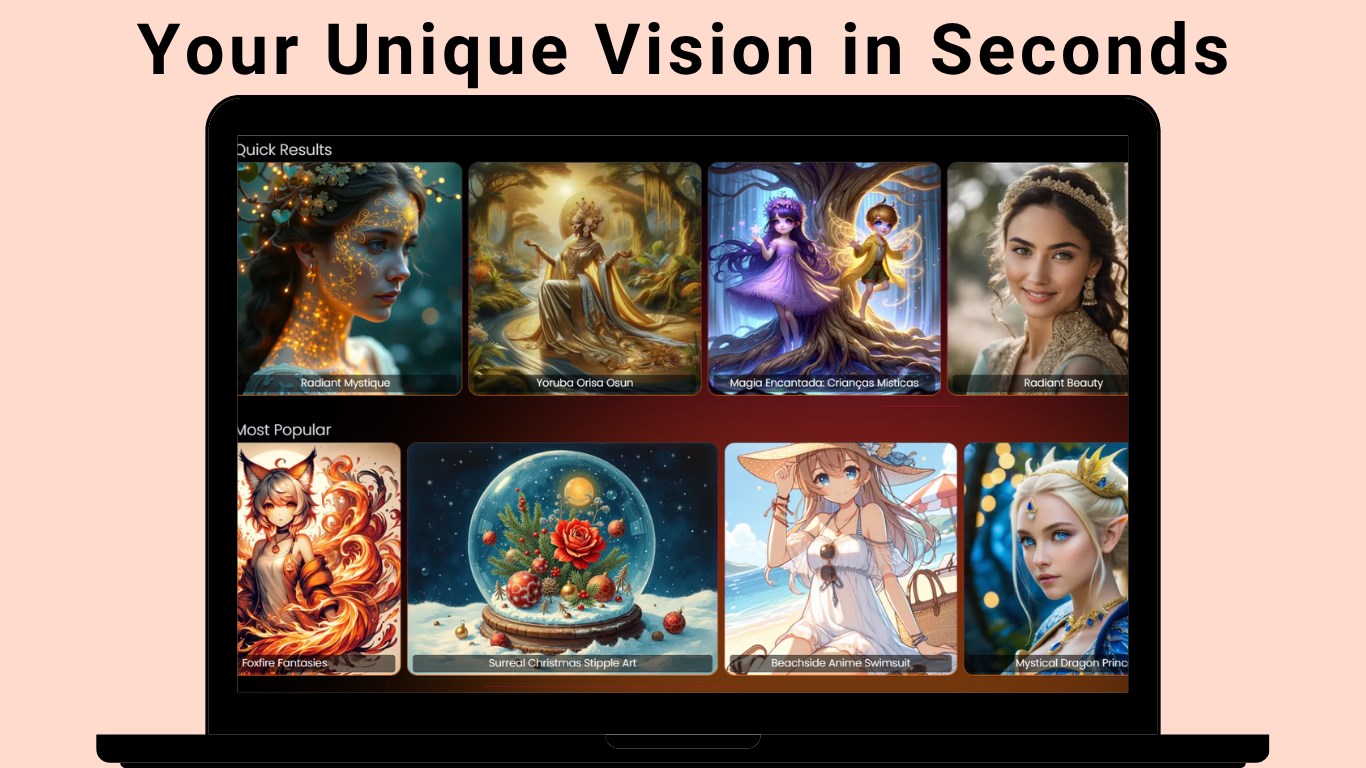
Imagine opening your Windows device and stepping into a digital studio where your words become artworks in seconds—imagine no more, because Tangra AI makes it possible. Upon launch, users are greeted by a tidy, approachable interface that feels less like a tech playground and more like a creative workshop. Whether you're a digital artist or a business professional seeking quick visual concepts, this app welcomes you with open arms.
Powerful Core Functions Explored
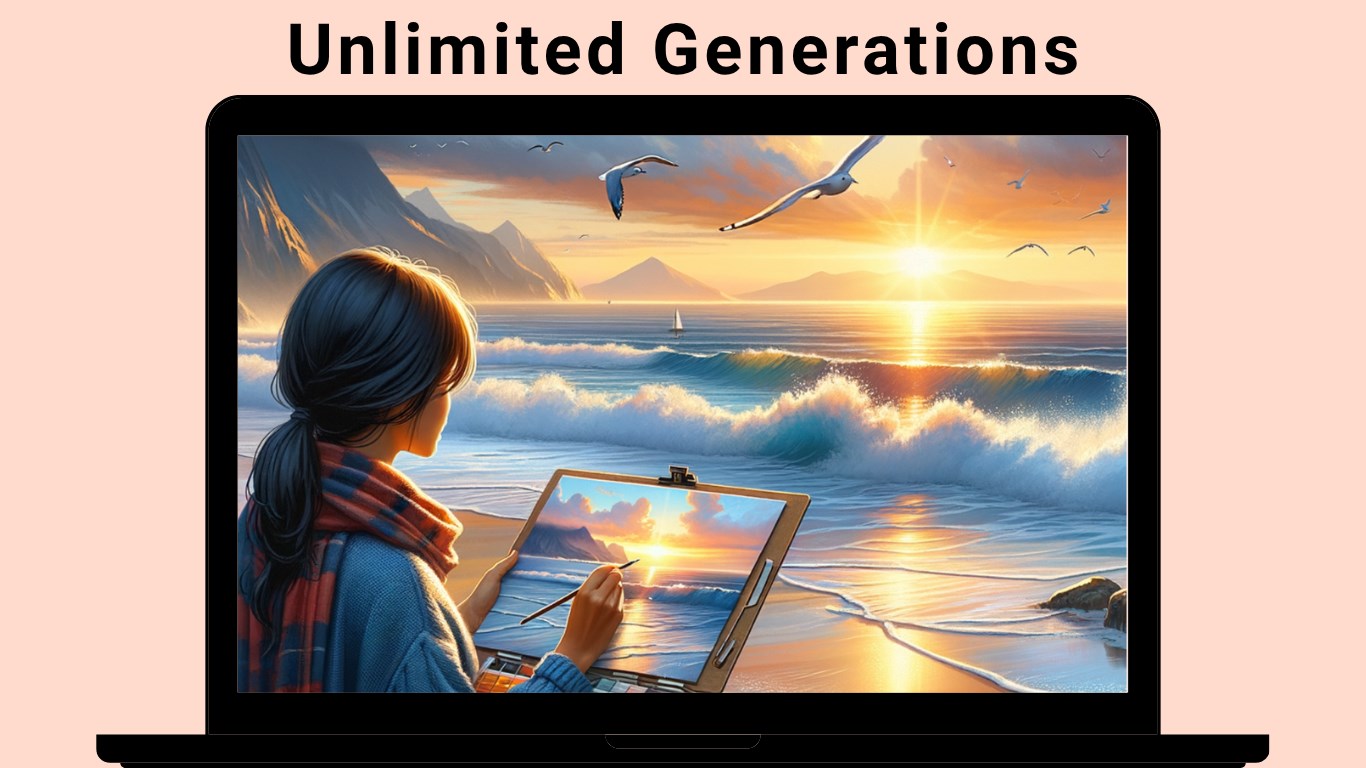
First, the text-to-image engine is the soul of Tangra AI. You type in your prompt—be it a “futuristic cityscape at sunset” or “a whimsical fairy in a lush forest”—and in moments, a vibrant image materializes. The AI understands nuanced descriptions and crafts images that often surpass expectations, making your ideas come alive with stunning clarity.
Next, the style customization feature is a game-changer. Want your image to resemble a watercolor painting or a digital neon-lit scene? Adjusting the style sliders or selecting predefined styles allows you to mold the output to match your vision precisely. This flexibility separates Tangra AI from many peers with fixed style outputs, putting creative power firmly in your hands.
Finally, the high-resolution rendering ensures that the images you create are crisp and suitable for various applications—be it printing, presentation, or digital media. The app delivers these detailed images swiftly, eliminating long wait times and enabling you to iterate quickly.
Design, Usability, and Unique Edge
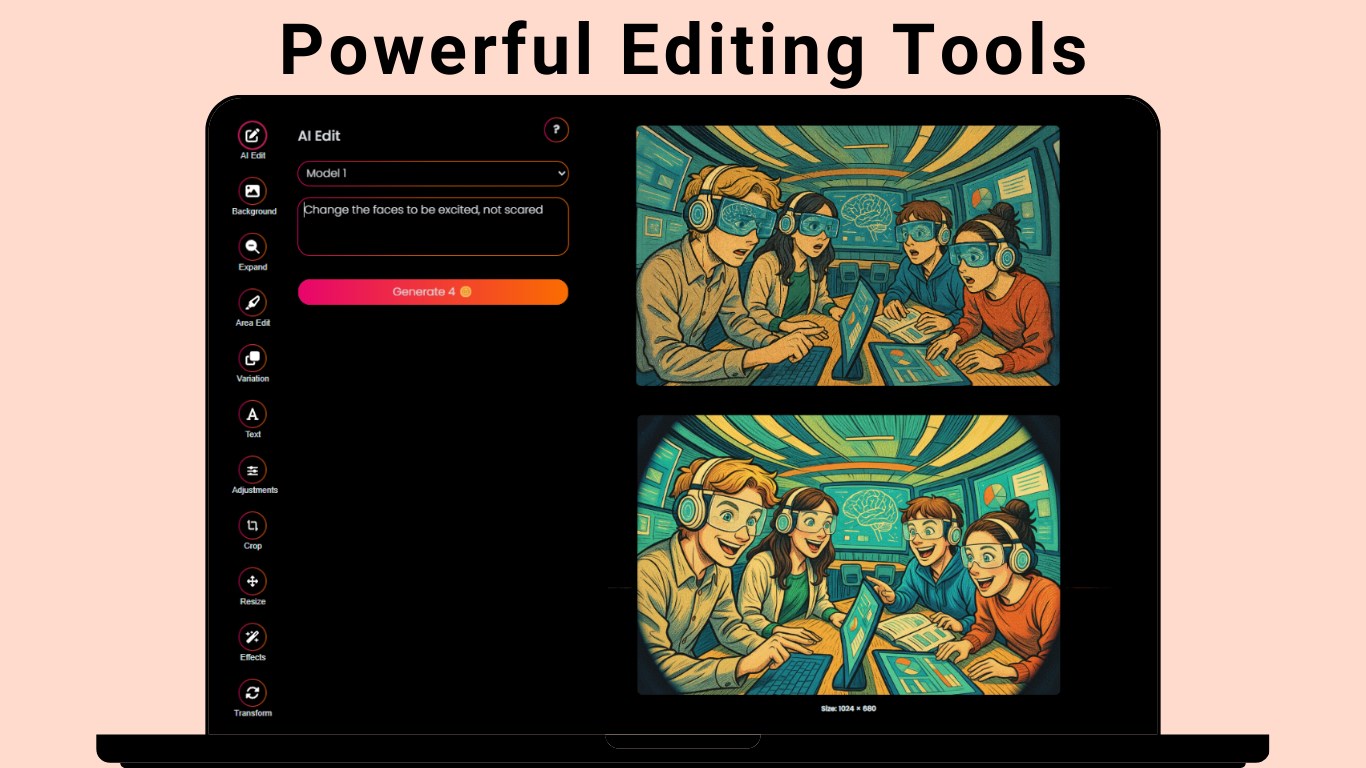
The interface design strikes a perfect balance—professional yet inviting. Clear icons, organized menus, and straightforward controls make navigation intuitive, even for newcomers. The application responds smoothly during image generation, confirming that its backend is well-optimized for modern hardware. The learning curve is gentle; users can start creating with minimal guidance, which is ideal for those eager to see results fast.
One of the app's distinct advantages over similar multimedia design tools lies in its dedicated focus on AI-generated imagery with customizable style features. Unlike generic design programs that often require extensive manual editing, Tangra AI produces visually compelling images with minimal adjustments, saving time and effort. This specialization ensures that even non-designers can generate professional-looking visuals quickly—an invaluable feature in today's fast-paced digital environment.
Final Thoughts and Recommendations
All in all, Tangra AI Image Generator for Windows is a solid, thoughtfully crafted tool that offers a compelling mix of ease-of-use and creative depth. Its standout features—particularly the flexible style controls and rapid high-quality rendering—make it worthy of recommendation for anyone needing swift, impressive visuals without the hassle of complex editing software. Whether you're a content creator, marketer, or hobbyist, this app can be a reliable companion in your creative toolkit.
For those interested in exploring the cutting edge of AI-driven image generation, Tangra AI presents a practical, accessible option. Just keep in mind that while it's powerful, mastering its full potential might involve a bit of experimentation. Overall, it's a promising addition to the landscape of multimedia design applications and deserves a spot on your Windows desktop if you're looking to elevate your visual projects effortlessly.
Pros
- Intuitive and user-friendly interface
- High-quality image output with detailed customization options
- Fast rendering speed to quickly produce images
- Support for various art styles and themes
- Integration with Microsoft ecosystem for seamless experience
Cons
- Limited free usage and occasional subscription prompts
- Image generation sometimes results in inconsistent details
- Occasional crashes or lag during high-demand periods
- Limited options for editing generated images within the app
- Some advanced features are not fully localized for non-English users











