
- Name Smart Printer: Printer App
- Category Productivity
- Developer Neha Talsaniya
- Available on PC, Mobile, Surface Hub, HoloLens
- OS Windows 10 version 17763.0 or higher
- Keyboard Integrated Keyboard
- Mouse Integrated Mouse
- languages English (United States)
Smart Printer: Revolutionizing Windows Printing with Seamless Simplicity
If you've ever felt overwhelmed trying to manage multiple printers or struggled with confusing print setups, Smart Printer steps in as a refreshingly straightforward solution designed to make your printing workflow smoother on Windows. Developed by Talsaniya Neha, this app aims to streamline your printing tasks through intuitive features, reducing frustration and saving time. Whether you're a busy professional, a student, or someone who prints regularly, Smart Printer promises to be a handy companion in your digital office toolkit.
Core Features that Make a Difference
Intuitive Printer Management & Quick Access
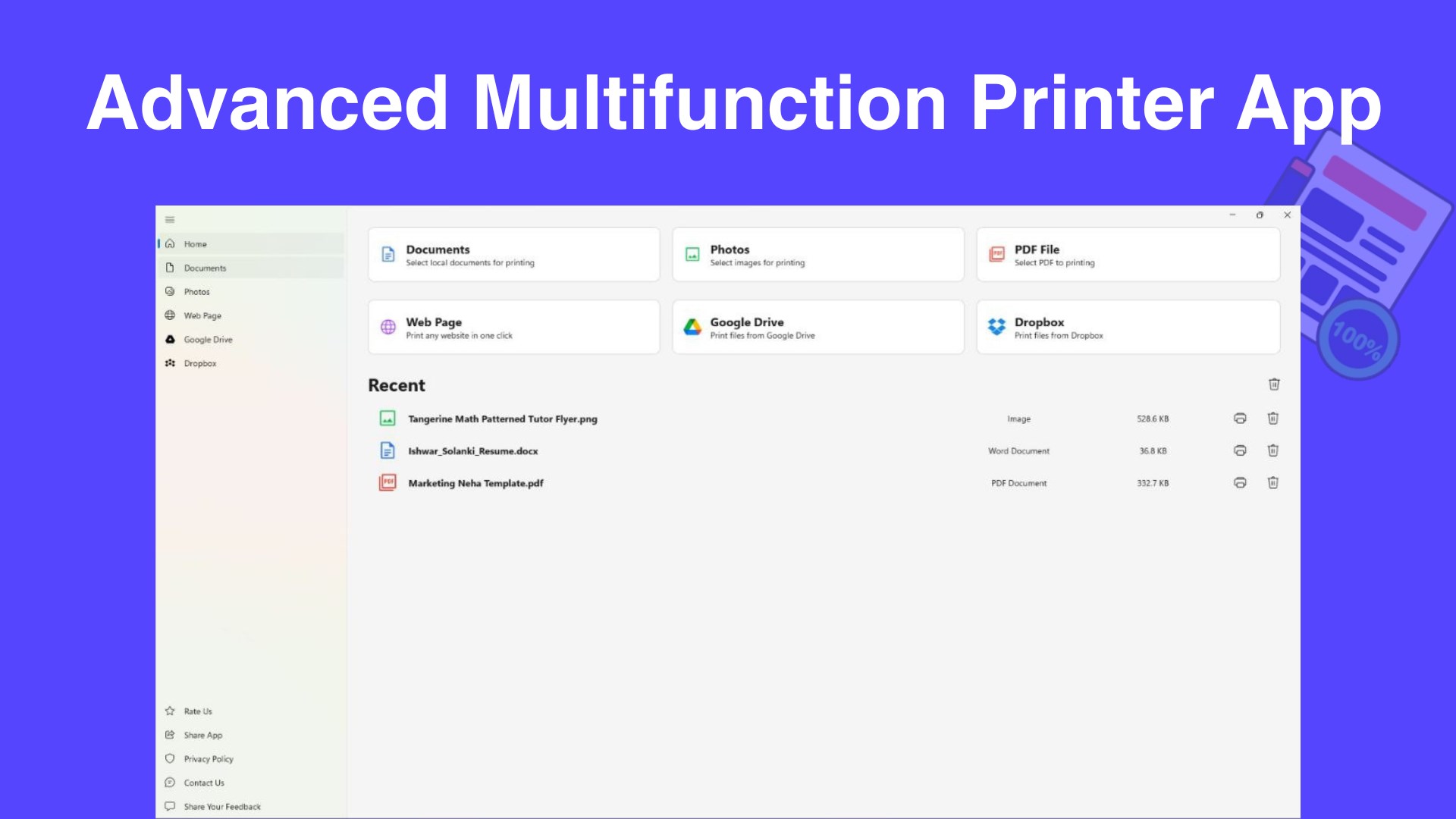
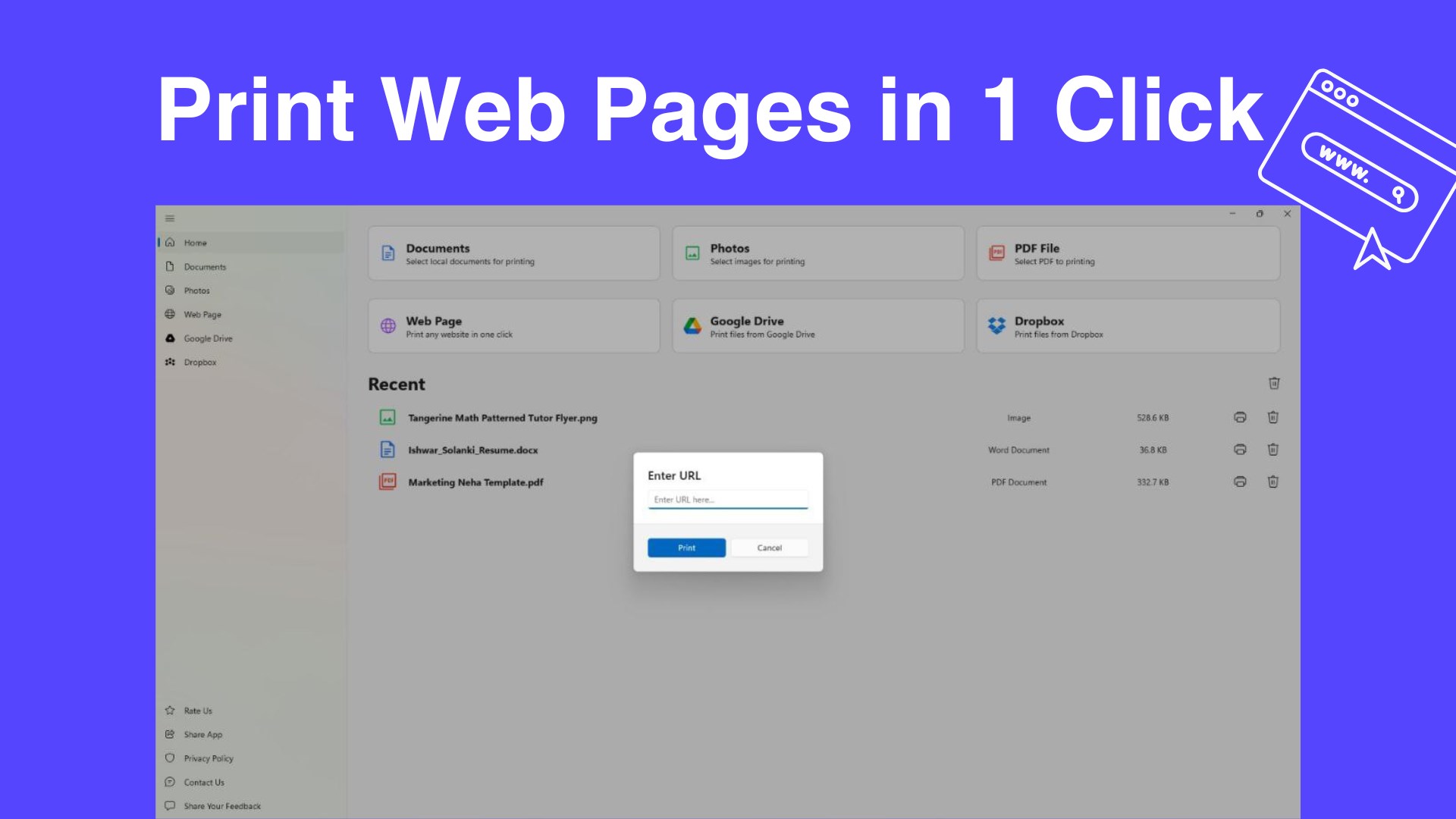
Smart Printer excels in centralizing your printer controls, allowing you to view all connected devices at a glance. Its dashboard presents an organized layout where selecting a printer, checking status, or switching between multiple devices is just a click away. This feature is akin to having a remote control that simplifies managing all your print stations—no more trudging through tedious settings menus.
One-Touch Print Presets & Customization
One of the app's standout features is its ability to save custom print presets—such as default duplex settings, number of copies, or color preferences—associated with specific document types or users. Imagine arriving at a busy office and instantly selecting a “High-Quality Color” preset instead of fiddling with settings every time. This not only speeds up your workflow but also reduces cognitive load by eliminating repetitive adjustments.
Workflow Integration & Efficiency Tools
Smart Printer goes beyond basic printing; it integrates smoothly with Windows and offers options to queue jobs, prioritize urgent prints, or receive notifications upon job completion. These features act like a personal assistant ensuring your printing tasks are managed quietly in the background, freeing you to focus on what matters most. Its streamlined approach to workflow minimizes disruptions—a crucial advantage in time-sensitive environments.
User Experience and Design
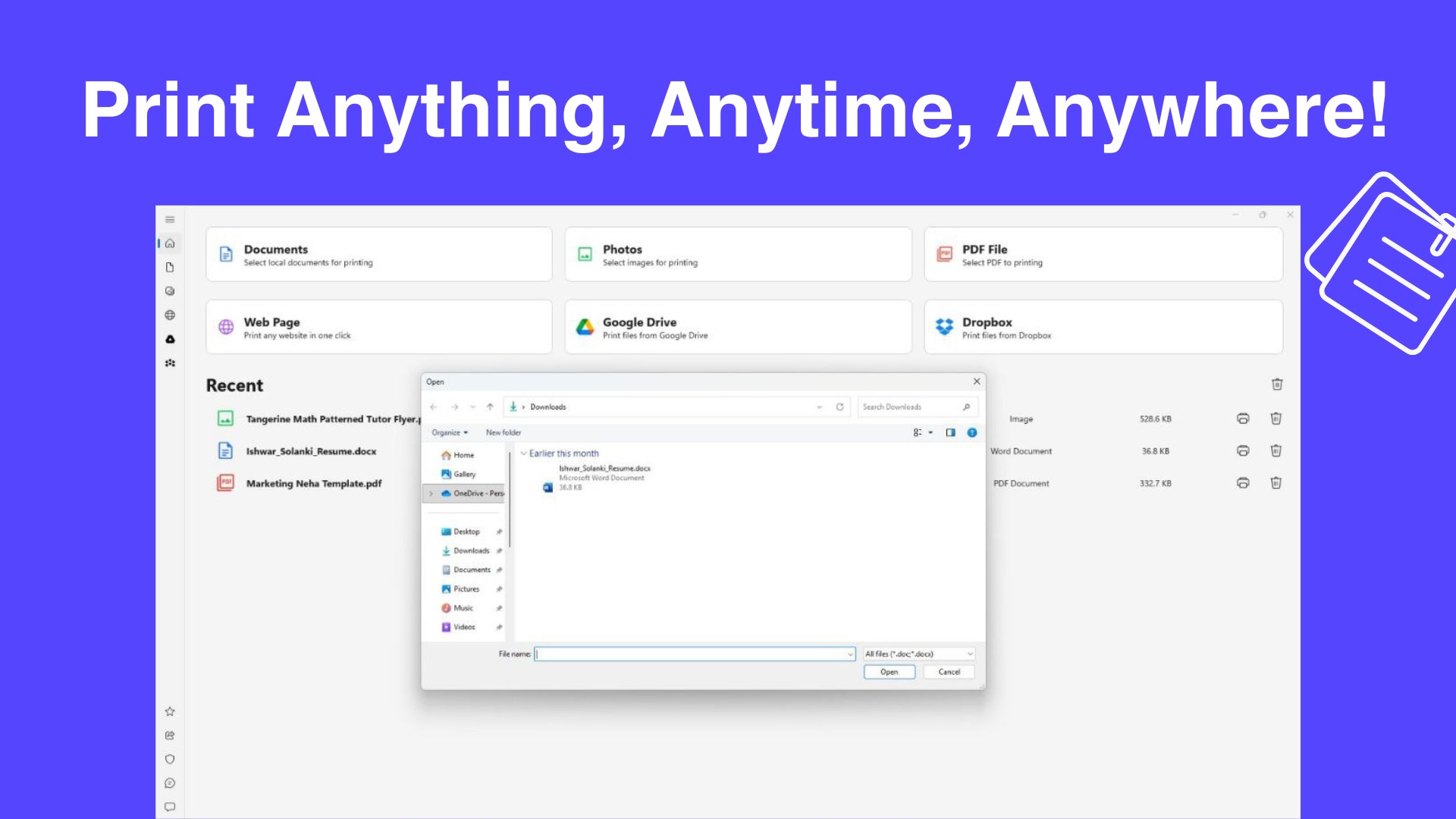
The application's interface is clean and modern, employing a minimalistic aesthetic that resembles a well-organized workspace rather than a cluttered control panel. Navigating through the app feels like flipping through a digital notebook—simple, responsive, and pleasant. Operations such as selecting a printer, adjusting settings, or initiating print jobs respond swiftly, making the process feel almost effortless. While the learning curve is gentle, users with no prior experience will find the initial setup intuitive, thanks to clear icons and guided prompts.
Unique Value Proposition: Workflow Efficiency & Cognitive Load Reduction
Compared to other productivity applications, Smart Printer distinguishes itself with its laser focus on reducing cognitive load—not by overloading users with features but by smartly bundling essential functions into an accessible interface. Its core strength is the seamless integration into your existing workflow, allowing you to manage multiple printers without breaking your stride. This means fewer clicks, fewer errors, and less mental clutter. It's like having a personal workflow coach silently optimizing your printing routines, rather than a complex toolbox that intimidates with its many options.
Final Thoughts and Recommendations
All in all, Smart Printer offers a pragmatic approach to managing Windows printing needs, especially for users looking for efficiency without the fuss. It's recommended for those who juggle multiple printers, value quick access, and appreciate reducing the cognitive effort involved in routine tasks. Its user-friendly design, combined with workflow-centric features, make it a noteworthy addition to your productivity arsenal, particularly if printing is a frequent activity. I'd suggest giving it a try if you want a reliable, straightforward printing companion that respects your time and mental space—not to mention, a friend that hopefully makes your printing chores a little less dull.
Pros
- User-friendly Interface
- Wide Printer Compatibility
- Remote Printing Capability
- Cloud Integration
- In-app Troubleshooting
Cons
- Limited Customization Options
- Occasional Connectivity Delays
- Initial Setup Might Be Tedious
- Limited Support for Older Printer Models
- Frequent Ads and Prompts











